
Discover the Best AI Tools to boost your productivity, business and creativity
 4519+ AI tools in 88 categories
Featured AI Tools
Featured AI tools submitted by AI founders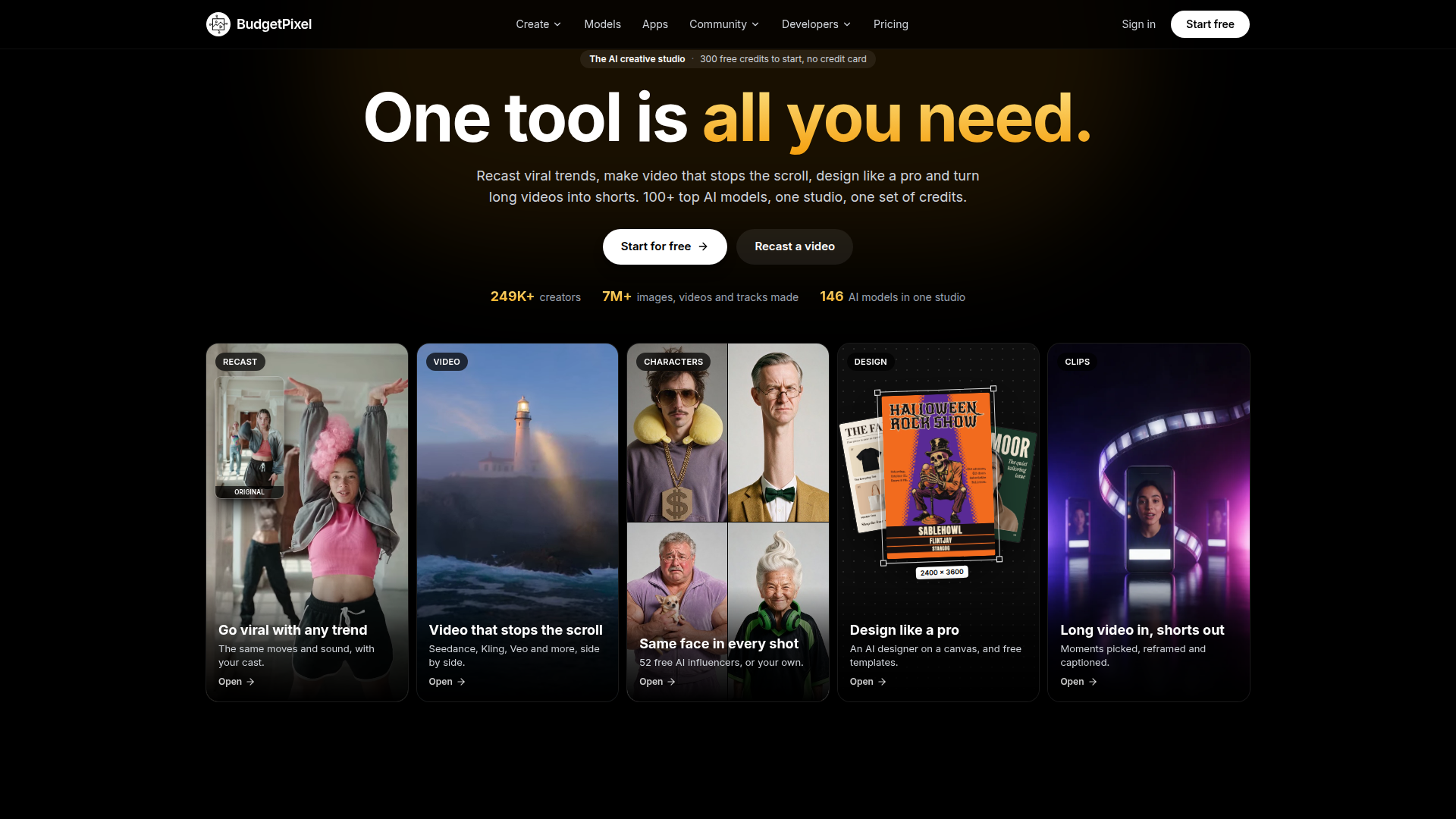
FEATURED
BudgetPixel is an all-in-one AI creative studio that bundles more than 140 leading generative models for image, video, music, voice and design into a single account, driven by one shared currency called credits. Positioned as a lower-cost alternative to single-purpose AI tools such as Higgsfield, Runway, OpenArt and Magnific, it targets content creators, social media marketers, small design teams, e-commerce sellers and developers who need scroll-stopping video, campaign artwork and short-form clips without juggling multiple subscriptions. Core features include Recast, which swaps the cast in a viral TikTok, Reel or Short while preserving the original moves, timing, camera and sound; a Video Workshop that runs Seedance, Kling, Veo, Wan and other models side by side with camera moves, motion control and lip sync; a Characters system that holds the same face across every scene with no training; a Design Studio canvas with an AI designer, free templates and print-ready export; Clip Studio for cutting long podcasts or streams into captioned 9:16 shorts; and a REST API, MCP server and plugins for ComfyUI, WordPress and Cursor. Content-wise the platform leans heavily on transparency: every model prints its credit cost before a job runs, a live community-voted Model Arena ranks models nightly, and a public price index compares generation costs against competitors. The experience is free to start with 300 monthly credits and no credit card, with tiered plans for hobbyists, weekly creators and studios, plus pay-as-you-go credit packs.
FEATURED
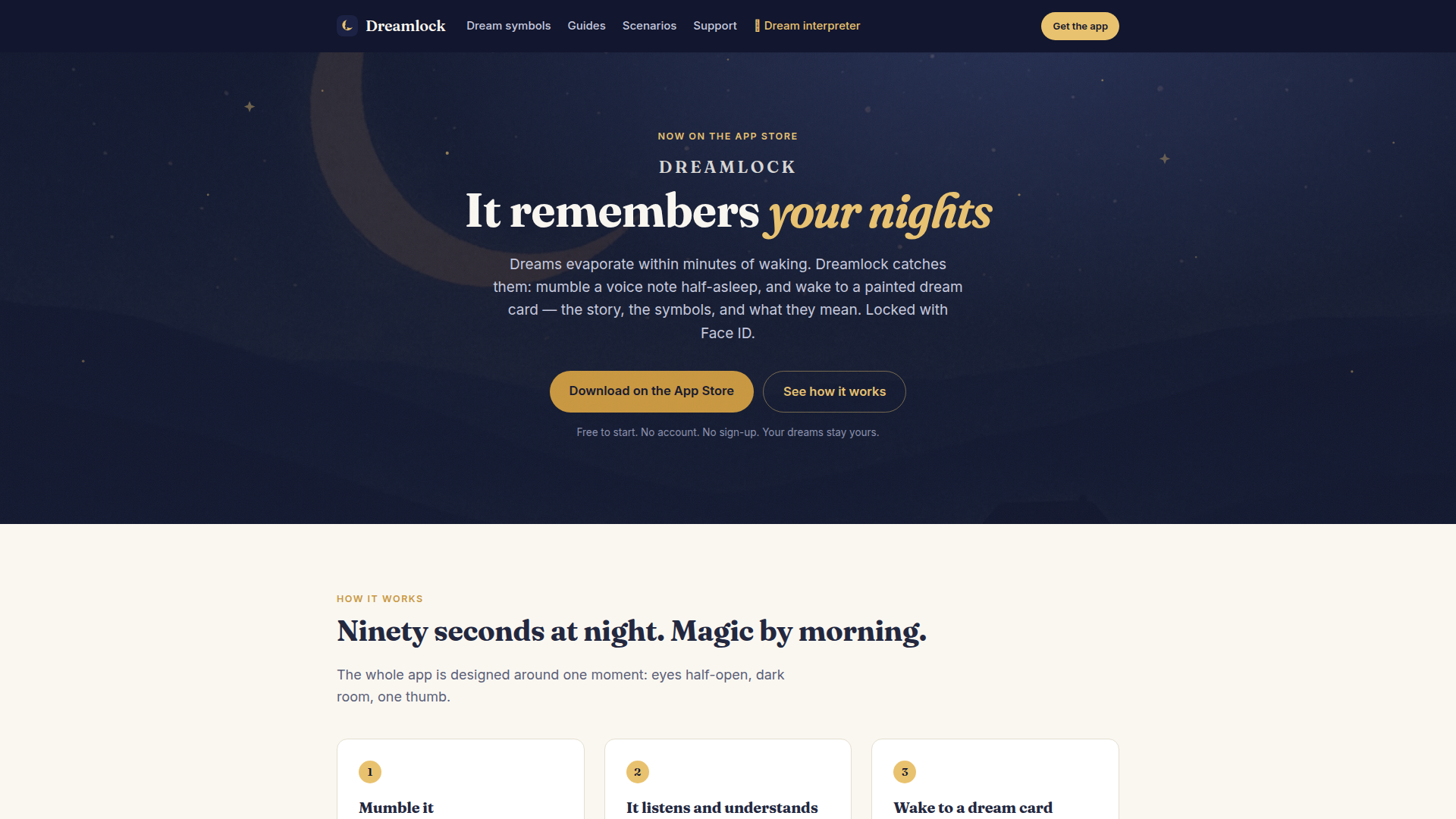
Dreamlock is a private, Face ID-locked dream journal and AI-powered dream interpretation app for iPhone. Positioned as a personal vault for dreams rather than a social feed, it targets people who wake up curious about their dreams but forget them within minutes, as well as journalers, lucid dreamers, therapy clients, and anyone exploring dream symbols. Core features include one-tap voice capture, on-device voice understanding, AI interpretation that reads each dream through tradition and psychology, and beautifully painted dream cards. Users can build a personal symbol index, ask questions about their own dream history, and receive monthly reports. Content features include a dream dictionary, guides, scenarios, and free tools such as a sleep calculator, dream symbol finder, and cross-cultural dream reader. The user experience is designed for half-asleep use: dark-friendly, minimal taps, no account or sign-up. Technically, Dreamlock processes audio on-device, uses Face ID, avoids server storage of dream text, and optionally syncs via the user's own iCloud. It is free to start with a Plus subscription for unlimited interpretation and painting.
FEATURED
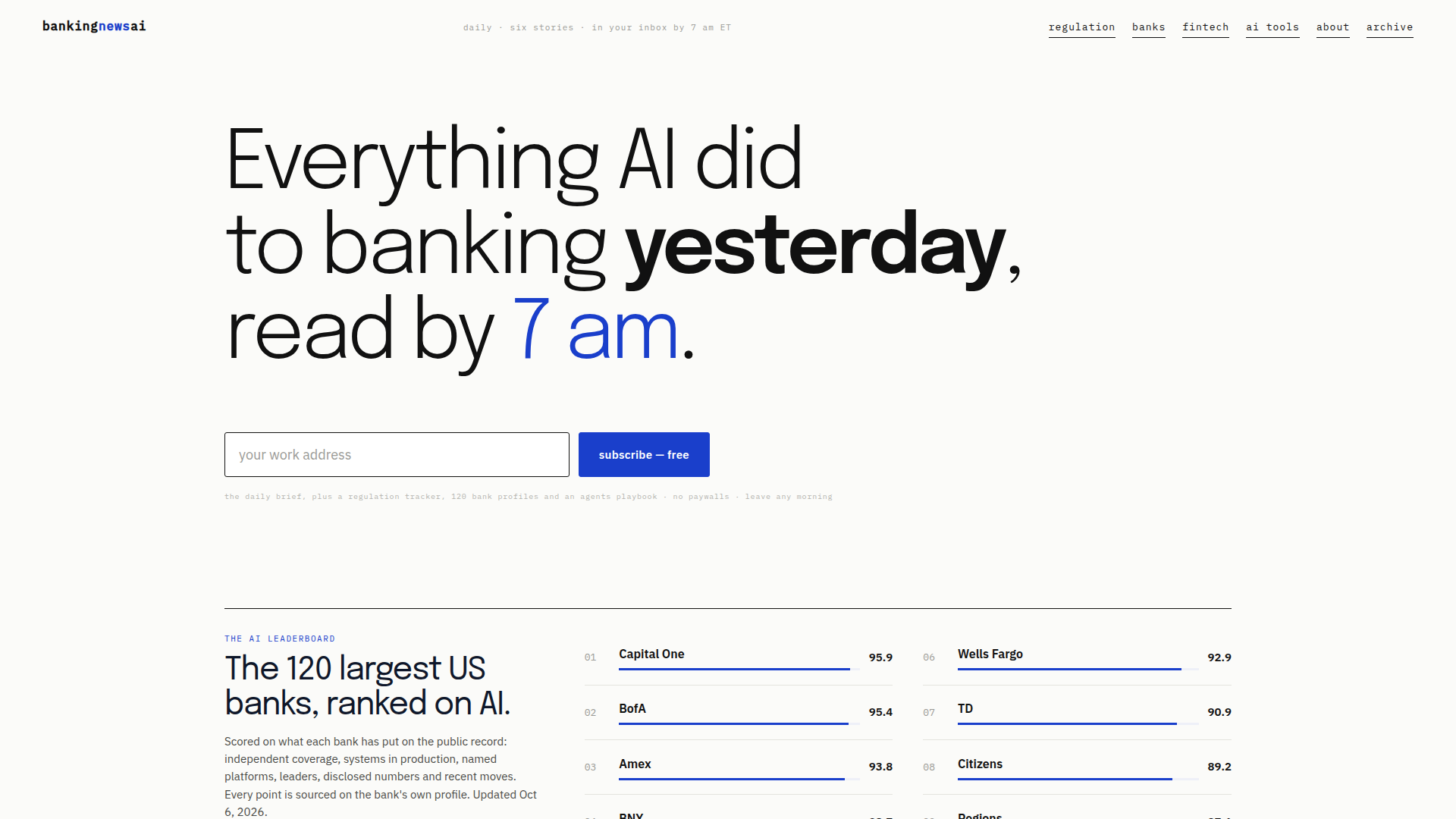
Banking News AI is a daily intelligence platform for professionals who need to understand how artificial intelligence is reshaping banking. Positioned as a free, no-paywall briefing service, it delivers six carefully curated stories to subscribers' inboxes by 7 am ET, covering institutions, regulators, deals, models, vendors and infrastructure. Its target audience includes bank executives, board members, compliance officers, risk managers, fintech strategists, AI governance leads and consultants who need concise, decision-ready updates without wading through endless news feeds. Core features include the daily brief, a regulation tracker covering 41 regulators and 237 documents, a compliance checklist, regulator warnings, deadlines, and an operating system/playbook for AI agents in banking. The platform also maintains AI strategy profiles for the 120 largest US banks and 20 fintechs/neobanks, plus an AI Leaderboard ranking banks on public AI evidence such as production systems, named platforms, disclosed numbers, leaders and recent moves. Content is organized around banking AI, general AI, regulation, banks, fintech, AI tools, governance, model risk management, fraud detection, chatbots, treasury and agentic banking. User experience is newsletter-first, with a clean archive, straightforward navigation, and links to specialized trackers and bank profiles; subscription is free, and users can leave at any time. Technical features include daily curation, sourced scoring, structured bank profiles, updated regulatory documents, and AI-curated delivery. The site is designed for quick scanning, with briefs, rankings, checklists and maps that help executives and compliance teams act on AI developments.

FEATURED
Buyer24 is an AI-powered procurement automation network that connects buyers and suppliers through intelligent agents handling the entire request-for-quote (RFQ) lifecycle. Positioned as "THE PROCUREMENT NETWORK," the platform's core promise is straightforward: better prices with less work. Buyers simply forward an incoming customer RFQ to Buyer24, and the system extracts every line item from emails, PDFs, Excel files, and even photos, auto-translates the request into each supplier's native language, distributes it across a vetted supplier network, and chases replies automatically via email or WhatsApp. Supplier quotes return normalized into a single side-by-side comparison table showing landed costs, lead times, and terms, with AI-flagged best picks that can be awarded in one click. Buyers can then convert the winning offer into a customer-ready quote on their own letterhead, complete with configured margins, and track every order from one dashboard. The target audience spans procurement and sourcing teams, distributors, electronics and MRO resellers, construction firms, entertainment production buyers, and public sector organizations such as K-12 school districts, universities, fire and EMS departments, police departments, and municipal governments. Suppliers benefit from one-of-a-kind visibility into live purchasing decisions the moment RFQs are created, the ability to respond directly from email with no rekeying, and guaranteed format-compliant quotes that are never disqualified for a missed attachment. Core features include automated RFQ forwarding with buyer-identity redaction for supplier confidentiality, line-item structuring, bidirectional multilingual translation, automated follow-ups, landed-cost comparison, one-click awarding, customer quote generation, supplier management, public bid conversion, and free quote comparison for existing quotes. Technically, Buyer24 is an agentic AI SaaS platform that integrates with existing email and spreadsheets without requiring ERP replacement, is available as a verified listing on Google Cloud Marketplace, and emphasizes a no-credit-card, free-to-start onboarding with setup in minutes. The network effect is central to the value proposition: every buyer adds live demand and every supplier improves coverage, making the platform more valuable with each new member.
FEATURED
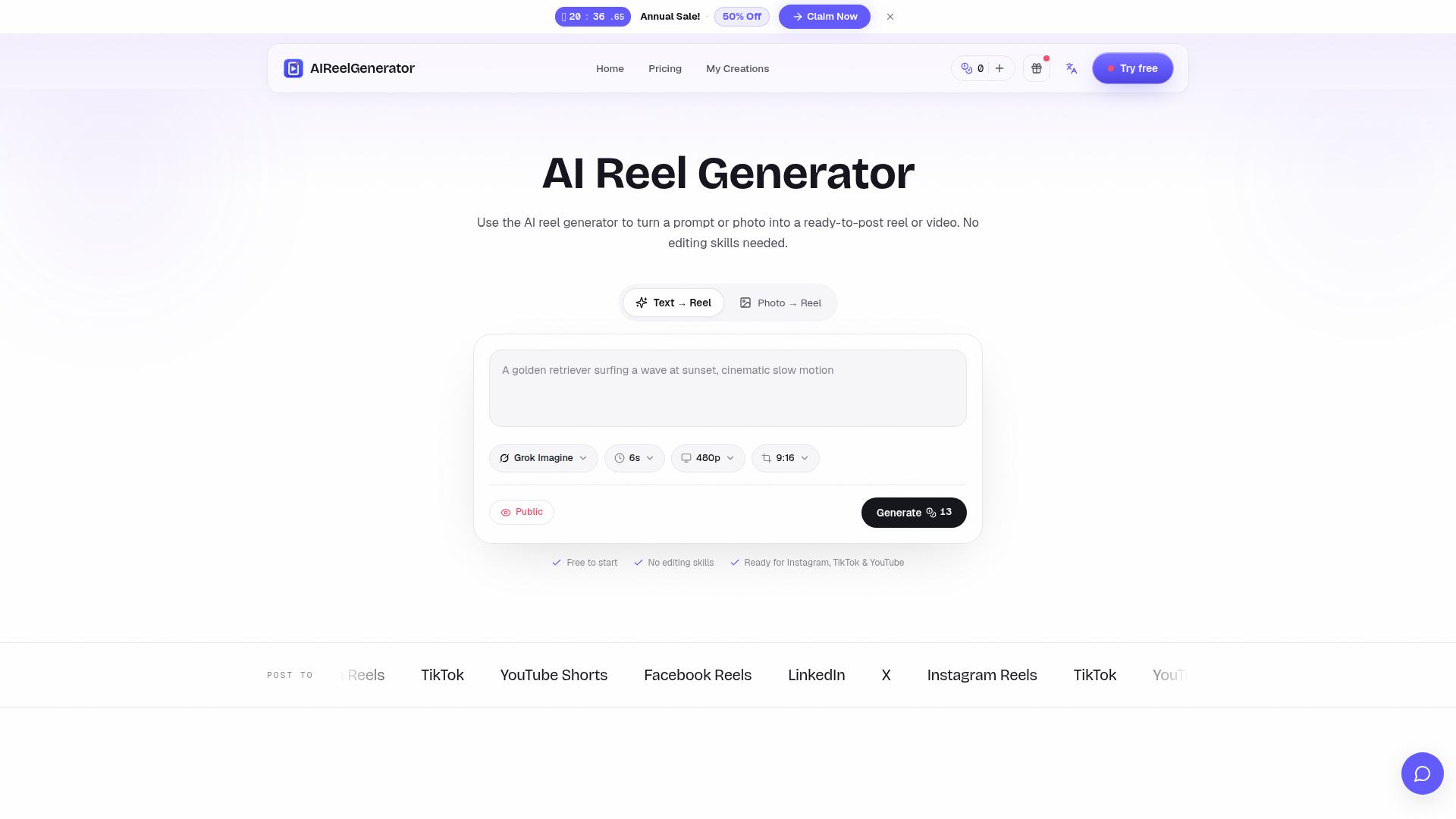
AIReelGenerator is an AI-powered web platform that transforms simple text prompts or single photos into polished, ready-to-post vertical reels and short videos for major social platforms. Website Positioning: It functions as a prompt-to-reel and photo-to-reel generator, positioning itself as a fast, no-skill alternative to traditional video editing, stock footage, and freelance production. Instead of learning a timeline-based editor, users describe the reel they want and let the AI handle scene writing, motion, pacing, and rendering in a single pass. Target Audience: The tool serves solo content creators who need to maintain a daily posting streak, small brands and e-commerce sellers producing product videos on a zero budget, agencies that need to prototype client concepts in minutes, and complete beginners with no editing experience whatsoever. Core Features: text-to-reel generation from a written prompt, photo-to-reel creation that adds camera movement, depth, and rhythm to a single image, native 9:16 vertical rendering with caption-safe margins, and feed-first pacing optimized for Instagram Reels, TikTok, YouTube Shorts, Facebook Reels, LinkedIn, and X. Content Features: the site offers a showcase gallery of example reels (travel, surfing dog, citrus product), a comparison table contrasting the traditional editing workflow with the AI workflow, and use-case sections for creators, brands, agencies, and beginners. User Experience: The interface is bilingual and available in English, Simplified and Traditional Chinese, Japanese, Korean, German, French, Spanish, Italian, and Brazilian Portuguese, with a simple prompt input or photo upload and a free, no-credit-card starting flow. Technical Features: cloud-based AI video synthesis, single-pass generation that delivers a first draft in roughly one minute, credit-based consumption, and multi-language localisation. Overall, AIReelGenerator lowers the barrier to short-form video creation by letting anyone turn an idea into a scroll-stopping reel within seconds.
FEATURED
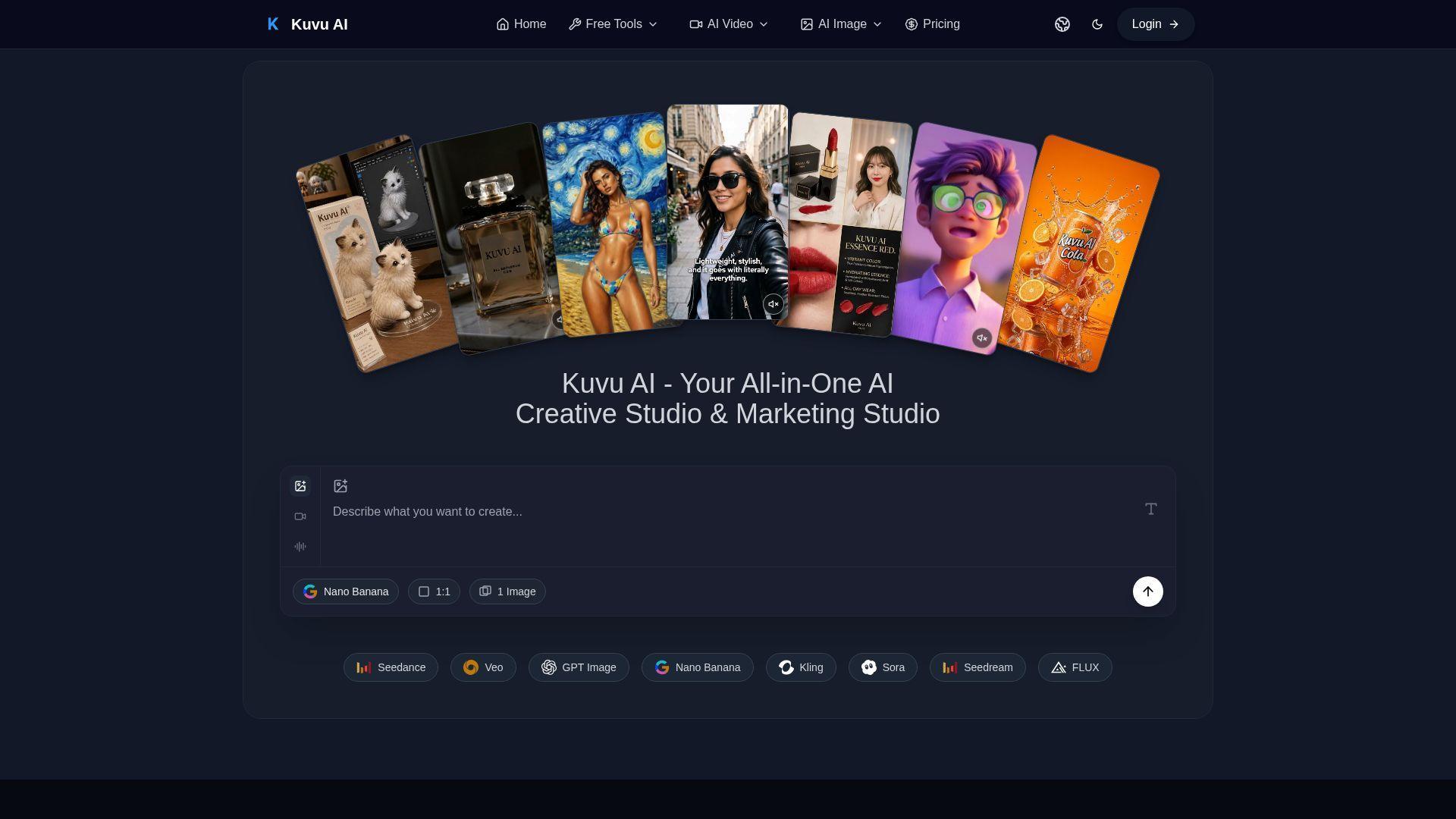
Kuvu AI is an all-in-one AI creative studio designed to give creators access to the world’s best image and video generation models through a single unified interface. It targets content creators, marketers, designers, and business owners who need high-quality visuals without managing multiple subscriptions. Core features include text-to-image generation up to 4K, text-to-video and image-to-video creation using Seedance, Veo, Kling, and Hailuo, AI audio generation, prompt enhancement, batch generation, and commercial licensing. The platform also offers free tools such as image-to-prompt, background removal, and AI image upscaling. With flexible credit-based pricing, one-time packs, and 50% off yearly plans, Kuvu AI delivers professional-grade creative technology at a fraction of the cost of separate model subscriptions.

FEATURED
AI Photo Editor is a free online AI-powered photo editing tool that leverages advanced models like Nano Banana and GPT Image 2 to transform images with simple text prompts. It offers one-shot perfect generation with a 95% first-try success rate, lightning-fast processing under one second, face completion technology, and consistent character editing. The platform supports both image editing and generation, allowing users to upload images or generate from prompts. It provides enterprise-grade security with SOC 2, GDPR, and ISO 27001 certifications. With no credit card required to get started, it is accessible to everyone. Users can choose from various subscription plans or one-time credit packages to suit their needs, including options for individual creators, small teams, and large enterprises. The tool is ideal for photo restoration, style transfer, product mockups, and creating AI influencers. Its intuitive interface and natural language processing make professional-quality editing accessible without any design skills.
FEATURED
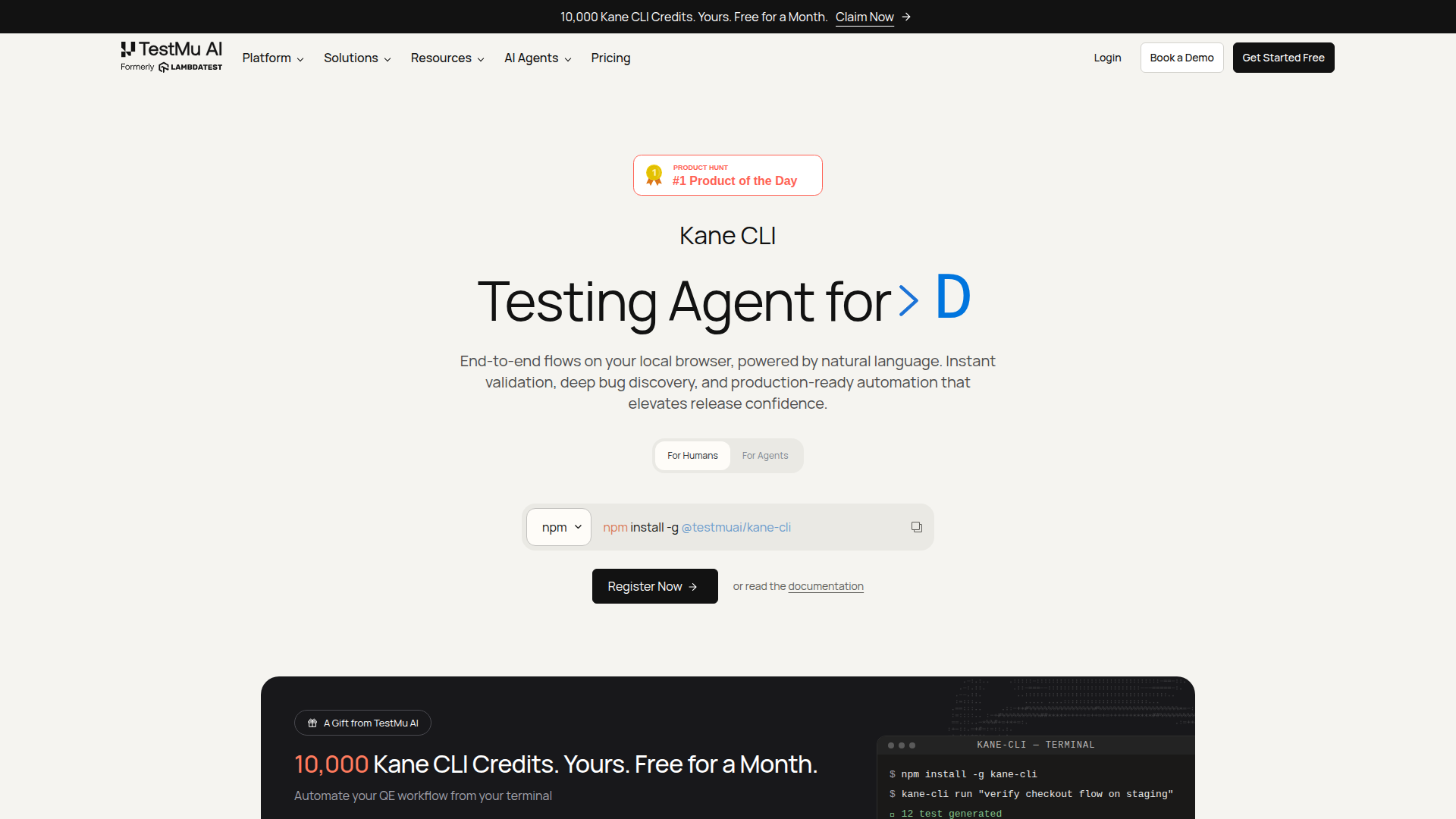
Kane CLI is an AI-driven, terminal-native testing agent that transforms how developers, QA engineers, and AI coding agents validate web applications. By allowing users to describe test scenarios in plain English, Kane CLI automates end-to-end browser flows, eliminating the need for brittle selector-based scripts. It reads PRDs, tickets, and existing test suites to generate comprehensive coverage maps, then executes tests in a real Chrome browser—locally or on the cloud—producing portable .evidence packs with screenshots, logs, and metadata for every run. This ensures that acceptance criteria are proven with traceable, tamper-evident artifacts. Kane CLI is built for modern software teams that want to integrate AI agents into their workflows, enabling seamless collaboration between human and machine testers. It offers a free tier for local runs, with cloud execution available through TestMu AI's scalable grid. Whether you're a solo developer pushing a quick fix or a large enterprise managing complex release cycles, Kane CLI empowers you to ship with confidence, backed by rigorous, evidence-based validation.
FEATURED
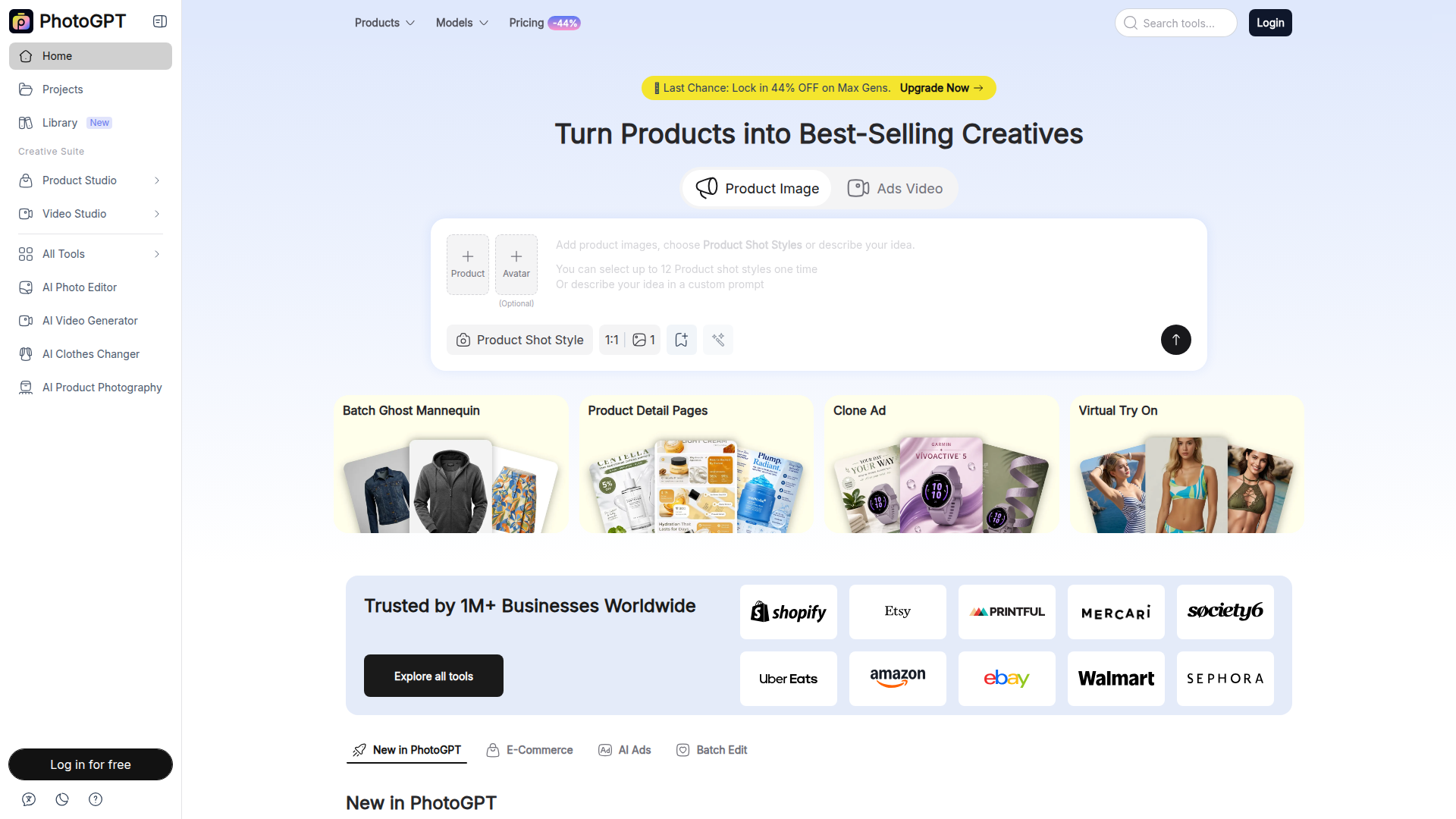
PhotoGPT is an AI-powered platform that allows users to create and edit professional product images, marketing creatives, and videos without needing photography or design skills. It offers a suite of tools for ecommerce sellers, marketers, and content creators, including AI product photography, virtual try-on experiences, ad cloning, and batch editing capabilities. With over 1 million businesses using it, PhotoGPT simplifies the process of generating studio-quality visuals, enhancing product listings, and producing engaging advertising content.
FEATURED
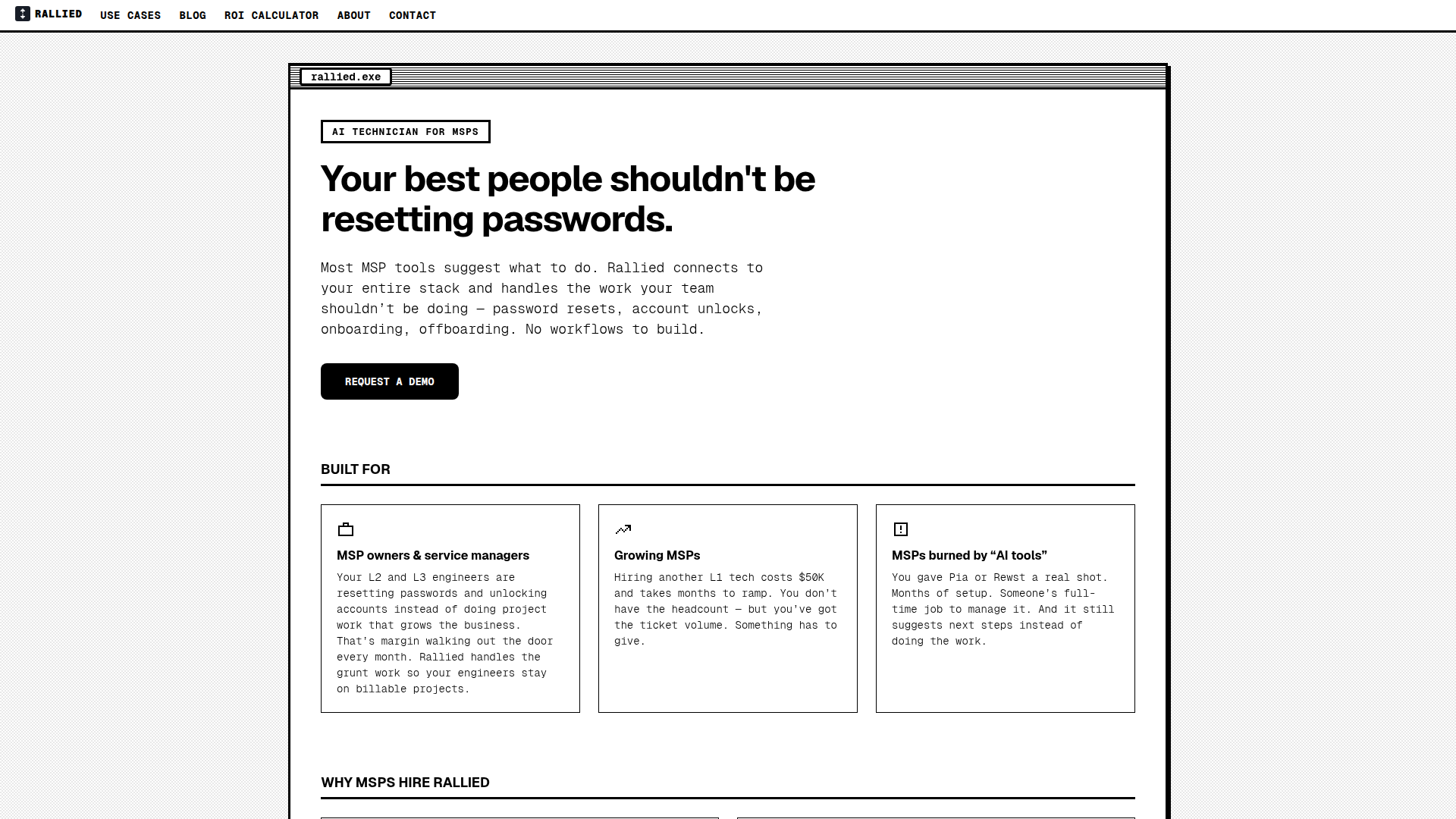
Rallied is an AI-powered technician designed specifically for Managed Service Providers (MSPs) to automate repetitive and time-consuming IT tasks like password resets, account unlocks, user onboarding, and offboarding. Unlike traditional RMM/PSA tools that only suggest actions, Rallied connects directly to your existing stack—including ConnectWise, Autotask, HaloPSA, M365, Entra ID, IT Glue, and more—and executes the fixes autonomously. It triages tickets, interacts with end users, and closes out issues without human intervention. With a rapid deployment of under a week and no implementation fees, Rallied eliminates the need for dedicated AI administrators, freeing your L2 and L3 engineers to focus on high-value projects. It's ideal for growing MSPs struggling with ticket volume, as well as those who've been disappointed by earlier AI tools. Rallied is SOC 2 compliant and offers a 30-day free trial, ensuring a risk-free start to transforming your helpdesk operations.

FEATURED
Beamtrace is a pioneering AI brand visibility tracking platform designed to help businesses monitor and optimize their presence within AI search engines and generative AI outputs. Its primary positioning is as the #1 tool for winning AI visibility, offering a suite of analytics focused on how AI systems see, mention, and recommend brands. The target audience includes marketing teams, agencies, startups, and business owners who need to understand their performance beyond traditional SEO, in the emerging landscape of AI-powered search and conversational answers. Core features revolve around calculating an AI Visibility Score, performing competitor benchmarking, and tracking rank for specific prompts. Content is highly specialized around AI search marketing, with in-depth solutions for platforms like ChatGPT and Perplexity. The user experience is streamlined for professionals, offering trend analysis, side-by-side comparisons, and actionable insights without requiring deep technical expertise. Technically, it aggregates data from leading AI platforms to provide a centralized dashboard for brand intelligence in the age of AI-driven discovery.

FEATURED
OneTwo Resume is an AI-powered career platform designed to help professionals secure interviews and land their dream jobs faster. Its core positioning centers on leveraging advanced artificial intelligence to automate and enhance the traditional resume creation process, dramatically reducing the time from a basic draft to an interview-ready application. The platform targets job seekers across all career stages—from recent graduates to senior executives—who need to create professional, ATS-optimized resumes and supporting documents efficiently. Core features include an intelligent resume builder that uploads and parses existing documents, a powerful AI that rewrites weak bullet points into quantified achievement statements, and a suite of integrated tools for cover letter generation, LinkedIn optimization, and interview preparation. Content features like professionally designed, ATS-tested templates and a unique 'Hiring Power Score' analysis provide immediate, actionable feedback. The user experience is streamlined into a simple three-step process, boasting completion times under five minutes. Technical features like bank-level encryption ensure data security. By offering a comprehensive career toolkit in one subscription, OneTwo Resume differentiates itself from basic resume builders and expensive human writers, delivering enterprise-level quality at an accessible price point.
FEATURED
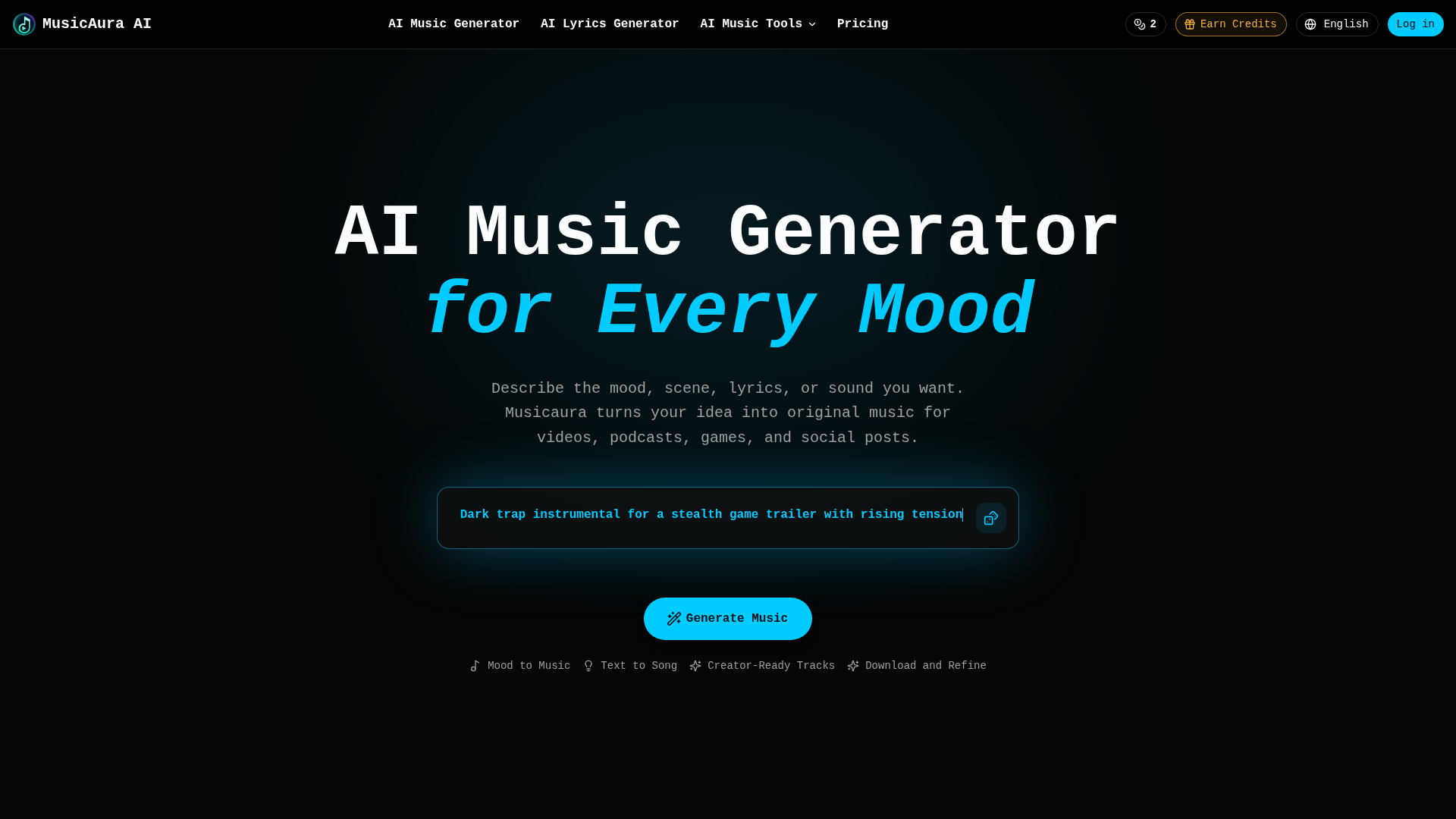
MusicAura AI is a comprehensive, browser-based audio creation platform designed specifically for digital content creators. Its core positioning is as an AI-powered audio workstation that simplifies music production for non-musicians and streamlines workflows for professionals. The platform's target audience includes video editors, podcasters, game developers, social media content creators, and marketing teams who need original, royalty-free music. Core features include an AI Music Generator that creates songs from text prompts describing mood or scenes, an AI Lyrics Generator, a Vocal Remover for isolating tracks, and a Stem Splitter for detailed audio editing. Content features are creator-focused, offering pre-made examples across various genres like pop, rap, and lo-fi. The user experience emphasizes simplicity and integration, allowing users to describe their needs in plain language and generate previews without technical skills. Technical features combine several specialized AI audio tools into a single workspace, enabling generation, editing, and processing without switching applications.
FEATURED
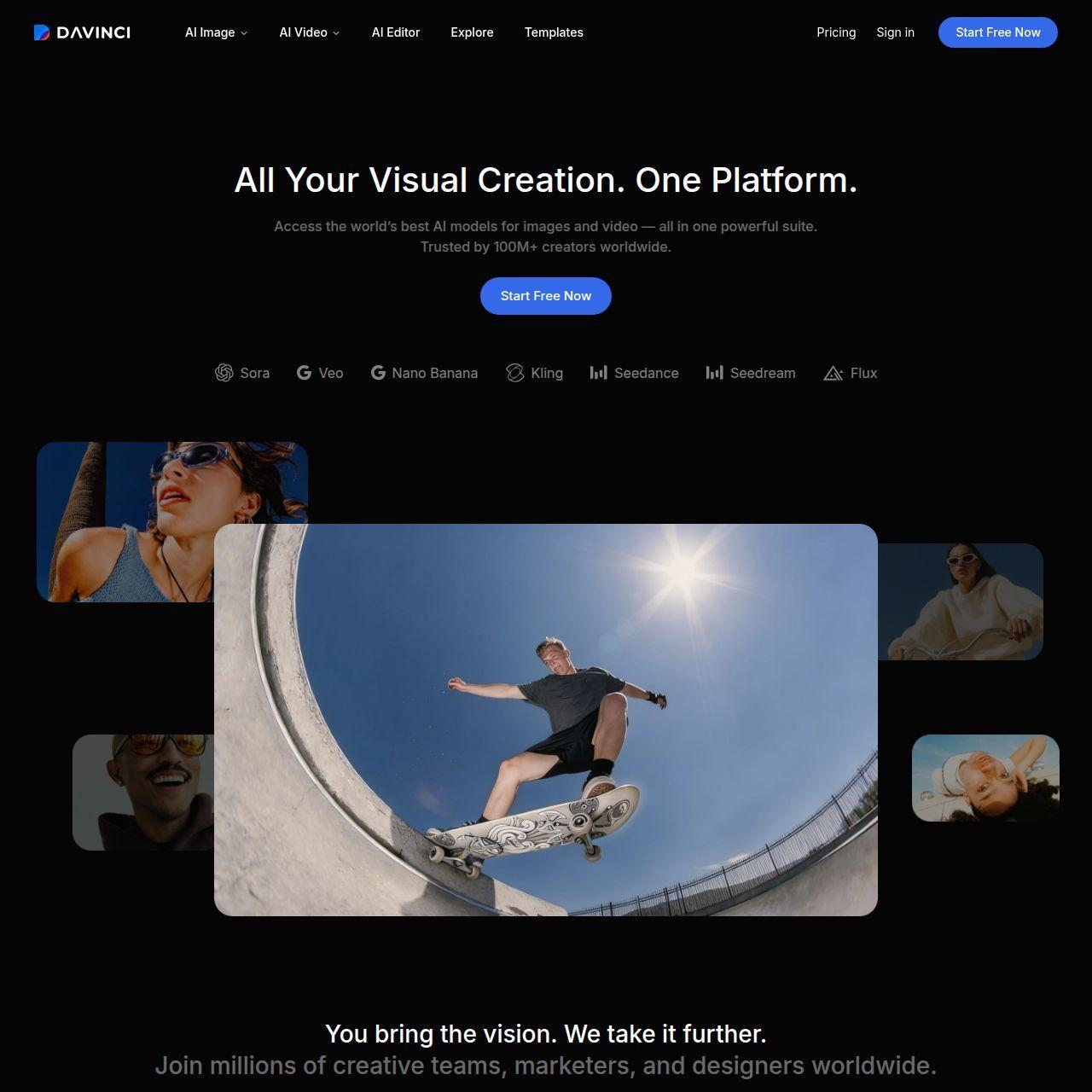
DaVinci positions itself as an all-in-one generative AI platform for visual creation, offering seamless access to cutting-edge models like Sora, Veo, and Flux. Its target audience spans creative professionals, marketers, social media content creators, and businesses seeking high-quality, scalable visual assets. The core features revolve around unified generation and editing of images and videos, integrated within a single workspace. Content features include state-of-the-art AI models for text-to-image, image-to-video, upscaling, and object editing. The user experience is designed to be professional yet accessible, enabling fast iteration and refinement without technical complexity. Technical features boast a credit-based system, priority queues for subscribers, and a mobile app. The platform emphasizes data privacy, commercial usage rights, and trust, aiming to be the go-to suite for end-to-end creative workflows.
FEATURED
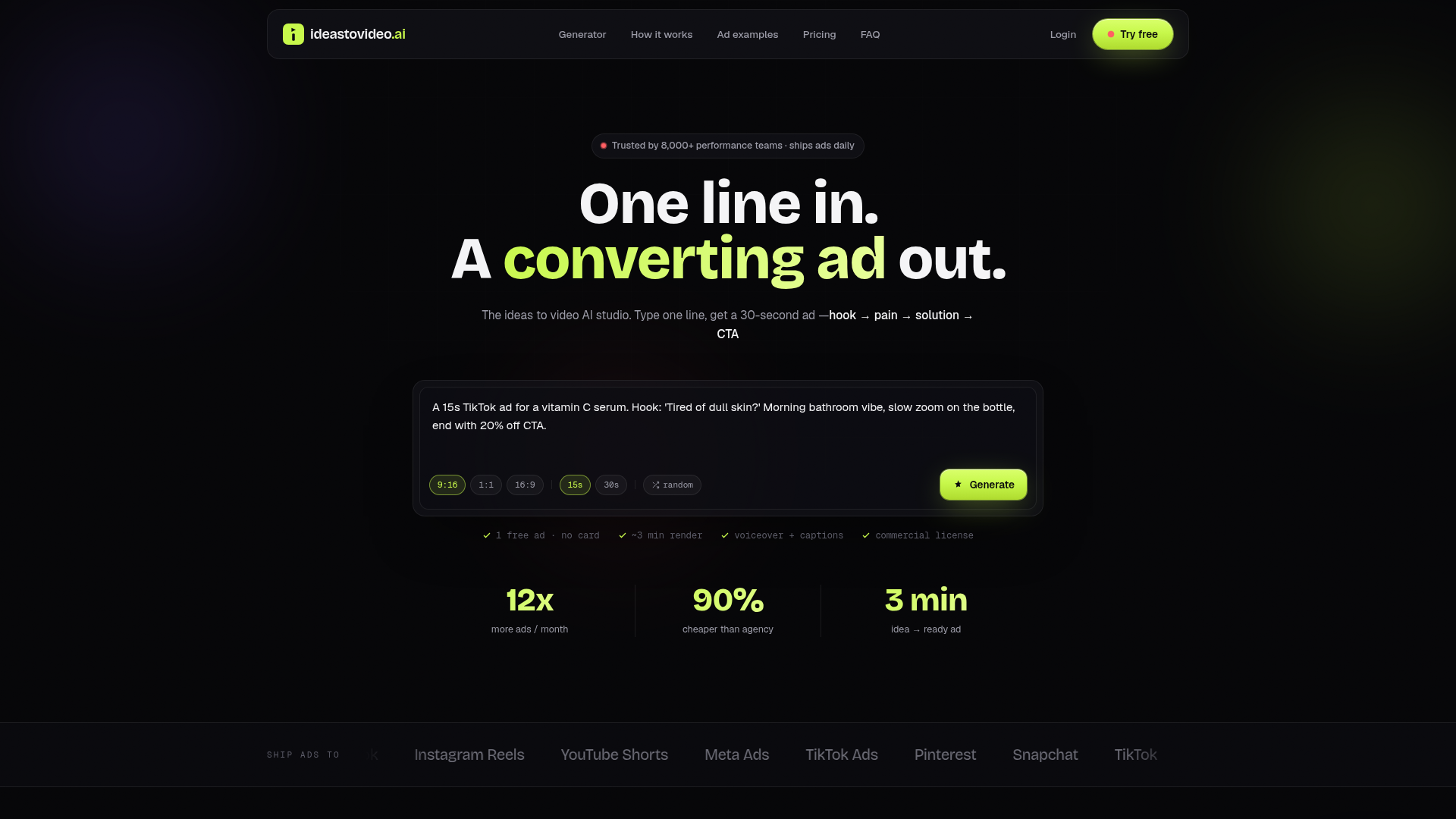
Ideas To Video AI is a revolutionary AI-powered ad studio that transforms simple text prompts into high-converting, ready-to-publish social media video ads in approximately three minutes. Its core positioning is to eliminate the traditional bottlenecks and high costs of ad production—such as agency retainers, lengthy shoots, and multiple revisions—by compressing the entire creative pipeline into a single, intelligent workflow. The platform specifically targets performance marketers, e-commerce brands, agencies, and content creators who need to scale their creative testing on platforms like TikTok, Instagram Reels, YouTube Shorts, and Meta Ads. At its heart is an AI script engine trained on top-performing ad structures (hook, pain, solution, CTA), which automatically generates tailored scripts, matches them with dynamic AI-generated B-roll footage, adds professional voiceovers in over 120 voices, and burns in styled captions. The user experience is streamlined from a one-line prompt to a multi-format export, featuring a Brand Kit for consistent branding and priority rendering for high-volume users. Technologically, it leverages advanced generative AI for video, audio, and text synthesis, offering a commercial license for all outputs and supporting high-volume testing with scalable subscription plans.
FEATURED
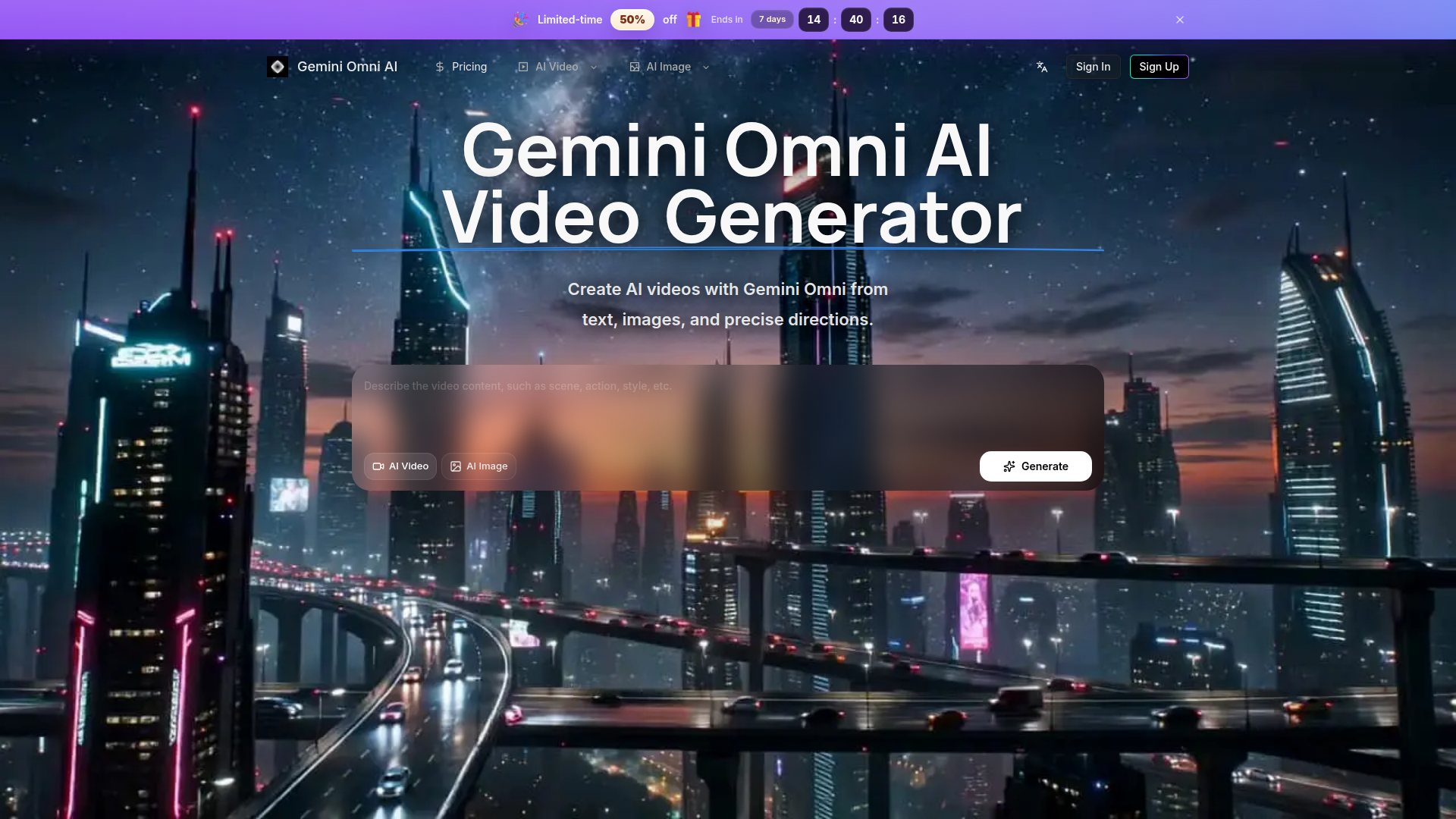
Gemini Omni AI Video Generator is a specialized, streamlined platform focused exclusively on high-quality AI video and image creation powered by models like Gemini Omni. Unlike broad marketplaces, it offers a cohesive workflow for planning, generating, and refining cinematic videos from text prompts, images, and precise references. The target audience includes professional creators, marketers, designers, and e-commerce operators who need efficient production of social clips, product ads, and conceptual scenes. Core features emphasize fine-grained control over camera motion, style, and subject, supported by HD, editing-friendly outputs. Content is enriched with public examples and creator updates for inspiration, while user experience prioritizes continuity—keeping history, credits, and generation tools in one unified interface to eliminate workflow fragmentation.

FEATURED
ChainClarity is a specialized educational and research platform that leverages artificial intelligence to demystify complex cryptocurrency whitepapers. Its core positioning is providing accessible cryptocurrency literacy for all levels of users by breaking down technical documents into clear, concise explanations. The target audience spans from crypto beginners intimidated by dense technical jargon, to investors needing to perform due diligence on new projects, and even builders or researchers needing to quickly grasp a project's essence. Its core features include an ever-growing library of AI-powered explanations for individual tokens or projects, detailed side-by-side comparison tools for understanding project differences, and intuitive categorization by sector (Layer 1, DeFi, NFTs, etc.) for structured exploration.The content is presented in plain English, avoiding hype or price speculation, and focuses on analysis of technology and utility. The user experience is centered on a clean, searchable interface with a main table of projects, community-driven 'Popular This Week' insights, and a newsletter for regular updates on new analyses. Technically, the platform acts as an AI companion ('MeetQai') to automate the process of ingesting and interpreting whitepapers, making advanced crypto research scalable and user-friendly.

FEATURED
Fashion Diffusion is a comprehensive AI-powered platform revolutionizing the fashion design and visualization industry. Positioned as an all-in-one fashion design generator, it targets fashion designers, brands, e-commerce teams, and content creators. The platform's core features empower users to transform concepts into polished visuals rapidly, offering specialized tools for AI fashion sketching, virtual try-on, and professional image editing. Its content features include a vast gallery of generated works and an educational blog. The user experience is optimized for desktop creation with mobile sign-up bonuses, providing an intuitive workflow from ideation to market-ready imagery. Technologically, it leverages advanced machine learning models for fashion-specific tasks like fabric application and style fusion, streamlining the entire creative and production cycle while significantly reducing costs and time-to-market for new collections.

FEATURED
TeeDIY is a platform that allows users to design custom apparel in minutes. It caters to individuals and groups looking for personalized clothing. It offers free design tools, various templates, and user-friendly interfaces. It features a suite of smart tools including magic cleanup, style assist, auto layout, and smart edit. These tools help users create balanced designs with ease. This platform enables users to bring their ideas to life without needing prior design experience. It offers fast shipping within California.
FEATURED
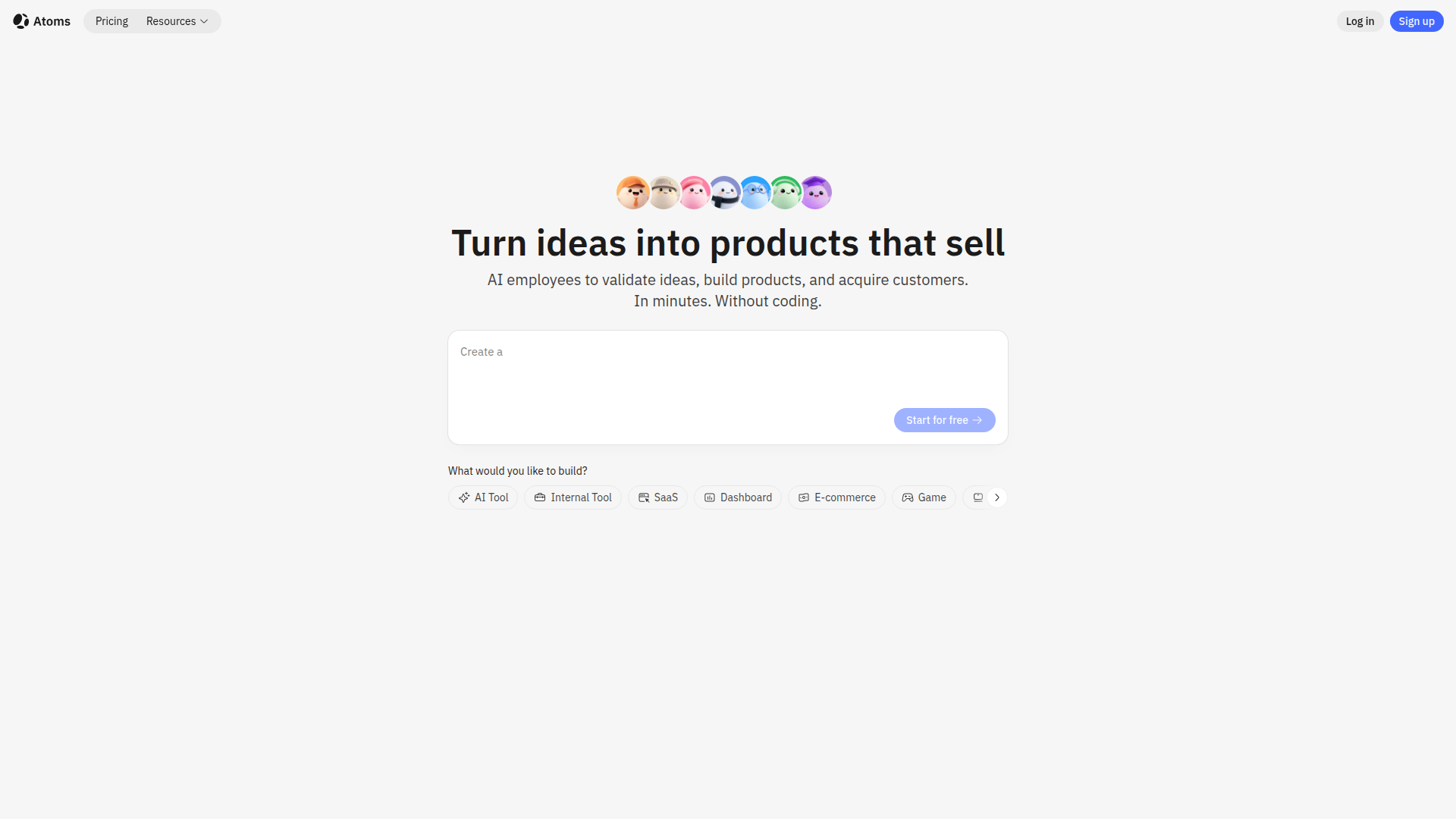
Atoms is an AI-powered platform designed to transform ideas into functional web and mobile applications without requiring any coding knowledge. It leverages a multi-agent AI team, including specialized roles like Product Manager, Engineer, and Data Scientist, to handle every aspect of the development process. Atoms simplifies building SaaS apps, e-commerce platforms, internal tools, and personal projects, offering features like user login, database storage, Stripe payments, and SEO optimization. It provides a user-friendly visual editor, out-of-the-box full-stack backend, instant AI integrations, and one-click deployment, helping users to launch faster, automate operations, and drive revenue while remaining fully in control with code export options.

FEATURED
Pantora is a cutting-edge Answer Engine Optimization (AEO) platform meticulously designed to help local home service professionals, such as plumbers, electricians, HVAC technicians, and roofers, gain prominence. By optimizing their online presence, Pantora ensures these businesses are favorably recommended by AI assistants like ChatGPT and Google AI Overviews. The platform offers AI-optimized websites, continuous visibility tracking, sentiment analysis, and competitor insights, providing comprehensive recommendations for improvement. Pantora simplifies complex SEO and AEO tasks, enabling professionals to attract more customers through AI-driven recommendations. It empowers them to manage their online reputation, enhance visibility, and ultimately, grow their businesses in an evolving digital landscape.
FEATURED
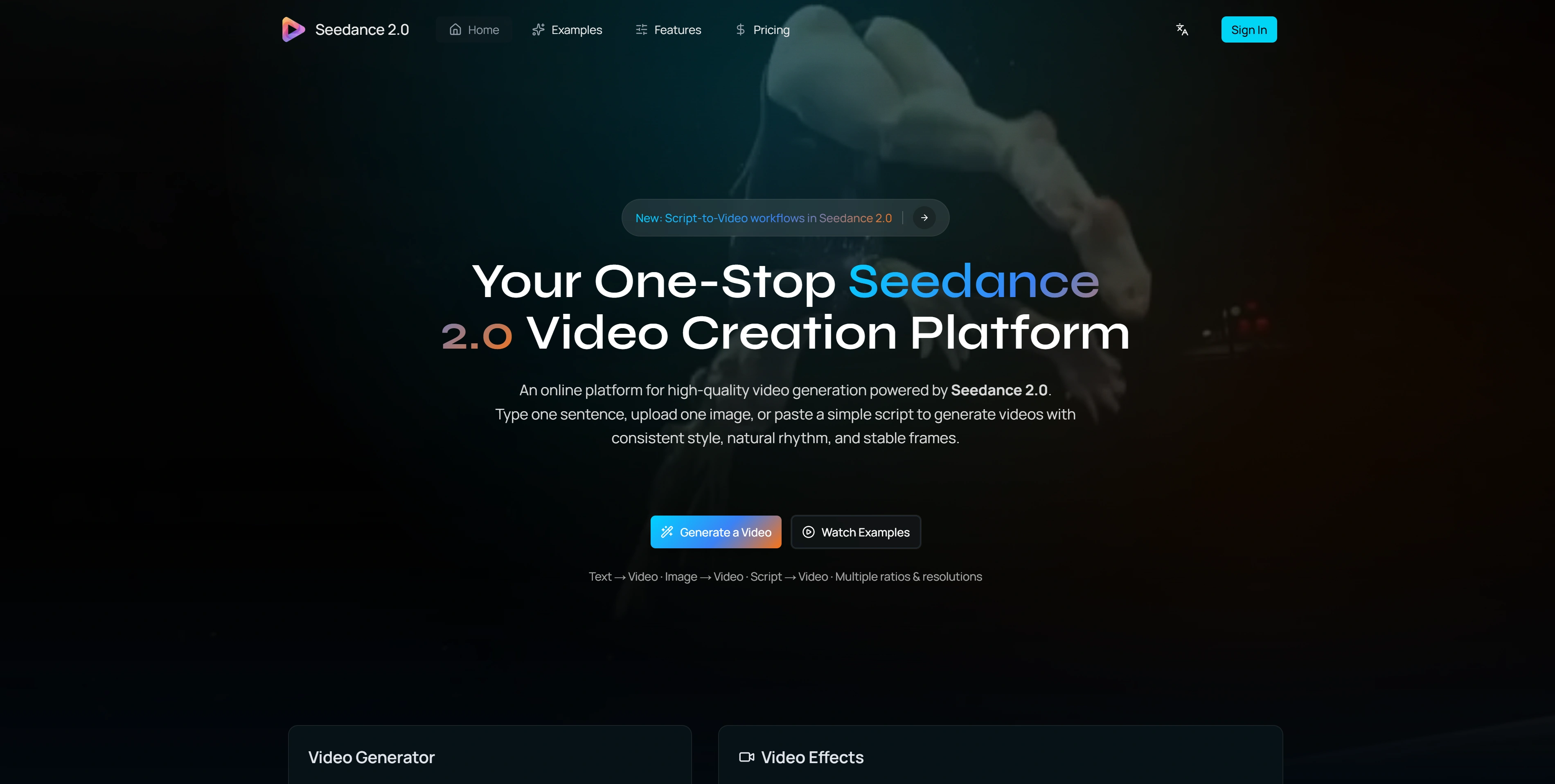
Seedance 2.0 is a cutting-edge AI video generation platform designed for creators and teams. It allows users to generate high-quality, consistent, and visually appealing videos from text prompts, images, or scripts. With a focus on temporal consistency, natural motion, and stable frames, Seedance 2.0 delivers a unique video creation experience. It supports various aspect ratios and resolutions, making it versatile for different platforms. Its advanced features like integrated audio generation and physics-aware motion provide a complete solution for creating marketing videos, social media content, product demos, and more.
FEATURED
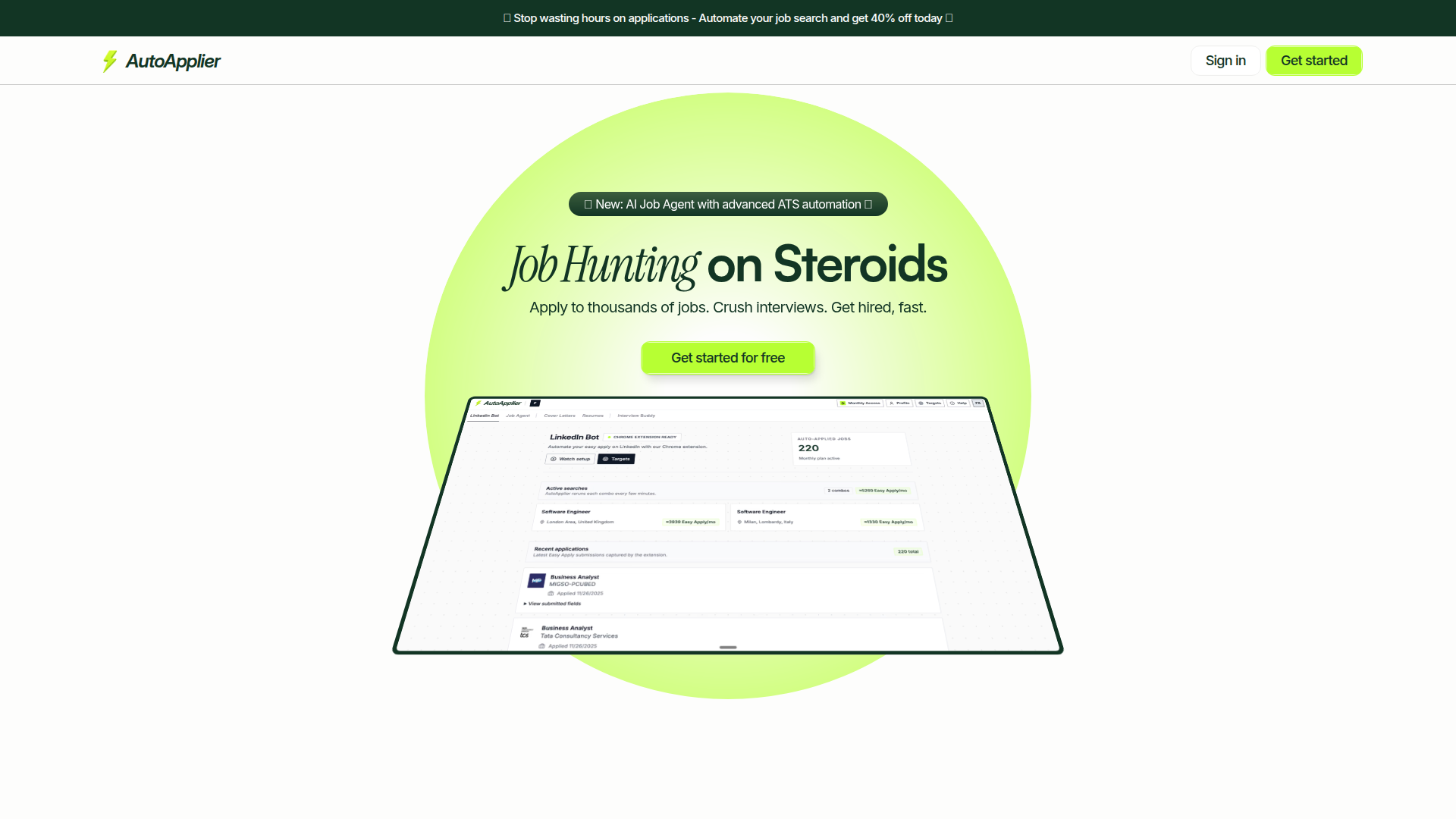
AutoApplier is an AI-powered platform designed to supercharge job seekers' efforts. It provides a suite of tools that automate job application processes, optimize resumes, and generate personalized cover letters. By leveraging AI, AutoApplier helps users save time, apply to thousands of jobs efficiently, and enhance their interview performance. Key features include an AI Job Agent, AI Interview Buddy, LinkedIn automation bot, and resume/cover letter generators. Its focus on sustainable growth ensures continuous improvements and valuable outcomes for users looking to land their dream jobs quickly.
FEATURED
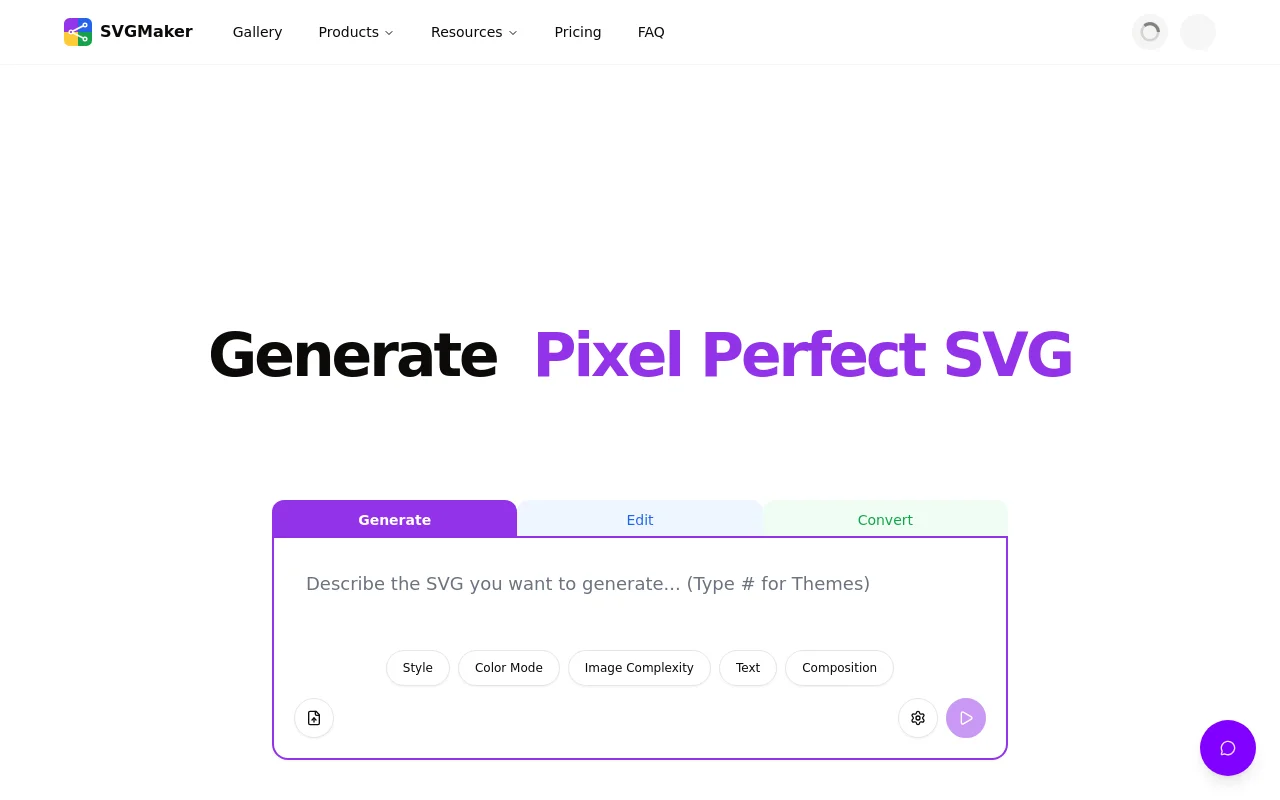
SVGMaker combines the power of artificial intelligence with professional-grade editing tools, making vector graphic creation accessible to everyone from beginners to experienced designers. Whether you're generating SVGs from scratch, converting existing images, or optimizing files for web performance, SVGMaker streamlines your workflow with browser-based convenience and developer-friendly integrations.
FEATURED
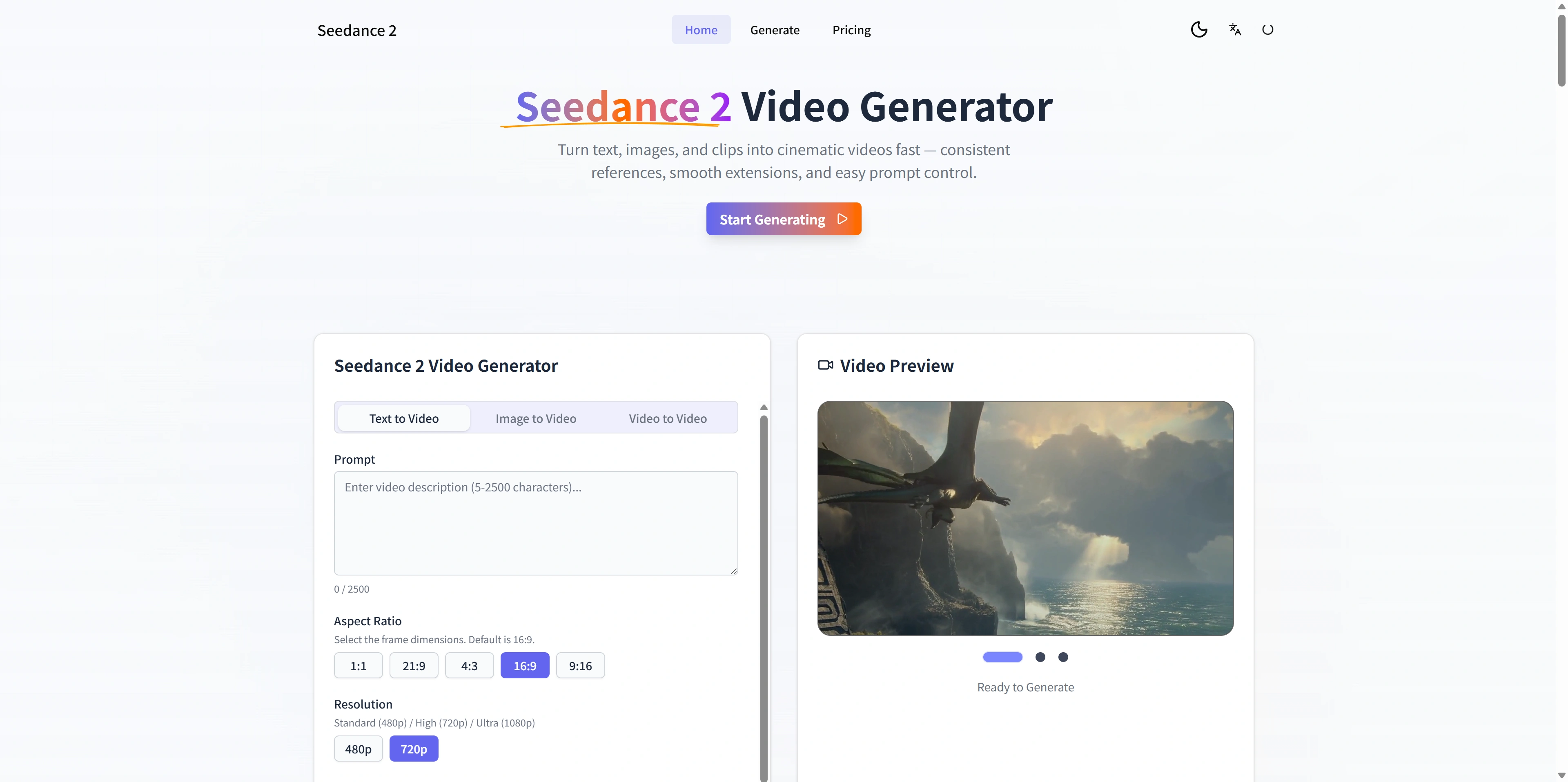
Seedance 2 is an AI-powered video generator designed for creators and teams who need cinematic-quality videos from text, images, and existing footage. It offers multimodal inputs, stable motion, and fast iteration loops, enabling users to move rapidly from concept to publishable video. The platform's reference-first workflow provides greater control and consistency, allowing for smooth extensions and easy prompt adjustments. It is ideal for generating ads, social media content, and product demos with high-definition outputs and quick exports.
FEATURED
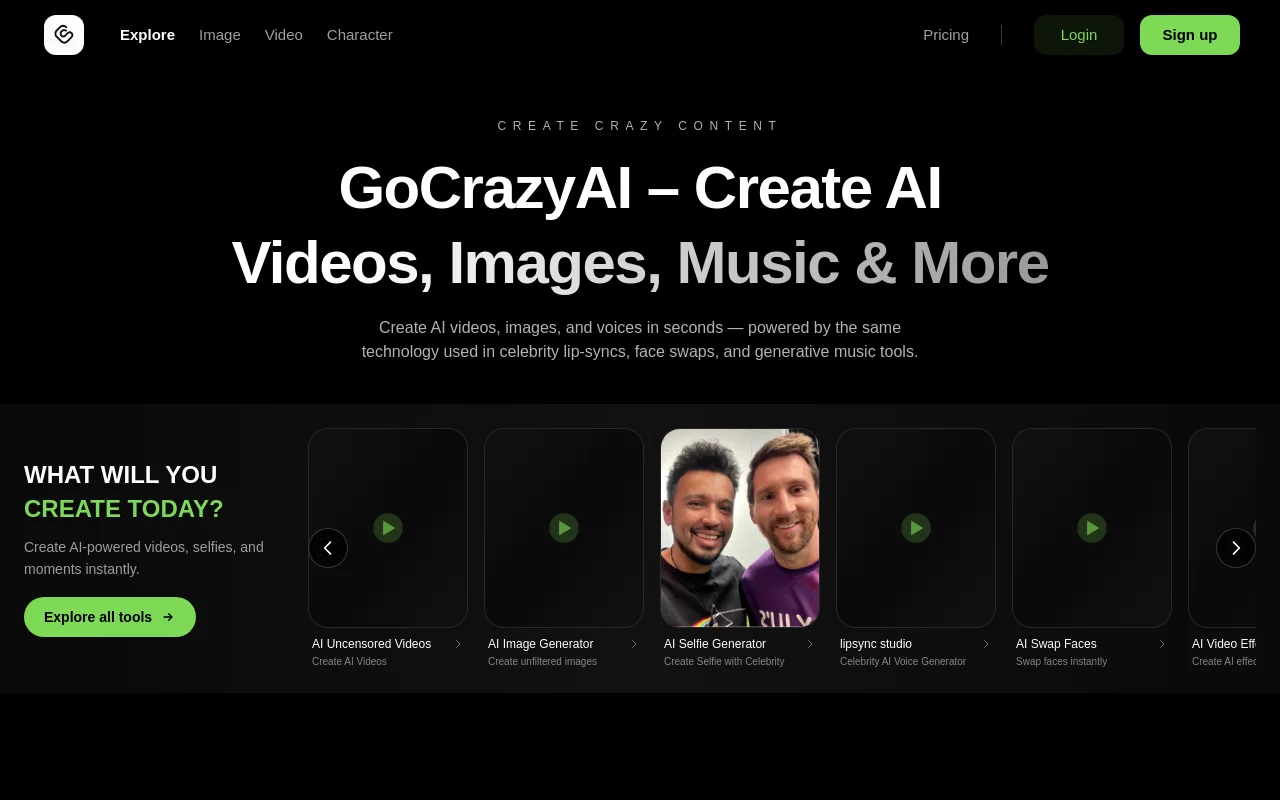
GoCrazyAI is an innovative AI studio providing a suite of tools for creating AI videos, images, and avatars. It stands out by offering unfiltered and uncensored content generation, allowing users full creative freedom. The platform features tools for AI selfie generation, lip-sync videos with celebrities, AI face swaps, and various AI video effects. GoCrazyAI empowers users to produce diverse content, from viral videos to realistic avatars, utilizing next-generation AI models. With a privacy-first approach, user prompts and content are kept private and secure, making it ideal for creators seeking limitless possibilities.
FEATURED
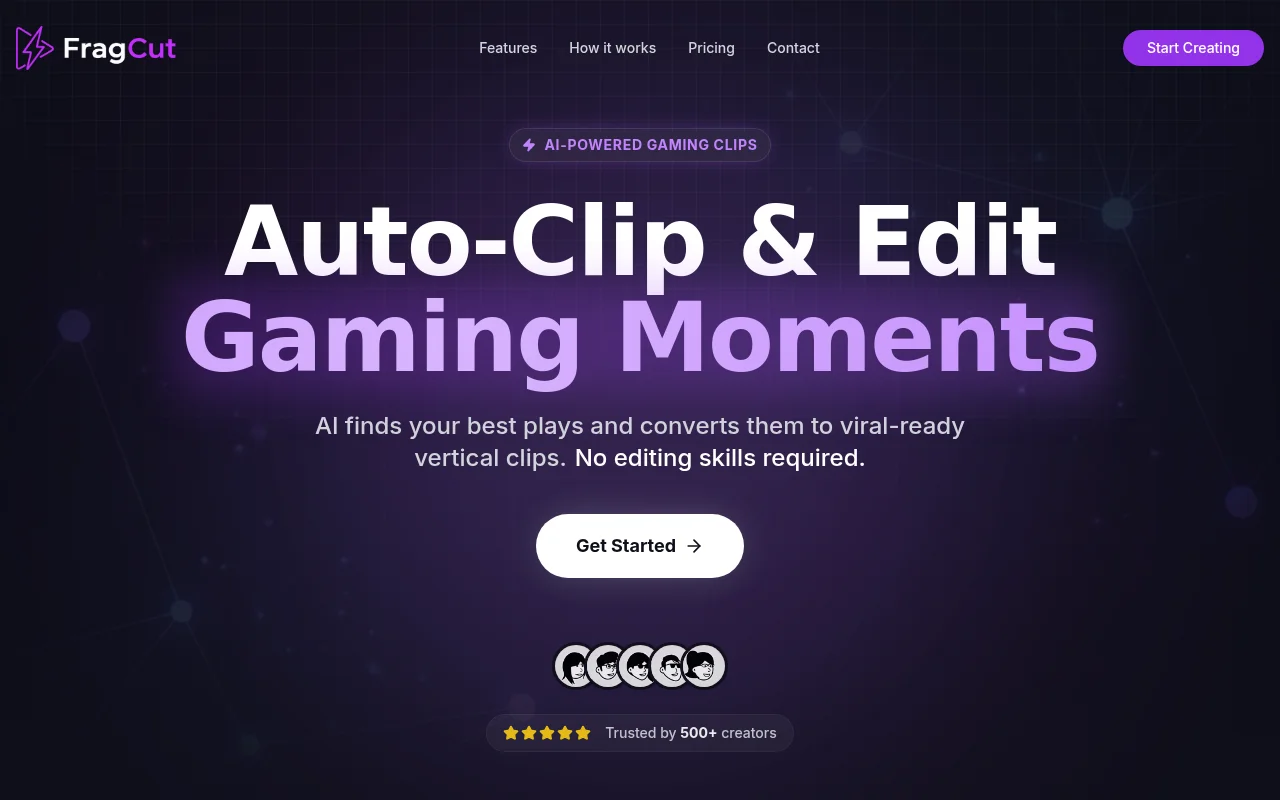
FragCut is an AI-powered gaming clip generator designed to help streamers and content creators quickly transform their long-form VODs into viral-ready short-form content. It automates the process of finding exciting moments, optimizing for vertical video formats, and adding captions, enabling creators to focus on their gameplay. By leveraging cloud processing, FragCut ensures accessibility from any device without the need for software installations. With a trust base of over 500 creators, FragCut provides an efficient solution for turning streams into engaging clips.
FEATURED
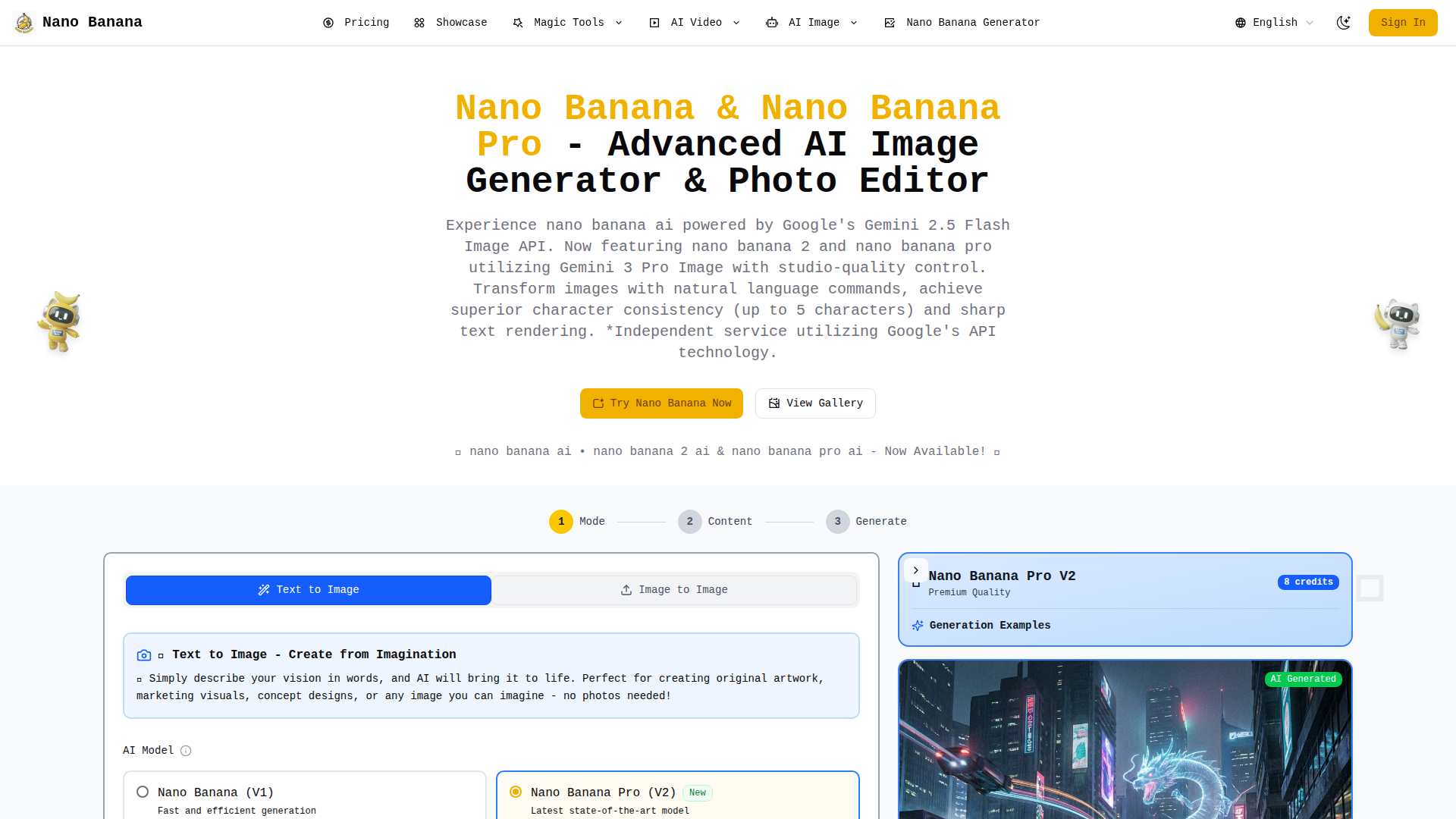
Nano Banana is an innovative AI-powered image generation and editing platform that leverages Google’s cutting-edge Gemini AI models. It offers advanced editing capabilities through natural language prompts, superior character consistency, and sharp text rendering. Featuring Nano Banana, Nano Banana 2, and Nano Banana Pro, this platform provides various options to cater to different user needs and skill levels. Nano Banana empowers users to transform their creative ideas into stunning visuals with studio-quality results. It's an independent service utilizing Google's API technology, making AI accessible to everyone from individual creators to large enterprises.
FEATURED
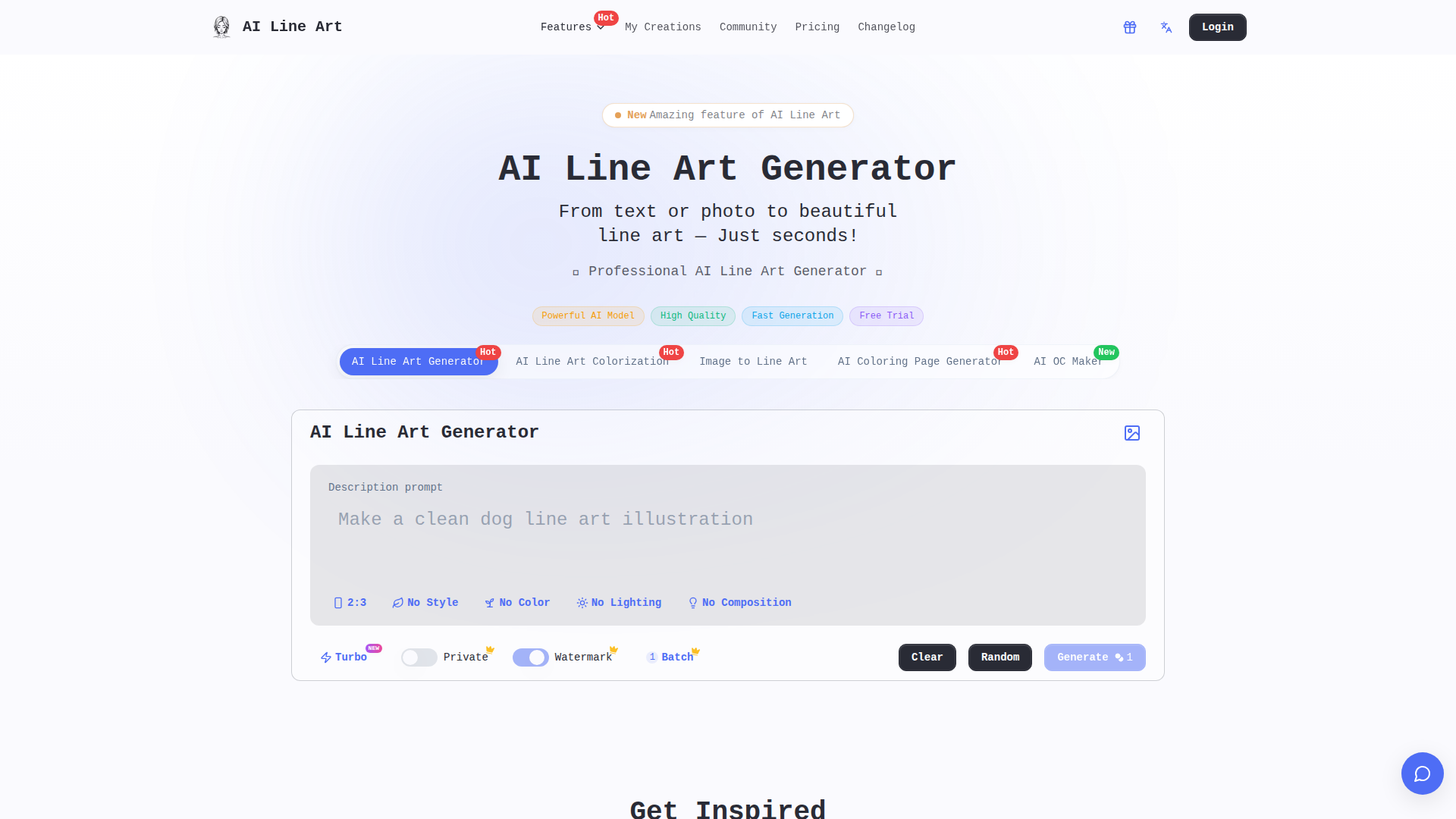
AI Line Art is an AI-powered online tool that facilitates the effortless transformation of photos and text descriptions into stunning line art illustrations. It boasts the capability to generate high-quality line drawings in various styles, making it accessible to both beginners and professionals. With features like one-click generation, multiple art styles, and advanced customization, users can create unique and professional-looking line art for diverse applications, including branding, illustration, tattoo design, and architectural visualization. It provides fast processing and high-resolution export options.
FEATURED
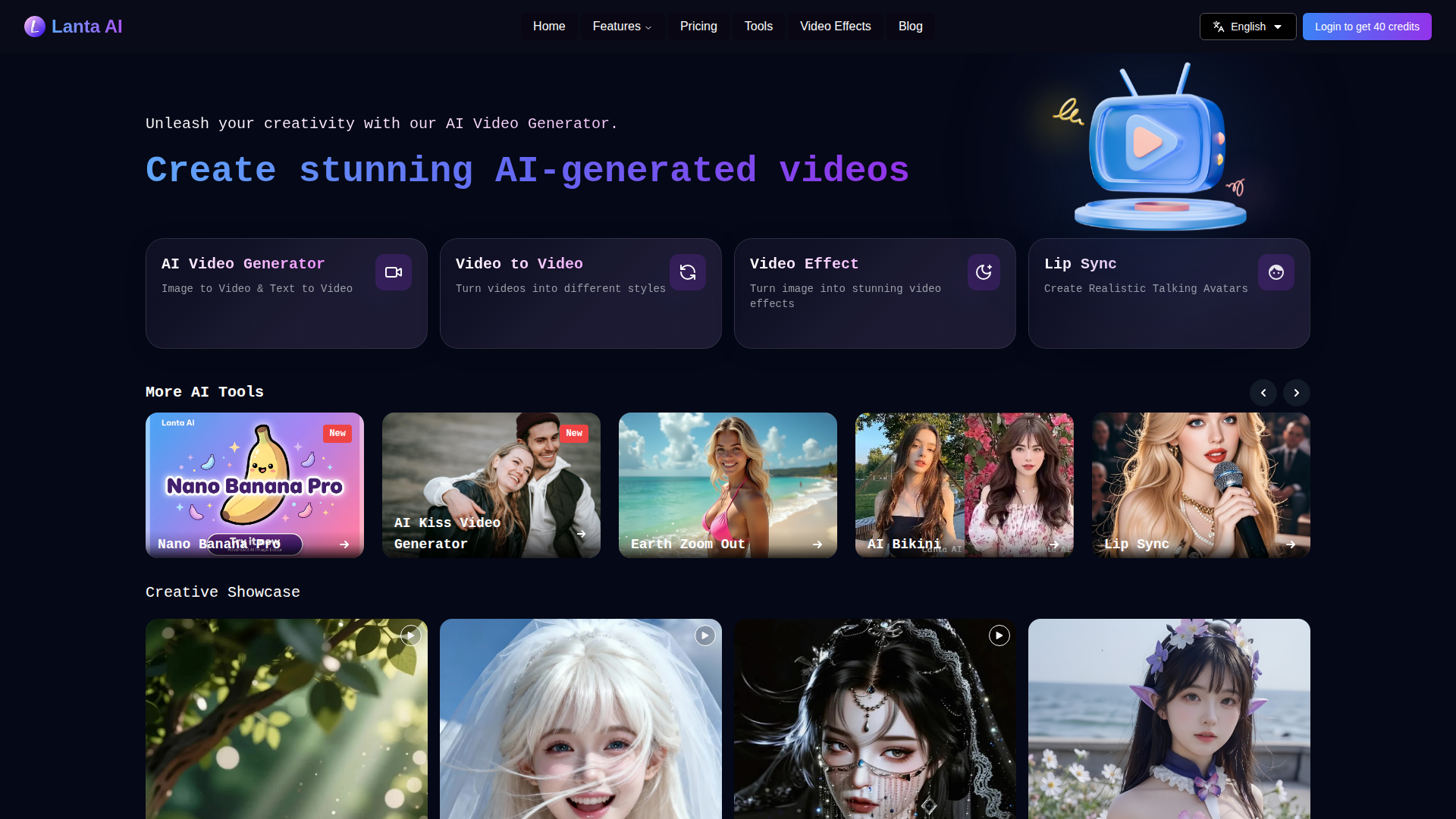
Lanta AI is a versatile online platform that empowers users to generate high-quality AI-generated videos from various inputs, including videos, images, and text. It offers a range of tools for video processing, generation, and editing, allowing users to convert videos into different styles, create videos from text or images, and apply various video effects. The platform features advanced AI models like FramePack, Wan 2.1, and Hunyuan Video. Lanta AI aims to simplify video creation, making it accessible to both beginners and professionals, and offers features like prompt-driven editing and smart repair to make video creation easy.
Latest AI Tools
Latest AI tools found by amazing founders
CrakSEO is an automated SEO platform that combines a backlink link network, URL indexing, and pay-as-you-go SEO data tools built for both human site owners and AI agents. Positioned as "SEO on autopilot," it aims to grow organic traffic across Google and AI-driven search surfaces including ChatGPT, Gemini, Grok Bot, Perplexity, Claude and Cursor. Its target audience spans SaaS founders, indie hackers, bloggers, affiliate marketers, SEO agencies, developers and AI power users who want hands-off link building plus live search data piped directly into their AI clients. Core features include the Link Network, which delivers 100 staff-reviewed, live-verified contextual backlinks per month from real sites in your niche; free URL indexing to Google and Bing via IndexNow and Search Console sitemaps; AI-generated articles published to your own blog; parasite SEO research that finds keywords where Reddit, Quora, Medium or LinkedIn already rank; directory submission; and copy-paste SEO prompts. It also ships a broad MCP toolset including Keyword Research, Google SERP API, Backlink Checker, Rank Tracker, SEO Site Audit, Local Rank Tracker, AI Visibility and a free Search Console MCP, plus free tools such as a GEO SEO audit and an MCP server checker. The content style is practical and feature-led, offering comparison pages against Semrush MCP and Ahrefs MCP, SEO playbooks and use cases. User experience emphasizes a five-minute WordPress or Next.js setup, OAuth or API-key sign-in, dashboards showing every live link, and a transparent "no guaranteed rankings" stance. Technically it is API- and MCP-first, supporting remote MCP over Streamable HTTP, a REST API with prepaid credits, IndexNow integration, and multi-engine indexing with engine-reported results.

IELTS Writing Practice (ieltswritingpractice.app) is a dedicated, AI-powered IELTS Writing preparation platform built around a realistic exam simulator and an exceptionally accurate automated scoring engine. The site is positioned as a focused practice tool rather than a full four-skills IELTS course: it concentrates entirely on Task 2 essays, Academic Task 1 (charts, graphs, tables, maps, processes and mixed charts) and General Training Task 1 letters, delivering examiner-close band scores within seconds. Its core selling point is demonstrated accuracy: in a published benchmark of 97 officially scored responses, the platform reports a mean absolute error of just 0.53 band, with 74.2% of scores landing within ±0.5 band of the official result — outperforming IELTSWritingChecker.org, ChatGPT, Engnovate and Writing9. The target audience includes IELTS candidates preparing for academic or general training modules, repeat test-takers stuck at Band 6–6.5, self-study learners without access to a tutor, and teachers or language schools seeking a quick marking aid. Core features include a full-screen, timed simulator with a 40-minute countdown that starts on the first keystroke, a live word counter with the 250/150-word rules, a bank of real exam questions reported in the last three months, licensed Cambridge IELTS sample tasks and Band 8–9 model answers, plus inline corrections that highlight the exact words changed and explain each fix by criterion (Task Achievement/Response, Coherence and Cohesion, Lexical Resource, Grammatical Range and Accuracy). Supporting tools include an IELTS Writing score calculator that applies the official 1:2 Task 1/Task 2 weighting, a plain-language guide to the official band descriptors, and a downloadable IELTS Writing Toolkit with 147 sentence frames and 220 collocations. Content is organised by essay type, question type and popular topic (work, education, sport, parenting, land use, housing and more), making targeted drilling easy. The user experience is clean, distraction-free and mobile-friendly, with a bilingual interface (English and Simplified Chinese), drafts kept in the browser, and no forced sign-up before writing. Payments are handled securely by Stripe and support Visa, Mastercard, Apple Pay, Alipay, WeChat Pay and bank cards, with a limited-time new-user discount on monthly, quarterly and annual plans. The platform is independently operated, clearly states that its band estimates are not official IELTS results, and includes a blog with scoring benchmarks, Cambridge IELTS 21 trends and computer-delivered writing guides.
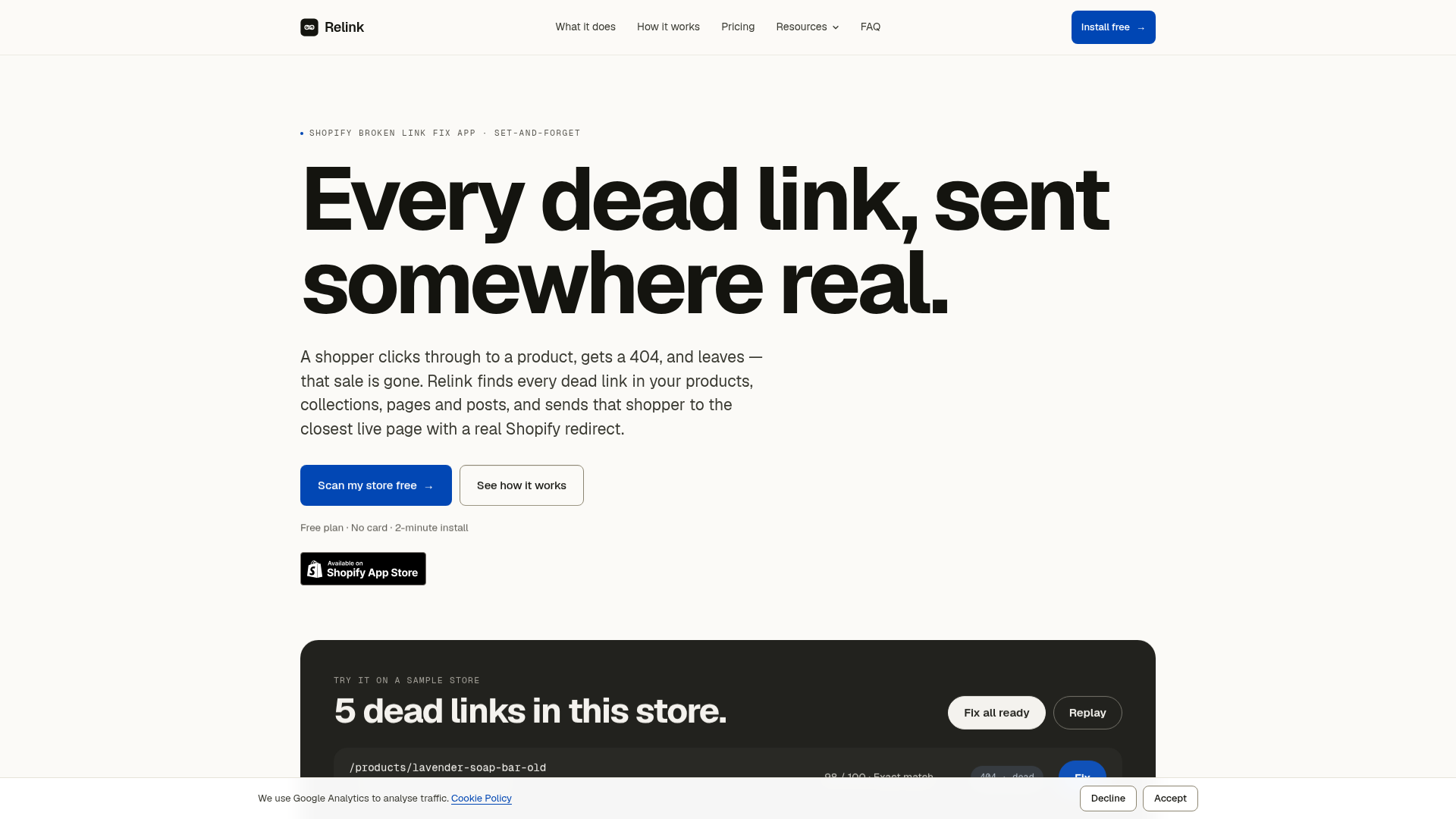
Relink is a purpose-built Shopify app that automatically detects and fixes broken links across a store's products, collections, pages, and blog posts. Positioned as a set-and-forget solution, it targets Shopify store owners who want to protect their search rankings and recover lost sales caused by dead links. The core features include scheduled scans (daily on Pro, twice daily on Business), AI-powered matching that suggests the closest live page for each broken URL, and the creation of native Shopify 301 redirects. The content features practical examples, a sample store demonstration, and educational resources like SEO guides and blog articles. User experience is streamlined: installation takes about two minutes, a free plan is available, and every fix can be undone with one click. Technically, Relink uses Shopify's Admin API to read content and installs standard redirects that persist even if the app is uninstalled, ensuring compatibility and minimal impact on store performance.
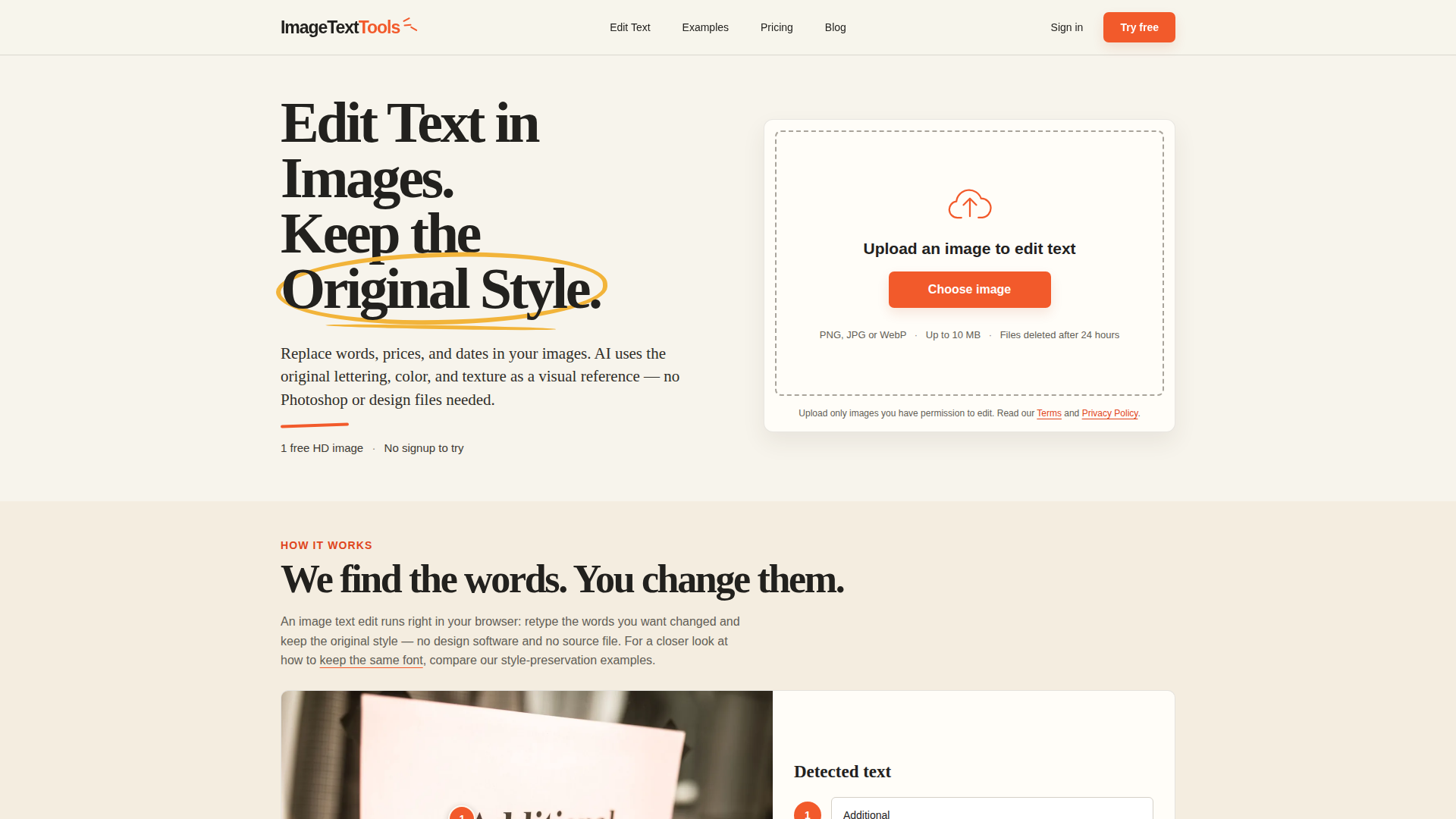
ImageTextTools is a browser-based AI image text editor built around one focused job: changing the words inside a picture without destroying the look of the original. Instead of opening Photoshop, rebuilding a layout or hunting down a source design file, you upload a PNG, JPG or WebP image (up to 10 MB), let the AI detect the text lines, retype the wording you want, and generate three alternative versions that use your image's own lettering, colour and texture as a visual reference. Website Positioning: a single-purpose utility rather than a full design suite — it targets the everyday edits people actually need, such as changing a sale price from 20% to 30%, moving an event date from 18 July to 25 July, correcting opening hours on a shop sign, swapping a word in a handwritten note, refreshing decorative poster lettering, or adjusting a price on a busy café menu. Target Audience: small business owners, market vendors, restaurant and shop owners, social media managers, marketers, event organisers, online resellers, and anyone who receives a flat image instead of an editable file. Core Features: automatic text-line detection, multi-line replacement within a single edit, three generated variations per edit so users can compare details before committing, a 'Restore original' control to undo individual changes, HD PNG downloads (longest side up to 1280 px) plus low-resolution JPEG previews, and a free first edit that requires no signup. Content Features: a real before/after examples gallery with properly licensed source photos, a blog, and a dedicated in-depth guide on keeping the same font when editing text in an image. User Experience: the whole workflow runs in the browser on desktop or mobile with no installation; the free trial produces previews immediately, and Google sign-in is only needed to download an HD result. Technical Features: private storage with access checks, scheduled deletion of images 24 hours after successful generation, a content safety check before a credit is confirmed as used, automatic release of reserved credits if a task fails, timed out or is rejected, and payment processing handled by Waffo Pancake as merchant of record. Pricing is credit-based at roughly $4.99 for three edits, with one free one-time HD download per eligible device.
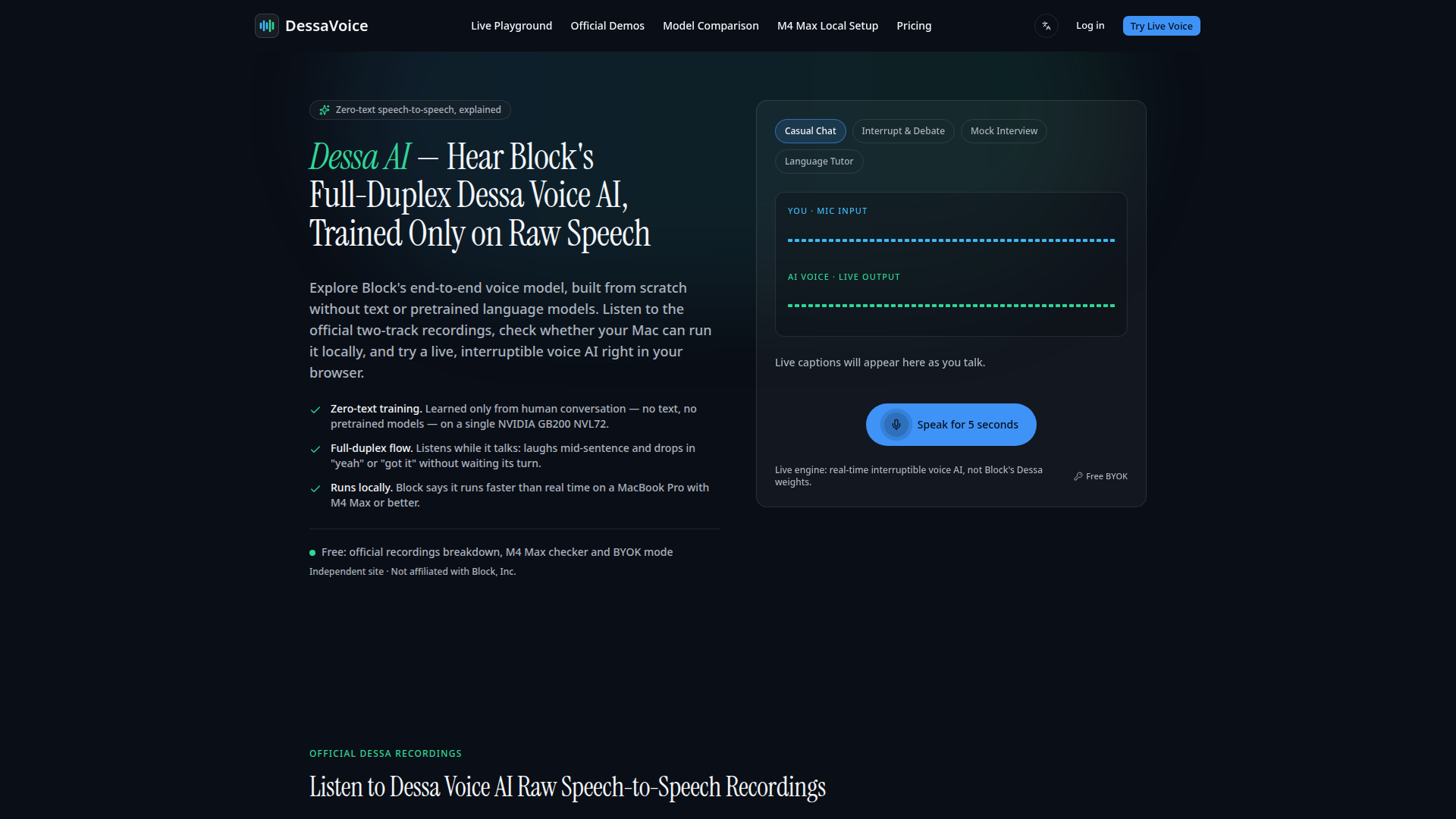
DessaVoice is an independent, non-affiliated resource hub dedicated to Block's Dessa voice AI, a research preview model known for zero-text, end-to-end speech-to-speech conversation. The site sits between a news explainer, a demo gallery, a hardware readiness checker, and a live voice playground. Its target audience includes AI researchers, voice technology enthusiasts, MacBook Pro M4 Max owners, developers evaluating local speech models, and anyone curious about full-duplex conversational AI that listens while it talks. Core features include a curated breakdown of Block's official Dessa recordings, a free M4 Max local readiness checker, side-by-side model comparisons with Sesame AI, OpenAI GPT-Live-1, and Kyutai Moshi, plus a browser-based interruptible voice playground. The content focuses on explaining why Dessa's text-free architecture matters, how it differs from cascaded ASR-LLM-TTS pipelines, what Block has publicly stated about local inference, and what remains undisclosed. User experience is built around simple anchor navigation, playable audio excerpts, a live caption interface, email notifications for future weights or MLX/GGUF builds, and clear disclaimers that the live engine does not run Block's Dessa weights. Technical features include BYOK mode with an OpenAI Realtime key, free access to official recording commentary and hardware estimation, and paid hosted live voice calls through an Instant Voice Pass. DessaVoice is explicit that it is not affiliated with, endorsed by, or connected to Block, Inc., and that official Dessa information should be verified at block.xyz/dessa.
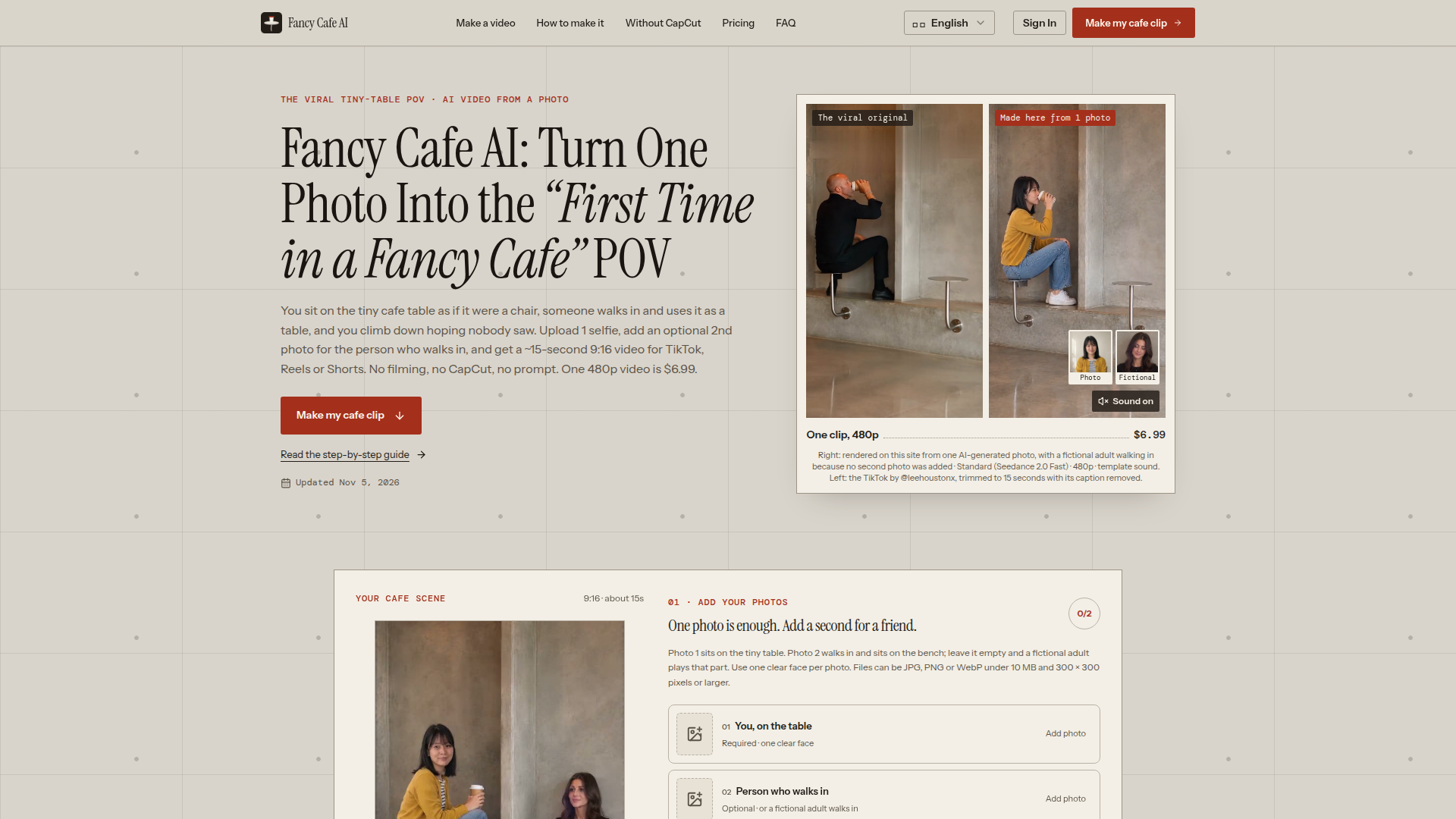
Fancy Cafe AI is a specialized AI video generator positioned around the viral 'First Time in a Fancy Cafe' POV meme: the tiny-table skit where a confident visitor mistakes a cafe table for a stool until someone walks in and uses it as furniture. The site is built for TikTok, Instagram Reels, and YouTube Shorts creators, meme pages, friend groups, couples, and office teams who want a personalized version of the trend without filming, editing, or writing prompts. Users upload one clear photo, optionally add a second photo for the person who walks in, choose 480p or 720p, select the template sound or Silent, and download a roughly 15-second vertical 9:16 MP4. Core features include one-photo and two-photo workflows, Seedance model options for Standard and Pro quality, template-synced audio, no watermark on paid downloads, automatic credit returns for failed renders, and a browser-based flow that works on mobile or desktop. Content features are unusually focused: step-by-step guides, photo tips, scene timing breakdowns, comparisons with CapCut, explanations of AI versus real footage, and FAQ pages that set expectations about actors, consent, and watermarking. User experience is simple and conversion-oriented, with a visible credit total before generation and a clear path from photo upload to download. Technical features include AI face insertion, reference-guided camera timing, vertical MP4 output, credit-based rendering, and safety filters. It is an independent fan-made tool, not an official meme, TikTok, Instagram, CapCut, or Know Your Meme product.
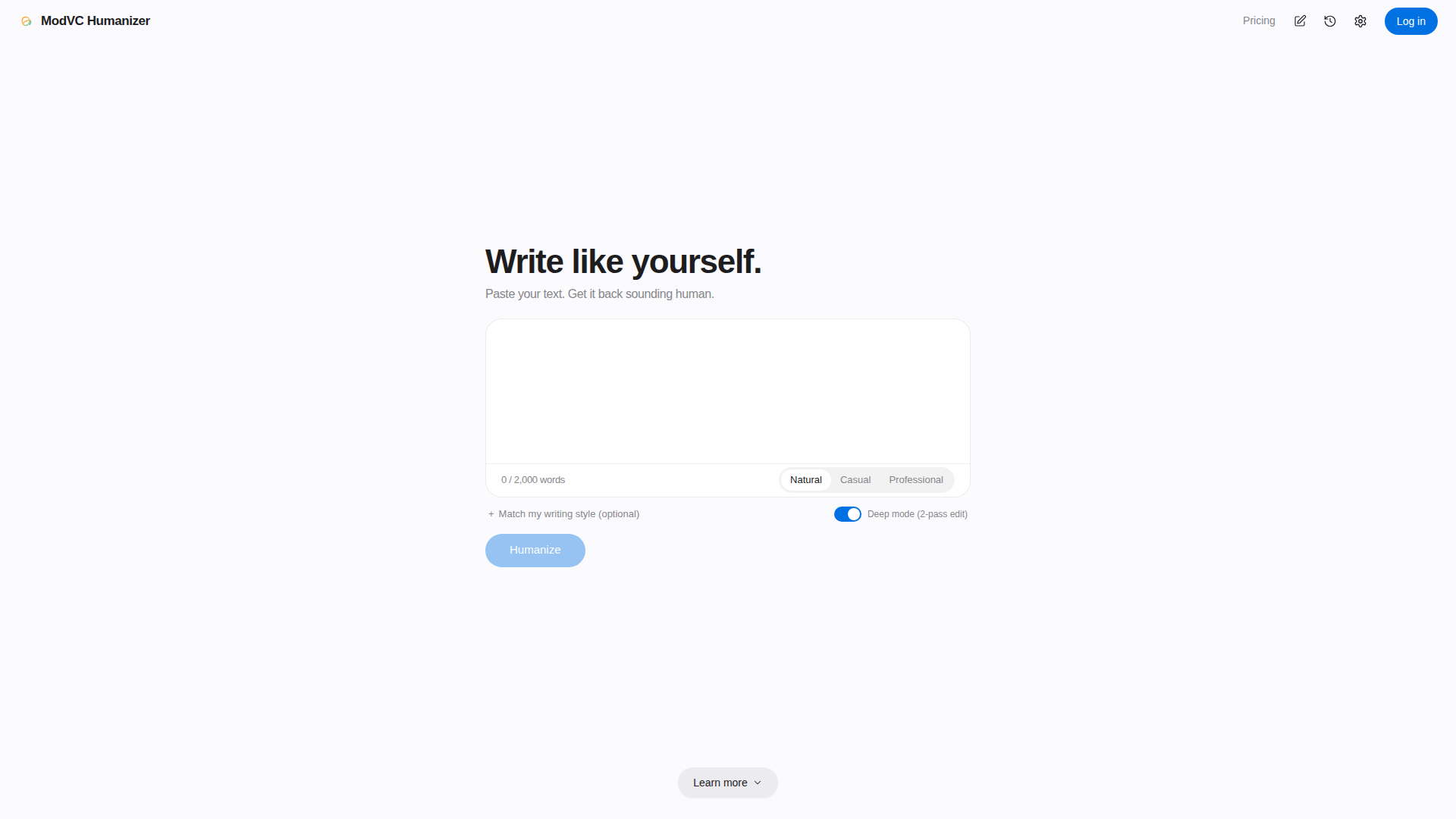
ModVC Humanizer is a privacy-focused AI text rewriting tool designed to make AI-generated writing sound more natural, human, and personal while preserving the author’s original structure. Positioned as a writing refinement assistant rather than a detector-evasion gimmick, it helps users keep headings, paragraph breaks, and reference lists exactly where they were, rewriting only the body text. Its target audience includes students, professionals, content marketers, bloggers, researchers, and anyone who uses AI drafting tools but wants the final output to read as if they wrote it themselves. Core features include three tone options—Natural, Casual, and Professional—an optional Deep mode for a second editing pass, and a “Match my writing style” option that lets users paste a sample so the rewrite follows their sentence length and word choice. Users can download results as PDF, Word, Markdown, or plain text, and export their entire history as a JSON backup. Content and UX are built around simplicity: paste up to 2,000 words, choose a tone, preview the tone, and humanize. The site also offers practical writing guides and transparent explanations of its design choices. Technically, ModVC Humanizer processes text ephemerally in memory and does not store it on servers; history is encrypted in the user’s account, sign-in uses a one-time email code instead of passwords, and payments are handled by Whop so card details are never held by ModVC. This combination of formatting preservation, tone control, style matching, export flexibility, and privacy-by-design makes it a practical tool for polishing AI-assisted drafts without losing the user’s voice.
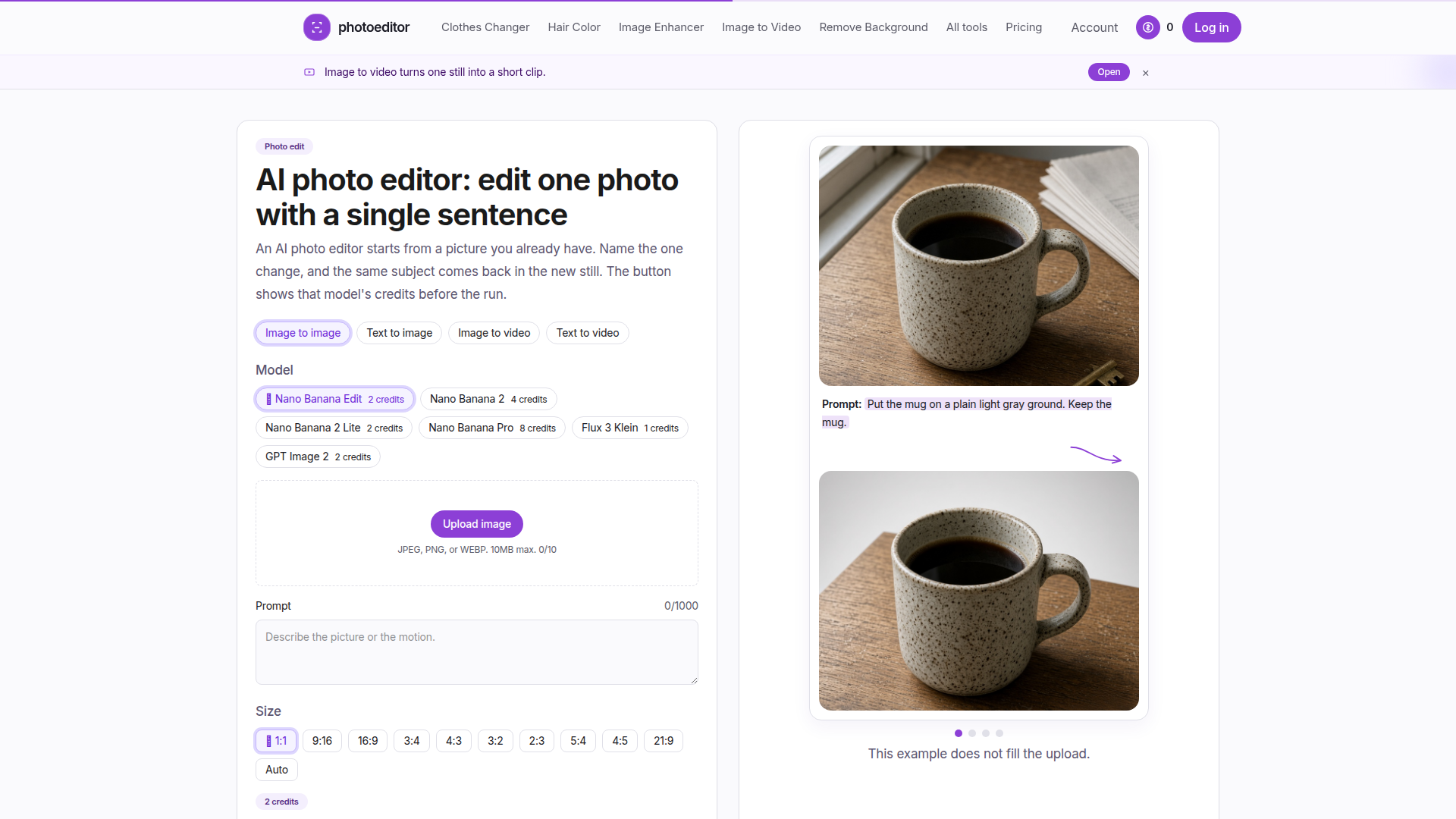
photoeditor (photoeditor.my) is a credit-based AI photo editing and generation studio built around one deliberately narrow promise: change one thing in a picture you already own, and let the subject come back still recognizable. Rather than positioning itself as a do-anything image lab, the site is a single-change editor — you upload a JPEG, PNG, or WEBP (10MB max), write one sentence such as "put the mug on a plain light gray ground, keep the mug," pick a model, and generate. Its positioning is best described as transparent, no-surprise AI editing for people who publish real pictures: e-commerce sellers cleaning up a product shot, creators re-coloring hair or swapping outfits in a portrait, and small teams removing a distraction from a frame without rebuilding the scene. Core features span four jobs on one shared generator — image to image, text to image, image to video, and text to video — plus dedicated tool pages for AI Clothes Changer, Hair Color, Image Enhancer, Image Upscaler, Object Remover, Remove Background, Restore Old Photo, and an AI Image Generator and AI Video Generator. A model catalog including Nano Banana Edit, Nano Banana 2 / 2 Lite / Pro, Flux 3 Klein, and GPT Image 2 each lists its own credit cost, shown directly on the Generate button before the run, so the price for a 1-credit Flux edit versus an 8-credit Nano Banana Pro run is visible while the form is still open. Content-wise the site is written in short, plain, declarative blocks with worked examples, a visible workflow (pick the job, choose a model, read the button, keep or run again), and a rare honesty about limits: no 8x/16x upscaling, no multi-image fusion, no daily credit grant, and no enterprise seats or invoices. User experience emphasizes control — size ratios (1:1, 9:16, 16:9, 3:4, and more), output counts, and 720p second-based video pricing that multiplies live on the button — while failed runs automatically refund their credits with no support ticket. Technical and policy features include provider-side processing with uploads deleted within an hour, no training on user files, no resale of files, results retained 7/30/90/365 days by tier, and commercial use permitted wherever you already hold rights to the source photo. Accounts, billing, and creations stay behind login; monthly and yearly plans (Lite $17, Plus $33, Pro $72) sit alongside four non-expiring credit packs, card, Apple Pay and Google Pay worldwide, and a one-time free grant of 4 credits for new accounts.
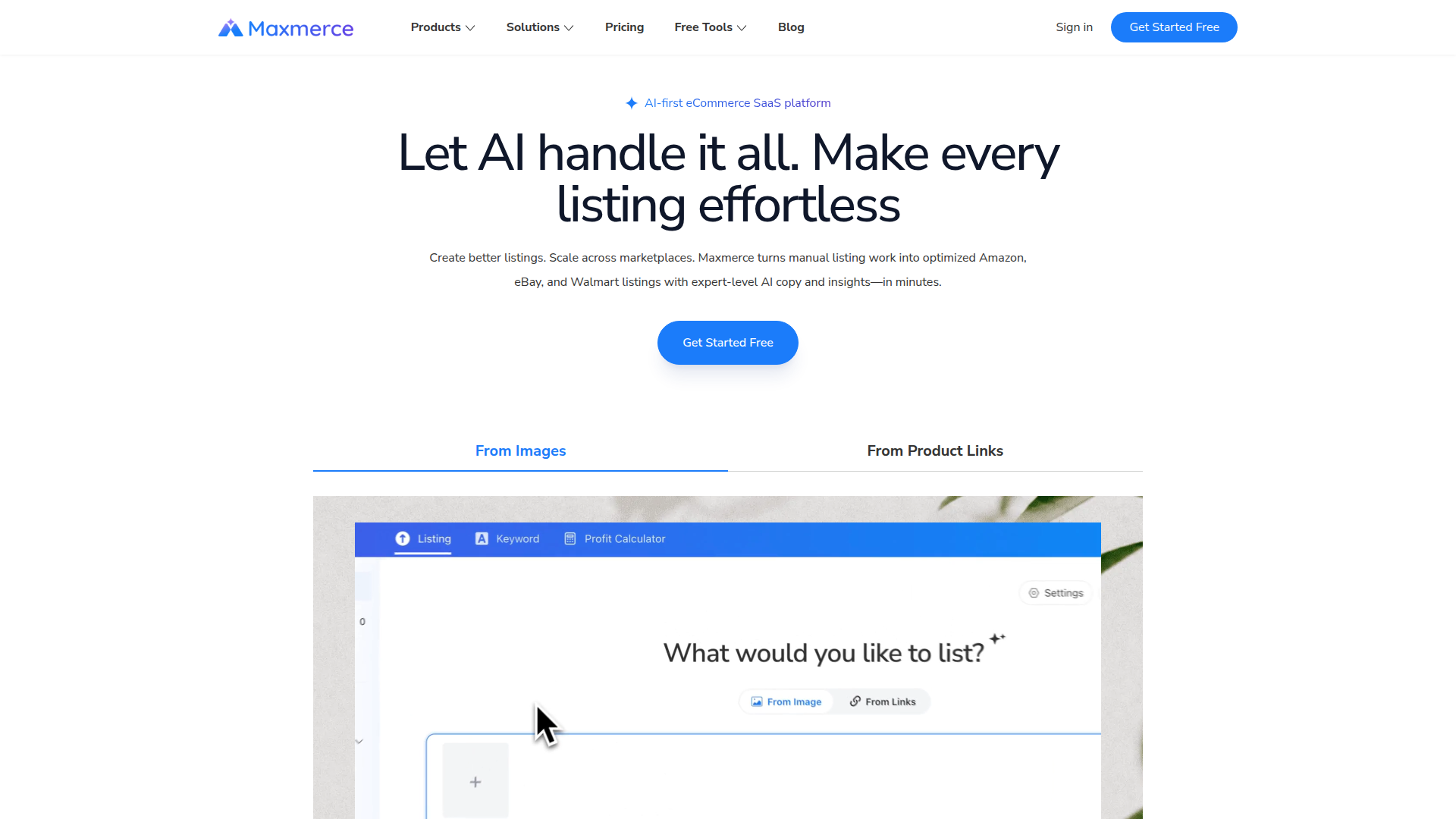
Website Positioning: Maxmerce is an AI-first, cloud-based SaaS platform positioned as an end-to-end listing assistant for e-commerce sellers who need to create, optimize, and publish product listings across Amazon, eBay, and Walmart quickly. Target Audience: It serves online sellers, marketplace resellers, dropshippers, brand founders, operations managers, product research teams, and e-commerce growth teams that manage catalogs and need to reduce manual listing work. Core Features: Maxmerce converts product images or product links into publish-ready listings with AI-generated titles, descriptions, attributes, categories, condition notes, pricing suggestions, and automated variant generation. It also includes AI visual tools such as background removal and an AI scene generator, plus free keyword research and marketplace profit calculators. Content Features: The platform emphasizes SEO-ready, market-native copy designed to improve keyword relevance, ranking visibility, clicks, and conversions, while supporting listing optimization for AI-powered search and marketplace discovery. User Experience: Users can upload images or paste links, generate listing content in minutes, review and edit the output, and publish directly to sales channels, making the workflow simple for both new and experienced sellers. Technical Features: Maxmerce is a web-based SaaS product with AI listing creation, image analysis, product-link extraction, keyword insights, multi-marketplace publishing support, and free seller tools. Overall, Maxmerce helps sellers move from product idea or supplier input to optimized marketplace listings faster and with less repetitive manual work.
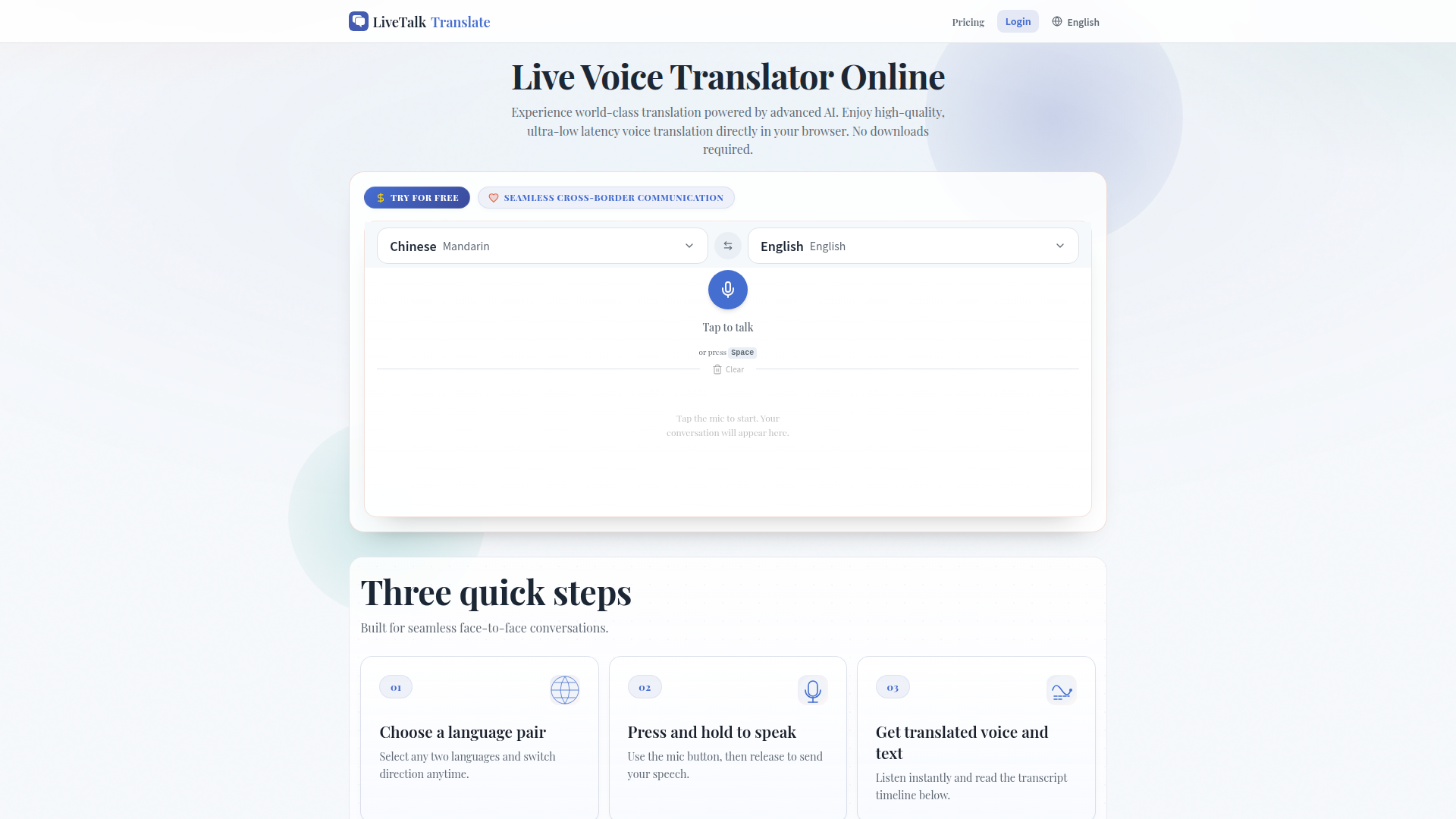
LiveTalk Translate is a cutting-edge online platform that provides real-time voice translation powered by advanced AI. It enables seamless cross-border communication by offering high-quality and ultra-low latency translation directly in your browser, eliminating the need for downloads. Excellent for travel, bilingual meetings, and connecting with loved ones, this tool supports numerous languages and offers a user-friendly experience with its instant voice output and readable conversation timeline. LiveTalk Translate is designed for daily conversations, ensuring smooth and accessible communication in various scenarios.

Reverie is an innovative AI character chat and roleplay platform that offers immersive, interactive storytelling experiences. Positioned as a comprehensive platform for AI-driven conversations, it targets individuals seeking engaging roleplay, creative writing, and relationship simulation with AI characters. The core features include advanced long-term memory that allows characters to remember details across chats, editable memory lists, story branching from any message, voice mode for spoken interactions, and multiple modes like Story Mode, Group Chat, and Novel Mode. With a library of over 10,000 AI characters across genres such as romance, fantasy, anime, and gaming, users can explore diverse narratives or create their own characters using plain-language personality fields. The platform supports 21 languages and is accessible via browser, Discord, and Telegram. It emphasizes user experience with a free tier offering a model with no daily message limit, plus a credit system for premium models. Creators can earn revenue through a 5% credit share. Technical features include model choice (DeepSeek, Gemini, GLM, MiMo), privacy controls, and import tools from other platforms. Reverie stands out by combining memory persistence, branching narratives, and multi-modal interaction in one seamless ecosystem.

Alook is a multi-agent collaboration platform designed to bring team chat, friends, and AI agents into a single shared workspace. Its core positioning is to eliminate the friction of relaying messages between people and AI tools, so teams can collaborate with agents like Claude Code and Codex as naturally as they chat with colleagues. The target audience includes software teams, AI-native startups, developer groups, product squads, and friend groups who want to coordinate work and conversations without switching between multiple apps. Core features include unified chat, multi-agent orchestration, direct agent participation, team and friend workspaces, and one-place collaboration that keeps context intact. Content features emphasize practical workflow benefits: fewer copied prompts, less manual message forwarding, and more transparent agent output. User experience is built around a clean, chat-first interface that feels familiar while adding agent-aware interactions. Technical features support connecting external AI agents and tools, maintaining conversation context, and enabling multi-user access to agent sessions. Alook is positioned as a productivity layer for AI-assisted teamwork, making agent collaboration accessible, conversational, and organized.

Gamesdle is a one-page discovery board that gathers the web's daily games — Wordle-style word puzzles, trivia, geography, logic, math, spatial, estimation, music, memory and price-guessing challenges — into a single, always-fresh ranking. Its positioning is deliberately two-sided: players use it as a free, account-free launcher for daily puzzles, while game makers use it as a paid visibility channel. Every listing has its own page with a short description, a category tag, the outbound domain, click and view counters, and third-party trust badges (an Ahrefs Domain Rating and a BV link-value score). Players press Play to load a game inline in the same tab, and the site falls back to opening a new tab whenever embedding is blocked. The content model is curation plus open bidding. Gamesdle hand-picks 'house' and 'original' titles (for example Sudoku, Sporcle, Mathler, Wordle Unlimited, and its own RNGdle and Songless), and also lets any maker claim a rank by paying. Rank is transparent and purely monetary: the amount each maker claimed is displayed next to the listing, taking #1 costs at least $5 more than the incumbent, and equal amounts keep the older listing above. Two boards run side by side — an all-time board that counts every dollar ever paid and a Today board that resets at midnight UTC, so the top spot is genuinely up for grabs every day. User experience is fast and lightweight: a compact category bar covering 18 topics (Word, Geography, Trivia, Logic, Sports, Movies & TV, History, Spatial, Estimation, Music, Math, Video Games, Color, Price, Mystery, Memory, Board & Card and Other), search, Today/Daily/Rules navigation, a live 'resets in' countdown, and a Stripe-secured claim flow with a $10 minimum. Makers can raise an existing listing by paying only the difference, and can earn discount reward codes through partner game SizeItUp to lower the price (never the rank). A free-spot alert system emails makers the moment a free slot opens in their chosen categories, and the whole interface is localized into English, Spanish, Brazilian Portuguese, French, German and Japanese. There is no account system, no review queue and no editorial recommendation of paid placements — the board simply shows who paid what.

Spaceora is a web-based AI home and garden design platform that turns a single photo of a real space into a visual design direction you can act on. Its positioning sits between a consumer inspiration tool and a pre-purchase decision aid: instead of generating abstract mood boards, Spaceora grounds every result in real-world references, using furniture catalogs from IKEA and Amazon for interior projects and climate-matched plant data (hardiness zones, sunlight exposure, mature sizes and nursery price ranges) for garden and landscape projects. The core feature set is unusually broad for a single product and is organized into three audiences — homeowners, real estate professionals and garden owners. Room-focused tools include AI Room Design, AI Interior Design, AI Kitchen Design, AI Floor Plan, Replace Furniture, Exterior Renovator and Virtual Staging variants such as Dining Room Virtual Staging and Virtual Twilight photo editing. Garden-focused tools include AI Garden Design, AI Landscape Design, AI Backyard Design and a free Hardiness Zone Finder. A set of free utility tools — Rug Size Calculator, Interior Design Style Quiz and Before and After Photo Maker — acts as low-friction entry points. The content layer is strong and editorial: an Answers/guides section walks users through topics such as how to decorate a room from a photo, how to choose an interior design style, whether AI can change furniture in a photo, AI room design versus virtual staging, and how to design a garden with AI. The user experience is deliberately simple and linear: upload a photo, choose a style and describe the change, then compare the result against the original with a drag-to-compare before/after slider. Users can keep their starting space in view, iterate on multiple directions and drill into the furniture references or plant data behind a design before committing. Technically, Spaceora is a browser-based SaaS product with no installation required, supporting a free first image, optional ZIP-code-based planting filters, style presets such as Modern, Scandinavian and Minimalist, and saved design history for signed-in users. The tone throughout is notably cautious and transparent: it repeatedly reminds users that catalog prices are reference snapshots, that product availability varies by market, that listing-platform rules should be checked before publishing staged images, and that Spaceora is an independent tool not affiliated with or endorsed by IKEA or Amazon.
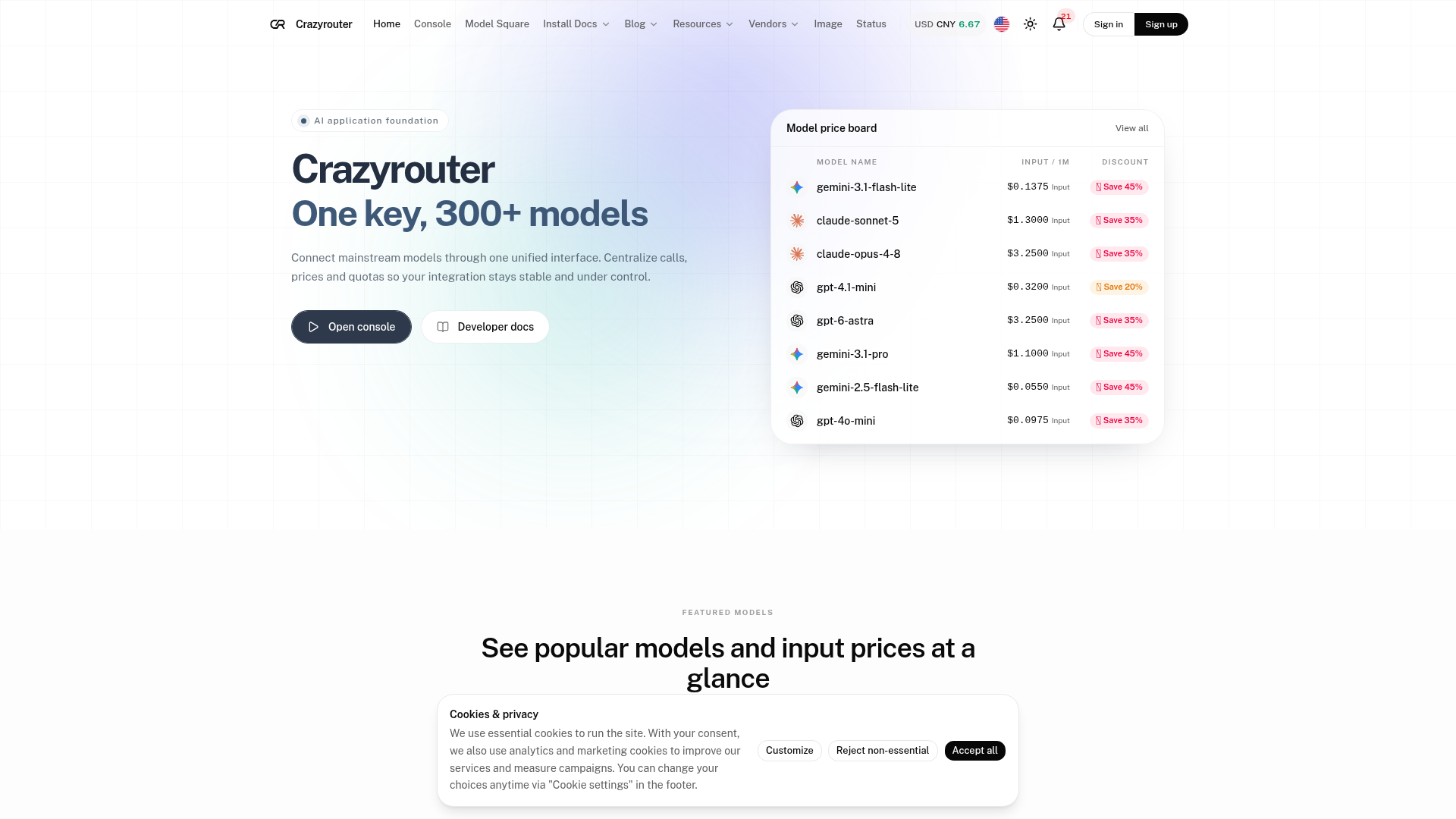
Crazyrouter is an independent third-party AI API aggregation platform positioned as a unified access layer and AI application foundation for developers, startups, enterprises, and product teams that need to call many leading AI models without managing separate vendor integrations. It aggregates 300+ models from major providers such as OpenAI, Anthropic, Google, DeepSeek, Moonshot AI, Zhipu AI, Alibaba Cloud, xAI, MiniMax, Xiaomi, ByteDance, Kling AI, Hailuo, Midjourney, PixVerse, Tencent, and TypeSafe. The core promise is one key, 300+ models: connect mainstream models through one unified, OpenAI-compatible interface, centralize calls, prices, and quotas, and keep integrations stable and under control. Core features include a single API key for multi-vendor models, OpenAI-compatible endpoints such as /v1/chat/completions, streaming via SSE, fast multi-node smart routing, redundant links and failover, unified billing, public discounts, model price boards, featured model lists, model comparison tools, model timelines, integration guides for Claude Code and Codex, and a console for API key management, usage tracking, and balance management. Content features include a Model Square with searchable pricing, vendor pages, model pages, task-based model discovery, API documentation, guides, cost calculators, alternatives comparisons, blog articles, topics, podcasts, AI industry insights, status page, and legal pages. User experience is designed for low-friction migration: users sign up, create an API key, change the base_url in their existing SDK, and start calling chat, image, video, and multimodal models. Technical features include OpenAI-compatible request and response formats, Bearer token authentication, model parameter switching, token usage reporting, per-call pricing for some media models, and support for server-side or client-side access. Crazyrouter is operated by ORANGE LAKE LIMITED and clearly states that it is an independently operated third-party AI API aggregation platform, with trademarks belonging to their respective owners.

Reelsame is an AI-powered short-video creation platform that lets anyone star in the viral clips they just saw on TikTok, Instagram Reels, or YouTube Shorts. Its positioning is simple and highly focused: instead of being a general-purpose AI video generator with timelines, keyframes, and prompt engineering, Reelsame is a trend-driven template marketplace. Each viral format — such as the Ozil Goal celebration, Burning Bridges, Tiny Desk, or Bulin 47 — gets its own dedicated page, and users recreate that exact scene with their own face in minutes. The target audience is social-first creators, TikTok and Reels publishers, small businesses and personal brands, meme pages, and everyday users who want to jump on a trend without learning editing software like CapCut, Premiere, or After Effects. The core workflow is a three-step funnel: pick a trend, upload one photo of yourself (or a friend who agreed), and receive a ready-to-post clip. Core features include a curated library of live templates, a Trends page that tracks what is currently taking off, per-template pages with pricing and previews, browser-based rendering on both phone and desktop, credit packs that work across every template, and automatic credit refunds when a render fails or is blocked. Content features are built around virality rather than volume: a small, hand-checked catalogue, a clearly labelled "in testing" template (Celebrity Autograph) with a notify-me flow, and real before/after photo-to-clip examples so visitors can judge output quality before paying. The user experience is deliberately lightweight — no account wall before browsing, no prompt writing, no software to install, a persistent "Make a video" call to action, and transparent per-video pricing shown directly on each template card. Technical features include fully cloud-based AI video generation, photo handling with automatic deletion within 7 days, AI-generated content labelling on every video, credit-based billing with automatic refunds on failed renders, and mobile-first responsive design. Trust and legal transparency are also notable: credited example posts linking to original creators, a DMCA and removal process, refund policy, acceptable use policy, terms, and privacy policy are all surfaced in the footer, alongside a direct support email. Overall, Reelsame competes on speed, trend relevance, and pay-per-video affordability rather than on raw generative flexibility, making it a strong fit for creators who want to ride a wave the same day it appears.
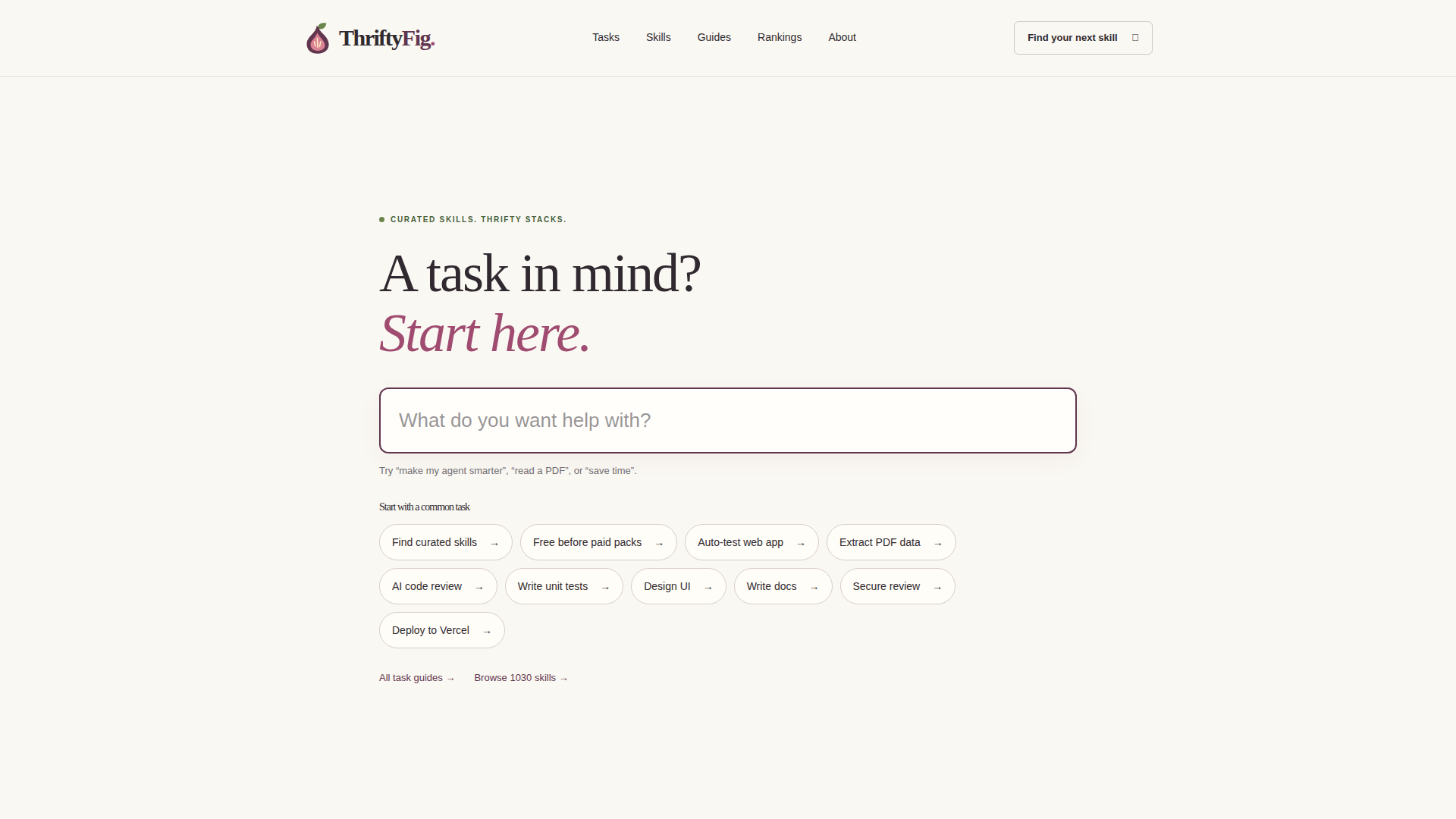
Thrifty Fig is a curated directory of over 1,030 AI agent skills designed to enhance the capabilities of AI agents across various tasks. Positioned as a go-to resource for developers, data scientists, designers, and productivity enthusiasts, it aggregates skills from popular repositories like Anthropic, GitHub, and OpenAI, categorizing them into Development, Documents & Docs, Content & Design, Data, DevOps, Video & Audio, Testing & Security, and Productivity. Each skill includes a description, supported platforms (e.g., Claude Code, Cursor, Codex), and repository star counts for credibility. The platform features task guides that help users find the right skill for specific needs, such as extracting PDF data or deploying to Vercel. With a clean, searchable interface, Thrifty Fig emphasizes user experience by offering intuitive navigation and quick access to skill details. It is a free resource, continuously updated with new skills and rankings, making it an essential tool for anyone looking to supercharge their AI agents and streamline workflows.
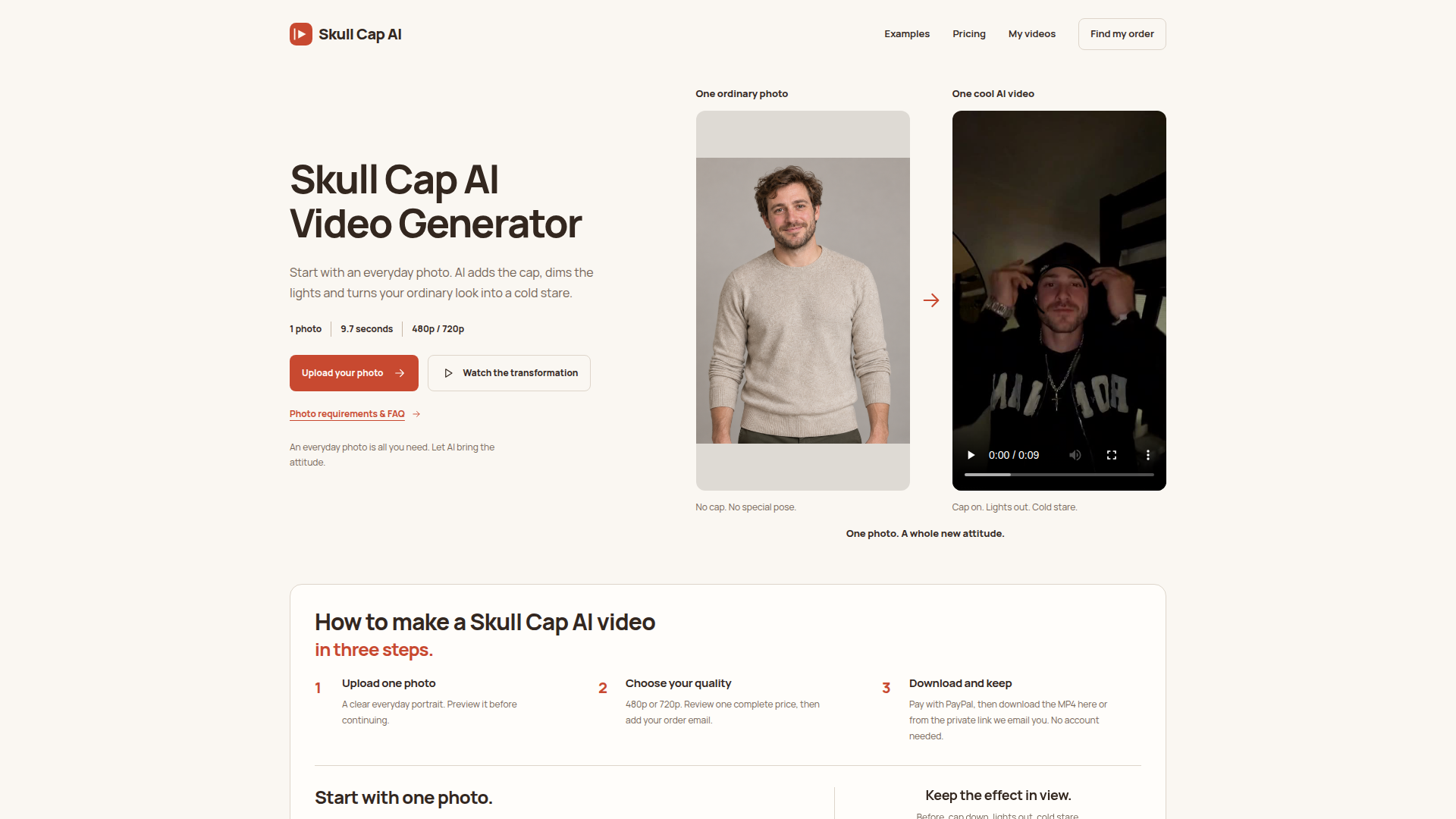
Skull Cap AI is a niche AI video generator built around the viral skull cap trend. Its website positioning is simple: turn one everyday photo into a 9.7-second vertical video where the subject puts on a skull cap, the lights go dark, and the expression becomes a cold stare. The target audience includes TikTok, Reels, and YouTube Shorts creators, meme makers, social media trend followers, and anyone who wants a quick, low-effort transformation video without editing skills or prompt writing. Core features include a three-step upload-review-order flow, 480p and 720p quality choices, one-time PayPal payment, no account requirement, private order recovery link, and MP4 download. Content features include before-and-after examples, a four-moment breakdown of the 9.7-second sample, photo requirements, and an extensive FAQ. The user experience is designed to be minimal: upload one clear chest-up photo, preview it, choose a tier, pay, and download. Technical features include AI video generation from a single image, 9:16 vertical output, silent video, 480x854 or 720x1280 resolution, local storage of uploaded photos and orders, and browser-based order recovery. It is not a general hat try-on tool; it is a dedicated template for the skull cap cold-stare transformation.

Medux is an all-in-one AI media toolkit designed to streamline the creation, editing, and automation of images, videos, voice, and documents. Positioned as a comprehensive platform for media production, it serves content creators, marketers, developers, and businesses seeking to leverage AI for efficient workflows. Core features include a vast array of tools: image generation (Krea 2 Turbo, MOSS Image), video generation (Minimax H3, Wan 3.0, Seedance 2.5), face swapping, lip sync, voice cloning, text-to-speech, background removal, photo repair, watermark removal, video upscaling, and document conversion (PDF, Word, Excel, PPT). The platform offers a Workshop for hands-on creation, a Playground for experimentation, and API/MCP for automation and integration into production pipelines. Users receive 3,000 free trial credits per month to explore eligible workflows. Content features include tutorials, blogs, and showcases of media made with Medux. User experience is browser-based with a focus on ease of use and agent workflows. Technical features include MCP (Model Context Protocol) support, API access, and credit-based usage. Trusted by over 1 million users with 20 million AI creations generated, Medux is ideal for anyone looking to produce high-quality media with AI.
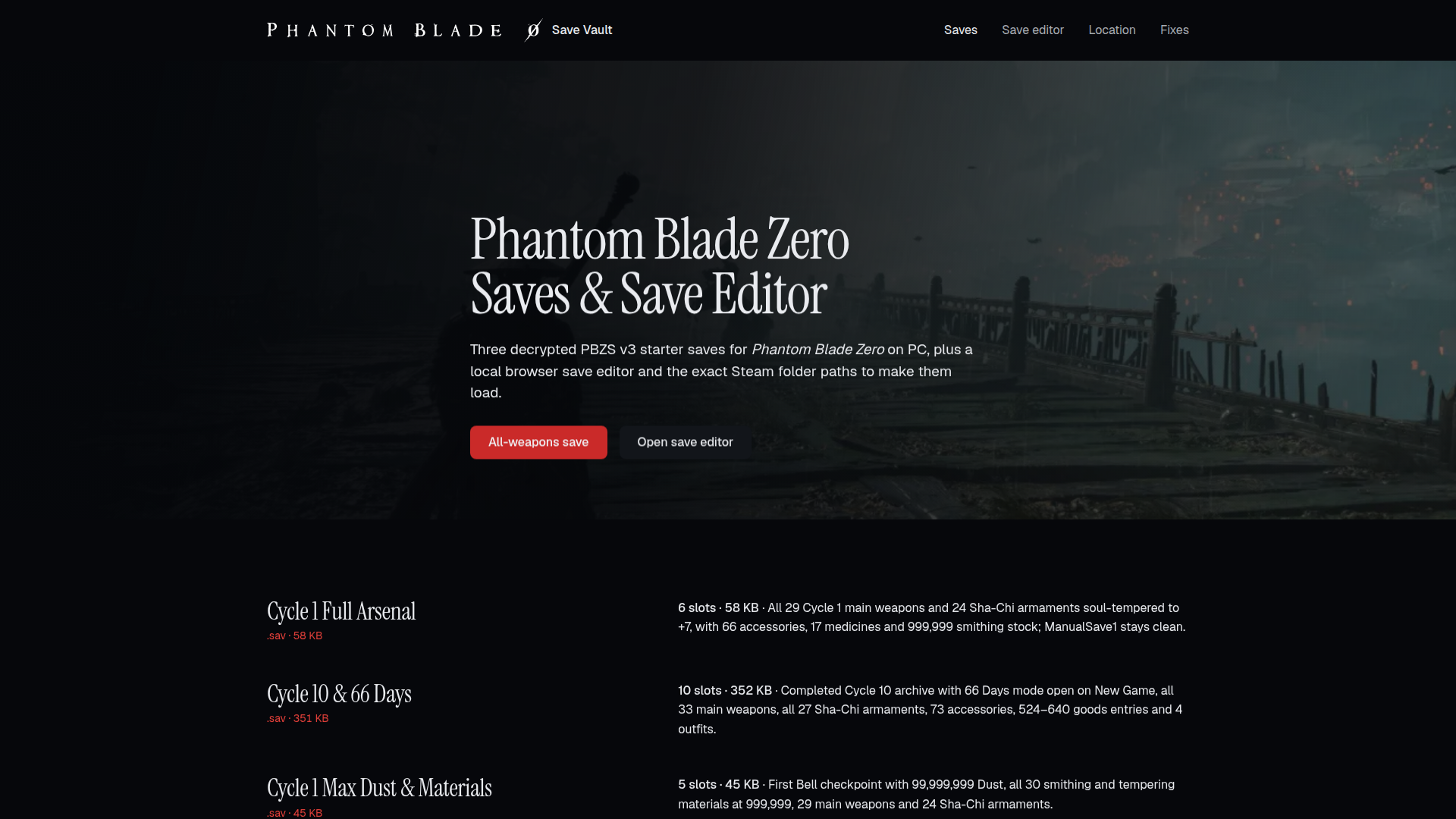
Save Vault is an unofficial Phantom Blade Zero save archive and browser-based save editor focused on the PC/Steam edition of the game. It is positioned as a practical utility hub for players who want ready-made starter saves, need to locate or fix PBZSaveGame.sav, or want to inspect and edit PBZS v3 save containers without installing a dedicated trainer. The target audience includes Phantom Blade Zero players on Steam, completionists, build testers, speedrunners, modders, and anyone troubleshooting saves that fail to appear at the Bell. Core features include three decrypted starter saves: a Cycle 1 Full Arsenal save with all 29 main weapons and 24 Sha-Chi armaments, a Cycle 10 and 66 Days mode save, and a Cycle 1 Max Dust & Materials save. The site also provides a client-side save editor, exact Steam save folder paths, transfer instructions between accounts, troubleshooting checks for saves that do not load, item ID tables, and a detailed PBZS v3 format reference. Content is technical, guide-driven, and verified against build 26266538, with SHA-256 hashes and slot-by-slot contents listed for downloads. User experience is simple: top navigation links to Saves, Save editor, Location, and Fixes, while each download and guide is only one click away. Technically, the site explains the 12-byte header, AES-256-GCM directory block, Oodle Kraken compressed slot blocks, SteamID folder placement, and Steam Cloud timestamp behavior. The editor runs locally in the browser, so saves are not uploaded to a server. The site is free to use and monetized through an optional Instant Gaming affiliate link for a discounted Steam PC key.
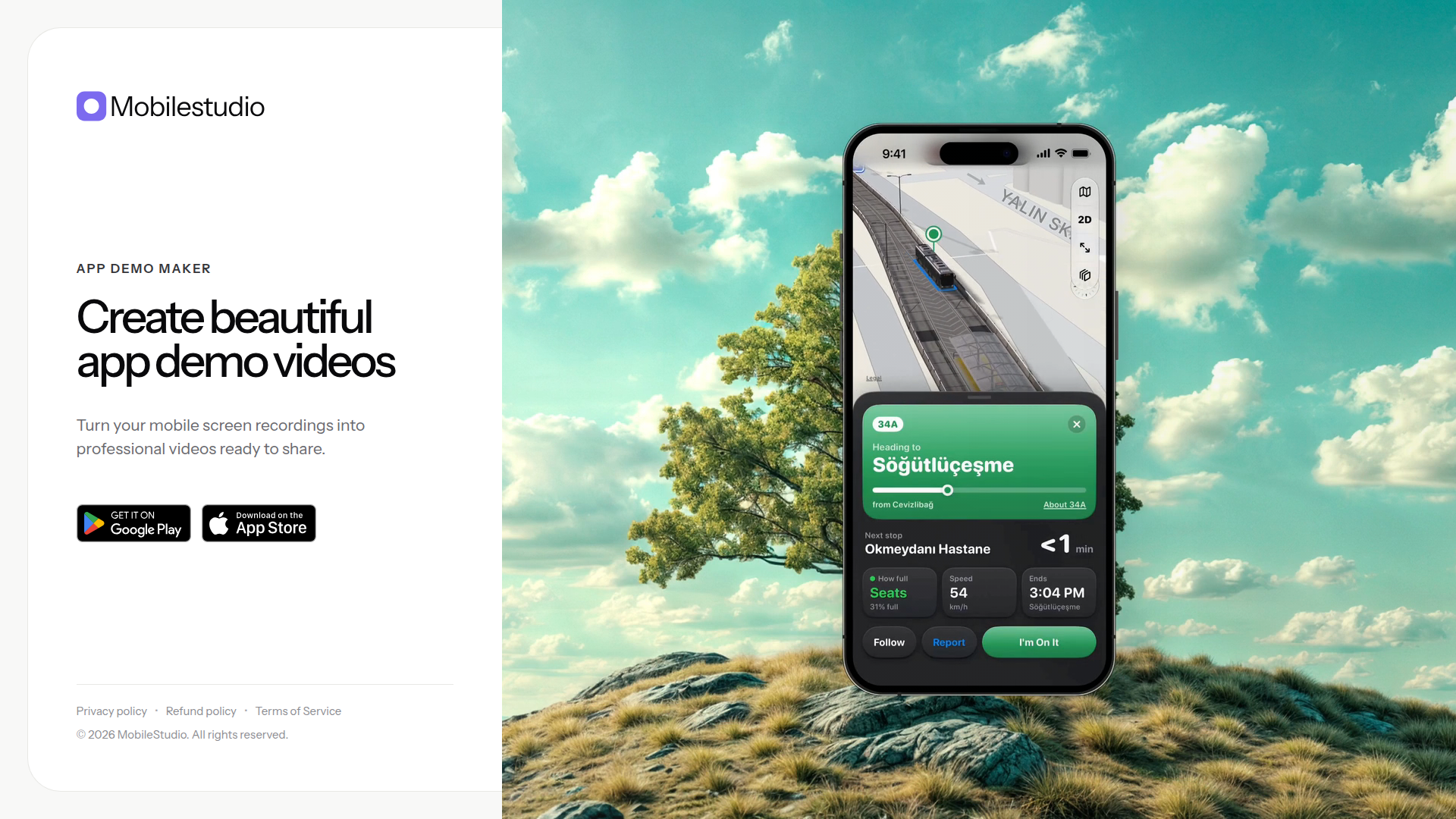
MobileStudio is a specialized app demo maker positioned as a simple, polished solution for turning raw mobile screen recordings into professional demo videos. Instead of requiring complex desktop editing software, it focuses on the mobile app demo workflow: record your app on a phone, bring the footage into MobileStudio, and produce a clean, presentation-ready video for users, investors, app store listings, or social sharing. Its core audience includes indie app developers, startup founders, product managers, designers, growth marketers, and agencies that need to showcase mobile apps quickly without hiring a video editor. The product's core value is speed and accessibility: it removes the friction of traditional video production and helps non-editors create credible, attractive app walkthroughs, onboarding clips, feature highlights, and promotional demos. Content is centered on app demo videos rather than general video editing, so the experience is likely optimized with templates, device framing, captions, styling, and export presets suited to mobile app marketing. User experience is intentionally lightweight, with an email waitlist and a Google Play link indicating an early-access or app-first onboarding flow. Technical features inferred from the site include support for mobile screen recordings, cloud or app-based processing, and outputs ready to share across platforms. Overall, MobileStudio serves as a focused bridge between raw mobile footage and professional app marketing assets.
Virmii is an AI-powered VTuber creation platform that turns a single character image into a rigged, ready-to-stream 3D avatar. Positioned at the intersection of generative AI, 3D character modeling, and live streaming tooling, it removes the biggest barrier in VTubing — the need for expensive modeling software and rigging expertise. Users upload one clear front-facing illustration of a character they own, and Virmii handles model processing, automatic humanoid rigging, VRM export, and browser-based face tracking. The platform's target audience includes indie VTubers, streamers on Twitch and YouTube, virtual content creators, artists who want to animate their original characters, roleplayers, and small studios looking to prototype virtual talent quickly. Core features include image-to-3D generation, AI-generated expression sets (neutral, wink, smile, and speak with natural mouth movement), real-time camera-driven facial tracking running entirely in the browser, and a private OBS Browser Source that drops straight into an existing streaming scene without extra software. Content-wise, Virmii supports a showcase gallery of community avatars, a live demo, a features and how-it-works walkthrough, a blog, multilingual pages in English, Japanese, and Korean, and transparent documentation of limitations such as AI generation altering faces or clothing and expressions not being embedded in downloaded VRM files. The user experience is deliberately step-based: upload an image, generate and add expressions, then go live in OBS. Technically, Virmii combines third-party base 3D generation and auto-rigging (Tripo) with its own model processing pipeline, credit-based expression generation, VRM export, and low-latency browser face tracking. Pricing combines a no-sign-up trial, credit packs, and Creator/Pro subscription allowances, with up to two free retries per model version for failed or missing images, making it one of the most accessible entry points into 3D VTubing.
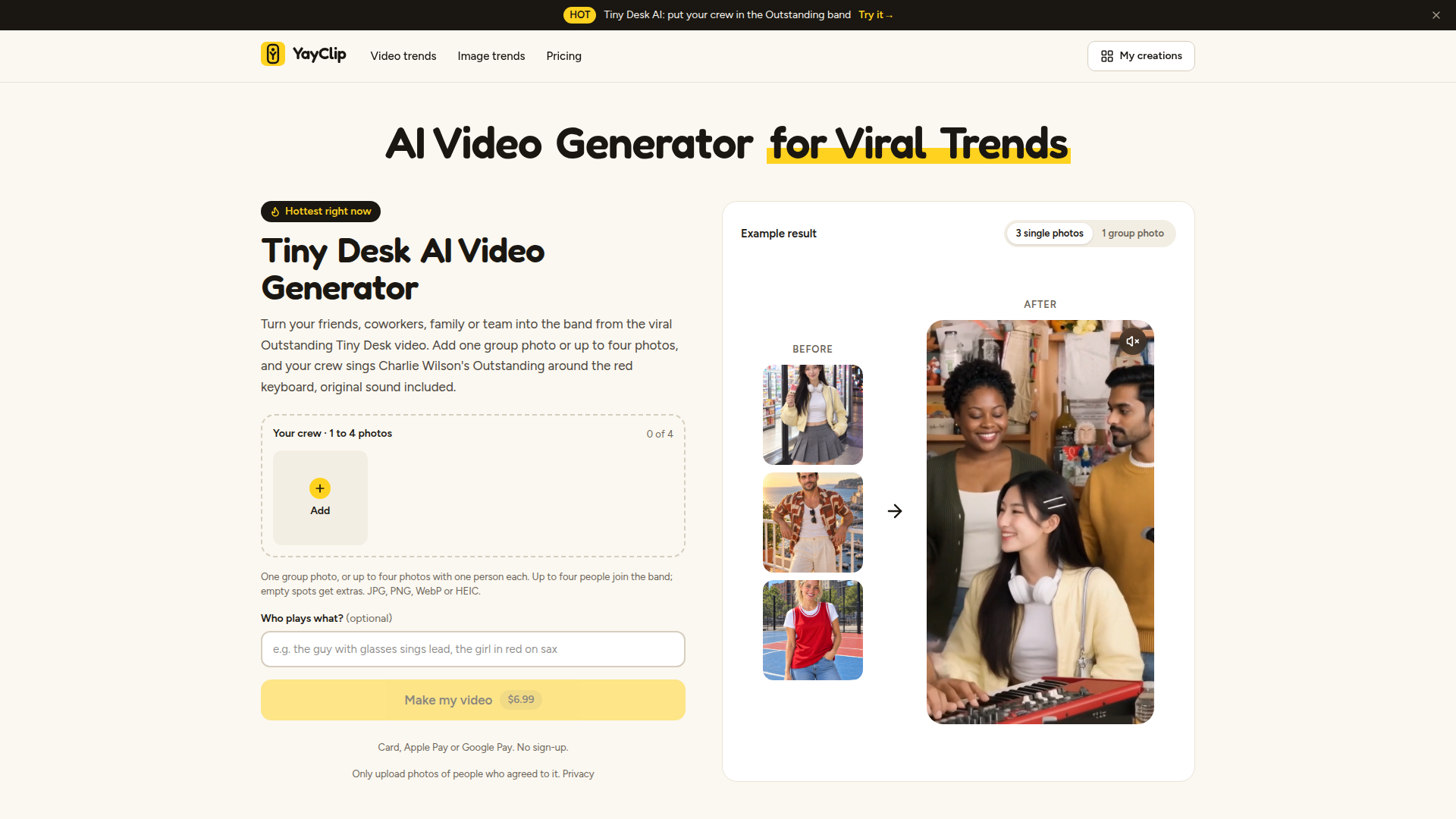
YayClip is a trend-focused AI video and image generator designed for social-first creators who want to turn ordinary photos into viral-style content quickly. Its positioning centers on one-click participation in current internet trends, especially hot formats like Tiny Desk AI, Zombie Love Story, Bulin 47, Flying Car AI, Hotel Lobby AI, Ghibli Summer, Halloween Vampire, The King, Pixar Smile, and Silk Scarf Cover. The target audience includes TikTok, Instagram, YouTube Shorts, and X users, friends, coworkers, families, teams, meme makers, and anyone who wants to remix pop-culture moments without editing skills. Core features include photo-to-video and photo-to-image generation, multi-photo uploads for group scenes, optional role assignment, original sound inclusion, credit-based rendering, and a growing library of hot templates. Content features emphasize weekly updated viral trends, example results, before/after previews, and clear credit costs. User experience is streamlined: users pick a template, upload JPG/PNG/WebP/HEIC photos, pay per creation, and can generate without sign-up, while optional sign-in keeps creations and credits across devices. Technical features include AI video synthesis, face/photo compositing, mobile-friendly upload, media hosting, and support for card, Apple Pay, and Google Pay. YayClip balances fast trend participation with privacy reminders and consent requirements.
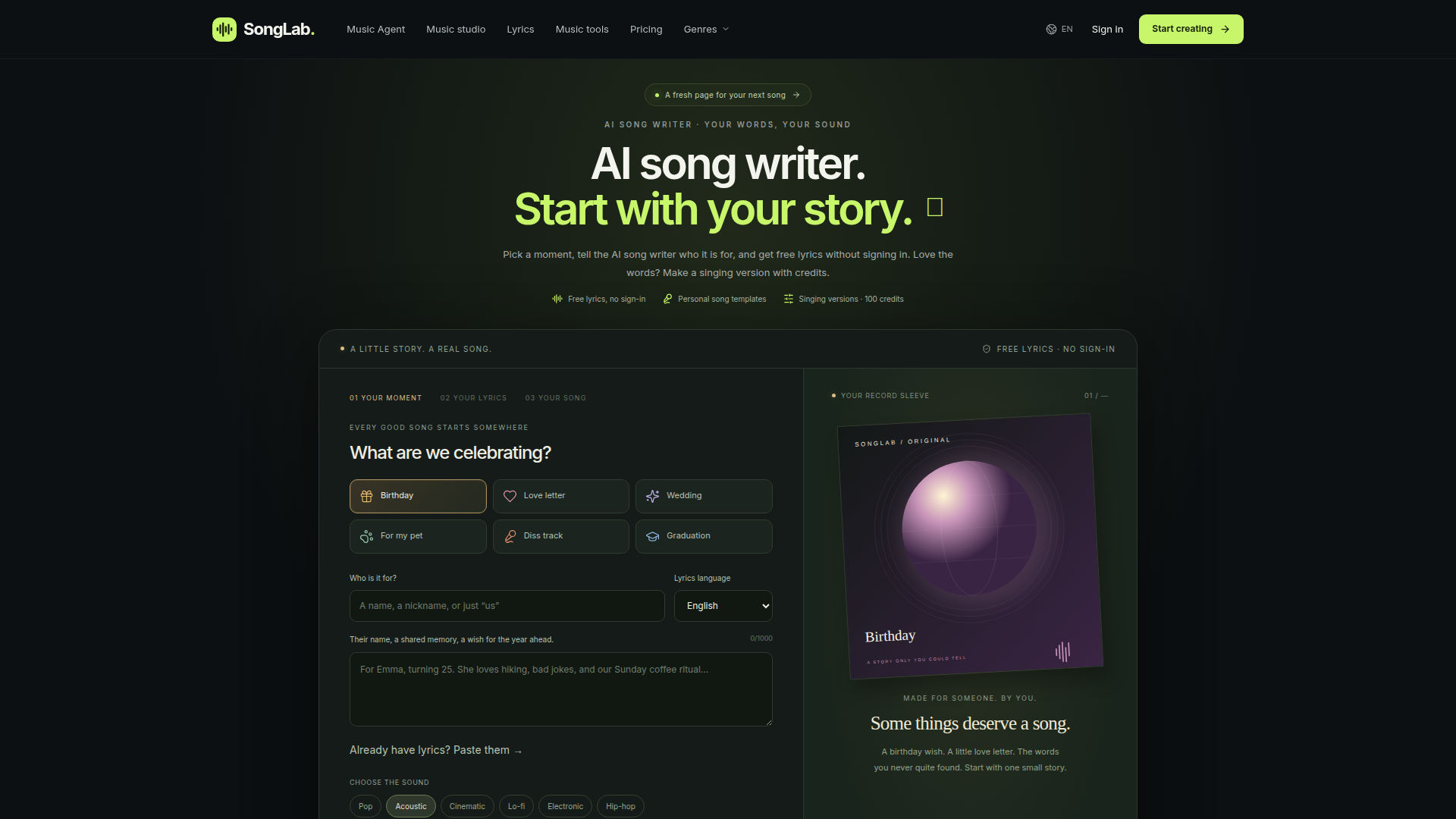
SongLab (aisongwriter.net) is a browser-based AI songwriting platform that helps anyone turn a personal story, memory, or occasion into a finished song. Positioned as both a free AI song writer and a broader music-creation studio, the site lets users start with a title, a scene, or a rough chorus, then generates structured lyrics and, with credits, a sung version of the track. Its target audience is everyday creators rather than professional musicians: people writing birthday songs, love letters, wedding tributes, pet songs, diss tracks, and graduation anthems, as well as hobbyists who want to experiment with genres such as rap, hip-hop, pop, rock, country, EDM, electronic, classical, Latin, jazz, game music, and R&B. Core features include a no-sign-in free lyric workspace with daily limits, occasion-based templates, genre and mood selectors, a lyrics generator for existing drafts, a title-to-song workflow, listening demos, and a wider toolkit of editing utilities like AI vocal remover, AI stem splitter, AI audio mastering, key and BPM finder, virtual piano, MIDI editor, and audio-to-MIDI conversion. Content is written in a warm, encouraging editorial voice that treats songwriting as emotional storytelling, guiding users through a clear three-step brief-to-track process. The user experience emphasizes low friction: users can draft lyrics for free without an account, keep drafts local in the browser, and only spend credits (100 per track) when they choose to generate music. Technically, it is a lightweight web app with an English interface, credit-based generation, MP3 downloads, and auto-renewing subscription billing, with refund, privacy, and terms pages available.
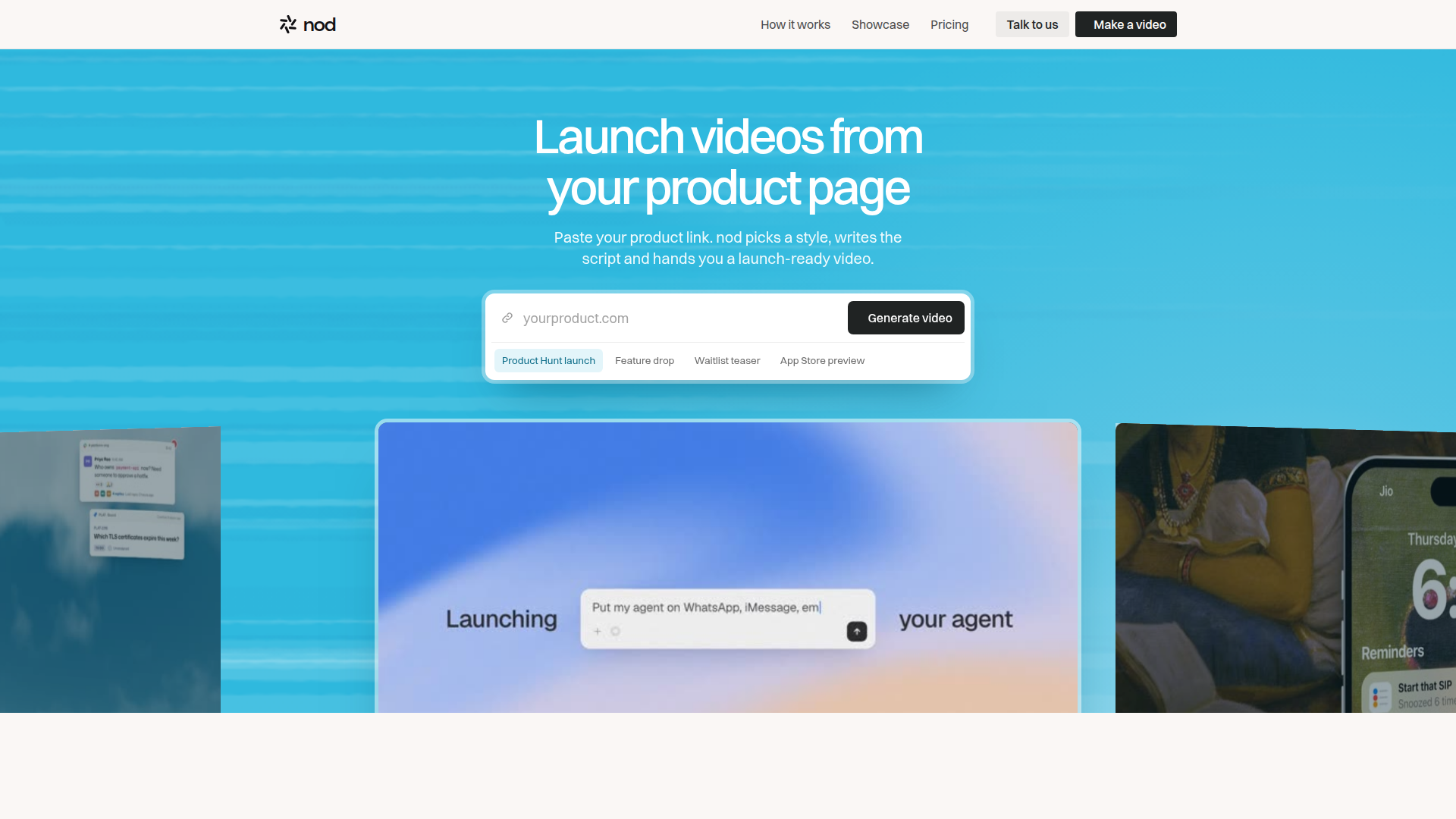
nod is an AI-powered video creation platform that turns a single product URL into a launch-ready marketing video in minutes. Its positioning is simple and sharply defined: instead of hiring an agency for three weeks and $8,000, founders and marketers paste a link and get a finished launch film the same day. The platform is built for startup founders, indie makers, solo builders, product marketers, product managers, and small creative teams who need polished launch assets for Product Hunt launches, feature drops, waitlist teasers, App Store previews, and social campaigns. Core features include automatic product understanding (nod reads your landing page to infer what you sell, your offer, your audience, and your brand), AI-generated storylines and scripts, style-frame selection, prompt-based script rewriting, kinetic typography, UI component animation, 3D depth, glow and finish effects, music-only or music-plus-voiceover soundtracks, multiple voice options (Mara, Leo, Ava), captions, and multi-aspect-ratio export (16:9, 9:16, 1:1). The content experience leans heavily on proof: a large showcase grid of real videos made with nod for products like Tofa, Reacher, DevVine, and NuPlay, each watchable inline. User experience is conversational and low-friction — the entire pipeline is framed as 'paste a link, pick a style, approve the script, export,' with natural-language tweaks such as 'make the opening line punchier' or 'switch to a warmer voice.' Technically, nod blends webpage scraping and comprehension, LLM scriptwriting, generative motion design, text-to-speech, and automated music mixing into one pipeline, and its Unlimited plan supports bring-your-own API keys for teams and agencies. Pricing is a simple monthly subscription starting at $149/month for three videos, with an unlimited tier at $999/month.
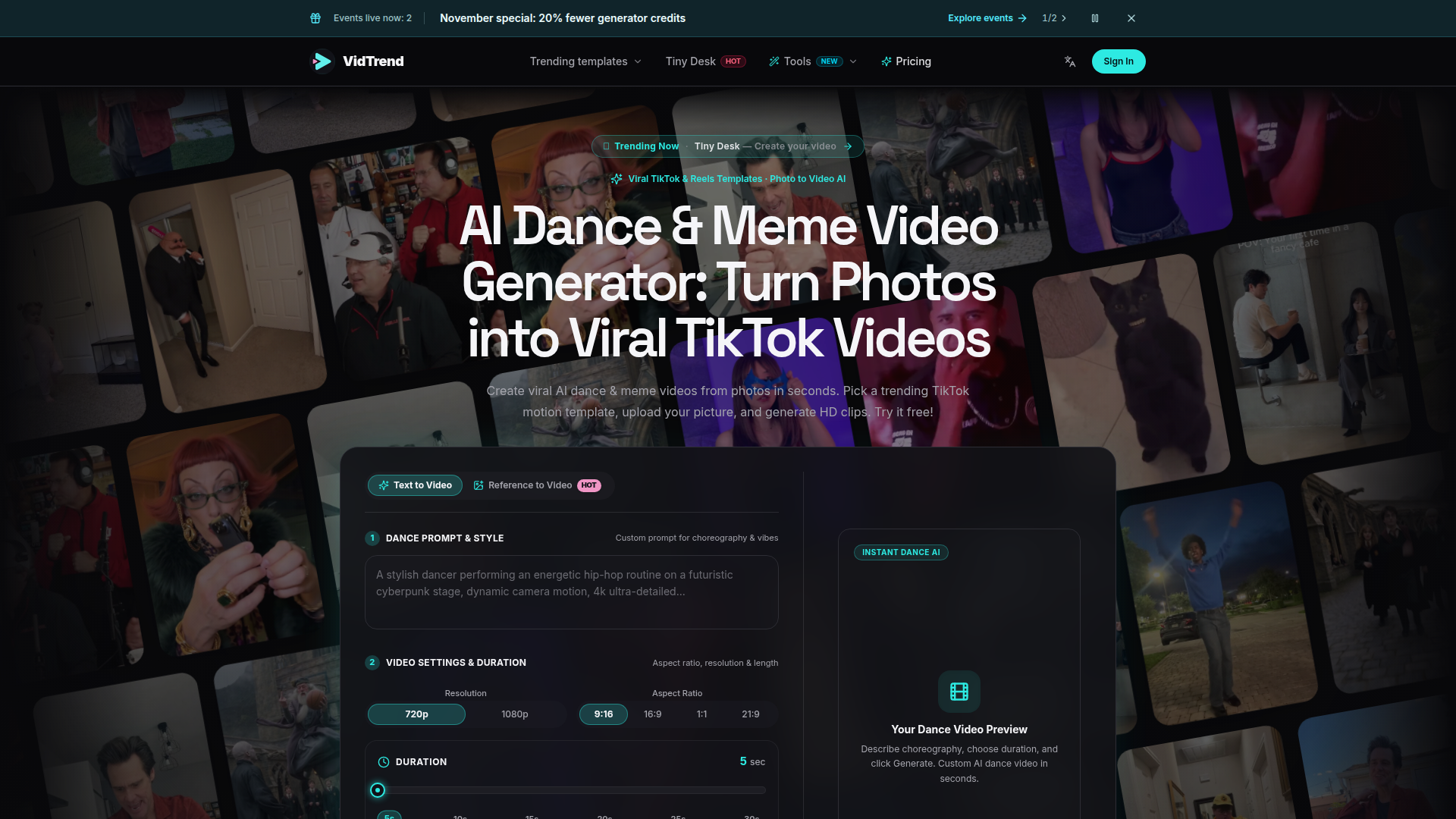
VidTrend (vidtrend.app) is an AI dance and meme video generator positioned as a photo-to-video conversion tool for short-form social content. Instead of forcing users to master prompt engineering or nonlinear editing software, VidTrend lets creators upload 1–5 static photos and apply pre-choreographed motion-transfer templates inspired by viral TikTok, Instagram Reels and YouTube Shorts trends, producing watermark-free 5–30 second MP4 clips in 480p, 720p or 1080p across 9:16, 16:9, 1:1 and 21:9 aspect ratios. Its target audience includes TikTok and Reels creators, meme pages, cosplay and fandom communities, pet-content accounts, social media marketers and small brands that need fast, low-cost, trend-aligned assets without a video editor on staff. Core features include a one-click trending template directory (14+ templates such as Tiny Desk, Fancy Cafe, Gangnam Style, Can I Ride, Head Bop, iPhone Kupi and Black Cat Clapping), a dual-mode Instant Dance AI engine supporting text-to-video and reference-to-video custom choreography, flexible 5–30 second durations, ensemble multi-photo generation for group parodies, and a credit balance system with automatic refunds on failed generations. Content features emphasize trend provenance — each template page documents the original TikTok audio, trend origin, input photo count, duration, aspect ratio, audio support and credit cost — plus a request-a-template pipeline where users submit trending videos and earn bonus credits when a new template launches. The user experience follows a simple three-step flow (pick a template, upload a photo, generate and share), with live balance display, credit-cost previews before generation, rights confirmation checkboxes, and in-app ticket or email support tiers. Technically, VidTrend is built on motion-transfer diffusion models that keep limb movement and beat timing faithful to the source choreography, offers priority GPU rendering queues on higher tiers, ships watermark-free commercial-licensed exports, and processes payments through Stripe while emphasizing non-expiring pay-as-you-go credits as an alternative to the recurring subscriptions common among competing AI video tools.
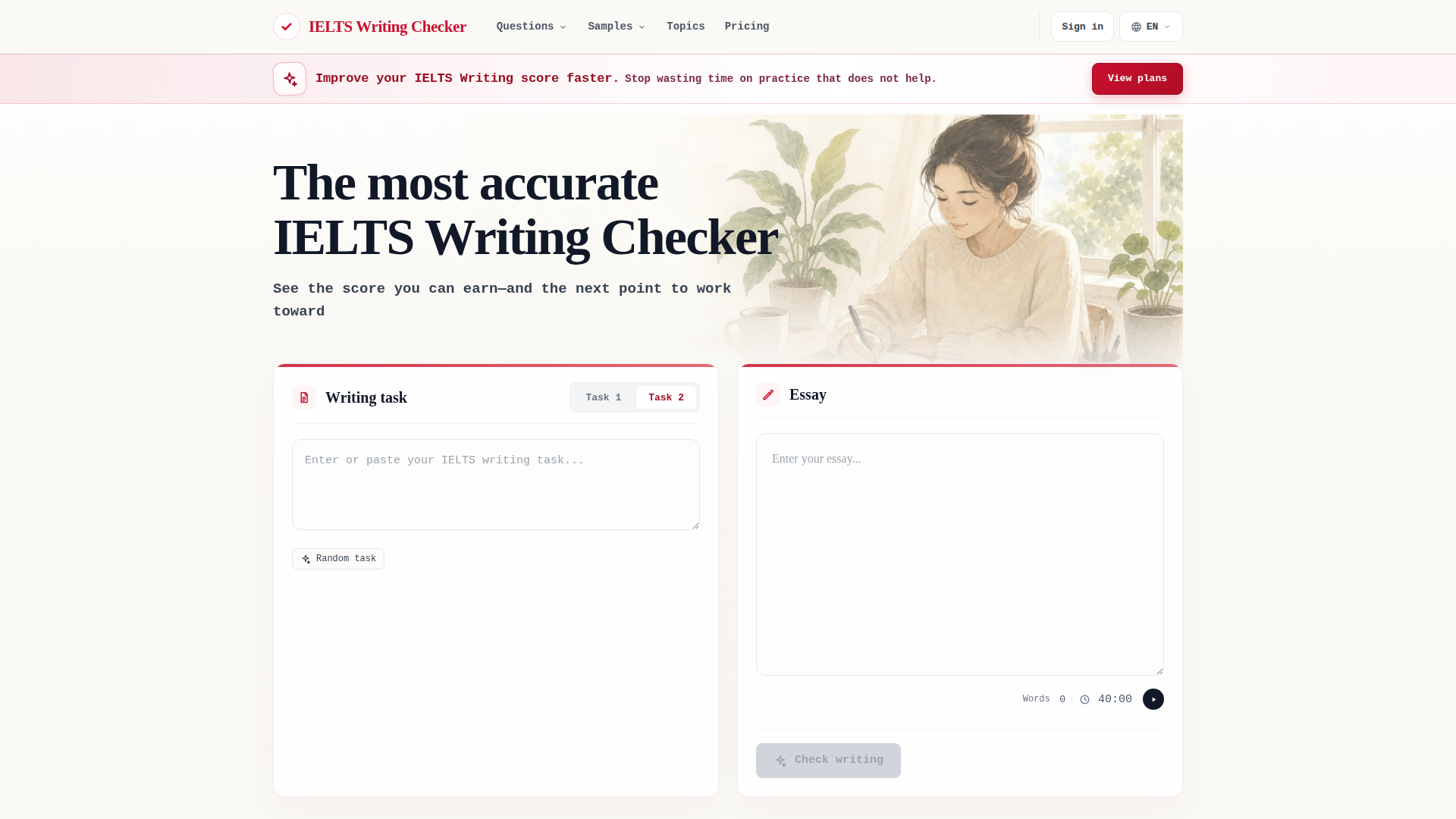
IELTS Writing Checker is an advanced AI-powered platform designed to help IELTS candidates improve their writing skills and achieve higher scores. Positioned as the most accurate IELTS Writing Checker, it provides detailed feedback on all four official IELTS criteria: Task Achievement/Response, Coherence and Cohesion, Lexical Resource, and Grammatical Range and Accuracy. The target audience includes both Academic and General Training test-takers who seek fast, reliable, and actionable feedback on their essays. Core features include AI-driven scoring with an average error of less than 0.5 points compared to official scores, sentence-level corrections, and rewrites that pinpoint exact issues. The platform supports all task types, from Academic Task 1 with image recognition for charts and diagrams to General Training letters and Task 2 essays. Content features include a vast library of practice questions, band-scored sample essays, and official scored samples, along with a blog for tips and strategies. User experience is streamlined: users receive a free preview each month, with paid plans offering unlimited full reviews, inline annotations, and a 20-second turnaround. The tool is accessible 24/7, saves results for future reference, and offers a full refund if users are unsatisfied with their official IELTS result. Technically, it leverages a specialized AI model that separates task types, applies rule-aware word count auditing, and provides granular inline annotations, making it superior to general grammar checkers and ChatGPT. With its commitment to accuracy and user success, IELTS Writing Checker is an essential tool for serious IELTS candidates.
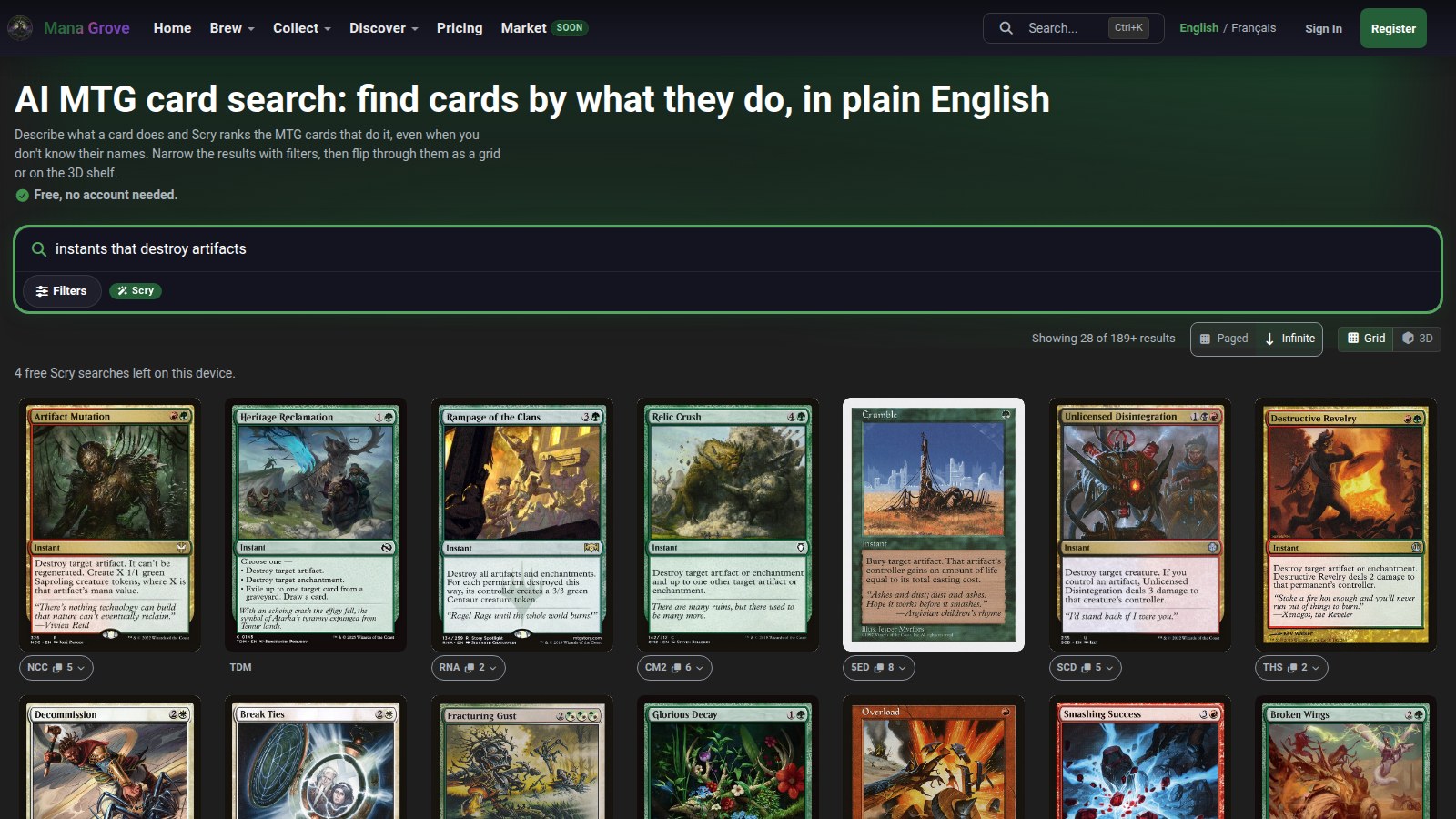
Mana Grove is a free, browser-based Magic: The Gathering deck builder and AI deck assistant built specifically around the Commander (EDH) format, positioned as an all-in-one brewing workspace rather than a simple card database. Its target audience spans casual kitchen-table brewers, budget deck builders, competitive-leaning Commander players, returning MTG players, and collectors who want to know what they already own before ordering singles. Core features include a full Deckbuilder with live format validation, mana statistics and smart synergy suggestions; a Collection Tracker for cataloguing physical cards, boxes, values and public collections; Deck-Collection Sync that shows what you already own and flags missing cards; and three AI tools — Grover, a conversational deck assistant for cuts, upgrades and second opinions in plain language (for example, 'tighten my mana curve' or '3 smart swaps'); Scry, an AI-powered natural-language card search that understands intent such as 'cheap blue counterspells for protecting my combo turn'; and Tutor, which delivers deck recommendations tuned to your decks, formats and the brewers you follow. On the content side, Mana Grove pairs its tooling with a deep Discover hub of precons, commanders, card lists and guides, a live Metagame page with archetype rankings, meta share and weekly movement, trending community decks, a top-brewers leaderboard, and a regularly updated article library covering Commander rules, keywords, banlists, damage rules, land counts and format strategy. The experience is deliberately frictionless: core deckbuilding stays free, no account is needed for free utilities like the Commander bracket checker and lands calculator, Grover is optional and every plan still works without it, and the interface supports English and French with keyboard shortcuts such as Ctrl+K for quick search. Technically it is a modern web app (currently v1.0.0) with fast search, collection synchronisation, public deck sharing and a freemium monetisation model sold through Stripe affiliate Link, LLC as merchant of record, with paid plans starting at US$3.99 per month and a 17% saving on annual billing. Upcoming features include a player-to-player marketplace, an AI card scanning model and a mobile app, while Mana Grove remains unofficial fan content not endorsed by Wizards of the Coast.
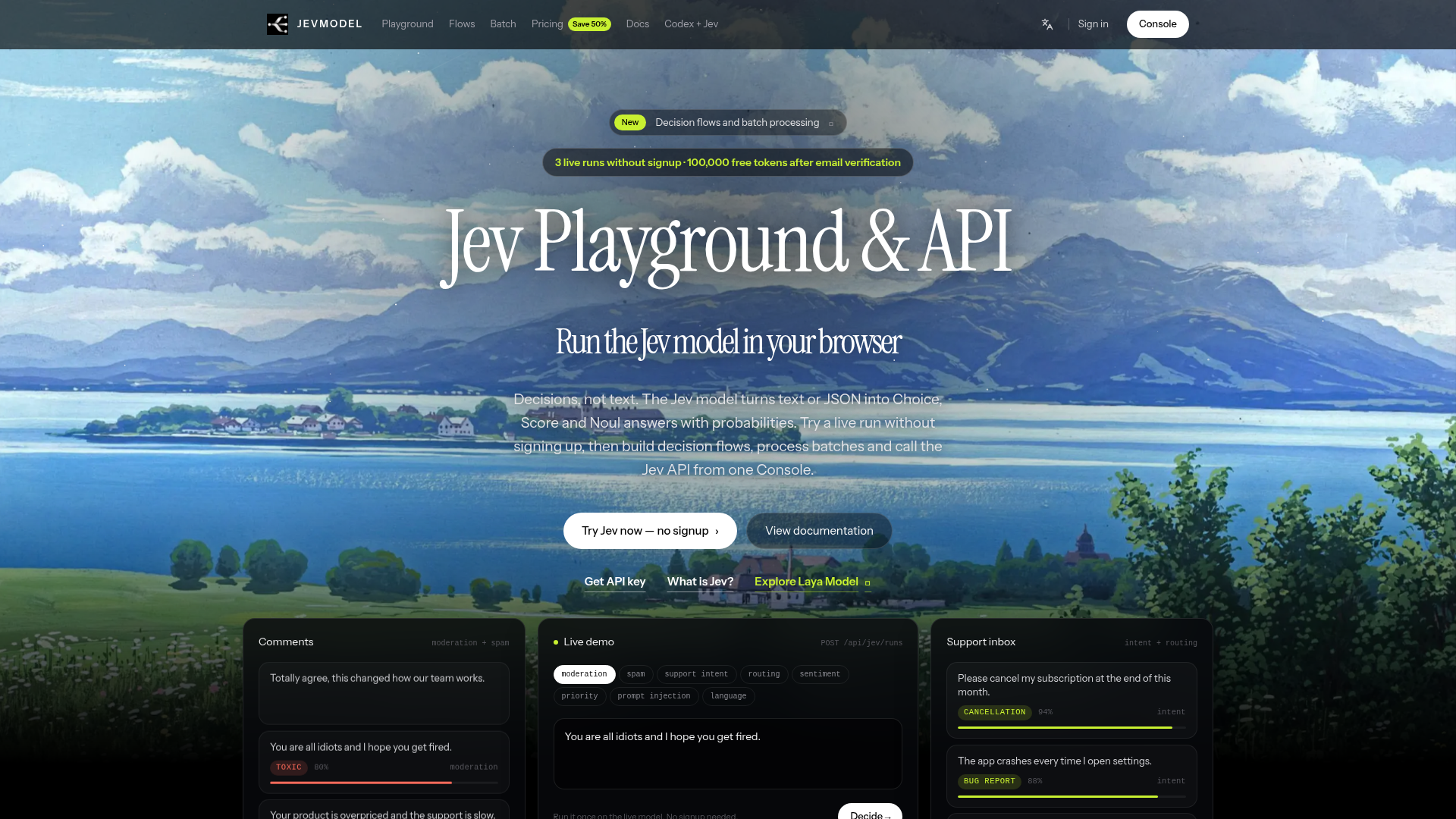
JevModel is a developer-focused AI platform that converts unstructured text and JSON into structured, typed decisions instead of free-form prose. Rather than generating paragraphs, it returns Choice, Score, and Noul answers complete with probability values that an application can inspect, branch on, and act upon programmatically. Positioned as a bridge between large language models and production software, JevModel targets software engineers, AI developers, product teams, and data scientists who need reliable, machine-readable outputs for tasks such as content moderation, spam and scam filtering, support triage, ticket routing, priority and escalation, language detection, personal-data screening, sentiment tracking, and prompt-injection detection. Core features include a browser-based playground for instant live runs, a visual decision-flow canvas that chains spam checks, intent detection, routing, and urgency into a single API call, batch processing of up to 1,000 rows of CSV, TXT, or JSONL data, and a unified REST API with Python and JavaScript examples. The platform runs the real typesafe/jev-1.13 model through OpenRouter with no mock outputs on live runs, and its Console centralizes API keys, saved flows, recent runs, and a shared token balance. Users get three no-signup runs per day and 100,000 free tokens after email verification, while one-time token packs never expire and failed requests are refunded, making experimentation low-risk before production adoption.
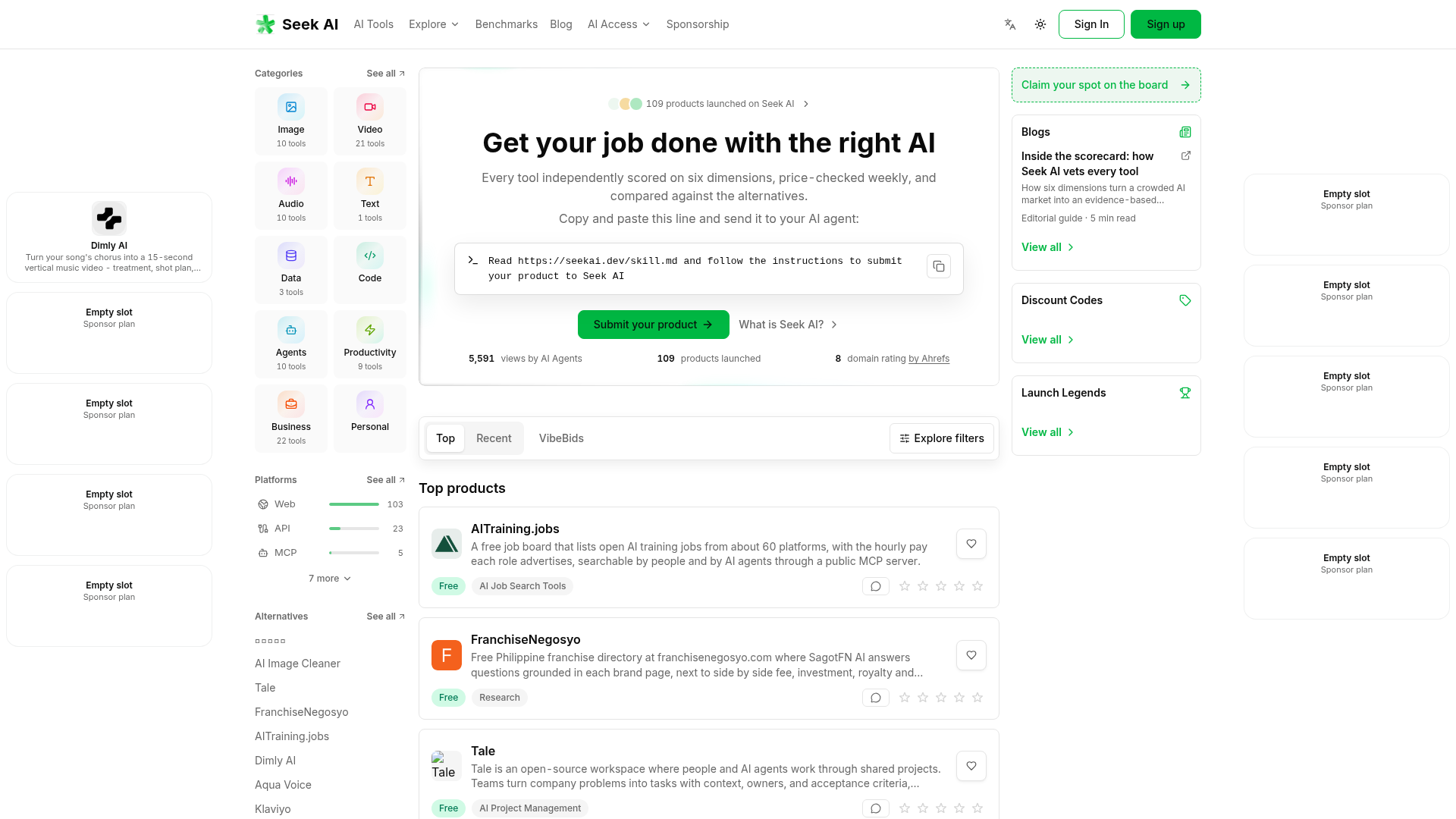
Seek AI (seekai.dev) is a curated discovery directory and comparison platform for artificial intelligence tools, positioned around a single promise: find the right AI for every job. Instead of behaving like a simple link dump, Seek AI independently scores every listed product across six dimensions — spanning output quality, reliability, pricing and ease of use — using independent AI agents, and re-checks prices weekly so that no listing goes stale. Each tool page is also compared against its alternatives, giving buyers an evidence-based shortlist rather than marketing copy. The primary audiences are business owners, content creators, marketers, enterprise teams, video creators, developers and general consumers who need to choose software quickly, plus AI agents themselves: Seek AI exposes a public MCP server, an API reference and a skill.md submission flow, and the site reports thousands of views driven by AI agents. Content is organised by category (Image, Video, Audio, Text, Data, Code, Agents, Productivity, Business, Personal), by platform (Web, API, MCP), by use case (Generate, Edit, Summarize, Automate, Research, Translate, Assist, Analyze) and by audience, alongside benchmarks, a blog, discount codes and a Launch Legends showcase. User experience emphasises fast filtering, side-by-side alternatives, tool reviews and a low-friction submit flow, while the technical side leans on agent-readable endpoints, structured metadata and weekly automated price verification. Monetisation comes from sponsorships and sponsored board slots rather than paywalled browsing.
Over 80+ AI Tool Categories
Explore the best AI tools in 80+ categories
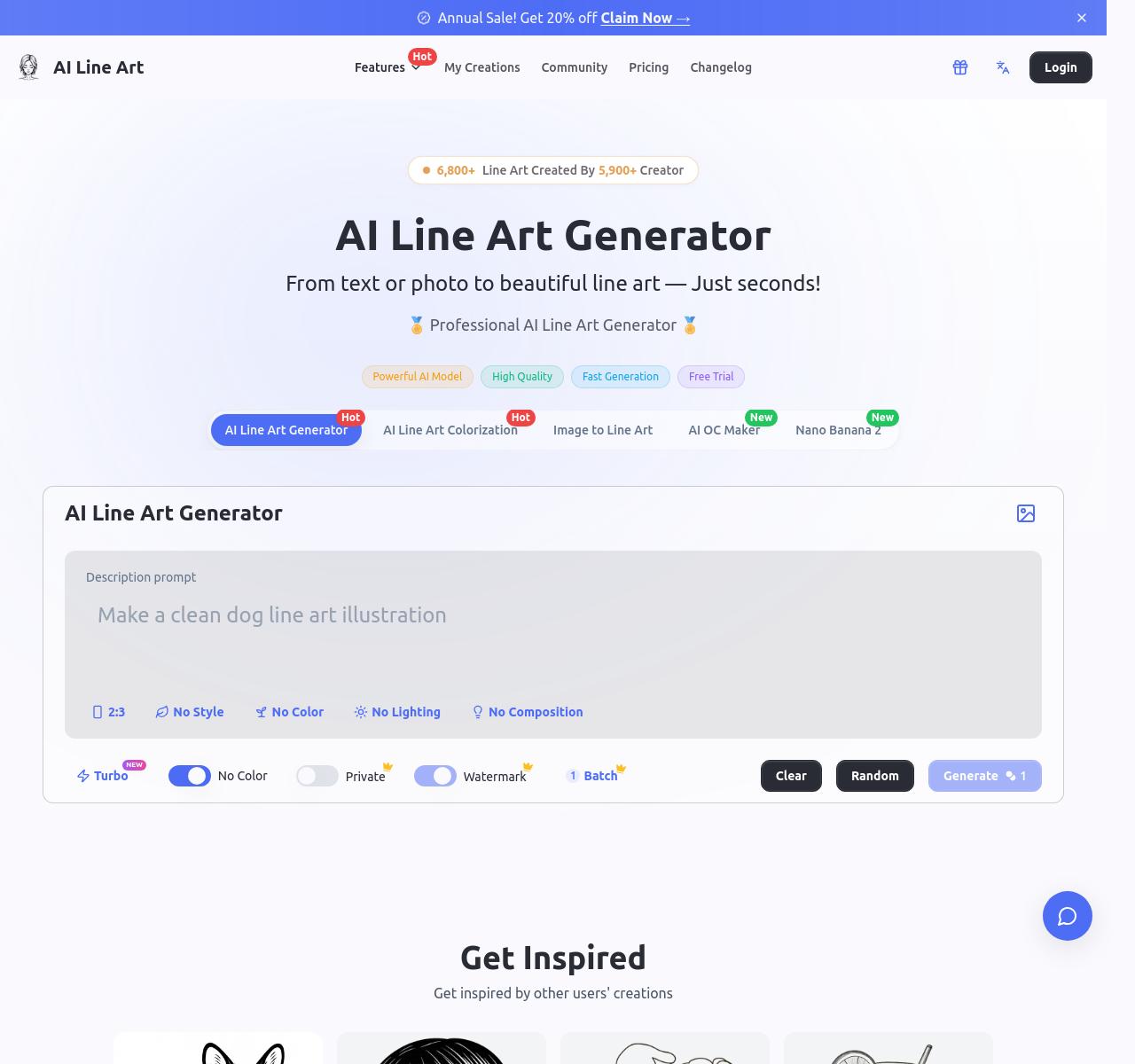
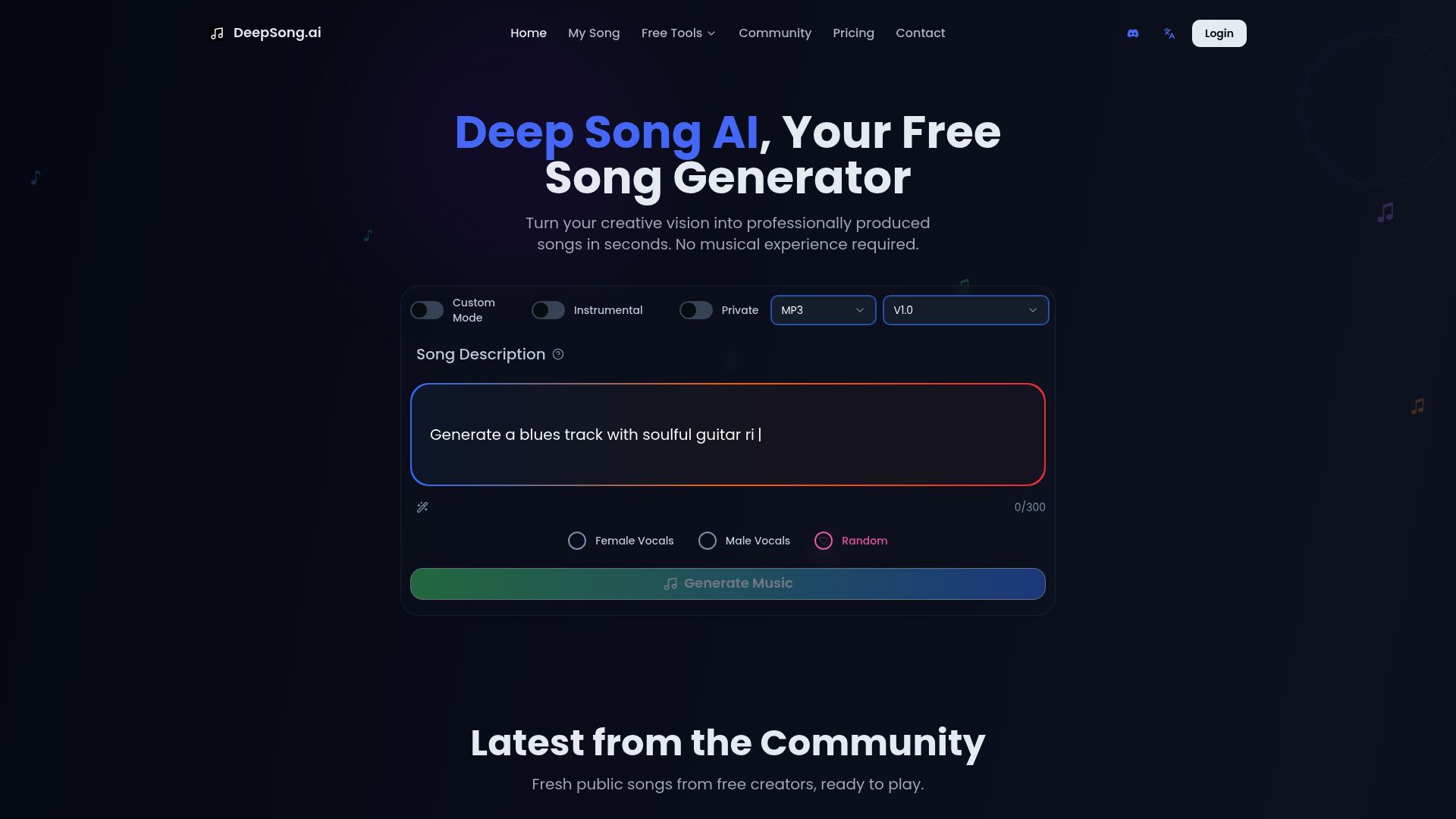
Follow our Official Social Media Channels
Follow/subscribe on Youtube, Instagram, X, TikTok & Youtube to learn more about AI every day! 🎯