
3D AI Tools
Discover 91+ AI tools tagged with 3D, explore comprehensive comparisons of tools based on use cases, features, and pricing plans.Genematic AI is a browser-based, all-in-one AI visual creation studio that specializes in turning still photographs into cinematic, motion-rich video clips using natural language prompts. Positioned as a multi-model creative workspace rather than a single-purpose tool, it aggregates several industry-leading generative engines — including Seedance 2.5, Wan 3.0, Kling 3.0, Hailuo 2.3, and Nano Banana 2 — behind one unified interface, so creators can move from text-to-image generation to image-to-video animation without switching platforms or juggling multiple subscriptions. Its target audience spans social media creators and short-form video producers (TikTok, Reels, YouTube Shorts), indie marketers and brand teams, e-commerce sellers who want to animate product shots, illustrators and storytellers building character-driven sequences, and hobbyists exploring AI video for the first time. Core features include a guided photo-to-video workflow with first-frame and last-frame reference uploading (up to 5MB per image), conversational natural-language editing where plain-English instructions are translated into precise pixel and motion transformations, character-consistency models that preserve faces, costumes, and physical traits across shots, multi-modal reference blending for palette matching and motion-trajectory guidance, and one-click aspect ratio presets for 16:9, 9:16, and 1:1 output. Generation settings cover 5s and 10s durations with 480p, 720p, and 1080p resolutions depending on the chosen model, and every generation displays its exact credit cost before rendering. Content-wise, the site pairs a live on-page studio with an inspiration gallery of example renders (3D caricatures, cinematic movie shots, photorealistic wildlife portraits, anime action, fashion editorials), a curated prompt library, a blog, and an extended FAQ hub covering prompts, formats, failures, and billing. The user experience is deliberately frictionless: no installation, no plugin, instant preview and download in any modern desktop or mobile browser, free starter credits for new accounts, and automatic credit refunds when a generation fails due to system error. Technically, Genematic AI is a pure web application with multi-model orchestration, task-status tracking, seed/visibility controls, bilingual English and Chinese interfaces, and a transparent one-time credit economy — purchased credits remain valid for 12 months with no auto-renewal or forced subscription, making professional-grade AI video creation accessible on a pay-as-you-go basis.
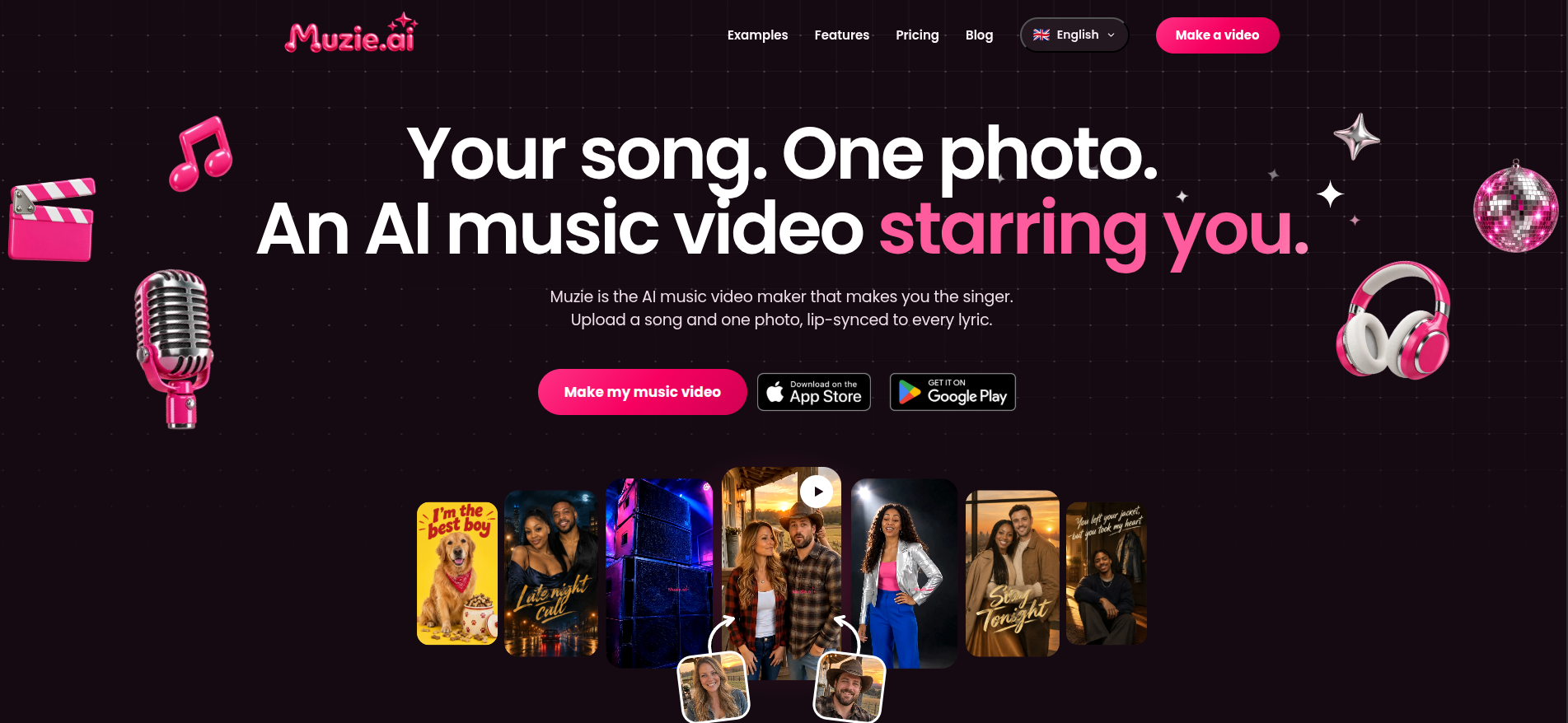
Muzie is an AI music video maker and generator positioned as a fast, browser-based way to turn a song and a single photo into a lip-synced music video starring the person, pet, or drawing in the image. It targets independent musicians, content creators, social media marketers, small businesses, and casual users who want TikTok, Instagram Reels, or YouTube Shorts-ready performance videos without filming, editing, or a production crew. Core features include photo-to-singer animation, lyric-aware storyboarding, multi-scene music videos, lip-sync mode for a single close-up, AI song generation from a text description, style selection such as realistic, anime, cartoon, comic book, claymation, pixel art, cinematic film, or custom looks, scene-by-scene editing in Studio, portrait 9:16 output, HD rendering, and one-tap sharing or download. Content features include a large example gallery, free musician tools such as key finder, BPM finder, MP3 to MP4, lyrics generator, pitch changer, and chord progression generator, plus comparison and alternatives pages and seasonal use cases. User experience emphasizes three steps: pick a song, add a singer, and direct it, with clear pricing transparency and cross-device sync across web, iOS, and Android. Technical features include AI vocal and lyric synchronization, automated storyboarding, generative visual rendering, token-based generation, and cloud syncing.
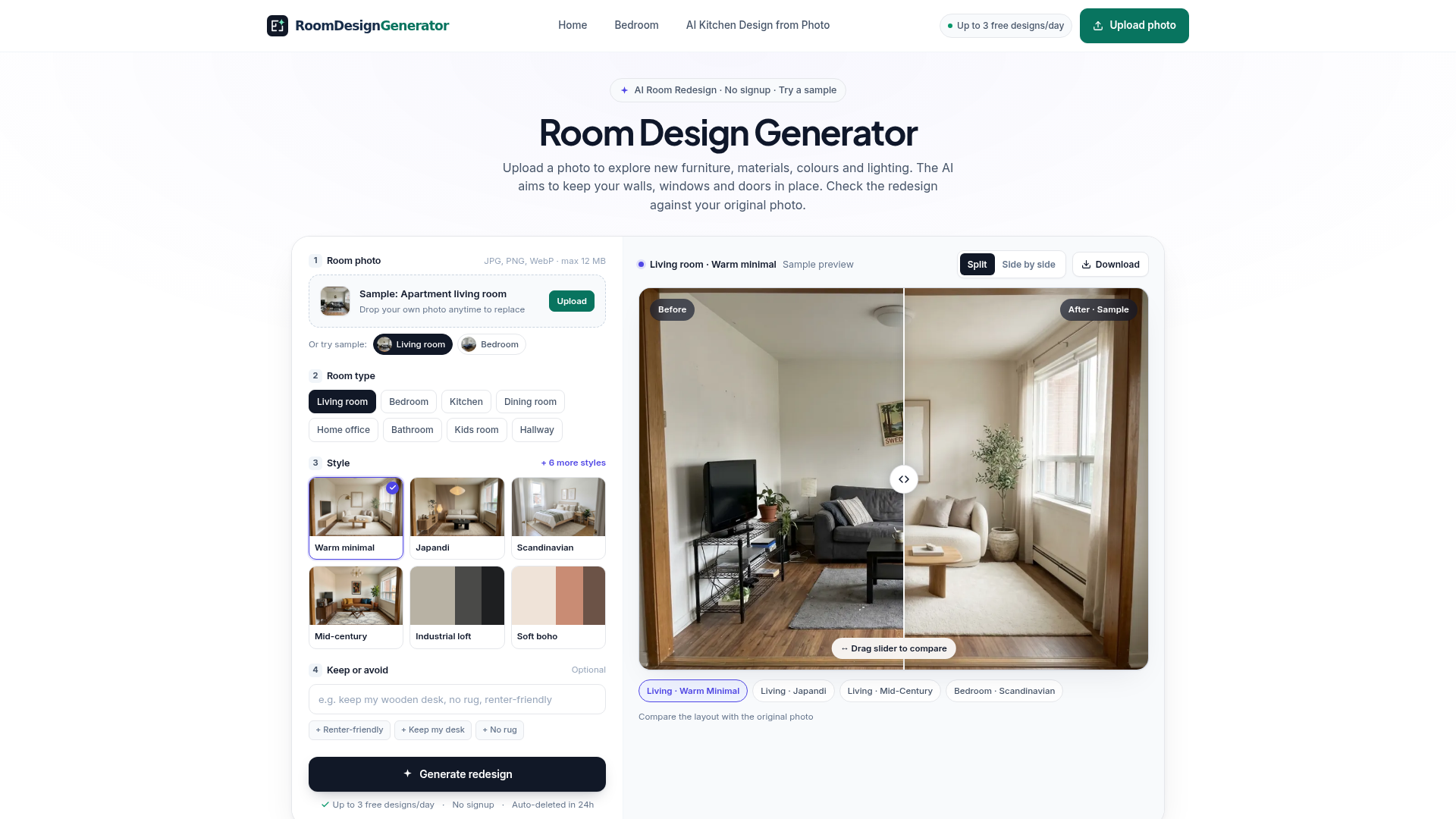
Room Design Generator is a browser-based AI interior design tool positioned as a fast, low-friction way to visualize room makeovers from a single photo. It targets homeowners, renters, movers, DIY decorators, and design-curious users who want to compare styles before buying furniture, painting walls, or changing lighting. Core features include photo upload in JPG, PNG, or WebP up to 12 MB; room-type selection for living room, bedroom, kitchen, dining room, home office, bathroom, kids room, and hallway; twelve curated style presets such as Warm Minimal, Japandi, Scandinavian, Mid-century Modern, Industrial Loft, Soft Boho, Coastal, Modern Farmhouse, Art Deco, Monochrome, Dark Academia, and Designer’s Choice; plus optional keep-or-avoid notes. Users can try built-in samples, generate up to three free redesigns per day without signup or a credit card, compare before-and-after with a slider, and download results for free while links are temporary. Content features emphasize honest boundaries: it is a visual direction rather than a floor plan, does not provide shopping links or budget estimates, cannot add natural daylight, and should label AI images as concept images. User experience is streamlined and mobile-friendly, with uploaded photos excluded from public galleries and auto-deleted after 24 hours; users are advised to crop personal details before uploading. Technical characteristics include a browser-based interface, third-party image generation processing, temporary download links, and separate retention periods for generated images and task logs. Overall, it is best for early-stage design exploration and style comparison, not precise measurement or procurement.
ReelBoop is an AI-powered video creation platform that transforms ordinary photos into trendy, short-form videos using popular social media templates and advanced generative video models. Positioned at the intersection of viral trend culture and accessible AI creativity, ReelBoop lets users recreate trending dance routines, celebrity-style duets, playful pet scenes, outfit transformations, and cinematic product advertisements simply by uploading one to three photos. The platform's target audience spans TikTok, Instagram Reels, and YouTube Shorts creators, social media hobbyists, pet owners, couples, small business owners, and e-commerce marketers who want branded product videos without a production crew. Core features include a large library of ready-made trend templates (such as LISA Tarantino AI Dance, JISOO ADDICTED, Bandit AI Trend, Bicep Heart, and Snow Leopard Paws at You), a general Photo to Video creator, an AI Dance Video Generator, Product Photo to Video tool, AI Body Swap, and AI Character Swap. Users can select from leading third-party models including Kling 3.0 Pro, Wan 2.2, MiniMax H3 Max Turbo, Seedance 2.5, Kling 2.5 Turbo Pro, PixVerse 5.5, Luma Ray 3.2, Veo 3.1 Fast, GPT Image 2.6, and Nano Banana 2.1, each with transparent credit costs shown before generation. Content features include a Trending templates gallery, categorized browsing by Dance, Duets, Transformations, Fun & Pets, and Product Videos, plus a rich blog of how-to guides, comparison pages, and FAQ sections. The user experience is streamlined into three steps—find a scene, add photos and generate, then play or download your MP4—with creation tracking via My Creations, private playback, and credit refunds for confirmed failures. Technically, ReelBoop operates a credit-based system tied to subscription plans (Creator, Pro, Studio) with monthly, annual, and credit-pack options, an image and video agent interface, multilingual support, and a clean, video-first responsive design. It serves as both an entertainment-driven creator playground and a practical marketing tool.
Viddi AI is an all-in-one AI creative agent positioned as a single platform for generating video, images, and music from text prompts or reference assets. Instead of forcing creators to juggle separate tools, logins, credits, and workflows, Viddi AI lets users choose the medium their project needs and move from idea to publish-ready output in seconds. Its target audience includes YouTube creators, TikTok and Reels strategists, social media managers, marketers, ecommerce store owners, podcasters, indie developers, brand studios, agencies, and other professionals who need fast, flexible content production. Core features include text-to-video, image-to-video, and reference-to-video generation; AI image generation for thumbnails, posts, and cover art; AI music generation for soundtracks, loops, intros, and background audio; optional AI audio synced to video; multiple aspect ratios; resolutions up to native 1080p; durations from 2 to 30 seconds; unified credits; favorites and history; and commercial usage rights. The workflow is deliberately simple: pick a medium, describe the idea or upload a reference, then export and publish. Content features include a blog covering AI model launches, comparisons, pricing guides, and creator-focused tutorials. User experience emphasizes zero learning curve, quick generation, a unified dashboard, free credits on signup, and one subscription for multiple media types. Technical features include purpose-tuned models for each format, Seedance 2.5 Mini video generation, priority processing on higher tiers, 16-bit HDR and EXR export on Pro, fastest generation speed and permanent storage on Max, and credit-based generation with automatic refunds if generation fails. Viddi AI is best understood as a freemium creative production hub: users can start with free credits and upgrade to monthly or yearly subscription plans for more credits, faster queues, higher limits, and commercial licensing.
시댄스 2.5(Seedance 2.5)는 바이트댄스가 개발한 차세대 AI 영상 생성 모델을 한국어 환경에서 곧바로 사용할 수 있도록 만든 웹 기반 AI 영상 생성 플랫폼이다. 웹사이트 포지셔닝은 '텍스트 한 줄 또는 이미지 한 장으로 30초 원테이크 영상을 완성하는 실무형 AI 비디오 생성기'로, 단순한 실험용 데모가 아니라 숏드라마, 광고 컷, 이커머스 착장 영상, 숏폼 콘텐츠, 공모전 출품작 등 실제 납품 가능한 결과물을 목표로 한다. 주요 타깃은 유튜브·숏폼 크리에이터, 영상 편집자와 프리랜서, 숏드라마 PD, 광고 대행사 아트 디렉터, 이커머스 셀러, 브랜드 소셜 콘텐츠 담당자 등 촬영과 편집 비용을 줄이려는 실무자다. 핵심 기능은 30초 원테이크 생성, 이미지 30장·영상 10개·오디오 10개까지 총 50개 멀티 레퍼런스를 반영한 얼굴·의상·소품 일관성 유지, 배경 교체·오브젝트 제거·제품 교체·스타일 전이를 포함한 프레임 기반 편집, 웨스 앤더슨·로저 디킨스·왕가위 스타일을 내장한 감독 스타일 연출, 강화된 네거티브 프롬프트, 정밀한 카메라·공간 제어, 텍스트→영상·이미지→영상·첫·마지막 프레임·참조→영상 등 다양한 생성 모드다. 콘텐츠 측면에서는 시댄스 2.5 외에 완 3.0, GPT 이미지 2.6, 나노 바나나 2.1, 클링 4.0 등 최신 모델을 한 생성기에서 선택할 수 있고, 모델별 프롬프트 갤러리와 카테고리별(음식·일러스트·사진·포스터·제품·UI) 프롬프트 라이브러리, 사용 가이드와 가격 분석 등 실전 블로그 콘텐츠를 제공한다. 사용자 경험은 프롬프트·레퍼런스 입력 → 30초 영상 생성 → 편집·내보내기의 3단계로 단순화되어 있으며, 히스토리·즐겨찾기·크레딧 잔액 표시, 실패 시 크레딧 자동 환불, 캡차 없는 생성 등 부담 없는 반복 테스트를 지원한다. 기술적으로는 볼케이노 엔진 기반 고속 렌더링, 기존 대비 3~5배 높은 비트레이트의 MP4·MOV 출력, 480p·720p 해상도와 최대 30초 길이, AI 오디오 동시 생성, Stripe 기반 보안 결제와 국내 카드·카카오페이·삼성페이·네이버페이 및 글로벌 결제 수단 지원, 공개 API를 통한 자체 서비스 통합까지 갖춘 것이 특징이다.
Tellreel is an AI-powered faceless video generator built for creators who want to run YouTube Shorts, TikTok and Instagram Reels channels without ever appearing on camera. Positioned as an end-to-end production studio for faceless content, it takes a single prompt — a niche or a topic — and returns a ready-to-post vertical video in roughly three minutes. The platform writes a hook-first script sized to 30, 60 or 90 seconds, illustrates every scene in one of eight art styles while keeping a recurring character consistent, records a natural voiceover from ten storytelling-tuned narrator voices, and burns in word-by-word animated captions. Beyond one-off videos, Tellreel offers channel autopilot: schedule three videos a week, daily or twice a day, and the system remembers past titles so scripts never repeat. Its target audience spans solo creators and faceless channel operators, side-hustlers, agencies and channel farms, and publishers scaling short-form output. Platform safety is designed in — no real people, celebrities or copyrighted characters — and every export is labeled AI-generated. Users get a 1080x1920 MP4 with title, description and hashtags, plus commercial usage rights on paid plans. A free watermarked preview requires no credit card, and paid subscriptions start at $29/month for 30 videos.

Airift is an all-in-one online AI creative studio that turns photos and short text prompts into finished video, image, audio and 3D assets without any editing experience or software setup. Positioned as a single desk for generative media, it unifies 38 different AI engines — including Kling 4.0, Kling 3.0 Pro, Seedance 2.5, MiniMax H3, Hailuo 2.3, Wan 3.0 Prime, Google's Gemini Omni Flash, Nano Banana Pro, GPT Image 2, ElevenLabs' voice, music and sound-effect models, and Meshy T2.5, Tripo P2, Hunyuan 3D, Rodin and Trellis 2 for 3D — behind one simple upload-or-type interface that automatically picks the right engine for the job. Core features span image-to-video and text-to-video generation with real parallax, light and depth; AI photo editing, background changing, object removal and photo filters; one-click viral AI effects and cinematic camera templates such as Hotel Lobby AI, GTA Style, AI Hug, Crash Zoom, Dolly Zoom and Product 360; script-to-voiceover with 38 voices; text-to-music and sound-effect generation; and image- or text-to-3D conversion with textured GLB downloads for Blender, Unity or product pages. It also ships purpose-built real-estate tools — listing video maker, virtual staging, day-to-dusk and declutter — aimed at agents and photographers. The content experience is visual-first: every model, effect and template has its own page with playable example clips, credit pricing and a 'Make this' button that opens the desk pre-configured, so users can see the output before spending credits. Target audiences are content creators and influencers chasing weekly Reels, TikTok and Shorts trends, real-estate professionals needing listing videos and staged rooms, and small businesses producing product and place videos from existing photos. The user experience is built around zero-friction onboarding: free to start with no credit card, 40 free credits on email confirmation, engines pre-selected on Auto, and transparent credit costs displayed on the generate button before any spend. Technically, Airift is a cloud-hosted aggregator that routes each job to the best-suited third-party model, supports 16:9, 9:16 and square aspect ratios at up to 1080p/2K, refunds failed generations automatically with an explanation, keeps all uploads and results private in a personal library, and labels AI output as AI-generated for transparency.
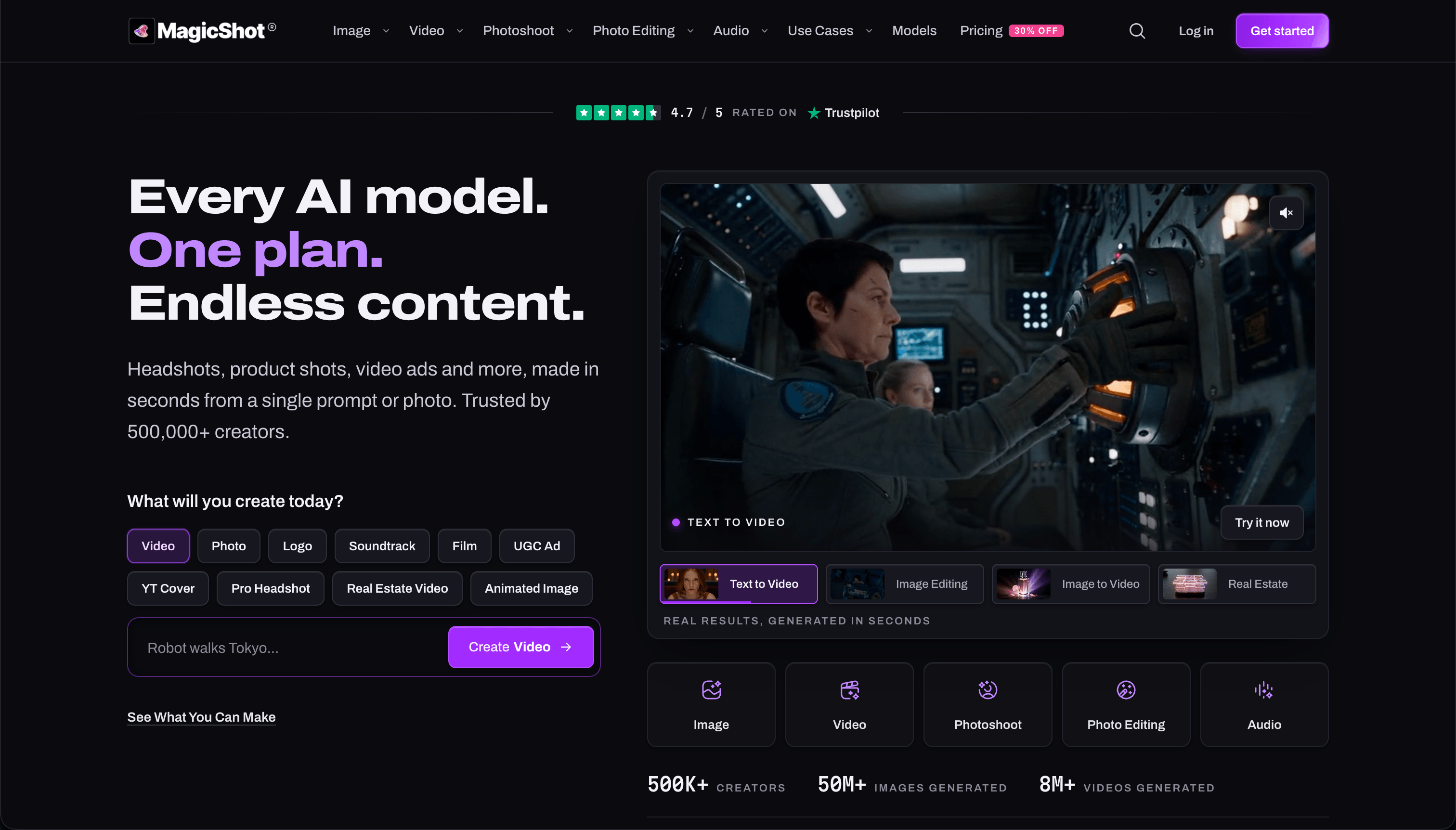
MagicShot is an all-in-one AI content creation studio that positions itself as a single subscription giving creators access to the world's leading generative AI models across image, video, photoshoot, photo editing, and audio. Built for influencers, ecommerce sellers, small businesses, agencies, real estate professionals, podcasters, and everyday creators, it replaces a fragmented stack of tools with one account and one shared credit balance. Core features include AI image generation (text-to-image in 100+ styles, logos, product photos, GIFs, stickers, QR codes, YouTube thumbnails), AI video tools (text-to-video, image-to-video, UGC ads, viral trends, video effects, 4K upscaling, real estate and podcast videos), an AI Photoshoot suite (professional headshots, baby predictor, pet dress-up, wedding portraits, avatars, model shoots, interior redesign), AI photo editing (background removal, object removal, upscaling, colorization, restoration, face enhancement), and AI audio (music generation, text-to-speech, voice cloning, transcription, video sound). A standout Brand Studio lets users generate a full brand kit with logos, colors, and assets in minutes. Content-wise, the site showcases a rich public gallery, model directory, blog, and time-limited creative challenges such as the Thanksgiving Feast Challenge offering 100,000 credits. The user experience is prompt-first and beginner-friendly, with a simple text box to start creating, clear tool categories, and freemium access via free tools that require no credit card. Technically, MagicShot is a cloud-based, browser-accessible platform regularly updated with new cutting-edge models such as Seedream 5.5, GPT Image 2.6 Sunburst, Lyria 3.5, and Gemini Omni 1.2, backed by social proof of 4.8/5 on Trustpilot and adoption by 500,000+ creators who have generated over 50 million images and 8 million videos.
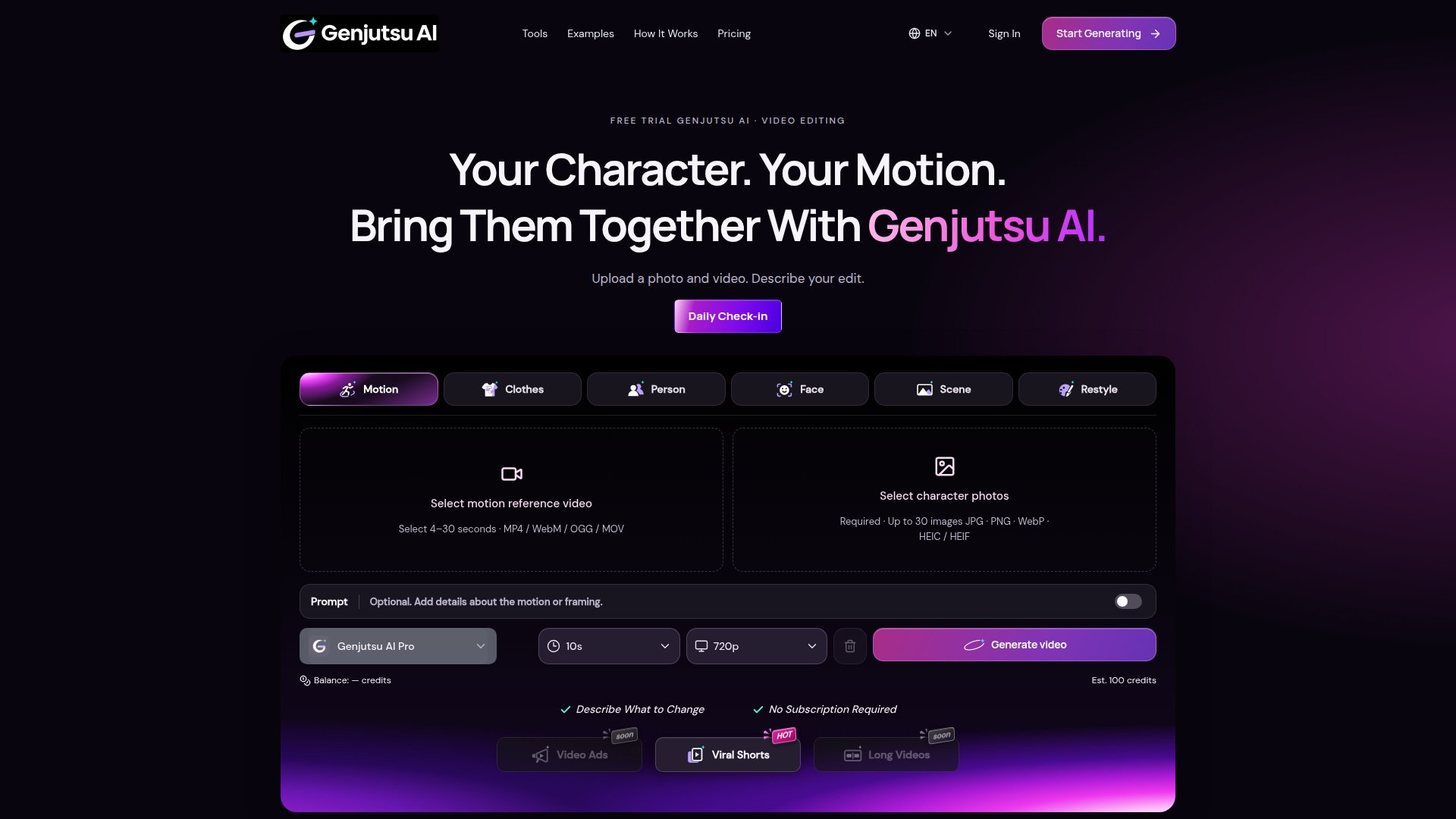
Genjutsu AI is an independent AI video editing platform focused on transforming existing footage using photos and text prompts. Its website positions it as a practical tool for motion transfer, character replacement, face swapping, clothes changes, object swaps, scene replacement, and video restyling, including anime-style conversion. The target audience includes short-form video creators, social media marketers, advertisers, e-commerce sellers, and hobbyists who want to produce viral-style clips without advanced editing software. Core features include uploading a 4–30 second reference video and up to 30 character photos, describing the desired change, selecting models such as Genjutsu AI Pro, and generating 10-second 720p edits. The platform uses a credit-based system with a quote shown before generation, daily check-in rewards, and one-time credit packs, so users do not need a subscription. Content features include a large case library with 387 video examples, six edit types, social video breakdowns, tutorials, prompt examples, and a virality predictor. User experience emphasizes a simple four-step workflow: choose an edit, add video and references, describe the change, review the quote and generate. Technical features support MP4, WebM, OGG, MOV video, JPG, PNG, WebP, HEIC/HEIF images, USD/EUR checkout, and responsive web access. The site also states it is not affiliated with Higgsfield.
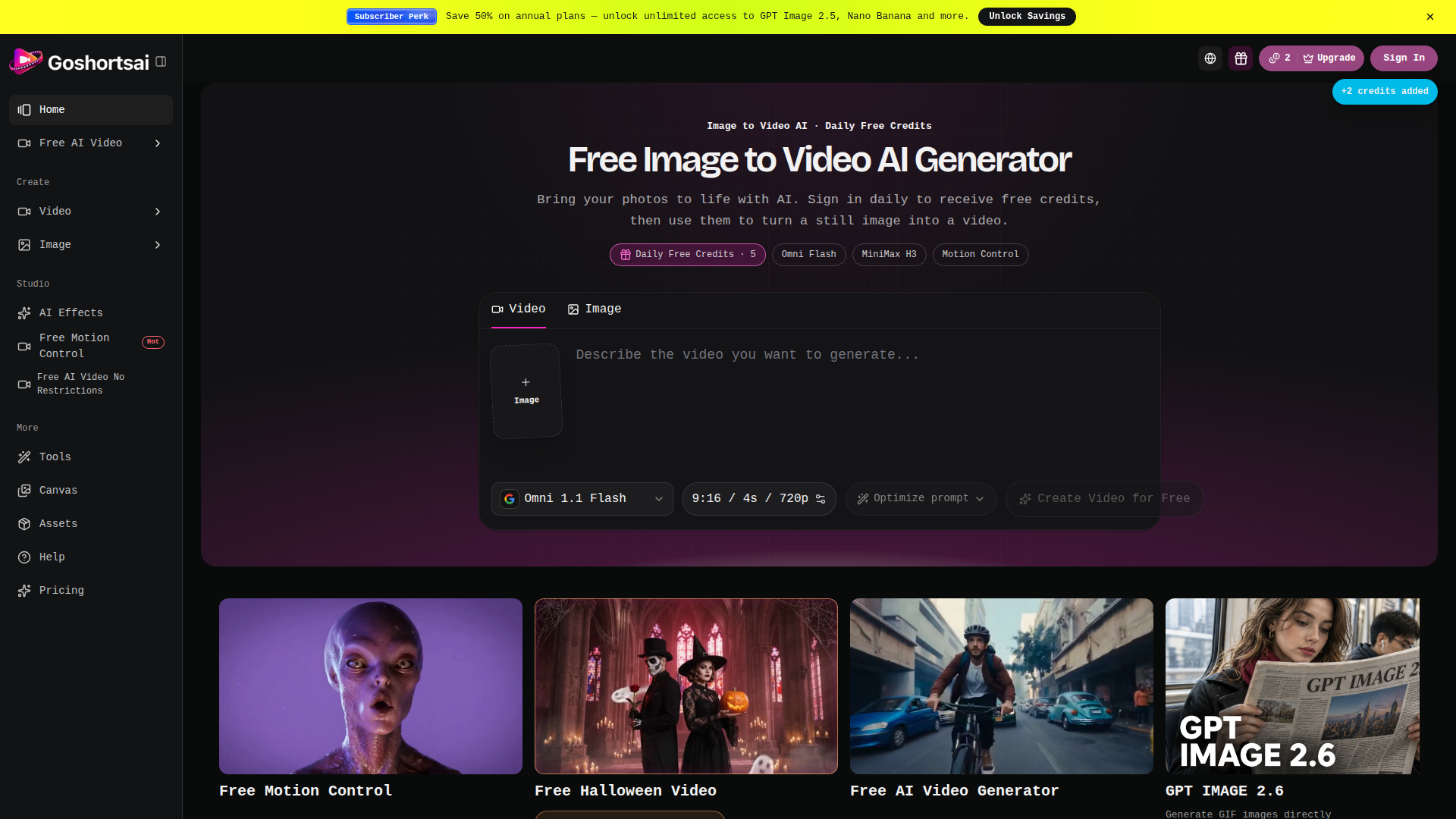
Goshortsai is a browser-based AI creative studio positioned as a free, accessible image-to-video and AI video generation platform for creators, social media marketers, small businesses, and hobbyists who want to animate still photos without professional editing software. Its target audience includes short-form video creators, e-commerce sellers making product clips, portrait and character animators, and teams producing trend-driven social content. Core features include image-to-video animation, text-to-video generation, AI motion control, Genjutsu motion transfer and object swap presets, reference-to-video, an AI video editor, video upscaling, AI image generation, photo editing, background removal, and access to multiple models such as Omni Flash, MiniMax H3, Kling V4, Seedance 2.5, Wan 3.0, GPT Image 2.5, and Nano Banana Pro. Content features emphasize practical workflows: daily free credits, prompt guidance for portraits, products, and landscapes, 1,450+ viral video presets, effect previews, motion-prompt examples, and step-by-step tutorials. The user experience is designed for quick browser use: sign in for credits, upload an image, describe motion, generate, and refine. Technical features include cloud-based generation, multiple model options, credit-based usage, watermark-free HD downloads on paid plans, fast VIP queues, concurrent generation tasks, saved assets, and commercial-use options for paid subscribers. Goshortsai combines freemium access with subscription plans, making it suitable for experimentation as well as larger content workflows.
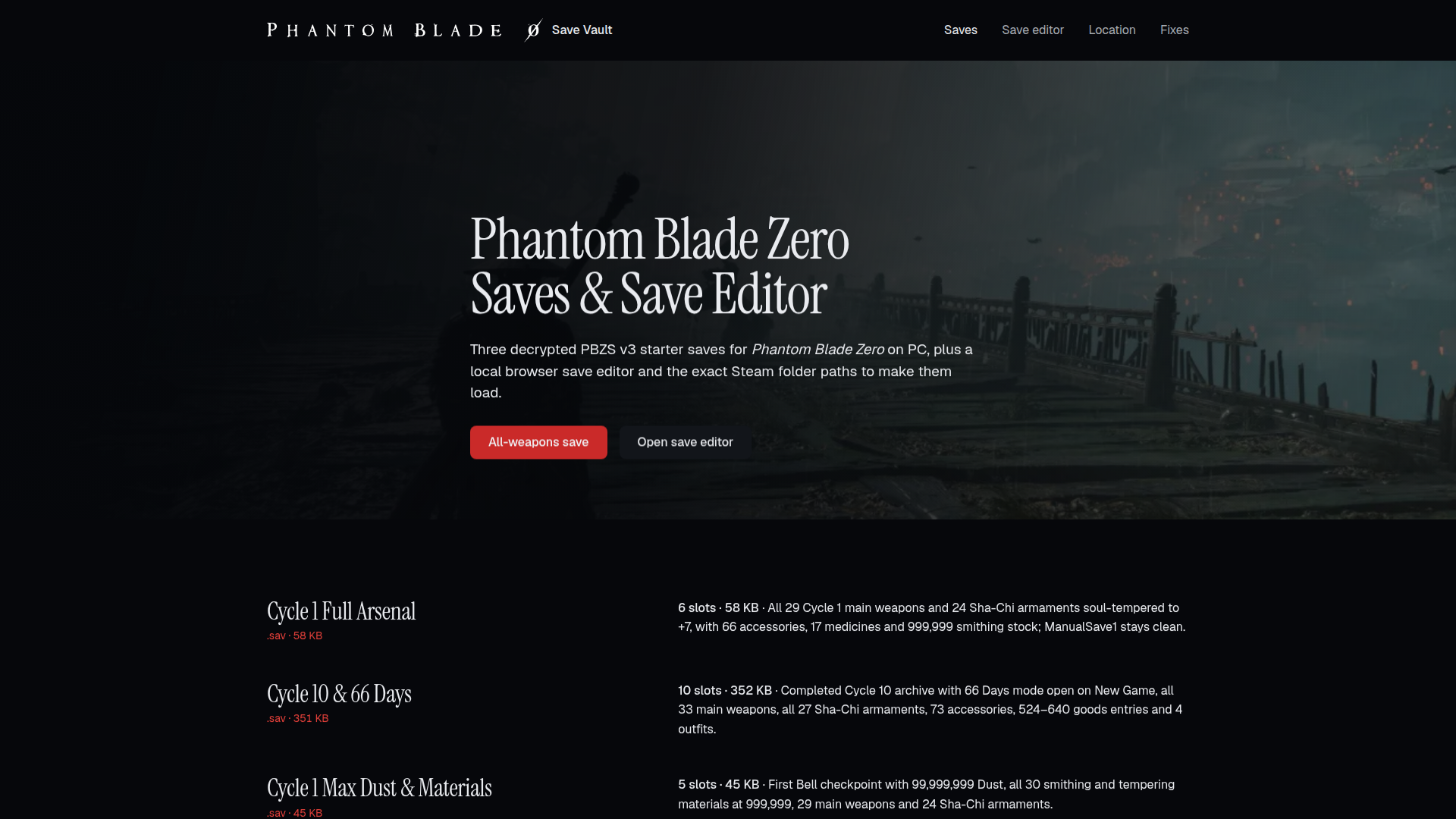
Save Vault is an unofficial Phantom Blade Zero save archive and browser-based save editor focused on the PC/Steam edition of the game. It is positioned as a practical utility hub for players who want ready-made starter saves, need to locate or fix PBZSaveGame.sav, or want to inspect and edit PBZS v3 save containers without installing a dedicated trainer. The target audience includes Phantom Blade Zero players on Steam, completionists, build testers, speedrunners, modders, and anyone troubleshooting saves that fail to appear at the Bell. Core features include three decrypted starter saves: a Cycle 1 Full Arsenal save with all 29 main weapons and 24 Sha-Chi armaments, a Cycle 10 and 66 Days mode save, and a Cycle 1 Max Dust & Materials save. The site also provides a client-side save editor, exact Steam save folder paths, transfer instructions between accounts, troubleshooting checks for saves that do not load, item ID tables, and a detailed PBZS v3 format reference. Content is technical, guide-driven, and verified against build 26266538, with SHA-256 hashes and slot-by-slot contents listed for downloads. User experience is simple: top navigation links to Saves, Save editor, Location, and Fixes, while each download and guide is only one click away. Technically, the site explains the 12-byte header, AES-256-GCM directory block, Oodle Kraken compressed slot blocks, SteamID folder placement, and Steam Cloud timestamp behavior. The editor runs locally in the browser, so saves are not uploaded to a server. The site is free to use and monetized through an optional Instant Gaming affiliate link for a discounted Steam PC key.
Virmii is an AI-powered VTuber creation platform that turns a single character image into a rigged, ready-to-stream 3D avatar. Positioned at the intersection of generative AI, 3D character modeling, and live streaming tooling, it removes the biggest barrier in VTubing — the need for expensive modeling software and rigging expertise. Users upload one clear front-facing illustration of a character they own, and Virmii handles model processing, automatic humanoid rigging, VRM export, and browser-based face tracking. The platform's target audience includes indie VTubers, streamers on Twitch and YouTube, virtual content creators, artists who want to animate their original characters, roleplayers, and small studios looking to prototype virtual talent quickly. Core features include image-to-3D generation, AI-generated expression sets (neutral, wink, smile, and speak with natural mouth movement), real-time camera-driven facial tracking running entirely in the browser, and a private OBS Browser Source that drops straight into an existing streaming scene without extra software. Content-wise, Virmii supports a showcase gallery of community avatars, a live demo, a features and how-it-works walkthrough, a blog, multilingual pages in English, Japanese, and Korean, and transparent documentation of limitations such as AI generation altering faces or clothing and expressions not being embedded in downloaded VRM files. The user experience is deliberately step-based: upload an image, generate and add expressions, then go live in OBS. Technically, Virmii combines third-party base 3D generation and auto-rigging (Tripo) with its own model processing pipeline, credit-based expression generation, VRM export, and low-latency browser face tracking. Pricing combines a no-sign-up trial, credit packs, and Creator/Pro subscription allowances, with up to two free retries per model version for failed or missing images, making it one of the most accessible entry points into 3D VTubing.
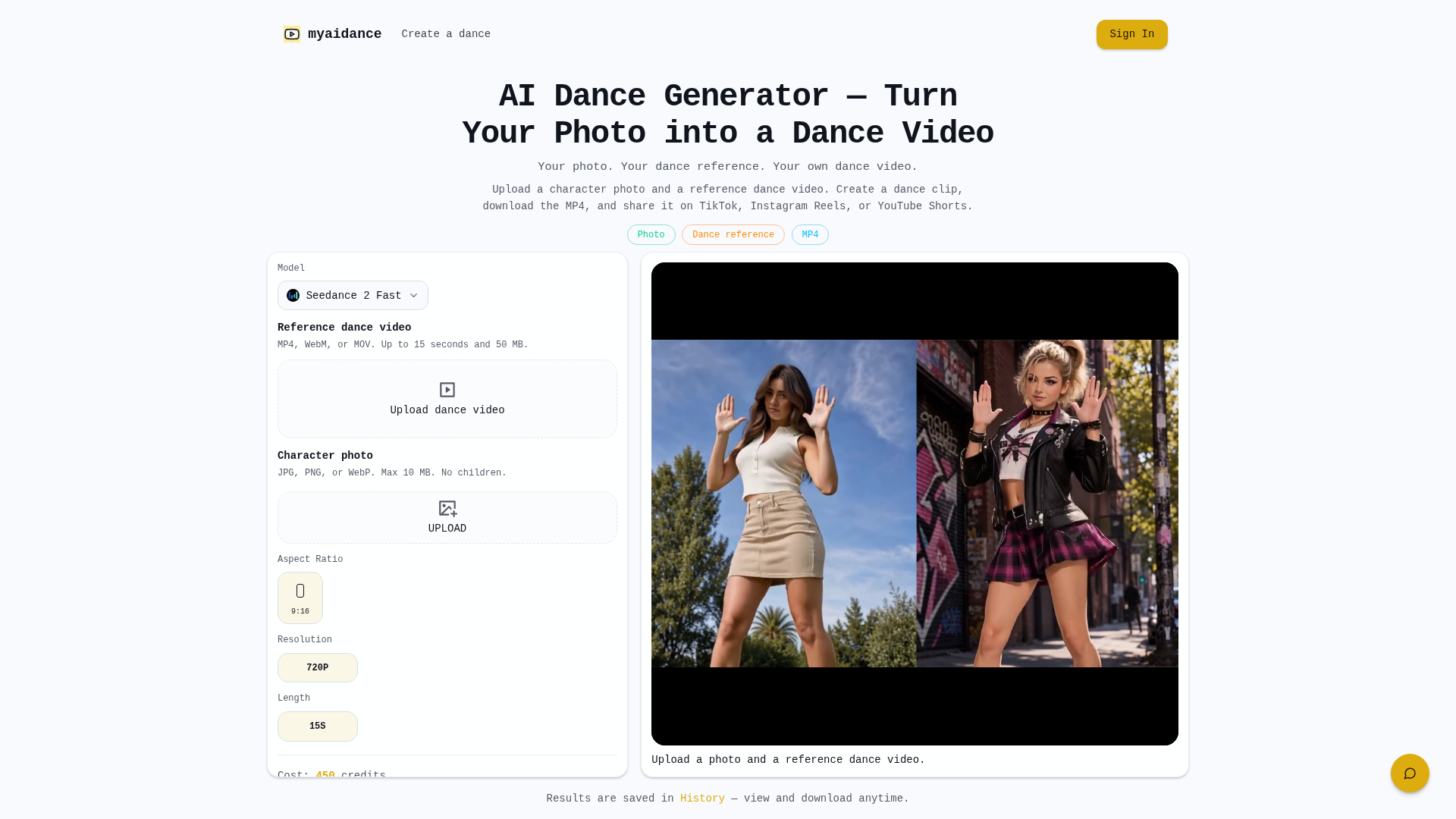
MyAIDance is an AI-powered dance video generator that transforms a static photo into a dynamic dance video using a reference dance clip. Positioned as a user-friendly tool for social media content creation, it targets individuals who want to create engaging dance videos without filming themselves, including content creators, pet owners, and anime enthusiasts. The core feature is the combination of a subject photo (JPG, PNG, or WebP, up to 10 MB) and a reference dance video (MP4, WebM, or MOV, up to 15 seconds and 50 MB) to produce a shareable MP4. The platform emphasizes ease of use with a simple three-step process: upload a photo, add a reference video, and generate the dance video. It supports various subjects such as adults (with permission), pets, and anime characters, but prohibits children. New users receive 20 free credits without a credit card, and the cost per generation depends on model, resolution, and length. Paid plans (Plus, Pro, Boost, Studio) offer commercial use rights. The website includes an FAQ, history of generated videos, and clear guidelines for optimal results, such as using clear, full-body photos and videos with visible dance moves. Technical features include AI motion transfer, multiple file format support, and MP4 download for easy sharing on TikTok, Instagram Reels, YouTube Shorts, and more. The user experience is streamlined, with previews before download and transparent credit costs. Overall, MyAIDance democratizes dance video creation, making it accessible to anyone with a photo and a reference clip.
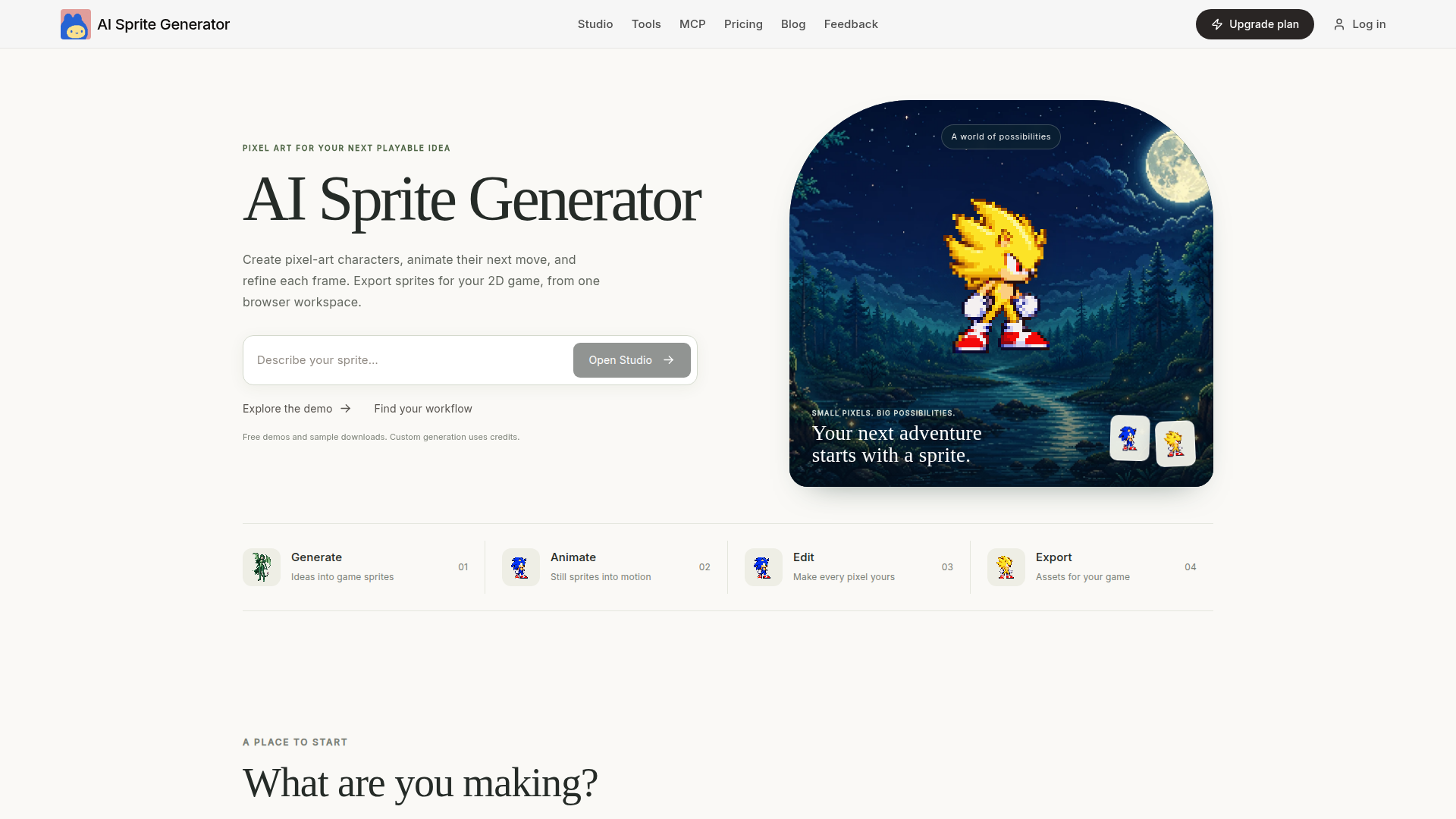
AI Sprite Generator is a browser-based creative workspace for producing pixel-art sprites and animations for 2D games. Positioned as an end-to-end studio for indie developers, game jam participants, and small studios, it combines AI character generation, sprite animation, pixel-level editing, and asset export in one place. Target audiences include solo developers, hobbyists, prototyping teams, and creators using engines like Unity, Godot, and GameMaker. Core features include text-to-sprite generation with adjustable canvas size, perspective, and style references; idle, walk, and attack animation previews; an in-browser pixel editor with brush, eraser, color, and reset controls; PNG, sprite sheet, and GIF exports; and MCP integration for Claude Code, Codex, and Cursor. Content features include interactive demos, sample prompts, downloadable sample assets, guides, and a blog. User experience emphasizes quick iteration: describe a character, generate, animate, refine, and export without leaving the browser. Technical features include a credit-based system, API key access, JSON frame data, ZIP exports, and engine-ready PNG sheets. The site offers free demos and sample downloads, while custom generation requires an account and credits, with subscription and one-time pack options.
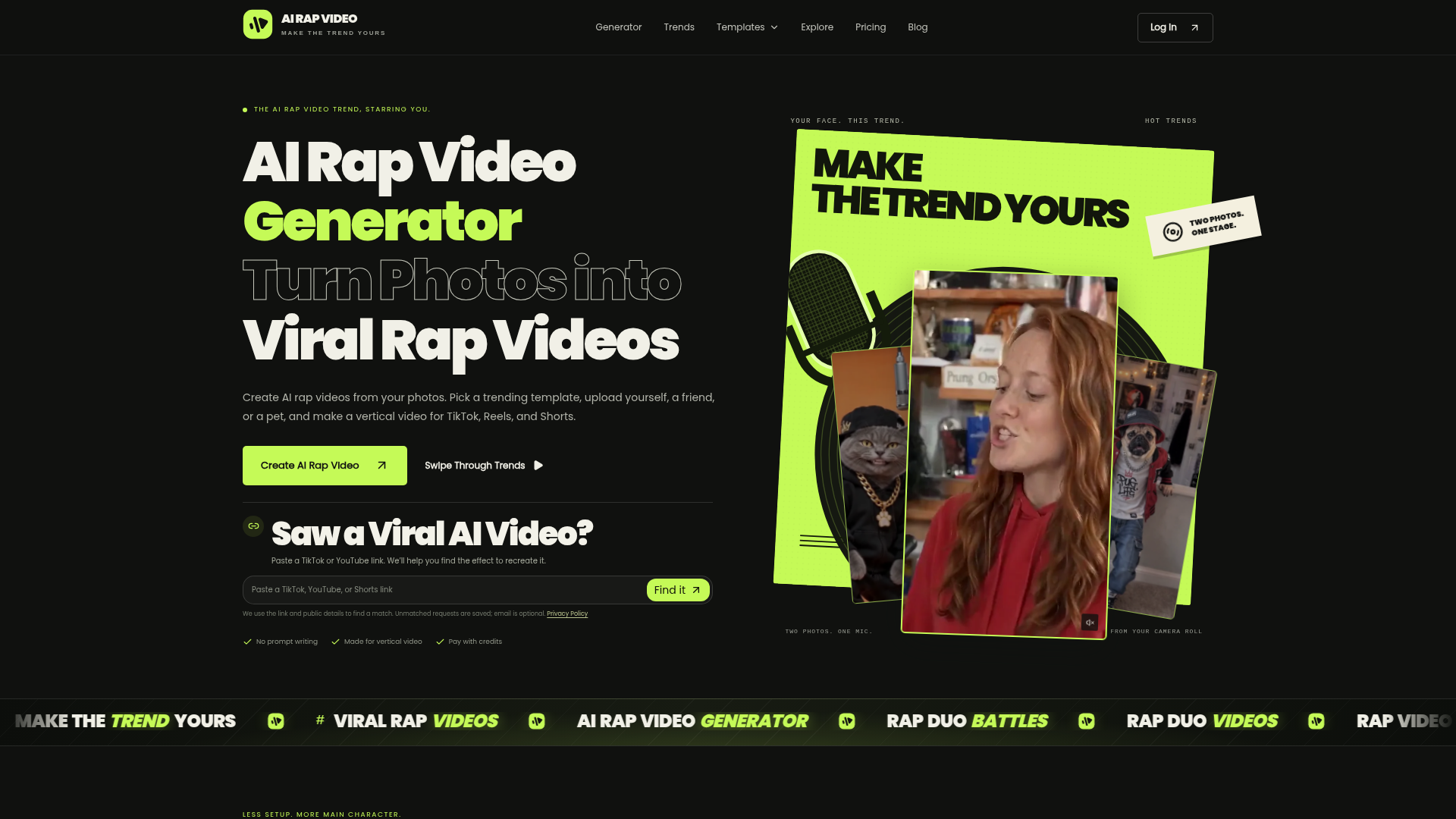
AI Rap Video Trend is a browser-based AI video studio that turns ordinary photos into short, viral-style rap performances. Positioned as a consumer-friendly creative tool for the social-video era, the site lets anyone become the star of a rap video without cameras, editing software, or prompt-writing skills. Its target audience is broad: TikTok, Instagram Reels, and YouTube Shorts creators chasing trending audio formats, friend groups and coworkers making inside-joke clips, pet owners, meme accounts, and casual users who simply want a shareable 'main character' moment. Core features include a curated template catalog organized by trend (Tiny Desk AI, Hotel Lobby AI, Migos AI, Walk It Like I Talk It AI, Boombox Rap AI, Choosin Texas Emo AI, and many more), a flexible cast system supporting solo, duo, trio, quartet, and quintet performances with clearly labeled upload slots for each performer, configurable output settings such as 720p resolution, 15-second duration, 9:16 vertical aspect ratio, and optional AI audio, plus a unique 'found a viral video?' tool where users paste a TikTok or YouTube link to discover a matching effect. Content features include how-to guides, blog articles, caption and hashtag idea packs, and a full-screen trend feed for swiping through example clips one at a time. The user experience is mobile-first and deliberately low-friction: no prompt engineering, transparent credit costs shown before submission, refunds of reserved credits on confirmed failures, and the ability to leave the studio while rendering continues. Technically, the platform is a cloud AI generation pipeline with account-based credit accounting, watermark-free downloads, 10 MB JPG/PNG/WebP uploads, and persistent credit balances that never expire. Monetization is refreshingly simple: one-time credit packs rather than subscriptions, with an entry-level new-user offer of $5.90 for a single 10-second 720p video and packs from $9.90 for 50 credits up to $79.90 for 500 credits, plus free browsing of all templates and guides.
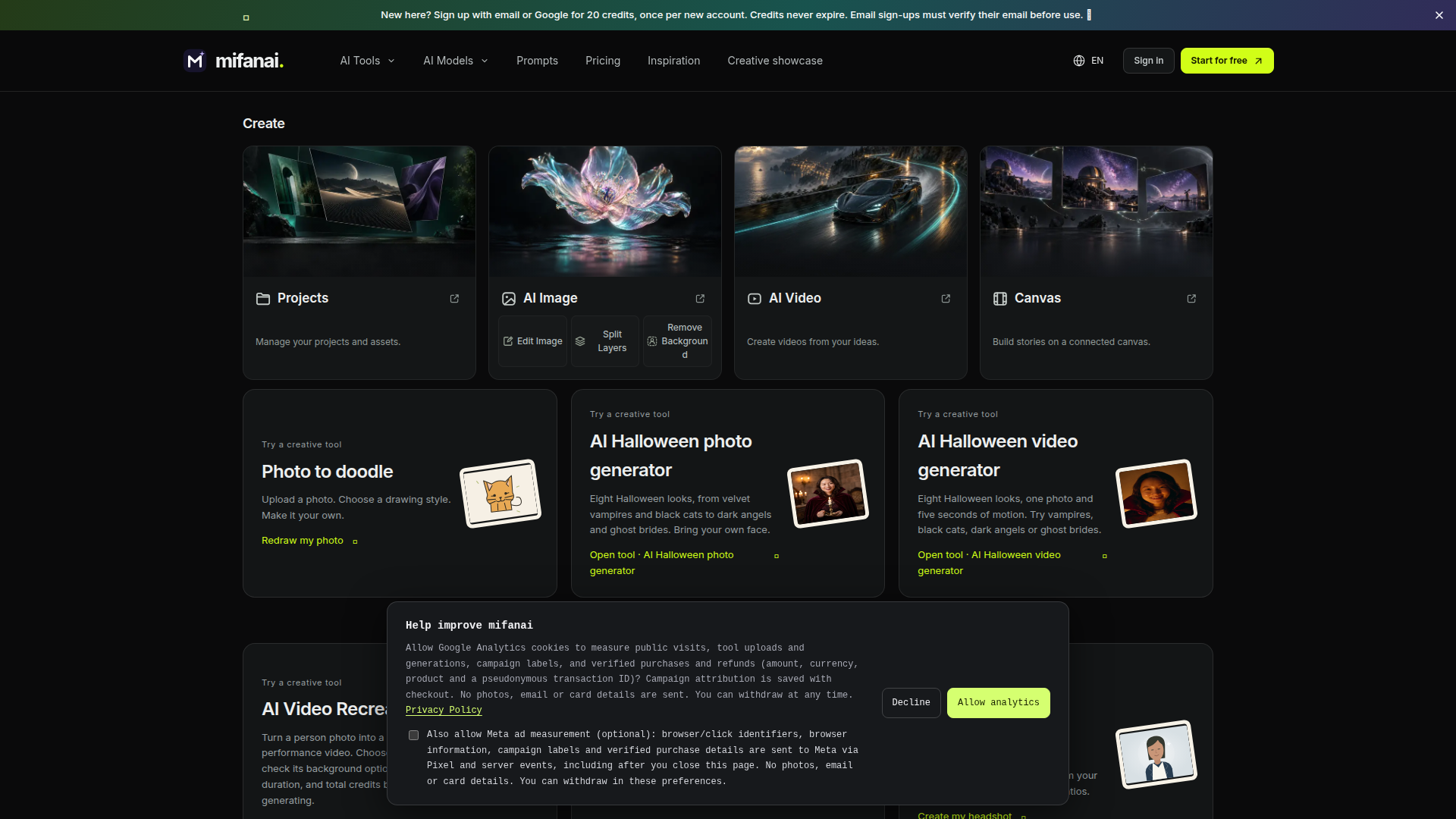
mifanai is an all-in-one AI image and video creation studio designed for creators who want to move from idea to finished visual without switching between separate tools. Its positioning is a unified creative workspace: users can generate images from prompts, edit existing images, split layers, remove backgrounds, create videos from text, images, first and last frames, or reference media, and organize everything in projects and assets. The target audience includes artists, designers, marketers, content creators, social media storytellers, hobbyists, and teams who need fast, flexible visual production. Core features include a model library with many image and video models, a connected canvas for node-based storytelling, prompt and template libraries, inspiration cards, and asset management. Content features cover AI photo guides, photo templates, creative showcases, and prompt examples. User experience emphasizes sign-in access, model selection, clear credit quotes before submission, project organization, and downloadable results. Technical features include credit-based generation, public sharing with manual review, private assets by default, support for reference uploads, and model-specific inputs, durations, and resolutions. Support is available by email.
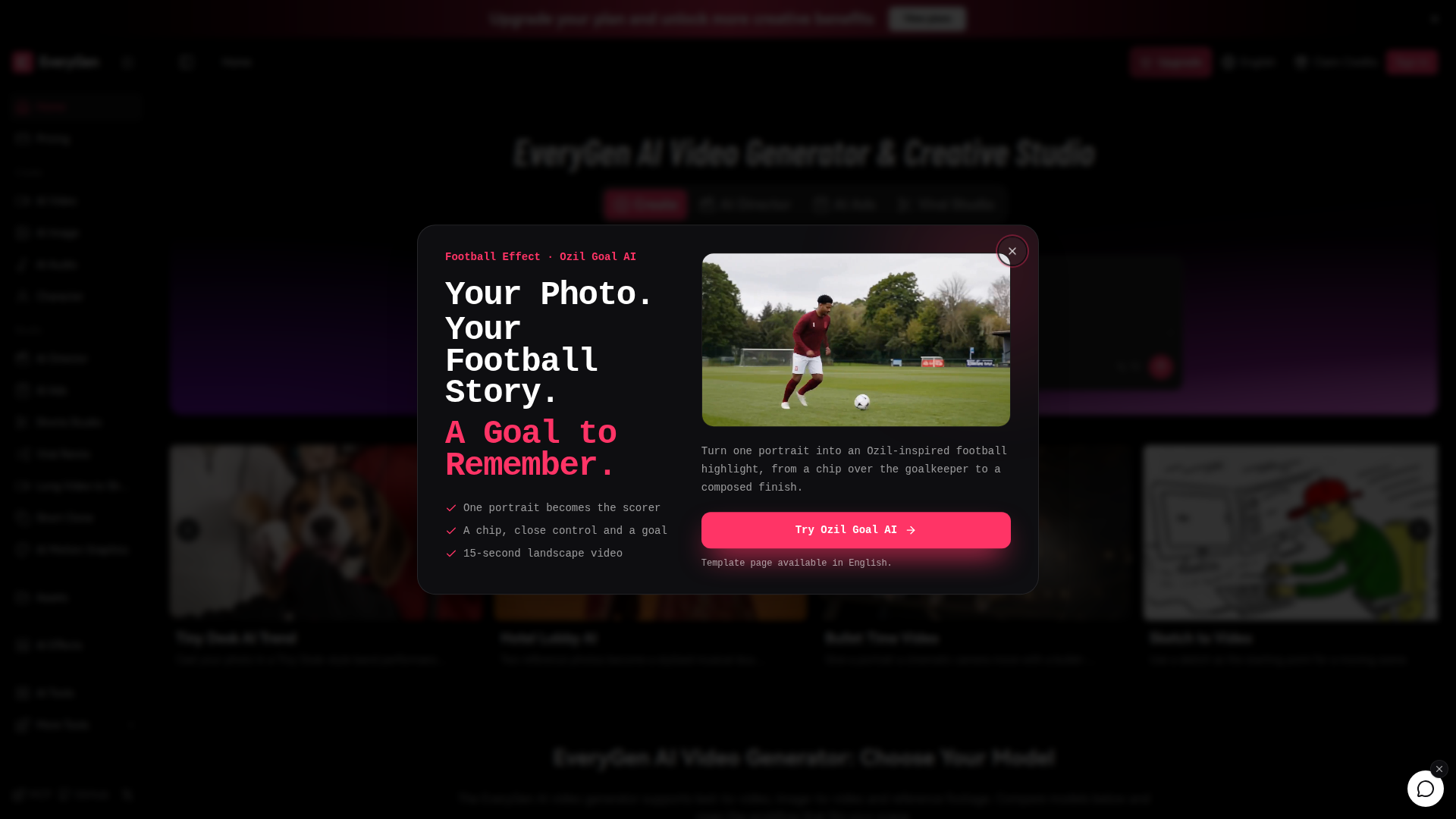
EveryGen is an advanced AI video generator and creative studio that empowers users to produce high-quality videos, images, and audio using cutting-edge artificial intelligence. Positioned as a comprehensive creative platform, EveryGen integrates top-tier AI models such as Veo 3.1, Kling 3.0, Wan 3.0, Seedance 2.5, and GPT Image 2.5 into a single, intuitive workspace. The platform targets content creators, marketers, advertisers, filmmakers, and social media managers who seek to streamline video production, from concept to final cut. Core features include an AI Video Agent that guides users through scene planning, media generation, and editing; text-to-video and image-to-video generation; AI image creation and editing; AI audio, music, and sound effects; and specialized tools like AI Ads, Shorts Studio, Viral Remix, and Motion Graphics. The content features a rich template library, inspiration gallery, and model comparison to help users choose the right tool for each scene. User experience is enhanced by a conversational interface where users can describe their project, review a scene plan, and approve media costs, all while managing assets in a centralized workspace. Technically, EveryGen supports developer integration via MCP and GitHub, allowing creation from Claude, ChatGPT, or coding assistants. With a freemium pricing model offering credits, EveryGen makes professional-grade AI video production accessible to both individuals and teams.
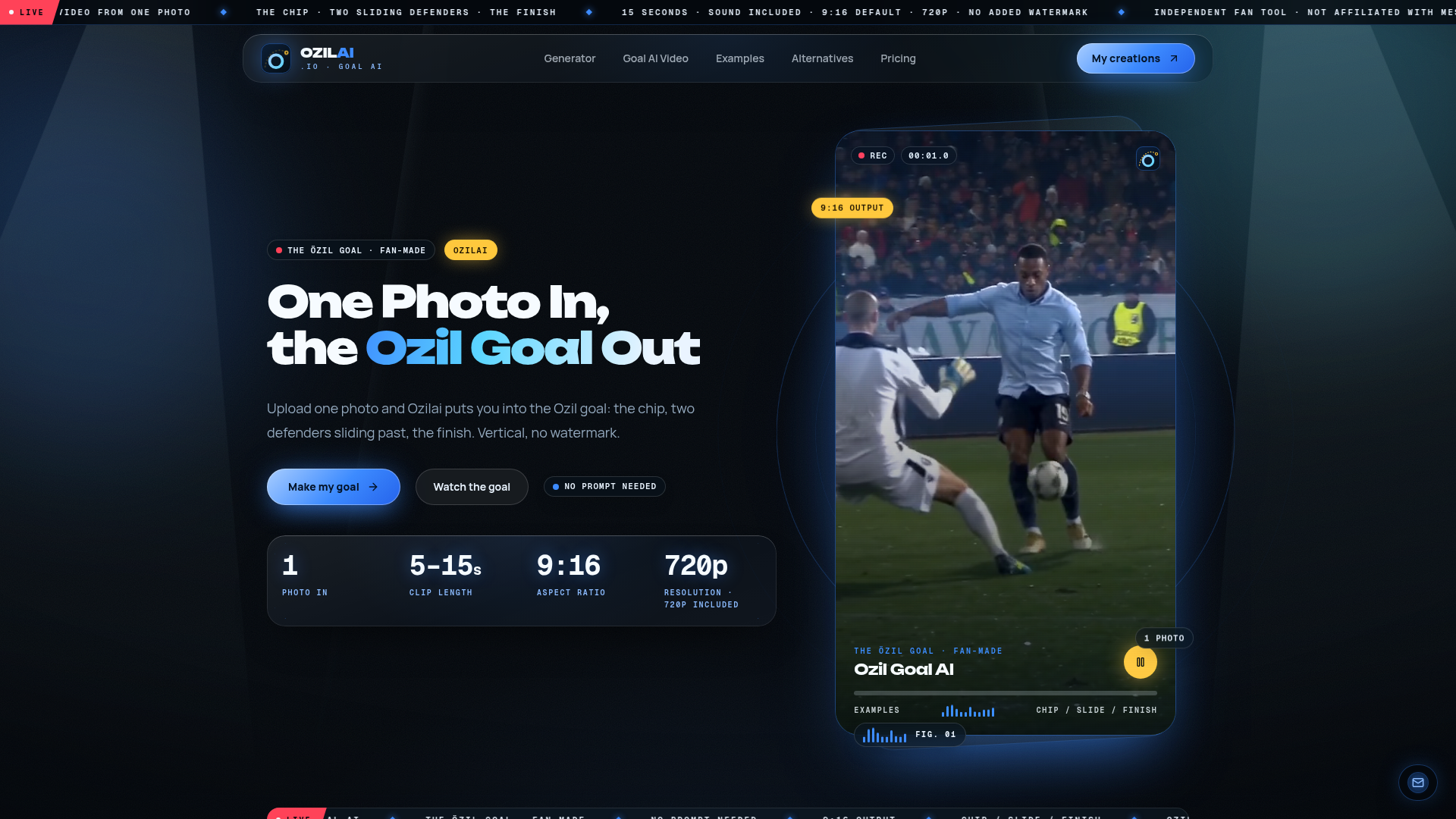
Ozilai (ozilai.io) is an independent, fan-made AI video tool that turns a single uploaded photo into a 15-second vertical clip recreating one of football's most recognisable goals — the Mesut Özil chip: the ball played over the top, the goalkeeper racing out, two defenders sliding past in front of an empty net, and the calm rolled finish. Website positioning: Ozilai sits at the intersection of AI video generation and viral social-media trends, positioning itself as a one-click 'preset' rather than a general-purpose video editor. It is explicitly not an official product and states plainly that it is not affiliated with, endorsed by or sponsored by Mesut Özil, any club, league or broadcaster. Target audience: football fans, short-form content creators, group-chat pranksters and anyone riding the TikTok/Reels/Shorts trend of inserting new faces into the famous choreography. Core features: a single-photo input flow (JPG, PNG or WebP up to 10 MB), a locked 'Ozil Goal AI' preset that already contains the stadium, camera framing and the full chip-slide-finish sequence, no prompt or keyframes required, selectable aspect ratios (9:16 default, plus 16:9, 4:3, 3:4, 1:1 and 21:9), 5–15 second clip length, 720p resolution included, sound included and no added watermark. Content features: the site leans heavily on video proof — inline sample MP4s, a 'goal sample clips' gallery, a beat-by-beat 'CHIP / SLIDE / FINISH' timeline breakdown, a quick-answer block and a ten-question FAQ — so visitors see the output before spending a credit. User experience: the funnel is deliberately short (upload one clear, front-facing, evenly lit portrait → leave the preset on → generate → preview → download), failed renders automatically return credits, and a 'My creations' area keeps past clips together. Technical features: generation runs on ByteDance's Seedance 2.0 video-edit model, which uses a reference shot for rhythm and camera work while transferring the uploaded face, aiming to keep that face recognisable from first frame to last; renders are queued and usually complete within a few minutes. The site also emphasises responsible use — you must own the photo or have the subject's permission, public figures and impersonation are prohibited, and removal requests go to [email protected].
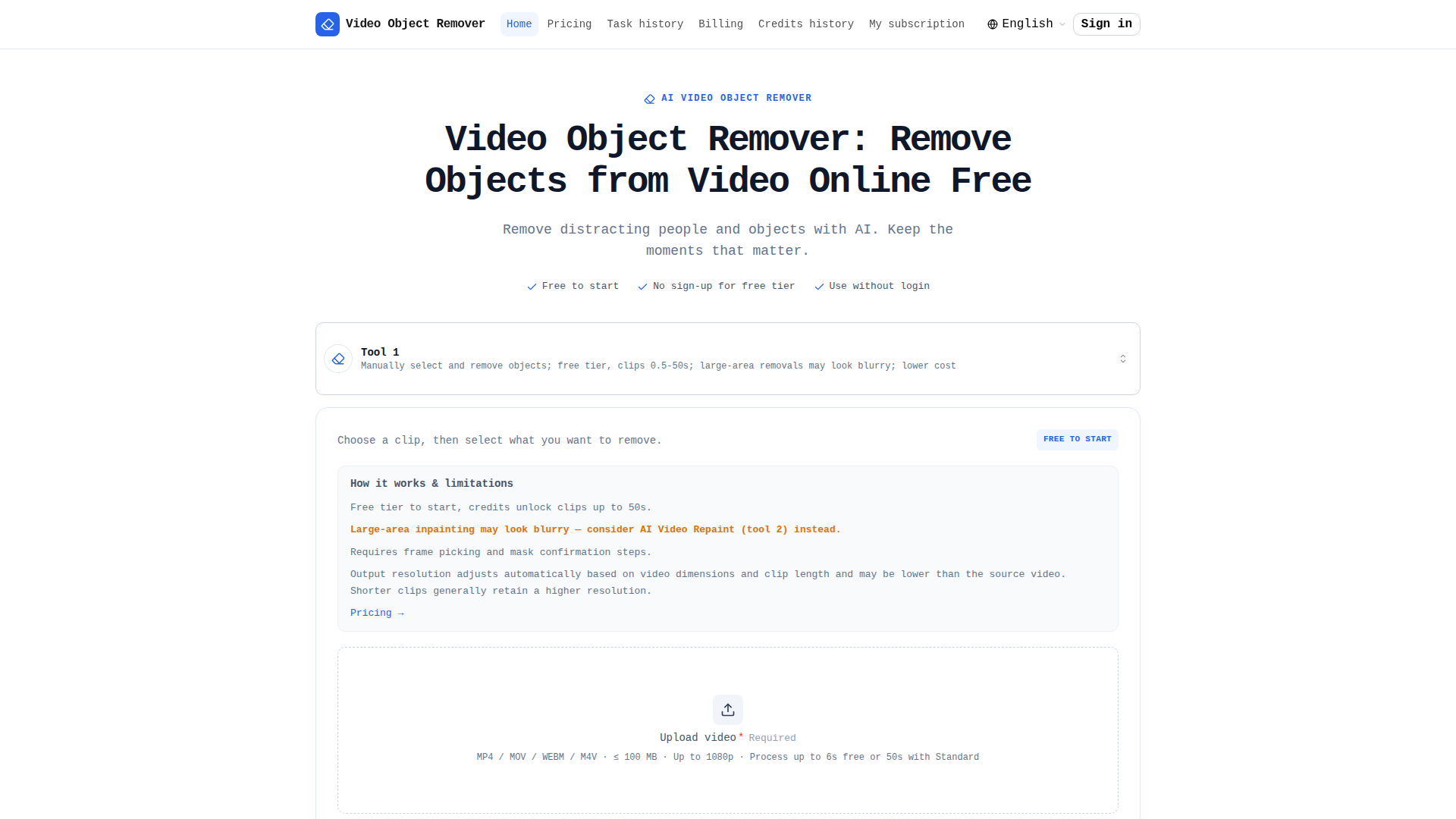
Video Object Remover is a browser-based, AI-powered video editing utility designed for fast removal of unwanted people, objects, logos, watermarks, timestamps, and other distractions from video clips. Positioned as a lightweight, accessible alternative to professional editing software, it targets casual creators, social media users, marketers, small businesses, and anyone who needs a clean clip without installing complex tools. Core features include manual mask selection, plain-language object description in any language, automatic AI mask preview, frame picking, cloud processing, and frame-by-frame background restoration. The free tier allows three watermarked clips of up to 6 seconds per day with no sign-up, while paid credits unlock watermark-free output, clips up to 50 seconds, and longer result retention. Content is task-oriented: a simple four-step workflow, clear limitations, pricing hints, and FAQs explain how to upload, trim, describe, confirm the green mask, and download. User experience emphasizes no installation, no credit card for free use, and processing that continues even if the page is closed. Technically, it supports MP4, MOV, WEBM, and M4V up to 100 MB and 1080p, processes only the selected clip, stores files temporarily, and automatically deletes originals and processing files, with free results kept for 1 day and credit-based results for 7 days.
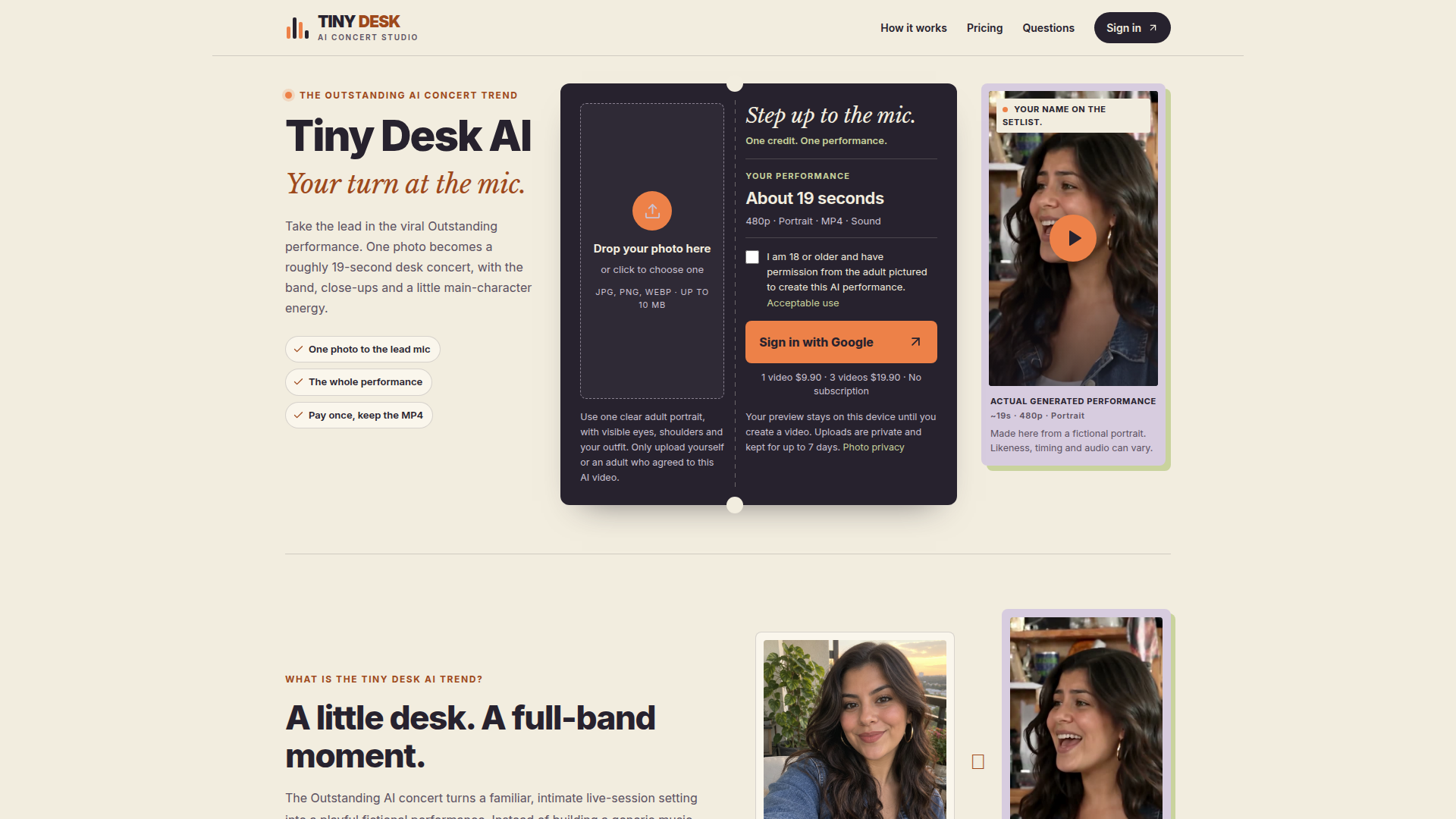
Tiny Desk AI is an innovative web-based platform that transforms a single photograph into a roughly 19-second AI-generated concert performance, inspired by the viral Outstanding trend. Positioned as a playful parody tool, it allows users to become the lead singer in a fictional intimate desk concert setting, complete with band shots and close-ups. Targeted at social media enthusiasts, content creators, and anyone eager to join viral trends, it requires no editing skills or prompts—just one clear adult portrait. Core features include a simple three-step process: upload a photo, AI recasts the singer, and download the MP4. The output is a 480p portrait video with generated sound, designed for easy sharing. Content is pre-arranged, so users don't need to write prompts. The user experience emphasizes privacy, with uploads kept for up to 7 days and results for 60 days, and a straightforward one-time payment model. Technically, it leverages AI to map facial features onto a concert sequence, though results may vary in likeness and audio. The site also includes clear FAQs, refund policies, and acceptable use guidelines, ensuring a safe and transparent experience.
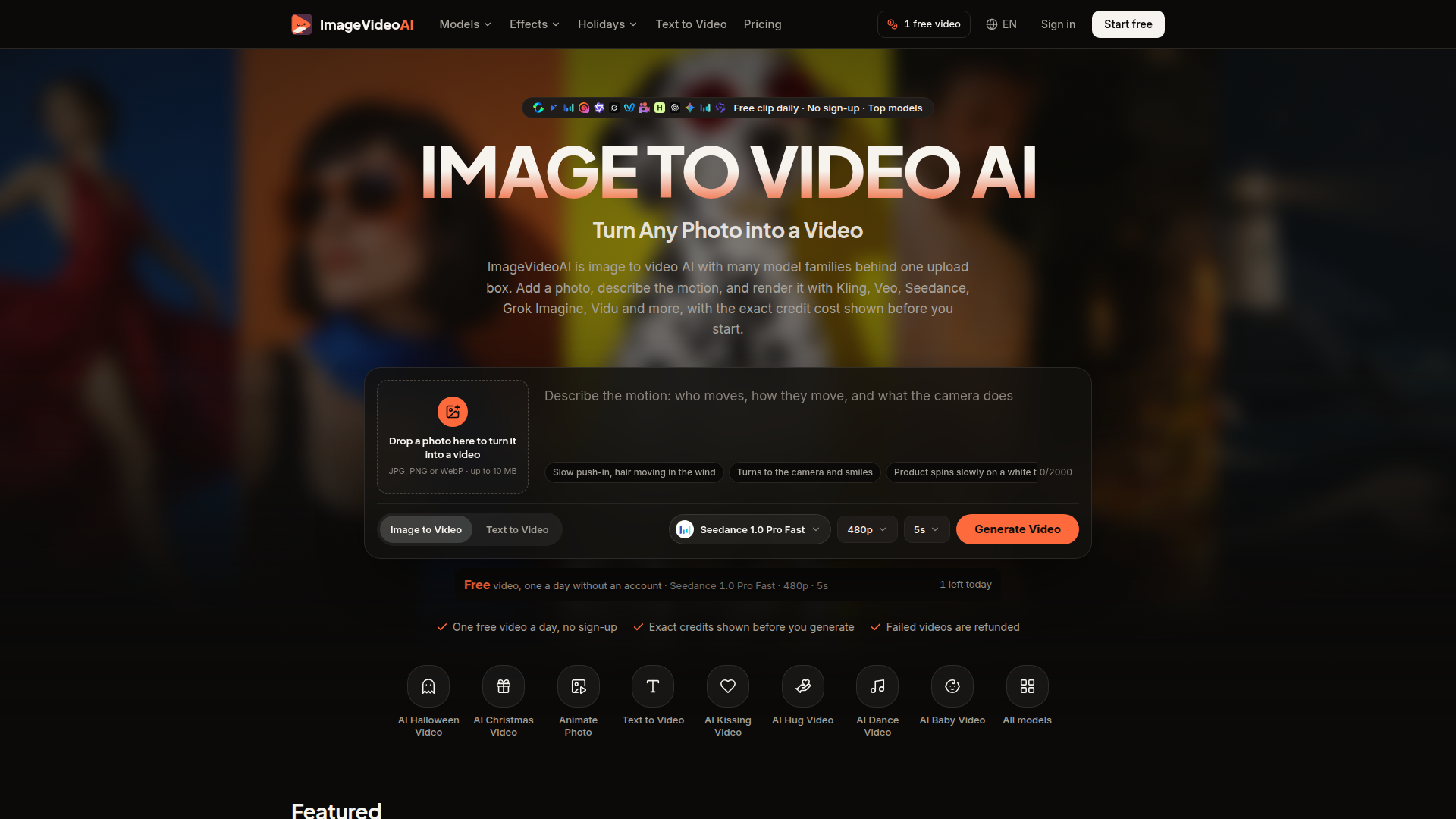
ImageVideo AI is an AI-powered image-to-video and text-to-video platform that turns still photos into short videos using multiple top model families such as Kling, Veo 3.1, Seedance, Hailuo, Wan, Grok Imagine, and Vidu. Positioned as a browser-based, no-install creative tool, it targets social media creators, marketers, small businesses, hobbyists, and anyone who wants to animate portraits, product shots, anime art, old family photos, or themed clips without editing skills. Core features include one upload box, prompt-based motion description, exact credit cost shown before generation, failed-render refunds, daily free credits, and no sign-up required to try. Content features cover model comparison tables, effect-specific pages (AI kissing, hug, dance, baby, animate photo), holiday-themed generators, prompt tips, and pricing transparency. User experience is simplified to three steps: upload, describe, generate, with preview and download in-browser. Technical features include support for JPG, PNG, WebP up to 10 MB, multiple resolutions up to 4K, clip lengths up to 30 seconds, sound on select models, first/last frame control, and cloud rendering. Paid plans remove watermarks, add commercial licensing, and provide longer file storage.
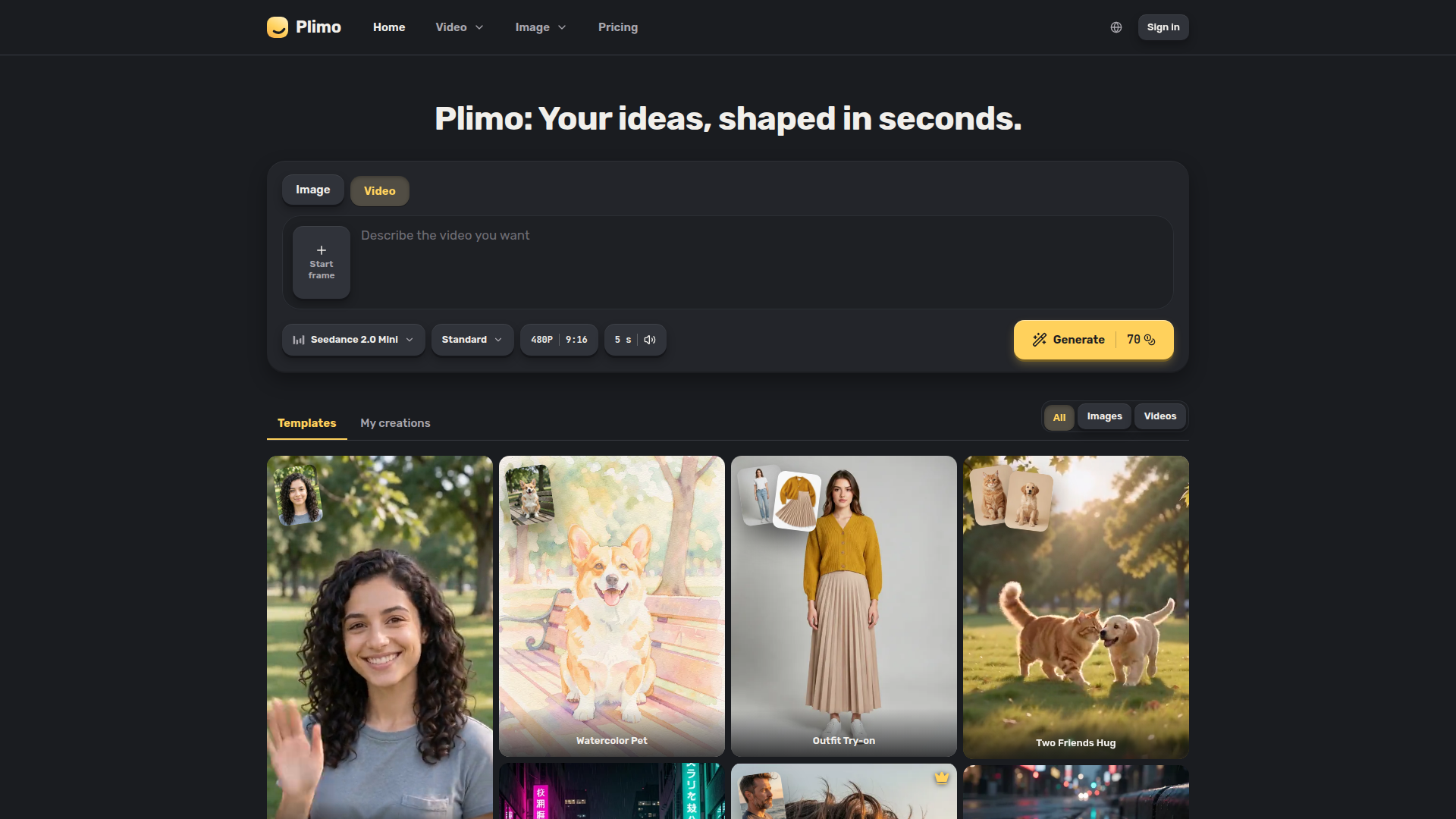
Plimo is a unified AI image and video generation studio that brings the newest generative models from Google, OpenAI, ByteDance, Kuaishou and others together inside a single, browser-based workspace. Positioned as an all-in-one creative playground rather than a single-model tool, it targets casual creators, social media users, small-business owners, marketers and hobbyists who want trending, shareable visuals without learning prompt engineering or juggling multiple subscriptions. Its core features include an AI Image Generator, an AI Photo Editor for hairstyle, outfit, background and style changes that preserve the subject's identity, plus an AI Video Generator, Image to Video and Text to Video tools supporting clips of roughly 3 to 15 seconds, some with native sound. A curated template gallery — Bring Photo to Life, Studio Product Shot, Hairstyle Try-on, Studio Ghibli Filter, Watercolor Pet, Bullet Time, Boxed Action Figure, Yearbook, Cinematic Push-in and more — ships with pre-tuned prompts and settings so a user only has to upload a photo and press Generate. Content features emphasise transparency and practicality: every run shows its credit cost directly on the Generate button, failed generations are fully refunded, results land in a persistent 'My creations' library, and non-members receive a small bottom-right watermark plus 7-day retention while members get clean, commercially licensed output and longer storage. The user experience is deliberately low-friction: typing a prompt works before sign-in, authentication is handled via Google or an emailed code with no credit card required, and new accounts receive 100 non-expiring free credits — roughly 50 images with Plimo Image 1.0 or one short video. Technically, Plimo is a cloud-hosted aggregator layer that routes each request to the appropriate third-party model (Plimo Image 1.0, GPT Image 2.5, Nano Banana 2.1, Seedance 2.0 Mini, Veo 3.1 Fast, Kling 3.0), normalising their parameters, aspect ratios, resolutions and credit pricing behind one consistent interface, with cross-device access to saved creations once signed in. It also states plainly that it does not train models on user uploads, and it prohibits adult content, making it a safe, fast entry point for anyone who wants polished AI visuals in seconds.
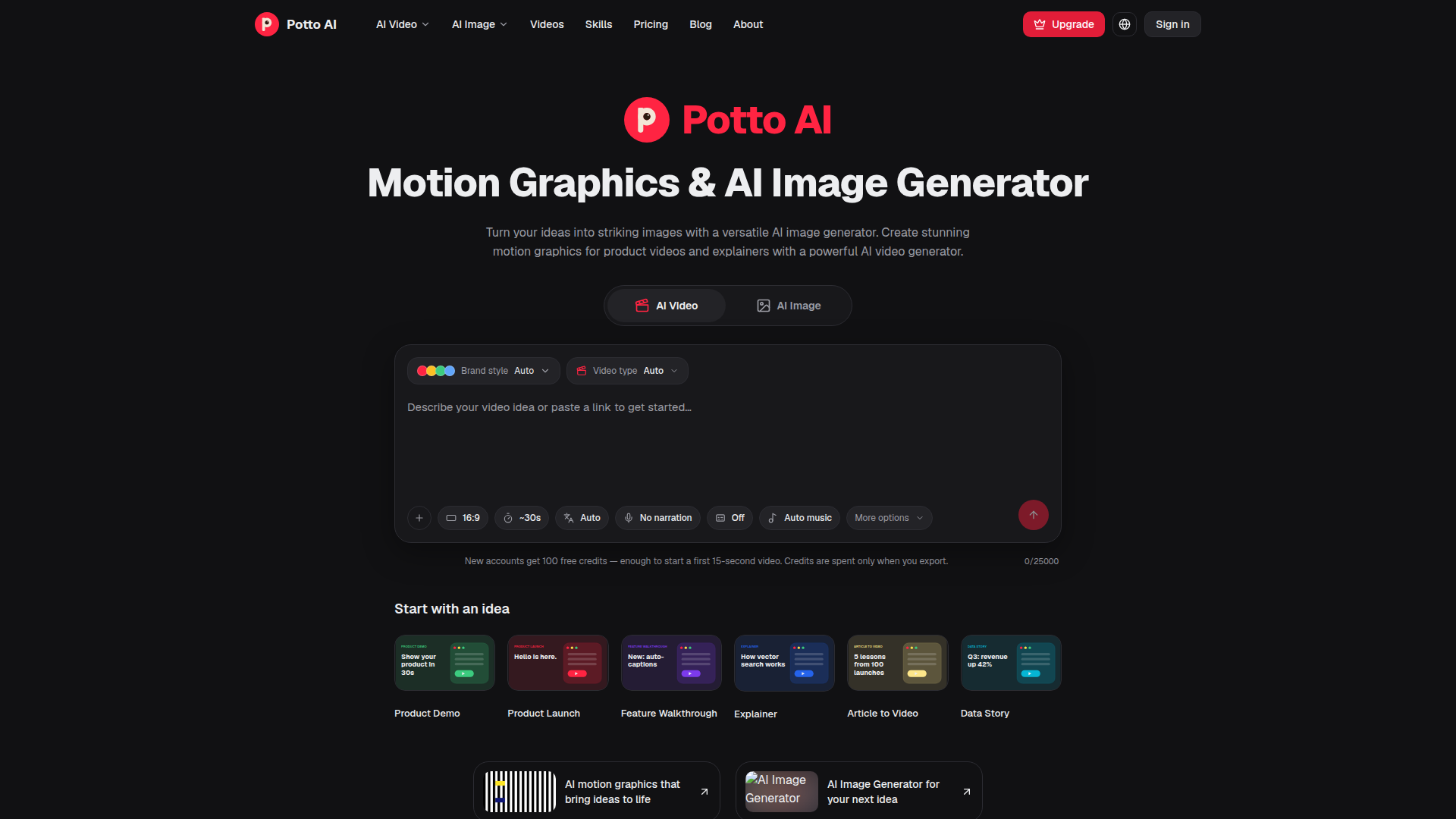
Potto AI is a web-based AI creative studio positioned at the intersection of motion graphics, video generation, and image creation. It helps users turn ideas, product screenshots, articles, or reference images into polished product demos, launch videos, feature walkthroughs, explainers, data stories, campaign visuals, illustrations, portraits, and character concepts. The target audience includes marketers, product teams, startup founders, content creators, social media managers, designers, educators, and small businesses that need professional visuals without a full production pipeline. Core features include an AI motion graphics generator, an AI video generator with storyboard previews, an AI image generator with text-to-image and image-to-image workflows, style presets, aspect ratios such as 16:9, vertical and square, narration, captions, music options, and export to MP4. Content features include creator galleries, prompt examples, templates, blog posts, skills, and model guidance for Nano Banana Pro and Nano Banana. User experience emphasizes guided steps: start with material, shape the story, preview, refine, and export. Technical features include a credit-based system shared by video and image tools, monthly/yearly subscriptions, one-time credit packs, queue priorities, batch processing, model selection, and image editing tools such as background remover, upscaler, uncrop, and watermark remover. Overall, Potto AI offers an accessible, browser-based way to create motion graphics and still images quickly while keeping creative control over the final output.
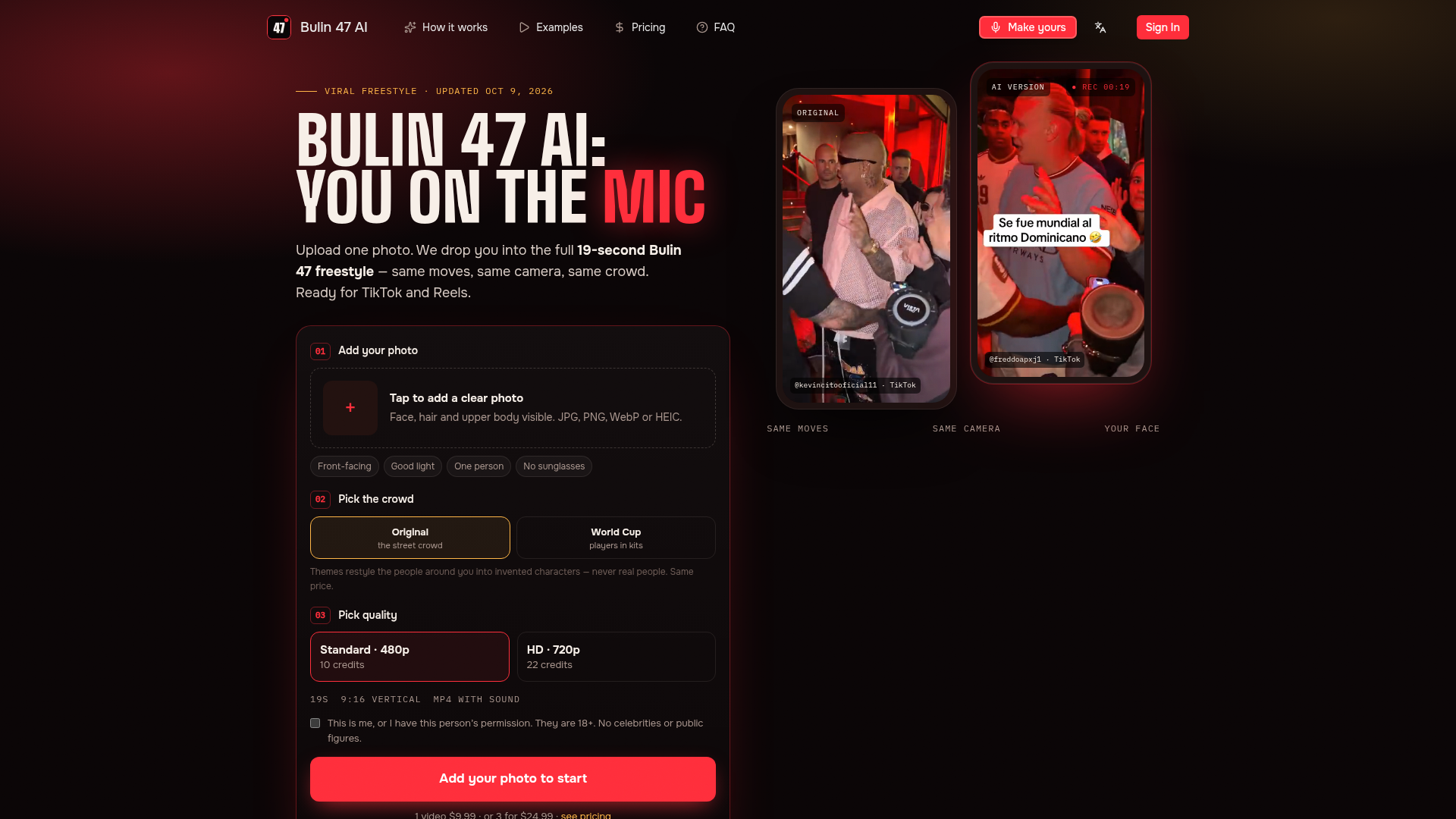
Bulin 47 AI is a single-purpose, browser-based AI video generator that recreates the viral Bulin 47 freestyle trend. The original clip shows Dominican artist Bulin 47 improvising over Kevin Wai's speaker outside a restaurant in Madrid; this tool replaces the performer with you, a friend or even a pet, while keeping the original moves, camera work, crowd and sound intact. Website Positioning: it is an independent, fan-made micro-tool (explicitly not affiliated with, endorsed by or sponsored by Bulin 47 or Kevin Wai) built to ride one specific social media trend, rather than a general-purpose AI video studio. Target Audience: TikTok, Reels and YouTube Shorts creators, meme pages, group chats of friends, and casual users who have seen the trend and want a personalised version without learning video editing or prompt engineering. Core Features: one-photo upload (JPG, PNG, WebP, HEIC); automatic recasting of the performer across the entire 19-second clip; two crowd themes (Original street crowd and World Cup, which redraws bystanders as invented players in national-team kits); two quality tiers (Standard 480p at 10 credits, HD 720p at 22 credits); MP4 output in 9:16 vertical format with the original freestyle audio plus a silent copy; no watermark; automatic credit refunds for failed or blocked renders; a 'My videos' library that retains finished renders even if the tab is closed; and email notification when a render is ready. Content Features: the site pairs the tool with clear three-step onboarding, a 'Before you upload' guidance block listing what makes a good render and known AI limitations (lip sync not frame-exact, slight crowd shifting, occasional carry-over of details like jewellery), a gallery of real TikTok AI versions with creator credits, and editorial guide pages covering the trend timeline and a step-by-step tutorial. User Experience: the whole flow is deliberately short and jargon-free — upload, pick crowd, pick quality, press Make my freestyle — with honest expectation-setting about rendering time (5–20 minutes) and results, plus consent and age attestations before generation. Technical Features: cloud-based AI image-to-video generation, credit-based metering, Stripe secure checkout, account-linked render history, automatic refund logic for failures, and content moderation that blocks celebrities, public figures and minors. Pricing is pay-per-video through credit packs that never expire, making it a low-commitment way to try the trend.
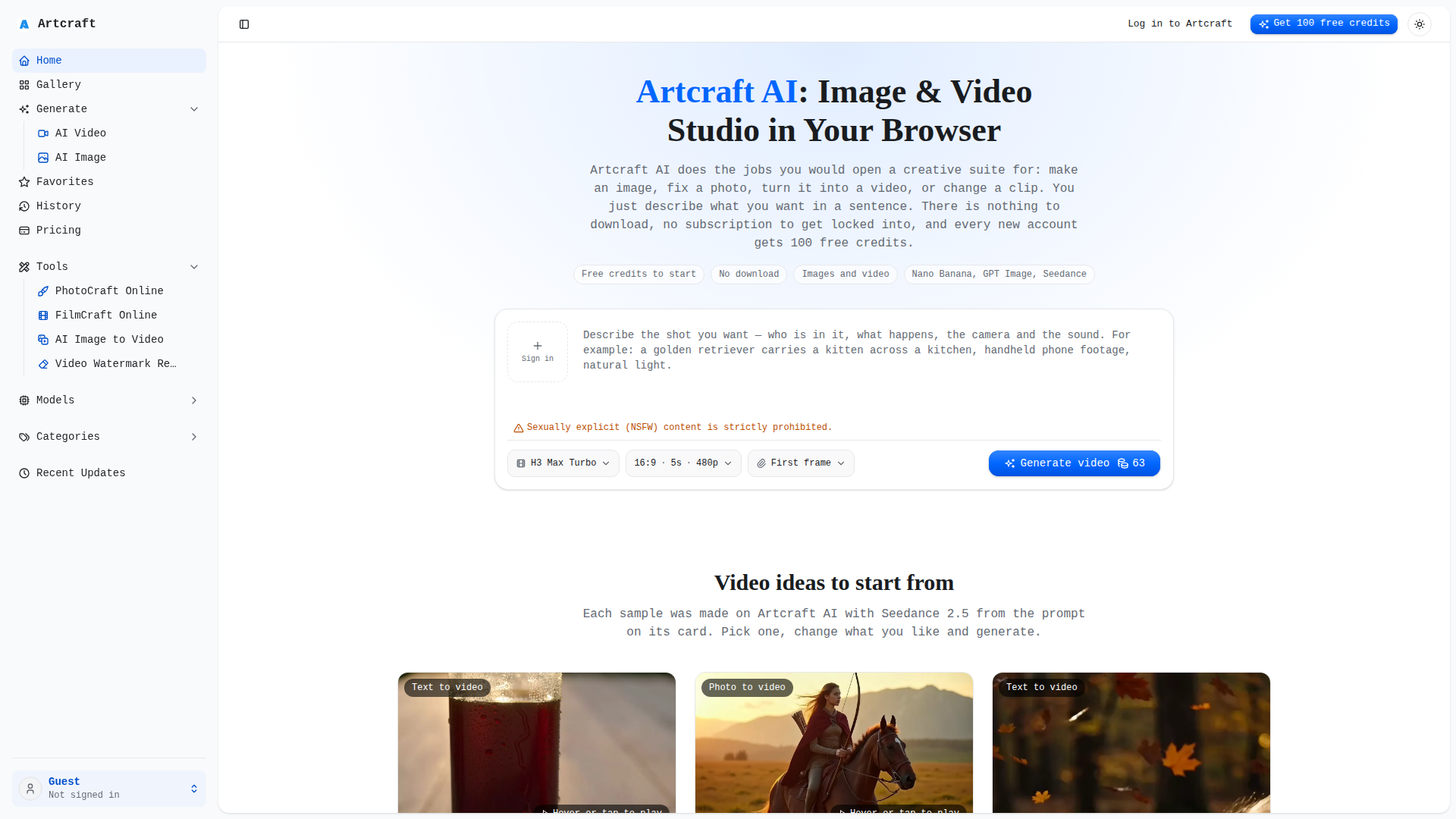
Artcraft AI is a browser-based AI image and video studio that replaces much of what people traditionally open a creative suite for, letting users generate, edit and animate visuals simply by describing what they want in plain language. Positioned as a lightweight, install-free alternative to Adobe Creative Cloud and to the open-source ArtCraft desktop apps, the platform combines text-to-image generation, AI photo editing, text-to-video, image-to-video, clip editing and video watermark removal inside a single web interface that runs on Windows, Mac, Linux, Chromebook, Android and iPhone. Its target audience spans social media creators, small businesses, marketers, e-commerce sellers, photographers, hobbyists and anyone who needs a product shot, a thumbnail, a vertical 9:16 short or a ten-second commercial without hiring a studio. Core features include the PhotoCraft Online editor for instruction-based retouching, FilmCraft Online for prompt- or photo-driven video creation with sound, an AI Image Generator producing up to 4K output, an Image-to-Video converter that preserves faces, outfits and products from a still, and a Video Watermark Remover that erases moving logos and captions. Content-wise, the site is unusually practical: it showcases real sample clips with copyable prompts, groups prompts into browsable categories such as Nature & Landscape, City & Urban, Fantasy & Sci-Fi and Animation & Stylized, and publishes an honest comparison table explaining when a desktop editor is still the better tool. User experience is centred on a single prompt box where the model and its credit cost are visible before generating, with results saved to history or favourites and refunded automatically if a generation fails. Technically it is cloud-rendered with no downloads, no watermarks, multi-model switching between Nano Banana 2, Nano Banana Pro, GPT Image 2, Seedance 2.5, Seedance 2 Mini, H3 Max, H3 Max Turbo and Artcraft 1.0, and credit-based consumption that starts with 100 free credits for every new account.
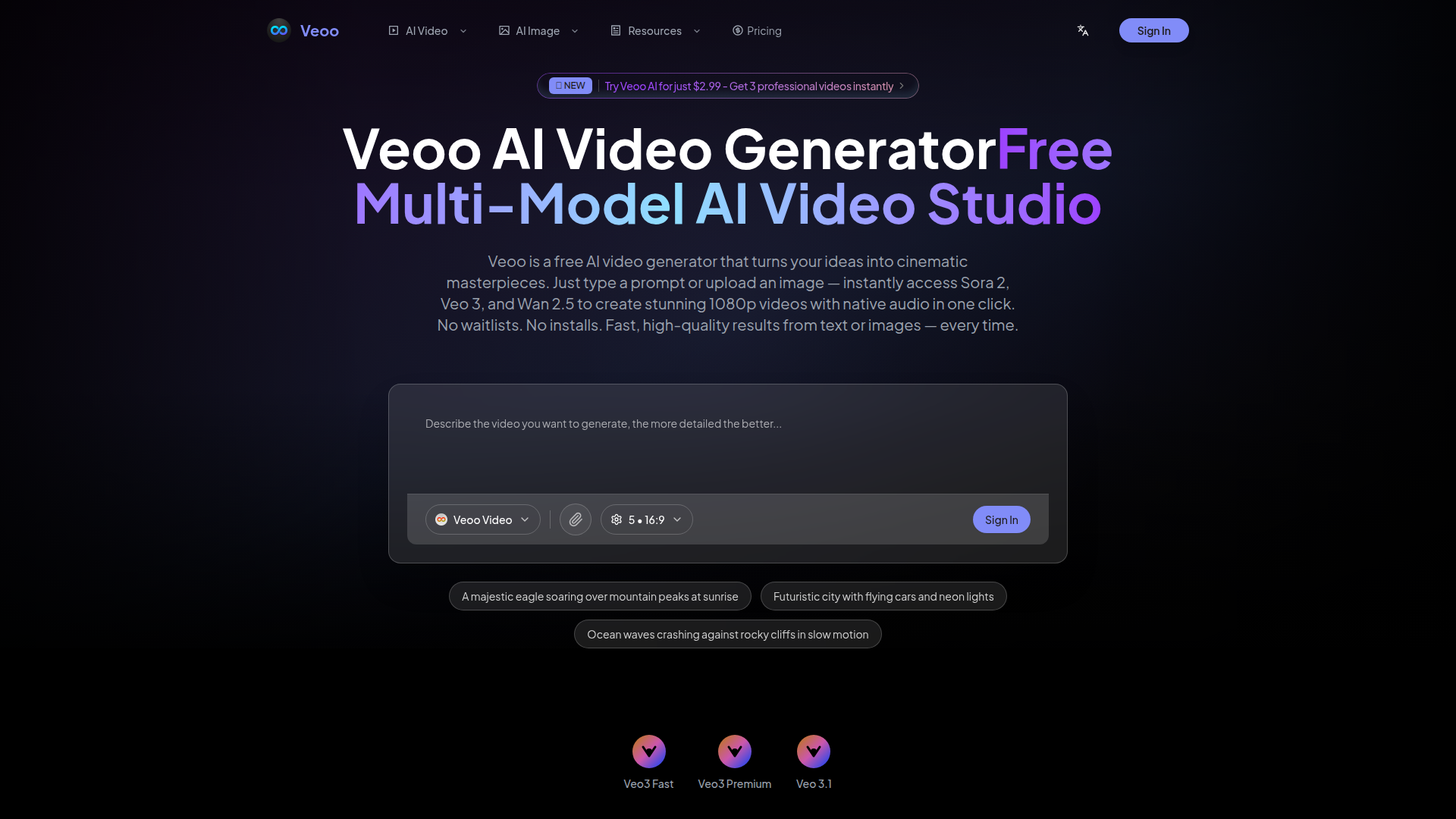
Veoo is a browser-based, multi-model AI video generation studio positioned as a free and fast way to turn text prompts or uploaded images into cinematic 1080p videos with native audio. It targets content creators, marketers, social media managers, filmmakers, agencies, small businesses, educators, and hobbyists who want professional-looking AI video without installing software or waiting on waitlists. Core features include text-to-video, image-to-video, native audio generation, cross-video character consistency, batch generation, intelligent scene splitting, scene continuation, smart prompt optimization, and the Veoo Bot AI assistant for 24/7 support and model recommendations. The platform integrates leading video models such as Sora 2, Veo 3, Veo 3.1, Wan 2.5, Kling 2.6, and Seedance 2.0, alongside Veoo Basic, Veoo Advance, and Veo3 Fast/Premium options. It also offers advanced image models including Nano Banana, Nano Banana Pro, Seedream 4.0, Qwen Image, and Z-Image. Content features include model-specific workflow pages, showcases, a blog, updates, and an AI tools directory. User experience emphasizes one-click generation, no installs, no waitlists, fast results, multi-language support, privacy controls, SEO-optimized video pages, and easy social sharing. Technical features include 1080p output, synchronized audio, natural human motion, commercial usage rights, no watermarks on paid plans, and flexible credit-based subscriptions or one-time credit packs.
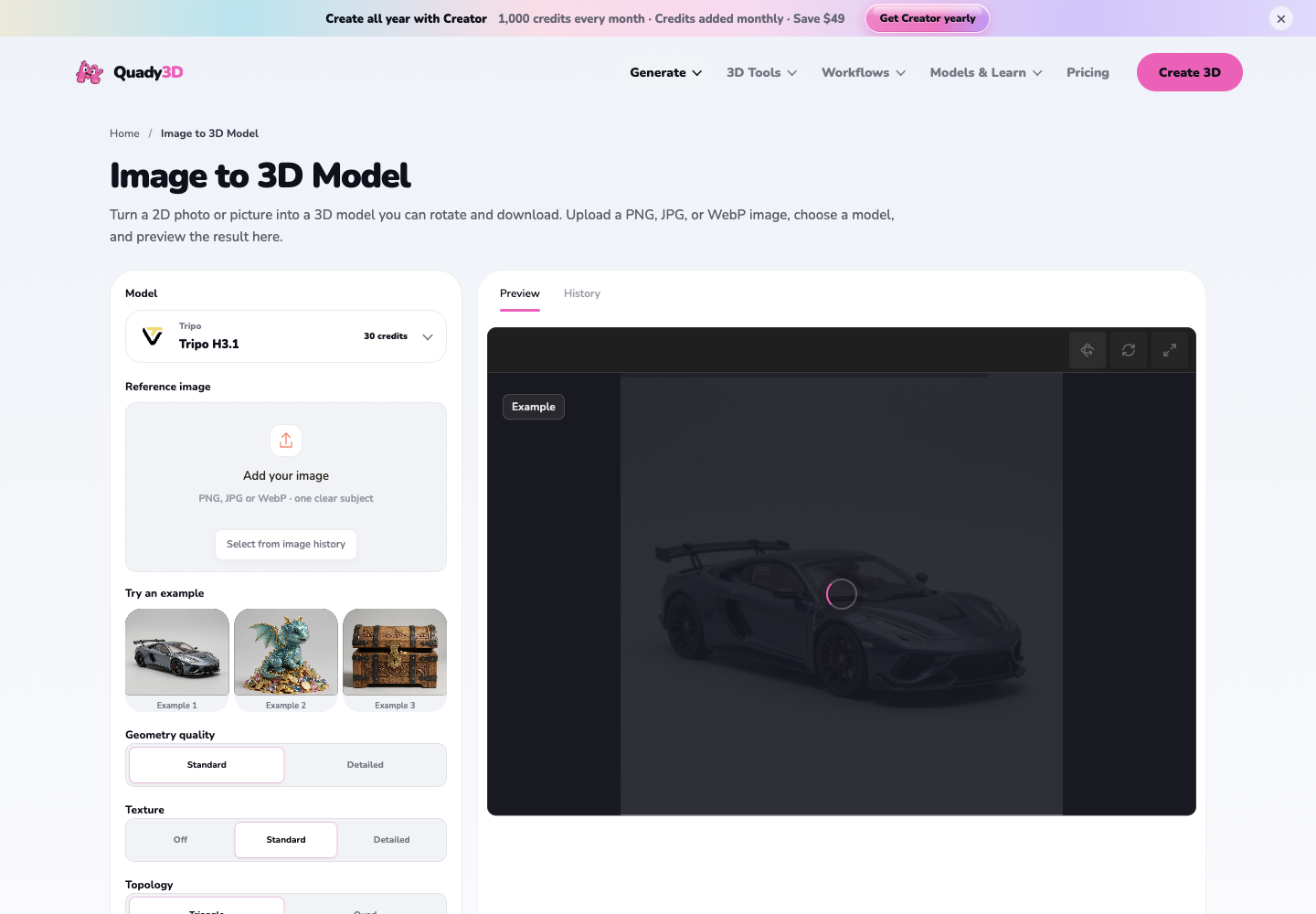
Quady 3D (quady3d.com) is a browser-based AI 3D model generation platform that turns images, text prompts, hand-drawn sketches, and multi-view photo sets into inspectable, downloadable 3D assets. Positioned as an all-in-one AI 3D workspace rather than a single-model demo, it aggregates several leading third-party generation engines — Rodin Gen-2.5, Meshy v7 and Meshy 6, Hunyuan 3D 3.0 and 3.1 Rapid, Tripo H3.1 and P2, TRELLIS 2, Hi3D v3 and Seed3D 2.0 — behind one consistent interface so users can compare outputs and choose the engine that best fits their input type. Core features span four input workflows (Image to 3D, Text to 3D, Sketch to 3D, Multi-image to 3D), asset creation tools (3D character generator, character animation/rigging, low-poly generator, game asset generator, AI STL generator), and material tools (AI texture generator, retexture, Text to PBR, Image to PBR). A separate utility suite handles 3D text, SVG-to-3D, logo-to-3D, voxel generation, lithophane creation, and file conversion and inspection between STL, OBJ, GLB and PNG/JPG sources, all inside the browser with dedicated STL and 3D model viewers. The target audience includes indie game developers, 3D printing hobbyists and sellers, product designers, Blender/Unity/Roblox/Unreal creators, and figurine or collectible makers who need fast concept geometry without mastering modeling software. Content features are unusually strong for a generator: a model catalog with per-model capability notes, head-to-head comparisons (Meshy vs Tripo, best AI 3D generators), workflow use cases, a prompt library, example galleries showing input beside output, changelog, blog, and step-by-step learn guides. User experience emphasizes a three-step flow — add a reference, choose a model and settings, then inspect and download — with credit cost shown before generation, in-workspace job progress, 3D rotation previews, and community model browsing. Technically, the product is fully cloud-hosted and install-free, supports credit-based metering with per-generation cost variation, monthly subscription storage tiers (2GB to 50GB), 1–4 concurrent generation tasks, personal folders, and account-level privacy controls with permanent deletion.
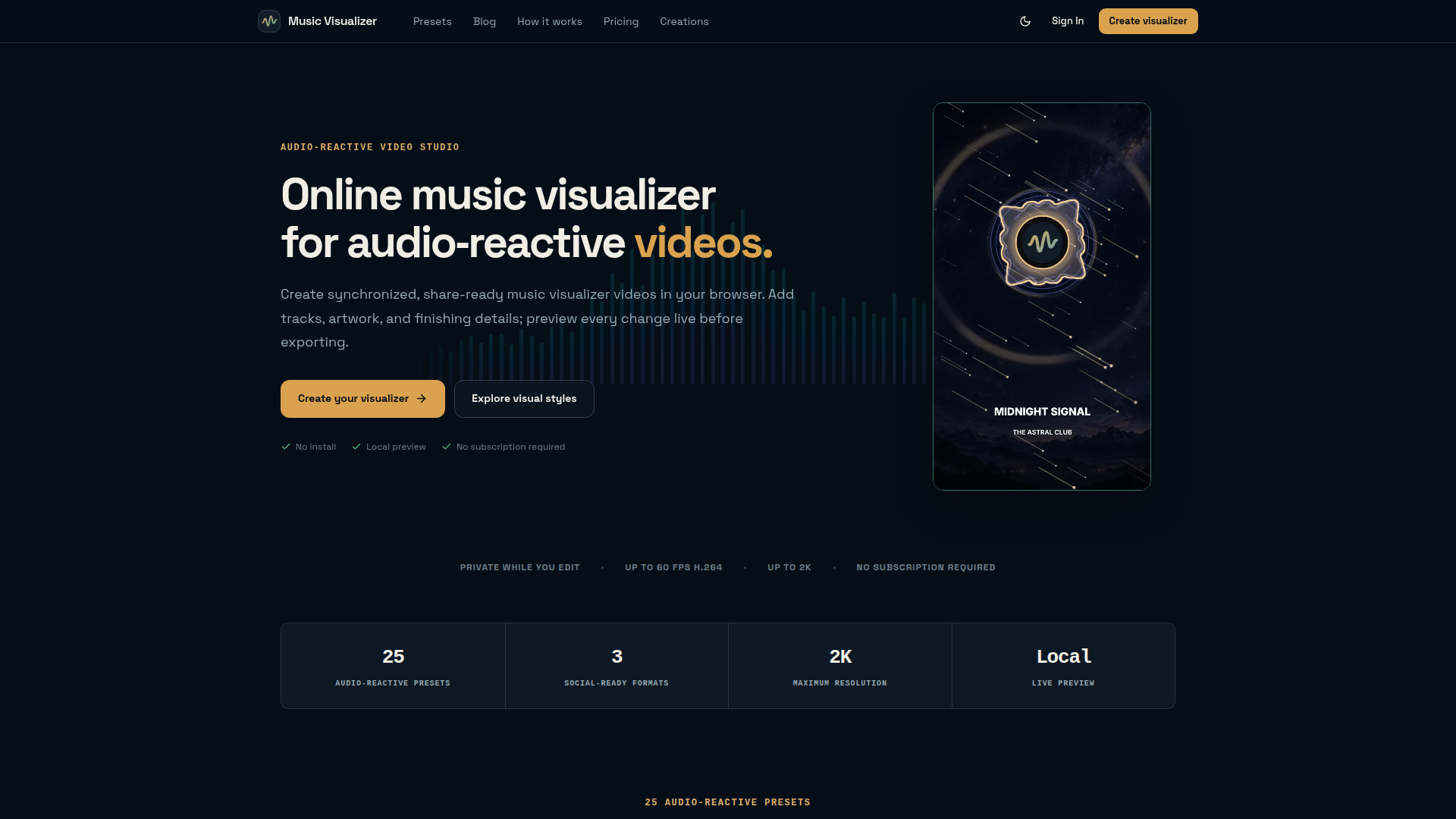
Music Visualizer (musicvisualizer.net) is a browser-based, audio-reactive video studio that turns finished audio tracks into share-ready music visualizer videos without any desktop software. Positioned between a professional video editor and a simple online toy, it targets independent artists and producers, DJs and mix creators, bands and musicians, and podcasters or audio storytellers who need a fast, repeatable way to give their sound a visual identity. Its core features include 25 audio-reactive presets driven by real-time frequency analysis, live local previews, ratio-aware artwork cropping with pan and zoom, and cloud rendering of H.264 video at up to 2K and 60 FPS in square 1:1, vertical 9:16, and widescreen 16:9 frames. The workflow is deliberately simple: choose a preset, add audio, artwork, logo and text, shape colors, intensity and composition, then export using one-time credits (720p/1080p cost 1 credit, 2K costs 2). Content-wise the site is built around product education rather than noise, offering a preset gallery, a blog, a four-step 'how it works' walkthrough, audience-specific use cases, a transparent roadmap (timed lyrics, 4K exports, subscription plans, more presets), and an extensive FAQ. User experience emphasizes a local-first, privacy-conscious flow: audio and images stay in the visitor's browser while editing and previewing, uploads begin only at export, so creators can experiment freely before paying. Technical highlights include in-browser audio analysis, responsive desktop and mobile support, asynchronous cloud rendering that does not tie up the user's device, Stripe-secured checkout, non-expiring credits, automatic credit restoration on rendering-system failures, and a 14-day retention window for source media and finished videos. No install, no subscription, and no credit card needed to start editing.
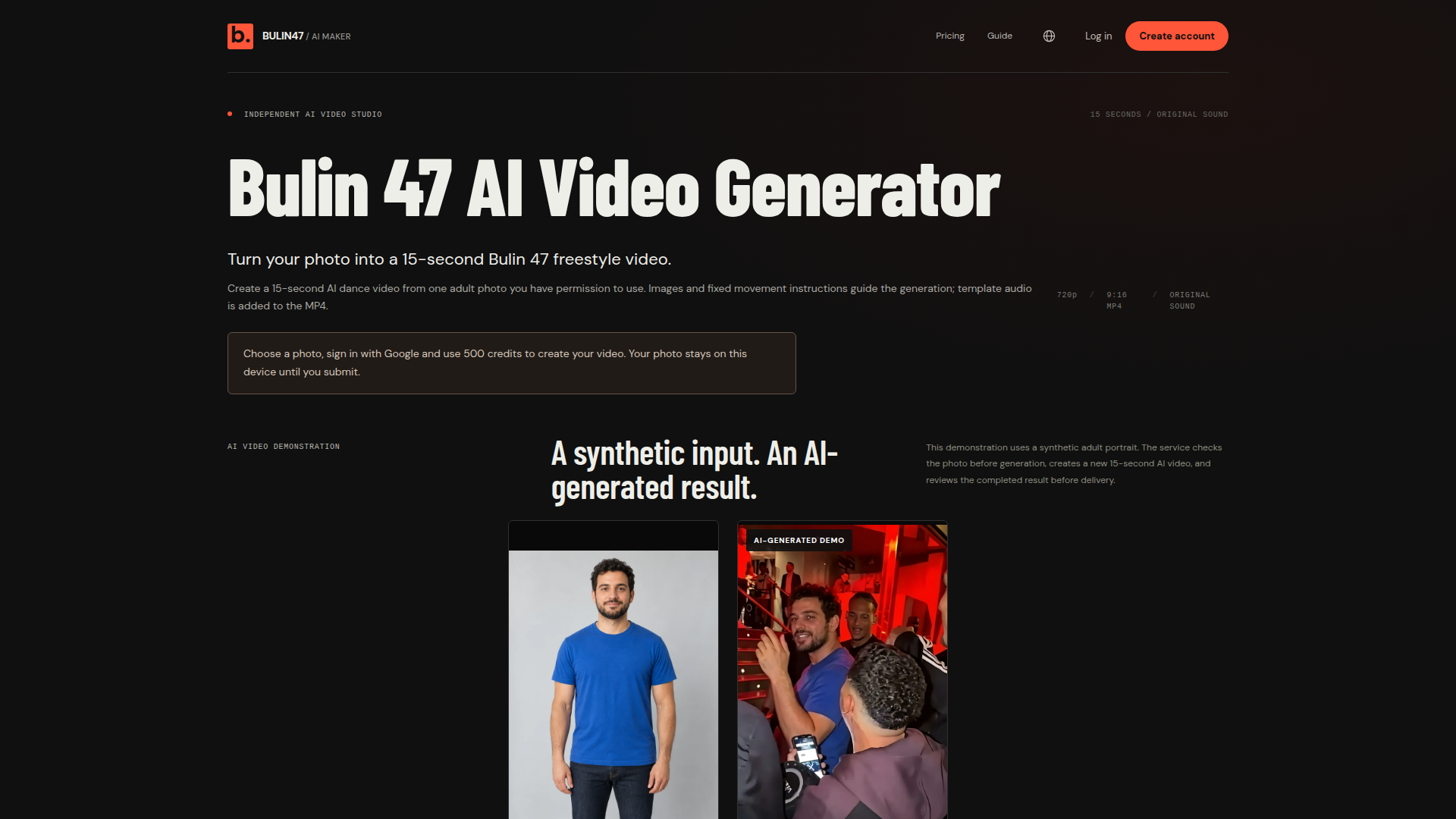
Bulin 47 AI Maker is an independent AI video studio positioned as a simple, single-purpose photo-to-dance-video generator. It lets users turn one clear adult portrait into a 15-second AI-generated dance video inspired by the Bulin 47 freestyle format. The site is aimed at social media creators, TikTok/Reels/Shorts users, fans of viral dance trends, and casual users who want a quick synthetic video without learning prompt engineering, video editing, or motion tracking. Core features include one-photo input, fixed template motion, original template sound, 720p vertical 9:16 MP4 output, Google sign-in, a private My Videos history, and a credit-based generation system. Content features include a demo with a synthetic portrait, a step-by-step guide, an FAQ section, acceptable use and safety checks, and clear notes about photo/video retention. User experience is streamlined: drop a JPEG/PNG up to 8 MB, confirm adult permission, sign in, verify at least 500 credits, submit, then review and download within seven days. Technical features include local photo drafts lasting up to 24 hours, input photo deletion 24 hours after task completion, completed video retention for 7 days, safety review before generation and delivery, and no subscription requirement. Pricing is one-time credit packs from $9.90 for one video up to $64.90 for eight videos, with credits valid for 365 days.
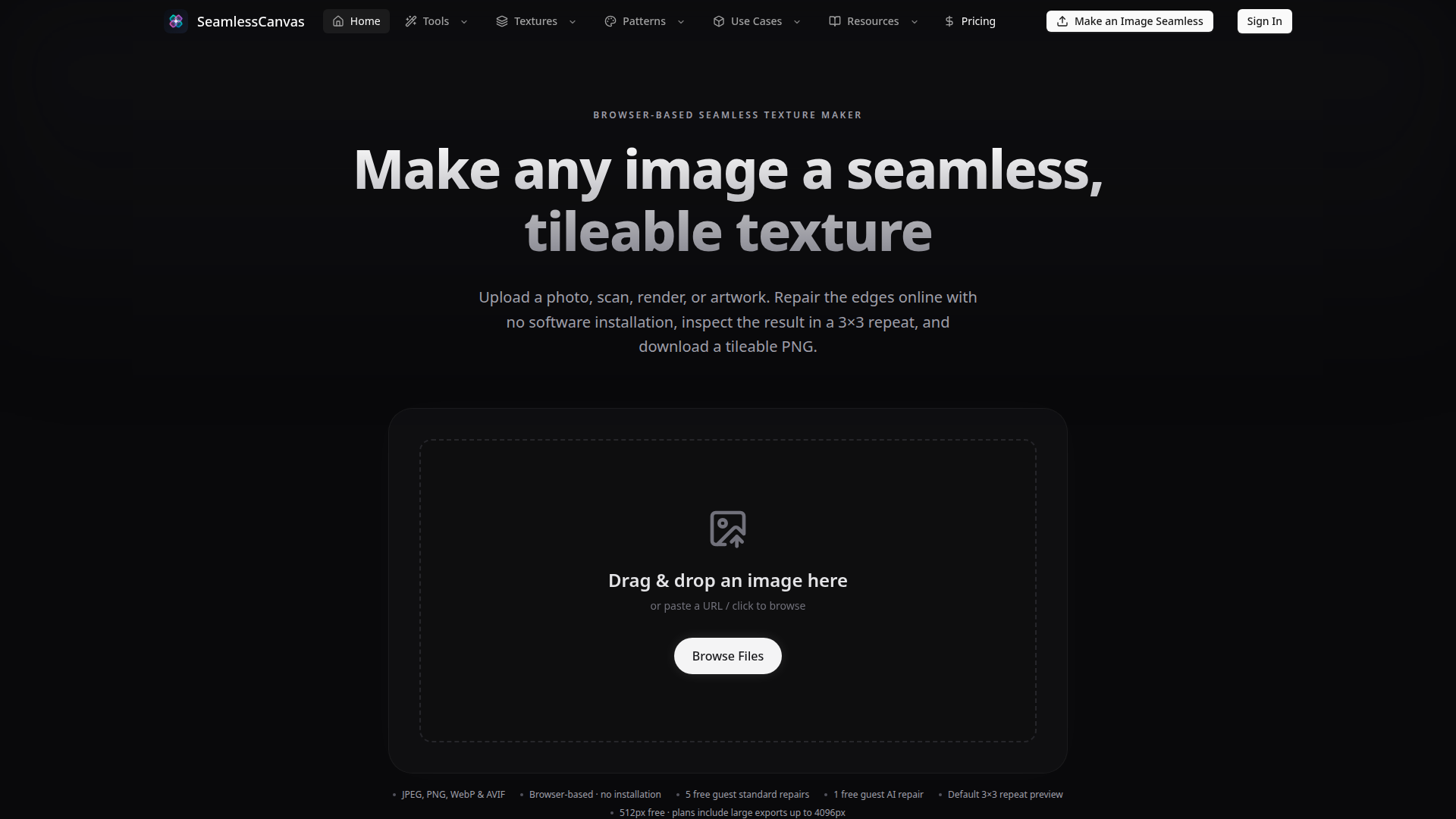
SeamlessCanvas is a browser-based tool designed to convert any image into a seamless, tileable texture or generate new seamless textures and patterns from text prompts. Positioned as an accessible alternative to complex desktop software like Photoshop, it targets game developers, 3D artists, textile and wallpaper designers, print-on-demand creators, and anyone needing repeatable surface assets. Core features include an image-to-seamless workflow that repairs edges using standard algorithms or optional AI, a prompt-based texture and pattern generator, and multiple repeat previews (2×2, 3×3, 5×5) with seam guides. Users can export PNGs up to 4096px depending on their plan. The platform offers a free tier with limited guest repairs and AI credits, while paid plans (Starter, Creator, Studio) provide unlimited standard repairs, more AI credits, and larger exports. Content features include guides, use cases, showcases, and specialized generators for materials like stone, wood, fabric, and patterns like floral, geometric, and abstract. The user experience is streamlined: drag-and-drop upload, automatic repair, and instant preview, all without installation. Technically, it leverages AI prompt wrapping, credits-aware generation, and plan-aware export controls, making it a practical tool for quickly producing tileable assets for games, 3D scenes, fabric, wallpaper, and product mockups.
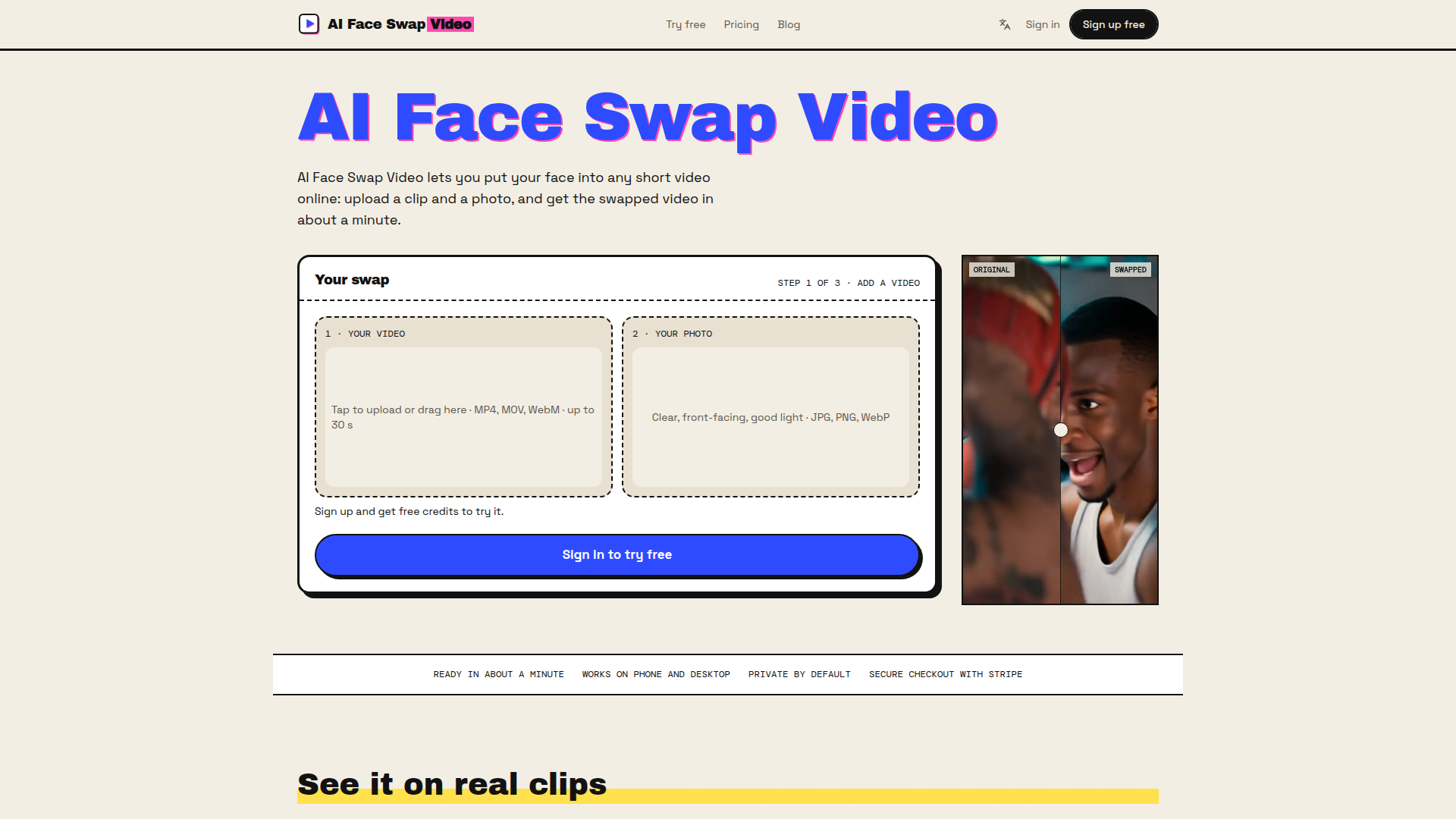
AI Face Swap Video is a browser-based AI video face-swapping tool that lets users insert their face into short clips quickly and easily. Positioned as a simple, privacy-conscious online utility for casual creators, social media users, and anyone who wants to star in existing footage without editing skills, it accepts an MP4, MOV, or WebM video up to 30 seconds and a JPG, PNG, or WebP photo, then generates a swapped video in about a minute. Core features include Full swap (face, hair, outfit) and Face only modes, free signup credits, one-time credit packs that never expire, watermark-free downloads after purchase, and support for mobile and desktop browsers. Content is organized around sample clips, use cases, pricing, safety, and a blog. User experience emphasizes a three-step upload, consent confirmation, generation, and download flow, with auto-deletion of uploads after 24 hours and no training on user files. Technical features include Stripe checkout, Google/email sign-in, vertical video support, and cloud processing.
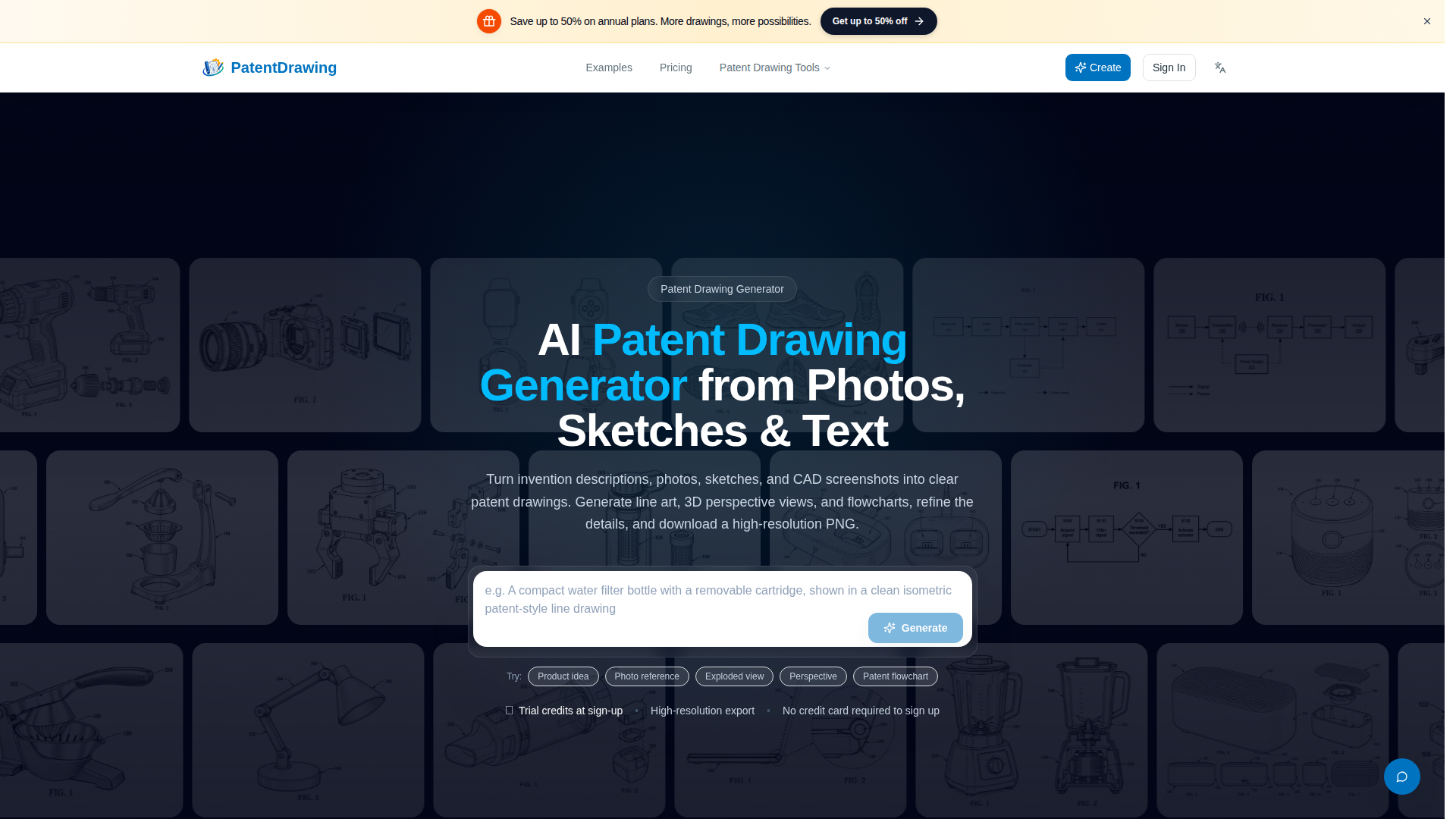
PatentDrawing is a specialized AI-powered web application designed to help inventors, patent attorneys, product designers, and engineering teams rapidly convert ideas and reference materials into clean, patent-style technical drawings. The platform's core positioning is as an on-demand patent illustration draft generator that bridges the gap between raw concepts and presentable visual documentation. Users can start from a plain-text invention description, a product photograph, a hand-drawn sketch, or even a CAD viewport screenshot, and the AI produces black-and-white line art, 3D-style perspective and multi-view renderings, exploded-view assemblies, flowcharts, and functional block diagrams. Its target audience includes independent inventors preparing provisional or non-provisional filings, IP professionals who need quick visual references for client discussions, product and industrial designers communicating form and mechanisms, and startup teams documenting prototypes. Core features span six dedicated tools: the Patent Drawing Generator (line art from text), the 3D Perspective Patent Drawing Generator (perspective and orthographic view sets), the Patent Flowchart Generator (process steps and system connections), Photo to Patent Drawing, Sketch to Patent Drawing, and the Exploded View Patent Drawing Generator. Content features include a curated example gallery covering smartwatches, smart speakers, cordless drills, filtration systems, and medical-device concepts, plus honest disclosure that outputs are flat PNG images rather than editable vector or 3D CAD files. User experience is streamlined into a describe-or-upload, choose-direction, review-and-download workflow, with high-resolution PNG exports, watermark-free downloads, commercial-use licensing, and concurrent generation tasks. Technical characteristics include text-to-image and image-to-image generation pipelines, credit-based usage metering, priority generation queues, adjustable concurrency, and generation-history retention tiers. The service emphasizes human review and does not certify patent-office compliance, positioning itself as an ideation and communication aid rather than a substitute for a licensed patent illustrator or formal filing review.
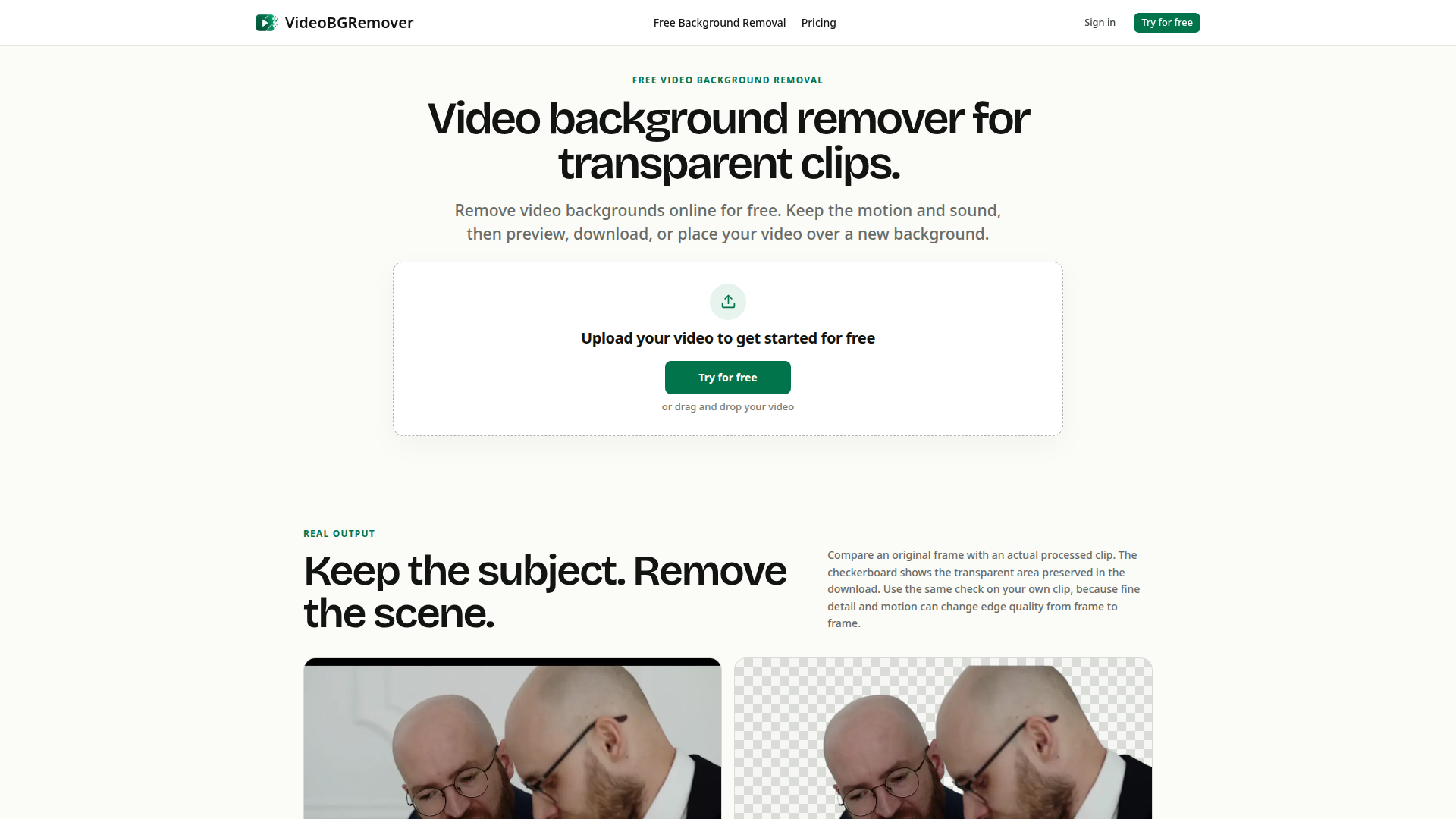
VideoBGRemover is a browser-based AI video editing tool built for one focused job: removing the background from video clips and turning them into reusable transparent assets. Instead of asking users to shoot on a green screen or hand-draw masks frame by frame, it analyses ordinary footage, separates the main subject from the recorded room, office or outdoor scene, and preserves the original motion and audio in the finished result. Its positioning is that of a lightweight, self-serve web utility rather than a full non-linear editor — upload, process, preview and export all happen in a single guided workflow with no software installation. The target audience includes content creators and YouTubers producing talking-head videos, marketers and designers building landing pages or social creative, product teams assembling demo videos, educators and course authors creating tutorials and explainers, and small studios or agencies that need recurring background removal capacity. Core features include AI subject separation without a green screen, clip trimming before processing, audio preservation, a preview canvas that shows the subject over a checkerboard, solid colour or a custom image, and three export routes: transparent WebM with VP9 alpha for the web, transparent ProRes 4444 MOV with an alpha channel for editing workflows, and composited MP4 over a colour or static image for everyday playback. Companion pages extend the same engine to related tasks such as blurring faces in video, blurring a video background, green screen and chroma key removal, creating transparent video and removing GIF backgrounds. Content-wise the site takes an unusually honest, expectation-setting tone: it shows a real original-versus-result frame comparison, states clearly that no AI separation tool is perfect on transparent objects, fast motion blur, reflections or multiple fast-moving subjects, and repeatedly tells users to preview and compare before committing a clip to a final project. The user experience is deliberately low-friction and trust-oriented — free credits to try, private uploads, jobs that keep running in the background so the tab can be closed and revisited, clear job states, and credits returned when processing fails. Technically the platform accepts MP4, MOV and WebM encoded with H.264, HEVC or VP9, validates media details before uploading, processes the selected clip through a background-removal provider, and stores uploads and results in private storage that only the signed-in owner can preview, download or export. Pricing is freemium: a free trial of 30 credits, tiered monthly or annual memberships (Creator, Pro, Studio) and optional non-expiring credit top-ups for active members, with a simple 1 credit = 1 second of successful processing model.
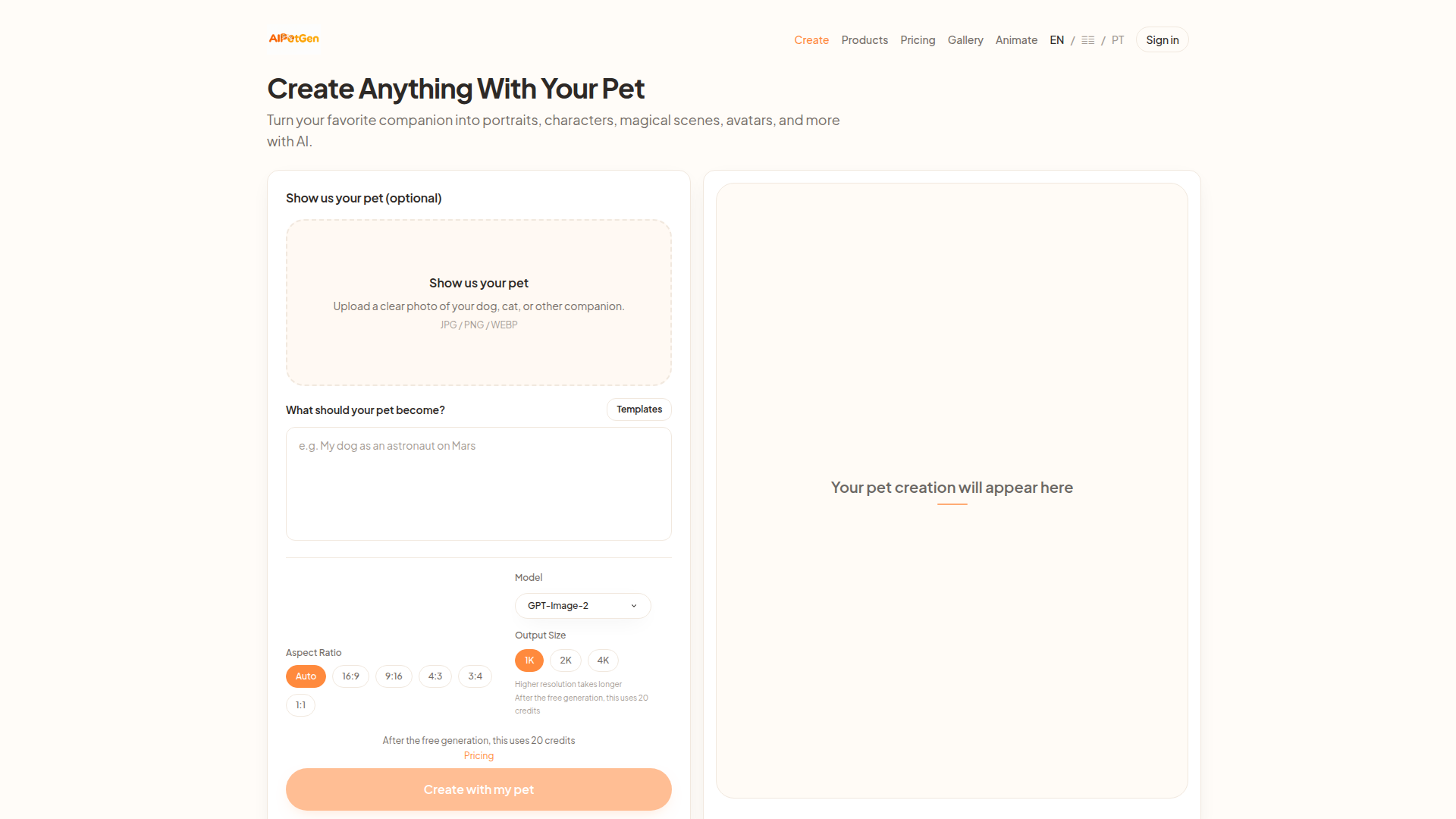
AIPetGen is an AI-powered platform that transforms pet photos into artistic portraits, characters, and animations. Positioned as a creative studio for pet lovers, it targets pet owners, social media enthusiasts, and anyone looking to generate unique content featuring their furry friends. The core features include an AI pet image generator that can restyle photos into various art forms (realistic, watercolor, oil painting, cartoon, anime, royal portrait) and an animation tool that creates short videos from text or images. Content features include a gallery for saving and sharing creations, a daily free allowance, and a credit-based system for additional generations. The user experience is streamlined: upload a photo, choose a template or describe your vision, and generate. The interface supports multiple languages (EN/中文/PT) and offers customizable settings like aspect ratio, model, output size, duration, resolution, and multi-shot for videos. Technically, it leverages advanced AI models (GPT-Image-2 for images, VIDEO model for animations) to maintain the pet's recognizability while applying transformations. The platform is web-based, with a focus on ease of use and high-quality outputs. It also provides links to products, pricing, and legal pages. Overall, AIPetGen is a specialized tool for pet-centric AI content creation.
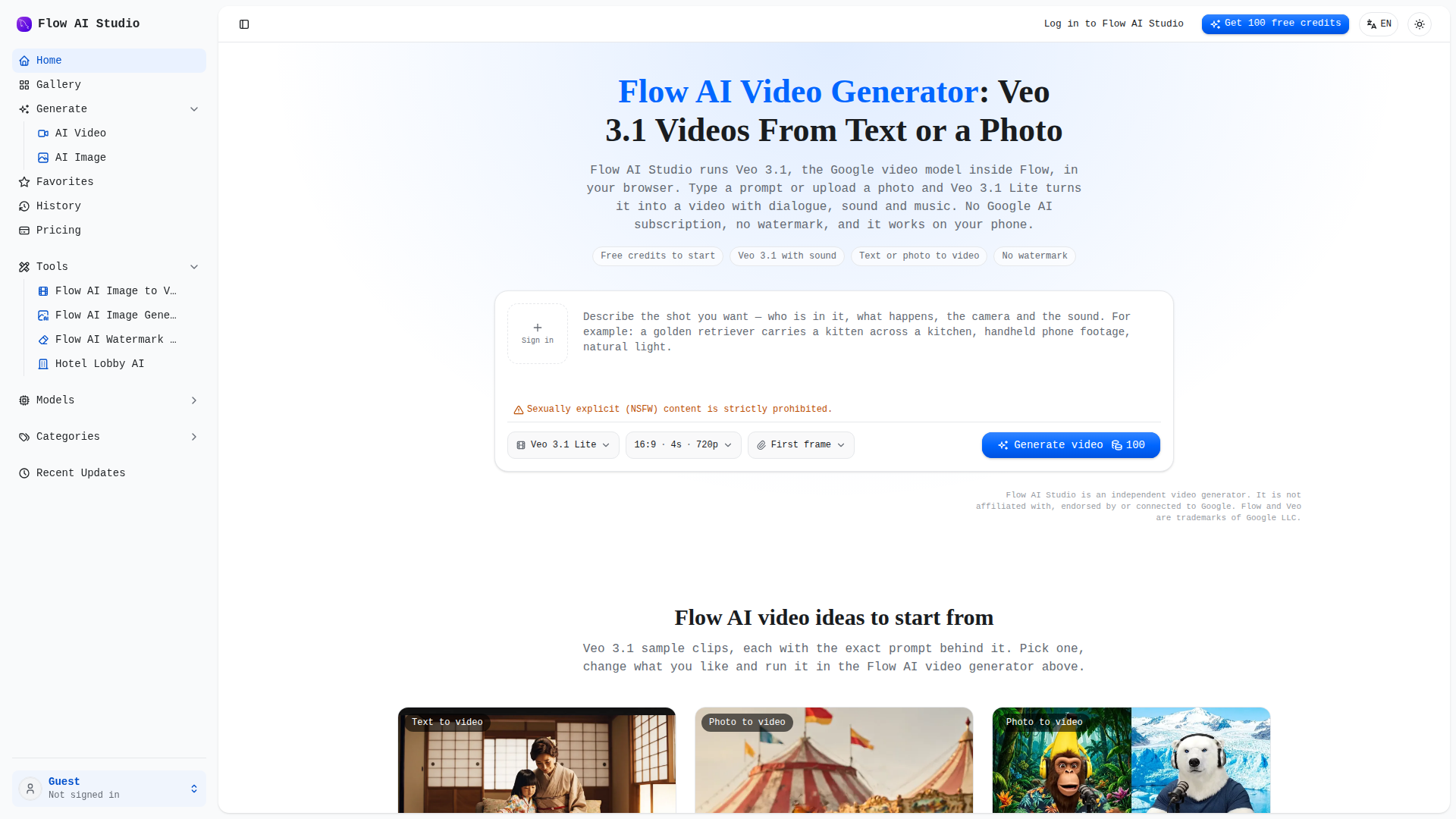
Flow AI Studio is an independent, browser-based AI video generator that leverages Google's Veo 3.1 model to transform text prompts or photos into short videos with native audio, dialogue, and music. Positioned as a pay-per-clip alternative to Google Flow, it targets content creators, social media marketers, small businesses, and hobbyists who need quick, watermark-free videos without committing to a Google AI subscription. Core features include text-to-video and image-to-video generation, multiple model tiers (Veo 3.1 Lite and Fast, plus Seedance 2.5 and H3 Max), adjustable aspect ratios (16:9, 9:16), and clip lengths (4, 6, or 8 seconds). The platform offers a gallery of sample prompts, a favorites system, and generation history. User experience is streamlined: users enter a prompt or upload an image, select model and settings, preview the credit cost, and generate. Videos are ready in minutes and downloadable as MP4 without watermarks. Technically, it runs entirely in the browser on any device, with no installation required. It provides 100 free credits upon signup, then operates on a credit-based pay-per-use model, with subscription plans and one-time credit packs available. Commercial use is permitted on all plans.
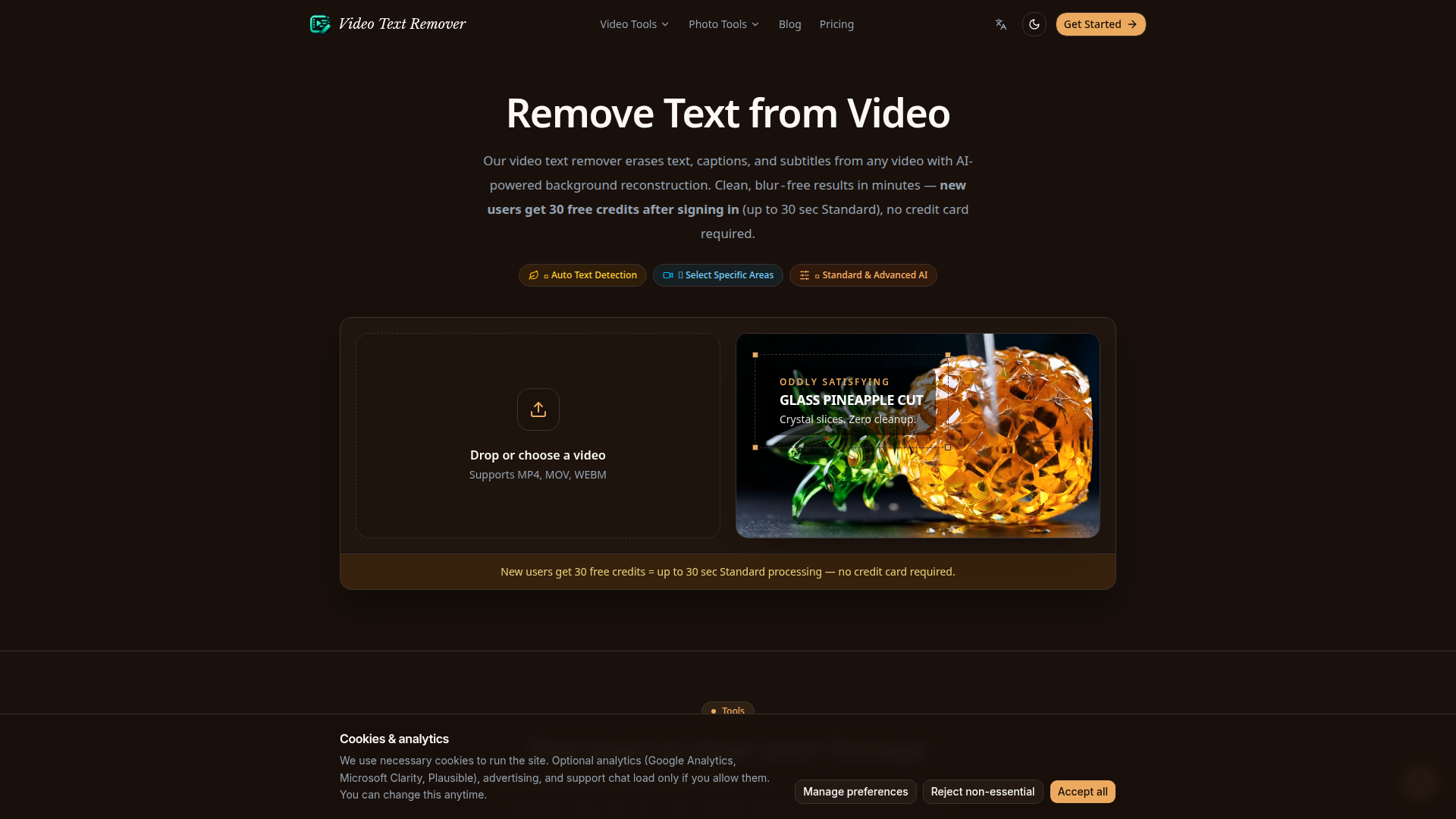
Video Text Remover is an AI-powered online tool designed to remove text, captions, subtitles, and watermarks from videos with advanced background reconstruction. Positioned as a specialized solution for content creators, video editors, and social media managers, it targets users who need to clean up footage for repurposing or posting on platforms like Instagram, YouTube, and TikTok. Core features include automatic text detection, manual area selection, and both Standard and Advanced AI processing modes. The tool supports popular formats such as MP4, MOV, and WebM, and processes files up to 500MB directly in the browser without installation. Its unique selling point is blur-free removal: the AI reconstructs the background behind text or watermarks frame by frame, preserving original quality and resolution. New users receive 30 free credits after signing in, enabling up to 30 seconds of Standard processing or 15 seconds of Advanced processing without a credit card. The platform also offers dedicated tools for removing logos, subtitles, TikTok text, and watermarks. Content includes a blog with guides and updates, and the user experience is streamlined with drag-and-drop uploads and quick downloads. Technically, it leverages browser-based processing and AI models to deliver professional-grade results, making it a convenient and efficient choice for video cleanup tasks.
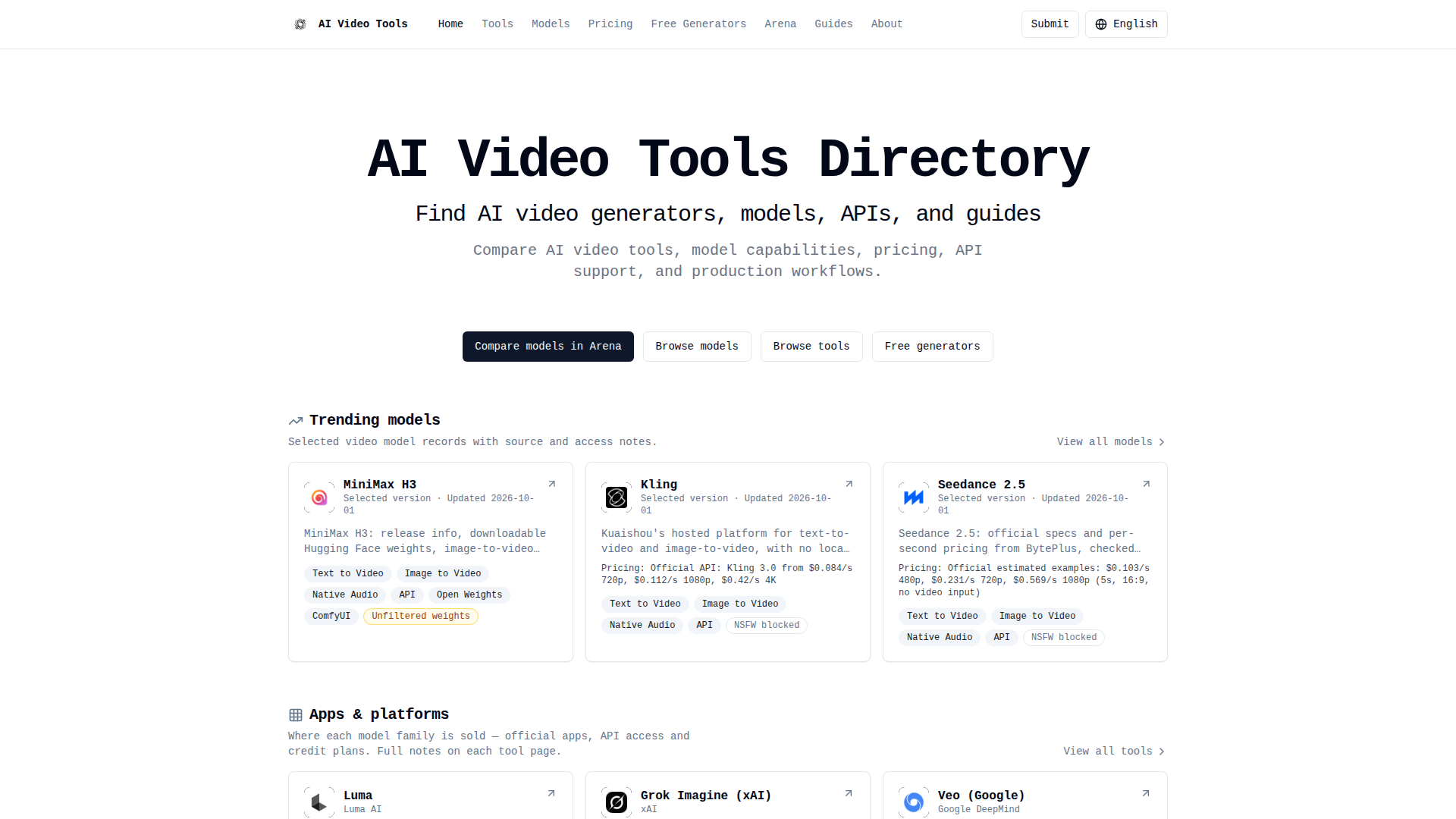
AI Video Tools Directory is a specialized online directory and comparison hub for AI video generation tools, models, APIs, and production workflows. Positioned as a one-stop resource, it helps creators, developers, marketers, filmmakers, and AI enthusiasts discover and evaluate the rapidly growing ecosystem of text-to-video, image-to-video, and native audio video models. The site's core features include a curated model database with release info, downloadable weights, access notes, and per-second pricing; tool profiles for platforms like Luma, Grok Imagine, and Veo; a dedicated pricing page; a free AI video generator list; and an Arena for comparing model capabilities. Content is structured around tags such as Text to Video, Image to Video, Native Audio, API, Open Weights, ComfyUI, and NSFW policies, making it easy to filter by technical and policy requirements. User experience emphasizes clean navigation, up-to-date records, and direct links to official sources, with sections for trending models, apps, and platforms. Technical features include a searchable catalog, comparison views, and regularly updated metadata with dates. The directory also accepts tool submissions, supports partner directories, and provides guides to help users choose the right AI video solution for their budget and workflow.
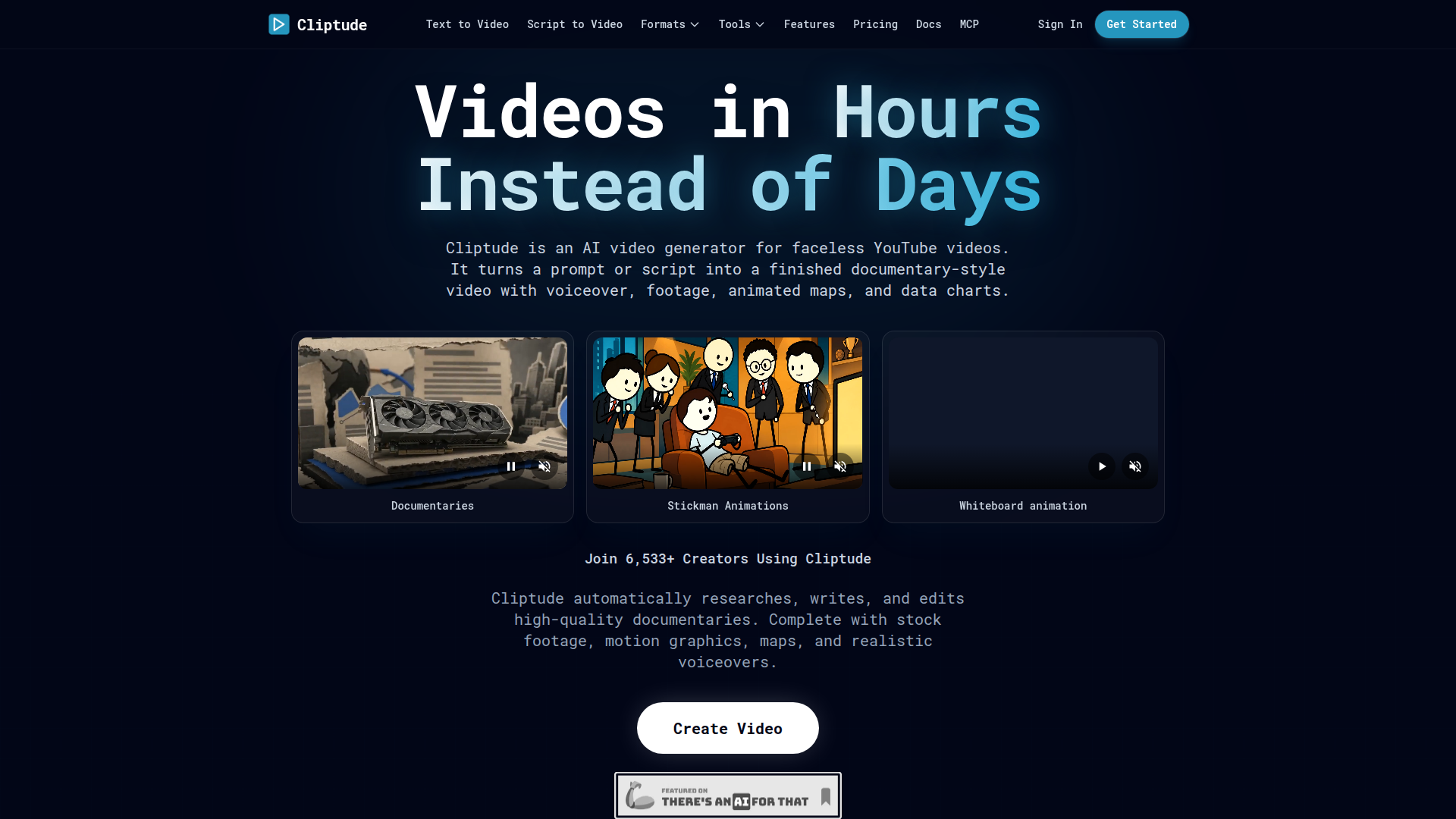
Cliptude is an AI-powered video generation platform positioned as a faceless YouTube video maker. It is designed for creators who want to produce documentary-style, long-form YouTube content without spending weeks on research, scripting, editing, or motion graphics. The target audience includes faceless YouTube channel owners, YouTube automation operators, educators, storytellers, agencies, and solo entrepreneurs who have ideas but lack video production resources. Core features include text-to-video and script-to-video generation, automatic research and script writing, stock footage sourcing, A-roll clips from YouTube, ultra-realistic AI voiceovers with 21+ voices, custom ElevenLabs voice cloning, smart data visualizations such as maps, flight paths, timelines, and counters, and support for formats like documentaries, top 10 listicles, whiteboard animation, stickman animation, 2D animation, Vox-style animation, 3D faceless mannequins, low-poly 3D, AI music videos, AI avatar videos, and video essays. Content features include 16:9 landscape exports, burned-in captions with 21 caption styles, algorithm-oriented title and thumbnail options, MP4 downloads, project ZIP exports, separate audio/video/SRT stems, and FCP7 XML timelines for DaVinci Resolve, Premiere Pro, and Final Cut Pro. The user experience is built around a simple three-step workflow: input an idea or script, let AI assemble footage, voiceover, charts, and maps, then publish or download the final cut. Technical features include an AI engine for research and editing, MCP/developer access, credit-based usage at roughly 40 credits per minute of video, and subscription pricing with monthly and yearly options. Cliptude emphasizes ownership and transparency, giving creators full commercial rights, no watermarks, and instant HD downloads.
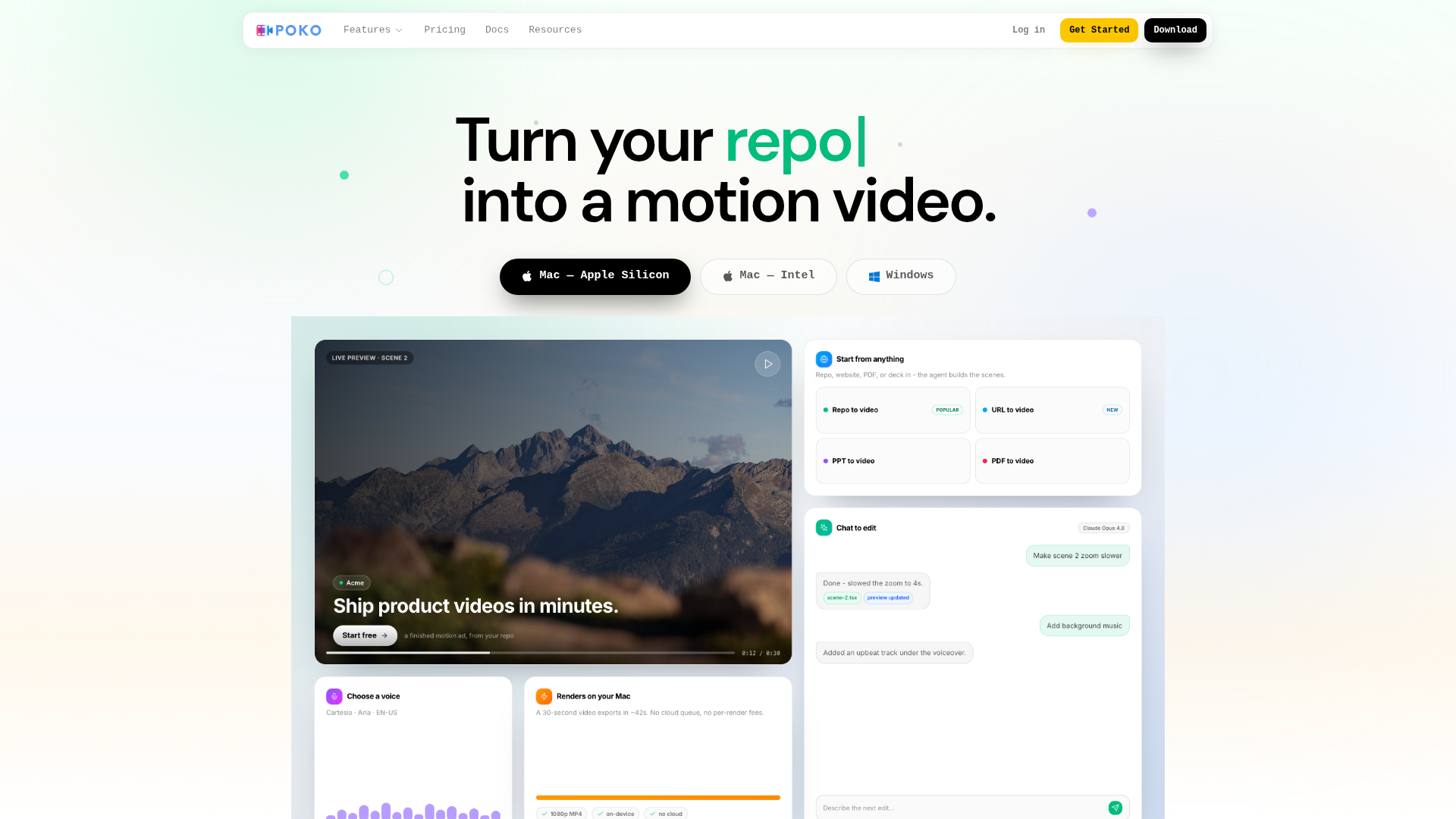
Poko Motion is a desktop AI motion-video studio positioned for indie hackers, marketers, video editors, and agencies that need to turn existing source material into polished, editable videos quickly. Unlike cloud-only generators, Poko Motion runs the agent locally on your hardware: it reads project repos, website URLs, PDFs, PowerPoint decks, research papers, and even raw narrated recordings, then writes scripts, builds scenes, adds motion and transitions, and renders MP4 files without cloud queues or upload waits. Core features include repo-to-video, URL-to-video, PDF-to-video, PPT-to-video, research-paper-to-video, and MotionCut, which preserves your original face and voice while directing crops, product cutaways, motion graphics, music, and transitions around what you say. The Figma-style Agent Canvas lets you watch multiple video agents work live, run agents in parallel with a smart queue, and organize projects by client or campaign using draggable cards and text. User experience emphasizes a chat editor for refinements like making edits faster, changing colors, or adding zoom, followed by one-click local rendering. Technical features include local workspace privacy, your source files, generated projects, and rendered MP4s stay on your machine, while only necessary LLM prompts, model responses, and usage metrics travel for billing. Poko credits cover GPT and Poko Engine models like Pulse and Flow; Claude models require BYOK, and Pro or Agency plans support BYOK, OpenRouter, local models, voice cloning, client workspaces, and automation APIs. Pricing is subscription-based with monthly, annual, and one-time access options, plus AI dollars that roll over and top-ups.
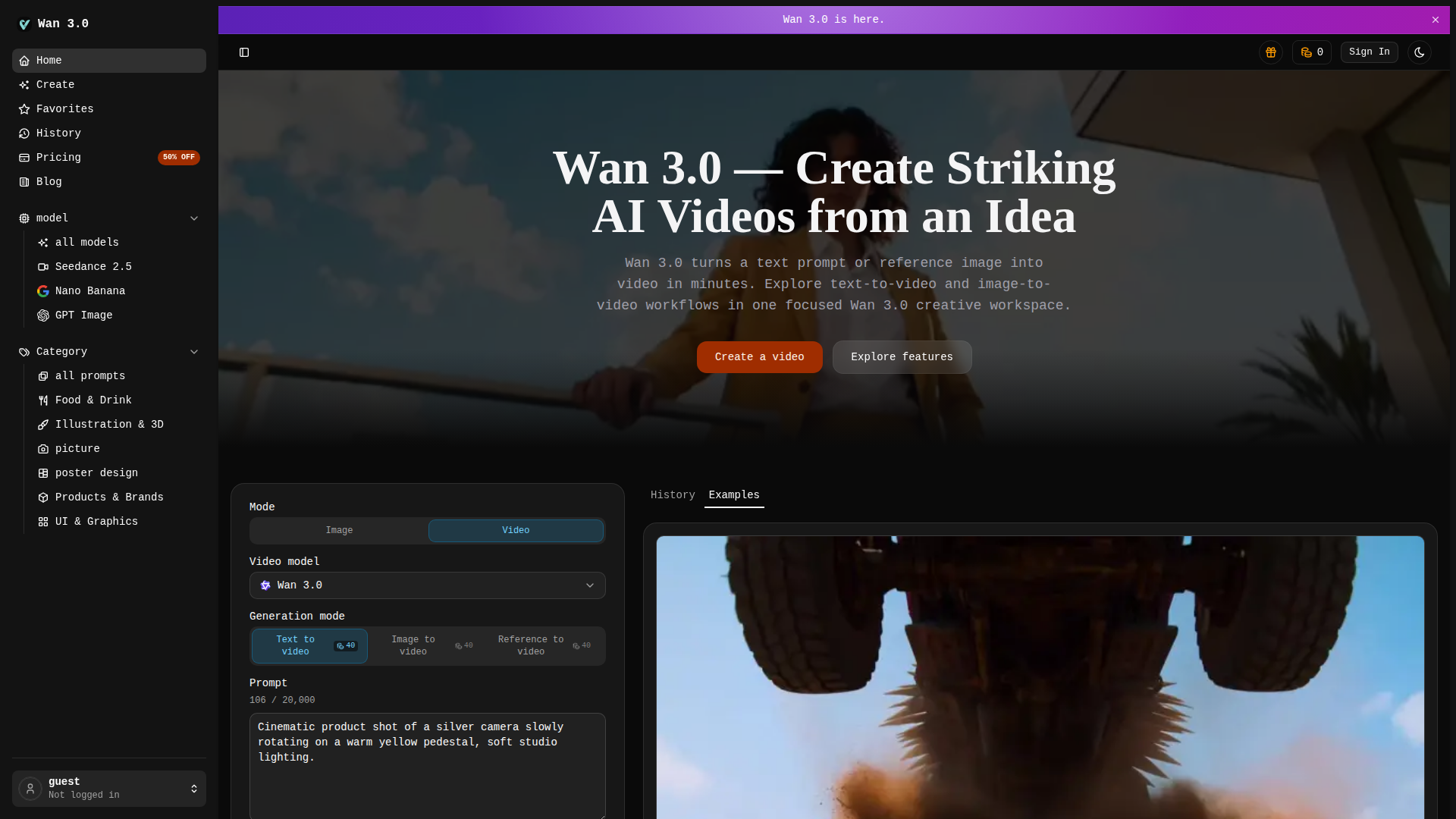
Wan 3.0 is a web-based AI video creation platform positioned as a simplified workspace for turning text prompts or reference images into cinematic AI videos in minutes. It targets content creators, social media managers, motion designers, filmmakers, product designers, brand teams, and independent creators who need fast concepting, storyboards, motion references, and short-form video without a traditional production pipeline. Core features include text-to-video generation, image-to-video workflows, reference-guided creation, model-aware controls, AI audio generation, selectable aspect ratios, resolutions up to 1080p or per-model support, durations from 2s to 30s, and a prompt-led control system for subject, lighting, camera, and mood. The platform integrates multiple video model options and currently references Wan 2.7 engine variants, with additional integrations planned. Content features include a prompt gallery organized by model and category, example videos, blog guides, comparisons, API guides, and a user guide for prompting techniques. User experience emphasizes a focused single-workspace flow: describe idea, choose workflow, generate, review, and refine, with history, favorites, credits, and private uploads/results. Technical features include a credit-based generation engine, model-specific settings, automatic refunds on failed generations, Stripe checkout, SSL encryption, and commercial-use rights on paid plans. Pricing is freemium with free trial credits and credit-based subscriptions: Starter, Pro, and Max, plus one-time credit options. Overall, Wan 3.0 is built for rapid creative iteration and accessible AI video production.
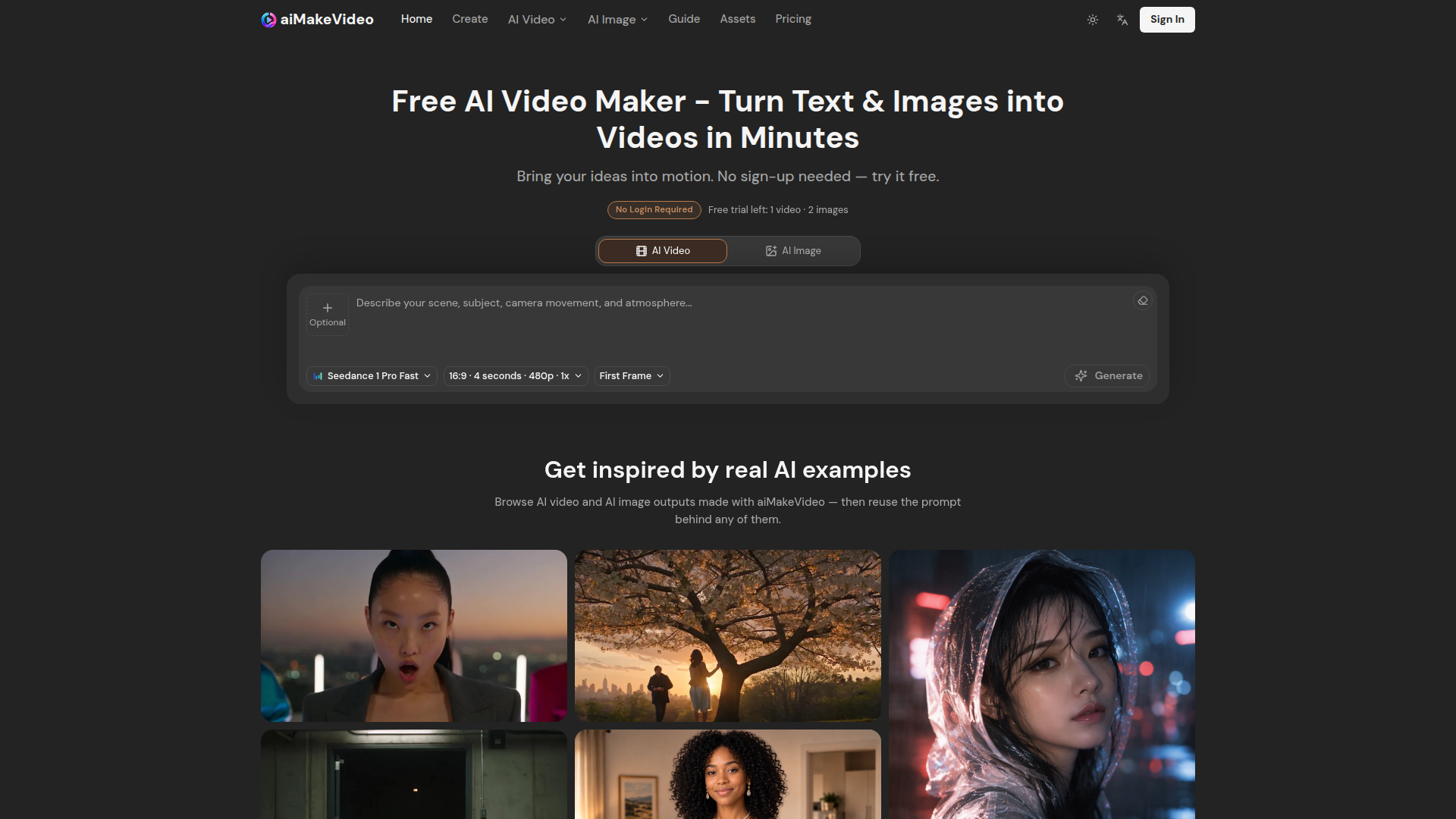
aiMakeVideo is a browser-based, multi-model AI video and image studio that turns written briefs or still images into finished clips and visuals in minutes. Rather than acting as a single-purpose generator, it positions itself as one connected creative workspace: Text to Video, Image to Video, Text to Image and Image to Image all live inside the same Create canvas, so ideation, prompting and production never require hopping between disconnected apps. Its target audience spans solo creators, social and short-form producers, marketers and brand teams, indie filmmakers, e-commerce sellers making product spots, and agencies that need fast, publish-ready assets with a commercial license. Core features include a multi-model video stack (Kling, Seedance, Veo, MiniMax H3 and more), a parallel image stack (Nano Banana, GPT Image, Seedream, Gemini, Z Image), director-level motion control over camera moves, timing, lighting and performance, live credit estimates before each run, and a fast render queue built for prompt iteration. Content features are strong too: a 25+ clip beauty showcase with one-tap Recreate, clear tool landing pages for every workflow, a dedicated Guide, and an Assets page for reuse. User experience is deliberately low-friction — no login required for the first video, drafts kept locally in the browser, and credits that refresh each billing period. Technically, it is fully web-hosted with no install, privacy-minded local draft storage, multi-language support across English, Chinese, Spanish, Japanese, Korean, Portuguese, German and French, and resolution, aspect-ratio and duration parameters separated from the prompt itself. Free, Basic, Standard, Pro and Max tiers plus one-time credit packs scale from casual experiments to high-volume team production, with watermark-free output across the board and commercial rights from the Standard tier up.
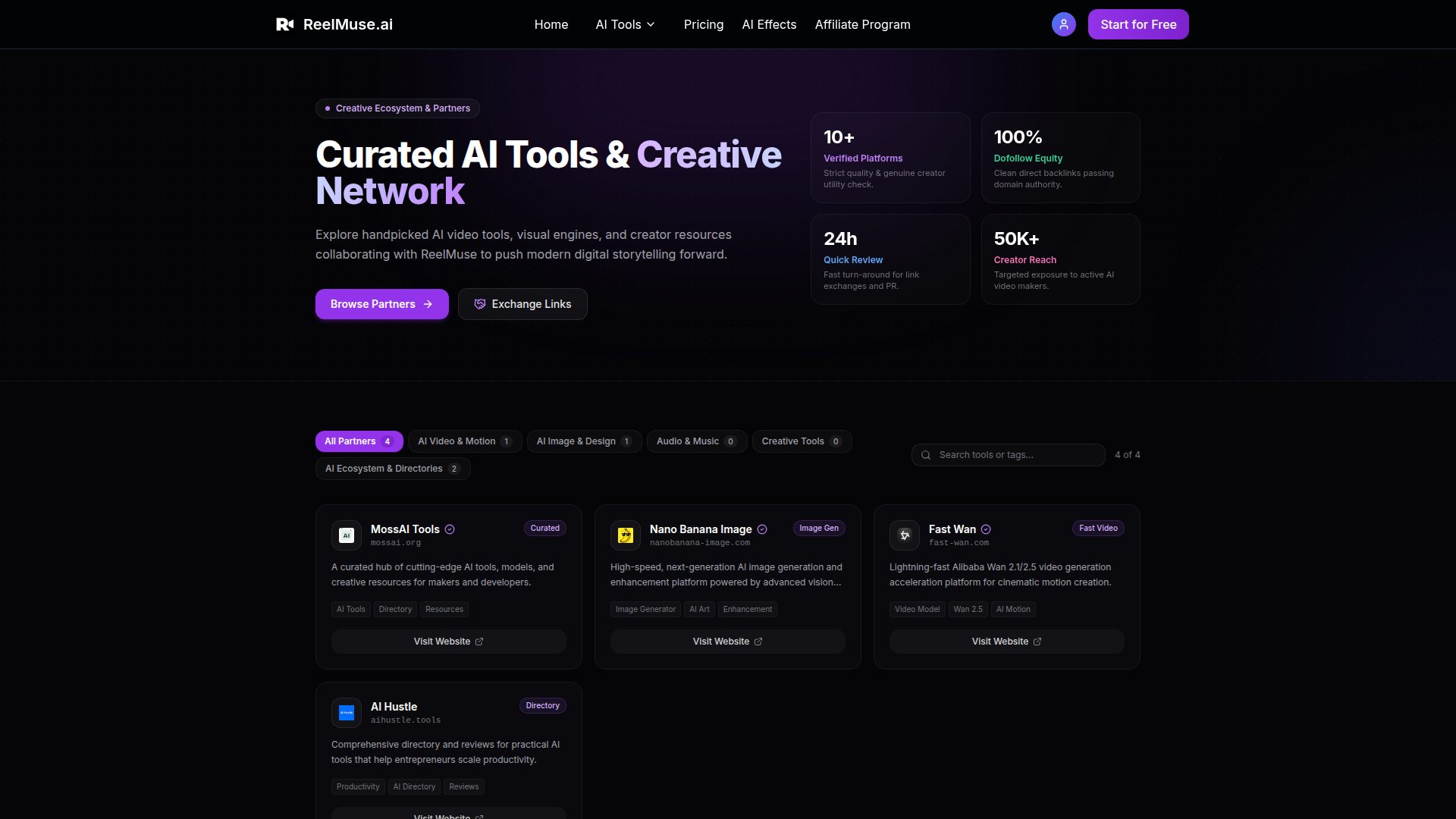
ReelMuse is an AI-powered creative platform that provides video generation, image editing, and AI effects for modern content creators. The /partners page is a curated creative ecosystem and partner directory where ReelMuse showcases handpicked AI video tools, visual engines, audio/music resources, and AI directories that collaborate with the platform. Website Positioning: ReelMuse positions itself as an all-in-one AI creation suite for video, image, and audio, while the partners page acts as a trust-building, SEO-friendly network hub for high-authority AI platforms and creator tools. Target Audience: AI video makers, editors, designers, marketers, indie hackers, SaaS founders, AI tool directories, and creative agencies looking for link exchanges, visibility, and creator reach. Core Features: partner listings with categories (AI Video & Motion, AI Image & Design, Audio & Music, Creative Tools, AI Ecosystem & Directories), verified badges, dofollow link exchange, 24-hour review, 50K+ creator reach, and direct partnership application via email. Content Features: concise partner cards with names, URLs, tags, descriptions, and visit links; badge wall with 45+ verified listings from launchpads like Fazier, ToolPilot, DANG!, and more. User Experience: clean, visual, easily scannable layout with filters and clear CTAs such as Browse Partners, Apply for Partnership, and Start for Free. Technical Features: ReelMuse supports text-to-video, image-to-video, video-to-video, motion control, text-to-image, image-to-image, text-to-music, AI effects, and popular models including Sora 2.0 Pro, Veo 3.1, Pixverse V5, Hailuo 02, and Seedance Pro Fast. The page is designed to help creators discover tools and help partner sites gain organic domain rating and targeted exposure.
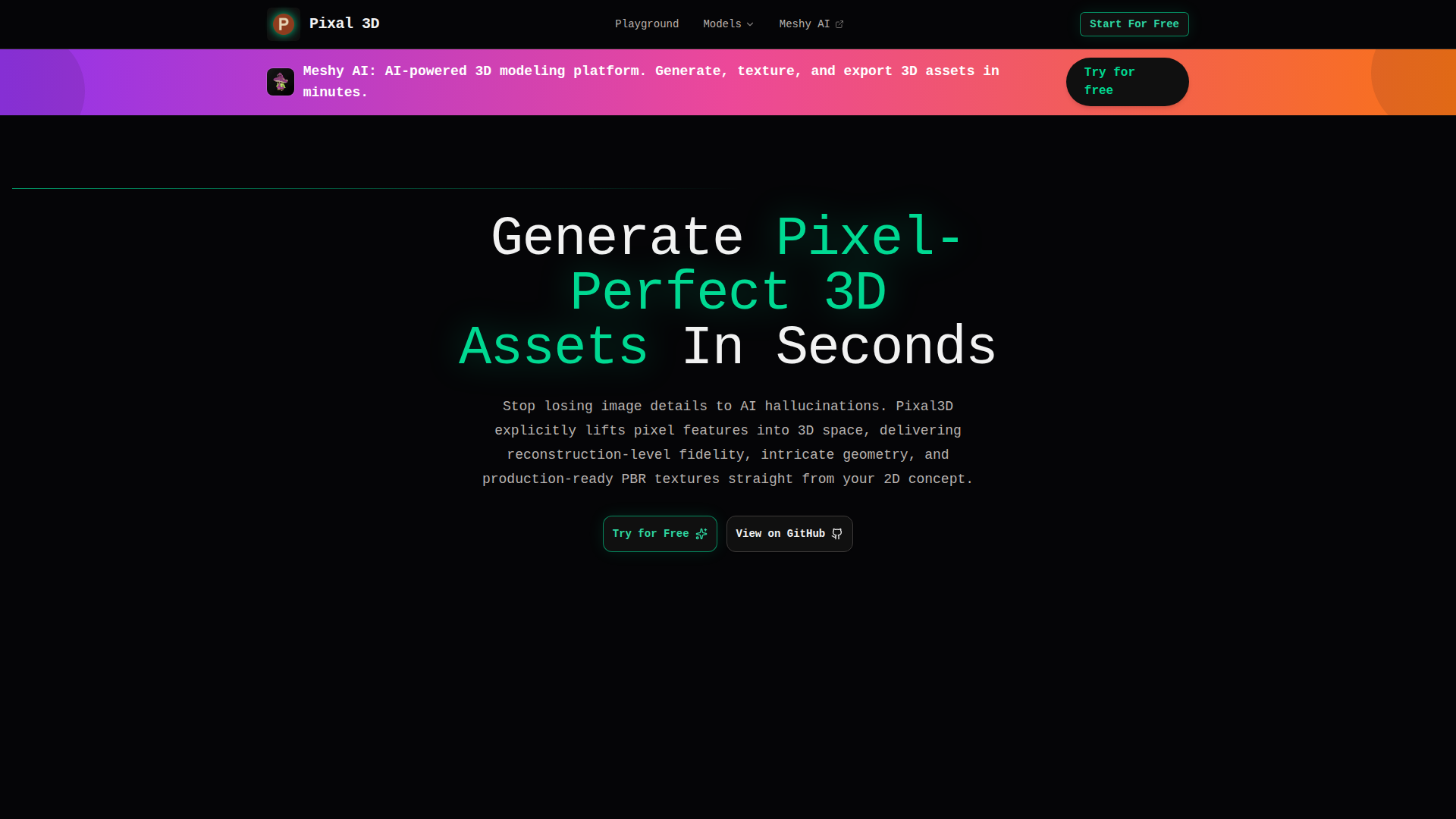
Pixal3D is a groundbreaking pixel-aligned 3D generation platform that transforms single or multi-view 2D images into high-fidelity, production-ready 3D assets with unprecedented precision. Developed by top researchers from Tsinghua University and TencentARC and accepted to SIGGRAPH 2026, Pixal3D solves the critical bottleneck of 2D-3D correspondence by explicitly back-projecting multi-scale image features directly into a 3D feature volume, eliminating AI hallucinations and preserving every detail. The platform targets 3D artists, game developers, indie creators, and spatial computing professionals who demand absolute visual faithfulness. Core features include reconstruction-level fidelity, physically based rendering (PBR) textures, seamless multi-view aggregation, and modular scene synthesis. Users can generate from a single sketch or multiple character sheets, export standard GLB files ready for Unity, Unreal, or Blender. The open-source framework, with code on GitHub and a free Hugging Face demo, ensures accessibility for researchers and developers. Experience the next evolution in Image-to-3D with Pixal3D—where pixel perfection meets 3D innovation.
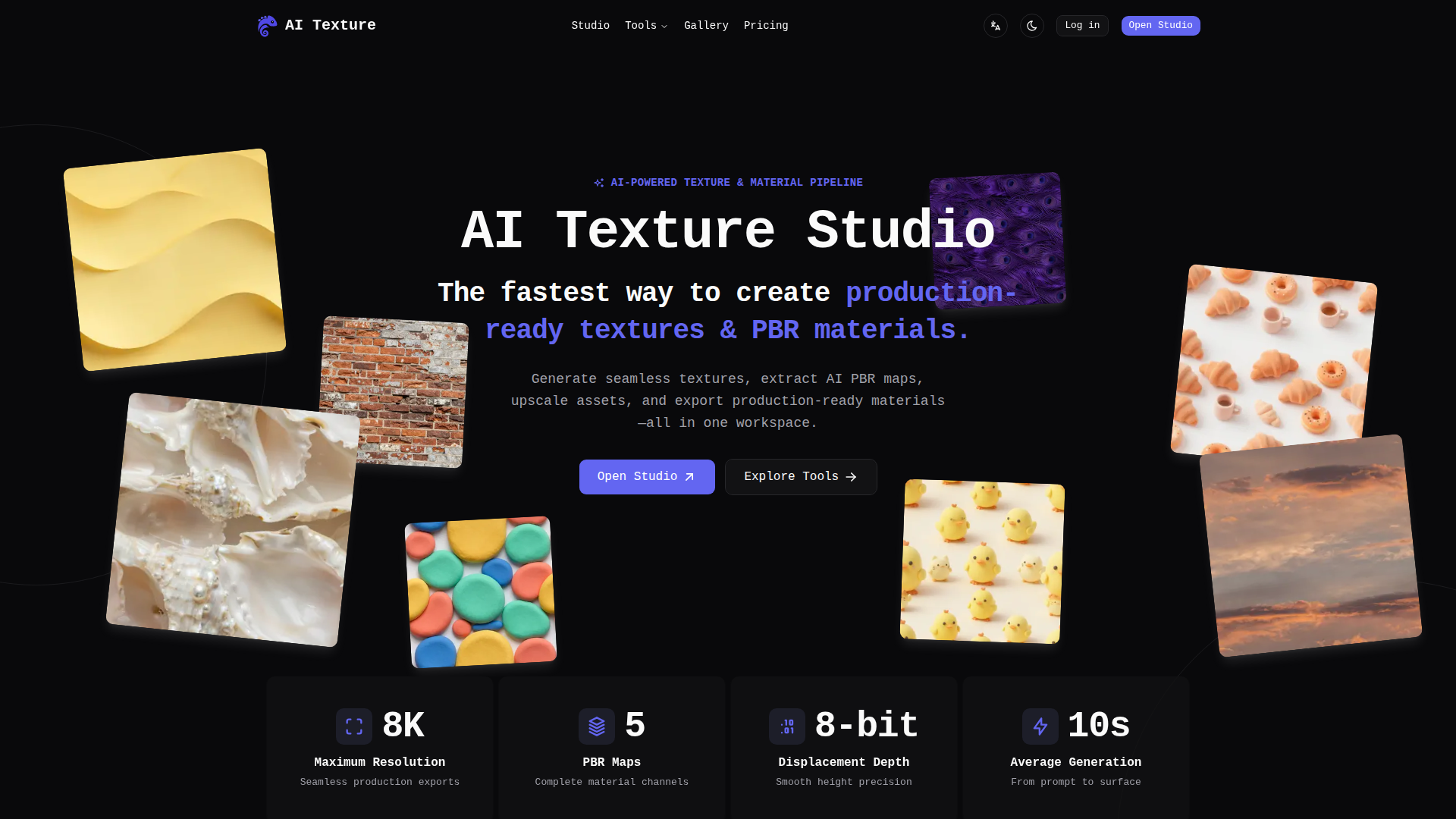
AI Texture is a cutting-edge AI-powered platform designed to streamline the creation of seamless textures and physically based rendering (PBR) materials. It offers a comprehensive suite of tools including a texture generator, material generator, image-to-PBR converter, texture upscaler, and seamless texture checker. Ideal for 3D artists, game developers, architects, and product designers, AI Texture enables users to generate production-ready materials from simple text prompts or reference images in about 15 seconds. The platform supports full PBR map packages (Basecolor, Normal, Roughness, Height, AO, and Metalness) and offers engine-specific exports for Unreal, Unity, Blender, and Godot. With a user-friendly studio interface, users can preview materials on 3D surfaces, upscale to 8K resolution, and export directly into their preferred workflow. The service operates on a freemium model with 10 free starter credits, making it accessible for experimentation and professional use alike.
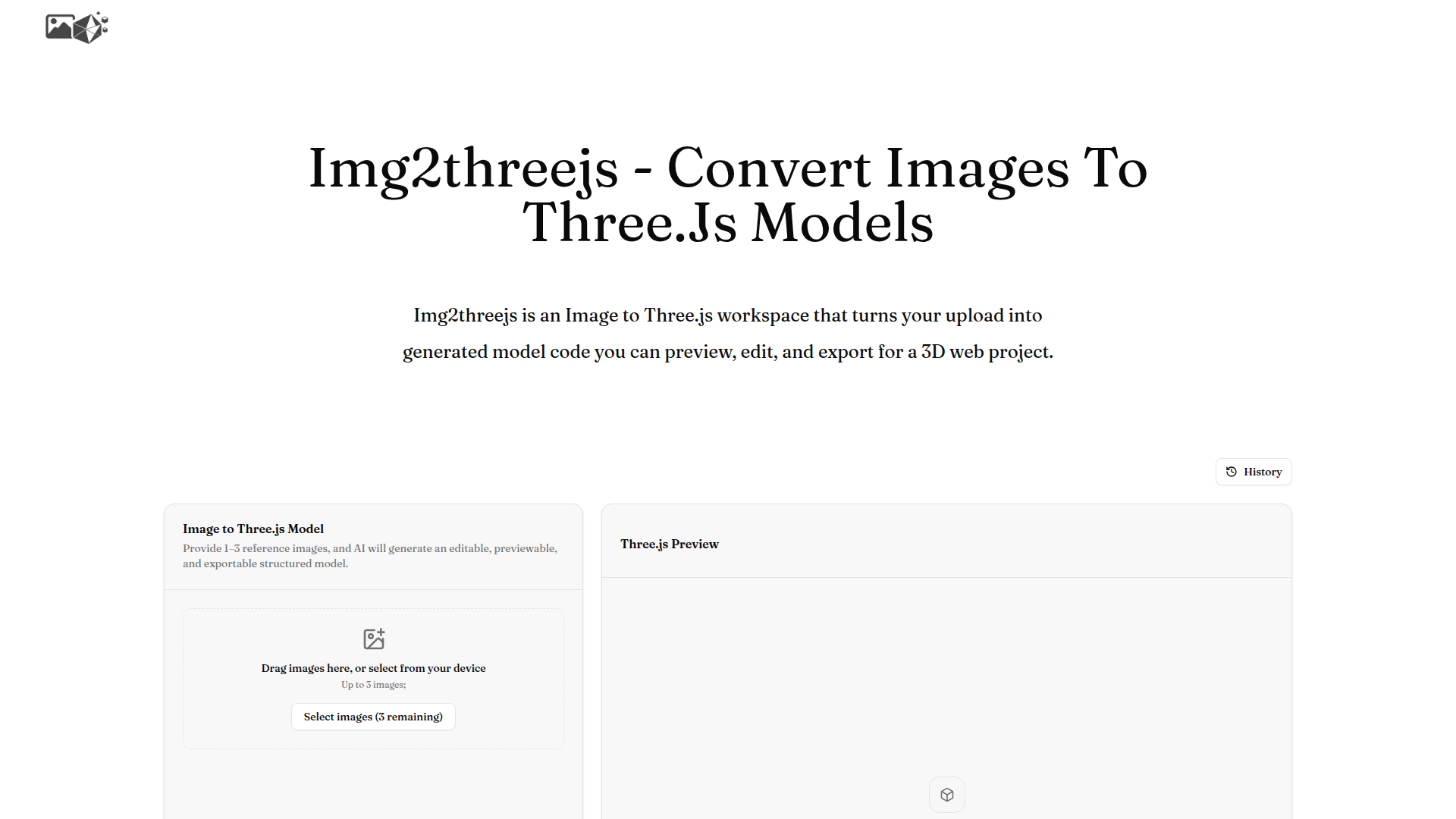
Img2threejs is an innovative AI-powered workspace designed to bridge the gap between 2D images and interactive 3D web content. It positions itself as a practical tool for developers, designers, and creators, automating the conversion of visual references into structured, editable Three.js models. The platform's core mission is to drastically reduce the manual, time-consuming setup typically required for 3D web projects, offering a faster, more intuitive workflow. Its target audience includes web developers building 3D experiences, product designers prototyping concepts, digital artists, educators creating interactive content, and hobbyists exploring 3D web technology. Key features include AI-powered 3D code generation from images, a live in-browser Three.js preview for instant validation, and a fully editable code workspace. The content is focused on providing a guided, four-step process from upload to export, emphasizing transparency and user control. The user experience is streamlined and code-centric, allowing for direct manipulation of the generated Three.js output. Technically, it leverages AI for 3D reconstruction and runs entirely in the browser, providing immediate visual feedback without complex software installation.
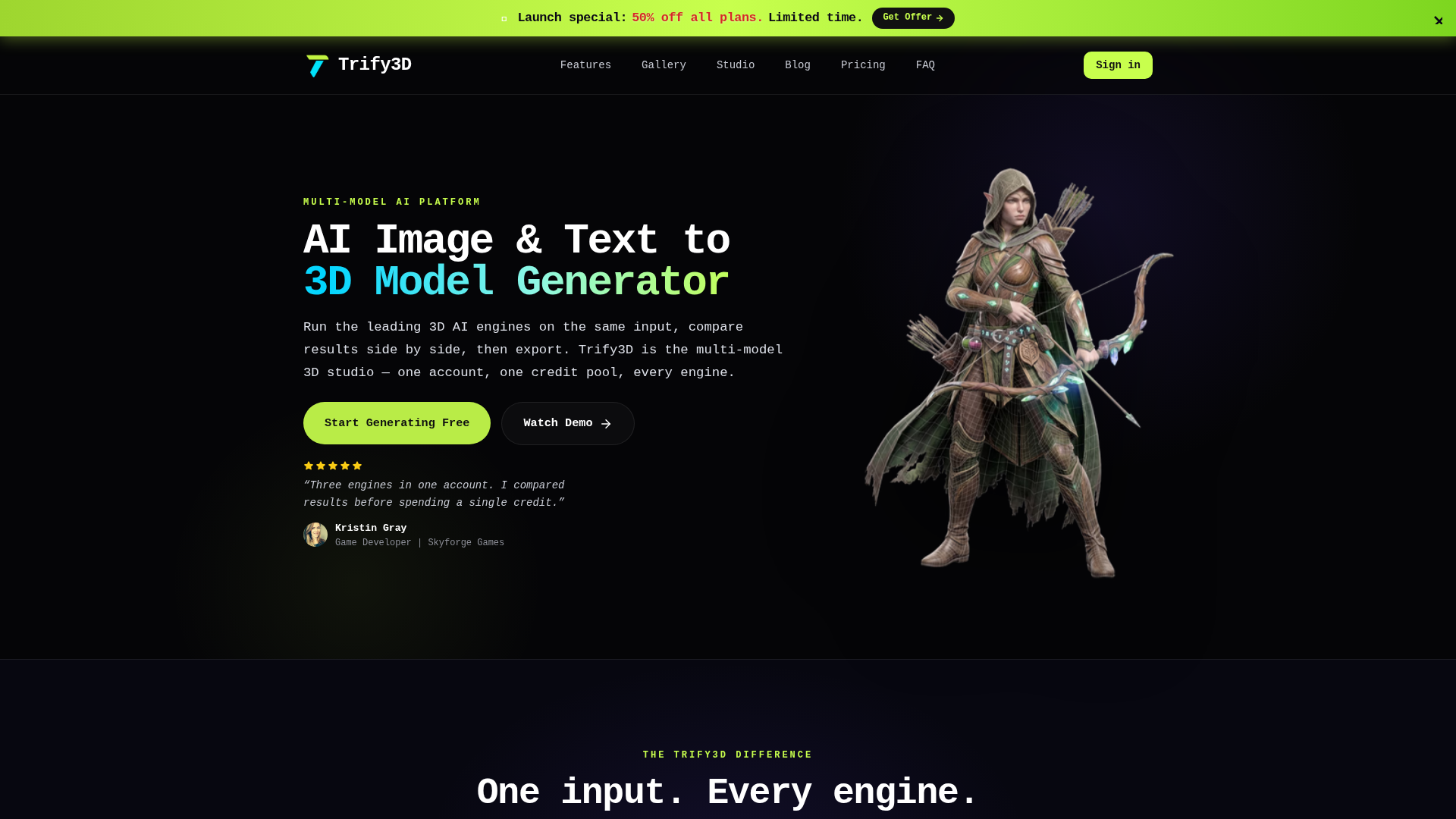
Trify3D is a pioneering multi-model AI platform that transforms ideas into production-ready 3D assets in seconds. Its core positioning is as a unified studio that allows creators to run the same text prompt or input image through multiple leading 3D AI engines—such as Tripo3D, Meshy, and Rodin—side-by-side for direct comparison before export. The target audience includes game developers, product designers, 3D artists, and hobbyists needing rapid 3D content. Core features encompass Text-to-3D, Image-to-3D reconstruction, and AI-powered texturing, all delivering assets with PBR (Physically Based Rendering) maps. Content is tailored for professional pipelines, offering exports in GLB, glTF, OBJ, and STL formats for engines like Unity, Unreal, and Blender. User experience is streamlined and browser-based, requiring no software installation, with a clear three-step workflow from input to export. Technically, it acts as an aggregator, providing access to different underlying AI models from a single account and shared credit pool, which is its key innovation.
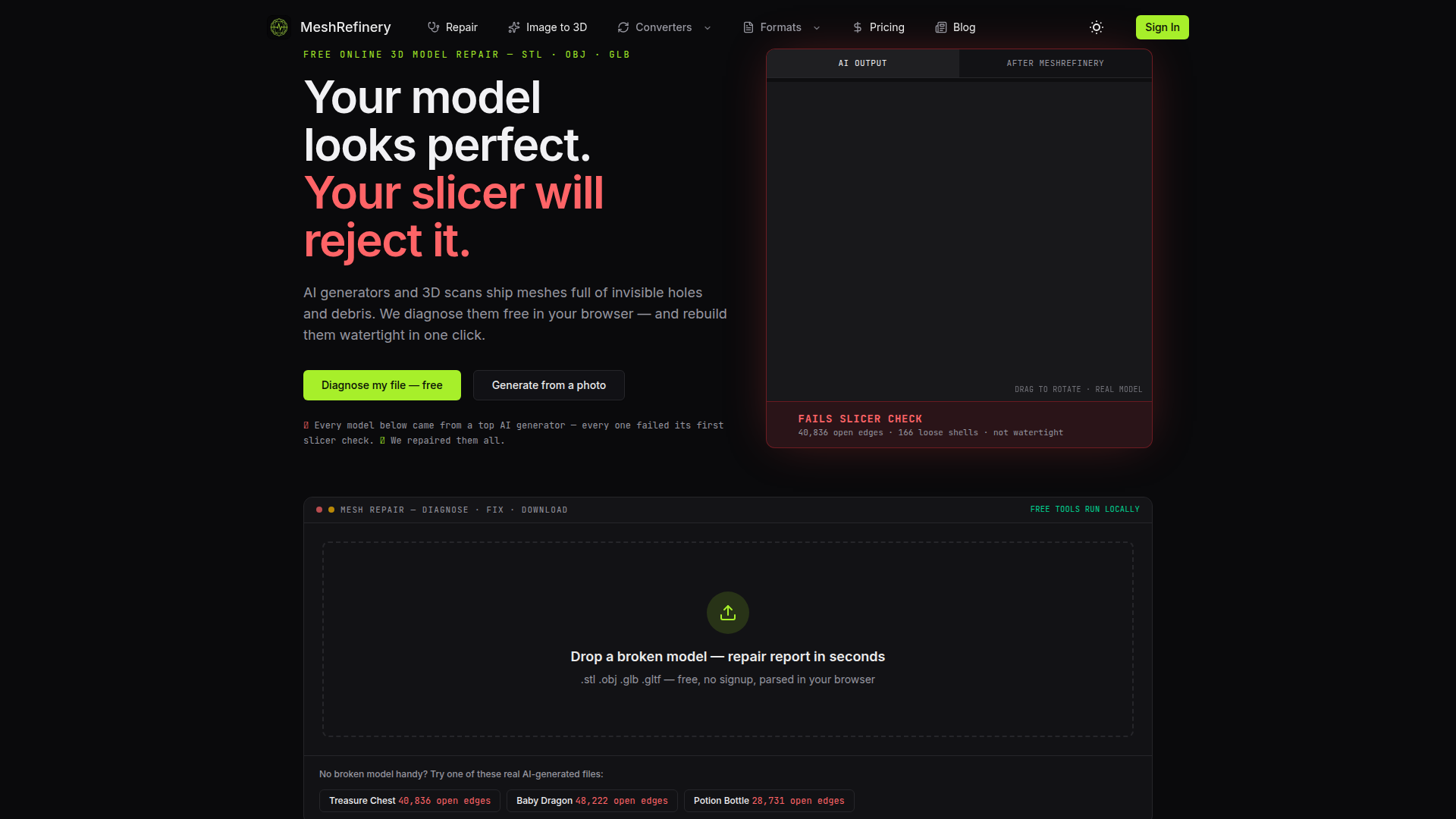
MeshRefinery is a cutting-edge online toolkit designed to repair, optimize, and generate 3D models for 3D printing, game development, and digital fabrication. Its core positioning is to be the essential 'last-mile' fix for AI-generated and 3D-scanned models, which often contain invisible geometric errors that cause slicer failures. The platform primarily targets 3D printing hobbyists, professional designers, game developers, and content creators. Its standout core features include AI-powered watertight mesh repair, free local-first diagnostics, and an image-to-3D generation tool. Content is focused on practical problem-solving, with clear guides and instant file analysis. The user experience is streamlined for efficiency, requiring no account for core functions and offering live 3D previews of repairs. Technically, it leverages WebAssembly to process files directly in the user's browser, ensuring privacy and speed by never uploading sensitive data to servers. This combination of powerful repair algorithms, user privacy, and an accessible freemium model makes it an indispensable tool in the modern 3D creation workflow.
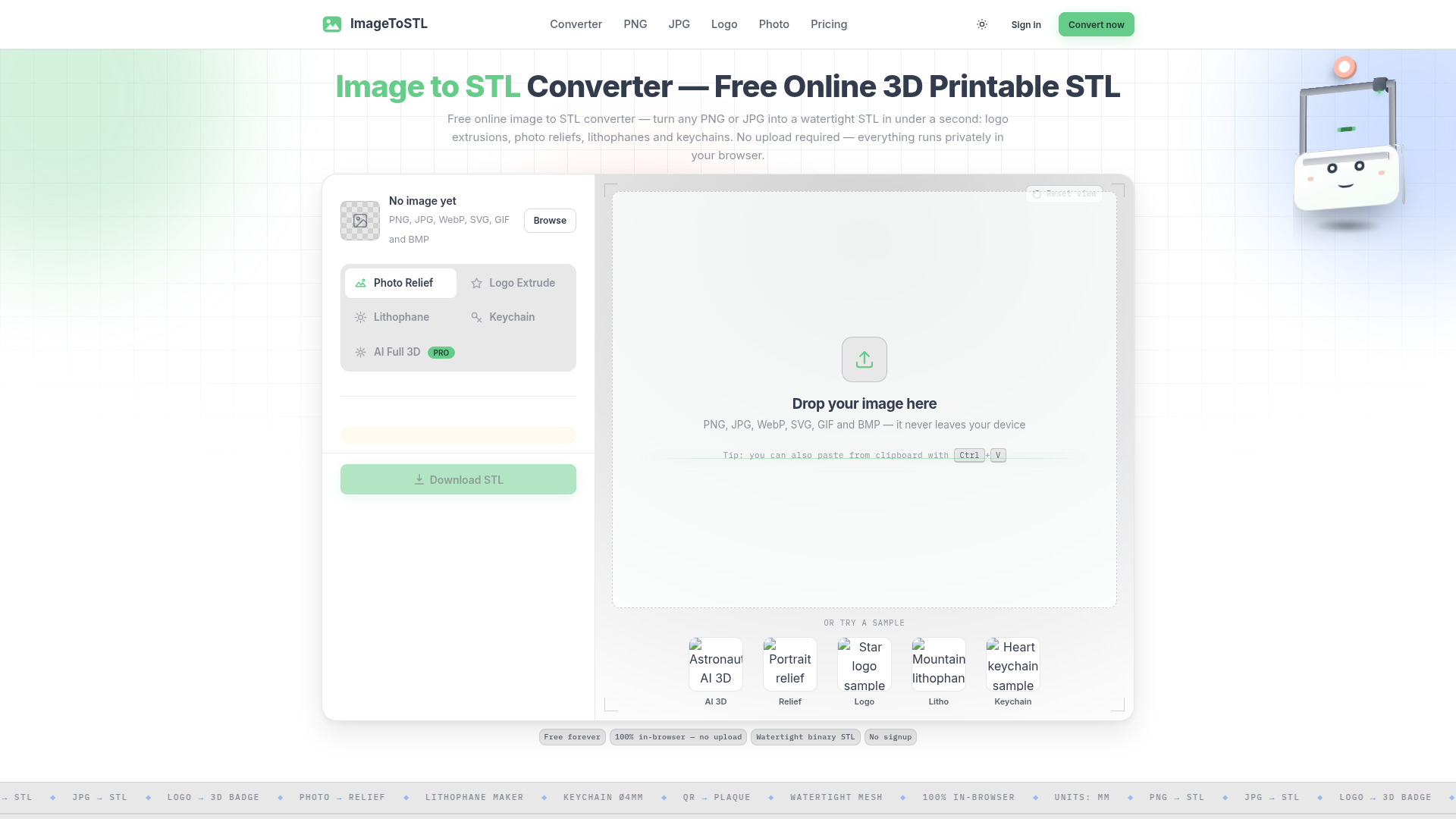
ImageToSTL.online is a specialized, privacy-focused web application that converts 2D images into 3D printable STL files entirely within the user's browser. Its core positioning is to provide a fast, free, and accessible tool for makers, hobbyists, and professionals to create tangible objects from digital images. The target audience includes 3D printing hobbyists, crafters, educators, small business owners, and designers who need practical, printable models for gifts, merchandise, or prototyping. Its core features revolve around four deterministic conversion modes—Photo Relief, Logo Extrude, Lithophane, and Keychain—each transforming image data (brightness) into heightmaps or silhouettes. Content is centered on practical, print-ready outputs like keychains, lithophanes, and embossed plaques. User experience is paramount, with a live, interactive 3D preview that rebuilds in under a second as parameters are adjusted. Key technical features include 100% in-browser processing for privacy (no upload for free modes), support for multiple image formats (PNG, JPG, WebP, SVG, GIF, BMP), and the generation of watertight, manifold STL meshes scaled in real millimeters for reliable slicing. An optional paid 'AI Full 3D' mode uses server-side AI to generate full 360-degree colored models from a single photo.
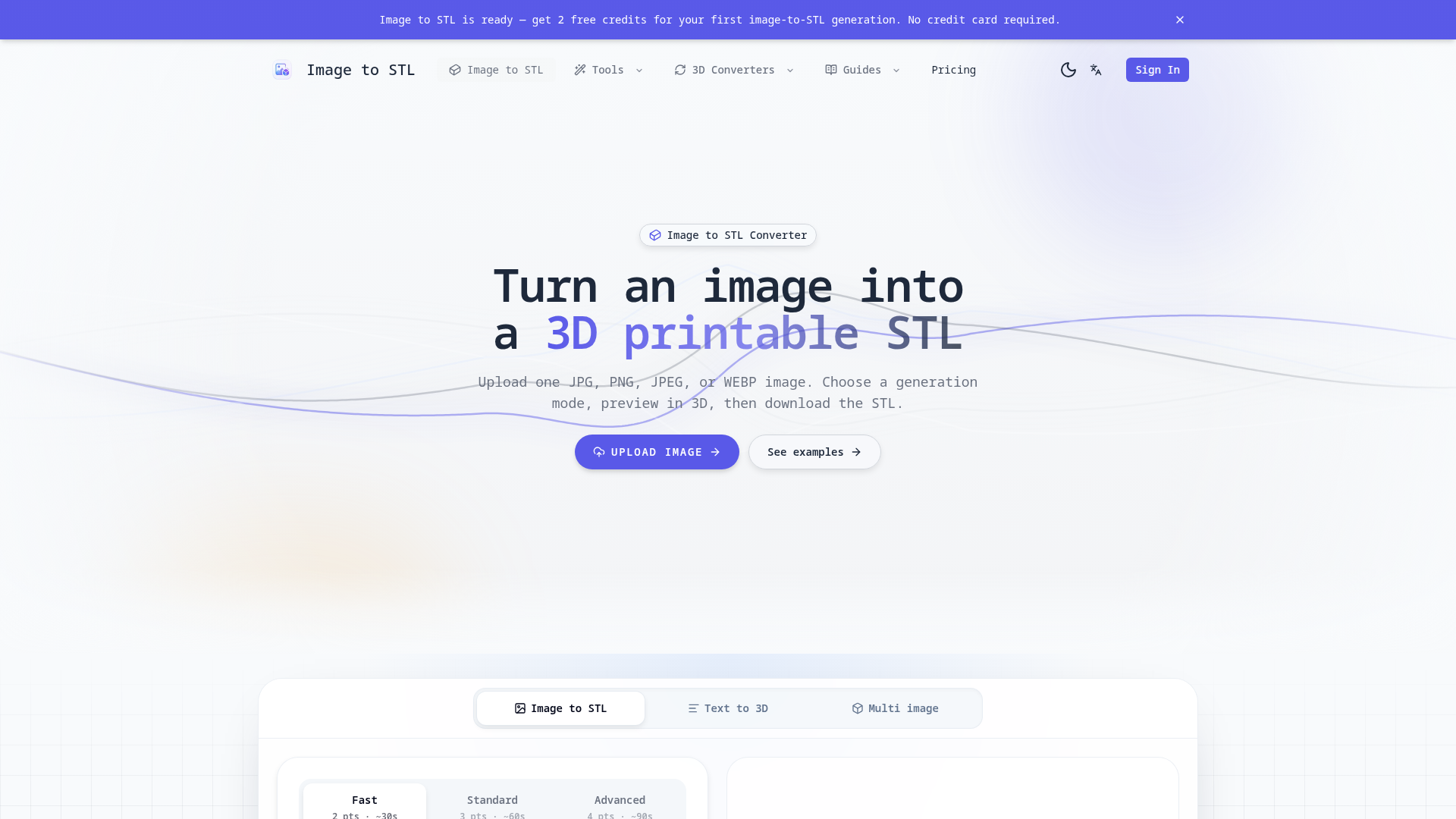
Image to STL is a specialized online tool designed to convert 2D images into printable 3D STL models using AI. Its core positioning is as a fast, accessible starting point for 3D printing workflows, not a full 3D modeling suite. The target audience includes makers, hobbyists, educators, and small business owners who need to quickly prototype physical objects from images. Key features include a streamlined upload-to-download process, AI-powered geometry generation, and an interactive 3D preview. The website offers a focused, user-friendly experience with clear guidance on image best practices. It operates on a credit-based system, providing a freemium model with free introductory credits. The technical backend handles multiple input formats (JPG, PNG, WEBP) and offers different processing modes (Fast, Standard, Advanced) to balance speed and detail.
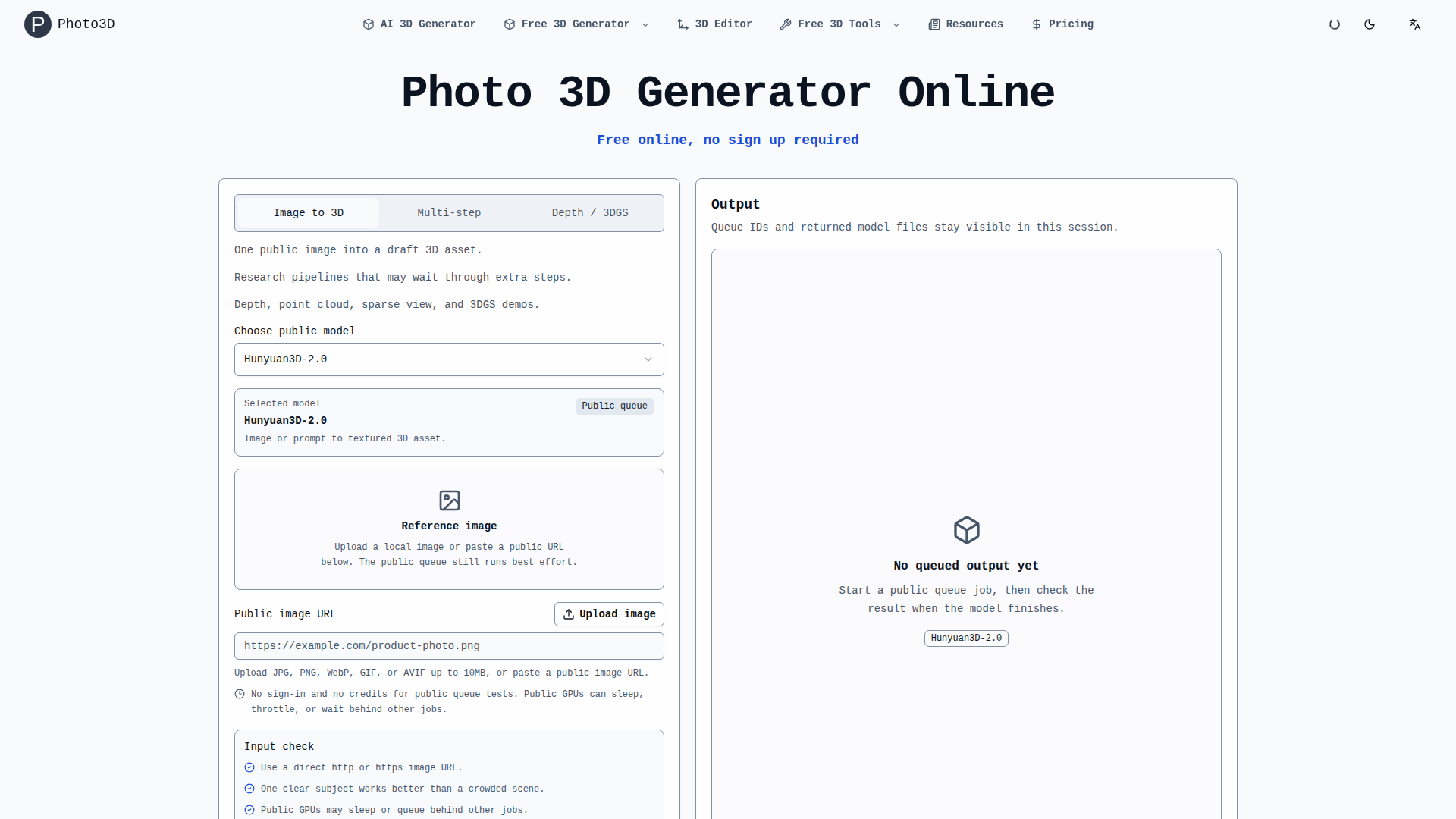
Photo3D is a specialized online platform designed to streamline the workflow of converting 2D images into textured 3D models. Its primary positioning is as a free-to-start, browser-based 3D asset generator and utility suite, targeting users who need to create or prepare 3D content without complex software. The target audience includes indie game developers, digital creators, 3D printing hobbyists, e-commerce businesses, and educators. Its core feature is an AI-powered image-to-3D generator that transforms single photos into GLB/OBJ/STL files using models like Hunyuan3D. The platform enriches this with a vast library of browser-based free tools for viewing, editing, inspecting, and converting 3D models and images locally, ensuring a seamless preparation and review pipeline. User experience is centered on immediacy: no mandatory sign-up for basic tools, a clear four-step workflow for generation, and session-based management of tasks. Technical features include integration with advanced AI models, local browser processing for utilities, and deployment via Cloudflare Workers for hosted generation tasks. This makes Photo3D a comprehensive, accessible hub bridging the gap between simple 2D references and usable 3D assets.
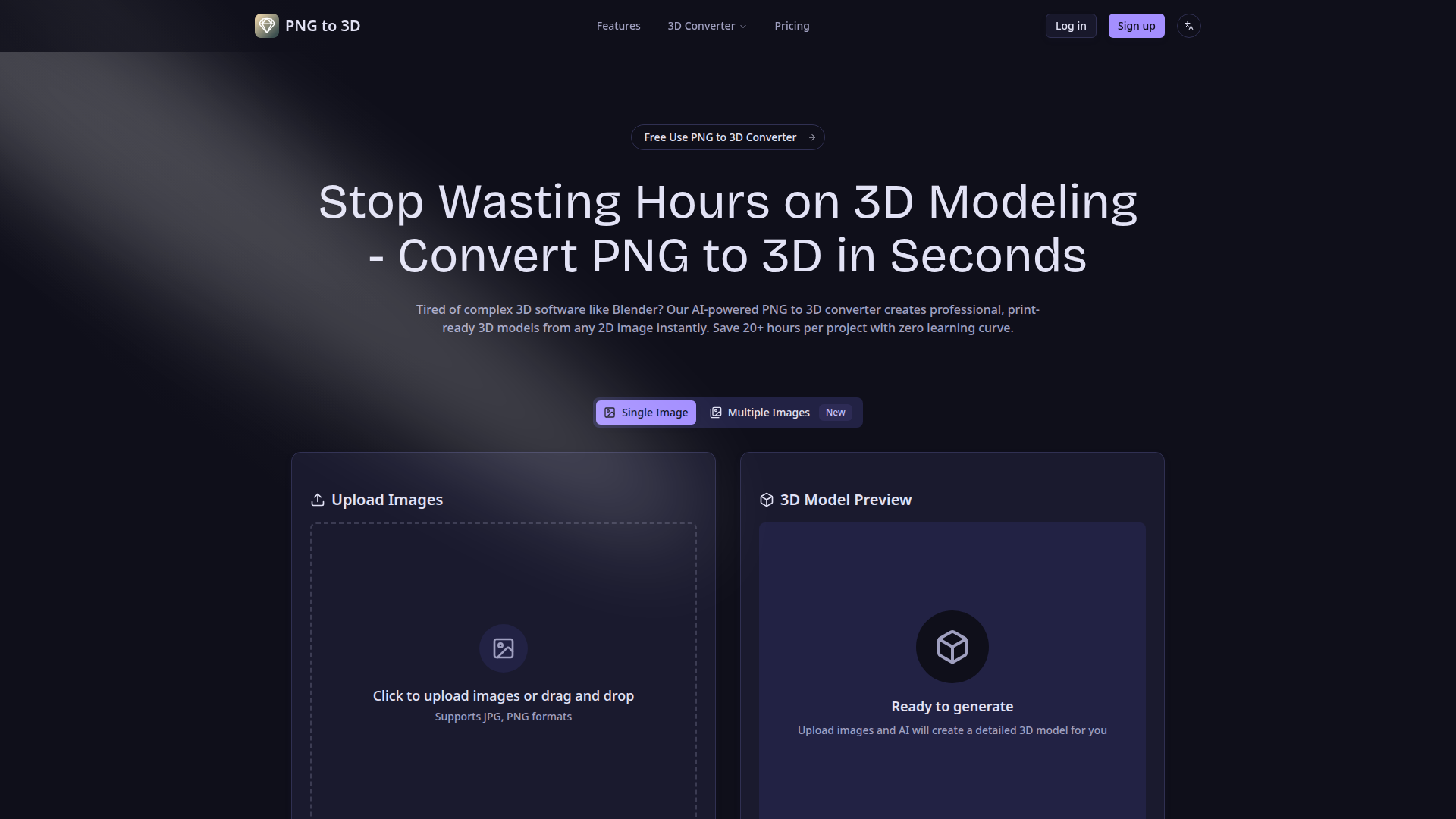
PNG to 3D is an AI-powered web platform that revolutionizes 3D content creation by converting two-dimensional PNG images into professional, ready-to-use 3D models in seconds. The Website Positioning is to democratize 3D modeling, eliminating the need for expensive software like Blender or Maya and the steep learning curve associated with them. Its Target Audience spans indie game developers, product designers, marketing professionals, AR/VR creators, and 3D printing enthusiasts. Core Features include AI-powered Smart Depth Detection, a real-time Interactive 3D Preview, Batch Conversion for up to 100+ images, and support for Universal Export Formats like OBJ, STL, and GLTF. Content Features showcase a detailed conversion gallery and real user success stories. User Experience is designed for simplicity with a three-step process: upload, AI generation, and download. Technical Features are powered by a proprietary AI pipeline using neural depth map analysis and GPU-accelerated cloud processing for sub-30-second conversions, even for 4K images. This makes it an essential tool for anyone needing to rapidly prototype, create game assets, or produce 3D content for presentations and printing.
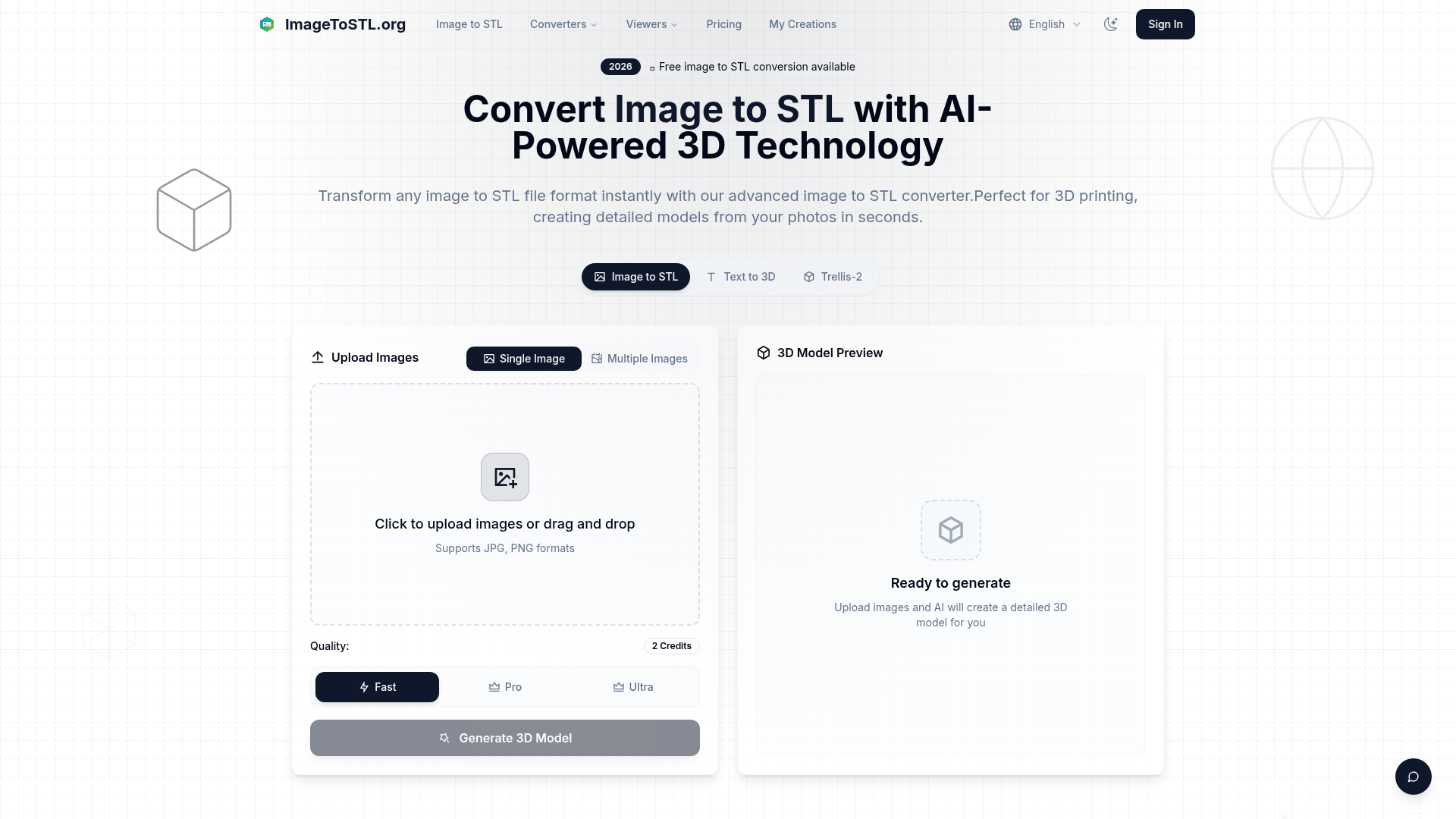
ImageToSTL.org is an AI-powered web platform that revolutionizes 3D creation by converting 2D images into printable 3D STL files instantly. It serves as a specialized tool for 3D printing enthusiasts, designers, engineers, and creators who need to transform photographs, logos, or designs into tangible 3D objects without complex modeling software. The platform targets a broad audience, from hobbyists exploring 3D printing to professionals in architecture, product design, and engineering who require rapid prototyping. Its core features include advanced AI that analyzes image depth and contours, multi-image support for accurate reconstruction, and output of high-resolution, print-ready STL and GLB files. The content is focused on providing a seamless conversion workflow, educational resources on the process, and a showcase of generated models. The user experience is streamlined through a simple four-step process: upload, AI analysis, customization, and download, all supported by a cloud-based infrastructure for fast processing. Key technical features include batch processing, a built-in 3D model previewer, and customizable settings for model height and detail, making it an accessible yet powerful bridge between 2D imagination and 3D reality.
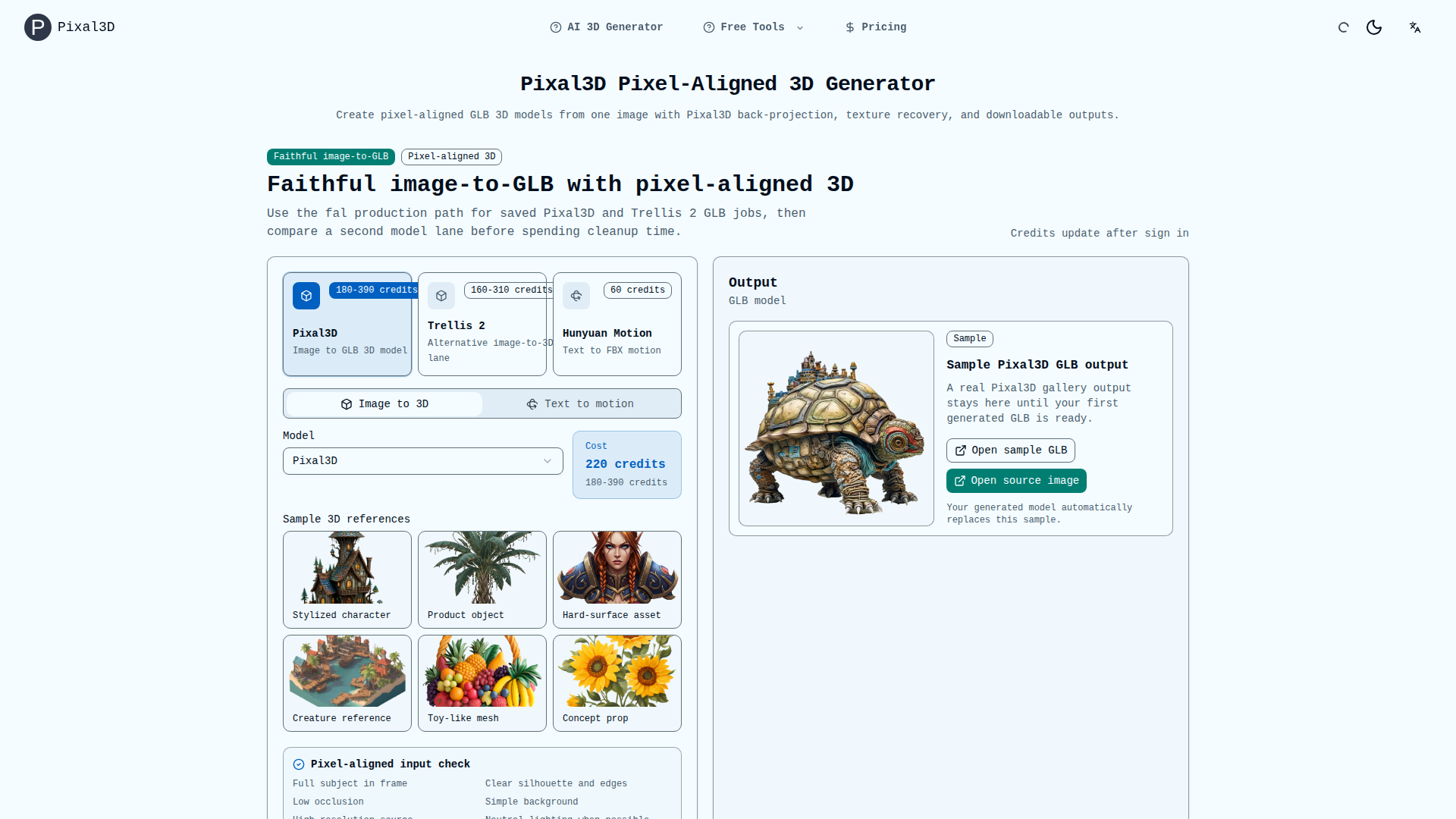
Pixal3D is a comprehensive AI-powered 3D generation platform that specializes in creating pixel-aligned GLB 3D models from single input images. Its core technology, based on the TencentARC Pixal3D research, enables faithful image-to-3D conversion with advanced back-projection and texture recovery. The platform targets professional 3D artists, game developers, product designers, and digital content creators who need quick, high-quality 3D assets for their projects. Beyond the main AI generation tool, Pixal3D offers a rich suite of browser-based 3D and image utilities including model viewers, format converters, texture checkers, and various image processing tools, all designed to create a complete 3D asset creation and inspection workflow. The platform operates on a credit-based system for generation tasks while providing free tools for asset preparation and review, ensuring both accessibility and professional-grade output quality.
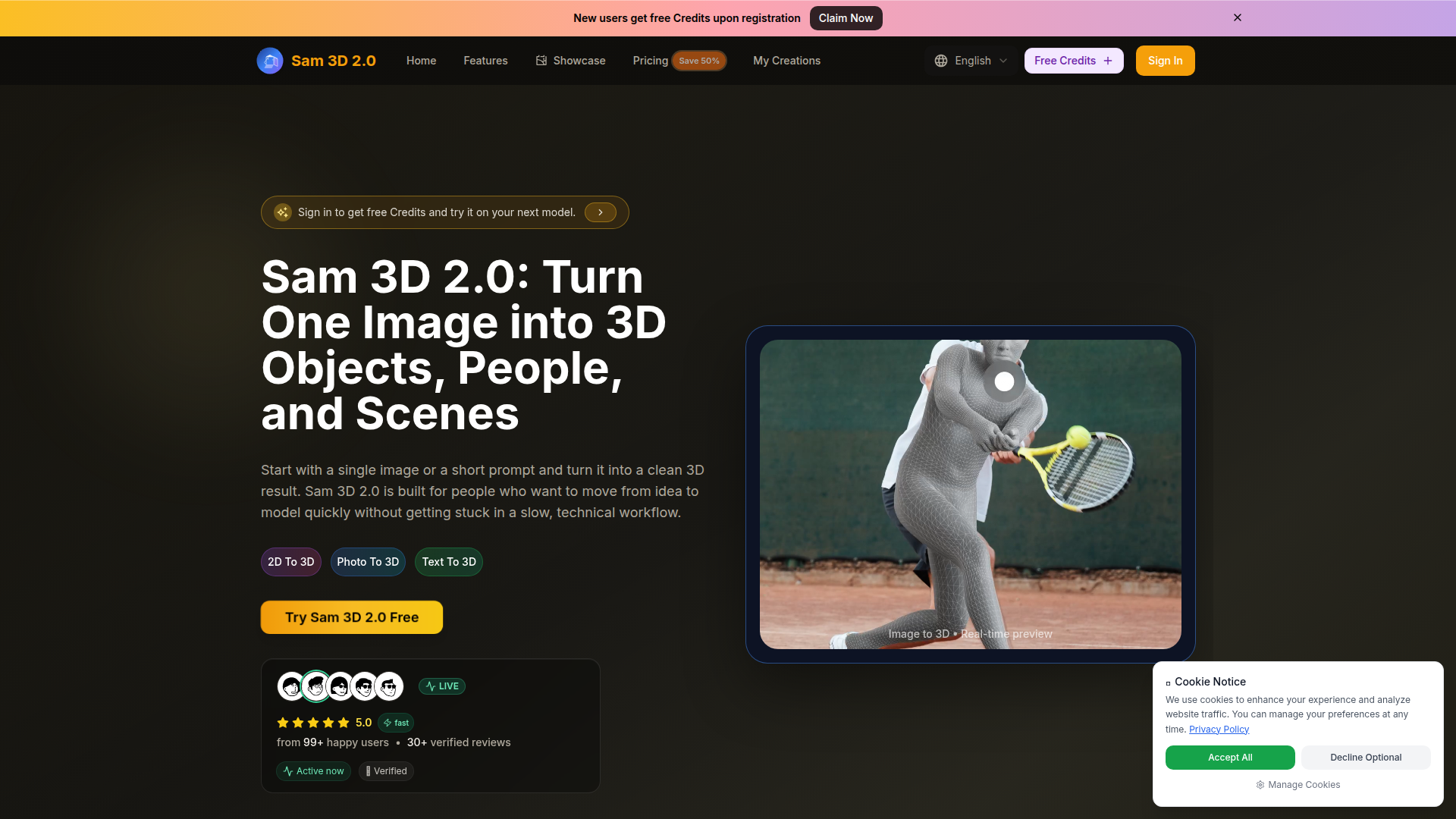
Sam 3D 2.0 AI is a revolutionary browser-based AI 3D Model Generator designed to streamline the transition from 2D concepts to 3D reality. Its core positioning is as an accessible, fast, and practical tool for single-image 3D reconstruction, eliminating the need for complex, time-consuming traditional modeling workflows. The target audience includes designers, creators, and professionals across gaming, e-commerce, XR, and marketing who need rapid visual prototyping. Core features leverage advanced AI to convert a single image or text prompt into clean 3D objects, body models, or scene assets with a real-time browser preview. Content is centered around ease of use, offering style galleries and step-by-step guidance. The user experience is optimized for speed and simplicity, allowing quick iteration, comparison, and export in formats like OBJ, FBX, and GLB compatible with Blender, Unity, and Unreal Engine. Technical features focus on web-based operation, fast generation times, and handling real-world images, making professional-grade 3D creation accessible to both beginners and experts.
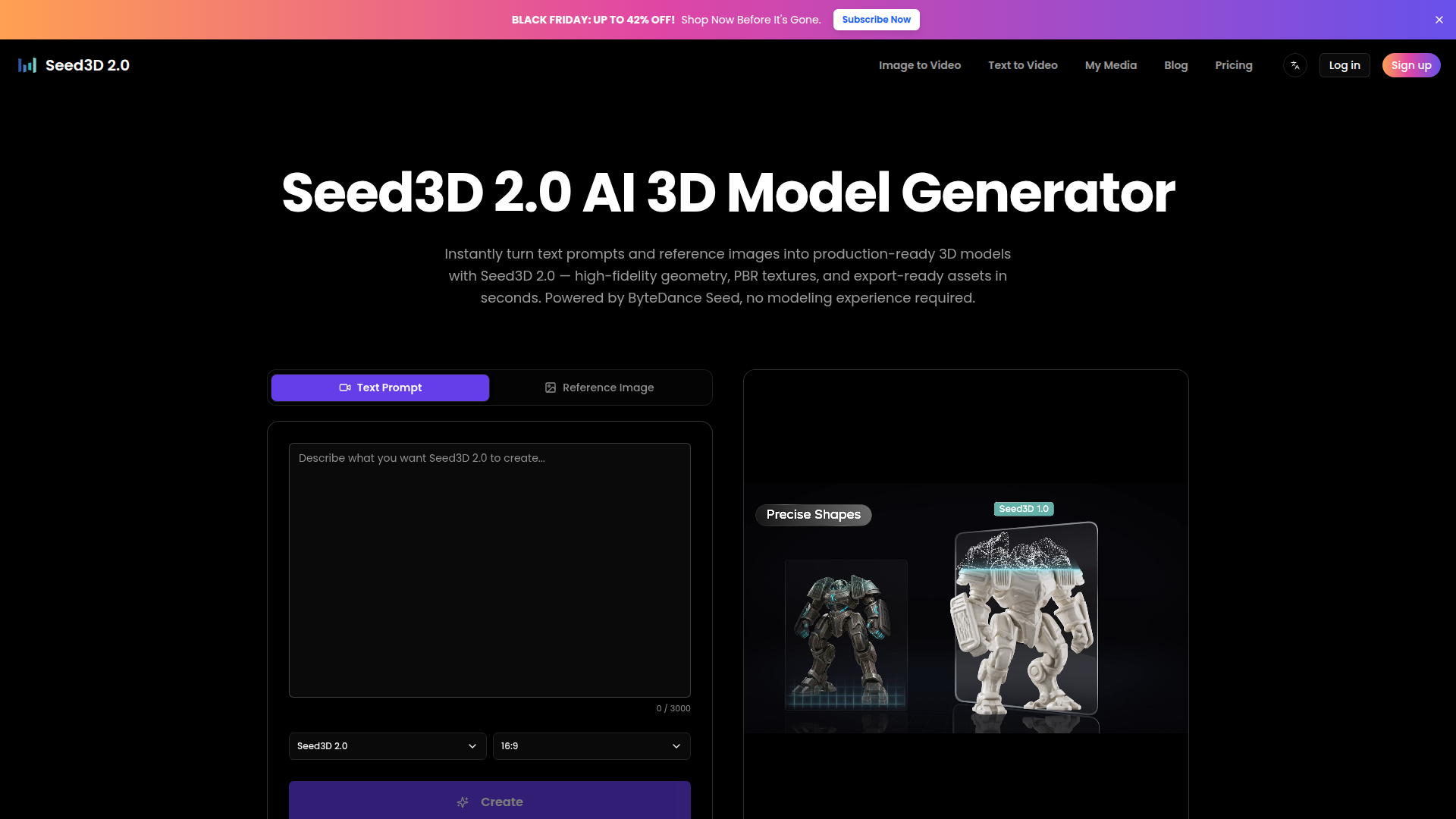
Seed3D 2.0 is a cutting-edge, cloud-based AI platform that revolutionizes 3D content creation by instantly transforming text prompts and reference images into high-fidelity, production-ready 3D models and cinematic videos. Powered by ByteDance's advanced Seed technology, it utilizes a sophisticated two-stage, coarse-to-fine Diffusion Transformer architecture and a Unified PBR Model to generate assets with sharp geometry, realistic physically-based rendering (PBR) textures, and coherent part-level structure. Its core positioning is as an accessible, no-code tool that democratizes 3D asset generation for users without traditional modeling expertise. The target audience spans from indie creators and game developers to marketing professionals and product designers. Core features include a versatile text-to-3D and image-to-3D generator, a library of one-click '3D-style' video effects, and advanced scene composition tools for stitching multiple clips. The platform offers a streamlined user experience with a credit-based pricing system, fast generation times, and full commercial rights on outputs, making it a powerful asset for rapid prototyping, content creation, and professional production workflows.
Seed3D 2.0 AI is a cutting-edge, web-based 3D model generator leveraging advanced AI to democratize 3D content creation. Its positioning is as a fast, intuitive, and production-ready tool that bridges the gap between ideation and usable 3D assets. The target audience spans from hobbyists and indie creators to professional designers and small business teams, especially those in e-commerce, game development, concept art, and product design. Core features include text-to-3D, image-to-3D (from photos or 2D art), and a style gallery for consistent visual direction. Content is focused on generating polished, export-ready models with cleaner geometry and realistic PBR materials. The user experience is streamlined into a simple three-step workflow: input, generate, and export, featuring a real-time interactive 3D previewer. Technically, it emphasizes fast generation times, support for common 3D file formats like OBJ, FBX, and GLB, and a cloud-based processing model.
Trellis 2 AI is a professional-grade, web-based 3D generation platform that converts text prompts or reference images into polished, usable 3D models. Its core positioning is to democratize 3D creation, serving creative teams, marketers, indie developers, and entrepreneurs who need production-ready assets without extensive modeling expertise or long production cycles. The platform excels with its intuitive three-step workflow of input, style selection, and generation, delivering models with high consistency in lighting, composition, and style adherence. Key features include real-time interactive previews, a rich style gallery for visual direction, and support for multiple 3D export formats like OBJ, FBX, and GLB. Designed for speed and iteration, it enables faster concept-to-asset cycles by allowing users to generate and compare multiple variants side-by-side. The underlying AI is fine-tuned to maintain structural integrity and material cues from the input, making it a powerful tool for creating product mockups, character concepts, architectural visualizations, and marketing assets. With a freemium pricing model offering free credits to start and scalable subscription plans, Trellis 2 AI aims to be an indispensable visual production tool.
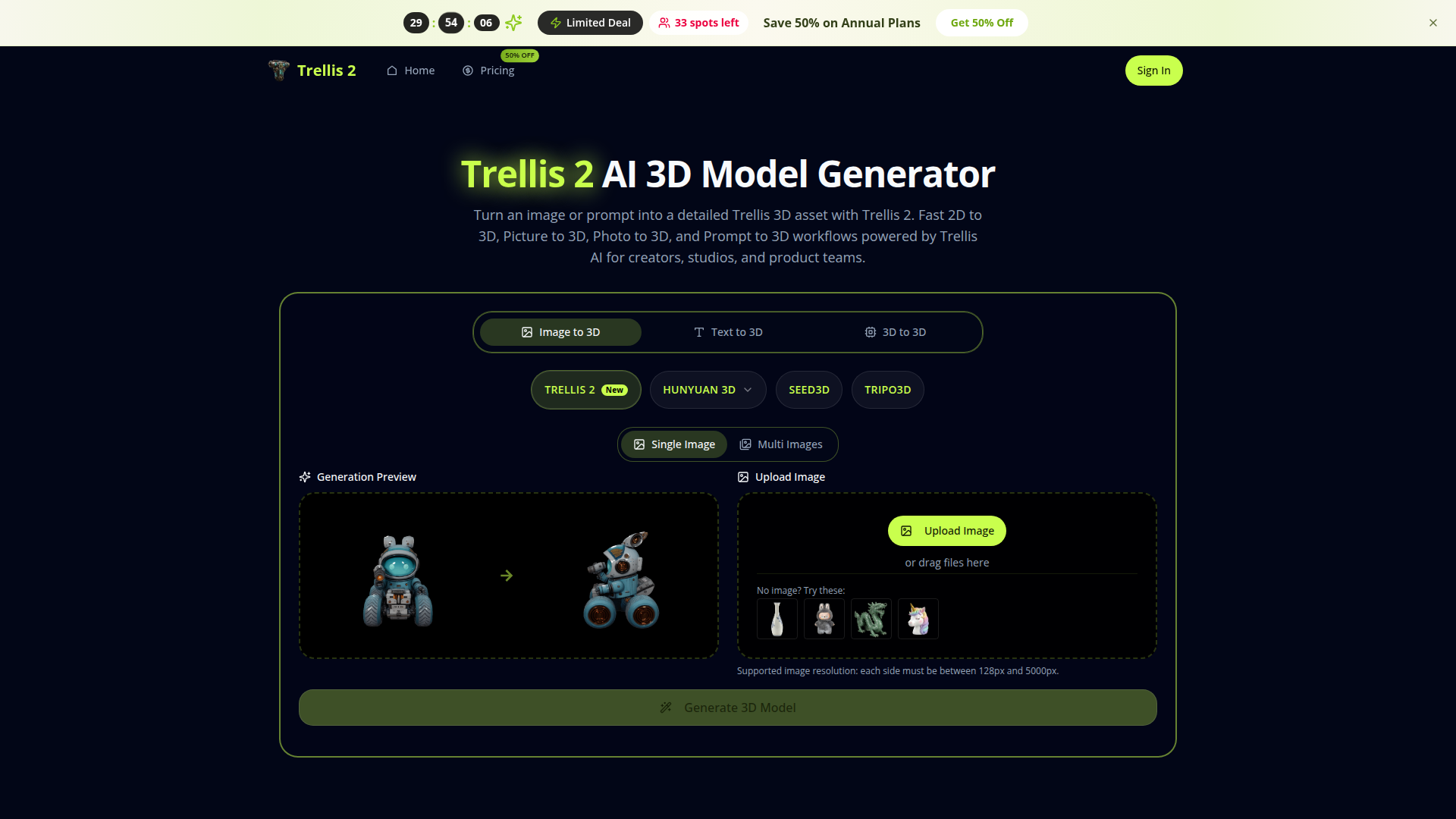
Trellis 2 is an AI-first 3D creation platform that revolutionizes how modern creators and teams generate 3D content. Its core positioning is as a specialized 3D model generator that accelerates the journey from 2D ideas to textured, usable 3D assets. The target audience spans game artists, XR developers, product designers, architectural visualization teams, and even non-specialist founders who need to communicate 3D concepts. Its core features include dual-format input, supporting both Photo-to-3D and Prompt-to-3D workflows to accommodate visual references or written briefs. Content is generated with an emphasis on richer geometry, clearer silhouettes, and more convincing textures, aiming for practical downstream use over novelty demos. User experience is designed around fast iteration, allowing teams to compare options and reject weak directions early. Technically, it's inspired by the TRELLIS.2 research direction, translating cutting-edge AI into a creator-friendly web interface for generating and exporting assets into standard DCC tools and game engines, making 3D content creation more accessible.

Secret Sauce 3D is an AI-powered tool designed to accelerate 3D workflows for professional 3D artists. Built by a team trusted by industry leaders, it streamlines repetitive tasks such as retopology, UV unwrapping, and image editing, enabling artists to focus on creative aspects. It offers rapid 3D mesh generation from 2D concepts, customizable retopology levels, auto and custom UVs, segmentation, and direct Blender integration. It is ideal for game development, product design, 3D printing, and animation/film, which increases efficiency and foster innovation for 3D content creation.
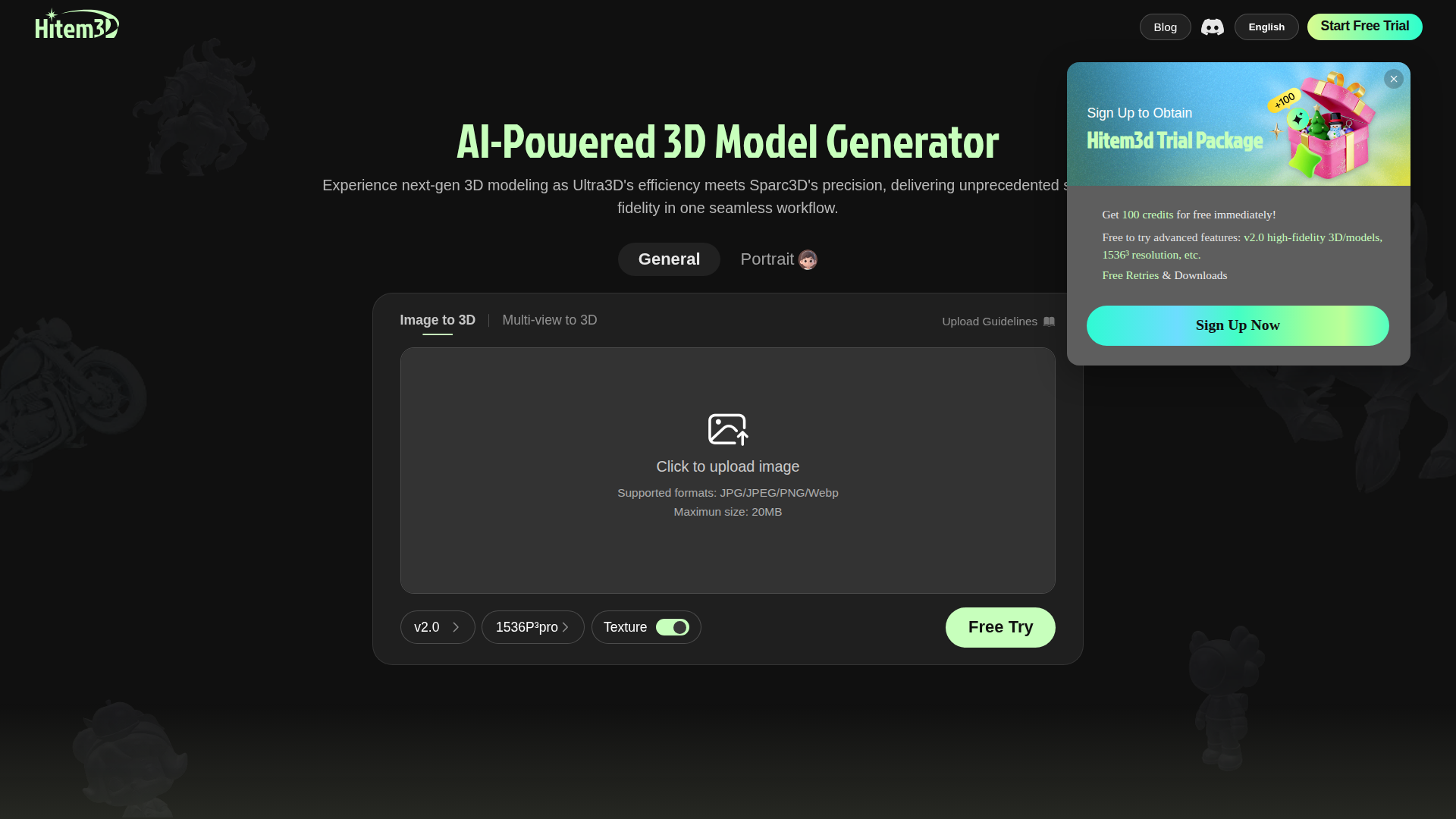
Hitem3D is a next-gen AI-powered 3D model generator transforming single images into high-quality 3D assets. It leverages advanced AI, delivering precision and speed, offering game developers, designers, and 3D artists the ability to accelerate workflows from concept to deployment. Hitem3D excels in generating models with high engraving precision that can be utilized for printing. It supports mainstream image formats and outputs GLB, OBJ, FBX, and STL. Hitem3D democratizes 3D creation with industry-leading quality at exceptional speed.
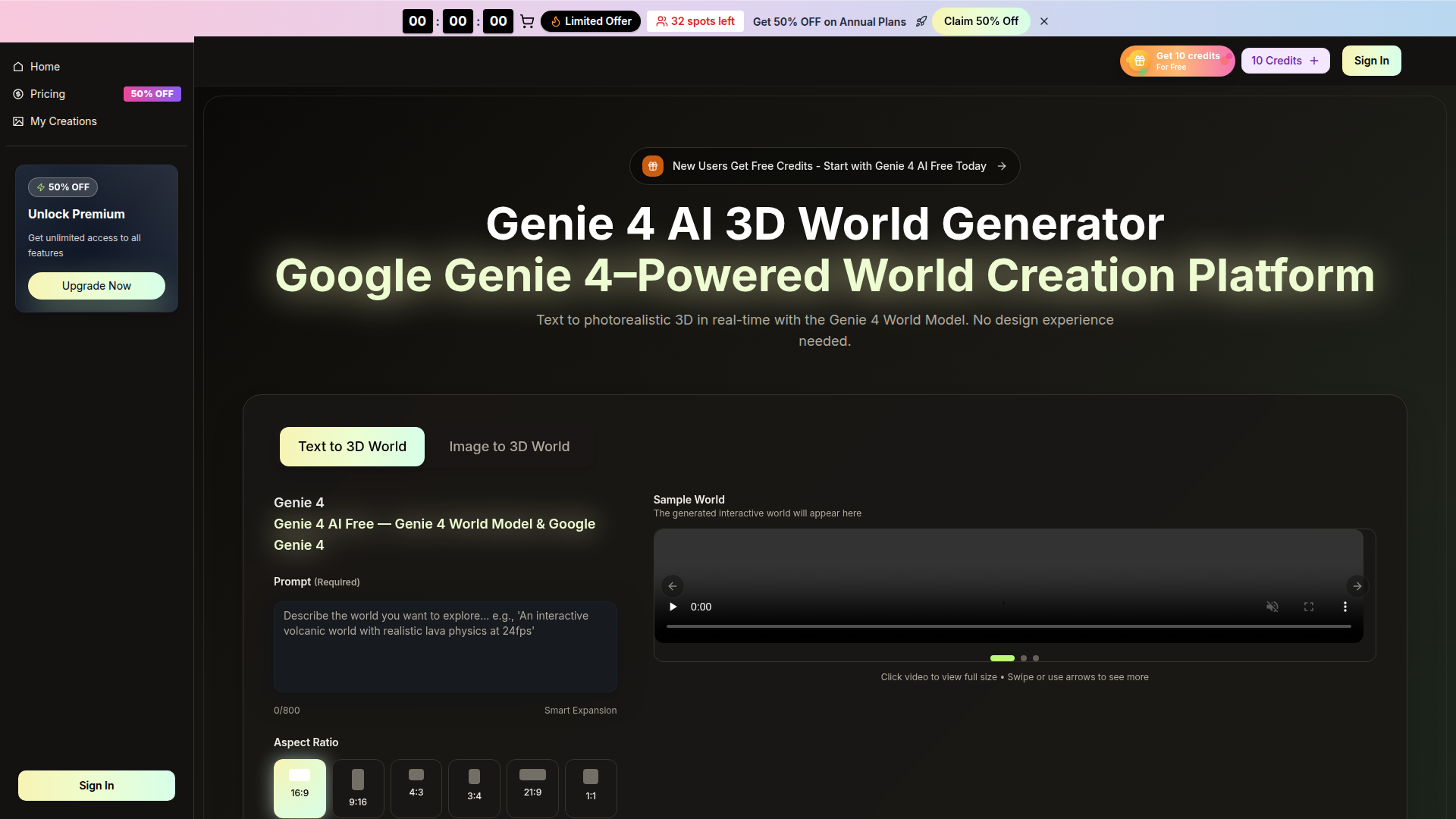
Genie 4 is a Google-powered platform that enables users to create photorealistic 3D worlds from text prompts or images in real-time. It caters to researchers and creators, offering interactive environments suitable for simulations, education, and creative projects. The platform supports real-time world generation at 24 FPS and 720p, while also maintaining environmental consistency. The tool supports private and responsible innovation. Genie 4 provides users the ability to export their creations into usable sequences viable for game engines and streaming. The service offers educational programs through which learners can interact with 3D models that help with education. Users can use Genie 4 for real-time world generation and create ecosystems and physical environment visualizations at interactive speeds.
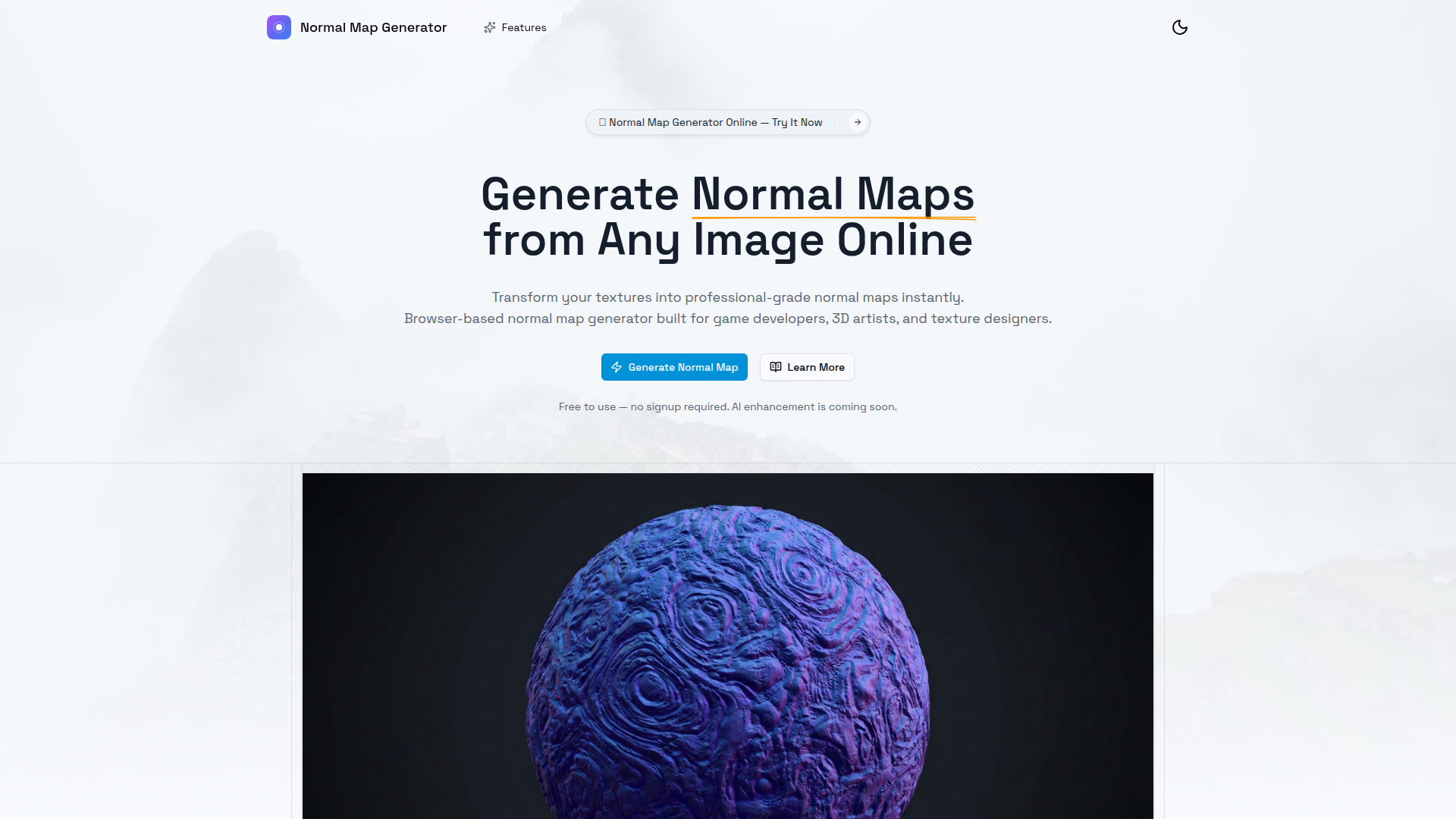
Normal Map Generator is a free, browser-based tool designed for game developers, 3D artists, and texture designers. It allows users to transform 2D images into detailed normal maps. The tool offers real-time previews, adjustable strength settings, and supports multiple export formats, including PNG, JPEG, and OpenEXR, making it compatible with popular 3D software like Unity, Unreal Engine, and Blender. It simplifies the process of creating high-quality normal, height, and bump maps from any image without requiring complex software or accounts while AI enhancement features are in development.
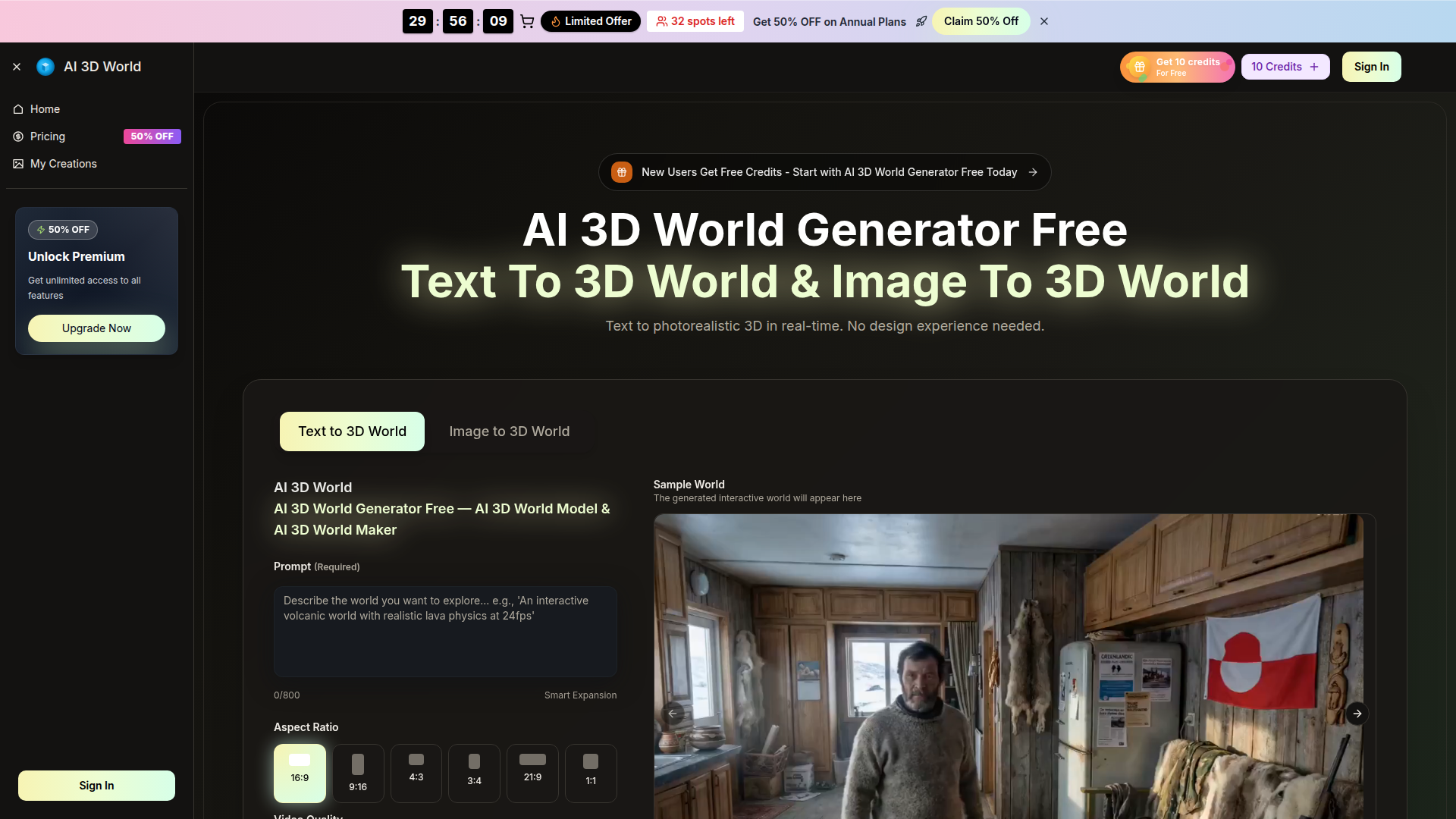
AI 3D World is a cutting-edge platform enabling users to generate interactive 3D worlds from text or images in real-time. Designed for researchers, educators, and creators, it offers a seamless experience without requiring design expertise. The platform supports real-time world generation at 24 FPS and 720p resolution, ensuring smooth, explorable environments with consistent physics. AI 3D World also prioritizes responsible AI practices and user privacy, ensuring data is secure. With flexible pricing options, including a free trial, it's accessible to both hobbyists and professionals looking to transform their visions into immersive 3D realities.
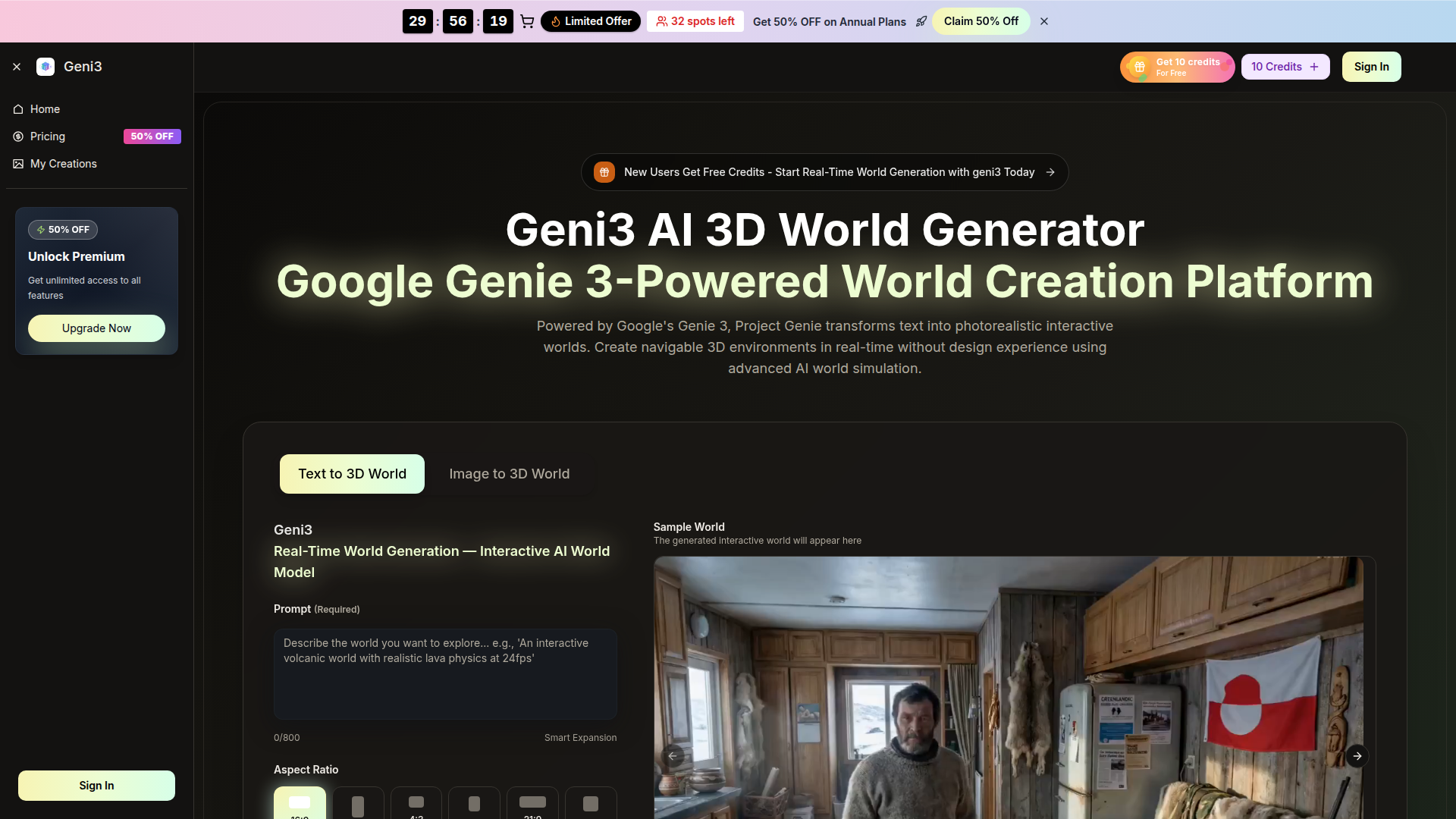
Geni3 is a groundbreaking AI platform that leverages Google's Genie 3 to transform text or images into interactive and explorable 3D worlds in real-time. Designed for researchers, educators, and creators, Geni3 empowers users to generate dynamic environments at 24 FPS with 720p resolution, ensuring environmental consistency. The platform supports promptable world events, enabling real-time modifications of weather and objects while maintaining physical coherence. Geni3 facilitates AI agent training, educational simulations and creative content, allowing for exploration and experimentation in virtual worlds. With simple and transparent pricing options, Geni3 makes advanced AI world creation accessible to both hobbyists and professionals.
Project Genie 3 is a groundbreaking AI platform by Google DeepMind that generates interactive 3D worlds from text prompts. Users can explore photorealistic environments in real-time, experiencing true world simulation. This technology represents a significant advancement in AI, enabling the creation of dynamic, responsive environments for various applications. The platform leverages advanced models to predict and simulate world states. It empowers users to transform industries through game development, education, film, robotics, architecture, and scientific visualization, creating interactive educational spaces with simple text descriptions that are AI-powered and high-fidelity.
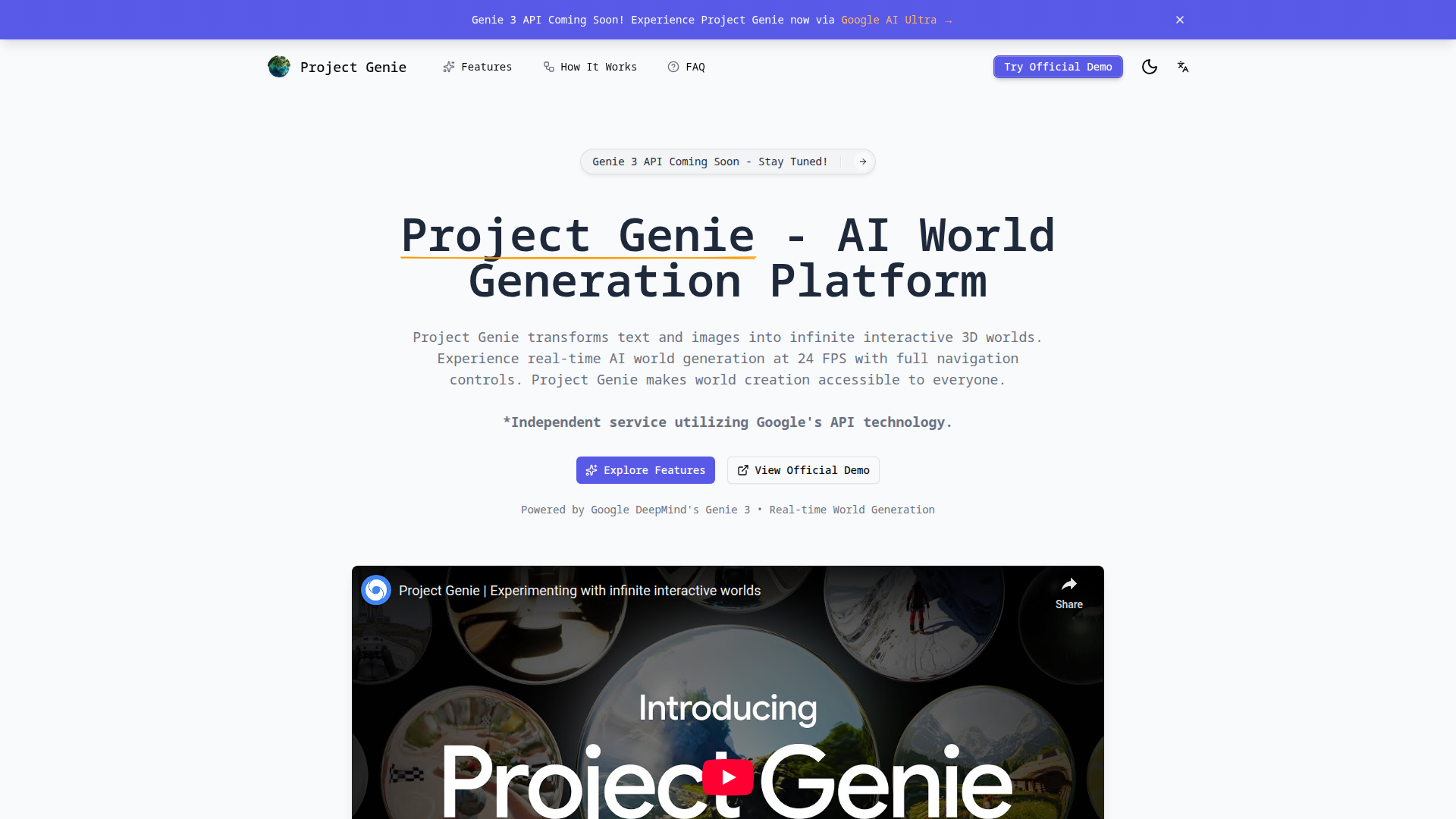
Project Genie is an AI world generation platform powered by Google DeepMind's Genie 3, designed to transform text and images into immersive, interactive 3D environments. It offers real-time world generation at 24 FPS, complete with navigation controls, making world creation accessible. Users describe worlds via text or upload images, gaining access to emergent physics and persistent world memory within sessions. It offers high-resolution output and is globally accessible, bridging the gap between imagination and interactive exploration.
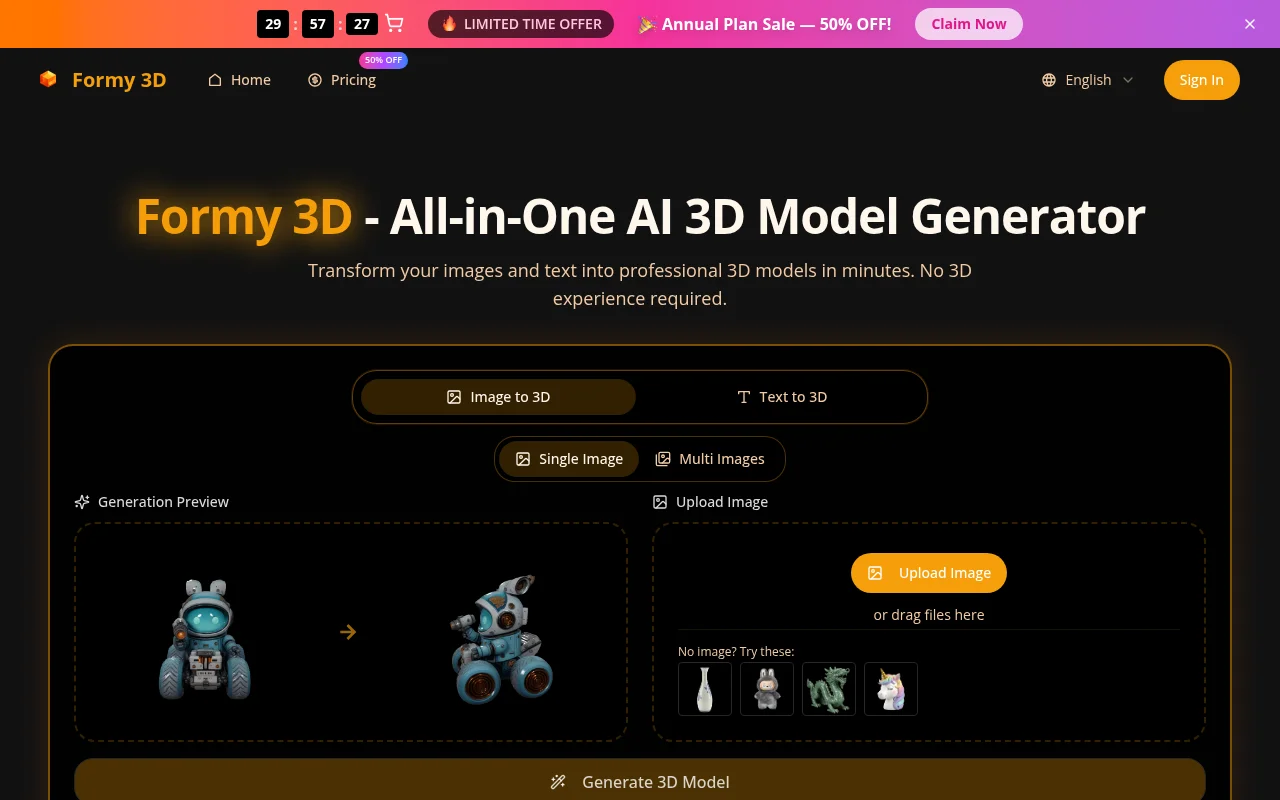
Formy 3D is an innovative AI-powered platform designed to simplify the creation of 3D models. By leveraging advanced AI algorithms, Formy 3D enables users to transform text prompts and 2D images into high-quality 3D models with ease, regardless of their 3D modeling experience. The platform boasts state-of-the-art diffusion models with 10 billion parameters, ensuring ultra-detailed geometries and PBR textures that rival traditional modeling methods. Formy 3D supports various industries including game development, interior design, film, and education, offering production-ready assets in multiple formats, making it the go-to solution for professionals and enthusiasts looking to create stunning 3D content rapidly and affordably.
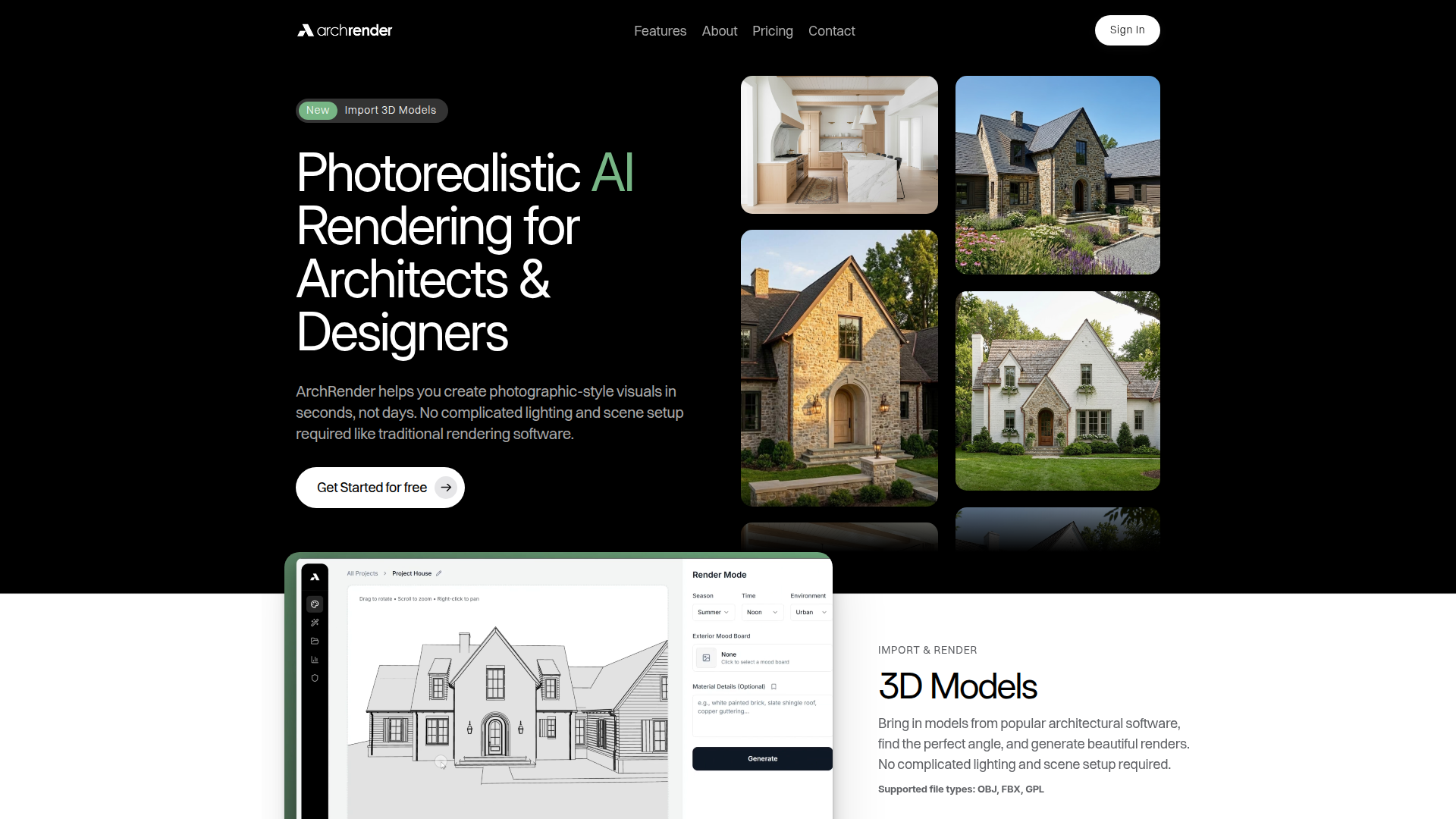
ArchRender is a cutting-edge AI-powered rendering tool designed to transform architectural visualization. It empowers architects and designers to create photorealistic visuals within seconds, eliminating the complexities of traditional rendering. With support for various 3D model formats and prompt-driven controls, it simplifies material selection and mood adjustments. Users can organize their projects, iterate on designs, and upscale renders to 4K resolution, enhancing client presentations and design workflows. ArchRender offers a user-friendly platform for both interior and exterior visualizations, suitable for professionals seeking efficiency and top-tier visual quality. It features an intuitive interface, flexible subscription plans, and robust support, streamlining design workflows and eliminating rendering complexities.
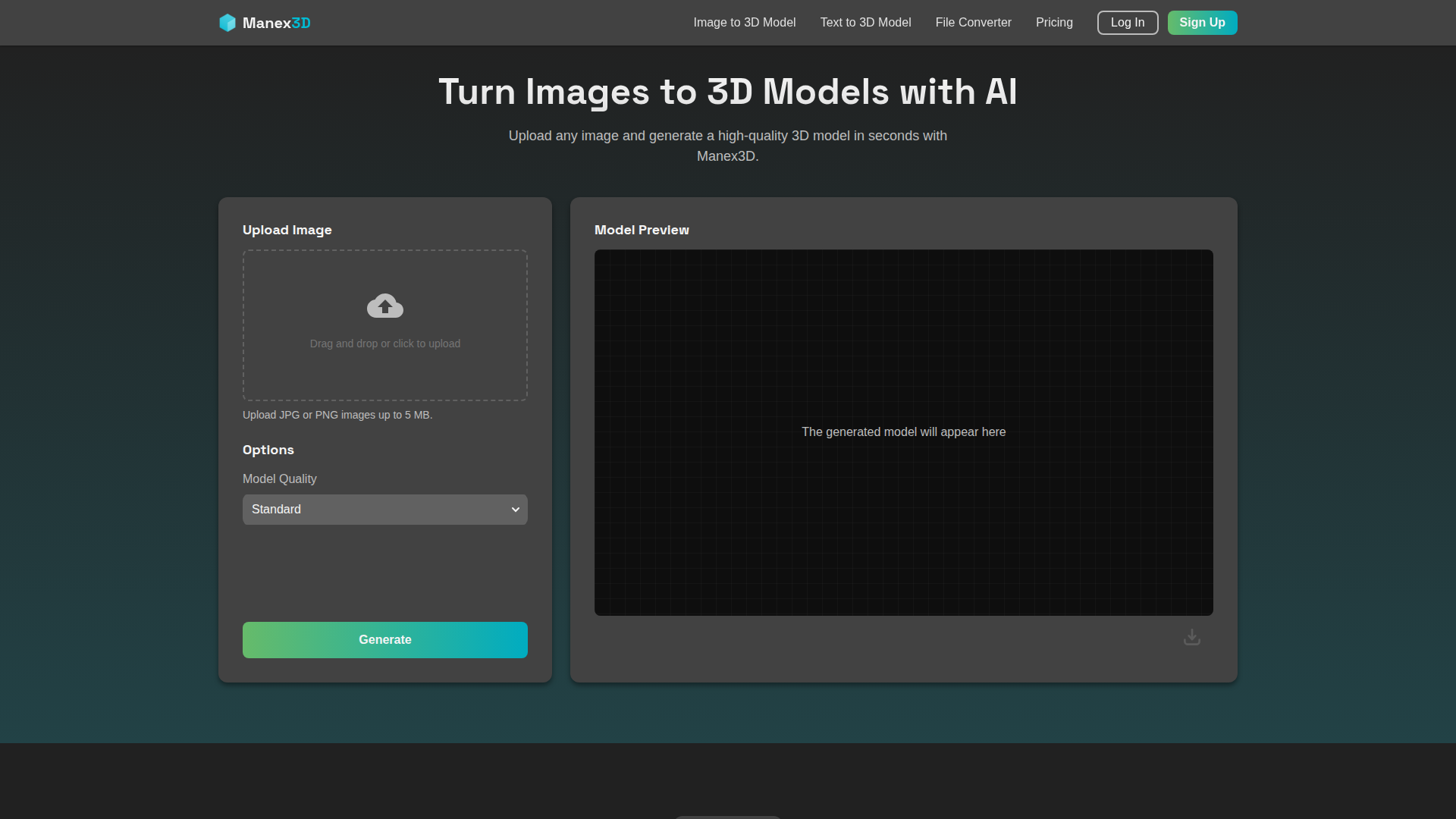
Manex3D leverages advanced AI to transform 2D images into high-quality 3D models quickly. Ideal for artists, game developers, and 3D printing enthusiasts, it simplifies complex modeling processes. With features like customizable generation settings, multiple export formats (OBJ, GLB, STL), and real-time previews, users can efficiently create detailed models for various applications. It’s designed for ease of use, requiring just an image upload and a short processing time to deliver usable 3D models, enhancing creative workflows and project outcomes.
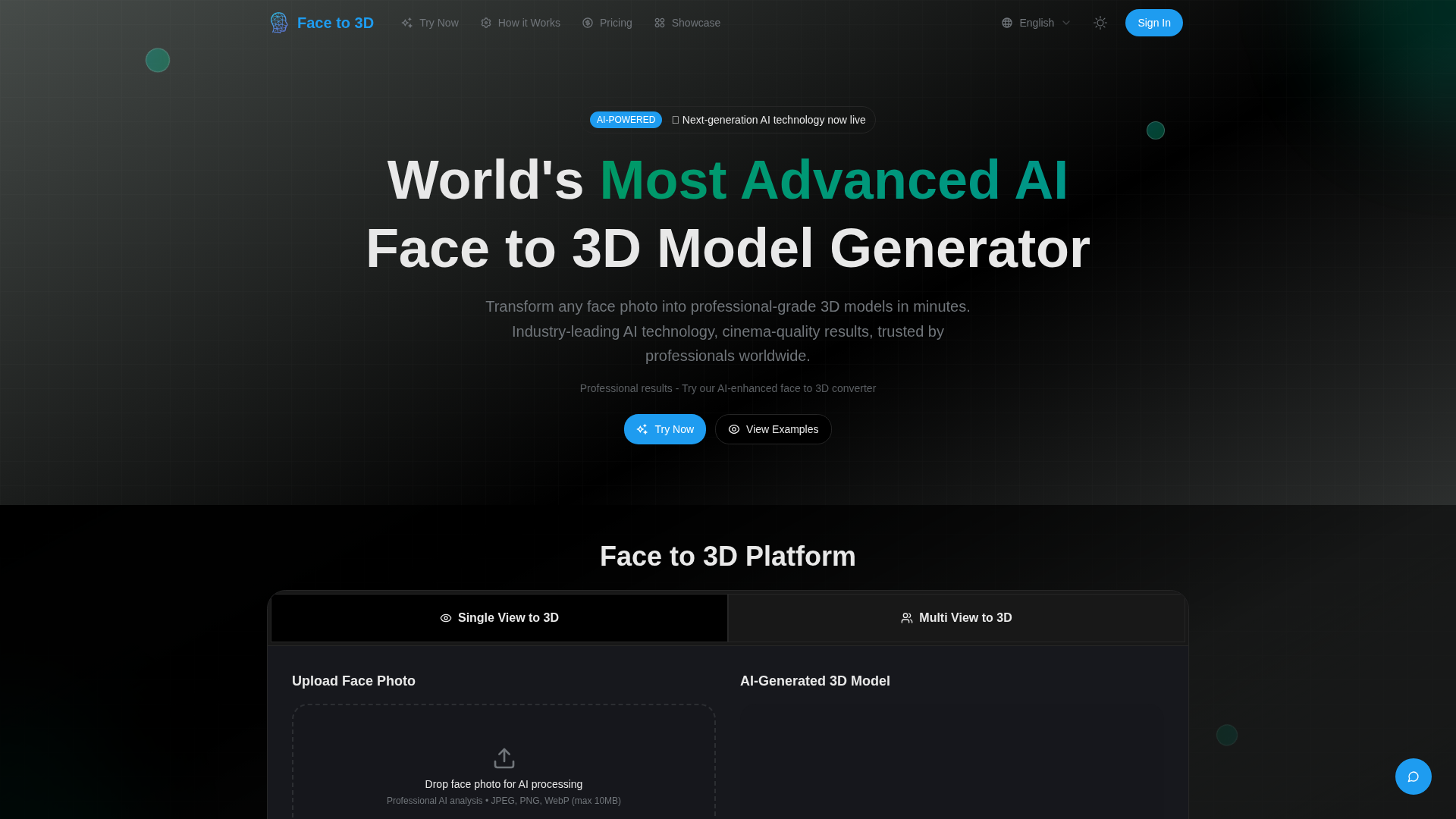
FaceTo3D.com is a cutting-edge AI-powered platform that converts face photos into professional-grade 3D models in minutes. Utilizing advanced neural networks and deep learning algorithms, it provides unparalleled accuracy and speed. It is trusted by professionals worldwide, the platform offers high-quality results suitable for games, VR, animation, and 3D printing. With universal format export options and an intuitive user interface, FaceTo3D.com democratizes 3D model creation, making it accessible to both experts and novices alike. It provides precise facial reconstruction, real-time generation preview and supports commercial use.
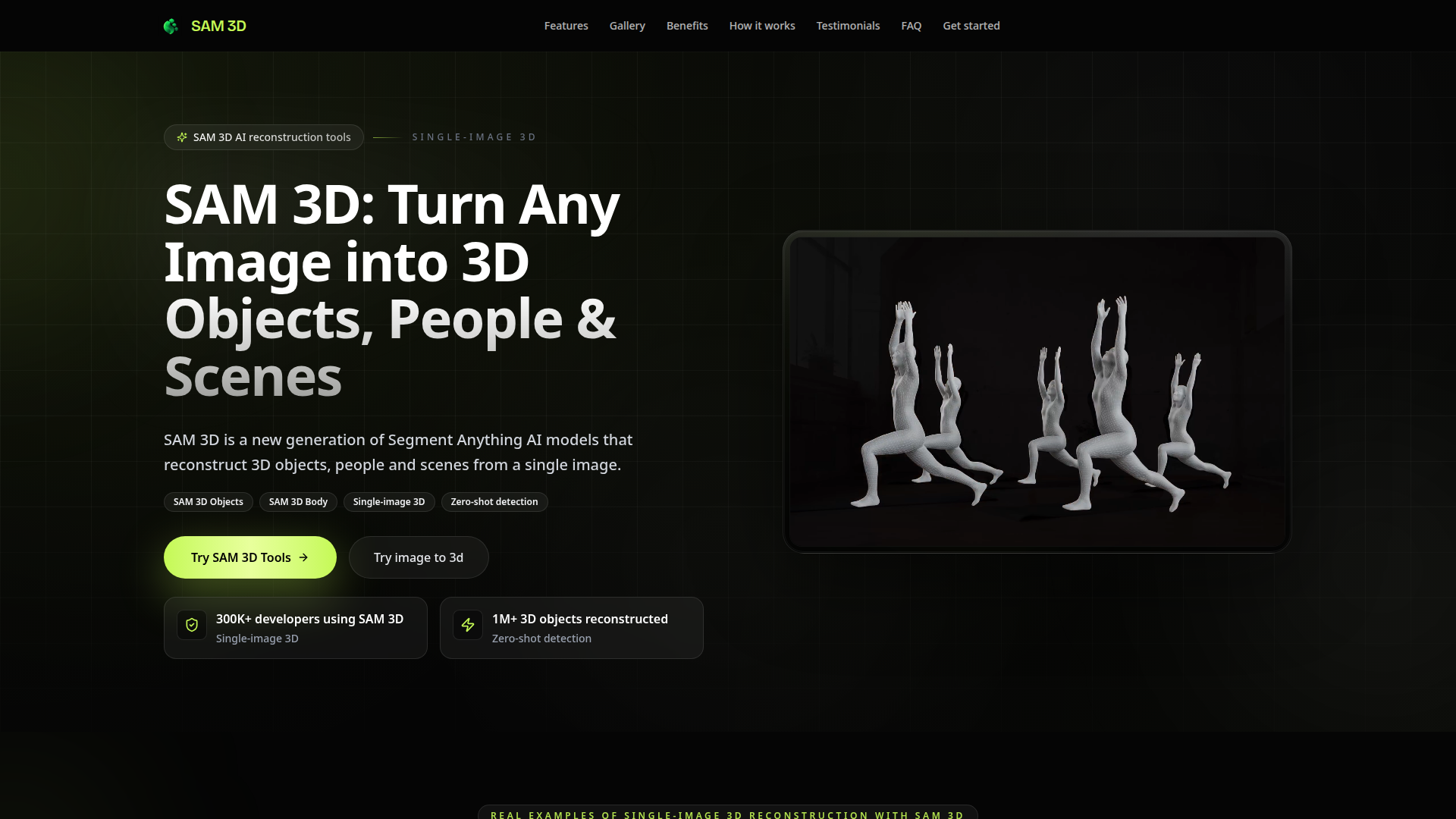
SAM 3D is a cutting-edge platform that leverages Meta's Segment Anything Model to transform single 2D images into 3D objects, people, and scenes. It offers tools like SAM 3D Objects and SAM 3D Body, providing zero-shot 3D reconstruction. Ideal for game developers, e-commerce businesses, AR/VR creators, and researchers, SAM 3D simplifies the complex process of 3D modeling. Its intuitive interface and API integration make it accessible for both beginners and experts. You can quickly generate production-ready 3D assets for various applications, reducing time and costs significantly. SAM 3D is committed to pushing the boundaries of AI-driven 3D reconstruction.
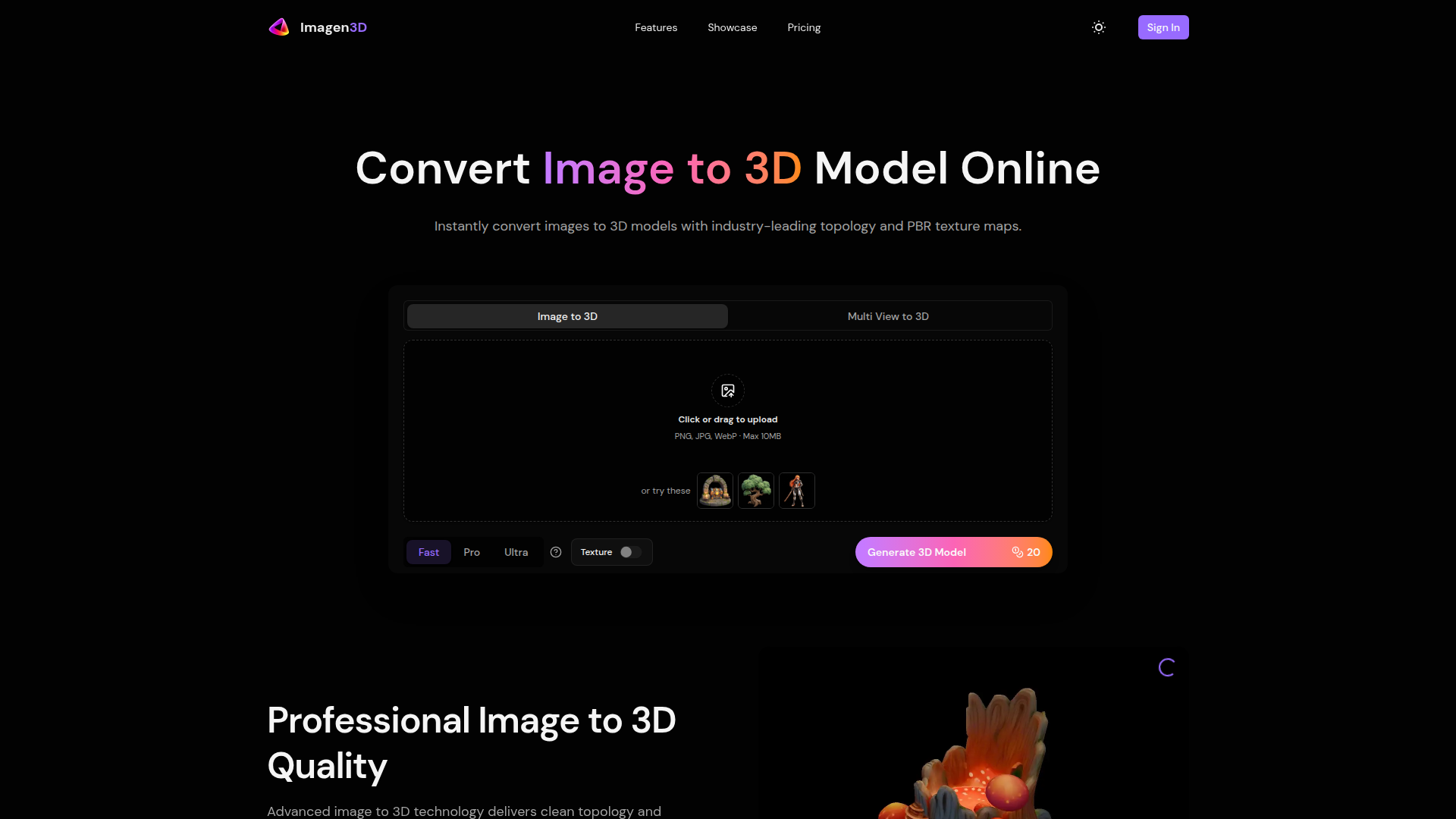
Imagen 3D is a cutting-edge online platform that uses advanced AI technology to convert images into high-quality 3D models quickly and efficiently. Designed to empower creators, the service offers various quality tiers from Fast to Ultra, catering to different project needs. With support for standard 3D formats and PBR textures, Imagen 3D streamlines asset creation for game development, 3D printing, animation, VFX, and AR/VR experiences, enabling users to bring their ideas to life faster and more effectively, eliminating the need for extensive manual modeling.
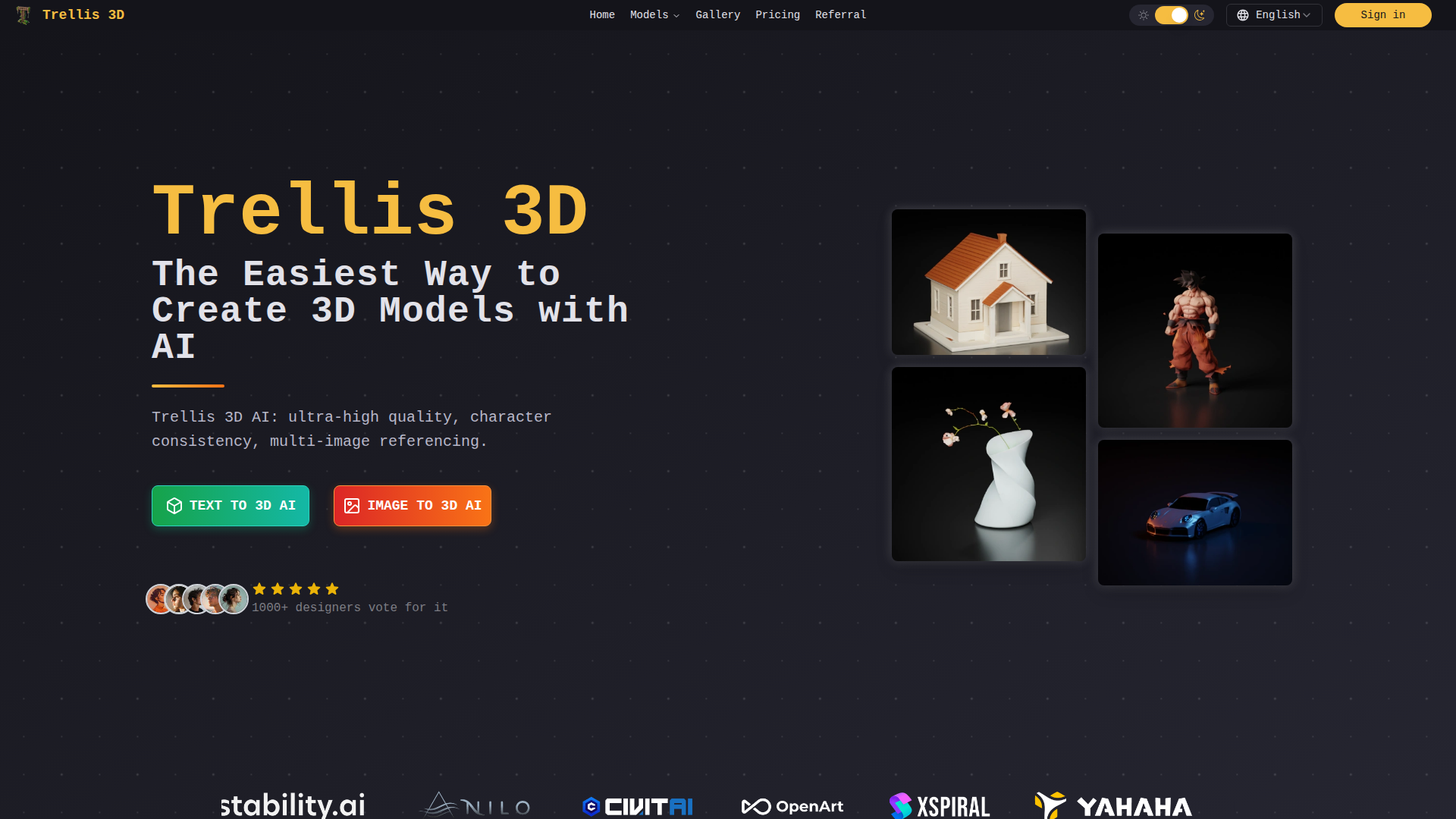
Trellis 3D AI is a cutting-edge platform specializing in AI-driven 3D asset generation. It empowers users to create high-quality 3D models from both text and image inputs. With features like large-scale pre-trained models, multi-format output, and effortless editing capabilities, this platform streamlines 3D content creation for developers, designers, and artists. Trellis 3D AI supports various output formats, including Radiance Fields, 3D Gaussians, and meshes, ensuring versatility for diverse applications. Its focus on quality, efficiency, and user control makes it an ideal choice for both individual creators and large-scale production environments.

SAM 3D is an innovative online platform that transforms 2D images into high-fidelity 3D models using Meta's open-source SAM 3D models. Offering rapid object and human body reconstruction, SAM 3D caters to professionals, hobbyists, and e-commerce businesses looking to enhance visualization and interactivity. Its advanced models handle occlusion, lighting variations, and complex geometries, ensuring robust performance in real-world conditions. With commercial-friendly licensing, SAM 3D encourages broad usage across Blender, Unity, Unreal Engine, and other applications. Key features include support for diverse object categories, accurate human pose estimation, and an intuitive, promptable interface.

3D-Agent is a Blender AI plugin that allows users to generate 3D models from text prompts, bypassing weeks of manual modeling. It seamlessly integrates with Blender, enabling the creation of production-ready models exportable to OBJ, FBX, GLB, or USDZ. Ideal for game assets, product renders, and architectural prototyping, it streamlines the 3D creation process for artists and studios by leveraging AI to rapidly produce clean Blender wireframes.

3D AI Maker is a free AI-powered platform that turns text prompts or images into textured 3D models. It offers direct Blender integration via a plugin and allows users to export models as GLB or STL files. This tool is designed for artists, developers, and hobbyists, providing an accessible way to create 3D assets without any sign-up or hidden costs, making it perfect as a Meshy alternative.
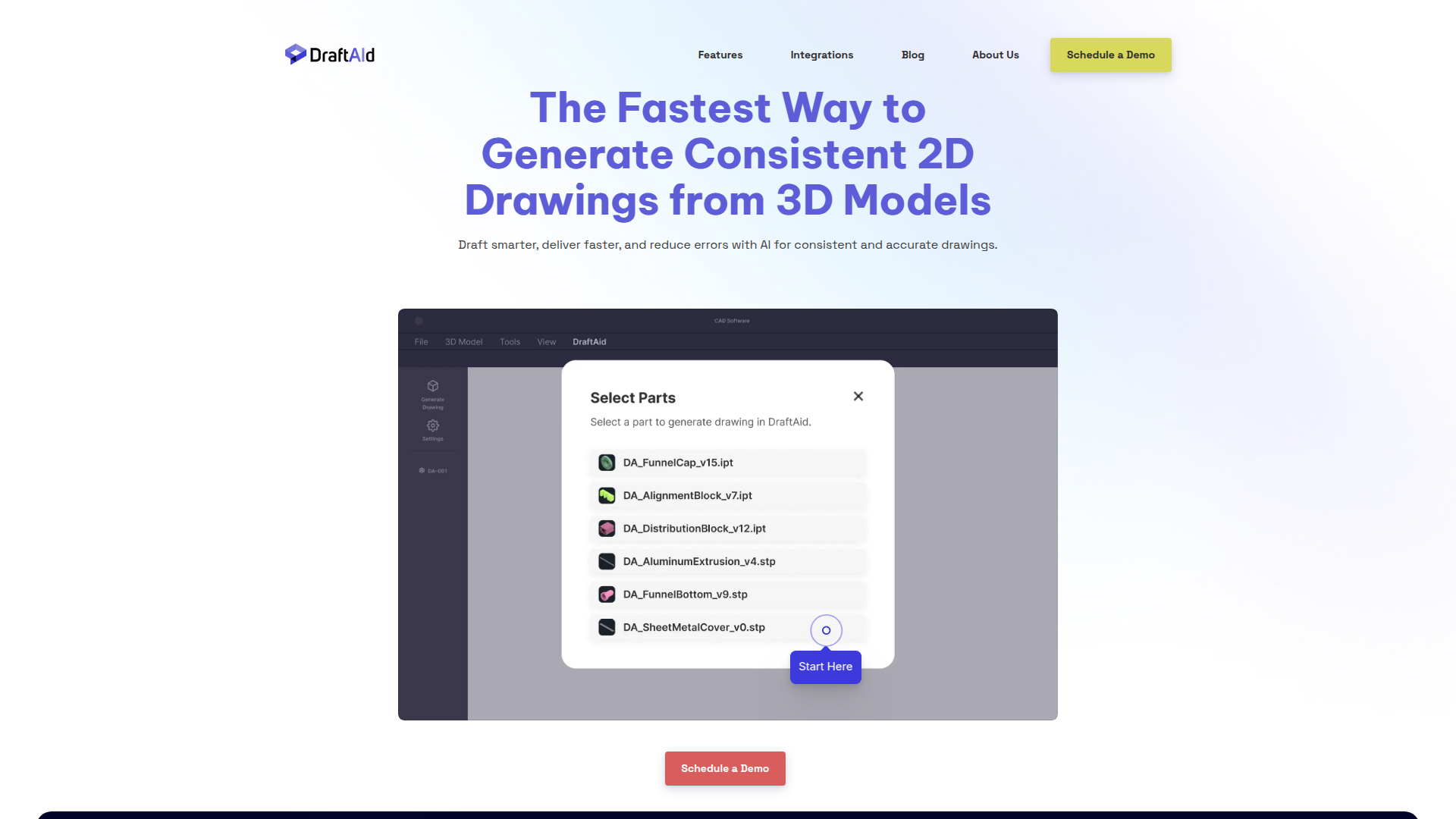
DraftAid is an AI-powered CAD drawing automation tool designed to revolutionize the drafting process for engineers and manufacturers. By converting 3D models into precise 2D drawings with intelligent annotations, DraftAid eliminates repetitive tasks and boosts productivity. The platform seamlessly integrates with existing CAD tools, adapts to company-specific templates, and ensures manufacturing-ready accuracy. Its advanced automation features help engineering teams focus on innovation while maintaining consistent quality across all drawings.

Kaedim is an innovative AI-powered platform that spearheads on-demand 3D asset creation for game developers. By harnessing machine learning and the expertise of a specialized 3D team, Kaedim enables studios to speed up their art production, yielding high-quality models with minimal manual intervention. This solution caters to a wide spectrum of game development teams, from indie studios to AAA giants, focusing on streamlining workflows, reducing resource overhead, and enhancing overall efficiency. The platform allows clients to transform their concepts into lifelike 3D models quickly, cutting down traditional production times significantly.
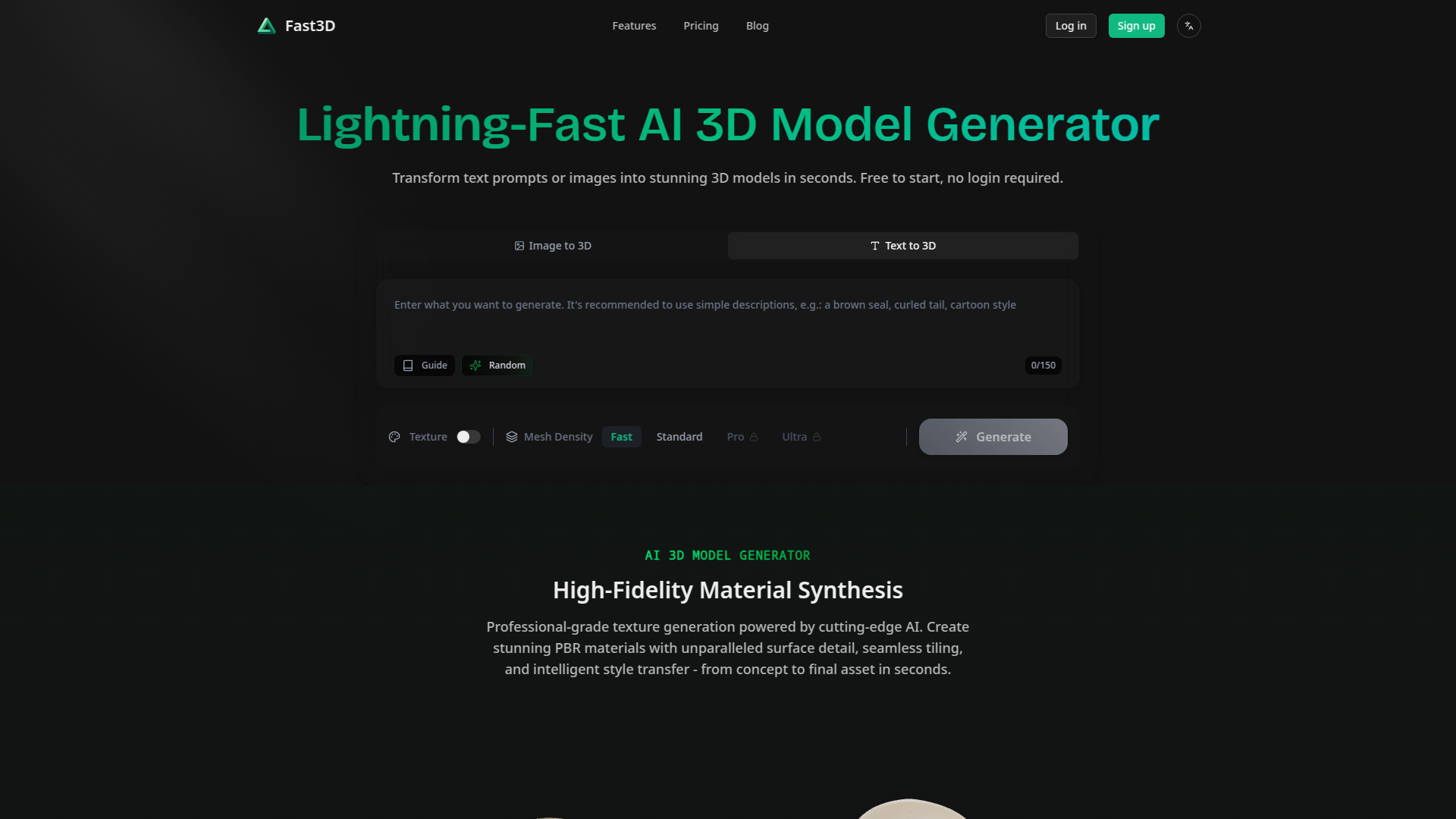
Fast3D is a cutting-edge AI-powered platform that transforms text prompts or images into high-quality 3D models within seconds. Designed for both beginners and professionals, it offers multiple input methods, diverse export formats, and customizable texture options. With applications spanning gaming, 3D printing, AR/VR, and product design, Fast3D empowers creators to bring their ideas to life effortlessly. The platform features professional-grade texture generation, high-precision geometry synthesis, and supports various industries with its versatile output capabilities.

Make 3D is an innovative web tool enabling users to convert 2D images into stunning 3D visuals. Tailored for graphic designers, marketers, and content creators, it utilizes advanced AI algorithms to extract depth information from images, allowing for an interactive visual experience. The platform prioritizes user privacy by processing images locally on devices without storing or sharing personal data. With simple upload options and shareable links, it’s designed for ease of use, ensuring that you can enhance your visuals quickly and efficiently.

Free AI Face Swap is an innovative online tool that offers seamless face-swapping capabilities for both photos and videos, enabling users to create engaging and creative content easily. It utilizes advanced AI technology to ensure high-quality output and privacy protection by automatically deleting uploaded images within 24 hours. Perfect for social media enthusiasts and creators looking to enhance their content with fun and realistic face-swapping effects.

Brat Generator is a revolutionary online creative tool that allows users to generate custom images reflecting the vibrant aesthetic of Charli XCX's 'Brat' album. Designed for fans and artists alike, it features a user-friendly interface for designing personalized visuals easily. Users can customize text, adjust colors, and create shareable content that embodies artistic flair, all while celebrating the bold energy of Charli XCX. Brat Generator encourages artistic expression through its unique design elements, making it a go-to platform for fans seeking to connect with the music culture.

FLUX IMAGE is a cutting-edge online platform offering AI-driven image generation through its state-of-the-art model, FLUX.1. With a focus on accessibility, users can easily create stunning visuals, from portraits to realistic photos using various models, including FLUX.1-Schnell, Dev, Pro, and Realism-LoRA. Designed for designers, artists, and businesses, FLUX IMAGE tailors its offerings to optimize creative endeavors while ensuring high-quality output and a user-friendly experience. Its freemium model makes it accessible to everyone, further enhancing user engagement and satisfaction.

Flux1 Ai is revolutionizing the world of image generation by transforming text prompts into stunning visual art. This advanced text-to-image generation model utilizes state-of-the-art AI technology to deliver high-quality images quickly and effortlessly. Designed for a diverse audience including artists, marketers, and content creators, Flux1 Ai enhances creative workflows and allows users to explore their imaginations without bounds. With multiple models catering to various needs, it ensures that whether for personal or enterprise use, each user finds a fitting solution for their image creation demands.

Flux AI Studio is an advanced image generation platform leveraging state-of-the-art AI models to transform textual descriptions into vibrant images. Catering to creatives across personal and commercial domains, the studio supports varied applications, from artwork to brand visuals, with a focus on user-friendliness and efficiency. With diverse model options and seamless integration capabilities, it empowers users to bring their creative visions to life.

Flux Image Generator is a cutting-edge text-to-image tool developed by Black Forest Labs that turns imaginative concepts into visually stunning images through advanced AI technology. It offers different versions for various use cases, making it a versatile solution for digital artists, marketers, and game developers. The intuitive interface allows users to generate high-quality images from text prompts, catering to both beginners and experienced creators. With its specialized capabilities for game art, fashion photography, and clay-style imagery, Flux stands out in the realm of image generation.

AI Face Studio is a cutting-edge platform specializing in face transformations and editing through advanced artificial intelligence technologies. Targeted at digital artists, filmmakers, and social media enthusiasts, this tool provides high-quality face swaps, style conversions, and seamless editing options. With an intuitive user interface and rapid processing capabilities, users can create stunning visuals efficiently. The essence of this platform lies in its state-of-the-art features like dynamic clothing changes, photo to anime transformations, and consistent character creation. Coupled with affordable pricing options, AI Face Studio ensures a remarkable user experience for creativity and productivity.

Flux AI Art is an innovative online AI image generation platform that empowers users to transform textual descriptions into stunning visuals effortlessly. With its cutting-edge technology, users can explore various AI models tailored for different creative needs - whether for personal enjoyment or commercial applications. The platform offers flexible subscription options, a free trial, and a variety of settings to suit both beginners and advanced users. Ideal for artists, marketers, and content creators, Flux AI Art aims to unleash creativity while providing robust privacy control over generated content.

Figma is a powerful collaborative interface design tool that brings designers and developers together to efficiently design, prototype, and iterate on products in real-time. With features that support wireframing, prototyping, and design systems, it caters to diverse teams aiming for streamlined workflows and productive collaboration. Targeted towards individual designers, design teams, product managers, and enterprises, Figma emphasizes a seamless user experience with integrated communication and feedback tools. Its versatile features enable users to create high-quality designs, manage project statuses, and build cohesive design systems that scale with their projects, making it an essential tool for product development.
