
Discover the Best AI Tools to boost your productivity, business and creativity
 4226+ AI tools in 88 categories
Featured AI Tools
Featured AI tools submitted by AI foundersFEATURED
Callirra is a unified AI media generation workspace that brings the industry's leading image and video models under a single account, a single credit balance and a single interface. Positioned as a cost-efficient alternative to stacking multiple model subscriptions, it aggregates MiniMax H3, Seedance 2.x/2.5, Kling 2.6/3.0, Veo 3.1, Gemini Omni, GPT Image 2.5 (Flare and Sunburst), Nano Banana 2 and Pro, Seedream 5 Pro and Lite, and roughly 40 catalog entries, letting users switch generation engines in one click without re-uploading assets or managing separate bills. The target audience spans first-time creators testing AI generation with free weekly credits, active solo creators and marketers who need a steady output budget, and studios or teams requiring high-volume, high-priority rendering with commercial usage rights. Core features include text-to-image and text-to-video generation, first/last-frame conditioning, up to 9-16 reference images, 480P to 4K output, transparent backgrounds, watermark-free paid exports, a shared asset library, reusable prompt packs, 200+ ready-made prompt templates, an Image Prompts Studio, Context-IR shot expansion, a separate wide-limit Seedance route with broader moderation and a 20,000-character prompt ceiling, and 18 free credits in the first week followed by 15 every week. Content features include worked showcase scenes with published prompts and settings, a prompt atlas hosted on GitHub, pre-generation credit cost transparency, and a dedicated landing page per model. User experience emphasizes one workspace, one bill, no hidden fees, instant cancellation in Billing, a 7-day refund on unused credits, and every result saved to a personal library. Technical features include identical accounts, balances and prices across the web generator, HTTP API, CLI and MCP server, auto-translation and tagging, priority queues supporting 2-12 concurrent generations, secure checkout through Visa, Mastercard, Apple Pay and Google Pay, and automatic credit refunds for failed generations.
FEATURED
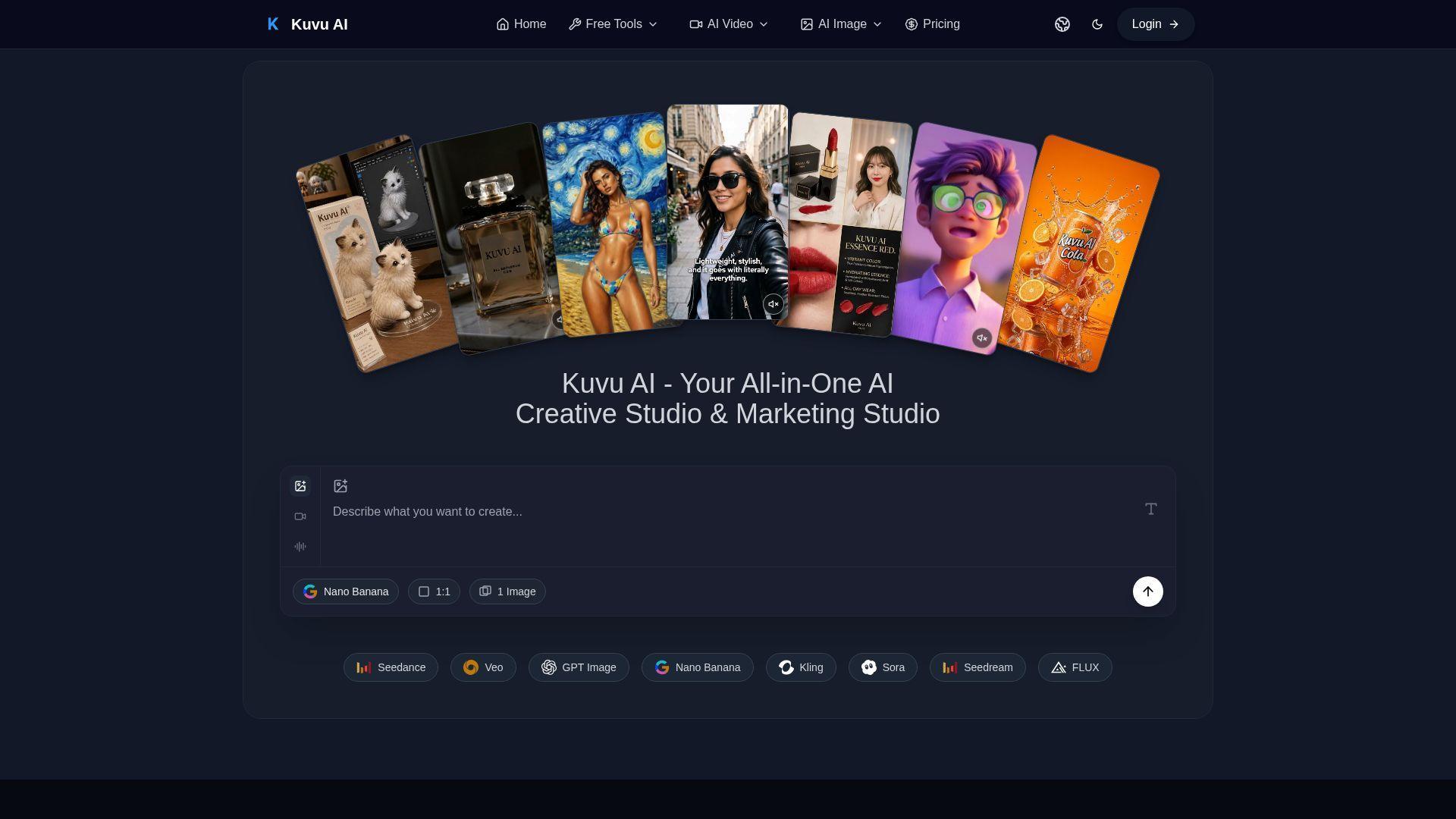
Kuvu AI is an all-in-one AI creative studio designed to give creators access to the world’s best image and video generation models through a single unified interface. It targets content creators, marketers, designers, and business owners who need high-quality visuals without managing multiple subscriptions. Core features include text-to-image generation up to 4K, text-to-video and image-to-video creation using Seedance, Veo, Kling, and Hailuo, AI audio generation, prompt enhancement, batch generation, and commercial licensing. The platform also offers free tools such as image-to-prompt, background removal, and AI image upscaling. With flexible credit-based pricing, one-time packs, and 50% off yearly plans, Kuvu AI delivers professional-grade creative technology at a fraction of the cost of separate model subscriptions.
FEATURED
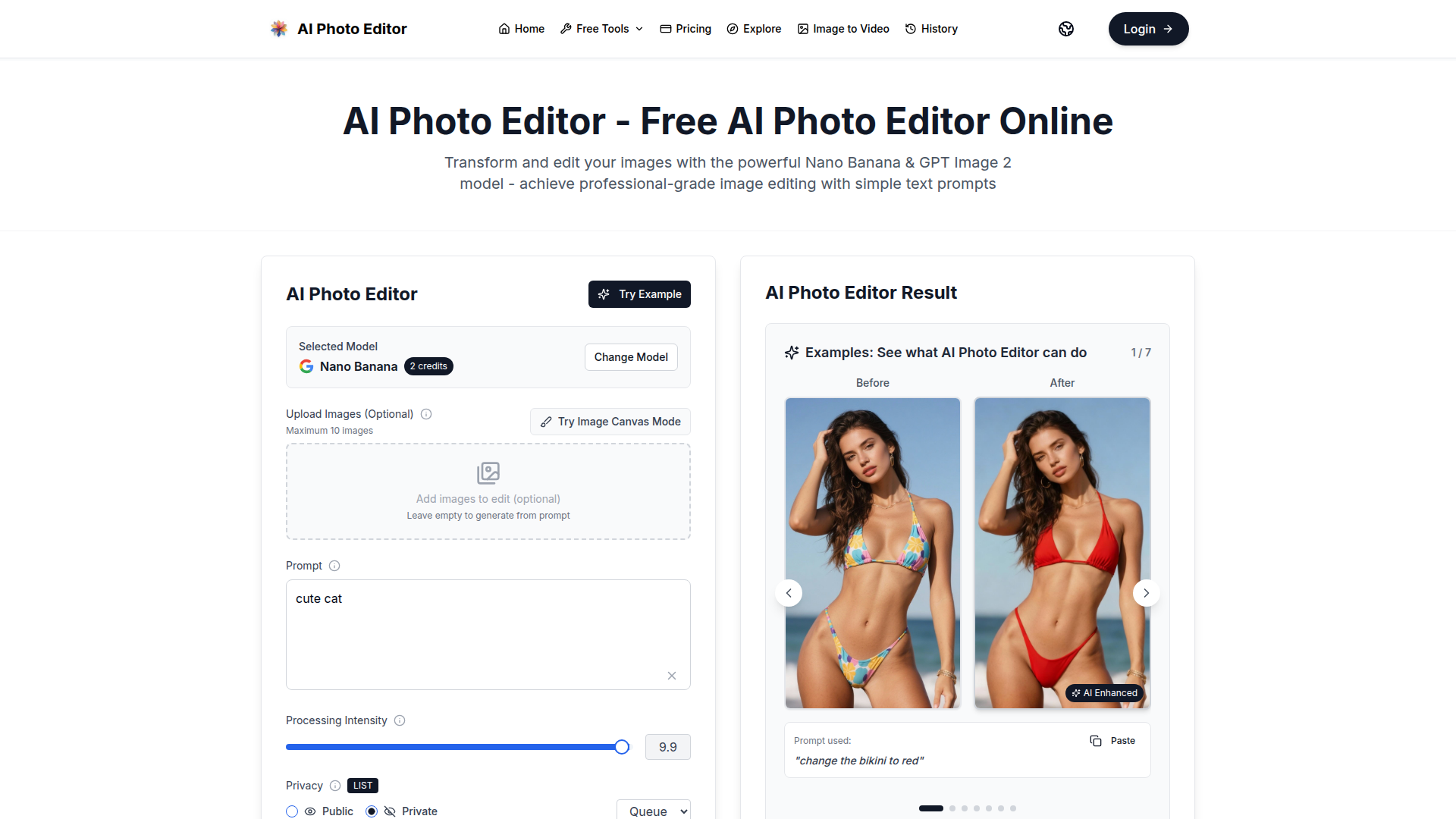
AI Photo Editor is a free online AI-powered photo editing tool that leverages advanced models like Nano Banana and GPT Image 2 to transform images with simple text prompts. It offers one-shot perfect generation with a 95% first-try success rate, lightning-fast processing under one second, face completion technology, and consistent character editing. The platform supports both image editing and generation, allowing users to upload images or generate from prompts. It provides enterprise-grade security with SOC 2, GDPR, and ISO 27001 certifications. With no credit card required to get started, it is accessible to everyone. Users can choose from various subscription plans or one-time credit packages to suit their needs, including options for individual creators, small teams, and large enterprises. The tool is ideal for photo restoration, style transfer, product mockups, and creating AI influencers. Its intuitive interface and natural language processing make professional-quality editing accessible without any design skills.
FEATURED
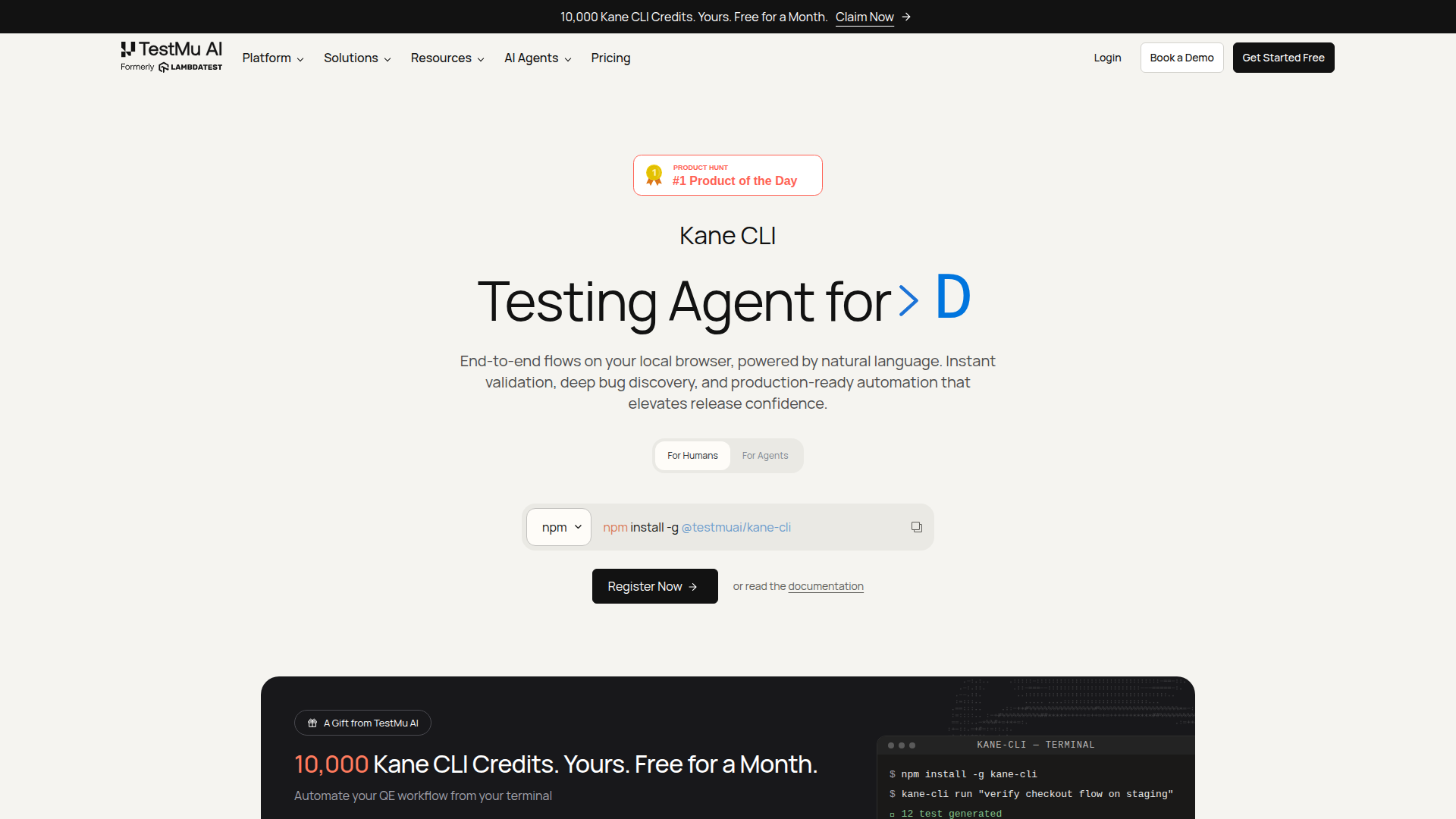
Kane CLI is an AI-driven, terminal-native testing agent that transforms how developers, QA engineers, and AI coding agents validate web applications. By allowing users to describe test scenarios in plain English, Kane CLI automates end-to-end browser flows, eliminating the need for brittle selector-based scripts. It reads PRDs, tickets, and existing test suites to generate comprehensive coverage maps, then executes tests in a real Chrome browser—locally or on the cloud—producing portable .evidence packs with screenshots, logs, and metadata for every run. This ensures that acceptance criteria are proven with traceable, tamper-evident artifacts. Kane CLI is built for modern software teams that want to integrate AI agents into their workflows, enabling seamless collaboration between human and machine testers. It offers a free tier for local runs, with cloud execution available through TestMu AI's scalable grid. Whether you're a solo developer pushing a quick fix or a large enterprise managing complex release cycles, Kane CLI empowers you to ship with confidence, backed by rigorous, evidence-based validation.
FEATURED
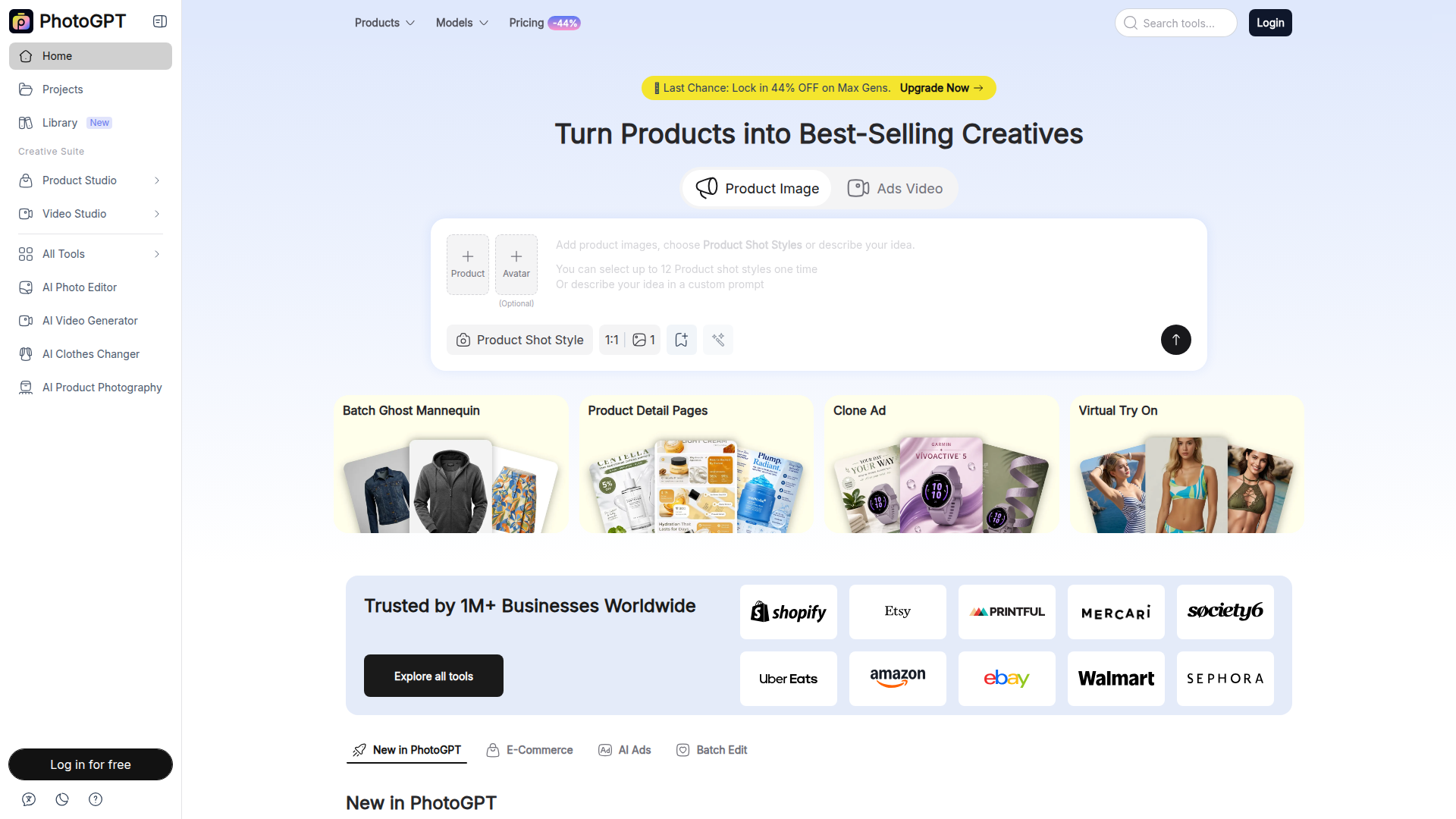
PhotoGPT is an AI-powered platform that allows users to create and edit professional product images, marketing creatives, and videos without needing photography or design skills. It offers a suite of tools for ecommerce sellers, marketers, and content creators, including AI product photography, virtual try-on experiences, ad cloning, and batch editing capabilities. With over 1 million businesses using it, PhotoGPT simplifies the process of generating studio-quality visuals, enhancing product listings, and producing engaging advertising content.
FEATURED
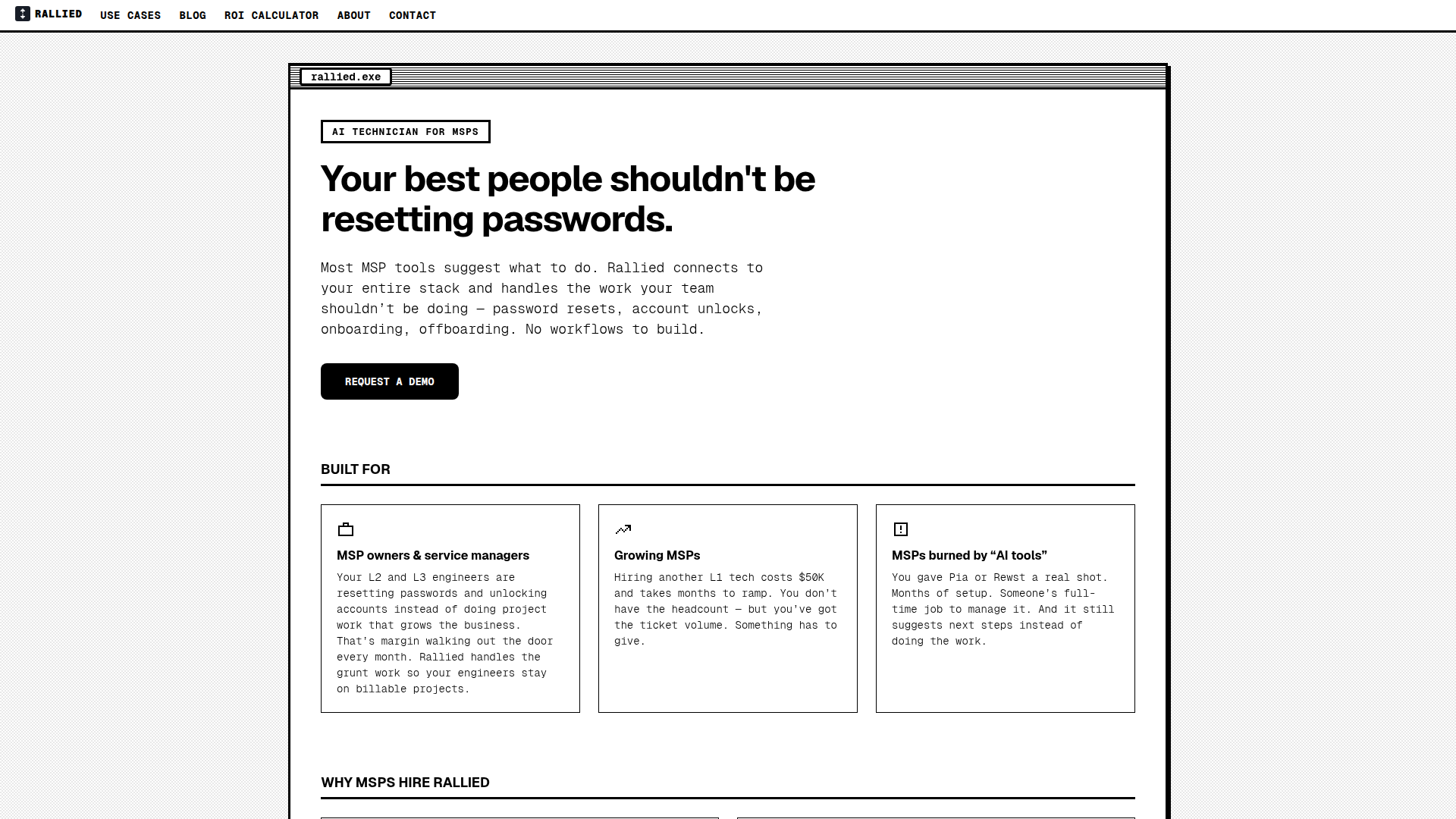
Rallied is an AI-powered technician designed specifically for Managed Service Providers (MSPs) to automate repetitive and time-consuming IT tasks like password resets, account unlocks, user onboarding, and offboarding. Unlike traditional RMM/PSA tools that only suggest actions, Rallied connects directly to your existing stack—including ConnectWise, Autotask, HaloPSA, M365, Entra ID, IT Glue, and more—and executes the fixes autonomously. It triages tickets, interacts with end users, and closes out issues without human intervention. With a rapid deployment of under a week and no implementation fees, Rallied eliminates the need for dedicated AI administrators, freeing your L2 and L3 engineers to focus on high-value projects. It's ideal for growing MSPs struggling with ticket volume, as well as those who've been disappointed by earlier AI tools. Rallied is SOC 2 compliant and offers a 30-day free trial, ensuring a risk-free start to transforming your helpdesk operations.
FEATURED
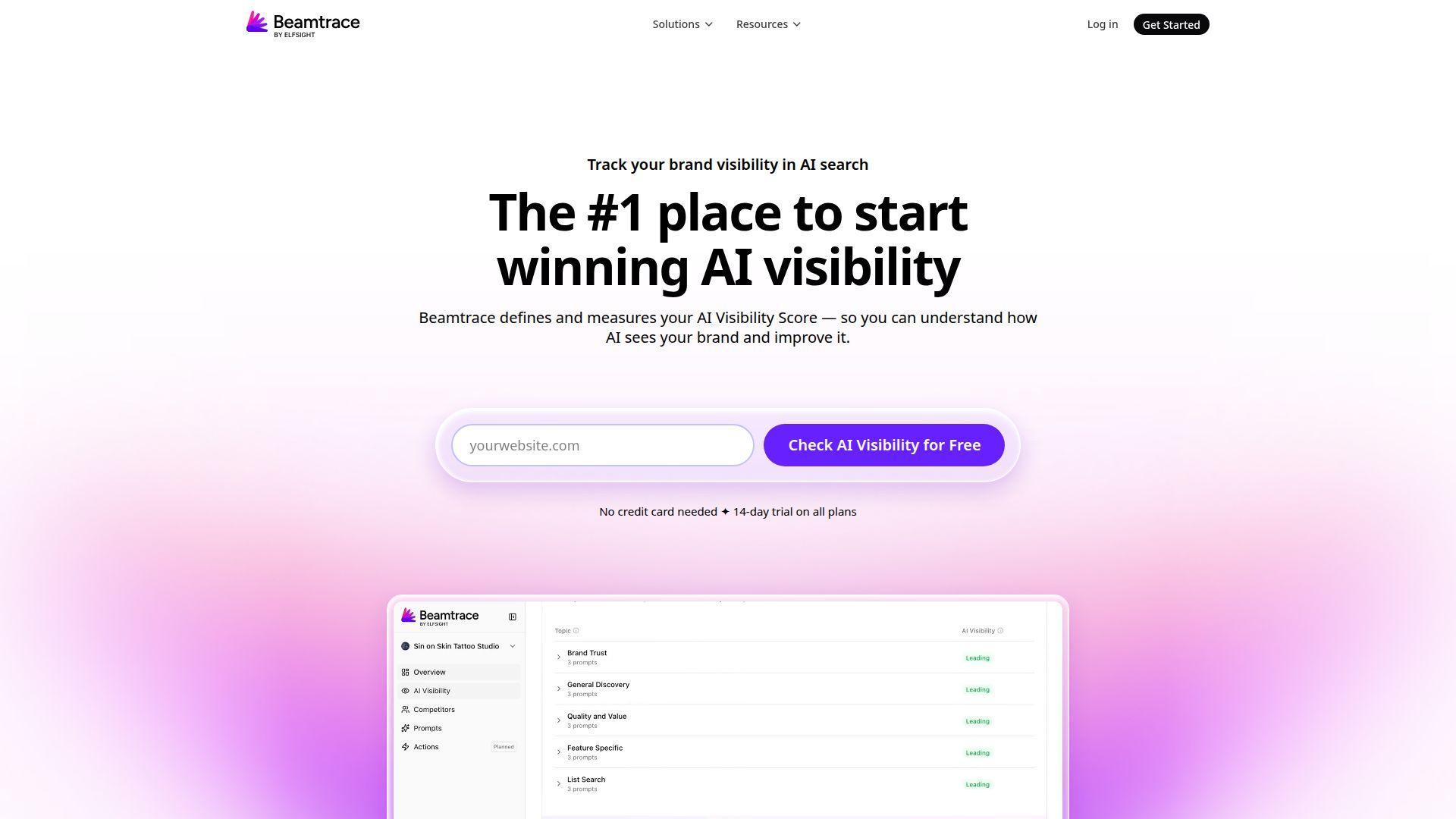
Beamtrace is a pioneering AI brand visibility tracking platform designed to help businesses monitor and optimize their presence within AI search engines and generative AI outputs. Its primary positioning is as the #1 tool for winning AI visibility, offering a suite of analytics focused on how AI systems see, mention, and recommend brands. The target audience includes marketing teams, agencies, startups, and business owners who need to understand their performance beyond traditional SEO, in the emerging landscape of AI-powered search and conversational answers. Core features revolve around calculating an AI Visibility Score, performing competitor benchmarking, and tracking rank for specific prompts. Content is highly specialized around AI search marketing, with in-depth solutions for platforms like ChatGPT and Perplexity. The user experience is streamlined for professionals, offering trend analysis, side-by-side comparisons, and actionable insights without requiring deep technical expertise. Technically, it aggregates data from leading AI platforms to provide a centralized dashboard for brand intelligence in the age of AI-driven discovery.

FEATURED
OneTwo Resume is an AI-powered career platform designed to help professionals secure interviews and land their dream jobs faster. Its core positioning centers on leveraging advanced artificial intelligence to automate and enhance the traditional resume creation process, dramatically reducing the time from a basic draft to an interview-ready application. The platform targets job seekers across all career stages—from recent graduates to senior executives—who need to create professional, ATS-optimized resumes and supporting documents efficiently. Core features include an intelligent resume builder that uploads and parses existing documents, a powerful AI that rewrites weak bullet points into quantified achievement statements, and a suite of integrated tools for cover letter generation, LinkedIn optimization, and interview preparation. Content features like professionally designed, ATS-tested templates and a unique 'Hiring Power Score' analysis provide immediate, actionable feedback. The user experience is streamlined into a simple three-step process, boasting completion times under five minutes. Technical features like bank-level encryption ensure data security. By offering a comprehensive career toolkit in one subscription, OneTwo Resume differentiates itself from basic resume builders and expensive human writers, delivering enterprise-level quality at an accessible price point.
FEATURED
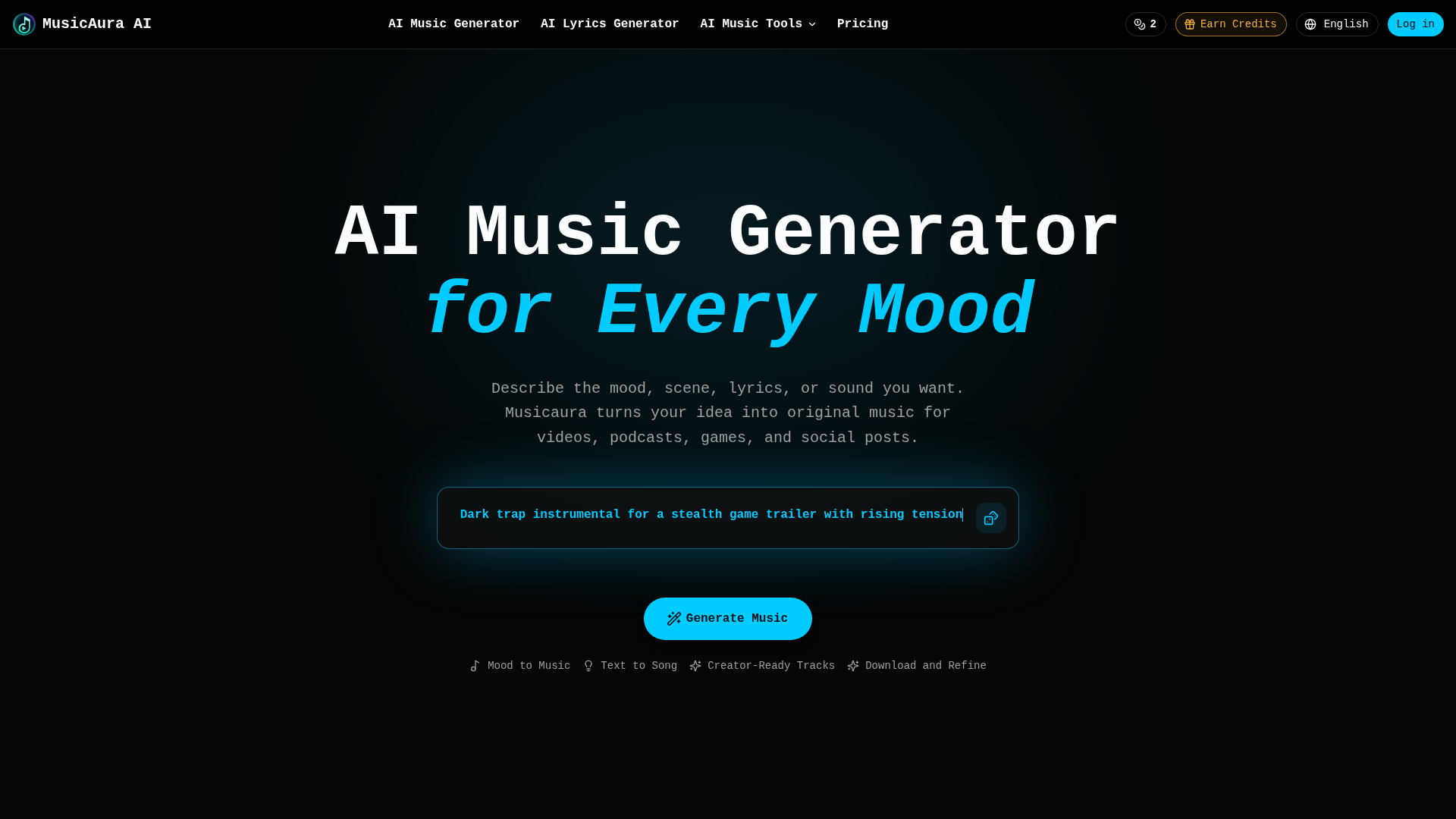
MusicAura AI is a comprehensive, browser-based audio creation platform designed specifically for digital content creators. Its core positioning is as an AI-powered audio workstation that simplifies music production for non-musicians and streamlines workflows for professionals. The platform's target audience includes video editors, podcasters, game developers, social media content creators, and marketing teams who need original, royalty-free music. Core features include an AI Music Generator that creates songs from text prompts describing mood or scenes, an AI Lyrics Generator, a Vocal Remover for isolating tracks, and a Stem Splitter for detailed audio editing. Content features are creator-focused, offering pre-made examples across various genres like pop, rap, and lo-fi. The user experience emphasizes simplicity and integration, allowing users to describe their needs in plain language and generate previews without technical skills. Technical features combine several specialized AI audio tools into a single workspace, enabling generation, editing, and processing without switching applications.

FEATURED
DaVinci positions itself as an all-in-one generative AI platform for visual creation, offering seamless access to cutting-edge models like Sora, Veo, and Flux. Its target audience spans creative professionals, marketers, social media content creators, and businesses seeking high-quality, scalable visual assets. The core features revolve around unified generation and editing of images and videos, integrated within a single workspace. Content features include state-of-the-art AI models for text-to-image, image-to-video, upscaling, and object editing. The user experience is designed to be professional yet accessible, enabling fast iteration and refinement without technical complexity. Technical features boast a credit-based system, priority queues for subscribers, and a mobile app. The platform emphasizes data privacy, commercial usage rights, and trust, aiming to be the go-to suite for end-to-end creative workflows.
FEATURED
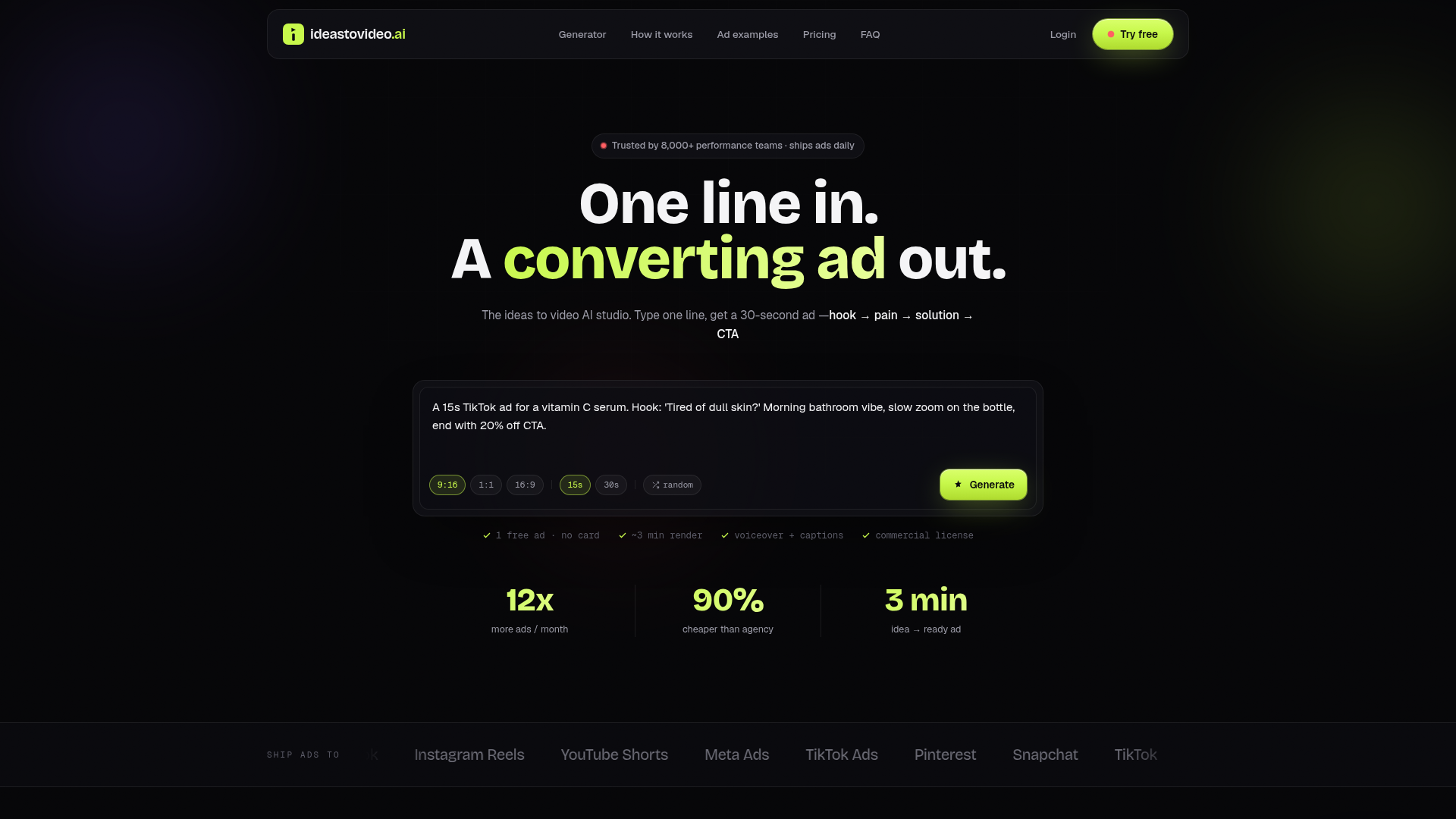
Ideas To Video AI is a revolutionary AI-powered ad studio that transforms simple text prompts into high-converting, ready-to-publish social media video ads in approximately three minutes. Its core positioning is to eliminate the traditional bottlenecks and high costs of ad production—such as agency retainers, lengthy shoots, and multiple revisions—by compressing the entire creative pipeline into a single, intelligent workflow. The platform specifically targets performance marketers, e-commerce brands, agencies, and content creators who need to scale their creative testing on platforms like TikTok, Instagram Reels, YouTube Shorts, and Meta Ads. At its heart is an AI script engine trained on top-performing ad structures (hook, pain, solution, CTA), which automatically generates tailored scripts, matches them with dynamic AI-generated B-roll footage, adds professional voiceovers in over 120 voices, and burns in styled captions. The user experience is streamlined from a one-line prompt to a multi-format export, featuring a Brand Kit for consistent branding and priority rendering for high-volume users. Technologically, it leverages advanced generative AI for video, audio, and text synthesis, offering a commercial license for all outputs and supporting high-volume testing with scalable subscription plans.
FEATURED
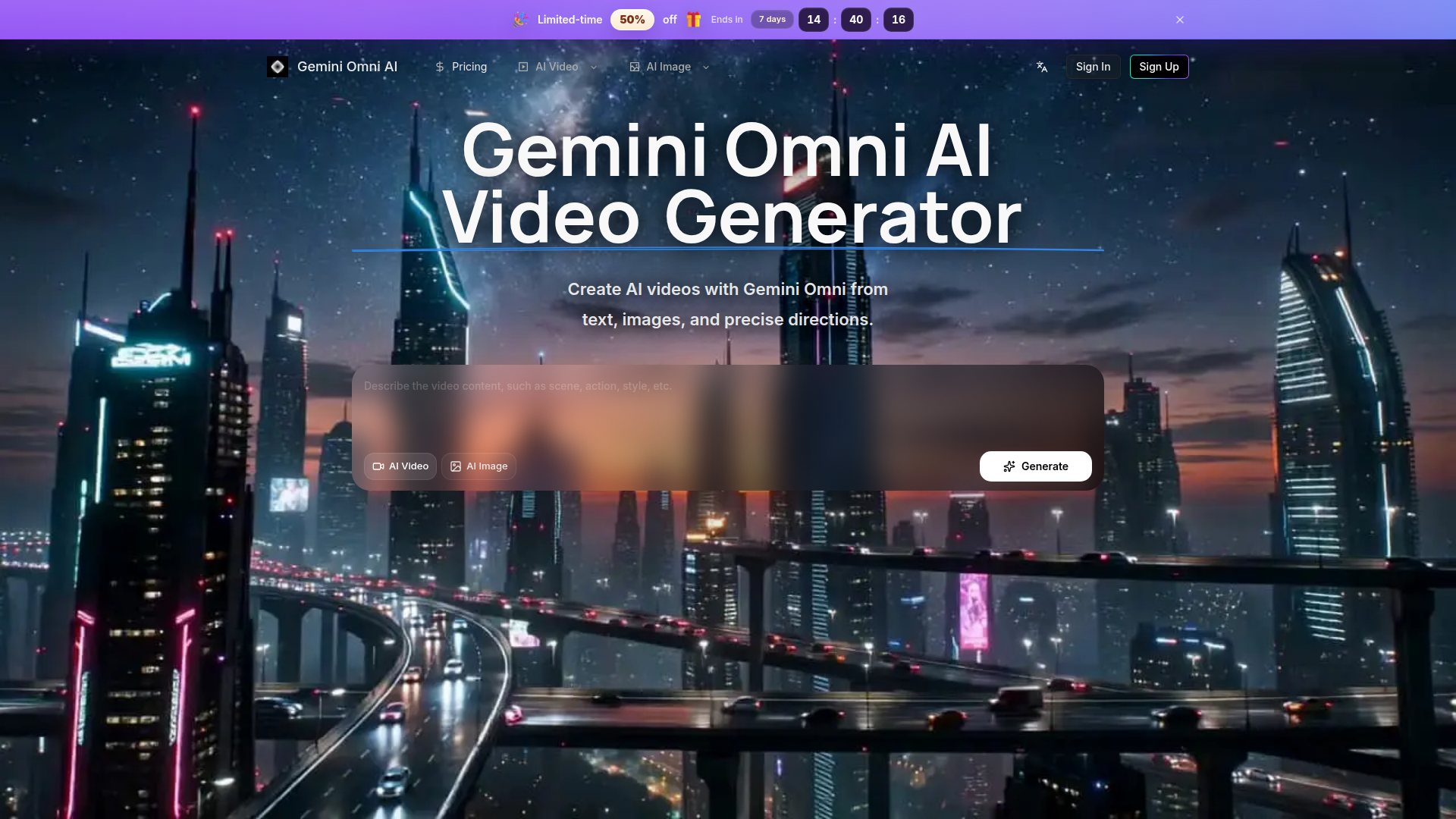
Gemini Omni AI Video Generator is a specialized, streamlined platform focused exclusively on high-quality AI video and image creation powered by models like Gemini Omni. Unlike broad marketplaces, it offers a cohesive workflow for planning, generating, and refining cinematic videos from text prompts, images, and precise references. The target audience includes professional creators, marketers, designers, and e-commerce operators who need efficient production of social clips, product ads, and conceptual scenes. Core features emphasize fine-grained control over camera motion, style, and subject, supported by HD, editing-friendly outputs. Content is enriched with public examples and creator updates for inspiration, while user experience prioritizes continuity—keeping history, credits, and generation tools in one unified interface to eliminate workflow fragmentation.

FEATURED
ChainClarity is a specialized educational and research platform that leverages artificial intelligence to demystify complex cryptocurrency whitepapers. Its core positioning is providing accessible cryptocurrency literacy for all levels of users by breaking down technical documents into clear, concise explanations. The target audience spans from crypto beginners intimidated by dense technical jargon, to investors needing to perform due diligence on new projects, and even builders or researchers needing to quickly grasp a project's essence. Its core features include an ever-growing library of AI-powered explanations for individual tokens or projects, detailed side-by-side comparison tools for understanding project differences, and intuitive categorization by sector (Layer 1, DeFi, NFTs, etc.) for structured exploration.The content is presented in plain English, avoiding hype or price speculation, and focuses on analysis of technology and utility. The user experience is centered on a clean, searchable interface with a main table of projects, community-driven 'Popular This Week' insights, and a newsletter for regular updates on new analyses. Technically, the platform acts as an AI companion ('MeetQai') to automate the process of ingesting and interpreting whitepapers, making advanced crypto research scalable and user-friendly.

FEATURED
Fashion Diffusion is a comprehensive AI-powered platform revolutionizing the fashion design and visualization industry. Positioned as an all-in-one fashion design generator, it targets fashion designers, brands, e-commerce teams, and content creators. The platform's core features empower users to transform concepts into polished visuals rapidly, offering specialized tools for AI fashion sketching, virtual try-on, and professional image editing. Its content features include a vast gallery of generated works and an educational blog. The user experience is optimized for desktop creation with mobile sign-up bonuses, providing an intuitive workflow from ideation to market-ready imagery. Technologically, it leverages advanced machine learning models for fashion-specific tasks like fabric application and style fusion, streamlining the entire creative and production cycle while significantly reducing costs and time-to-market for new collections.
FEATURED
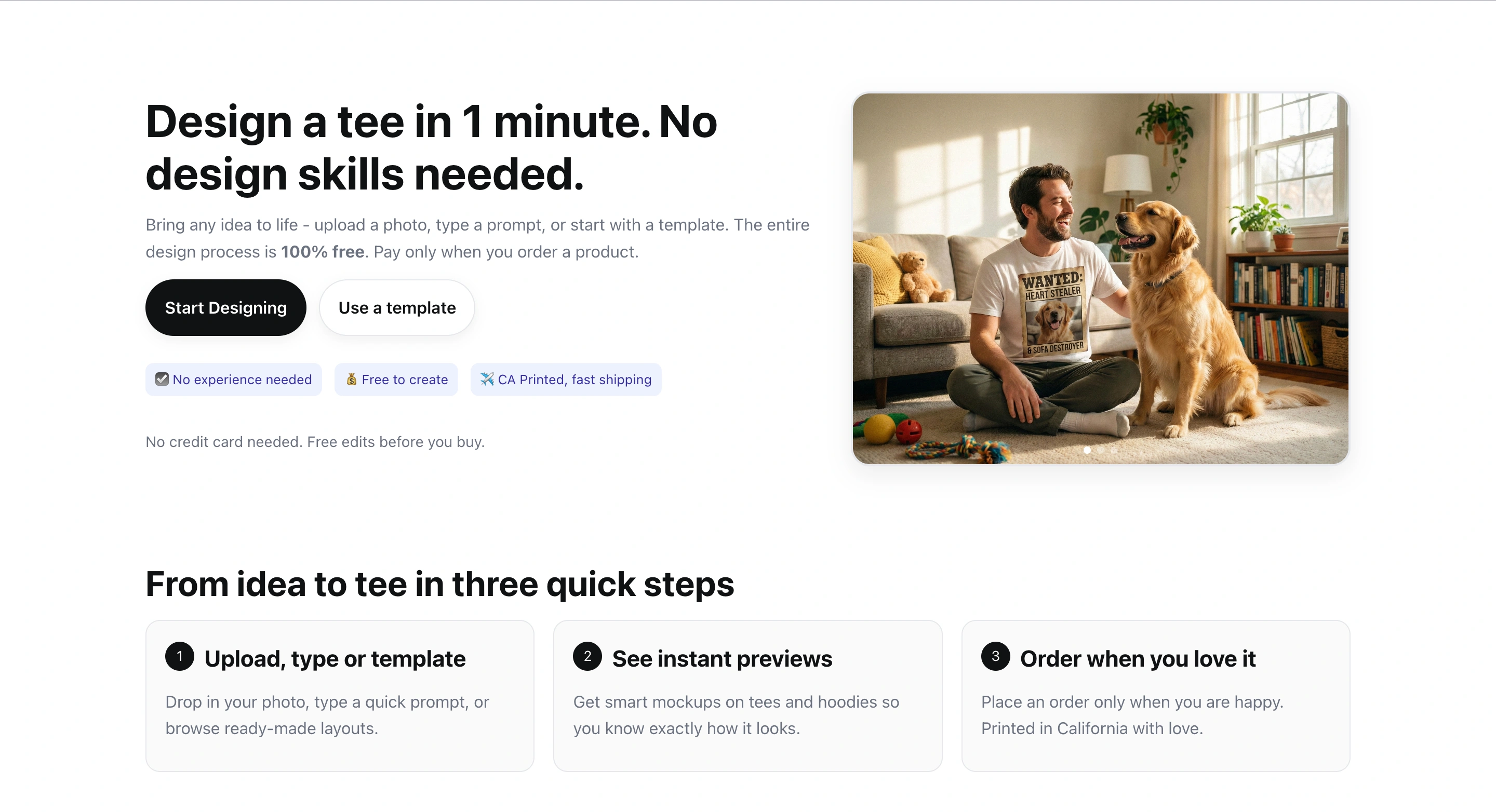
TeeDIY is a platform that allows users to design custom apparel in minutes. It caters to individuals and groups looking for personalized clothing. It offers free design tools, various templates, and user-friendly interfaces. It features a suite of smart tools including magic cleanup, style assist, auto layout, and smart edit. These tools help users create balanced designs with ease. This platform enables users to bring their ideas to life without needing prior design experience. It offers fast shipping within California.
FEATURED
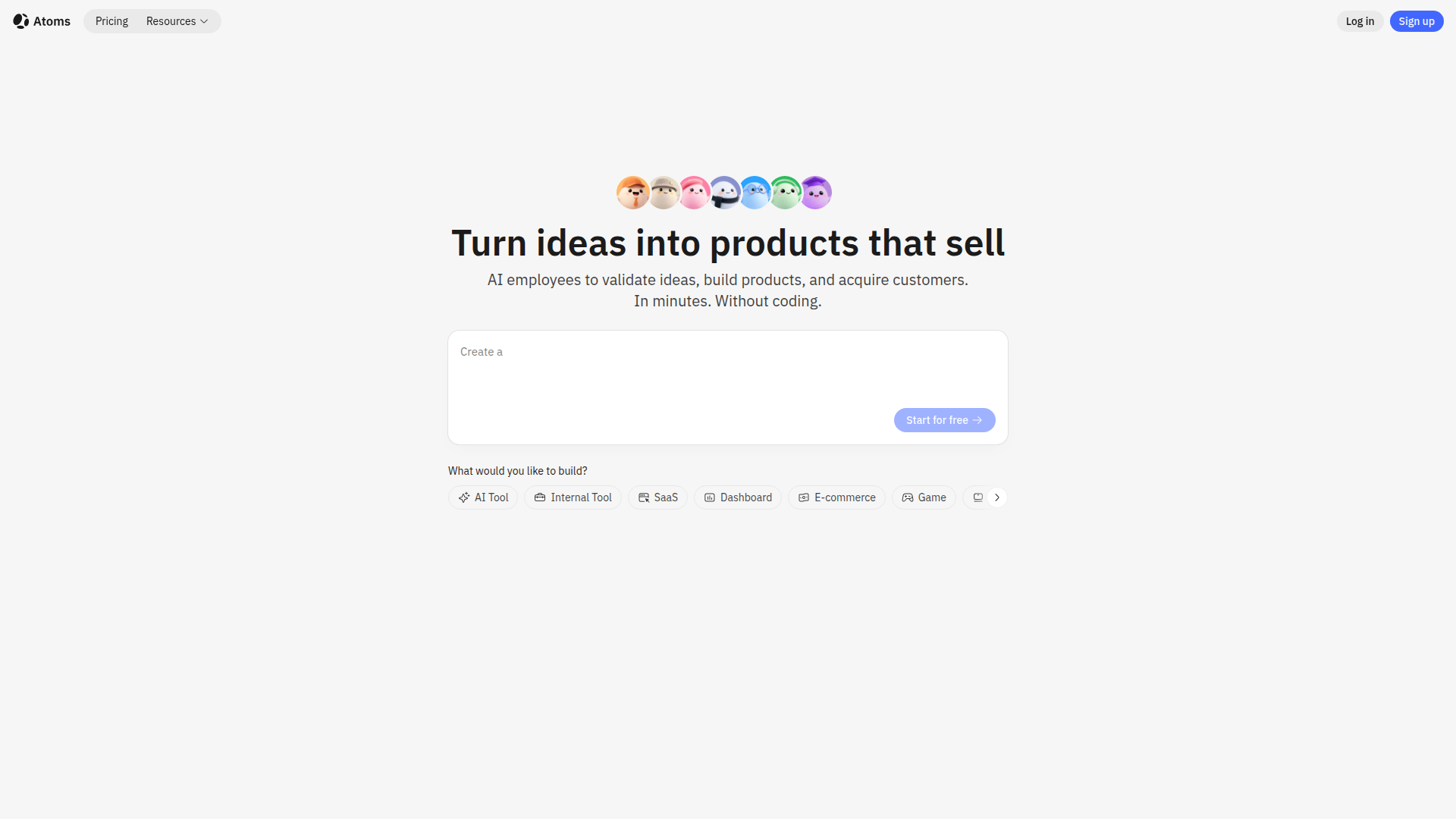
Atoms is an AI-powered platform designed to transform ideas into functional web and mobile applications without requiring any coding knowledge. It leverages a multi-agent AI team, including specialized roles like Product Manager, Engineer, and Data Scientist, to handle every aspect of the development process. Atoms simplifies building SaaS apps, e-commerce platforms, internal tools, and personal projects, offering features like user login, database storage, Stripe payments, and SEO optimization. It provides a user-friendly visual editor, out-of-the-box full-stack backend, instant AI integrations, and one-click deployment, helping users to launch faster, automate operations, and drive revenue while remaining fully in control with code export options.

FEATURED
Pantora is a cutting-edge Answer Engine Optimization (AEO) platform meticulously designed to help local home service professionals, such as plumbers, electricians, HVAC technicians, and roofers, gain prominence. By optimizing their online presence, Pantora ensures these businesses are favorably recommended by AI assistants like ChatGPT and Google AI Overviews. The platform offers AI-optimized websites, continuous visibility tracking, sentiment analysis, and competitor insights, providing comprehensive recommendations for improvement. Pantora simplifies complex SEO and AEO tasks, enabling professionals to attract more customers through AI-driven recommendations. It empowers them to manage their online reputation, enhance visibility, and ultimately, grow their businesses in an evolving digital landscape.
FEATURED
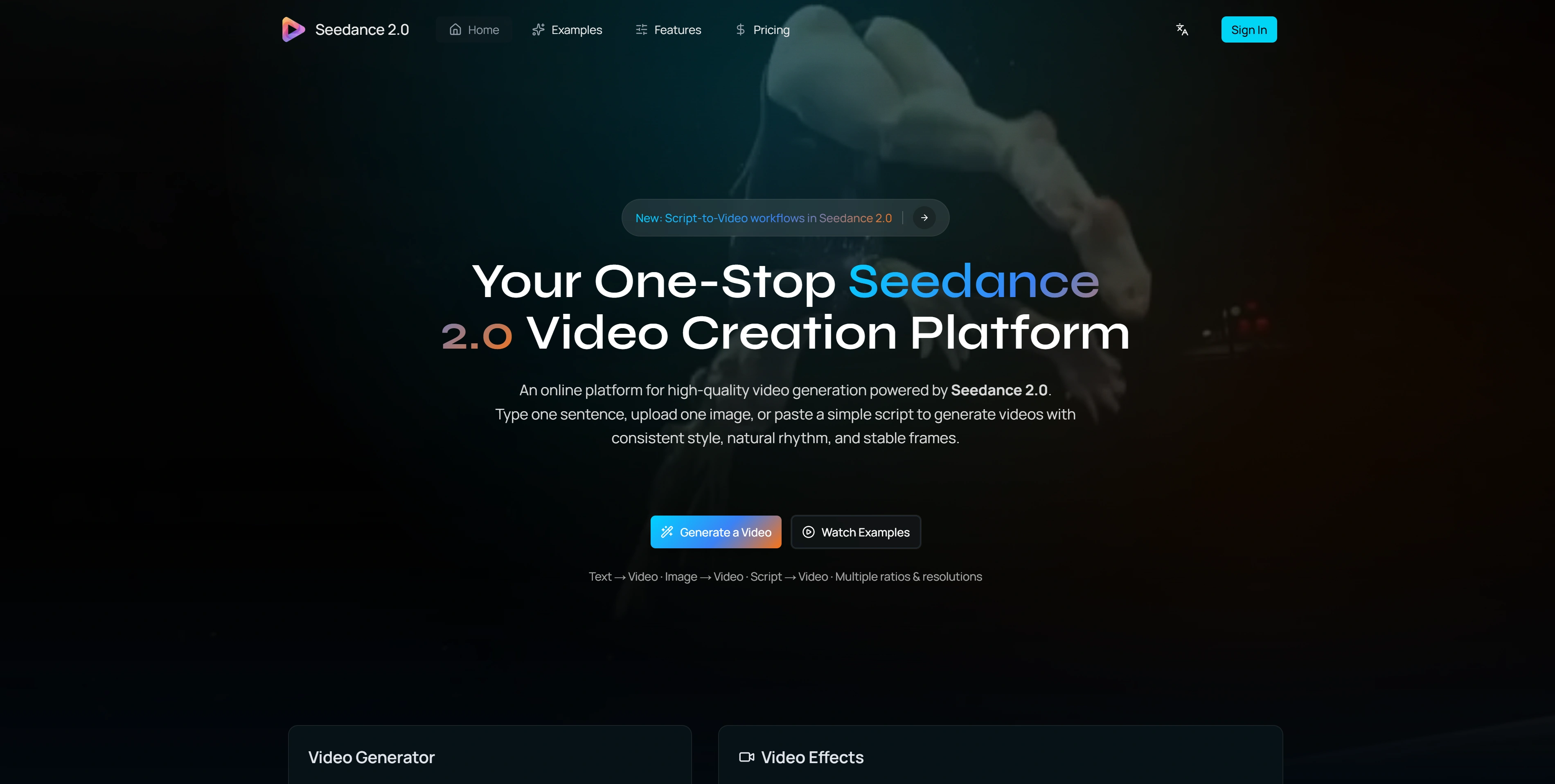
Seedance 2.0 is a cutting-edge AI video generation platform designed for creators and teams. It allows users to generate high-quality, consistent, and visually appealing videos from text prompts, images, or scripts. With a focus on temporal consistency, natural motion, and stable frames, Seedance 2.0 delivers a unique video creation experience. It supports various aspect ratios and resolutions, making it versatile for different platforms. Its advanced features like integrated audio generation and physics-aware motion provide a complete solution for creating marketing videos, social media content, product demos, and more.
FEATURED
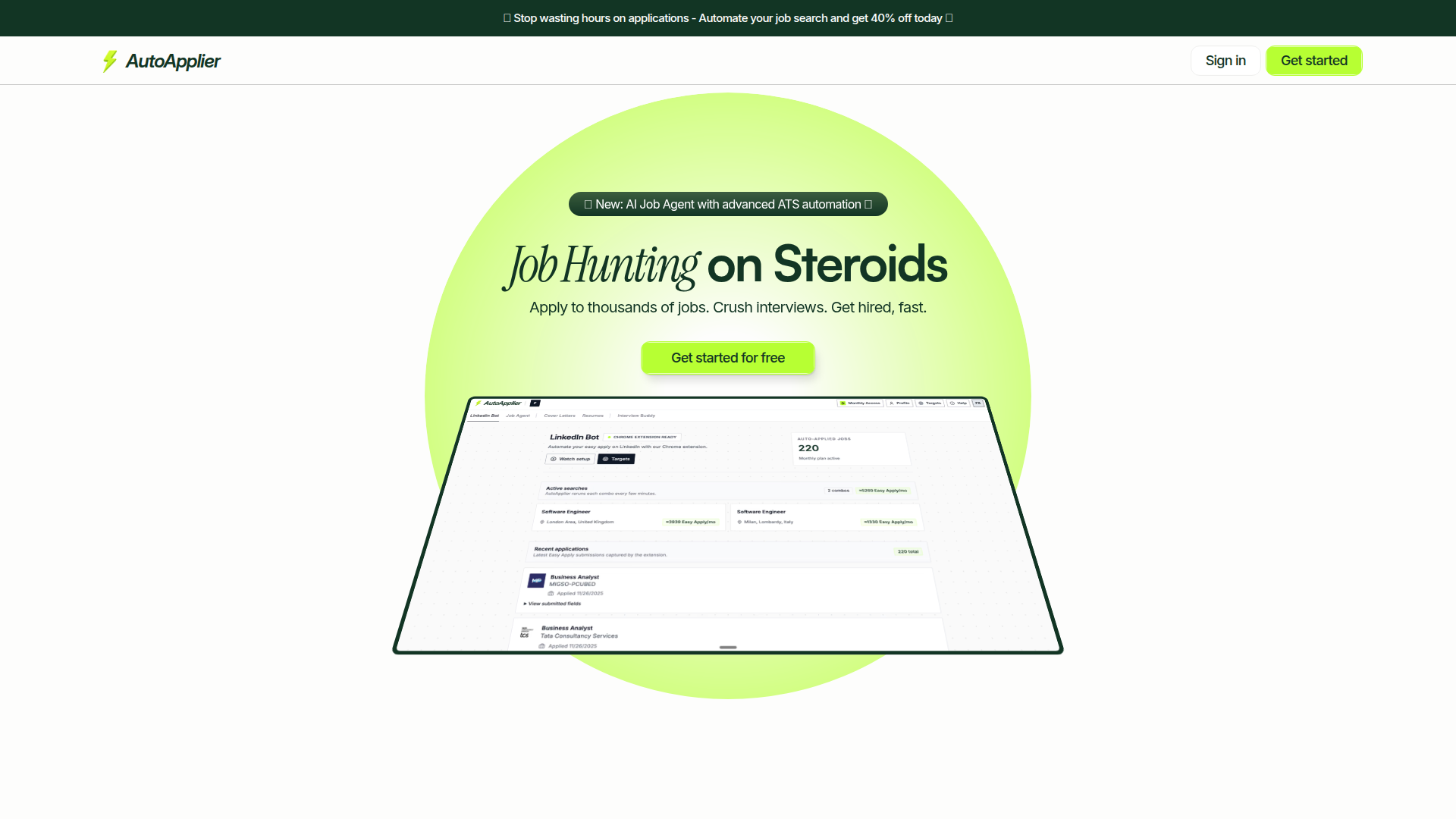
AutoApplier is an AI-powered platform designed to supercharge job seekers' efforts. It provides a suite of tools that automate job application processes, optimize resumes, and generate personalized cover letters. By leveraging AI, AutoApplier helps users save time, apply to thousands of jobs efficiently, and enhance their interview performance. Key features include an AI Job Agent, AI Interview Buddy, LinkedIn automation bot, and resume/cover letter generators. Its focus on sustainable growth ensures continuous improvements and valuable outcomes for users looking to land their dream jobs quickly.
FEATURED
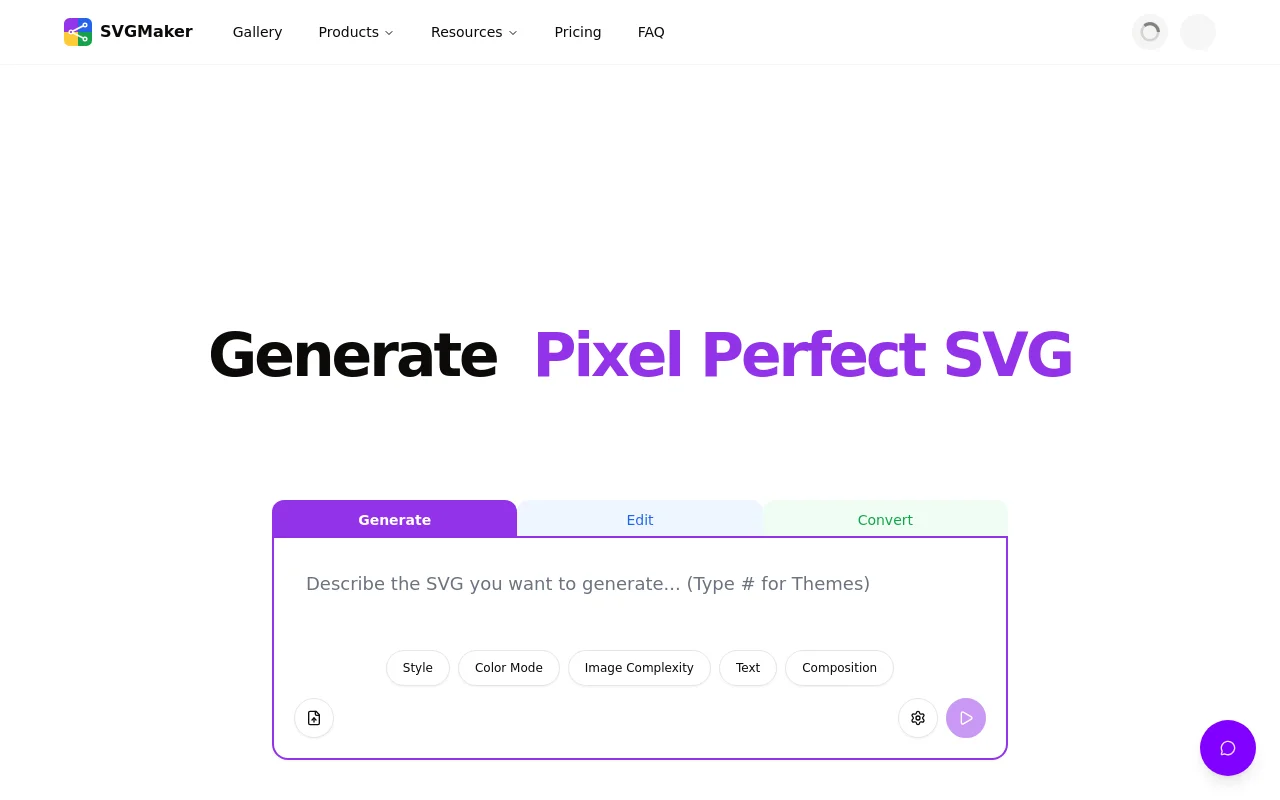
SVGMaker combines the power of artificial intelligence with professional-grade editing tools, making vector graphic creation accessible to everyone from beginners to experienced designers. Whether you're generating SVGs from scratch, converting existing images, or optimizing files for web performance, SVGMaker streamlines your workflow with browser-based convenience and developer-friendly integrations.
FEATURED
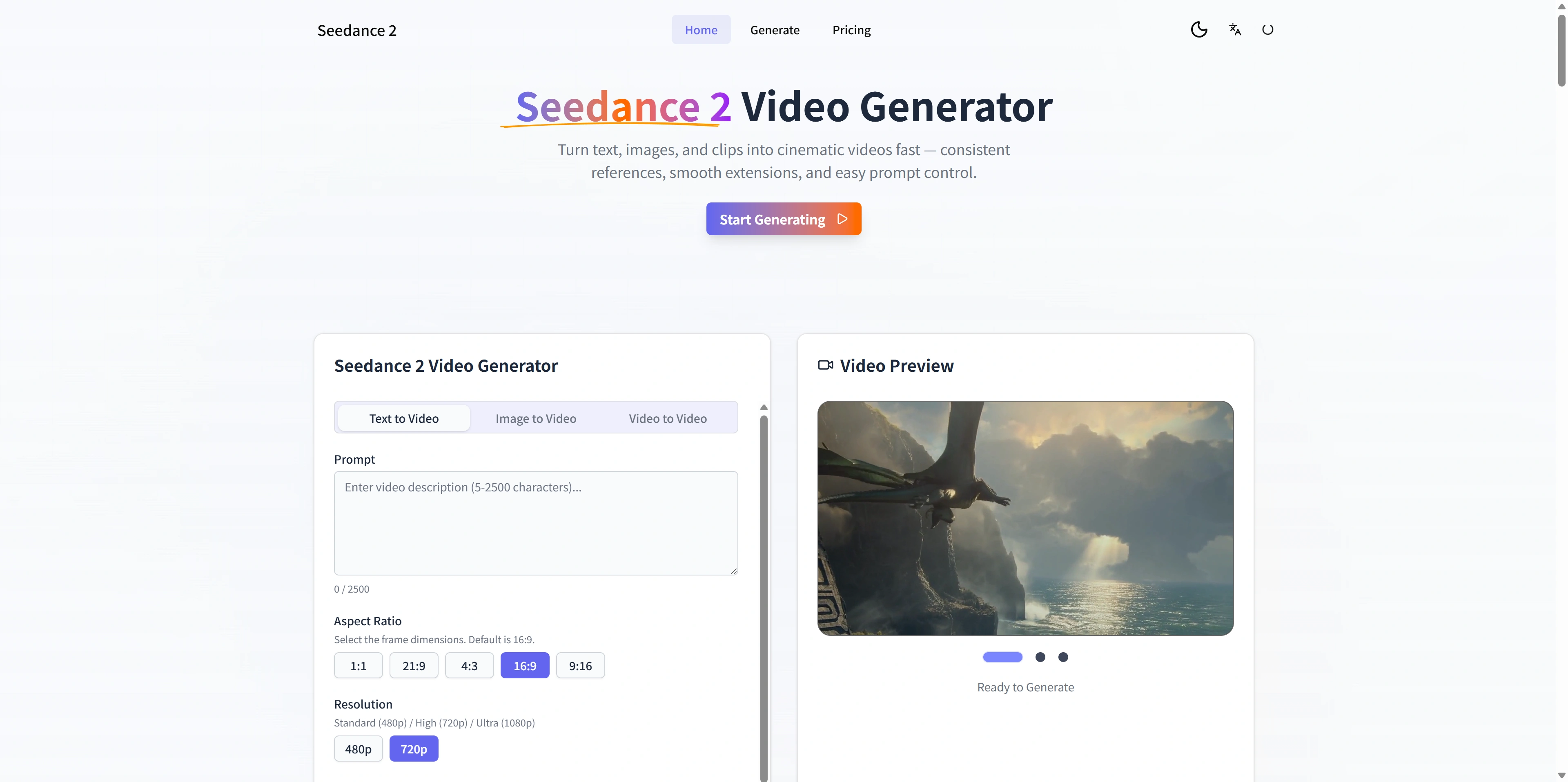
Seedance 2 is an AI-powered video generator designed for creators and teams who need cinematic-quality videos from text, images, and existing footage. It offers multimodal inputs, stable motion, and fast iteration loops, enabling users to move rapidly from concept to publishable video. The platform's reference-first workflow provides greater control and consistency, allowing for smooth extensions and easy prompt adjustments. It is ideal for generating ads, social media content, and product demos with high-definition outputs and quick exports.
FEATURED
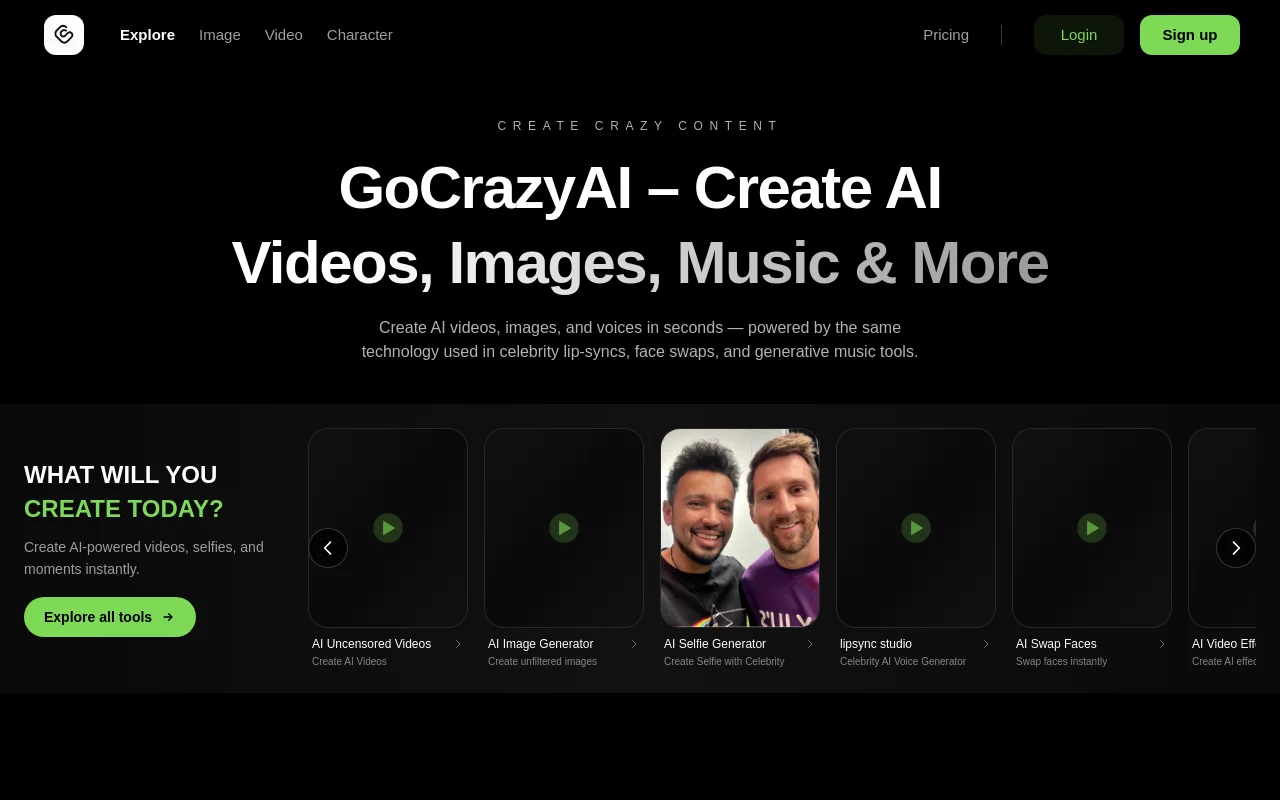
GoCrazyAI is an innovative AI studio providing a suite of tools for creating AI videos, images, and avatars. It stands out by offering unfiltered and uncensored content generation, allowing users full creative freedom. The platform features tools for AI selfie generation, lip-sync videos with celebrities, AI face swaps, and various AI video effects. GoCrazyAI empowers users to produce diverse content, from viral videos to realistic avatars, utilizing next-generation AI models. With a privacy-first approach, user prompts and content are kept private and secure, making it ideal for creators seeking limitless possibilities.
FEATURED
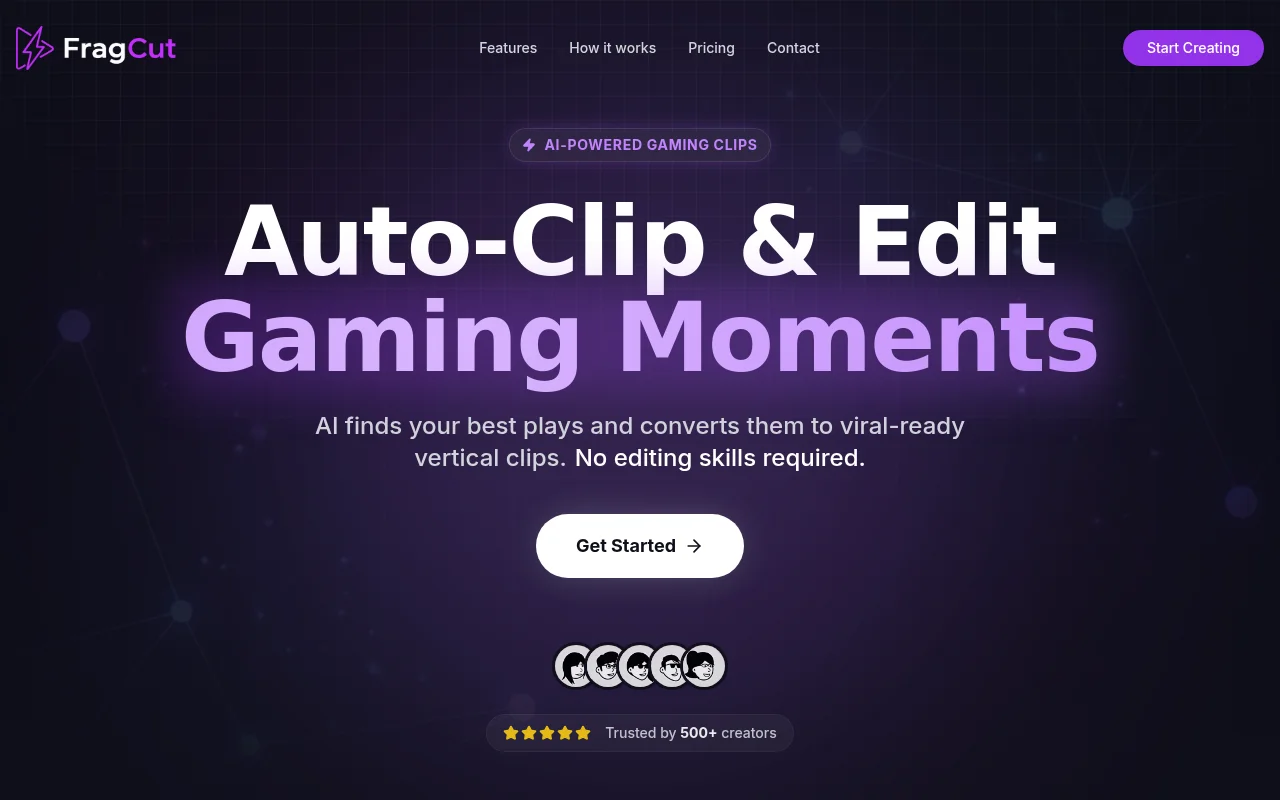
FragCut is an AI-powered gaming clip generator designed to help streamers and content creators quickly transform their long-form VODs into viral-ready short-form content. It automates the process of finding exciting moments, optimizing for vertical video formats, and adding captions, enabling creators to focus on their gameplay. By leveraging cloud processing, FragCut ensures accessibility from any device without the need for software installations. With a trust base of over 500 creators, FragCut provides an efficient solution for turning streams into engaging clips.
FEATURED
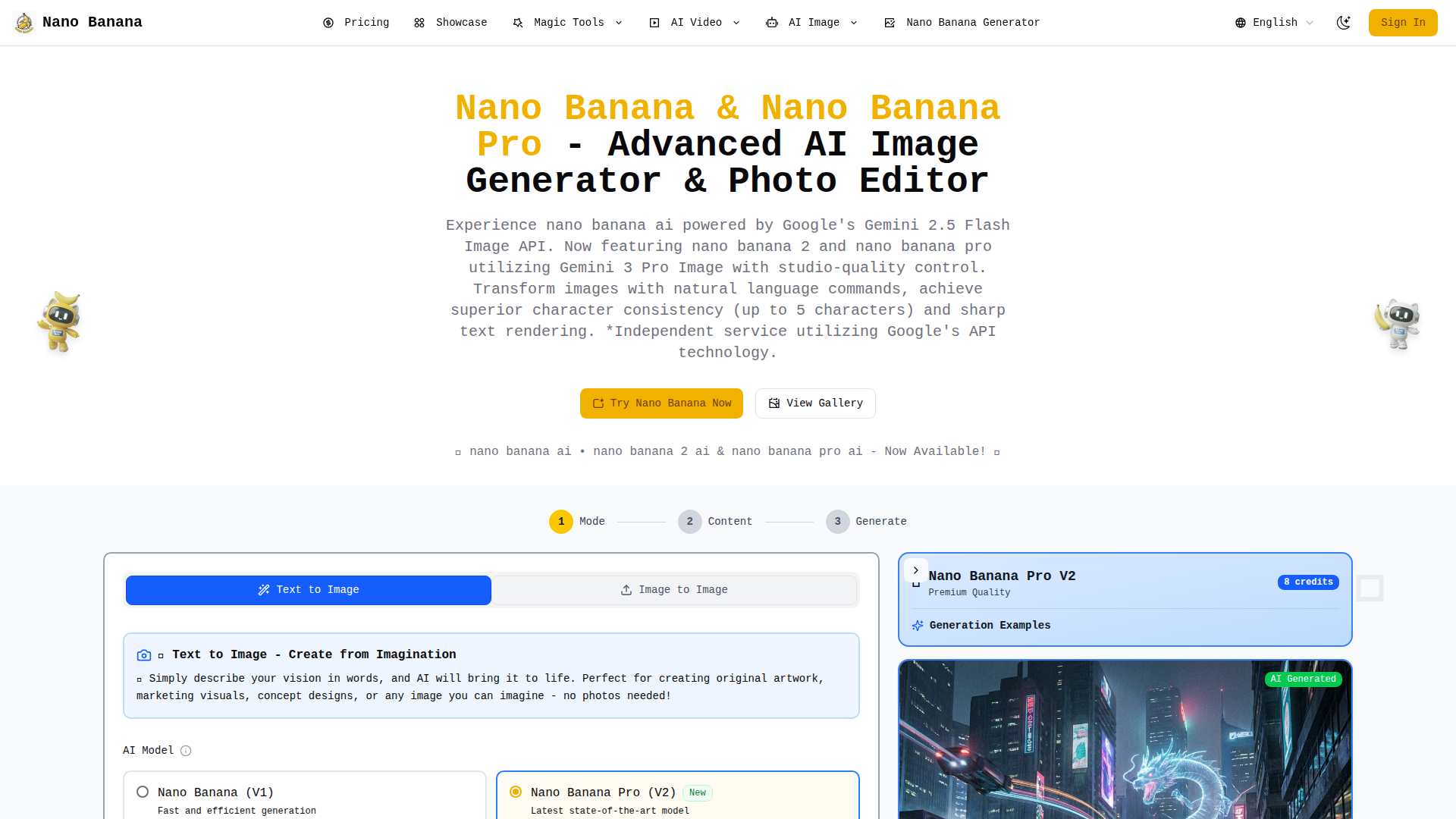
Nano Banana is an innovative AI-powered image generation and editing platform that leverages Google’s cutting-edge Gemini AI models. It offers advanced editing capabilities through natural language prompts, superior character consistency, and sharp text rendering. Featuring Nano Banana, Nano Banana 2, and Nano Banana Pro, this platform provides various options to cater to different user needs and skill levels. Nano Banana empowers users to transform their creative ideas into stunning visuals with studio-quality results. It's an independent service utilizing Google's API technology, making AI accessible to everyone from individual creators to large enterprises.
FEATURED
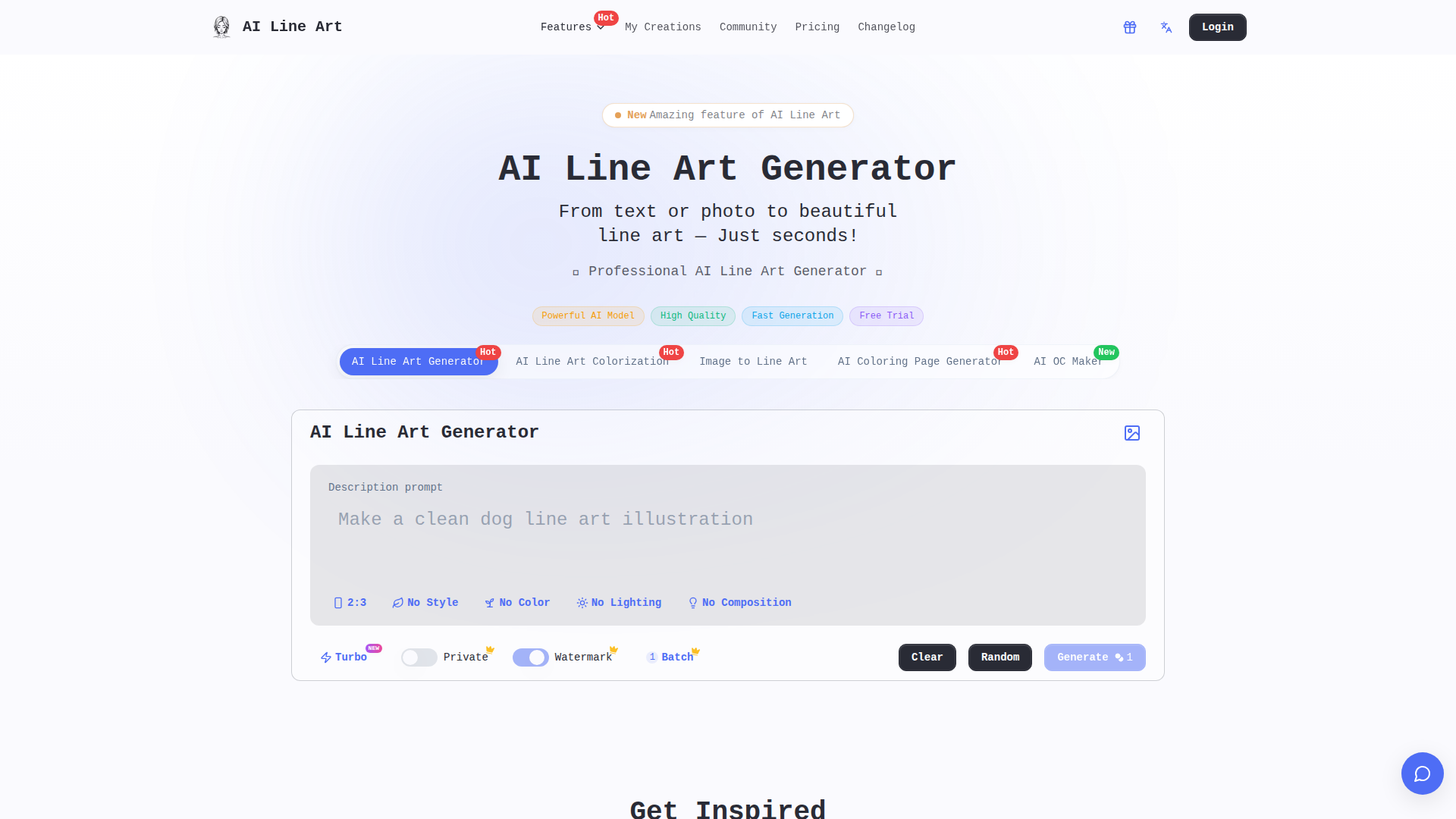
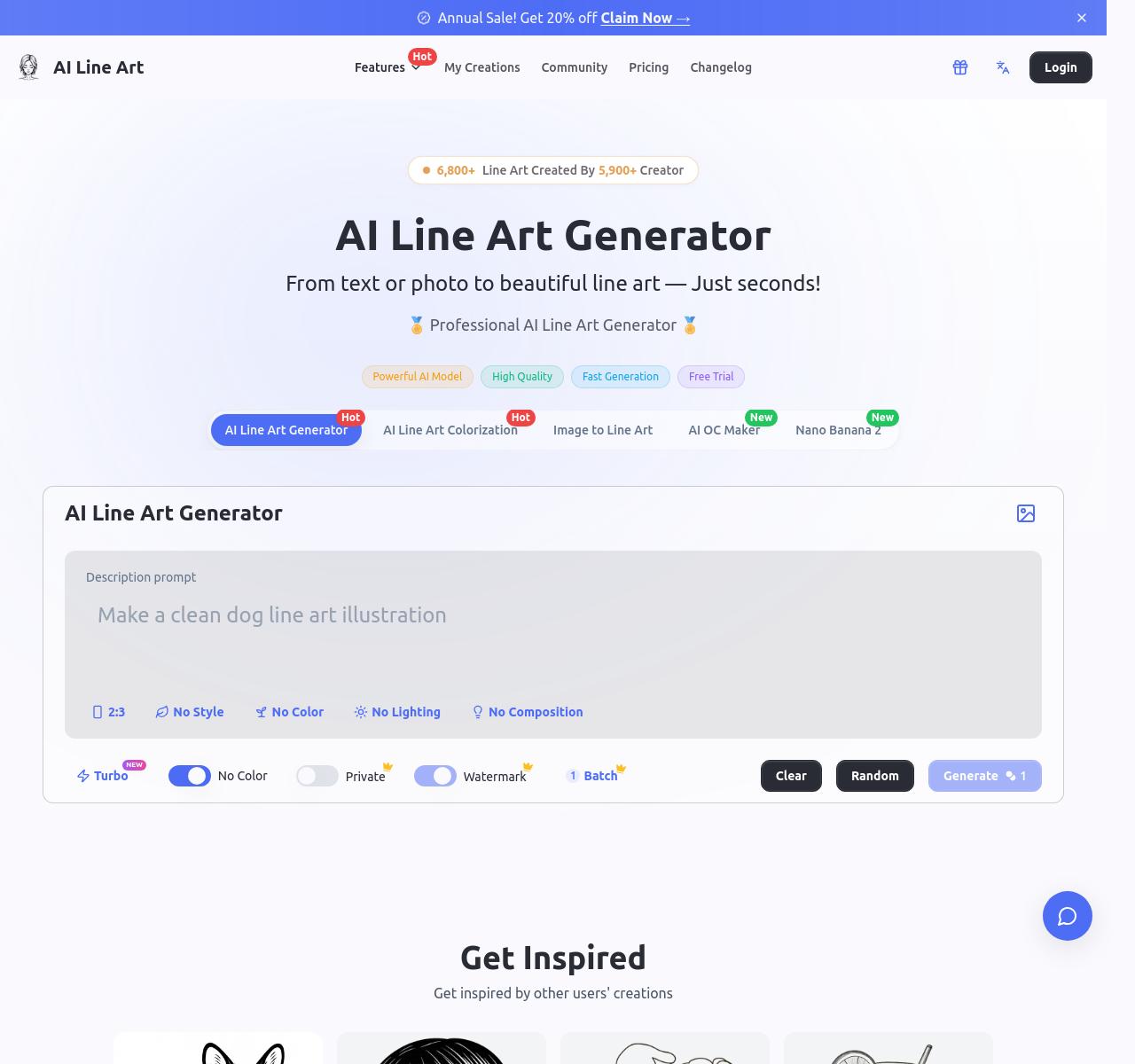
AI Line Art is an AI-powered online tool that facilitates the effortless transformation of photos and text descriptions into stunning line art illustrations. It boasts the capability to generate high-quality line drawings in various styles, making it accessible to both beginners and professionals. With features like one-click generation, multiple art styles, and advanced customization, users can create unique and professional-looking line art for diverse applications, including branding, illustration, tattoo design, and architectural visualization. It provides fast processing and high-resolution export options.
FEATURED
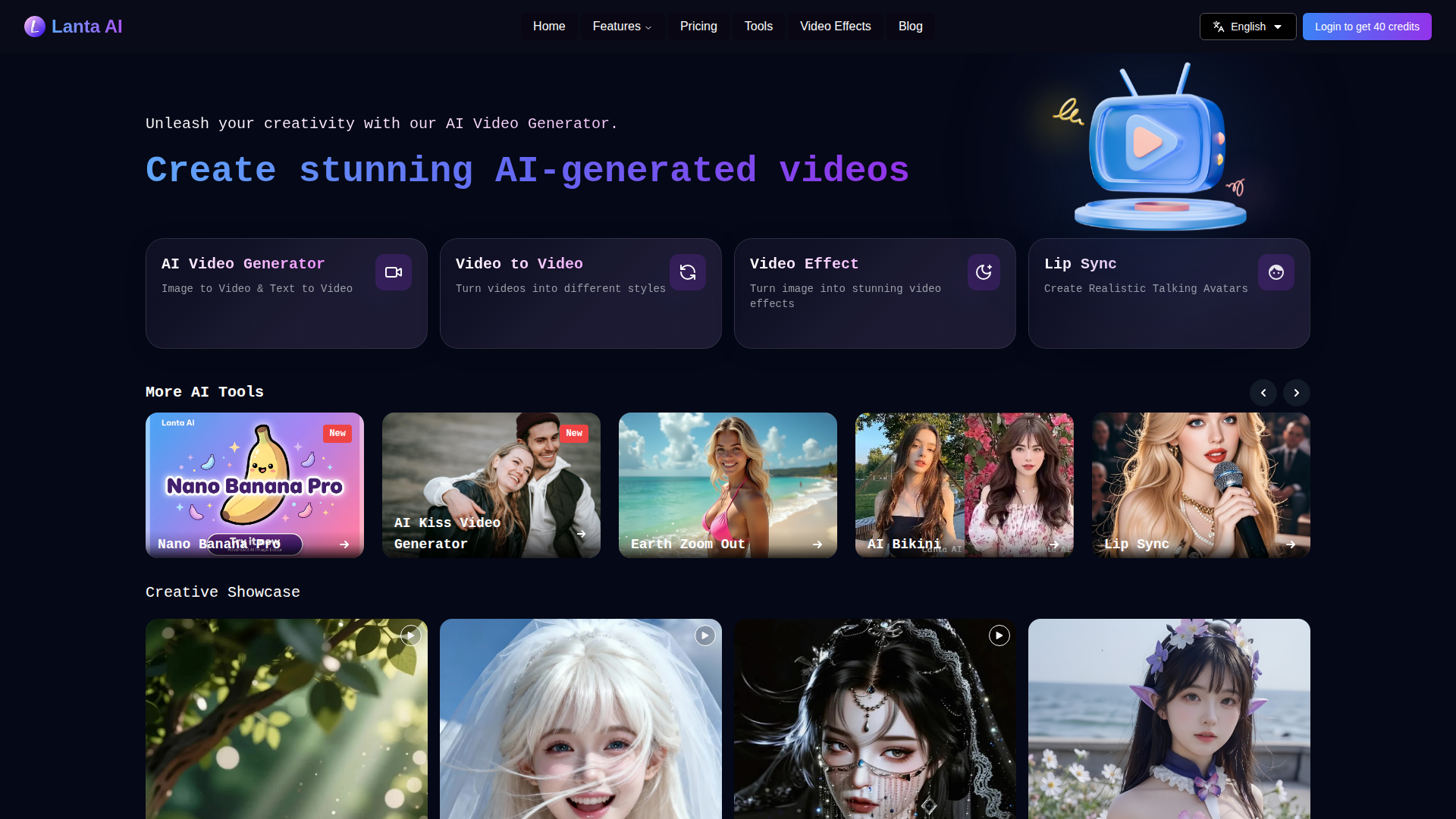
Lanta AI is a versatile online platform that empowers users to generate high-quality AI-generated videos from various inputs, including videos, images, and text. It offers a range of tools for video processing, generation, and editing, allowing users to convert videos into different styles, create videos from text or images, and apply various video effects. The platform features advanced AI models like FramePack, Wan 2.1, and Hunyuan Video. Lanta AI aims to simplify video creation, making it accessible to both beginners and professionals, and offers features like prompt-driven editing and smart repair to make video creation easy.

FEATURED
Jobserver AI is an open-source career aggregator designed to simplify the job search process. It provides a straightforward, user-friendly platform for companies and private entities to post job opportunities globally. Jobserver focuses on interactive job listings and private service listings, ensuring a simplified process for job seekers. It offers a tool designed for job seekers to find opportunities in AI/ML, software engineering, and other tech roles, Jobserver connects talent with opportunities. The platform ensures all job postings are legitimate and regularly monitored, promoting a trustworthy job search experience. Jobserver is dedicated to connecting job seekers with relevant and quality opportunities, enhancing the overall job search process. They can also analyze the match between their CV and employer requirements.

FEATURED
Ashdeck is a website blocker and Pomodoro timer designed to enhance focus and productivity. It helps users overcome distractions from social media, news, and other tempting websites. Ashdeck enables users to block distracting sites, manage their time effectively with the Pomodoro timer, and cultivate better work habits. Ideal for students, developers, marketers, writers, entrepreneurs, and anyone struggling with focus, Ashdeck is committed to user privacy, ensuring data remains secure and controlled by the user. It's a free Chrome extension that empowers users to take control of their attention and achieve their goals effectively. Ashdeck helps turn to-do lists into done lists.

FEATURED
Alloy is an AI-powered prototyping tool designed specifically for product management teams, enabling them to create prototypes that look exactly like their real products. It offers instant setup, seamless integration with over 20 platforms, and the ability to capture web pages directly from the browser. The tool focuses on maintaining brand consistency by understanding your product's design system and component library, allowing quick iteration and sharing of professional-grade prototypes. With features like real-time collaboration, prompt-based idea generation, and zero setup requirements, Alloy transforms how product teams conceptualize and validate ideas.
Latest AI Tools
Latest AI tools found by amazing founders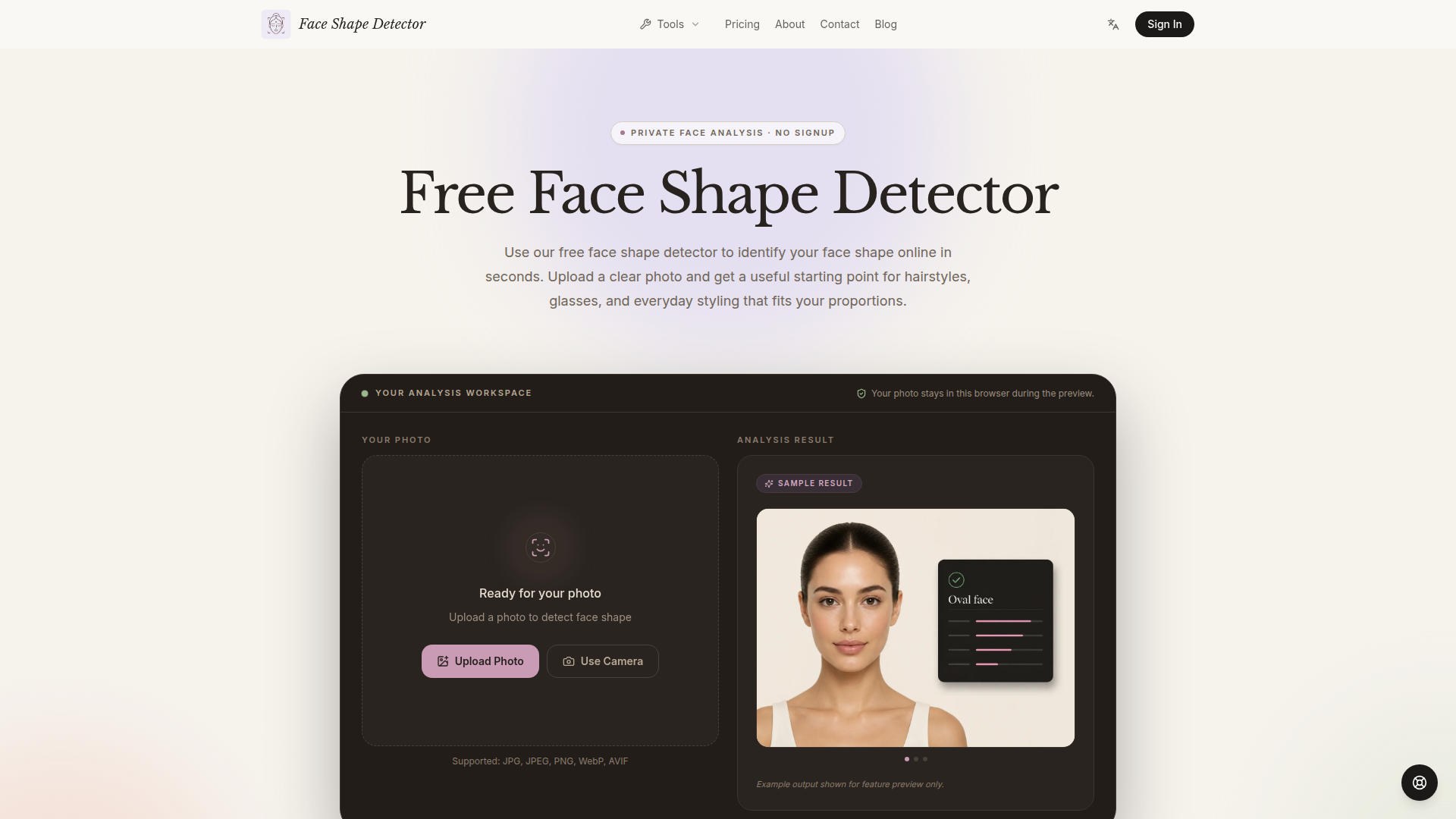
Face Shape Detector is a free, browser-based AI tool designed to help users identify their face shape from a single front-facing photo. Positioned as a private, no-signup alternative to beauty quizzes and manual measuring, it uses 478 facial landmarks and on-device analysis to compare four key proportions: face length, cheekbone width, forehead width, and jawline width. The site recognizes seven common profiles—oval, round, square, heart, oblong, diamond, and triangle—and also offers related tools for eye shape, nose shape, age estimation, and AI attractiveness testing. Its target audience includes everyday users curious about styling, hairstylists, makeup enthusiasts, glasses shoppers, and anyone seeking practical grooming direction. Core features include photo upload or camera capture, local cropping and preview, a closest-match plus runner-up result, frontal-pose checks, and measurement-backed explanations. Content features include a side-by-side shape comparison table, styling guides, FAQ, blog, and an honest limitations section. User experience is simple: upload a clear photo, analyze proportions in about a minute, and explore styling suggestions without an account. Technical features emphasize privacy—photos never leave the browser, no server-side storage, no trackers touching the image, and support for JPG, JPEG, PNG, WebP, and AVIF. The tool is not a medical or scientific judgment, but a consistent, landmark-based starting point for hairstyles, glasses, and makeup.
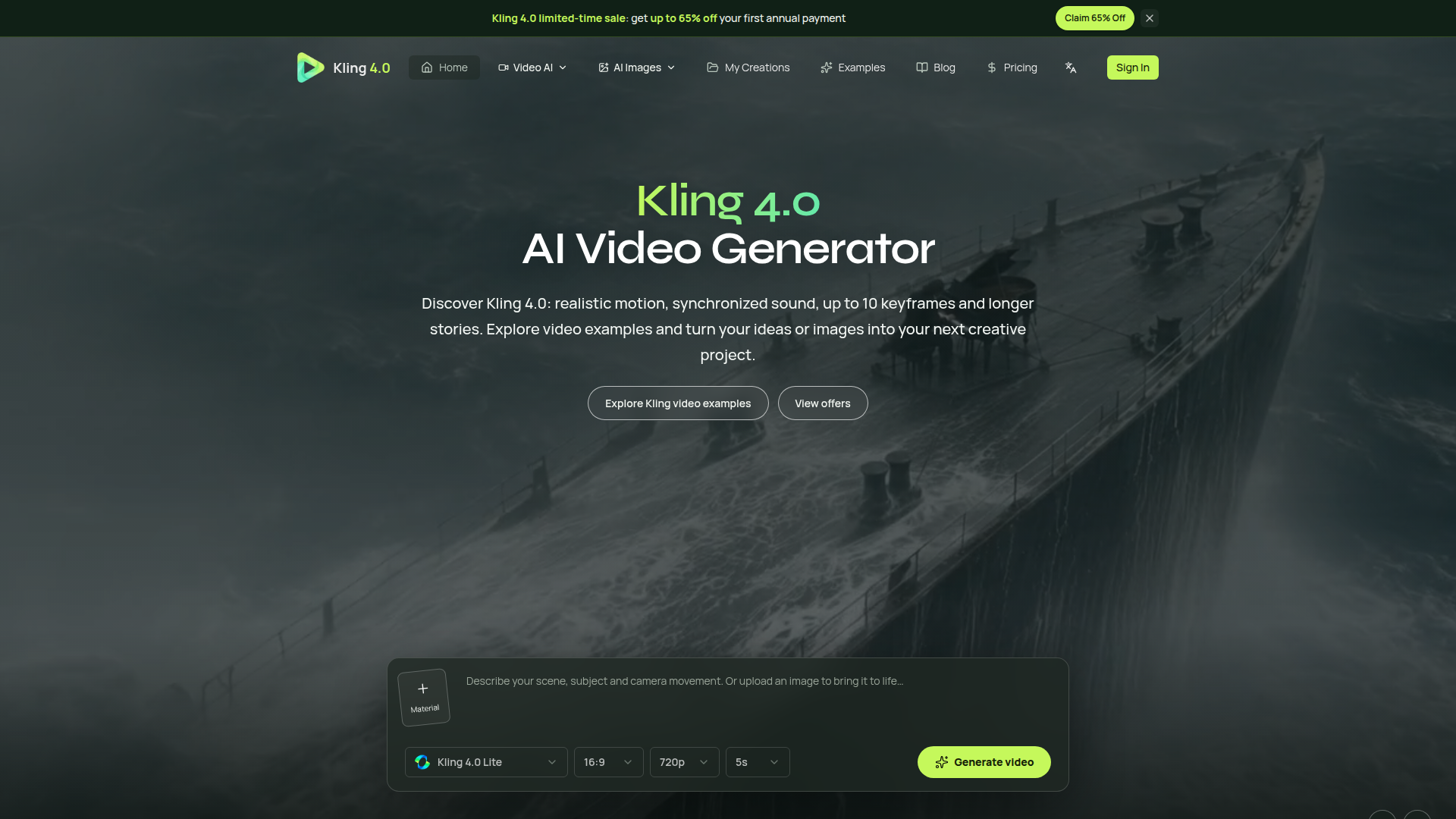
Kling 4.0 is an advanced AI video generation platform built around the Kling 4.0 model, designed to turn text prompts, static images, video references and multimodal assets into realistic, cinematic videos. Positioned as a creative workspace for AI filmmaking and content production, it targets content creators, marketers, filmmakers, social media producers, advertisers, storytellers and teams that need fast, controllable video generation. Core features include text-to-video, image-to-video, media-to-video, text-to-image and image-to-image tools. Users can generate videos from 3 to 30 seconds, use up to 10 keyframe images, combine up to 15 reference assets, and choose resolutions up to 4K with wide aspect ratios. Kling 4.0 emphasizes lifelike motion, synchronized stereo sound, precise lip-sync, natural expressions, stable camera movement and smooth transitions. Content features include a showcase gallery with 60 video examples, a blog and creation management. The user experience centers on a simple prompt-and-generate workflow with model selection, aspect ratio, resolution and duration controls. Technical highlights include multimodal references, detailed prompt support up to 8,000 tokens, storyboard, motion, camera, depth, grid and white-model references, as well as upcoming 10-bit HDR. Overall, Kling 4.0 offers a professional yet accessible AI video creation suite for modern visual storytelling.
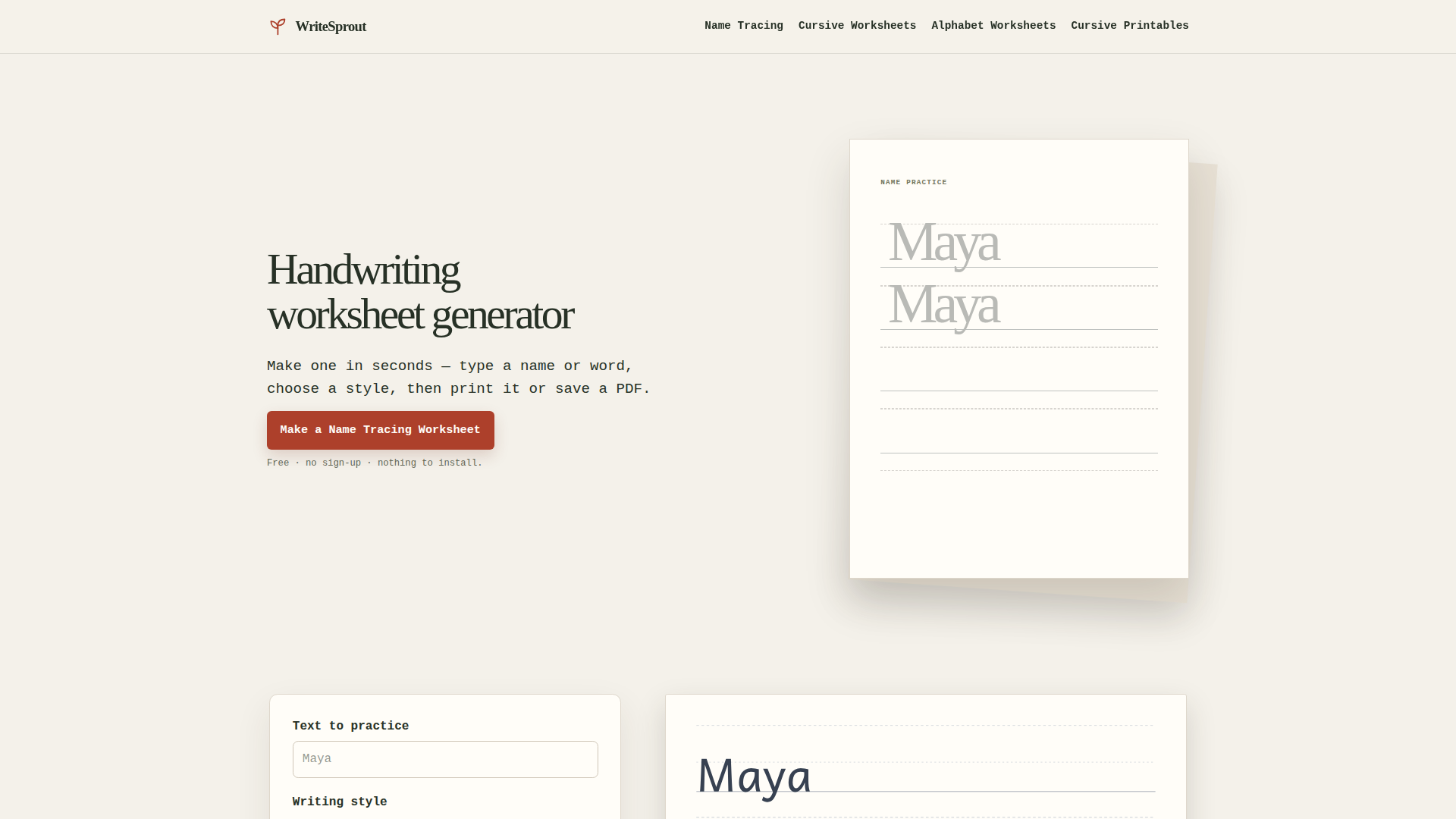
WriteSprout is a free, browser-based handwriting worksheet generator designed to turn typed text into printable practice pages in seconds. Positioned as a simple, single-purpose educational tool, it serves parents, teachers, homeschoolers, tutors, and early childhood educators who need quick name tracing, print handwriting, or cursive worksheets without creating an account. Its core features include customizable text input, three writing styles—Print, Handwritten Print, and Cursive—three tracing supports—Dotted, Outline, and Light—and flexible practice rows that combine model, trace, and write sections or focus on tracing only. Users can adjust text size, paper size (US Letter or A4), orientation, guidelines, and alignment, with Auto Fit for longer names. The content includes dedicated generators for name tracing, cursive handwriting, cursive alphabet A–Z, and printables, plus a concise three-step guide and FAQ. The user experience emphasizes speed, privacy, and simplicity: no sign-up, no email, nothing to install, and typed names remain in the browser. Technically, WriteSprout runs entirely in the browser, provides a live preview, and lets users print directly or download a PDF instantly. It is not a course, account-based platform, or pre-packaged PDF bundle; it is a focused utility for creating custom handwriting practice sheets.
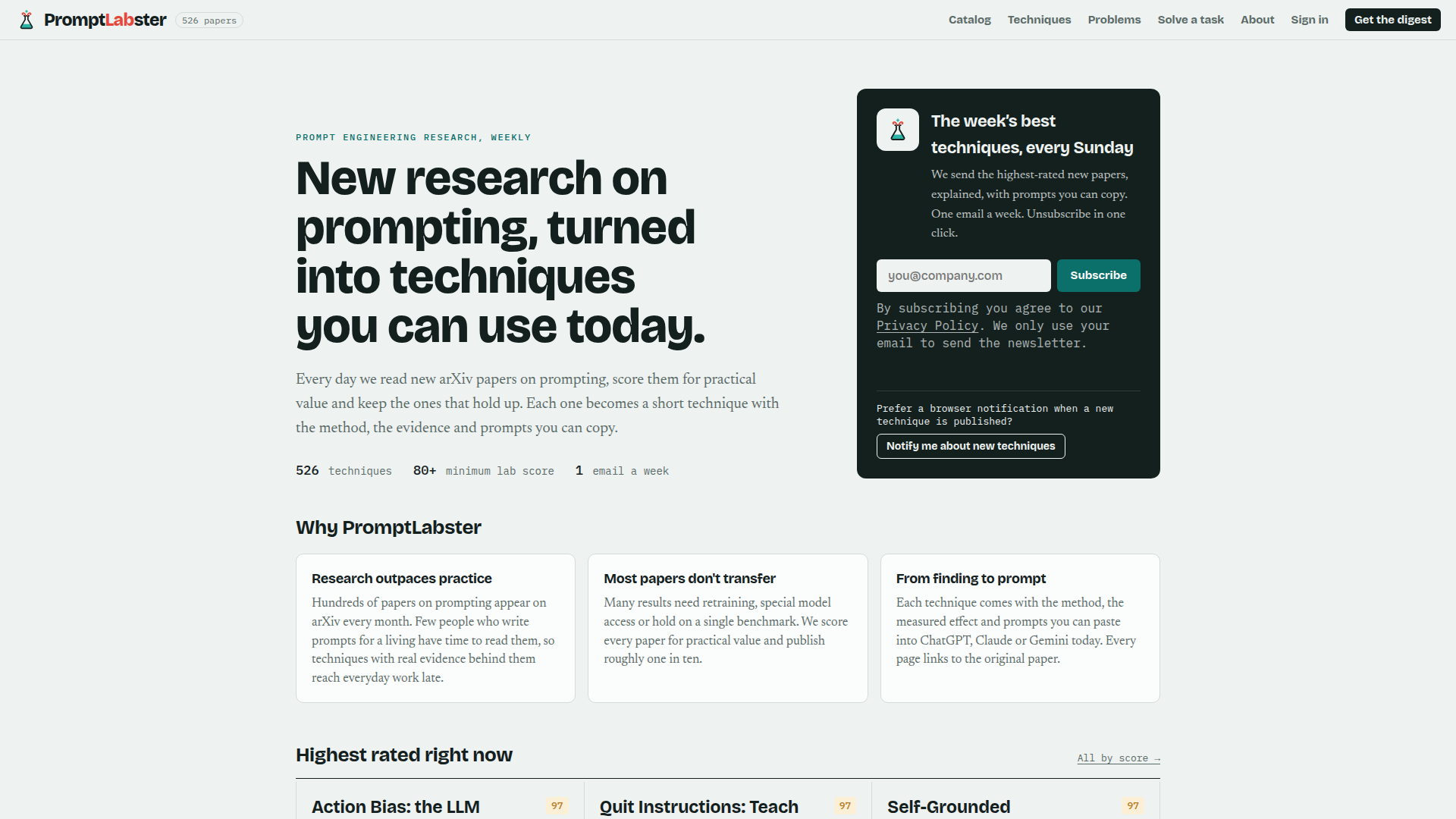
PromptLabster positions itself as the missing bridge between academic prompt-engineering research and everyday AI work. Every day its team reads new arXiv papers on prompting, scores each one for practical value against a minimum lab score of 80, and keeps roughly one in ten — the ones that actually transfer to real models without retraining, special API access or single-benchmark tricks. Those survivors become short technique pages containing the method, the measured effect, the caveats, a link to the original paper and, most importantly, ready-to-paste prompts. The site catalogs 526 techniques, browsable by capability (Quality Control, Self-Reflection, Code Generation, Chain-of-Thought, Structured Output, Multi-Agent Debate), by month, by rating, or through a dedicated task finder that matches a user's job to the right technique. Target audience: prompt engineers, AI product builders, developers running coding agents, data and research teams, technical writers and consultants who write prompts professionally but have no time to read papers. Core features include the searchable technique catalog with scores, curated monthly archives, the Solve-a-task finder, a weekly Sunday email digest of the highest-rated new papers, optional browser notifications for new techniques, and user accounts with sign-in. Content is evidence-first and jargon-light: each entry explains the paradox or failure mode being fixed, the exact prompt trick (for example Quit Instructions, Self-Grounded Verification, Contradiction Gate, Retrieval Status Flag), and quantified results such as fabrication cut 16x or audit accuracy rising from 4% to 45%. The user experience is clean, text-first and fast, with no paywalls, no clutter and one-click unsubscribe. Technically it is a lightweight static-style publication with tag filters, sorting by rating or month, account login, a privacy policy and email newsletter subscription.
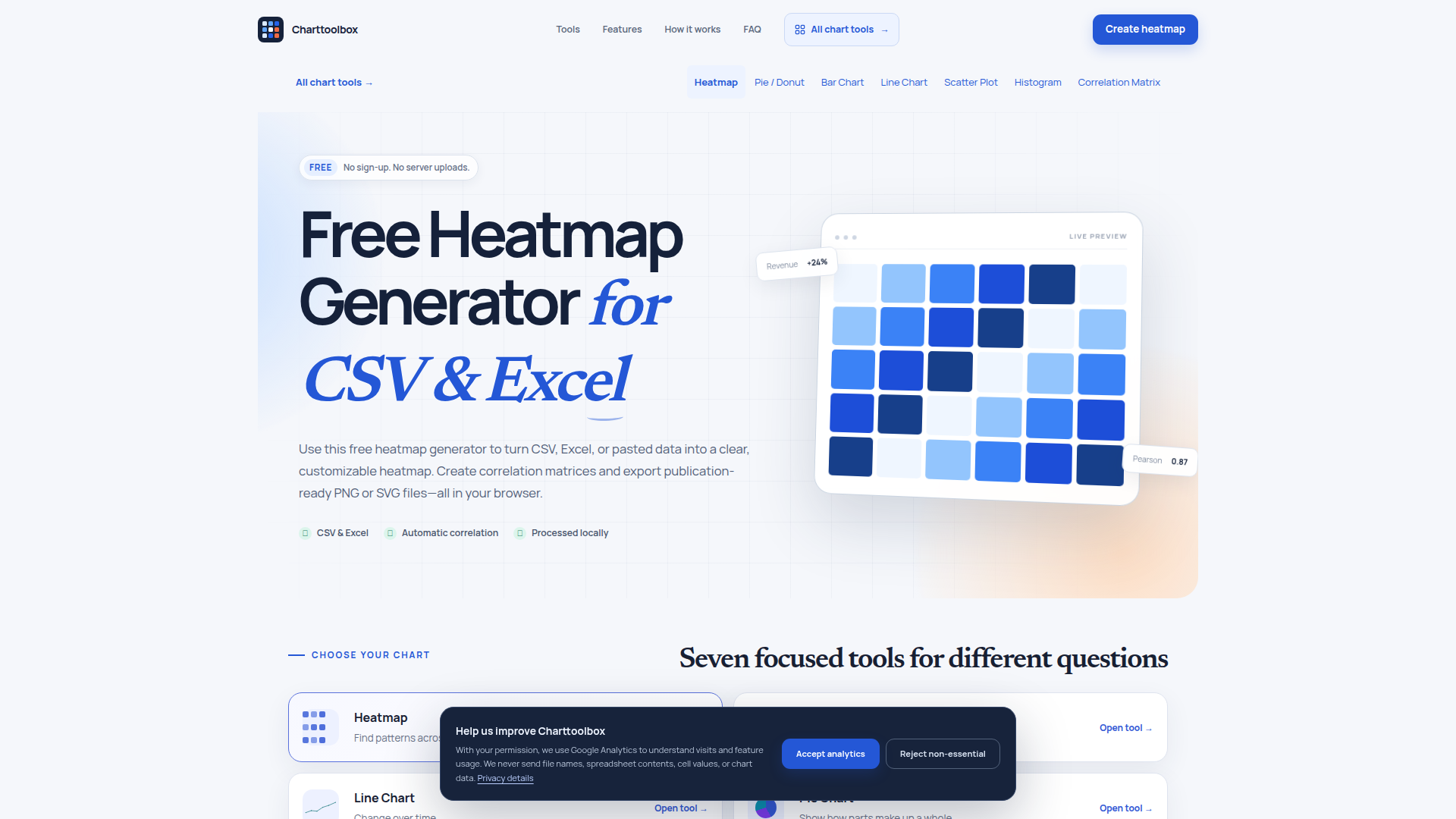
Charttoolbox is a free, browser-based heatmap and chart generator designed for anyone who needs to turn CSV, Excel, or pasted tabular data into clear, publication-ready visuals without installing software or creating an account. Positioned as a privacy-first data visualization utility, it serves business analysts, researchers, students, data journalists, and professionals who want fast heatmaps, correlation matrices, bar charts, line charts, pie charts, scatter plots, and histograms. Core features include automatic recognition of CSV, TSV, XLSX, and XLS files; paste support; one-click Pearson correlation matrices; sequential, diverging, and color-blind-friendly palettes; live preview customization; and PNG/SVG export up to 3× resolution. The content emphasizes simplicity, with focused tools, sample datasets, step-by-step guidance, and FAQ sections that explain supported table structures and privacy practices. User experience is streamlined around a three-step workflow—add data, customize design, export and share—with no sign-up and no server uploads. Technically, all parsing and rendering happen locally in the browser, optional Google Analytics only loads with consent, and no file names, cell values, or chart data are transmitted. This makes Charttoolbox a practical, private, and accessible choice for quick exploratory analysis and polished reporting.
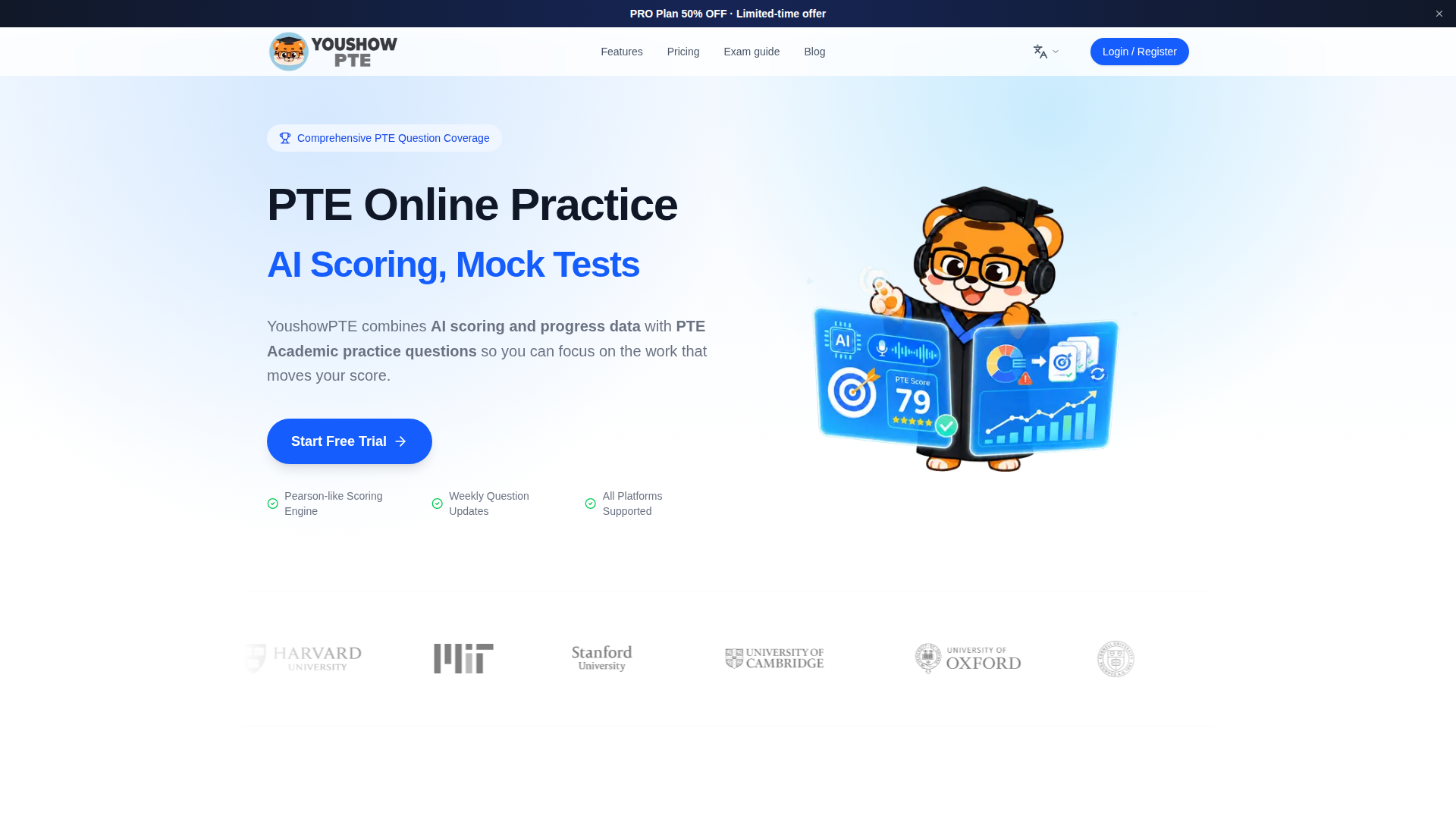
YoushowPTE is an independent, AI-powered PTE Academic preparation platform designed to turn scattered practice into a focused score-improvement system. Positioned as a smarter alternative to traditional PTE question banks, it serves international students, migration applicants, working professionals, and repeat test-takers who need efficient, data-driven preparation for study, work, or visa goals. Its core features include a Pearson-like AI scoring engine, realistic mock exams, item-level feedback, weakness analysis, targeted high-frequency practice, and progress tracking. A free mini mock test and score tools help users measure their baseline before committing to a study plan. Content features are built around full PTE Academic question-type coverage: Speaking (Read Aloud, Repeat Sentence, Describe Image, Retell Lecture), Writing (Summarize Written Text, Write Essay), Reading (Fill in the Blanks, Multiple Choice), and Listening (Summarize Spoken Text, Write From Dictation). The platform advertises 10,000+ real questions, weekly updates, 50W+ practice counts, a 98% satisfaction rate, and 24h support. User experience emphasizes clarity: dashboards show scores, trends, and target-score gaps so learners can decide what to practice next. It works on web, iOS, and Android with real-time progress sync. Technical features include AI scoring, cross-platform data syncing, secure card subscription, and browser-based access. Pricing follows a freemium model: a $0 lifetime Free Plan with limited daily practice and no AI scoring or mock exams, and a Pro Plan at $9.90/month after a 50% discount from $19.80/month, offering unlimited practice, AI scoring, real exam simulation, detailed explanations, online courses, vocabulary drills, and zero-agency-fee Australia/New Zealand study applications. The site also provides PTE exam timeline planning, score calculation, score comparison with IELTS/TOEFL/CEFR, and Australia 485 visa requirement guides, while directing official booking and results to Pearson.
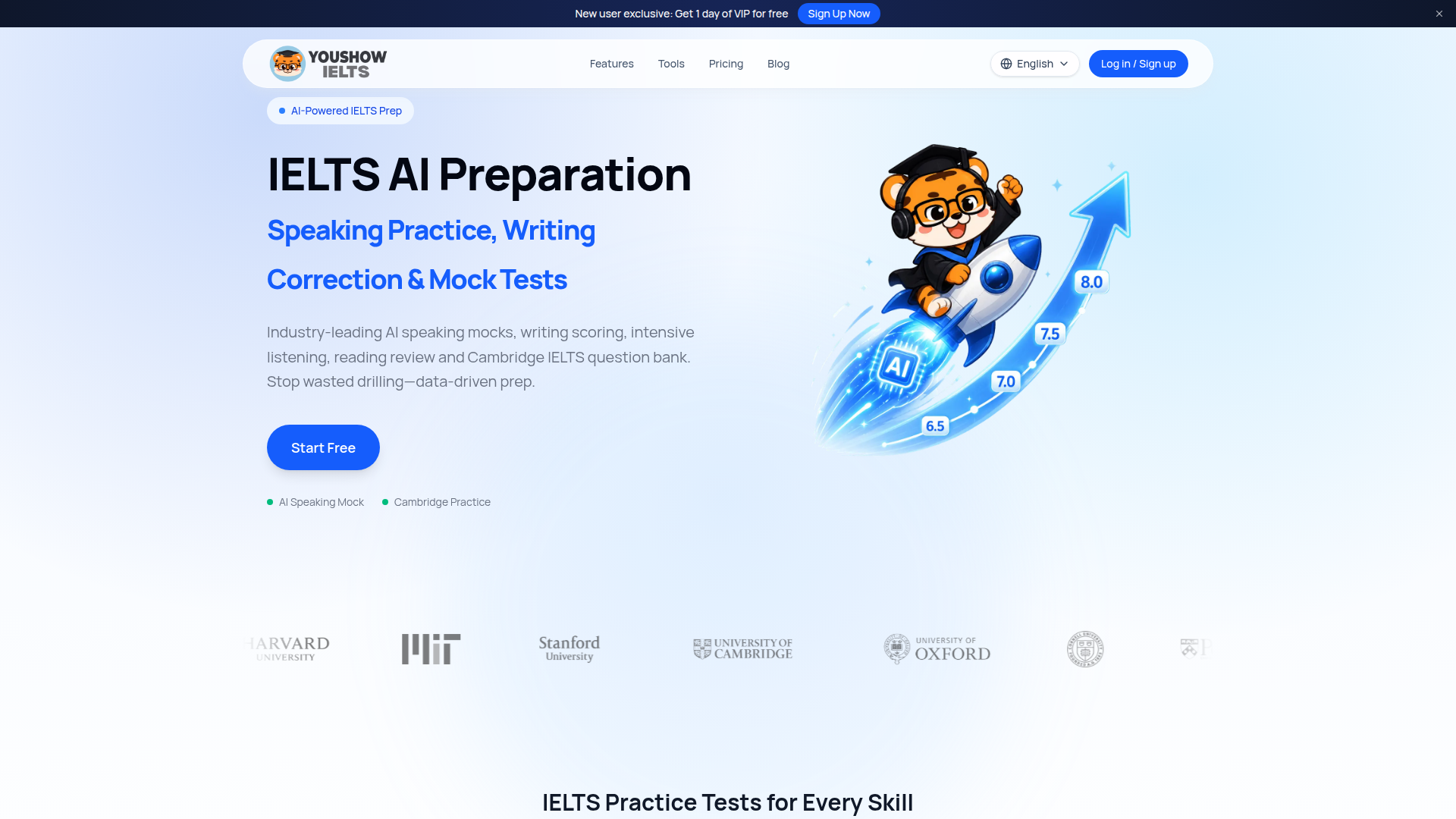
Youshow IELTS is an AI-powered IELTS preparation platform positioned as a complete digital workspace for candidates who want structured, data-driven practice rather than scattered drilling. It targets self-study IELTS candidates, international students preparing for university or migration applications, and learners who need flexible online practice across Listening, Reading, Writing, and Speaking. Core features include AI IELTS speaking mock tests for Part 1, Part 2, and Part 3; AI writing scoring and feedback; Cambridge IELTS 8–20 practice; intensive listening sets; reading question-type trainers; computer-based writing simulators; band score calculators; topic generators; mini mock tests; and personalized study plans. The content features original practice tools, high-score speaking and writing templates, detailed answer explanations, blog guides on booking, test duration, results timelines, writing samples, cue card topics, and band descriptors. User experience emphasizes a repeatable loop: diagnose current level, practise in exam-style workflows, review mistakes, and plan next steps, with answer checking, evidence location, autosave, and dashboard integration. Technical features include AI scoring, browser-based recording, timed computer-delivered simulations, data-driven analytics, and a freemium model with free core tools and PRO subscription.
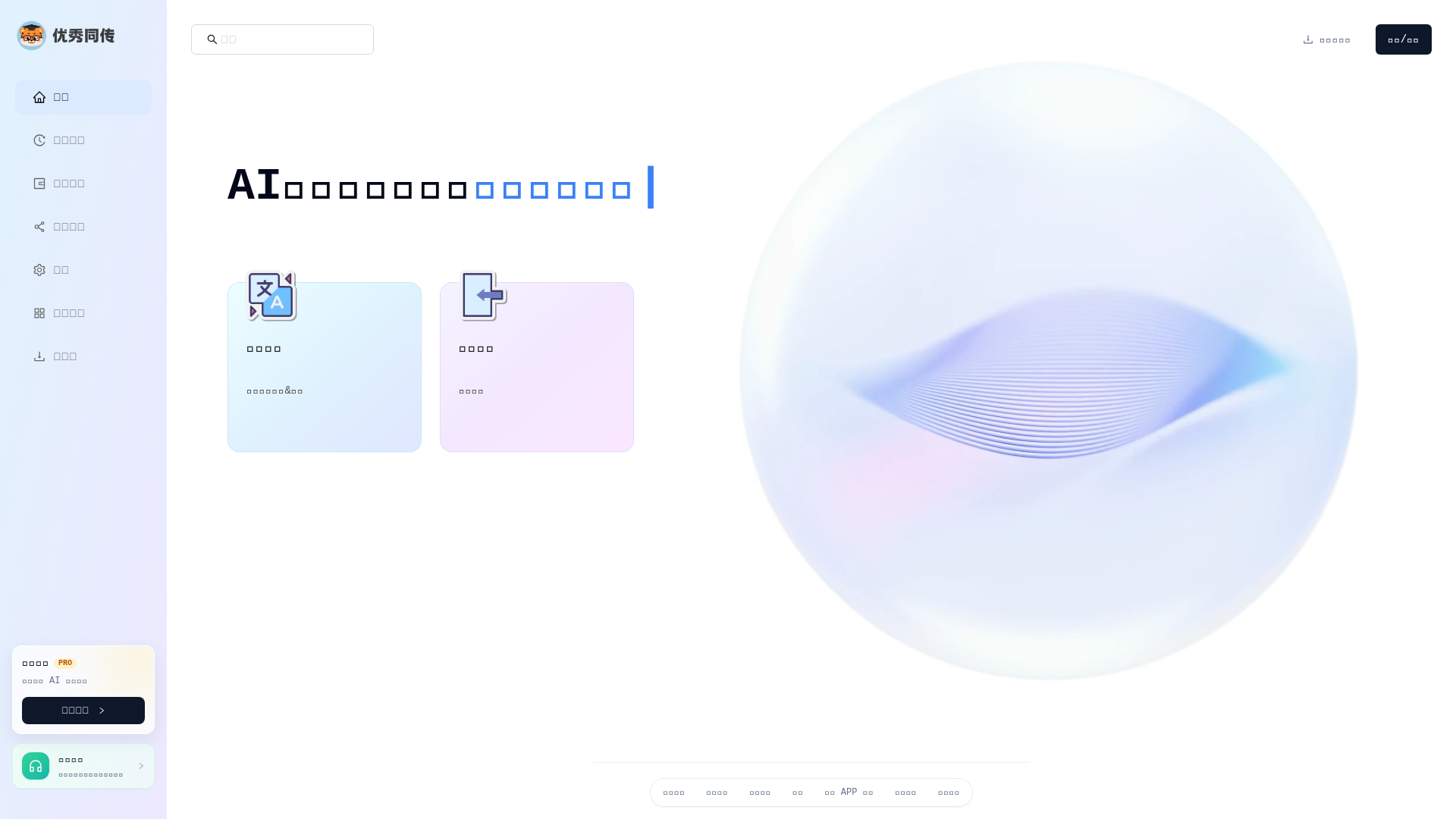
优秀同传 (YouShow Interpreter) is a web and multi-platform AI simultaneous interpretation service designed to turn live speech and media audio into accurate, low-latency bilingual text. Positioned as an AI real-time interpreting and bilingual subtitle tool, it serves students studying abroad, international meeting participants, business teams, travelers, and content creators who need to understand or produce multilingual audio and video. The platform combines continuous speech recognition with machine translation, displaying source text and translated text side by side so users can verify meaning in context while listening. Its core features include real-time speech recognition and translation, synchronized original and translated subtitles, history records for review and export, bilingual SRT subtitle generation, audio import, and multi-device access across Web, iOS, Android, macOS, and Windows. For education, it helps international students follow lectures, capture key points, and review classroom content after class. For meetings, it provides low-latency bilingual captions that reduce information loss caused by accents, fast speech, or specialized terminology. For travel, it supports face-to-face communication in airports, hotels, restaurants, and transportation. For content production, it streamlines the workflow from speech recognition and translation to bilingual SRT subtitle editing. The service also offers free practical tools, client downloads, app comparison guides, a blog with topic pages, and a membership upgrade (PRO) that unlocks more AI simultaneous interpretation duration. Users can check account balance, invite friends, manage settings, and access history. The interface is available in Chinese and is built for practical, continuous use rather than one-off translation. Technically, it leverages AI speech recognition, neural machine translation, cloud-based processing, and cross-platform clients to deliver real-time performance. Overall, 优秀同传 is a productivity tool for anyone who needs affordable, accessible, and continuous AI interpretation with bilingual subtitle export.
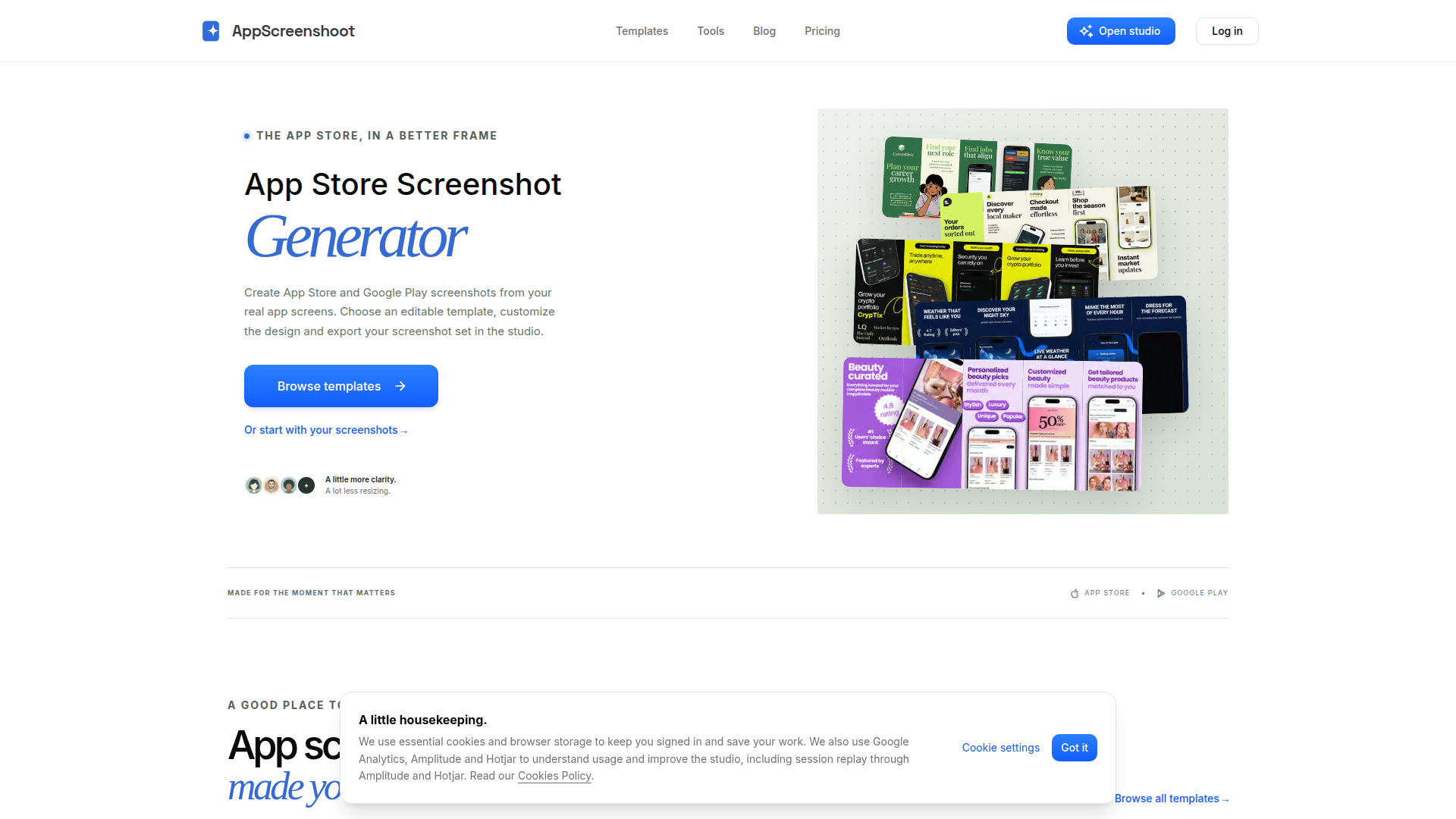
AppScreenshoot is a browser-based, no-code studio for creating polished App Store and Google Play screenshots from real app screens. It positions itself as a faster, more design-focused alternative to manual resizing and generic mockups. The platform targets indie mobile developers, app designers, product marketers, startups, and agencies who need high-converting store listing images without a dedicated design team. Core features include editable screenshot templates across categories such as shopping, weather, finance, career, education, and productivity; device frames and canvas presets for iPhone 6.9-inch, iPhone 6.5-inch, iPad 13-inch, Android phone, and Google Play feature graphics; separate text layers; background customization; and PNG or JPEG export. Users can start locally without an account, while Pro templates and cloud projects require sign-in and a Pro membership. Content features include a template gallery, screenshot design guides, a blog, a help center, and practical size explanations with official Apple and Google references. The user experience is structured around a simple workflow: pick a visual direction, add real app captures, shape the story with copy, preview every size, and export clean files. Technically, AppScreenshoot runs in the browser, supports local editing and cloud projects, and uses analytics and session replay tools to improve the studio. Pricing follows a freemium model with a free entry point and Pro upgrades.
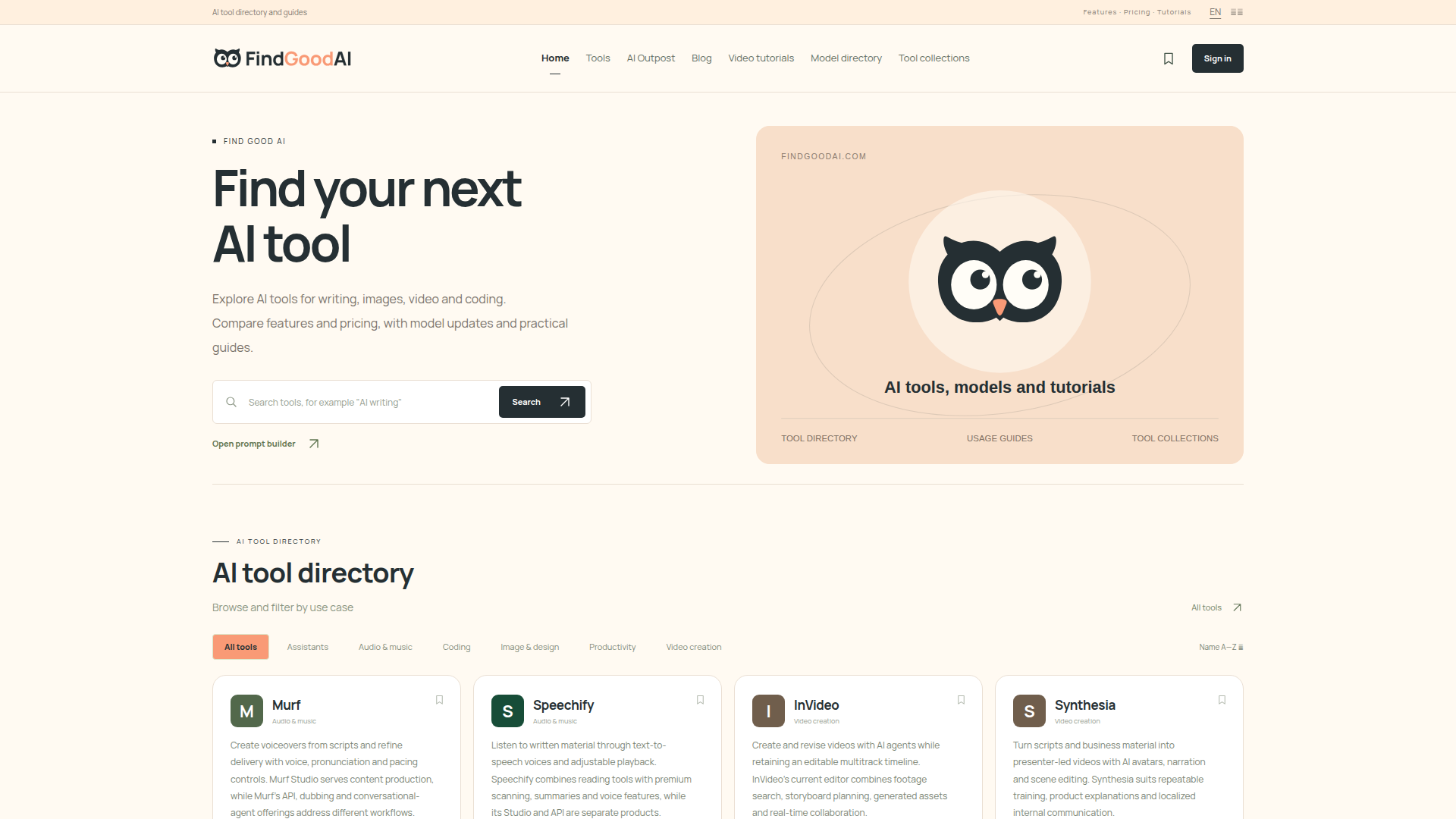
FindGoodAI is an independent AI tool discovery hub and directory designed to help individuals and teams navigate the fast-growing artificial intelligence landscape. Positioned as a practical starting point for evaluating AI software, it serves creators, marketers, developers, researchers, small-business owners, and curious learners who need to find, compare, and understand AI solutions. Core features include a filterable AI tool directory covering assistants, audio and music, coding, image and design, productivity, and video creation; a model directory with overviews and specifications; curated tool collections for tasks like office work, content production, and research; and saved tools for signed-in users. Content features include blog articles, practical guides, AI Outpost updates, and video tutorials that explain workflows, compare capabilities, and track model releases. User experience emphasizes simple category browsing, search, bookmarks, and clear English/Chinese language options. Technically, FindGoodAI organizes listings with tags, categories, pricing and feature summaries, while linking out to official product pages. It does not sell AI software directly; instead, it helps users make informed choices through independent directory review, editorial context, and discovery resources.
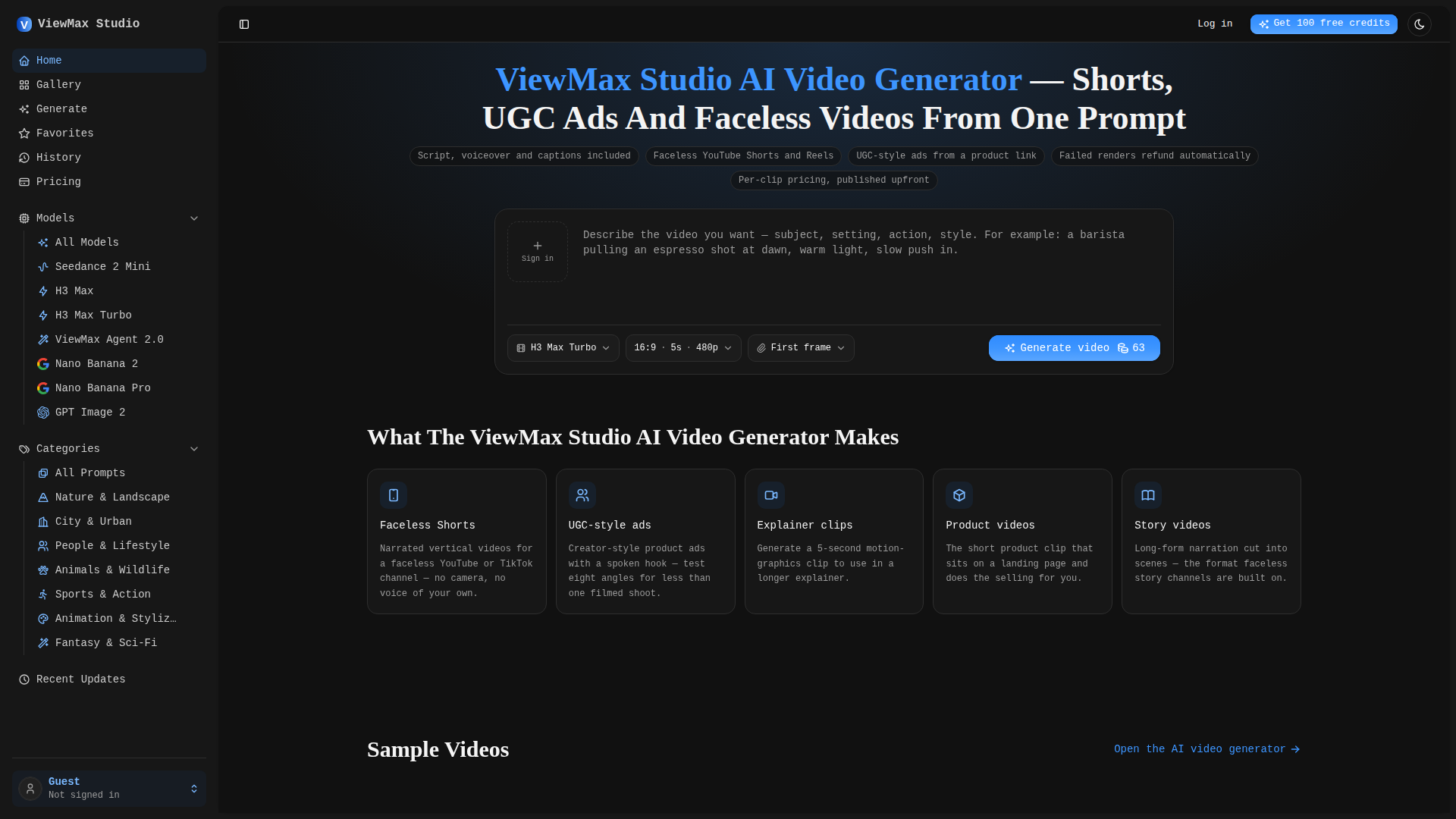
ViewMax Studio is an AI-powered video generation platform focused on short-form content such as faceless YouTube Shorts, TikTok videos, Reels, and UGC-style ads. Positioned for solo creators, marketers, and small businesses who need to produce videos at scale without cameras, editing skills, or production crews, it turns a text prompt or script into a finished clip with script, voiceover, captions, and visuals in one pass. Its core feature, ViewMax Agent 2.0, plans a shot list, renders multiple scenes, narrates, and adds music automatically, while other models render single takes from descriptions. Users can choose from six models, select aspect ratios like 9:16 or 16:9, and preview credit costs before rendering. The platform emphasizes transparent per-clip pricing, automatic refunds for failed renders, and commercial rights on all paid plans. The gallery offers categorized prompts and sample videos for inspiration. With a clean web interface, history, favorites, and free starting credits, ViewMax Studio combines generative AI with a workflow built for rapid, platform-ready video production.
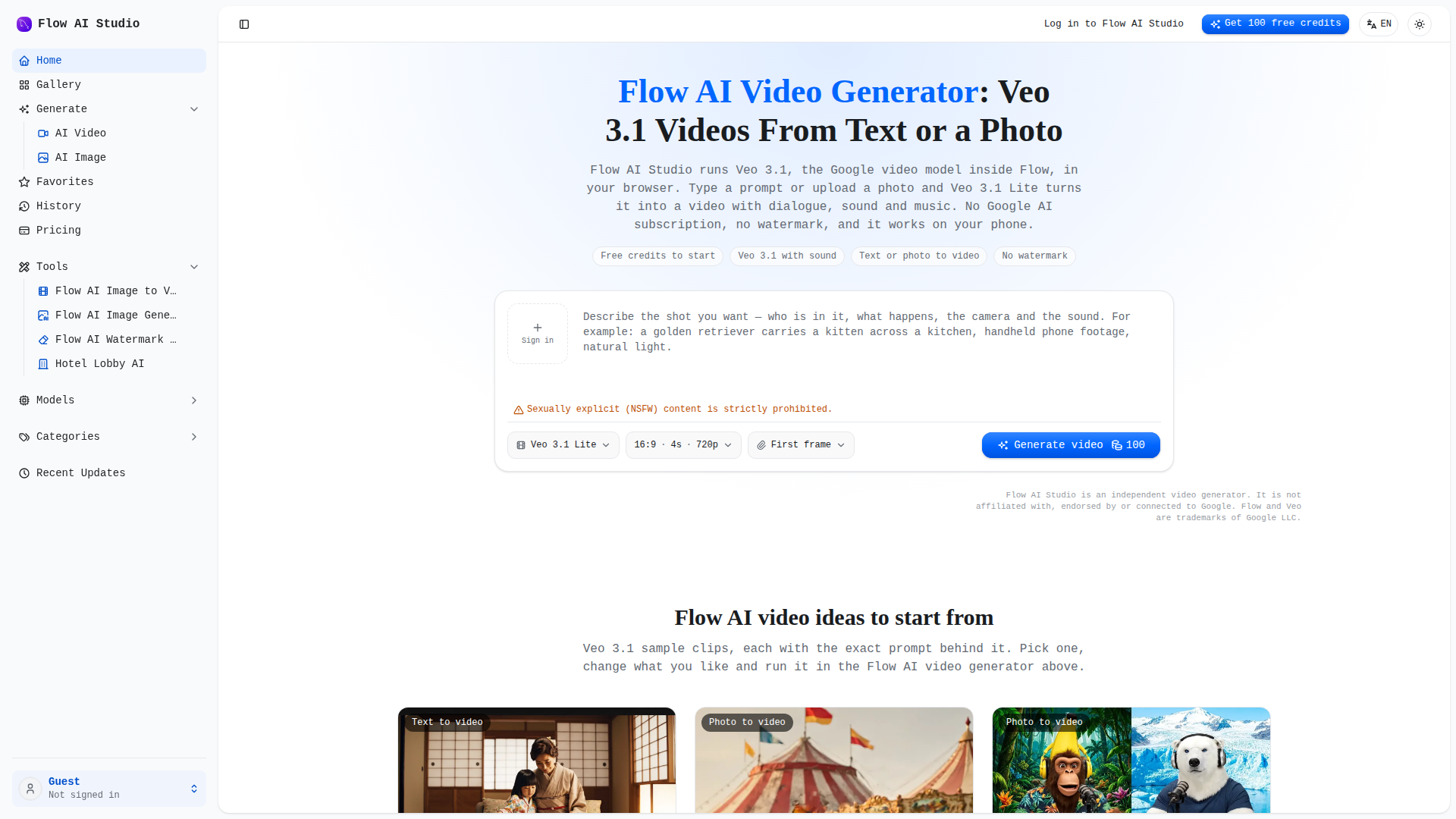
Flow AI Studio is an independent, browser-based AI video generator that leverages Google's Veo 3.1 model to transform text prompts or photos into short videos with native audio, dialogue, and music. Positioned as a pay-per-clip alternative to Google Flow, it targets content creators, social media marketers, small businesses, and hobbyists who need quick, watermark-free videos without committing to a Google AI subscription. Core features include text-to-video and image-to-video generation, multiple model tiers (Veo 3.1 Lite and Fast, plus Seedance 2.5 and H3 Max), adjustable aspect ratios (16:9, 9:16), and clip lengths (4, 6, or 8 seconds). The platform offers a gallery of sample prompts, a favorites system, and generation history. User experience is streamlined: users enter a prompt or upload an image, select model and settings, preview the credit cost, and generate. Videos are ready in minutes and downloadable as MP4 without watermarks. Technically, it runs entirely in the browser on any device, with no installation required. It provides 100 free credits upon signup, then operates on a credit-based pay-per-use model, with subscription plans and one-time credit packs available. Commercial use is permitted on all plans.
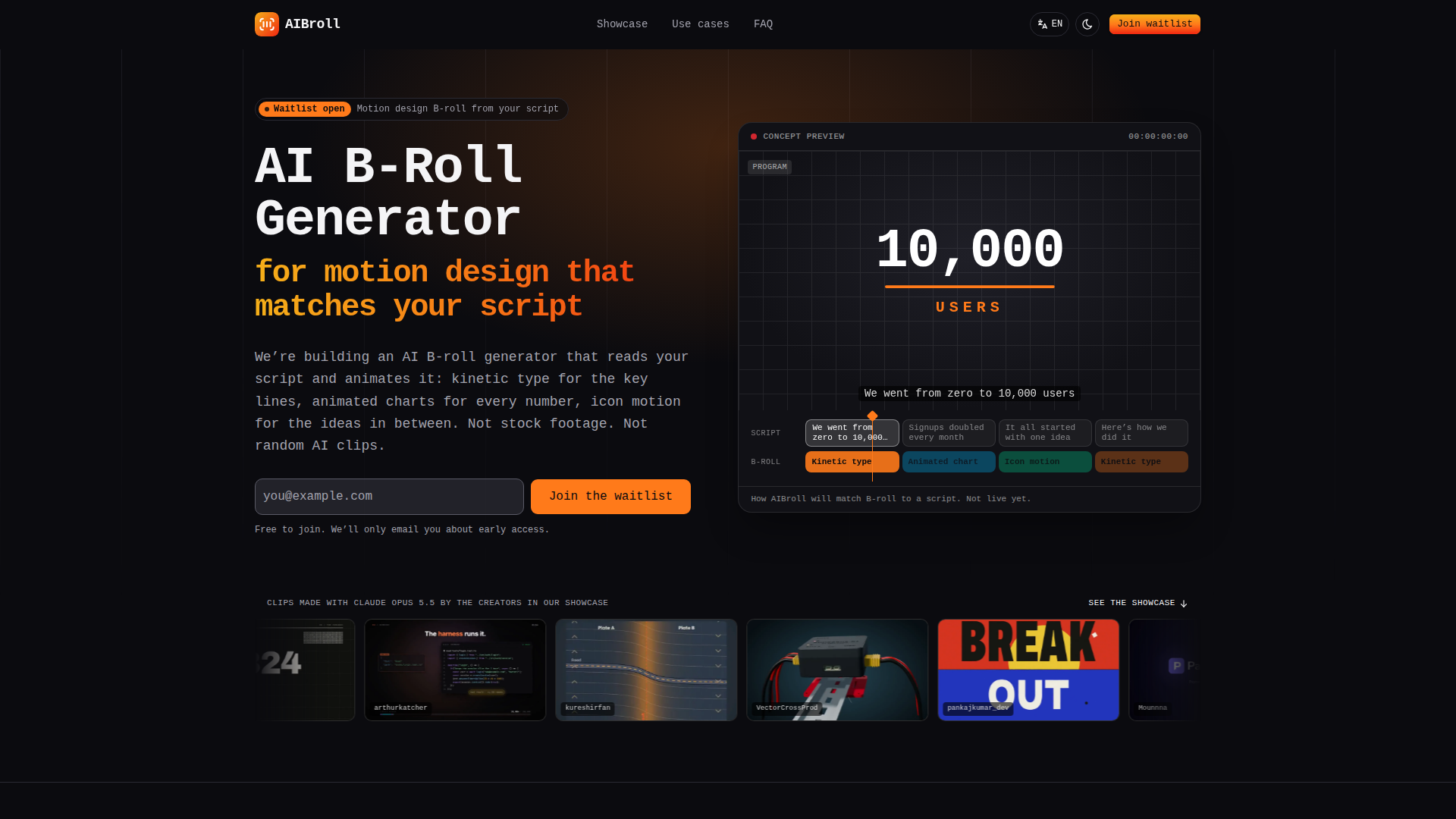
AIBroll is a pre-launch AI-powered tool designed to generate motion design B-roll from scripts, positioning itself as an AI B-roll generator that reads a script and animates it into kinetic typography, animated charts, icon motion, and other motion graphics, rather than relying on stock footage or random AI video clips. The target audience includes content creators, especially those producing explainer videos, faceless YouTube and TikTok channels, ads, VSLs, product and SaaS videos, and educators. Core features include script parsing to identify numbers and key phrases, automatic generation of matching motion design clips (kinetic type, animated charts, icon motion), export in multiple aspect ratios (16:9, 9:16, 1:1), and integration with popular video editors like Premiere Pro, Final Cut Pro, DaVinci Resolve, and CapCut. Content features: the website showcases a gallery of example clips created by independent creators using Claude Opus 5.5, categorized by type (kinetic type, explainer, UI motion, charts, etc.), and provides a comparison table between motion design B-roll, stock footage, and AI video clips. User experience: clean, modern design with a focus on clarity and ease of use; the waitlist signup is prominent, and the site explains the three-step workflow (paste script, each line gets a matching clip, export to editor). Technical features: AI-driven script analysis, motion graphics generation, support for multiple export formats, and planned integration with editing software. The site is currently in development, with a waitlist for early access. It emphasizes that clips are generated from the script's actual content, ensuring relevance and accuracy.
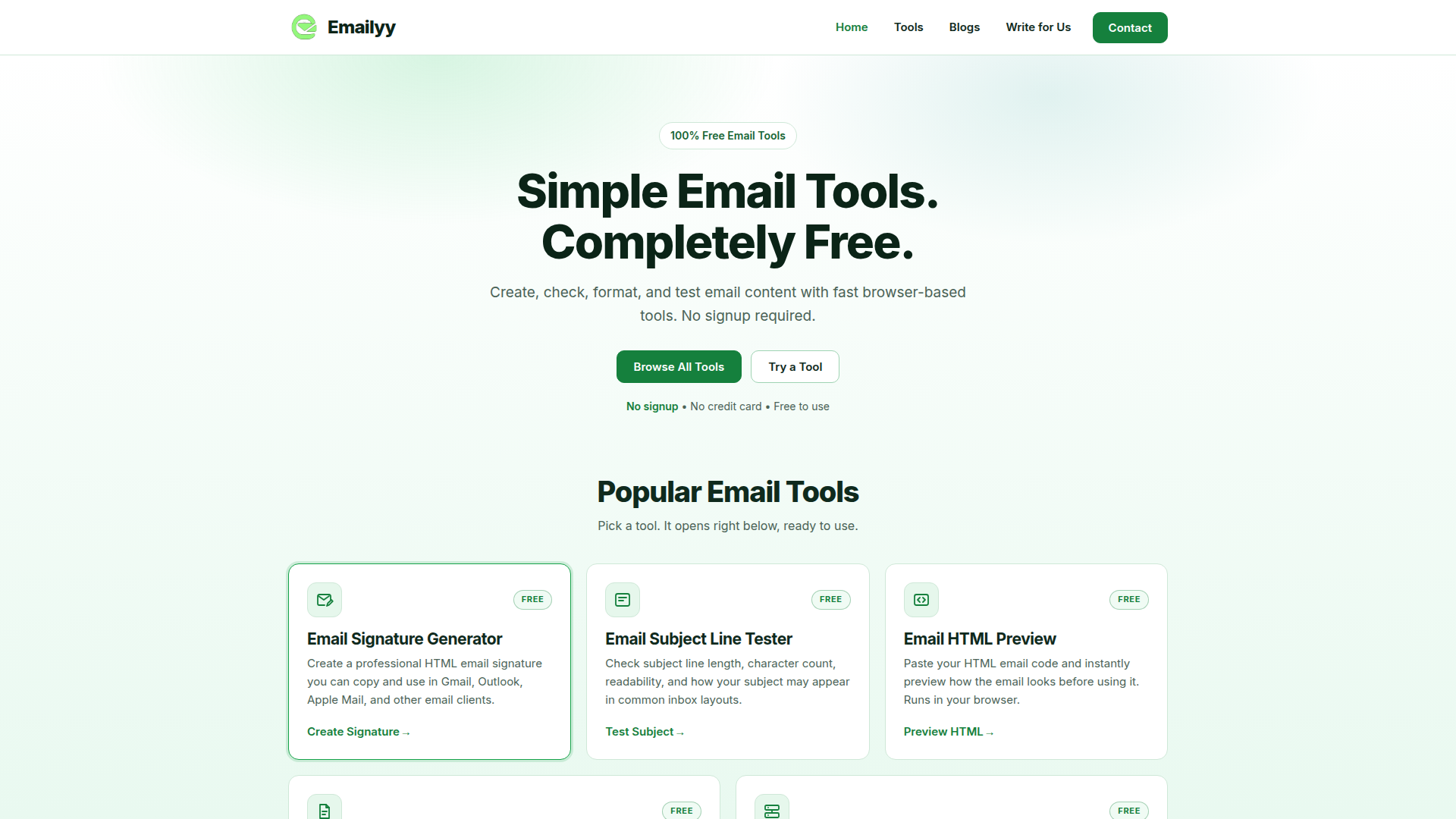
Emailyy is a free, browser-based suite of email utilities designed to help individuals, marketers, freelancers, and small businesses create, inspect, and optimize email content without installing software or creating an account. Positioned as a lightweight, no-friction toolkit rather than a full email marketing platform, Emailyy focuses on doing a handful of narrow, everyday email tasks extremely well. Its current core tools include an Email Signature Generator that produces copy-ready HTML signatures compatible with Gmail, Outlook, Apple Mail and other clients; an Email Subject Line Tester that measures character and word counts, checks capitalization, exclamation marks, emoji usage, word length, and reply/forward prefixes while showing approximate desktop and mobile inbox previews; an Email HTML Preview tool that renders pasted HTML email code in desktop, tablet, and mobile views with optional remote-image blocking; an Email Word Counter that reports words, characters, characters without spaces, sentences, paragraphs, and estimated reading time in real time; and an Email Header Analyzer that parses raw email headers to reveal delivery timestamps, mail servers, routing hops, and authentication results such as SPF, DKIM, and DMARC. Target audiences include email marketers testing subject lines, developers and designers previewing HTML templates, customer support and sales teams auditing deliverability headers, job seekers and professionals building signatures, and copywriters polishing email copy. The content style is deliberately plain, practical, and jargon-light, with short explanations, inline examples, sample data loaders, and a blog plus a 'Write for Us' contributor page supporting SEO-driven educational content. User experience emphasizes speed and privacy: tools open inline on the homepage, results update instantly as you type, nothing is uploaded to a server, scripts are blocked in the HTML preview, and the header analyzer never connects to an email account. The responsive interface works on phones, tablets, and desktops, and no login, credit card, or credit system is required. Technically, Emailyy is a static, client-side web application that runs entirely in the browser, which keeps load times fast, removes data-privacy concerns, and eliminates usage limits. Several additional tools — Email Link Generator, Email Domain Checker, Email Character Counter, Email Spam Word Checker, HTML Email Minifier, Email Address Formatter, Email Regex Tester, and Email Template Generator — are listed as coming soon, signaling an expanding free toolkit. For anyone who needs a quick email check without signing up for yet another SaaS product, Emailyy offers an honest, genuinely free alternative.
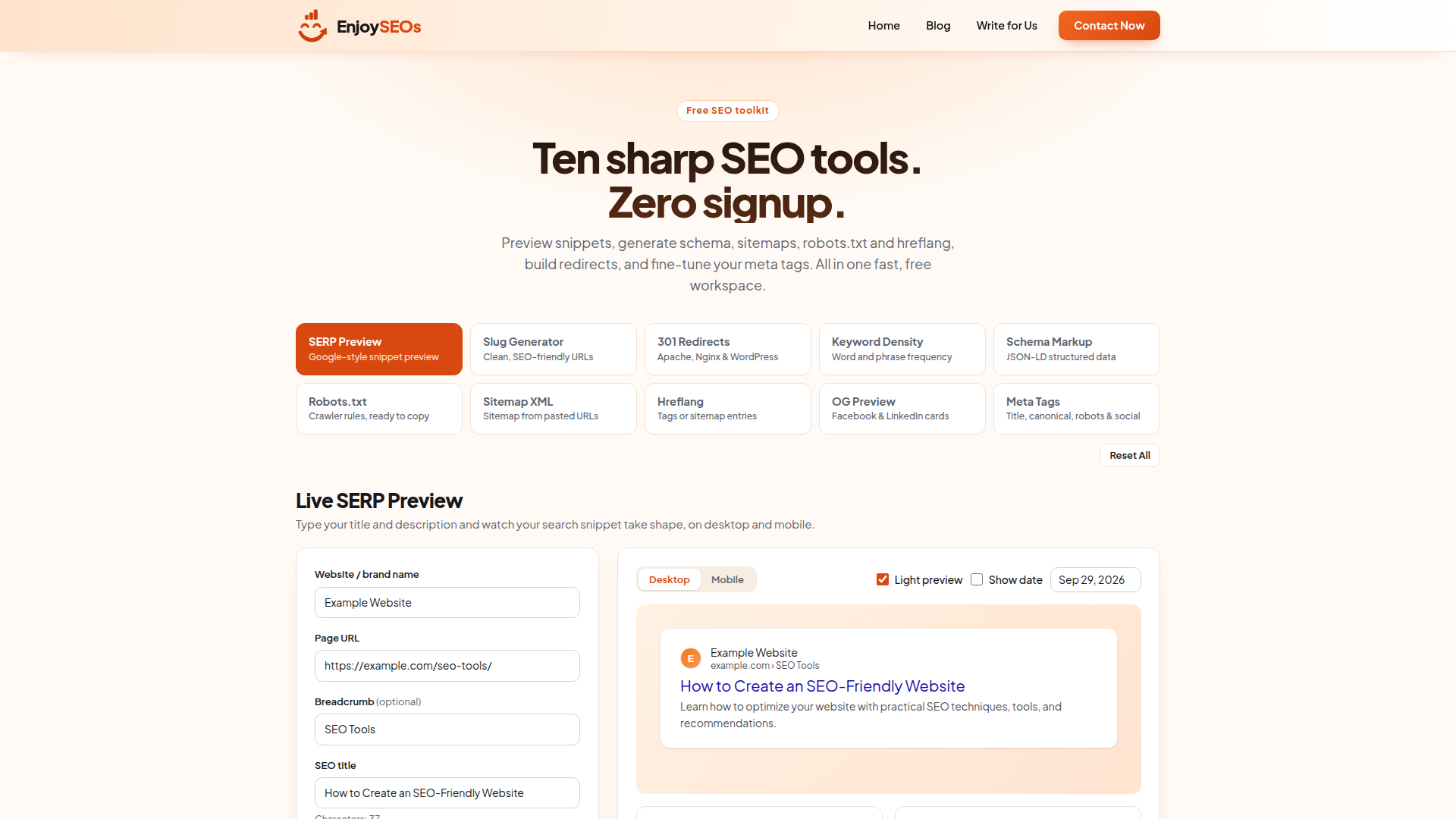
EnjoySEOs is a free, browser-based SEO toolkit and knowledge hub built for marketers, agencies, bloggers, developers, and small business owners who need fast, practical SEO utilities without accounts, paywalls, or downloads. Positioned as an all-in-one "free SEO workspace," the site bundles ten sharp tools into a single page: a Google-style SERP Preview with desktop and mobile views and pixel-width estimates, an SEO Slug Generator, a 301 Redirect Generator that outputs Apache, Nginx, and WordPress rules, a Keyword Density Checker, a Schema Markup (JSON-LD) Generator, a Robots.txt Generator, a Sitemap XML Generator, an Hreflang Generator, an Open Graph Preview for Facebook and LinkedIn, and a Meta Tag Generator covering title, canonical, robots, and social tags. Every tool produces copy-ready or downloadable output, and each panel includes contextual best-practice notes such as sitemap limits, hreflang reciprocity rules, and reminders that robots.txt controls crawling rather than indexing. Core features emphasize zero signup, instant results, and privacy-conscious client-side processing: logo and image uploads for previews are read locally in the browser and never sent to a server. Beyond utilities, EnjoySEOs publishes practical editorial content on SEO and technical SEO, digital marketing, email marketing, AI and SaaS, and startups and business, and it invites contributions through a Write for Us page. The user experience is intentionally lightweight and distraction-free — a single scrolling workspace with reset buttons, copy and download actions, and toggleable preview modes — while the technical approach relies on pure client-side JavaScript, meaning tools work instantly with no backend round-trips and no data storage. For anyone who needs a quick snippet check, a schema snippet, or a crawl directive before publishing, EnjoySEOs delivers a fast, free, and frictionless alternative to bloated SEO suites.
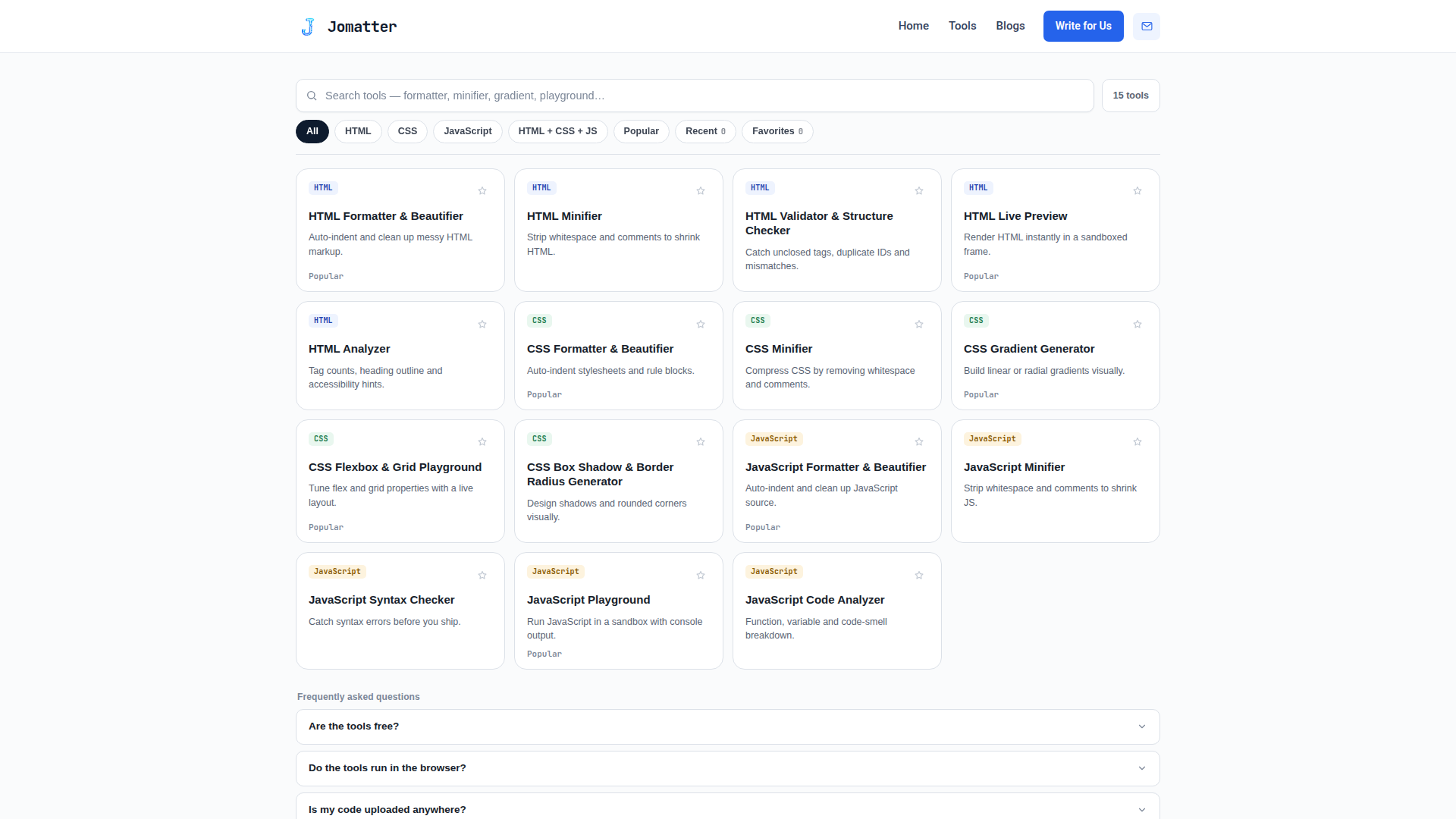
Jomatter is a free online tools platform designed specifically for HTML, CSS, and JavaScript developers who want to streamline their coding workflow without installing desktop software. Positioned as a productivity hub for front-end and full-stack developers, it offers a suite of browser-based utilities that help format, minify, validate, and optimize code. The target audience includes web developers, front-end engineers, students learning web technologies, designers who work with markup and styles, and SEO specialists who need clean, efficient code. Core features likely include HTML, CSS, and JavaScript formatters/beautifiers, minifiers, validators, and other conversion or linting tools, all accessible directly from the homepage. The content features a blog section for articles and tutorials, plus a 'Write for Us' page that invites community contributions. User experience emphasizes simplicity: no sign-up required, fast loading, and immediate results. Technical features may include client-side processing for privacy, responsive design for mobile and desktop, and a clean interface that lets users paste code and get formatted or validated output instantly. Jomatter also appears in multiple web tool directories and startup showcases, signaling an active effort to reach developers. Overall, it serves as a lightweight, no-cost companion for everyday coding tasks.
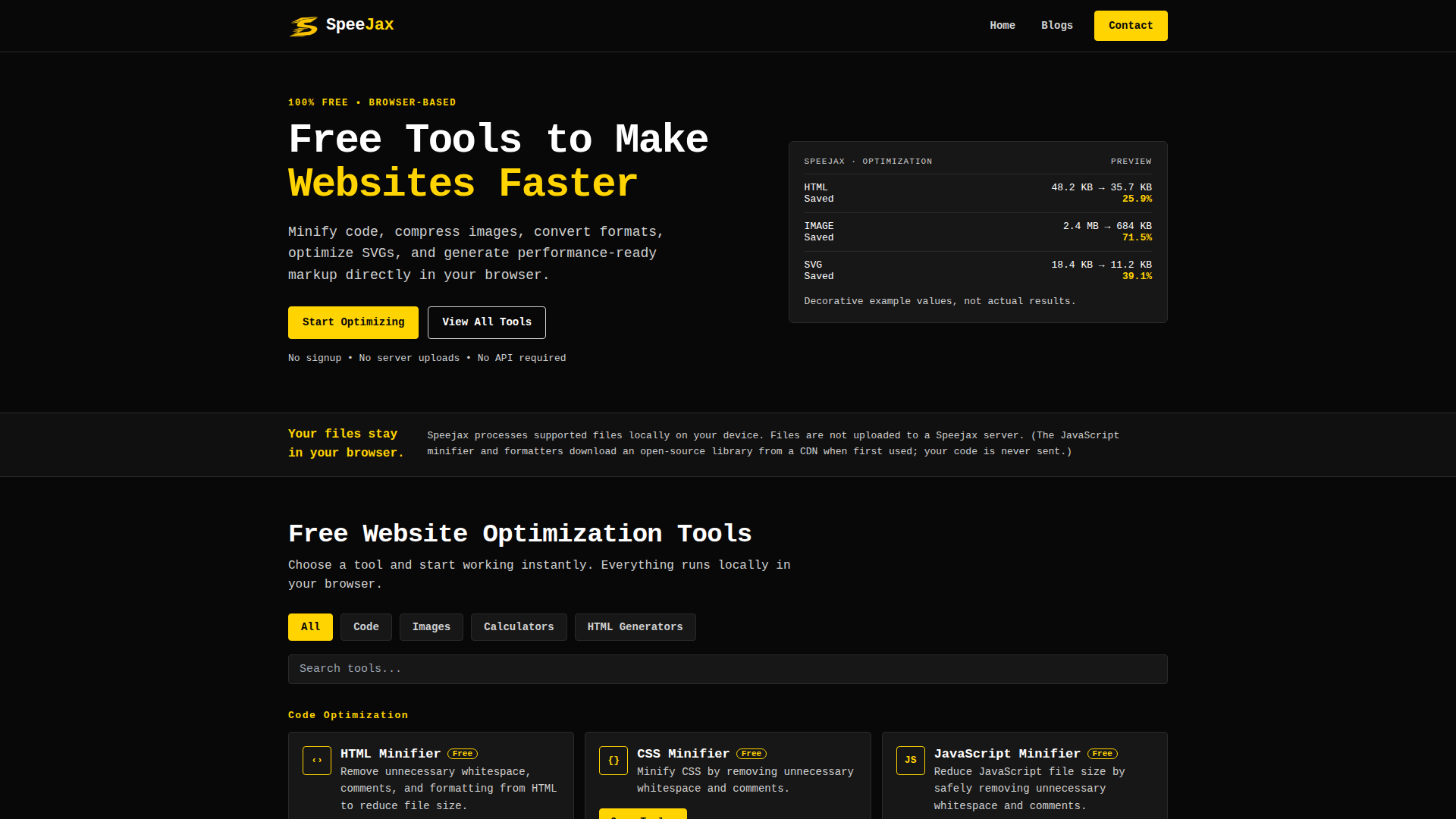
SpeeJax is a free, browser-based website speed optimization toolkit designed to help developers, designers, bloggers, SEO specialists, and small business owners make websites faster without installing software or creating an account. Its core promise is simplicity and privacy: all supported files are processed locally in the user's browser, and files are not uploaded to SpeeJax servers. The platform offers a focused set of utilities, including an HTML minifier, CSS minifier, JavaScript minifier, image compression tool, WebP converter, and SVG optimizer, allowing users to reduce file sizes, improve loading times, and generate performance-ready markup. The interface is clean and task-oriented, with instant access to tools and a preview area that illustrates potential savings. Additional content such as blogs, website speed guides, FAQs, and a write-for-us page supports learning and community contributions. SpeeJax requires no signup, no server uploads, and no API, making it a convenient choice for quick optimization tasks and privacy-conscious users. The JavaScript minifier and formatters may download an open-source library from a CDN on first use, but user code is never sent. Overall, SpeeJax positions itself as a lightweight, zero-cost, client-side solution for common web performance optimization needs.

Acres is an infinite-canvas Markdown note-taking application designed for thinkers, researchers, writers, developers, and AI-agent users who want spatial organization without vendor lock-in. Positioned as a local-first, agent-native workspace, Acres stores every card as plain Markdown and every board as readable JSON inside a folder the user owns. The app combines an endless whiteboard with connectors, mindmaps, color-coded sections, freehand ink, images, PDFs, and playable embeds. Its task system automatically gathers every checkbox into a kanban view, with board swimlanes and @due(date) support. A built-in AI dock and MCP integration let Claude Code, Cursor, Codex, or local models search the graph, create cards, wire connections, frame sections, and propose edits that land as reviewable diffs. Users stay in control through an activity ledger, a “while you were away” digest, word-level diffs, and reversible changes. Import from Obsidian or Heptabase preserves folders, positions, wikilinks, highlights, and journal entries. Acres targets people who value data ownership, plain text, keyboard-driven workflows, and collaboration with AI agents. It offers a 14-day free trial with no account, followed by a one-time $59 early-adopter purchase that includes future updates. Available for macOS and Windows, with optional Acres Cloud.

PersonRemover is an AI-powered online photo editing tool positioned as a fast, browser-based person eraser for everyday users who want to remove unwanted people from pictures without professional editing skills. It targets travelers, social media users, content creators, photographers, marketers, and anyone dealing with photobombers, crowds, tourists, or extra people in group shots. Core features include automatic AI person detection, manual brush selection, background reconstruction via modern inpainting models, undo and clear controls, brush size adjustment, and support for JPG, PNG, and WebP images up to about 10 MB. Content on the site focuses on practical use cases such as background people removal, photobomber removal, crowd and tourist removal, group photo editing, person cutout, and sticker removal, with blog articles comparing AI removal to Photoshop and offering step-by-step guides. The user experience is streamlined: upload, select or brush over people, and download the result in seconds. The free workflow returns an HD output with a PersonRemover watermark, while a $1.99 one-time unlock removes the watermark. Technical features include provider-limited HD output up to 3840px on the long edge and about 8.3 megapixels, probabilistic AI inpainting, NSFW content blocking, and a Chrome extension. Overall, PersonRemover combines brush-level control with automated detection to make complex photo clean-up accessible, quick, and affordable.
nocnyczat.pl is a Polish AI-driven erotic chat platform that offers immersive roleplay experiences with a diverse cast of AI-generated characters. Positioned as an adult entertainment service, it targets Polish-speaking users seeking discreet, personalized erotic conversations. The core feature is its extensive roster of AI personas, each with unique backstories and scenarios, who initiate conversations to create a natural and engaging experience. Content includes erotic stories, 18+ games, sexual positions guides, BDSM tests, and a glossary, enriching the user experience beyond chat. The platform emphasizes privacy and discretion, with no public sharing of conversations. Technically, it uses advanced AI to simulate human-like interactions, supports multimedia like photos and voice messages, and offers a freemium model: free users get limited daily responses, while premium users pay via BLIK for unlimited access without subscription. The user experience is designed for ease of use, with intuitive navigation and a focus on immediate engagement.
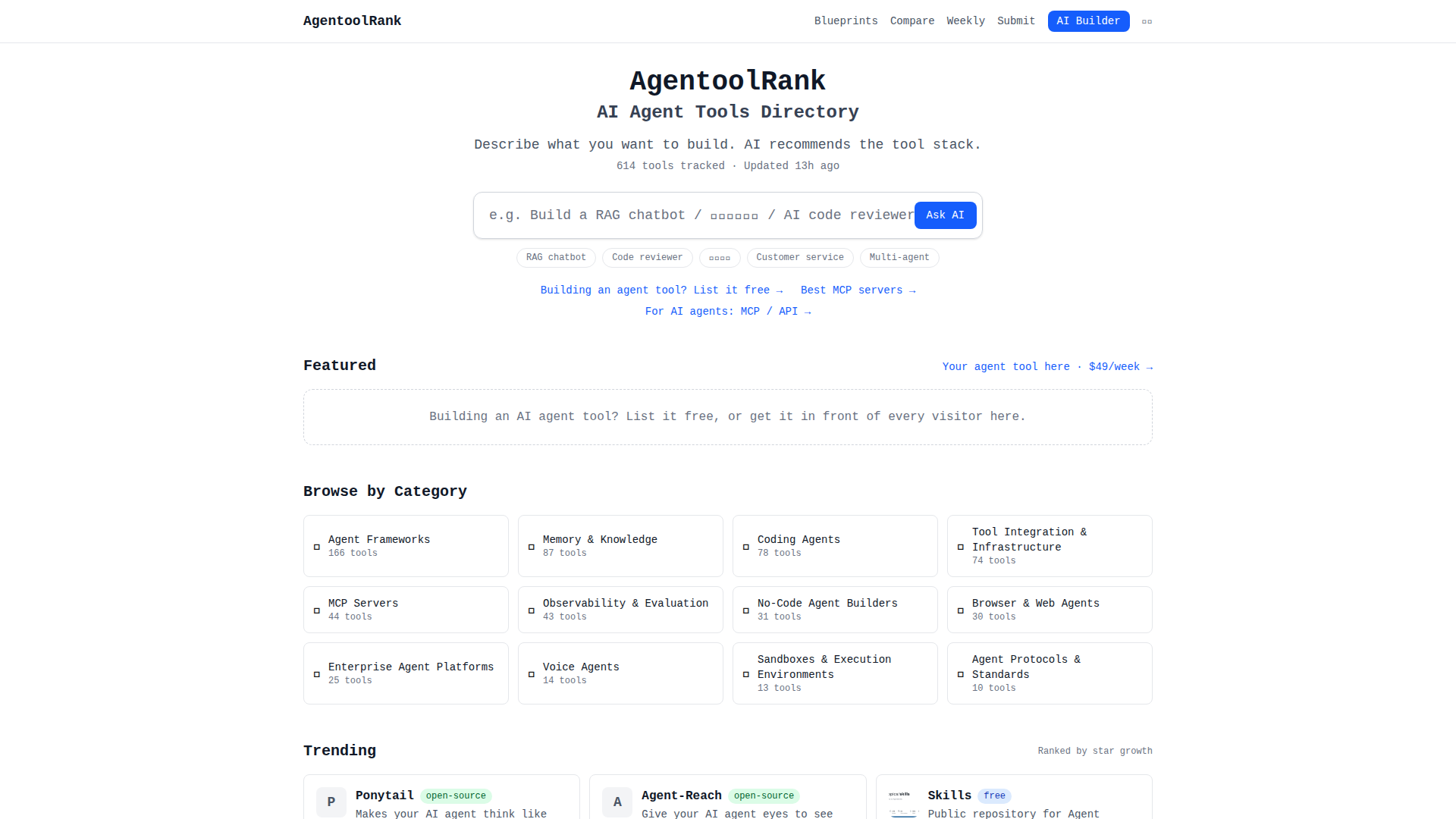
AgentoolRank is a data-driven directory and ranking platform for open-source AI agent tools, MCP servers, and frameworks. It aggregates and ranks over 600 tools based on live metrics from GitHub (stars, star growth, commits, releases) and package registries (npm and PyPI downloads). The platform targets AI developers, researchers, and product teams seeking to discover, compare, and select the best tools for building AI agents. Key features include an AI-powered search that recommends tool stacks based on natural language descriptions, categorized browsing (e.g., Agent Frameworks, Memory & Knowledge, Coding Agents), trending and most downloaded lists, and a weekly digest. The directory is automatically updated daily, ensuring accuracy and freshness. Users can submit their own tools for free, with optional paid featured listings for increased visibility. AgentoolRank also offers valuable resources like a Submit Kit for launching products and a free table of where to list AI tools. The site is user-friendly, supports multiple languages (English, Chinese, Japanese), and emphasizes objective, data-driven rankings without pay-to-win. Its technical infrastructure leverages GitHub and package registry APIs for real-time data collection, and it provides an open-source dataset of all tools in JSON/CSV format.
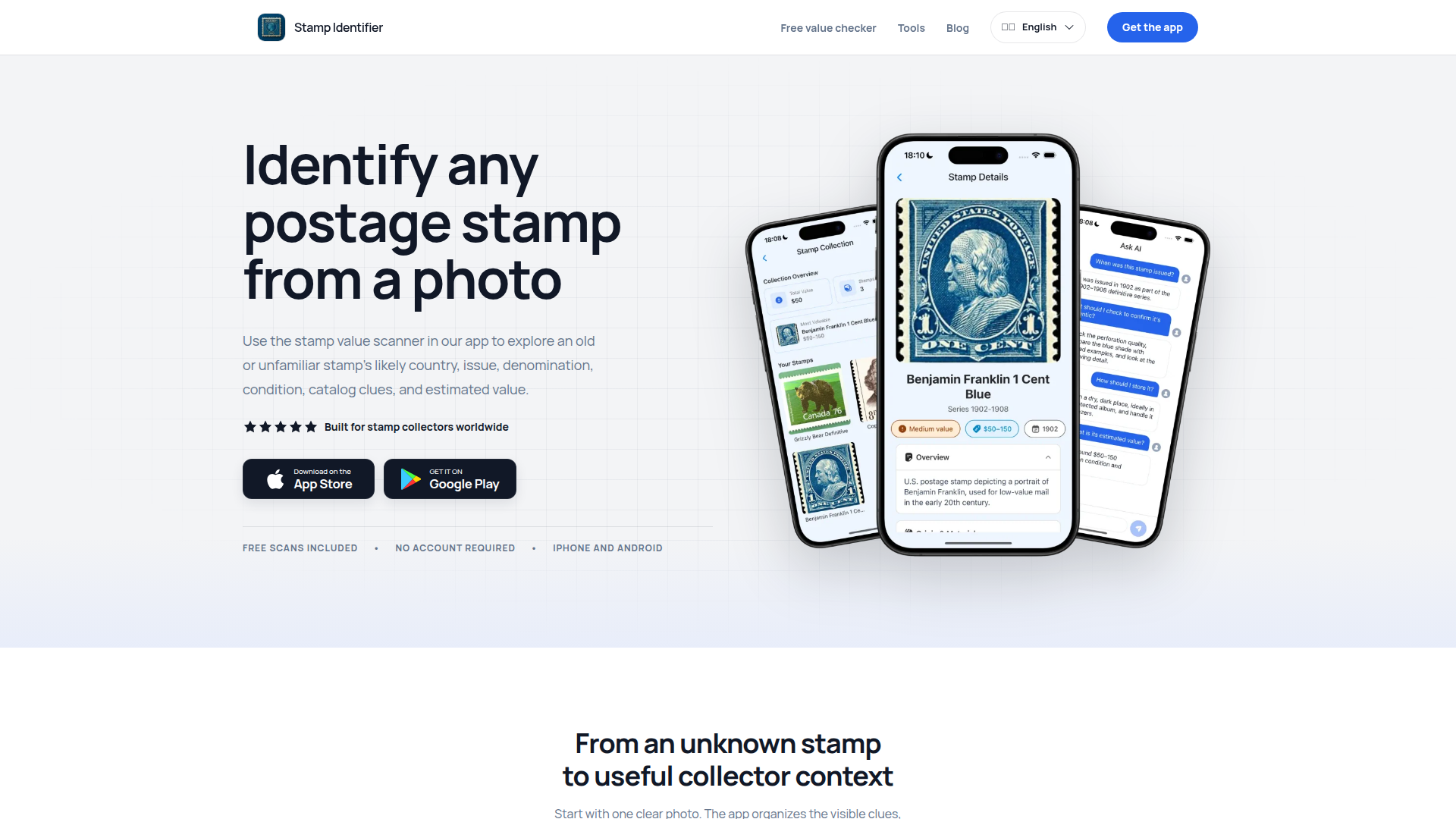
Stamp Identifier is an AI-powered mobile app and web resource designed to help stamp collectors, hobbyists, and curious owners identify postage stamps from a single photo. Its core positioning is assistive identification and collector context, not authentication or appraisal. Target audience includes beginner and experienced philatelists, people sorting inherited collections, and anyone wondering about old or foreign stamps. Core features include photo-based scanning, likely country and issuing authority, issue date, denomination, condition, rarity context, catalog clues, estimated value range, and saved scan records. Content features include practical guides on stamp values, watermark identification, perforation measurement, and collection care. User experience is streamlined from photo to organized result, with no account required for free scans. Technical features include iOS and Android apps, AI image recognition, and cloud-based collection organization.

The Face They See is a free, browser-based photo ranking and dating profile optimization tool that helps users discover their most attractive dating profile picture. Instead of relying on AI or one-photo beauty scores, it asks five real people of the opposite gender to rank three uploaded photos from most attractive to least attractive. The website is positioned as a simple, trustworthy, and privacy-conscious alternative to AI face rating apps and traditional hot-or-not sites. Its target audience includes online daters, especially Tinder, Bumble, Hinge, and other dating app users, who want objective feedback on which photos to use. Core features include uploading three photos, receiving rankings from five real people, optional filters for raters age and ethnicity, a shareable results card, and the ability to rank others photos to move up in line. The content features clear guides on topics like rate my photos, rank my photos, dating app photo rating, best profile picture, photo attractiveness rating, rate my face, am I attractive, rate my dating profile, and which photo is best for Tinder. User experience is intentionally lightweight: no app download, a signup and upload flow that takes about 30 seconds, and email notifications when results are ready. Technical features include automatic face detection, bot checks, privacy controls to pause or remove photos, and a location-free ranking system. The site is free forever, with optional pay-per-use credits for skipping the line, making it a freemium service focused on accessible, real-human feedback.
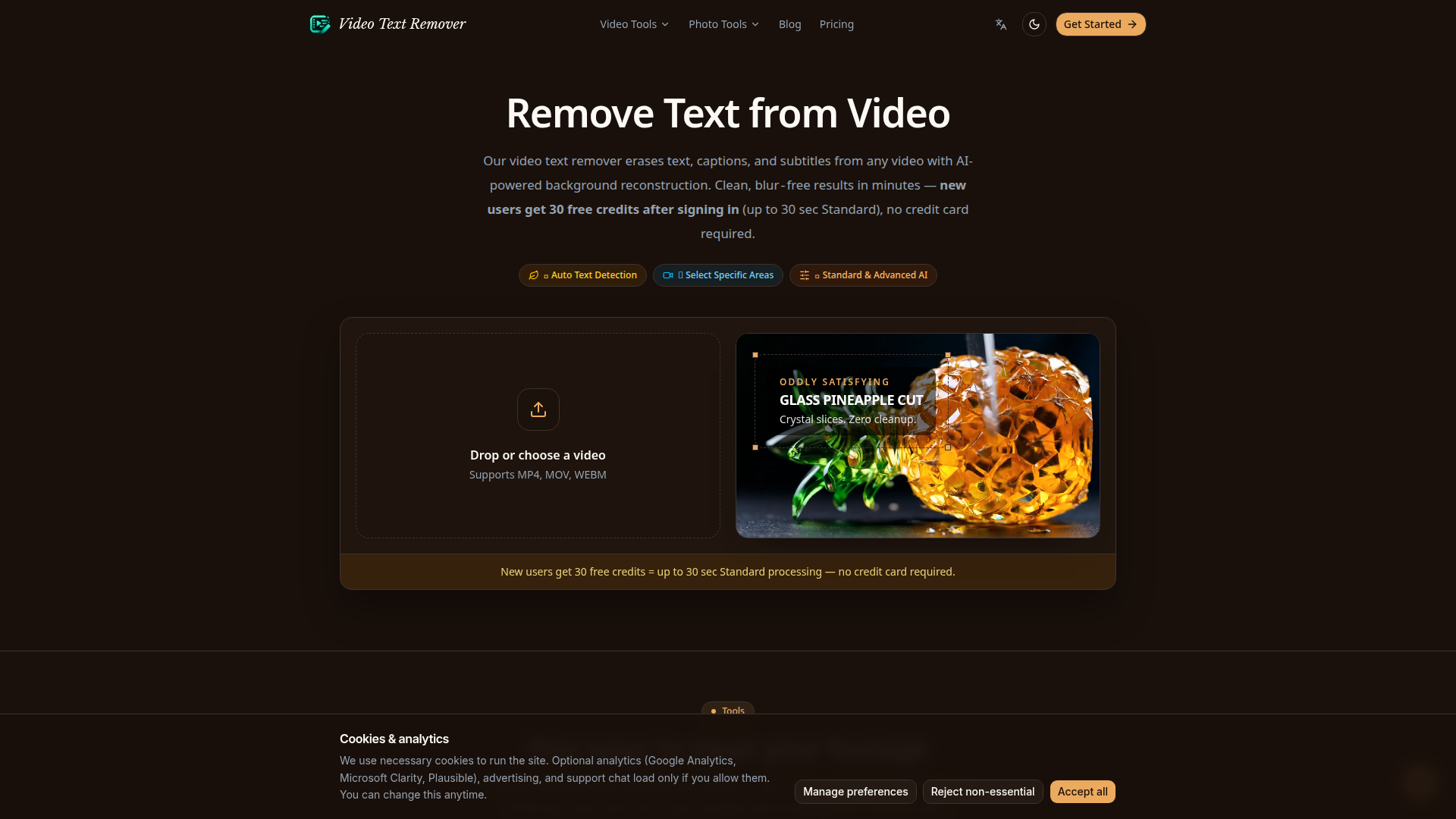
Video Text Remover is an AI-powered online tool designed to remove text, captions, subtitles, and watermarks from videos with advanced background reconstruction. Positioned as a specialized solution for content creators, video editors, and social media managers, it targets users who need to clean up footage for repurposing or posting on platforms like Instagram, YouTube, and TikTok. Core features include automatic text detection, manual area selection, and both Standard and Advanced AI processing modes. The tool supports popular formats such as MP4, MOV, and WebM, and processes files up to 500MB directly in the browser without installation. Its unique selling point is blur-free removal: the AI reconstructs the background behind text or watermarks frame by frame, preserving original quality and resolution. New users receive 30 free credits after signing in, enabling up to 30 seconds of Standard processing or 15 seconds of Advanced processing without a credit card. The platform also offers dedicated tools for removing logos, subtitles, TikTok text, and watermarks. Content includes a blog with guides and updates, and the user experience is streamlined with drag-and-drop uploads and quick downloads. Technically, it leverages browser-based processing and AI models to deliver professional-grade results, making it a convenient and efficient choice for video cleanup tasks.
TODO for AI is an AI-powered productivity platform that deploys intelligent agents to automatically clear your company's todo list. Positioned as an autonomous task management solution for modern teams, it helps startups, small businesses, and enterprises reduce manual coordination and focus on high-value work. The target audience includes founders, operations managers, project leads, developers, and productivity-focused teams looking to streamline workflows. Core features include AI agents that understand and execute tasks, a live dashboard and board for task visibility, integrations with popular tools, an API for custom automation, and a live build/course for learning. Content features include featured listings on startup directories, press resources, legal and security documentation, a status page, and community support via Discord, GitHub, and Twitch. User experience is simple: get the app, sign in, connect tools, and let agents clear todos. Technical features include AI agent orchestration, API access, integrations, security/SLA/GDPR compliance, and credit-based usage terms. Overall, TODO for AI aims to turn todo lists into completed work automatically, boosting team productivity and workflow efficiency.
FEATURED
Callirra is a unified AI media generation workspace that brings the industry's leading image and video models under a single account, a single credit balance and a single interface. Positioned as a cost-efficient alternative to stacking multiple model subscriptions, it aggregates MiniMax H3, Seedance 2.x/2.5, Kling 2.6/3.0, Veo 3.1, Gemini Omni, GPT Image 2.5 (Flare and Sunburst), Nano Banana 2 and Pro, Seedream 5 Pro and Lite, and roughly 40 catalog entries, letting users switch generation engines in one click without re-uploading assets or managing separate bills. The target audience spans first-time creators testing AI generation with free weekly credits, active solo creators and marketers who need a steady output budget, and studios or teams requiring high-volume, high-priority rendering with commercial usage rights. Core features include text-to-image and text-to-video generation, first/last-frame conditioning, up to 9-16 reference images, 480P to 4K output, transparent backgrounds, watermark-free paid exports, a shared asset library, reusable prompt packs, 200+ ready-made prompt templates, an Image Prompts Studio, Context-IR shot expansion, a separate wide-limit Seedance route with broader moderation and a 20,000-character prompt ceiling, and 18 free credits in the first week followed by 15 every week. Content features include worked showcase scenes with published prompts and settings, a prompt atlas hosted on GitHub, pre-generation credit cost transparency, and a dedicated landing page per model. User experience emphasizes one workspace, one bill, no hidden fees, instant cancellation in Billing, a 7-day refund on unused credits, and every result saved to a personal library. Technical features include identical accounts, balances and prices across the web generator, HTTP API, CLI and MCP server, auto-translation and tagging, priority queues supporting 2-12 concurrent generations, secure checkout through Visa, Mastercard, Apple Pay and Google Pay, and automatic credit refunds for failed generations.

Public Prompts is an independent AI tools directory that curates verified AI tools by use case, pricing, and category. It aims to help users find useful AI tools faster without the usual directory noise. The site features a clean, searchable interface with filters for categories such as Writing Assistant, Image Generation, Code Assistant, Automation, Data Analysis, Video Generation, and more. Each tool listing includes a brief description, pricing model (e.g., Freemium, Free trial, Paid, Free), categories, and direct links to the tool's official site. Beyond the directory, Public Prompts offers a library of free AI prompts and models, including Stable Diffusion prompts, LoRA, DreamBooth, and other resources. The target audience includes professionals, creators, developers, marketers, and anyone seeking AI solutions for specific tasks. Core features include curated tool listings, category browsing, search functionality, pricing transparency, and a submission option for tool makers. The site emphasizes quality over quantity, independence, and time-saving discovery. User experience is straightforward and ad-light, with a focus on signal rather than ranking noise. Technical features include a modern responsive web app, search and filter capabilities, and a clear editorial policy. Public Prompts is free to browse, though paid submission or featured placement may be inferred from the presence of a refund policy.
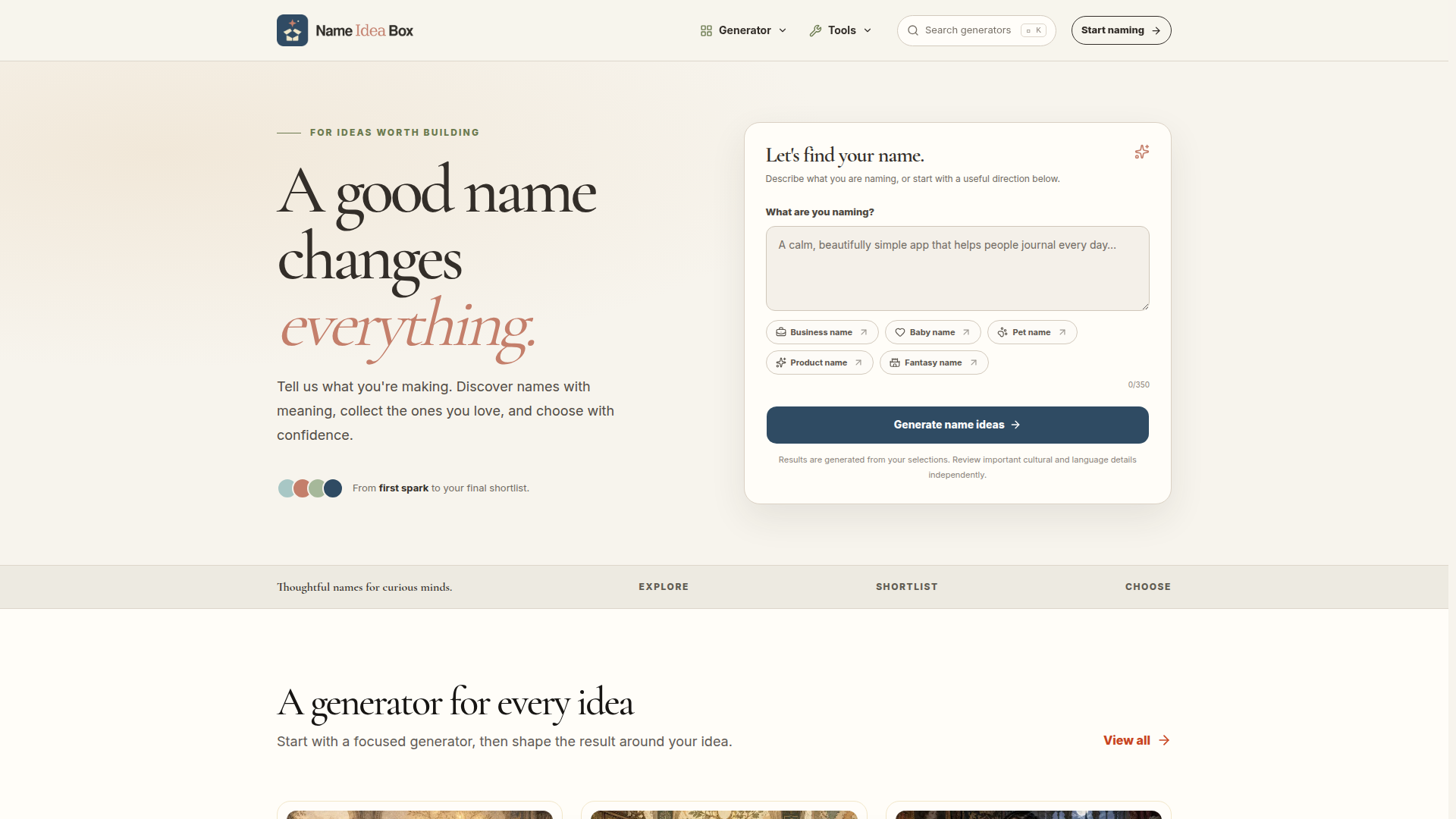
Name Idea Box is an AI-powered naming platform and brainstorming toolkit designed for anyone who needs a memorable, meaningful name. It positions itself as a generator for every naming need, combining category-specific AI tools with a shortlist workflow that helps users move from a rough idea to a confident final choice. The site serves entrepreneurs, startups, product managers, parents, pet owners, writers, game masters, role-players, content creators, and worldbuilders. Core features include dedicated generators for business, baby, pet, product, fantasy, city, planet, country, kingdom, and character names, plus language and culture-inspired generators such as Japanese, Korean, Russian, and German names. Users can describe what they are naming, choose a direction, generate ideas, save favorites, and compare two or three names side by side. The content also includes practical naming guides, such as a guide to unique baby names, and tools like 1000 Random Names. The user experience is clean and focused, with a prominent prompt form, category chips, search, and simple navigation. Technically, it uses AI to generate context-aware suggestions based on user inputs and selections. The site is free to use, requires no account for basic naming, and reminds users to verify cultural context, availability, and legal risk before committing. Overall, Name Idea Box is a lightweight, accessible resource for creative and practical naming projects.
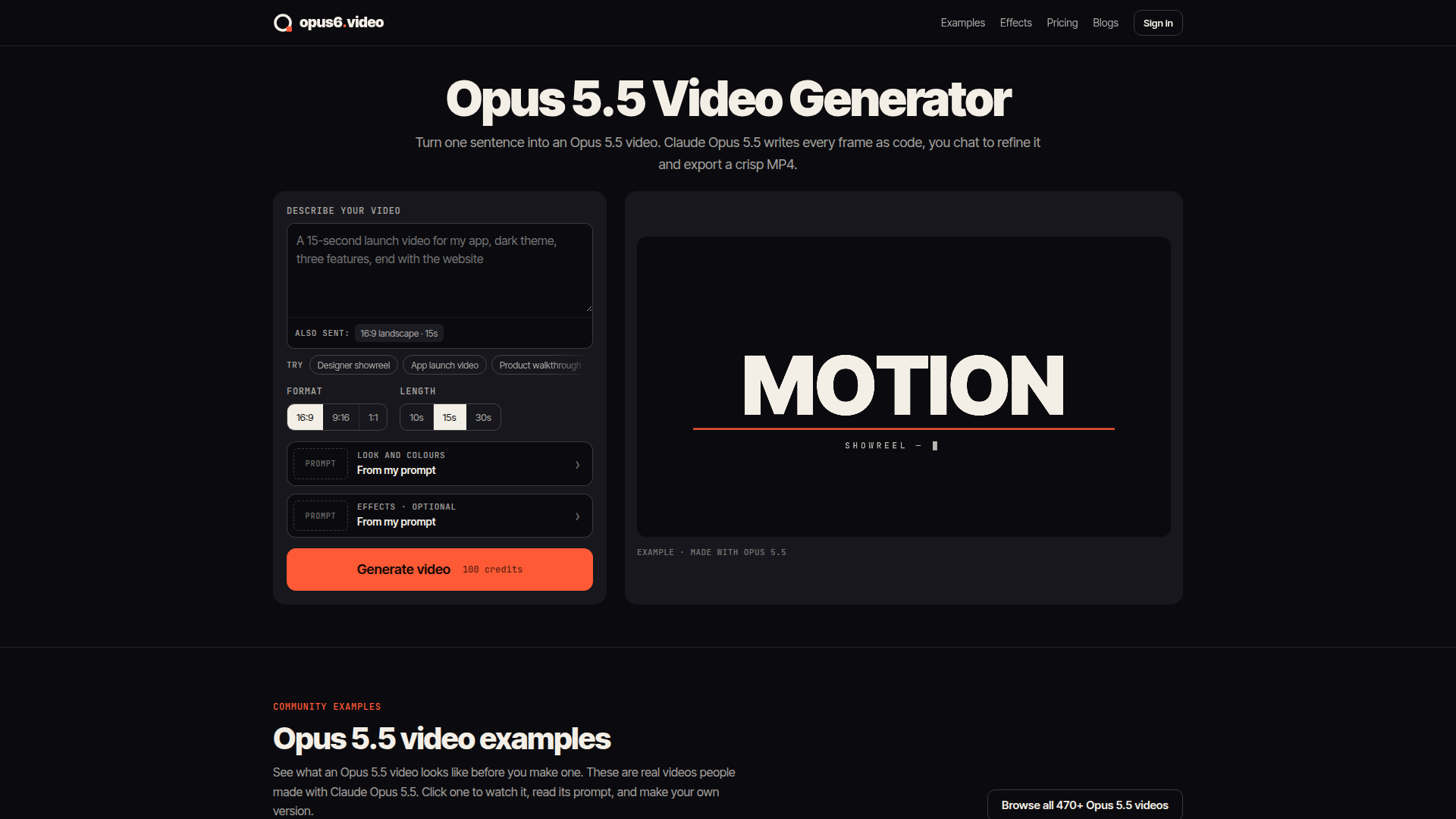
Opus6.video is an innovative AI-powered video generator that leverages Claude Opus 5.5 to create code-written animations. Unlike traditional video generation tools that rely on pixel diffusion, Opus6.video uses Claude's advanced language model to write each frame as code—enabling precise control over typography, timing, and design. The platform is positioned as a browser-based solution for creating professional motion graphics, explainer videos, product launches, and social media ads without needing a Claude subscription or coding expertise. Targeted at marketers, designers, content creators, and businesses, Opus6.video offers a seamless workflow: describe your video, watch a storyboard appear, refine it via chat, and export a crisp 1080p MP4. Core features include a rich effect library, customizable formats (16:9, 9:16, 1:1), and lengths up to 30 seconds. The content features real community examples, detailed tutorials, and a blog to inspire users. User experience is streamlined with intuitive controls and instant editing—change text, colors, or timing without regenerating the entire video. Technically, the platform runs Claude Opus 5.5 in the cloud, handling all rendering and encoding, with a credit-based pricing model that includes monthly and yearly subscriptions. Whether you're creating a showreel, app walkthrough, or data story, Opus6.video delivers code-crafted precision and brand consistency.
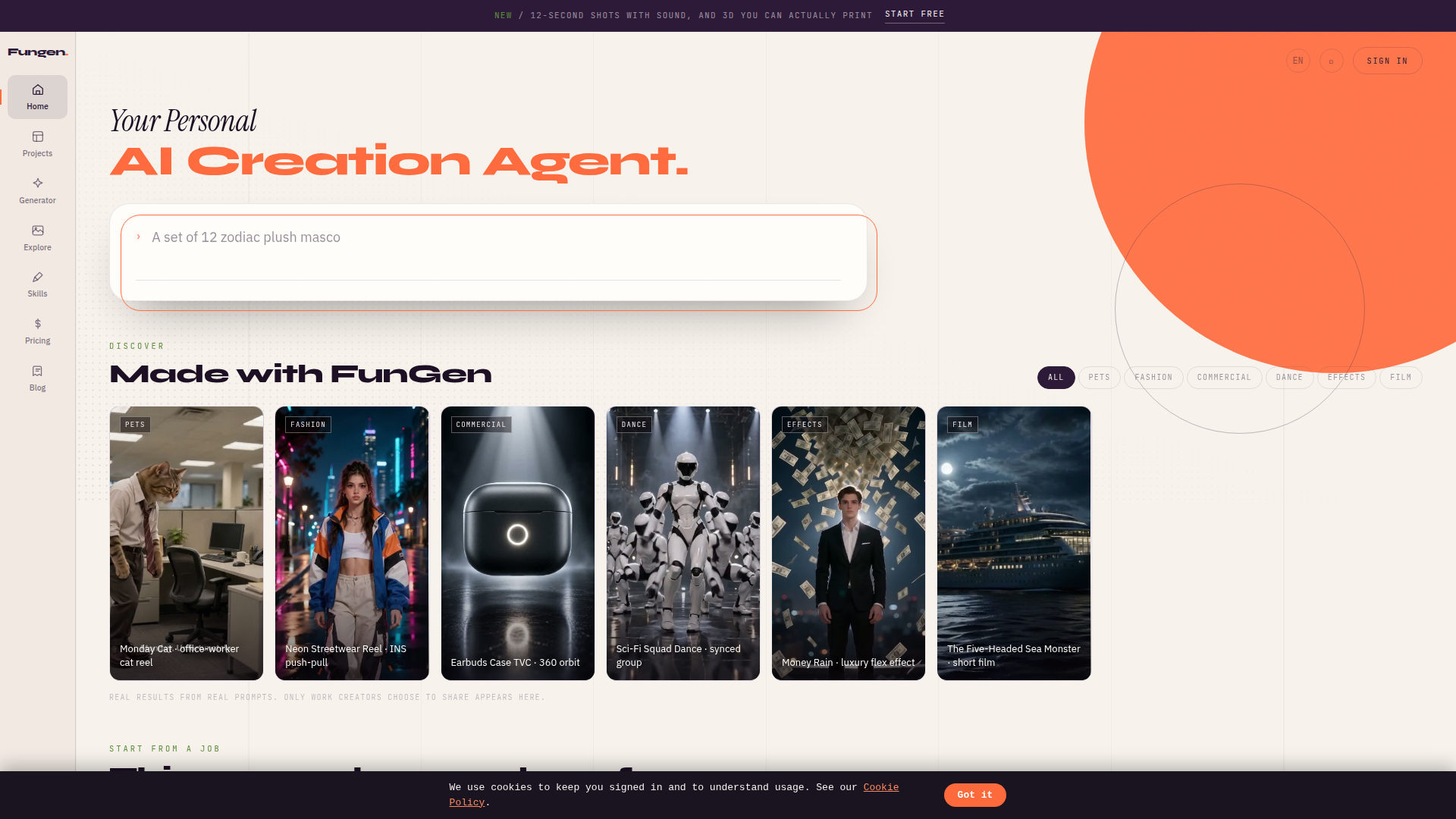
FunGen is a browser-based personal AI creation agent designed to turn simple text prompts and reference media into finished creative assets. Positioned as an all-in-one generative studio, it combines image generation, video generation, voice design, 3D model creation, and media understanding in a single workspace. Instead of forcing users to juggle separate tools for visuals, motion, audio, and 3D, FunGen lets creators describe an idea once, add references, choose an agent mode, and generate results across formats. The platform is aimed at content creators, social media marketers, indie makers, small studios, e-commerce sellers, podcasters, and teams that need fast concepting or production-ready assets without a steep learning curve. Core features include prompt-based image generation up to 4K, short video shots of 4, 8, or 12 seconds with sound, voice design for narration and podcasts, image-to-3D conversion with OBJ export, texture, and preview renders, character consistency, sticker set creation, and AI media analysis. Content features include a public Made with FunGen gallery with real prompt examples, job-based entry points such as sticker sets, character consistency, short video, 3D models, voice and podcast, and media understanding, plus a blog and English/Chinese language options. The user experience is simple: start free without a card, sign in, manage projects, track credits, view usage, and access billing. Technically, FunGen uses an agent-style interface with mode tabs, reference uploads, credit consumption, project storage, and account/billing infrastructure. Its first render is free, making it easy to test the platform before purchasing credits or a plan.
Over 80+ AI Tool Categories
Explore the best AI tools in 80+ categories
Follow our Official Social Media Channels
Follow/subscribe on Youtube, Instagram, X, TikTok & Youtube to learn more about AI every day! 🎯