
Discover the Best AI Tools to boost your productivity, business and creativity
 4288+ AI tools in 88 categories
Featured AI Tools
Featured AI tools submitted by AI founders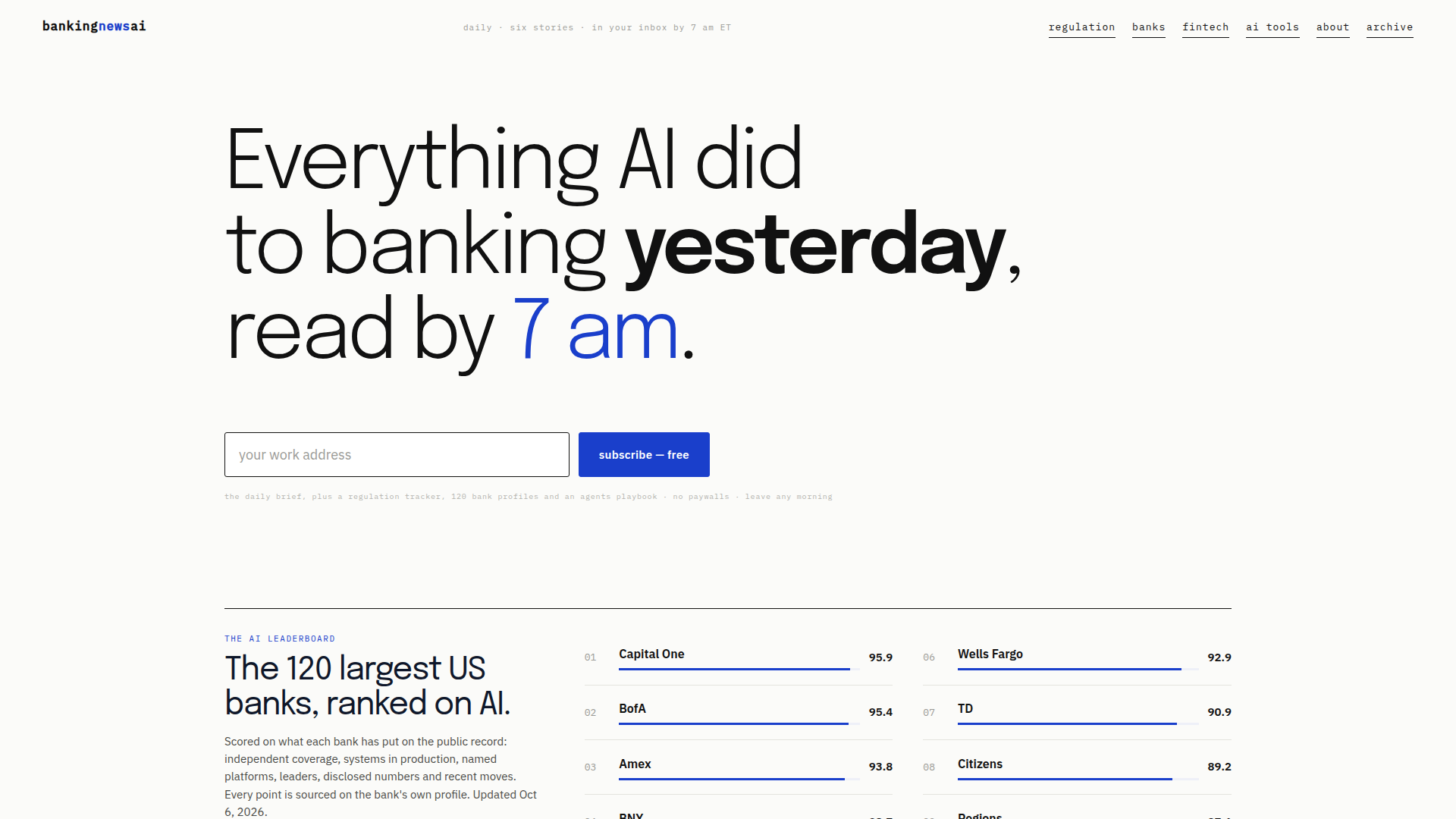
FEATURED
Banking News AI is a daily intelligence platform for professionals who need to understand how artificial intelligence is reshaping banking. Positioned as a free, no-paywall briefing service, it delivers six carefully curated stories to subscribers' inboxes by 7 am ET, covering institutions, regulators, deals, models, vendors and infrastructure. Its target audience includes bank executives, board members, compliance officers, risk managers, fintech strategists, AI governance leads and consultants who need concise, decision-ready updates without wading through endless news feeds. Core features include the daily brief, a regulation tracker covering 41 regulators and 237 documents, a compliance checklist, regulator warnings, deadlines, and an operating system/playbook for AI agents in banking. The platform also maintains AI strategy profiles for the 120 largest US banks and 20 fintechs/neobanks, plus an AI Leaderboard ranking banks on public AI evidence such as production systems, named platforms, disclosed numbers, leaders and recent moves. Content is organized around banking AI, general AI, regulation, banks, fintech, AI tools, governance, model risk management, fraud detection, chatbots, treasury and agentic banking. User experience is newsletter-first, with a clean archive, straightforward navigation, and links to specialized trackers and bank profiles; subscription is free, and users can leave at any time. Technical features include daily curation, sourced scoring, structured bank profiles, updated regulatory documents, and AI-curated delivery. The site is designed for quick scanning, with briefs, rankings, checklists and maps that help executives and compliance teams act on AI developments.

FEATURED
Buyer24 is an AI-powered procurement automation network that connects buyers and suppliers through intelligent agents handling the entire request-for-quote (RFQ) lifecycle. Positioned as "THE PROCUREMENT NETWORK," the platform's core promise is straightforward: better prices with less work. Buyers simply forward an incoming customer RFQ to Buyer24, and the system extracts every line item from emails, PDFs, Excel files, and even photos, auto-translates the request into each supplier's native language, distributes it across a vetted supplier network, and chases replies automatically via email or WhatsApp. Supplier quotes return normalized into a single side-by-side comparison table showing landed costs, lead times, and terms, with AI-flagged best picks that can be awarded in one click. Buyers can then convert the winning offer into a customer-ready quote on their own letterhead, complete with configured margins, and track every order from one dashboard. The target audience spans procurement and sourcing teams, distributors, electronics and MRO resellers, construction firms, entertainment production buyers, and public sector organizations such as K-12 school districts, universities, fire and EMS departments, police departments, and municipal governments. Suppliers benefit from one-of-a-kind visibility into live purchasing decisions the moment RFQs are created, the ability to respond directly from email with no rekeying, and guaranteed format-compliant quotes that are never disqualified for a missed attachment. Core features include automated RFQ forwarding with buyer-identity redaction for supplier confidentiality, line-item structuring, bidirectional multilingual translation, automated follow-ups, landed-cost comparison, one-click awarding, customer quote generation, supplier management, public bid conversion, and free quote comparison for existing quotes. Technically, Buyer24 is an agentic AI SaaS platform that integrates with existing email and spreadsheets without requiring ERP replacement, is available as a verified listing on Google Cloud Marketplace, and emphasizes a no-credit-card, free-to-start onboarding with setup in minutes. The network effect is central to the value proposition: every buyer adds live demand and every supplier improves coverage, making the platform more valuable with each new member.
FEATURED
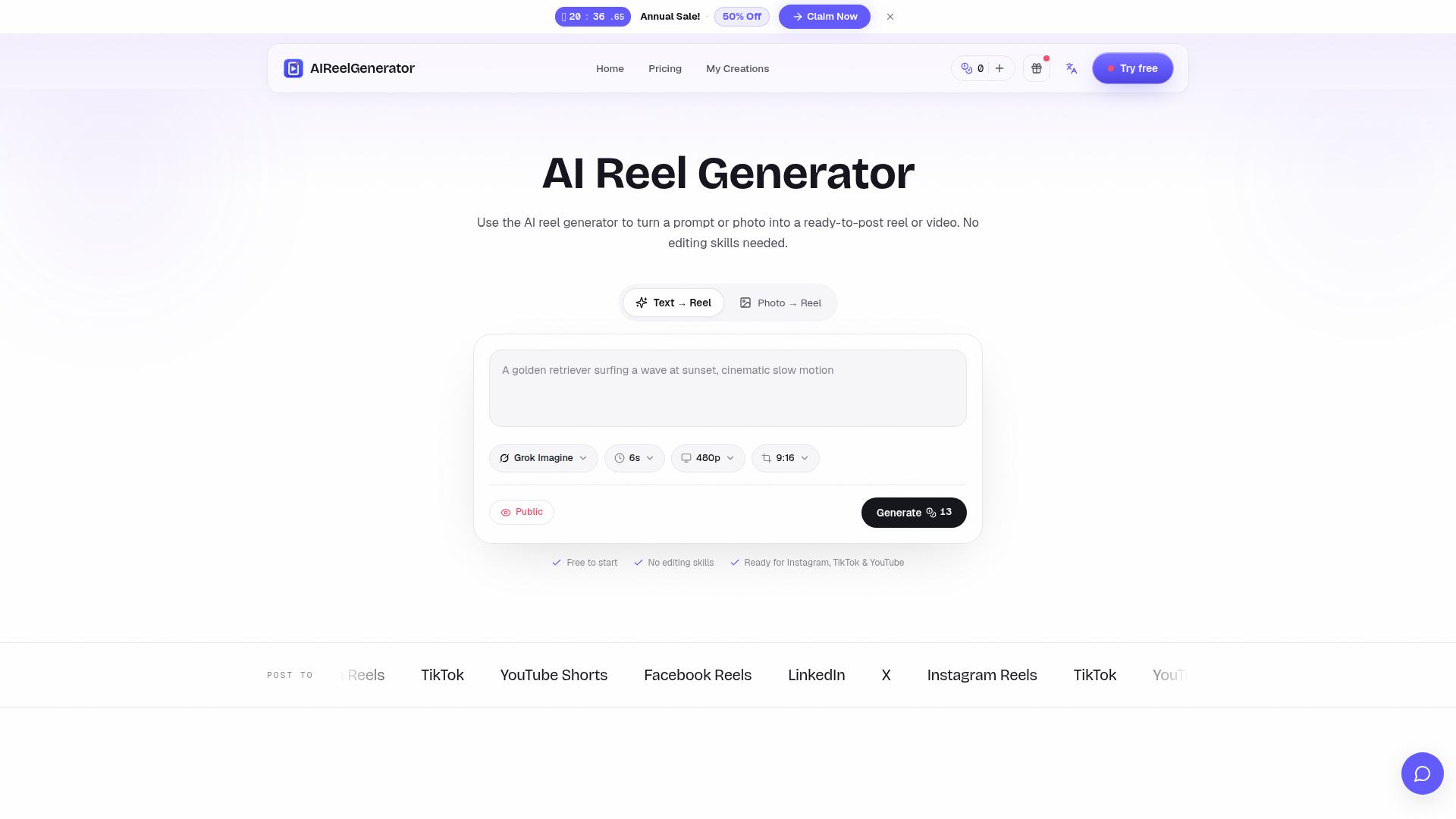
AIReelGenerator is an AI-powered web platform that transforms simple text prompts or single photos into polished, ready-to-post vertical reels and short videos for major social platforms. Website Positioning: It functions as a prompt-to-reel and photo-to-reel generator, positioning itself as a fast, no-skill alternative to traditional video editing, stock footage, and freelance production. Instead of learning a timeline-based editor, users describe the reel they want and let the AI handle scene writing, motion, pacing, and rendering in a single pass. Target Audience: The tool serves solo content creators who need to maintain a daily posting streak, small brands and e-commerce sellers producing product videos on a zero budget, agencies that need to prototype client concepts in minutes, and complete beginners with no editing experience whatsoever. Core Features: text-to-reel generation from a written prompt, photo-to-reel creation that adds camera movement, depth, and rhythm to a single image, native 9:16 vertical rendering with caption-safe margins, and feed-first pacing optimized for Instagram Reels, TikTok, YouTube Shorts, Facebook Reels, LinkedIn, and X. Content Features: the site offers a showcase gallery of example reels (travel, surfing dog, citrus product), a comparison table contrasting the traditional editing workflow with the AI workflow, and use-case sections for creators, brands, agencies, and beginners. User Experience: The interface is bilingual and available in English, Simplified and Traditional Chinese, Japanese, Korean, German, French, Spanish, Italian, and Brazilian Portuguese, with a simple prompt input or photo upload and a free, no-credit-card starting flow. Technical Features: cloud-based AI video synthesis, single-pass generation that delivers a first draft in roughly one minute, credit-based consumption, and multi-language localisation. Overall, AIReelGenerator lowers the barrier to short-form video creation by letting anyone turn an idea into a scroll-stopping reel within seconds.
FEATURED
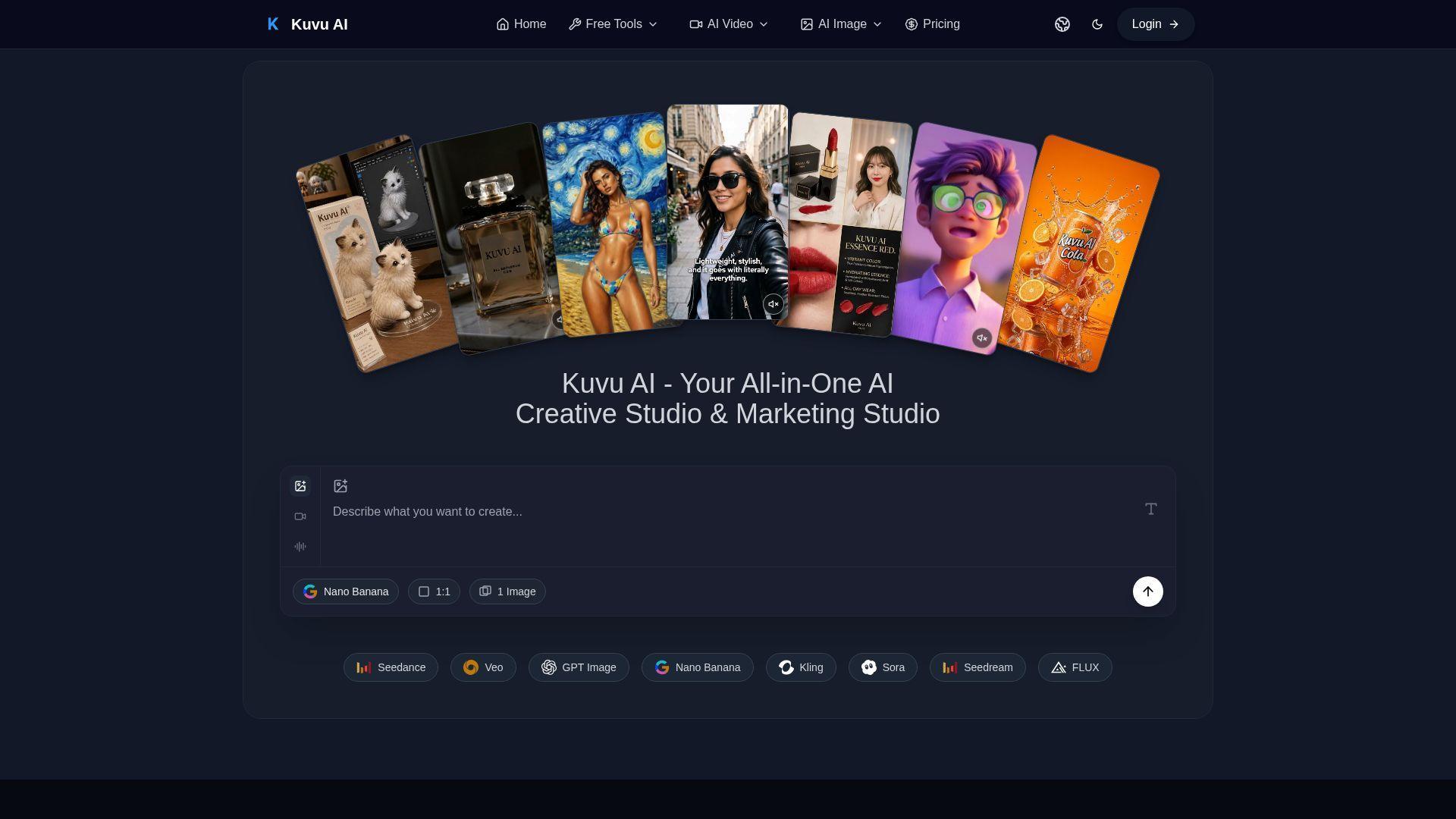
Kuvu AI is an all-in-one AI creative studio designed to give creators access to the world’s best image and video generation models through a single unified interface. It targets content creators, marketers, designers, and business owners who need high-quality visuals without managing multiple subscriptions. Core features include text-to-image generation up to 4K, text-to-video and image-to-video creation using Seedance, Veo, Kling, and Hailuo, AI audio generation, prompt enhancement, batch generation, and commercial licensing. The platform also offers free tools such as image-to-prompt, background removal, and AI image upscaling. With flexible credit-based pricing, one-time packs, and 50% off yearly plans, Kuvu AI delivers professional-grade creative technology at a fraction of the cost of separate model subscriptions.
FEATURED
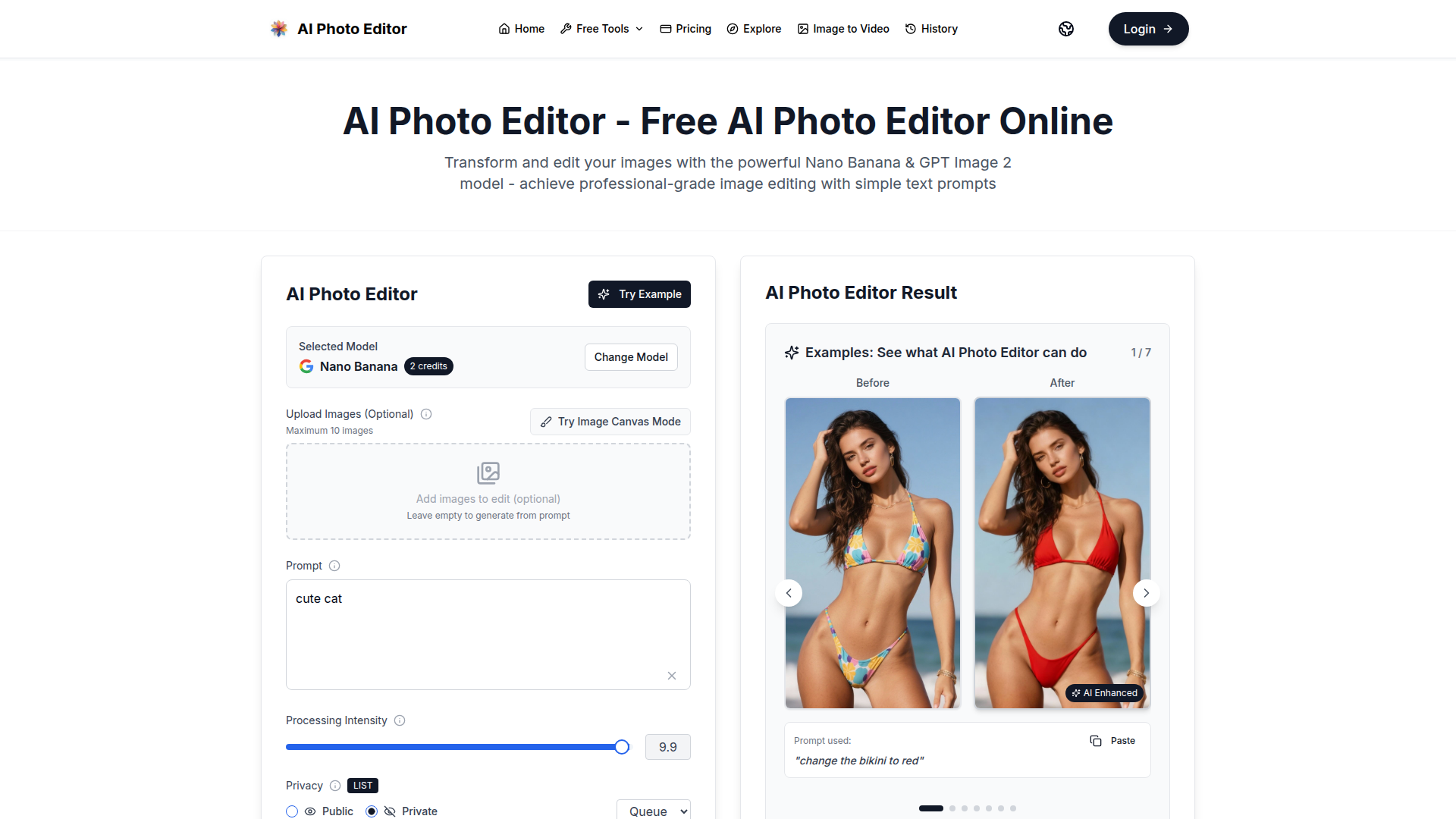
AI Photo Editor is a free online AI-powered photo editing tool that leverages advanced models like Nano Banana and GPT Image 2 to transform images with simple text prompts. It offers one-shot perfect generation with a 95% first-try success rate, lightning-fast processing under one second, face completion technology, and consistent character editing. The platform supports both image editing and generation, allowing users to upload images or generate from prompts. It provides enterprise-grade security with SOC 2, GDPR, and ISO 27001 certifications. With no credit card required to get started, it is accessible to everyone. Users can choose from various subscription plans or one-time credit packages to suit their needs, including options for individual creators, small teams, and large enterprises. The tool is ideal for photo restoration, style transfer, product mockups, and creating AI influencers. Its intuitive interface and natural language processing make professional-quality editing accessible without any design skills.
FEATURED
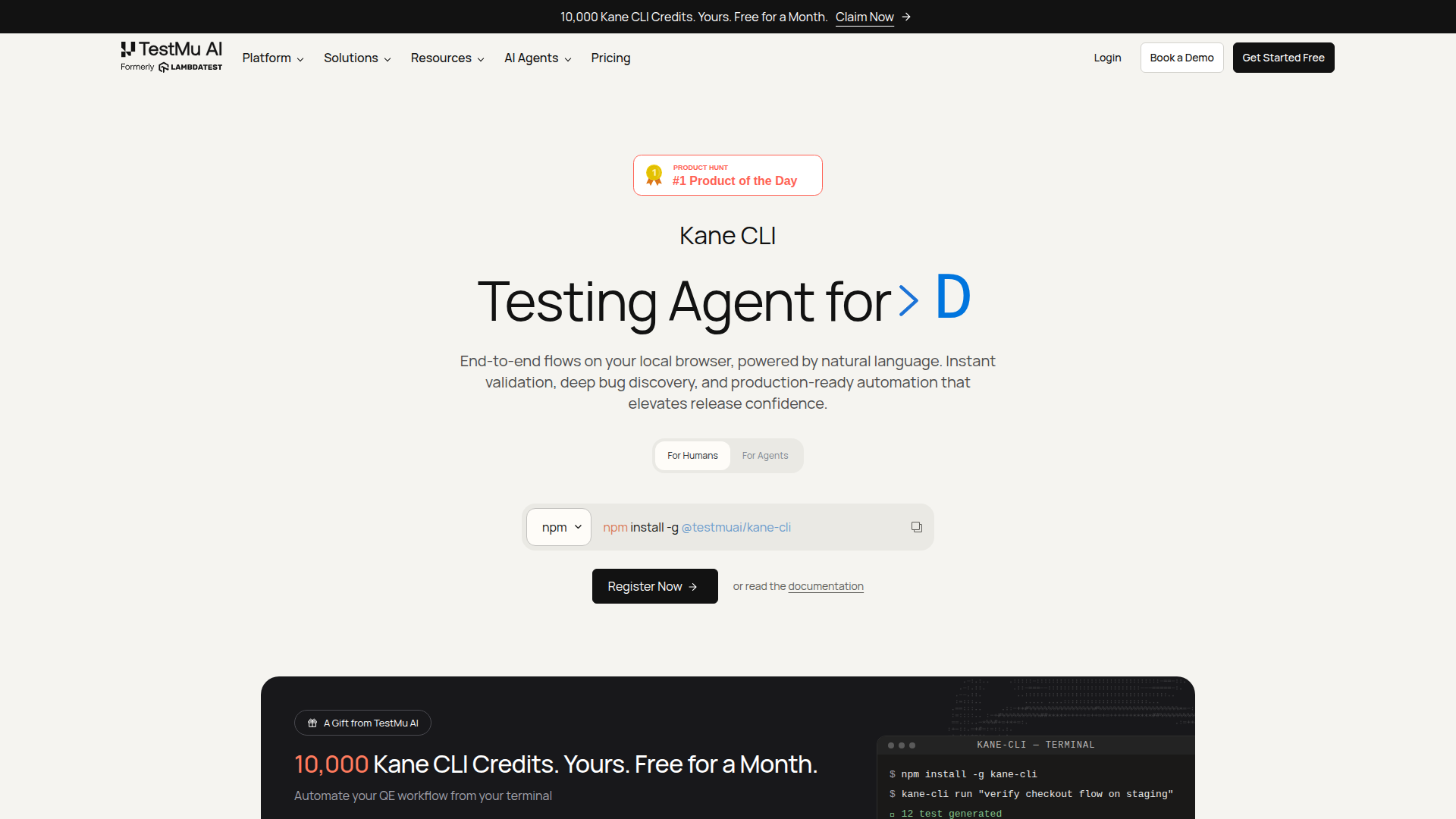
Kane CLI is an AI-driven, terminal-native testing agent that transforms how developers, QA engineers, and AI coding agents validate web applications. By allowing users to describe test scenarios in plain English, Kane CLI automates end-to-end browser flows, eliminating the need for brittle selector-based scripts. It reads PRDs, tickets, and existing test suites to generate comprehensive coverage maps, then executes tests in a real Chrome browser—locally or on the cloud—producing portable .evidence packs with screenshots, logs, and metadata for every run. This ensures that acceptance criteria are proven with traceable, tamper-evident artifacts. Kane CLI is built for modern software teams that want to integrate AI agents into their workflows, enabling seamless collaboration between human and machine testers. It offers a free tier for local runs, with cloud execution available through TestMu AI's scalable grid. Whether you're a solo developer pushing a quick fix or a large enterprise managing complex release cycles, Kane CLI empowers you to ship with confidence, backed by rigorous, evidence-based validation.
FEATURED
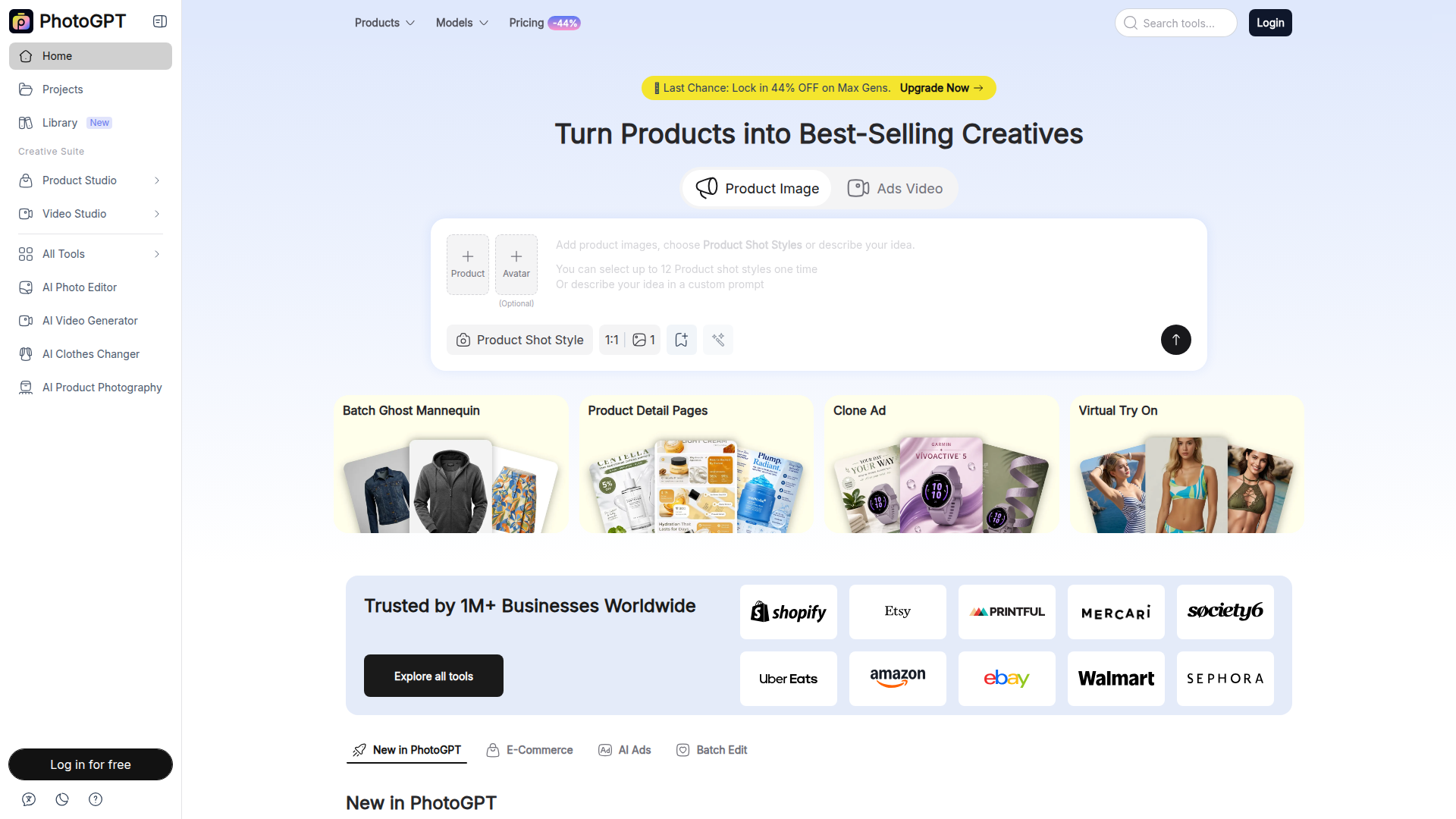
PhotoGPT is an AI-powered platform that allows users to create and edit professional product images, marketing creatives, and videos without needing photography or design skills. It offers a suite of tools for ecommerce sellers, marketers, and content creators, including AI product photography, virtual try-on experiences, ad cloning, and batch editing capabilities. With over 1 million businesses using it, PhotoGPT simplifies the process of generating studio-quality visuals, enhancing product listings, and producing engaging advertising content.

FEATURED
Rallied is an AI-powered technician designed specifically for Managed Service Providers (MSPs) to automate repetitive and time-consuming IT tasks like password resets, account unlocks, user onboarding, and offboarding. Unlike traditional RMM/PSA tools that only suggest actions, Rallied connects directly to your existing stack—including ConnectWise, Autotask, HaloPSA, M365, Entra ID, IT Glue, and more—and executes the fixes autonomously. It triages tickets, interacts with end users, and closes out issues without human intervention. With a rapid deployment of under a week and no implementation fees, Rallied eliminates the need for dedicated AI administrators, freeing your L2 and L3 engineers to focus on high-value projects. It's ideal for growing MSPs struggling with ticket volume, as well as those who've been disappointed by earlier AI tools. Rallied is SOC 2 compliant and offers a 30-day free trial, ensuring a risk-free start to transforming your helpdesk operations.

FEATURED
Beamtrace is a pioneering AI brand visibility tracking platform designed to help businesses monitor and optimize their presence within AI search engines and generative AI outputs. Its primary positioning is as the #1 tool for winning AI visibility, offering a suite of analytics focused on how AI systems see, mention, and recommend brands. The target audience includes marketing teams, agencies, startups, and business owners who need to understand their performance beyond traditional SEO, in the emerging landscape of AI-powered search and conversational answers. Core features revolve around calculating an AI Visibility Score, performing competitor benchmarking, and tracking rank for specific prompts. Content is highly specialized around AI search marketing, with in-depth solutions for platforms like ChatGPT and Perplexity. The user experience is streamlined for professionals, offering trend analysis, side-by-side comparisons, and actionable insights without requiring deep technical expertise. Technically, it aggregates data from leading AI platforms to provide a centralized dashboard for brand intelligence in the age of AI-driven discovery.
FEATURED
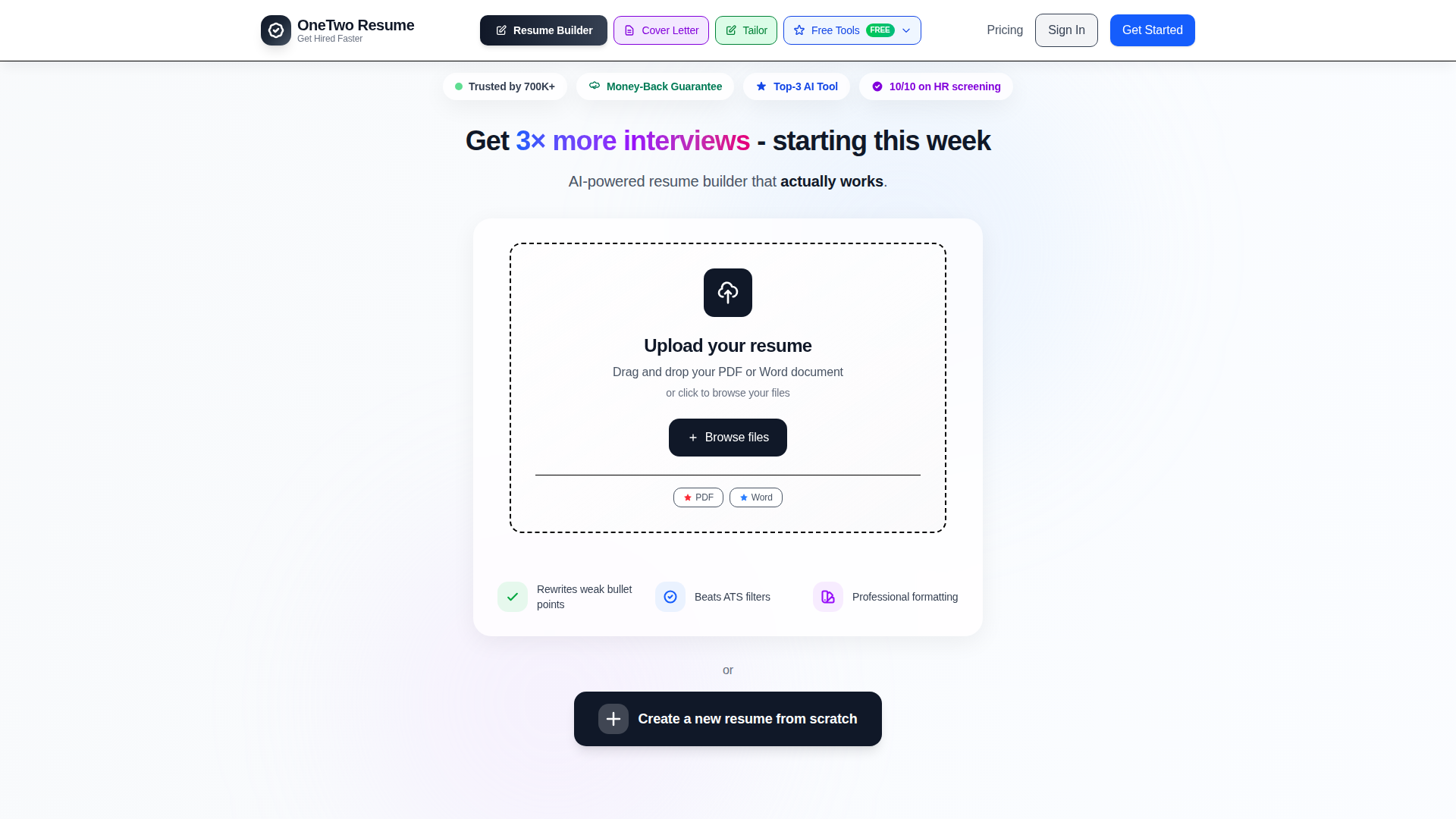
OneTwo Resume is an AI-powered career platform designed to help professionals secure interviews and land their dream jobs faster. Its core positioning centers on leveraging advanced artificial intelligence to automate and enhance the traditional resume creation process, dramatically reducing the time from a basic draft to an interview-ready application. The platform targets job seekers across all career stages—from recent graduates to senior executives—who need to create professional, ATS-optimized resumes and supporting documents efficiently. Core features include an intelligent resume builder that uploads and parses existing documents, a powerful AI that rewrites weak bullet points into quantified achievement statements, and a suite of integrated tools for cover letter generation, LinkedIn optimization, and interview preparation. Content features like professionally designed, ATS-tested templates and a unique 'Hiring Power Score' analysis provide immediate, actionable feedback. The user experience is streamlined into a simple three-step process, boasting completion times under five minutes. Technical features like bank-level encryption ensure data security. By offering a comprehensive career toolkit in one subscription, OneTwo Resume differentiates itself from basic resume builders and expensive human writers, delivering enterprise-level quality at an accessible price point.
FEATURED
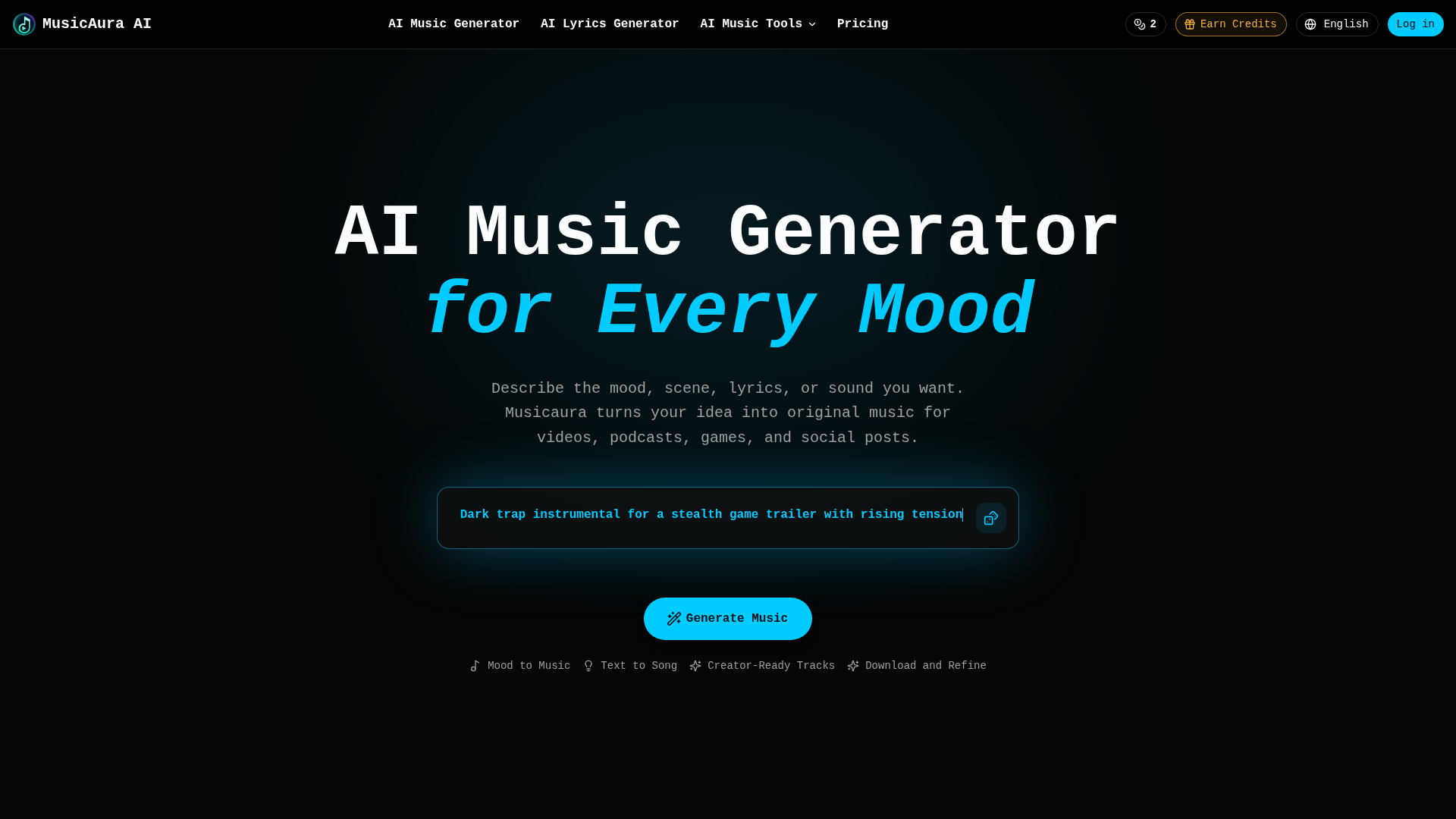
MusicAura AI is a comprehensive, browser-based audio creation platform designed specifically for digital content creators. Its core positioning is as an AI-powered audio workstation that simplifies music production for non-musicians and streamlines workflows for professionals. The platform's target audience includes video editors, podcasters, game developers, social media content creators, and marketing teams who need original, royalty-free music. Core features include an AI Music Generator that creates songs from text prompts describing mood or scenes, an AI Lyrics Generator, a Vocal Remover for isolating tracks, and a Stem Splitter for detailed audio editing. Content features are creator-focused, offering pre-made examples across various genres like pop, rap, and lo-fi. The user experience emphasizes simplicity and integration, allowing users to describe their needs in plain language and generate previews without technical skills. Technical features combine several specialized AI audio tools into a single workspace, enabling generation, editing, and processing without switching applications.
FEATURED
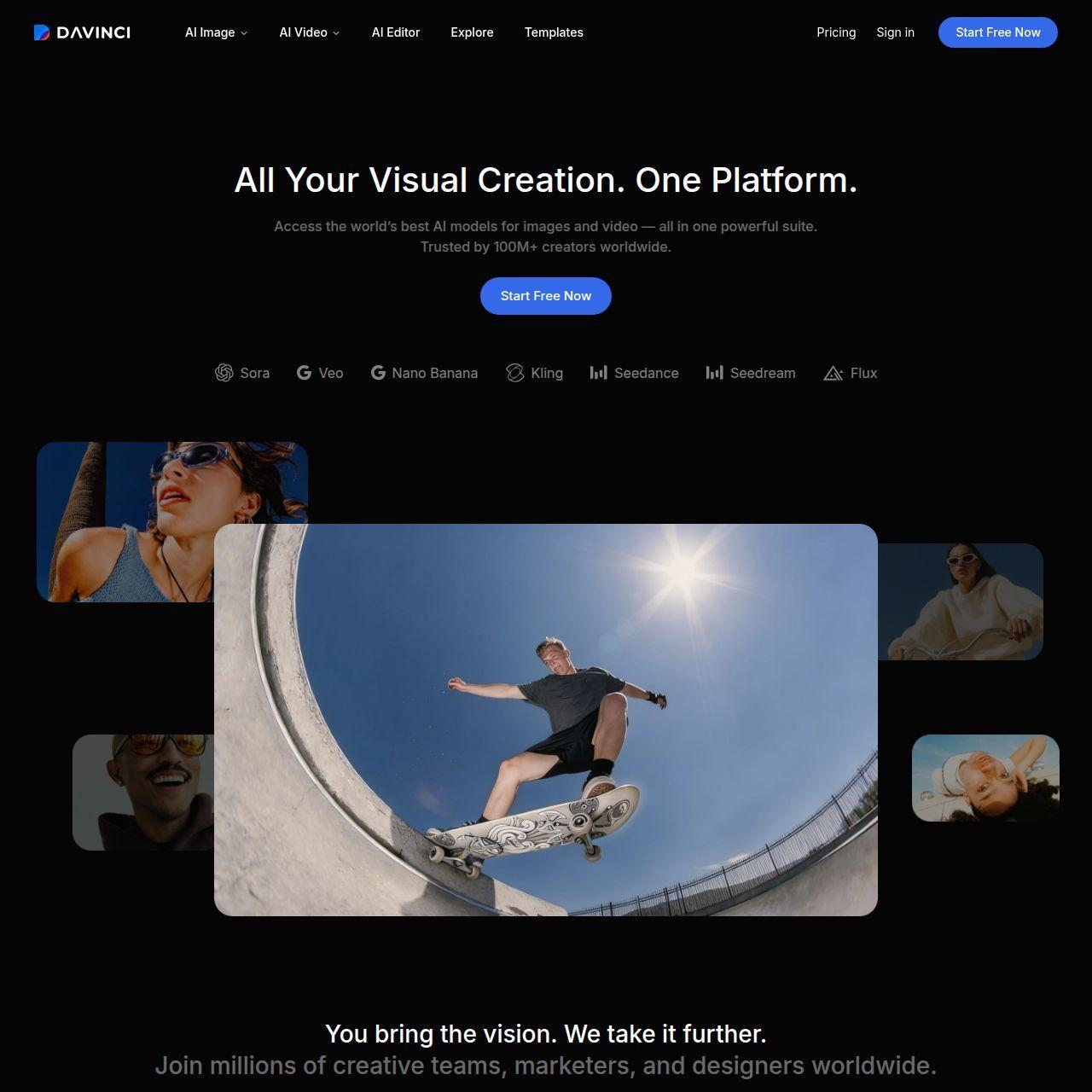
DaVinci positions itself as an all-in-one generative AI platform for visual creation, offering seamless access to cutting-edge models like Sora, Veo, and Flux. Its target audience spans creative professionals, marketers, social media content creators, and businesses seeking high-quality, scalable visual assets. The core features revolve around unified generation and editing of images and videos, integrated within a single workspace. Content features include state-of-the-art AI models for text-to-image, image-to-video, upscaling, and object editing. The user experience is designed to be professional yet accessible, enabling fast iteration and refinement without technical complexity. Technical features boast a credit-based system, priority queues for subscribers, and a mobile app. The platform emphasizes data privacy, commercial usage rights, and trust, aiming to be the go-to suite for end-to-end creative workflows.
FEATURED
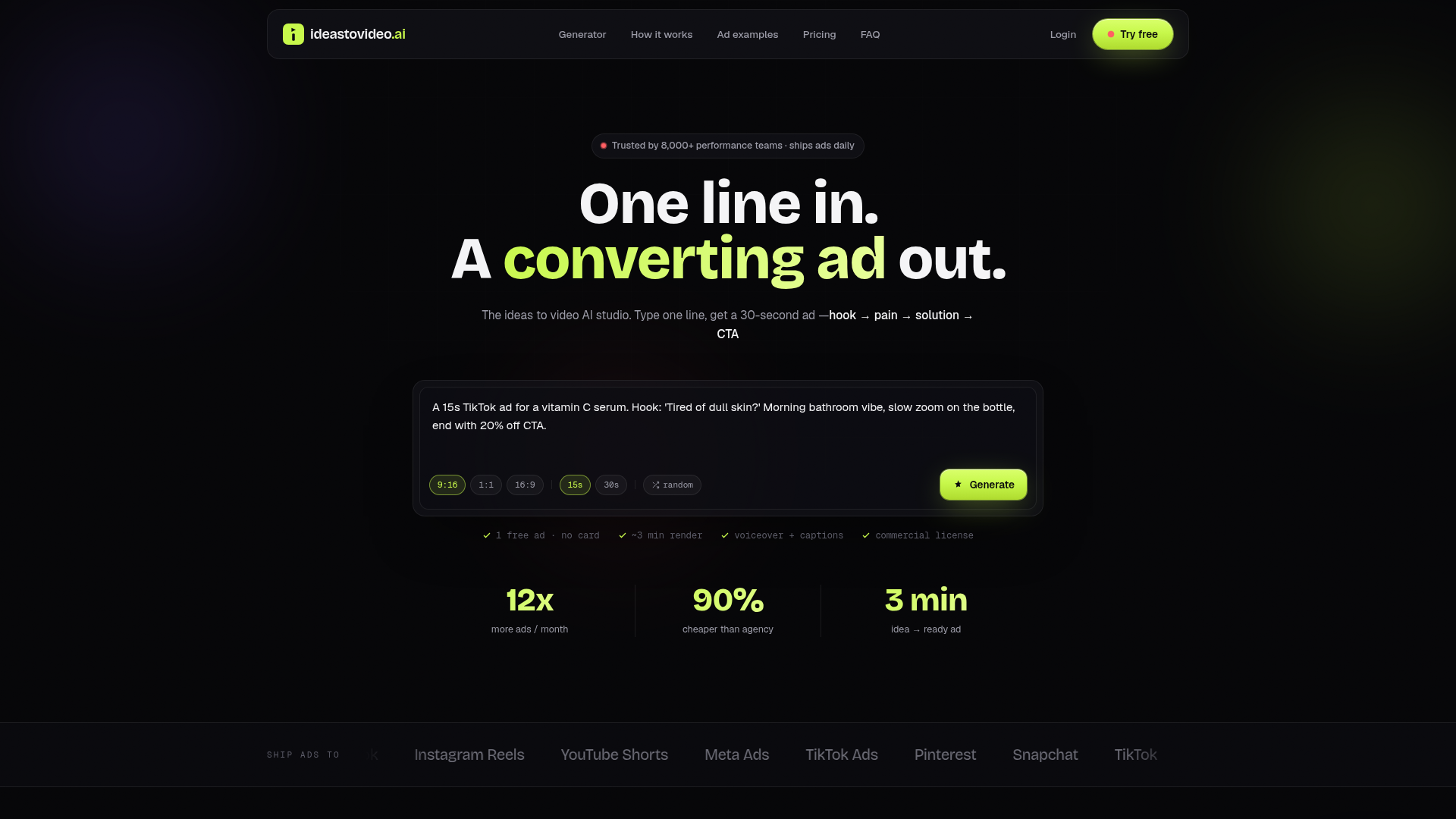
Ideas To Video AI is a revolutionary AI-powered ad studio that transforms simple text prompts into high-converting, ready-to-publish social media video ads in approximately three minutes. Its core positioning is to eliminate the traditional bottlenecks and high costs of ad production—such as agency retainers, lengthy shoots, and multiple revisions—by compressing the entire creative pipeline into a single, intelligent workflow. The platform specifically targets performance marketers, e-commerce brands, agencies, and content creators who need to scale their creative testing on platforms like TikTok, Instagram Reels, YouTube Shorts, and Meta Ads. At its heart is an AI script engine trained on top-performing ad structures (hook, pain, solution, CTA), which automatically generates tailored scripts, matches them with dynamic AI-generated B-roll footage, adds professional voiceovers in over 120 voices, and burns in styled captions. The user experience is streamlined from a one-line prompt to a multi-format export, featuring a Brand Kit for consistent branding and priority rendering for high-volume users. Technologically, it leverages advanced generative AI for video, audio, and text synthesis, offering a commercial license for all outputs and supporting high-volume testing with scalable subscription plans.
FEATURED
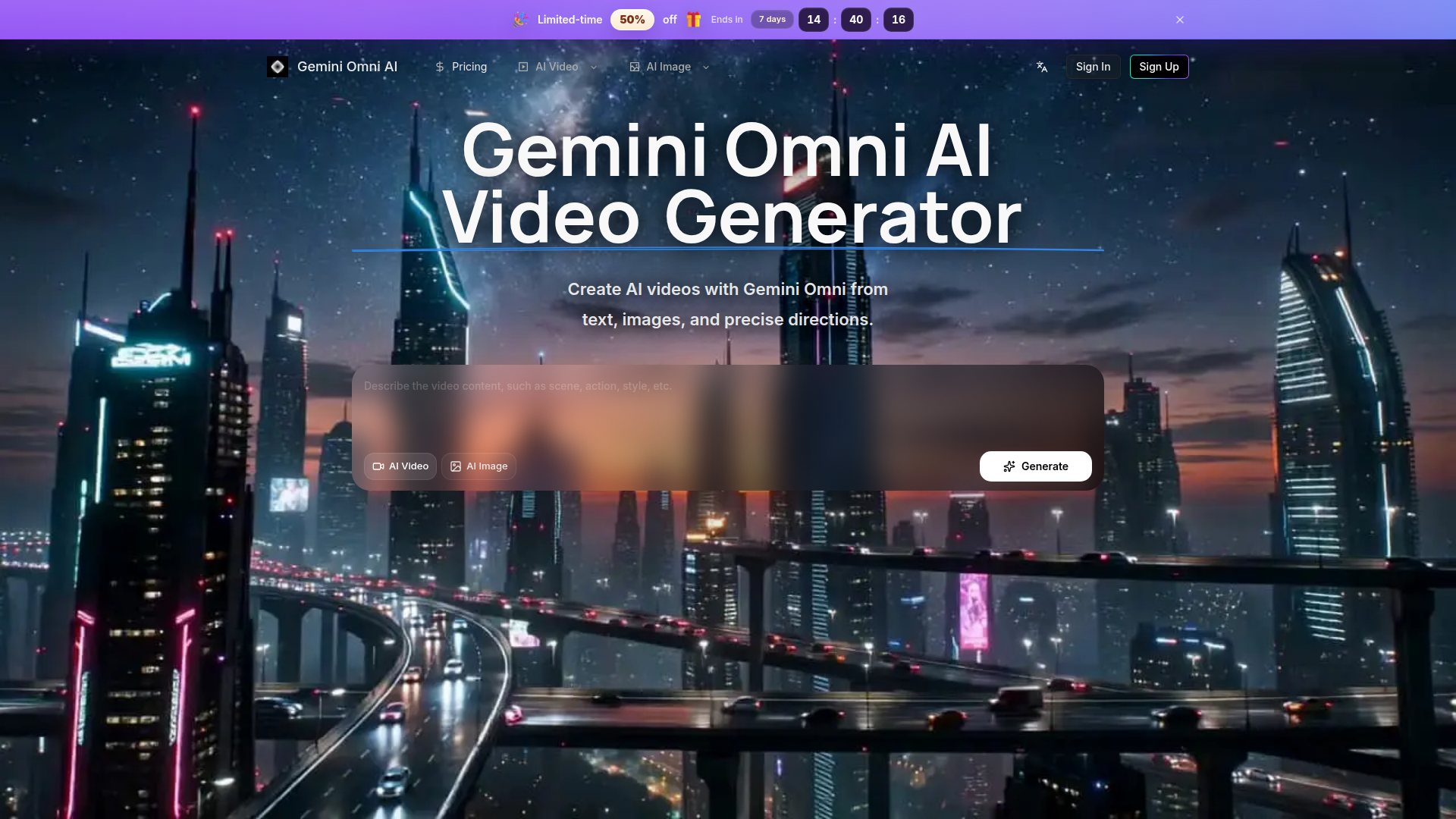
Gemini Omni AI Video Generator is a specialized, streamlined platform focused exclusively on high-quality AI video and image creation powered by models like Gemini Omni. Unlike broad marketplaces, it offers a cohesive workflow for planning, generating, and refining cinematic videos from text prompts, images, and precise references. The target audience includes professional creators, marketers, designers, and e-commerce operators who need efficient production of social clips, product ads, and conceptual scenes. Core features emphasize fine-grained control over camera motion, style, and subject, supported by HD, editing-friendly outputs. Content is enriched with public examples and creator updates for inspiration, while user experience prioritizes continuity—keeping history, credits, and generation tools in one unified interface to eliminate workflow fragmentation.

FEATURED
ChainClarity is a specialized educational and research platform that leverages artificial intelligence to demystify complex cryptocurrency whitepapers. Its core positioning is providing accessible cryptocurrency literacy for all levels of users by breaking down technical documents into clear, concise explanations. The target audience spans from crypto beginners intimidated by dense technical jargon, to investors needing to perform due diligence on new projects, and even builders or researchers needing to quickly grasp a project's essence. Its core features include an ever-growing library of AI-powered explanations for individual tokens or projects, detailed side-by-side comparison tools for understanding project differences, and intuitive categorization by sector (Layer 1, DeFi, NFTs, etc.) for structured exploration.The content is presented in plain English, avoiding hype or price speculation, and focuses on analysis of technology and utility. The user experience is centered on a clean, searchable interface with a main table of projects, community-driven 'Popular This Week' insights, and a newsletter for regular updates on new analyses. Technically, the platform acts as an AI companion ('MeetQai') to automate the process of ingesting and interpreting whitepapers, making advanced crypto research scalable and user-friendly.
FEATURED
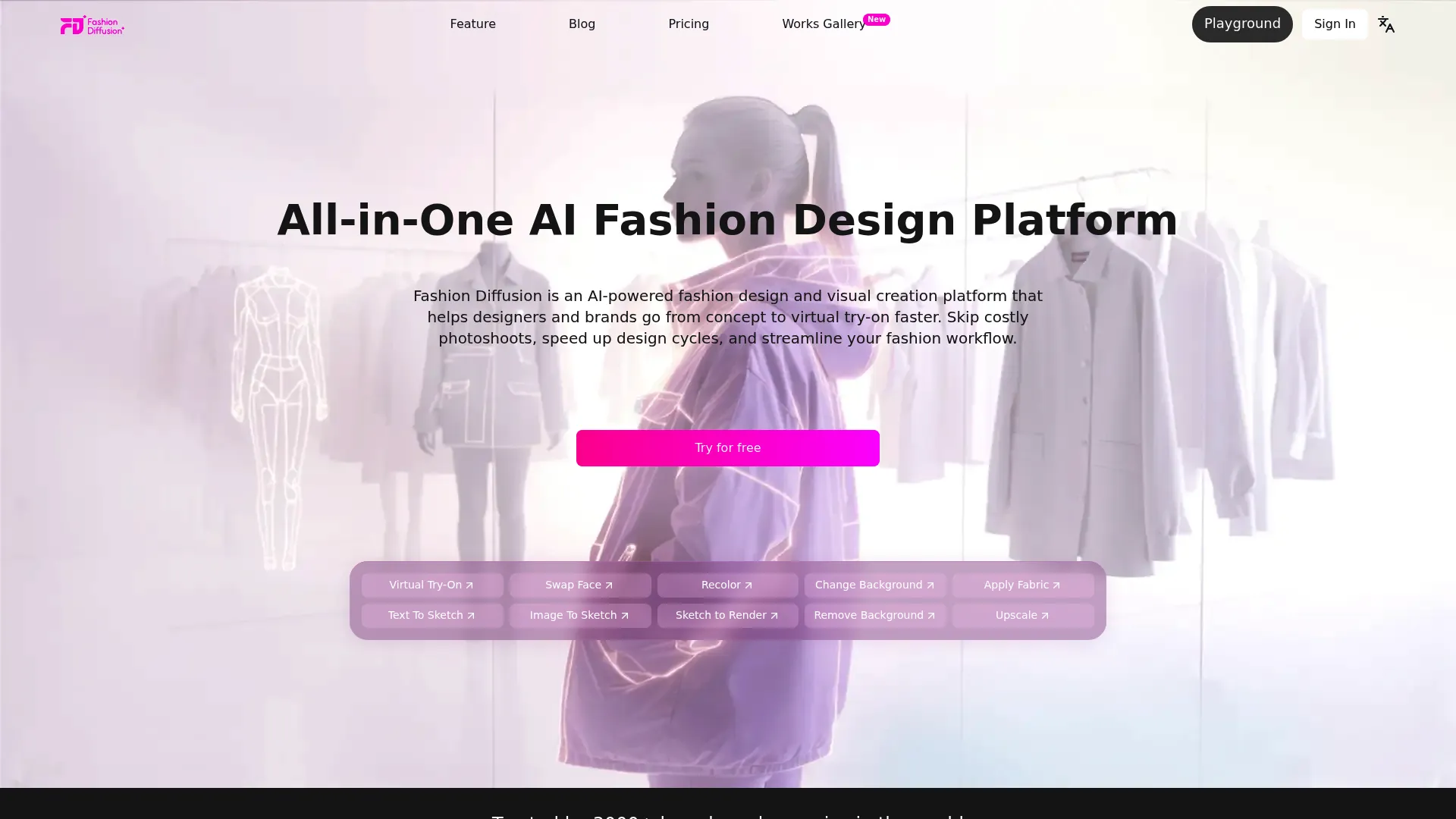
Fashion Diffusion is a comprehensive AI-powered platform revolutionizing the fashion design and visualization industry. Positioned as an all-in-one fashion design generator, it targets fashion designers, brands, e-commerce teams, and content creators. The platform's core features empower users to transform concepts into polished visuals rapidly, offering specialized tools for AI fashion sketching, virtual try-on, and professional image editing. Its content features include a vast gallery of generated works and an educational blog. The user experience is optimized for desktop creation with mobile sign-up bonuses, providing an intuitive workflow from ideation to market-ready imagery. Technologically, it leverages advanced machine learning models for fashion-specific tasks like fabric application and style fusion, streamlining the entire creative and production cycle while significantly reducing costs and time-to-market for new collections.
FEATURED
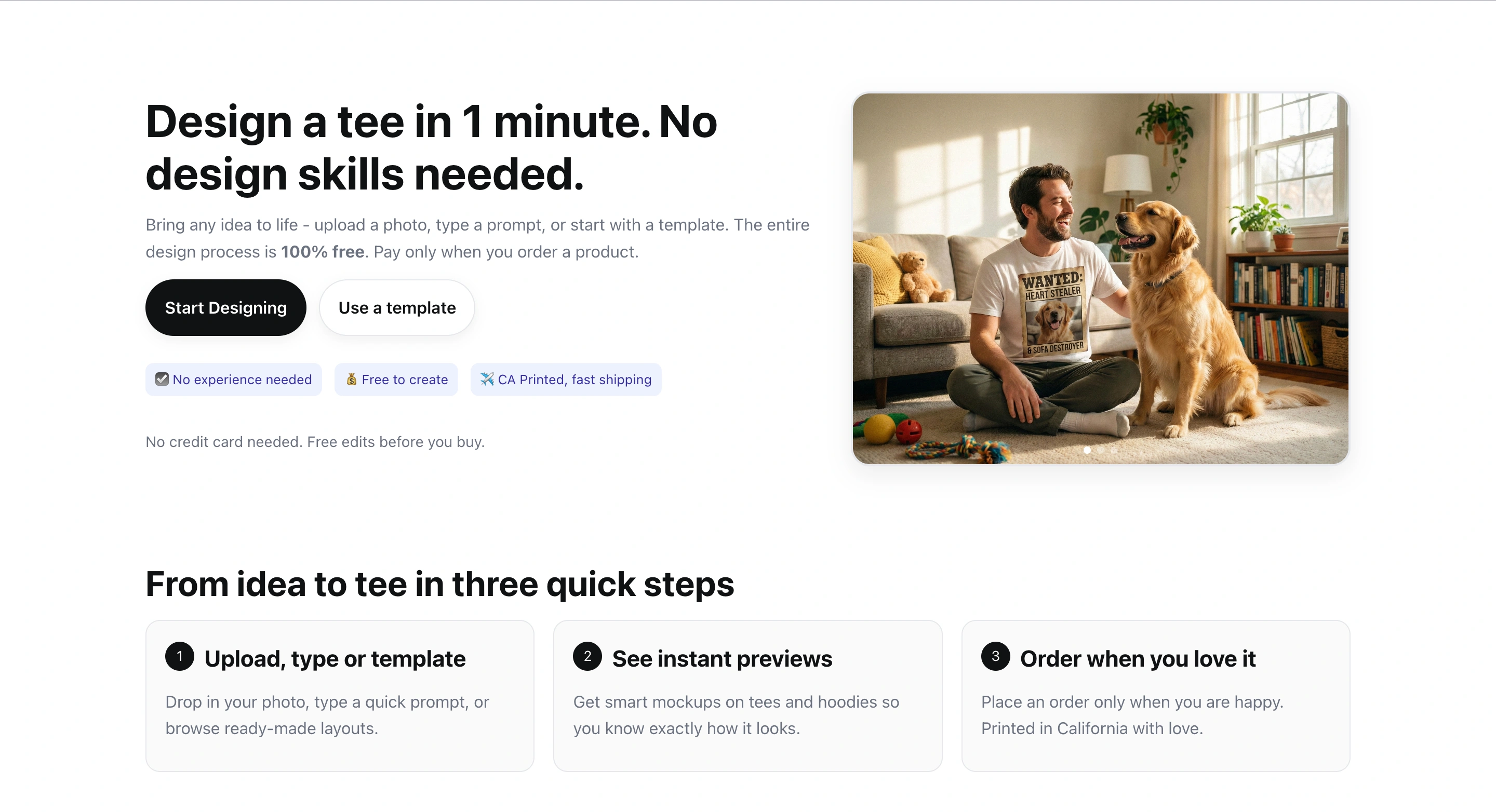
TeeDIY is a platform that allows users to design custom apparel in minutes. It caters to individuals and groups looking for personalized clothing. It offers free design tools, various templates, and user-friendly interfaces. It features a suite of smart tools including magic cleanup, style assist, auto layout, and smart edit. These tools help users create balanced designs with ease. This platform enables users to bring their ideas to life without needing prior design experience. It offers fast shipping within California.
FEATURED
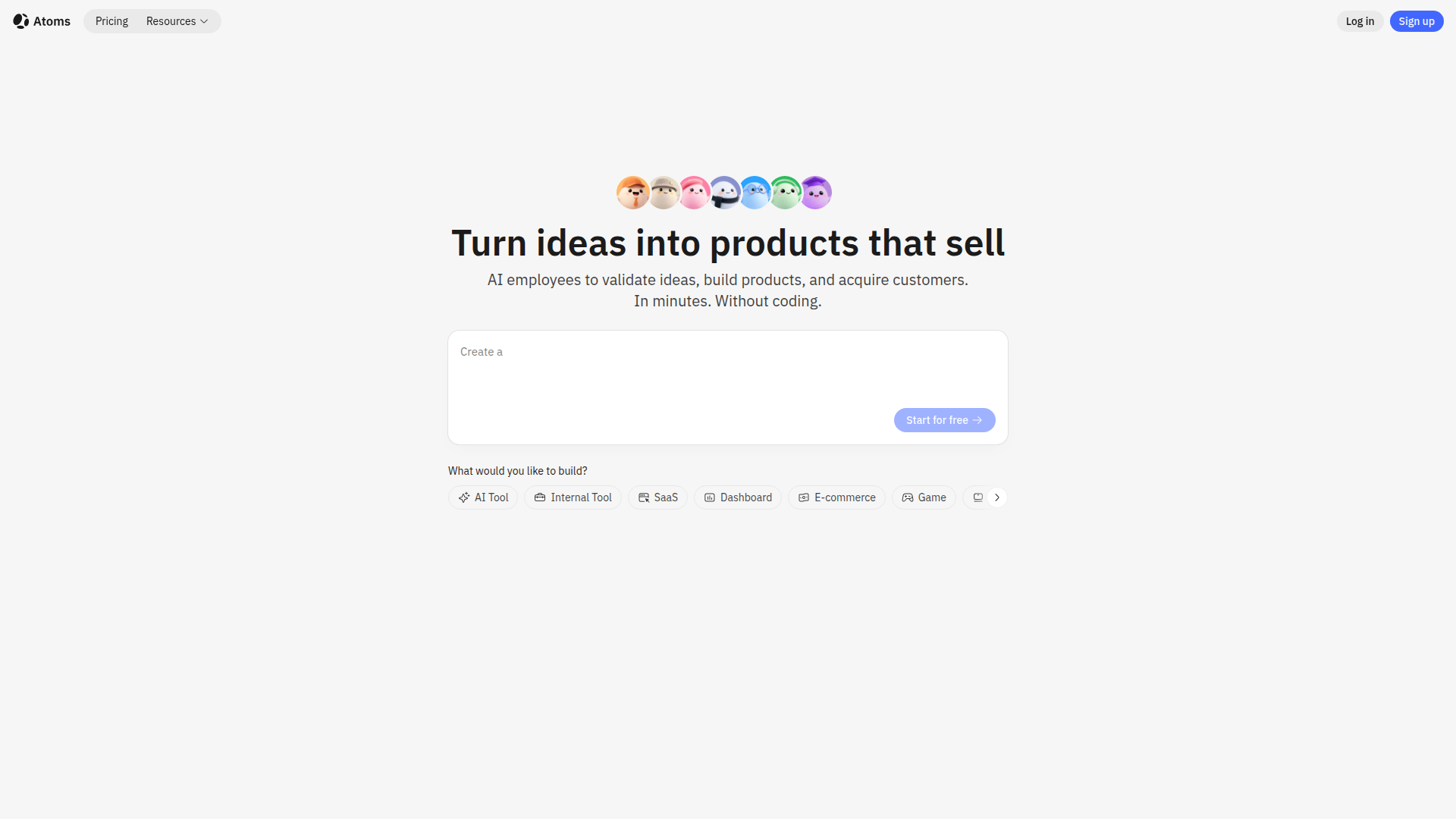
Atoms is an AI-powered platform designed to transform ideas into functional web and mobile applications without requiring any coding knowledge. It leverages a multi-agent AI team, including specialized roles like Product Manager, Engineer, and Data Scientist, to handle every aspect of the development process. Atoms simplifies building SaaS apps, e-commerce platforms, internal tools, and personal projects, offering features like user login, database storage, Stripe payments, and SEO optimization. It provides a user-friendly visual editor, out-of-the-box full-stack backend, instant AI integrations, and one-click deployment, helping users to launch faster, automate operations, and drive revenue while remaining fully in control with code export options.

FEATURED
Pantora is a cutting-edge Answer Engine Optimization (AEO) platform meticulously designed to help local home service professionals, such as plumbers, electricians, HVAC technicians, and roofers, gain prominence. By optimizing their online presence, Pantora ensures these businesses are favorably recommended by AI assistants like ChatGPT and Google AI Overviews. The platform offers AI-optimized websites, continuous visibility tracking, sentiment analysis, and competitor insights, providing comprehensive recommendations for improvement. Pantora simplifies complex SEO and AEO tasks, enabling professionals to attract more customers through AI-driven recommendations. It empowers them to manage their online reputation, enhance visibility, and ultimately, grow their businesses in an evolving digital landscape.
FEATURED
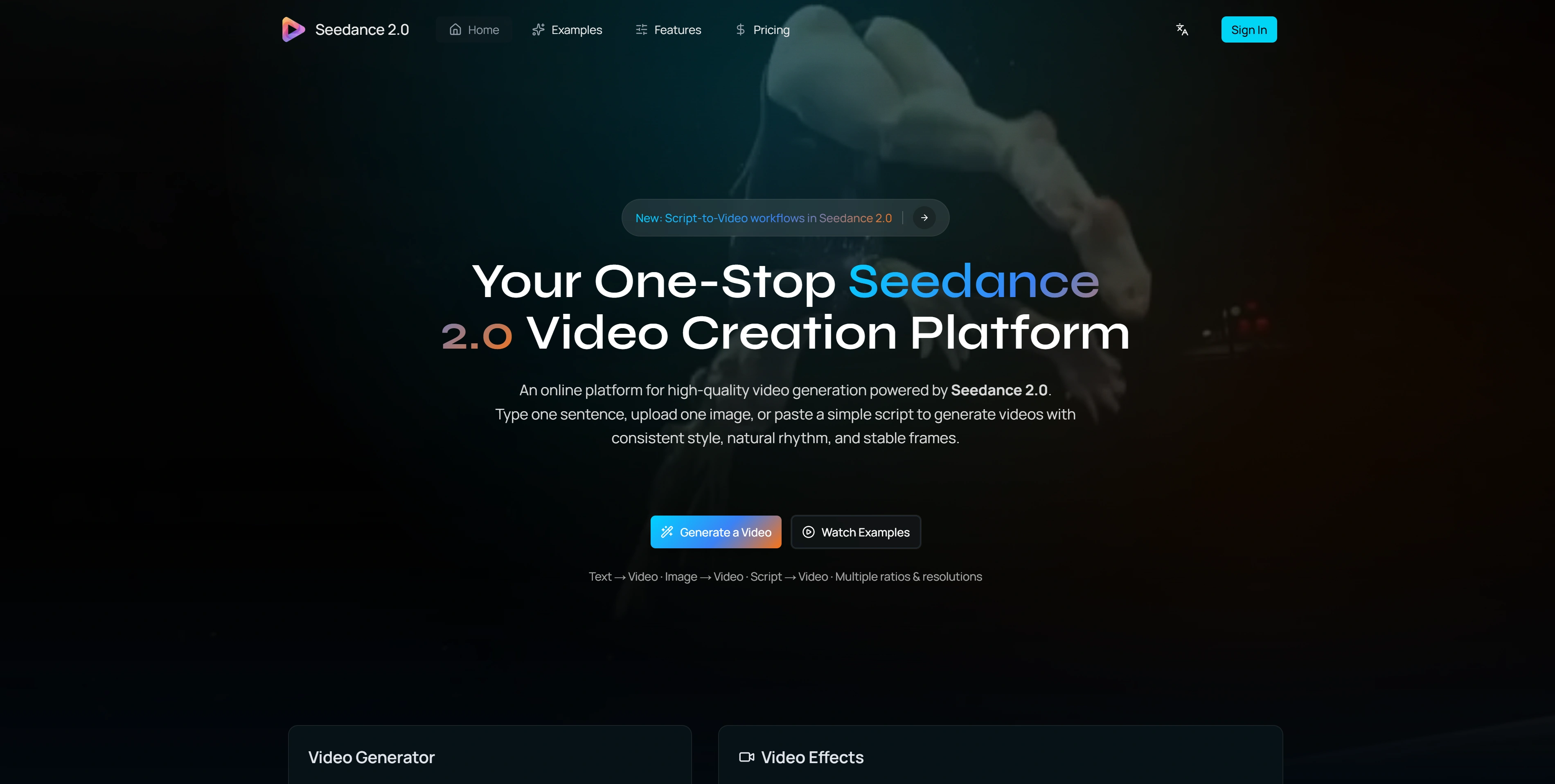
Seedance 2.0 is a cutting-edge AI video generation platform designed for creators and teams. It allows users to generate high-quality, consistent, and visually appealing videos from text prompts, images, or scripts. With a focus on temporal consistency, natural motion, and stable frames, Seedance 2.0 delivers a unique video creation experience. It supports various aspect ratios and resolutions, making it versatile for different platforms. Its advanced features like integrated audio generation and physics-aware motion provide a complete solution for creating marketing videos, social media content, product demos, and more.
FEATURED
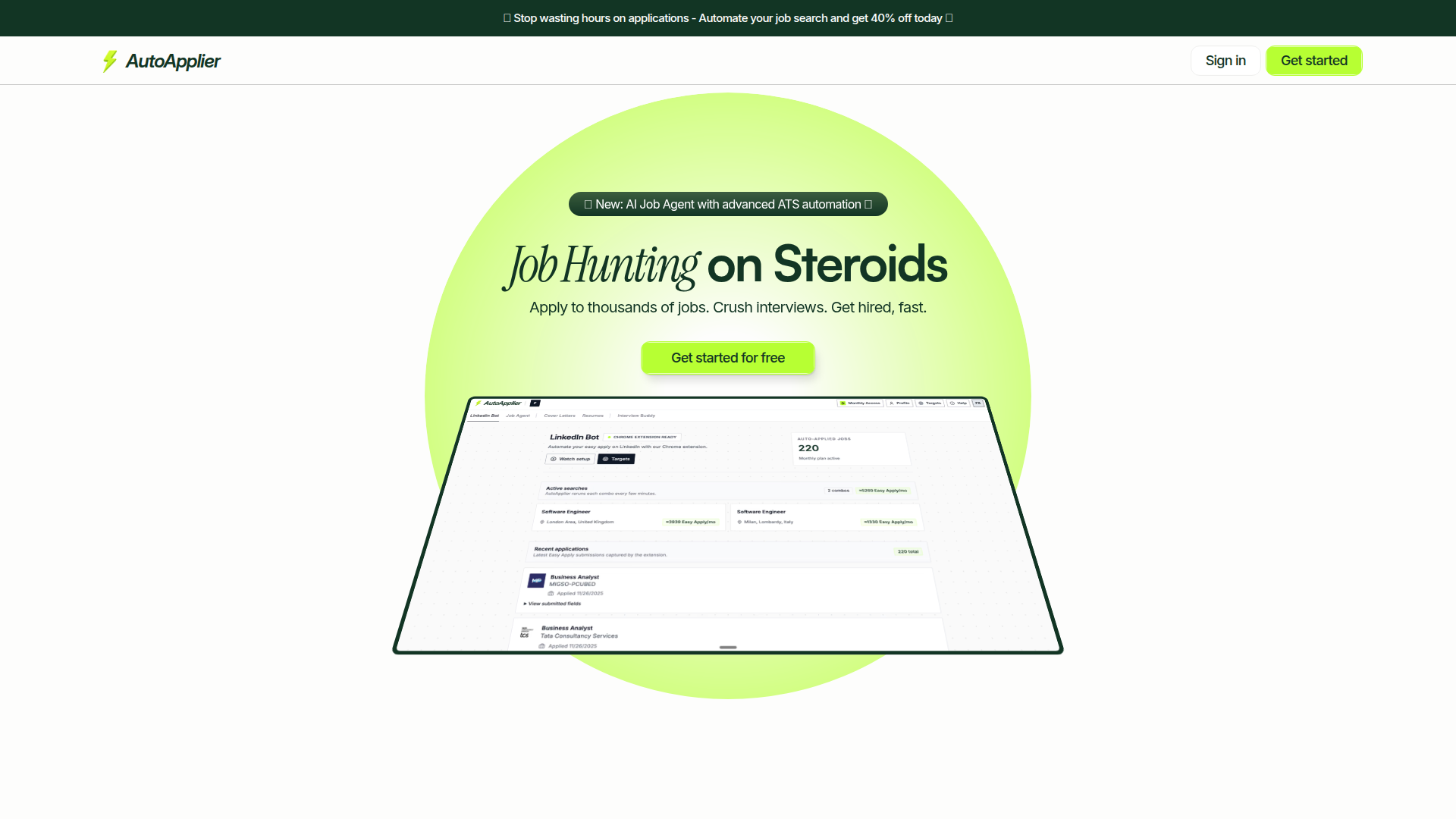
AutoApplier is an AI-powered platform designed to supercharge job seekers' efforts. It provides a suite of tools that automate job application processes, optimize resumes, and generate personalized cover letters. By leveraging AI, AutoApplier helps users save time, apply to thousands of jobs efficiently, and enhance their interview performance. Key features include an AI Job Agent, AI Interview Buddy, LinkedIn automation bot, and resume/cover letter generators. Its focus on sustainable growth ensures continuous improvements and valuable outcomes for users looking to land their dream jobs quickly.
FEATURED
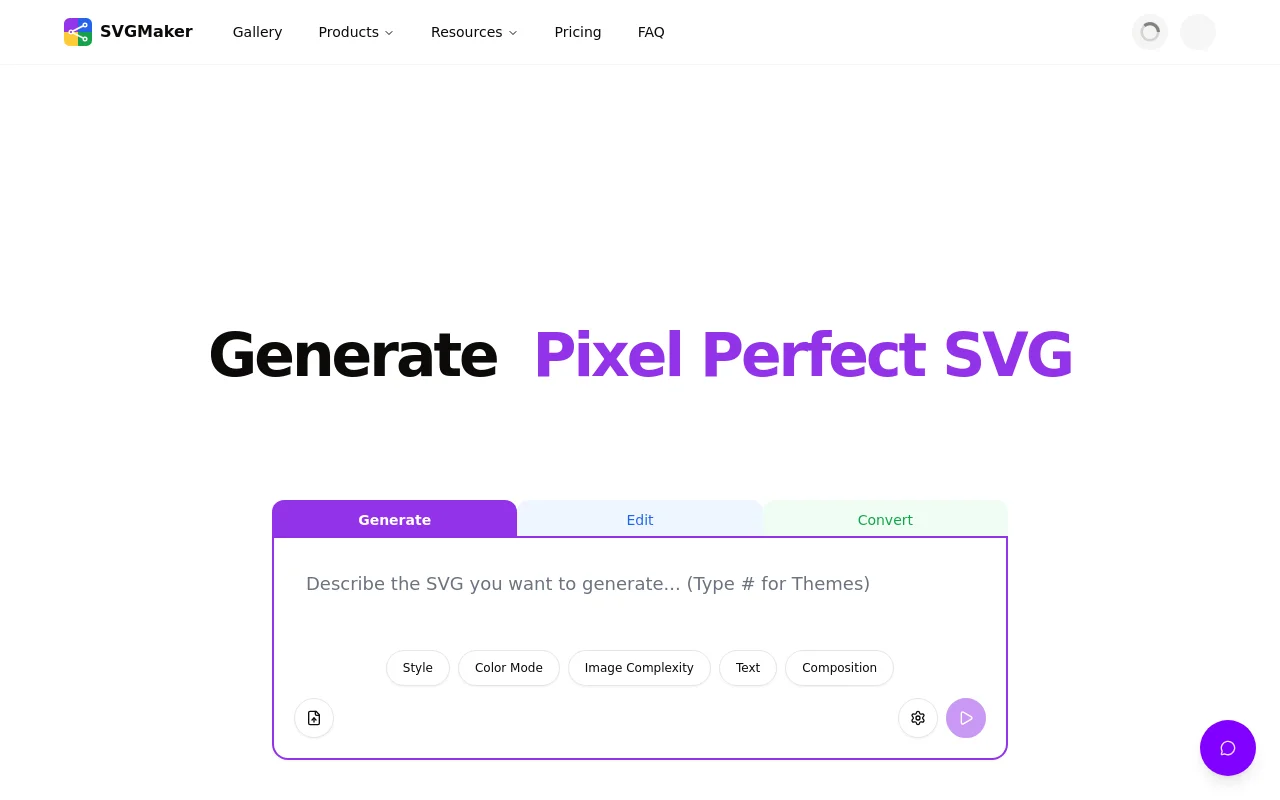
SVGMaker combines the power of artificial intelligence with professional-grade editing tools, making vector graphic creation accessible to everyone from beginners to experienced designers. Whether you're generating SVGs from scratch, converting existing images, or optimizing files for web performance, SVGMaker streamlines your workflow with browser-based convenience and developer-friendly integrations.
FEATURED
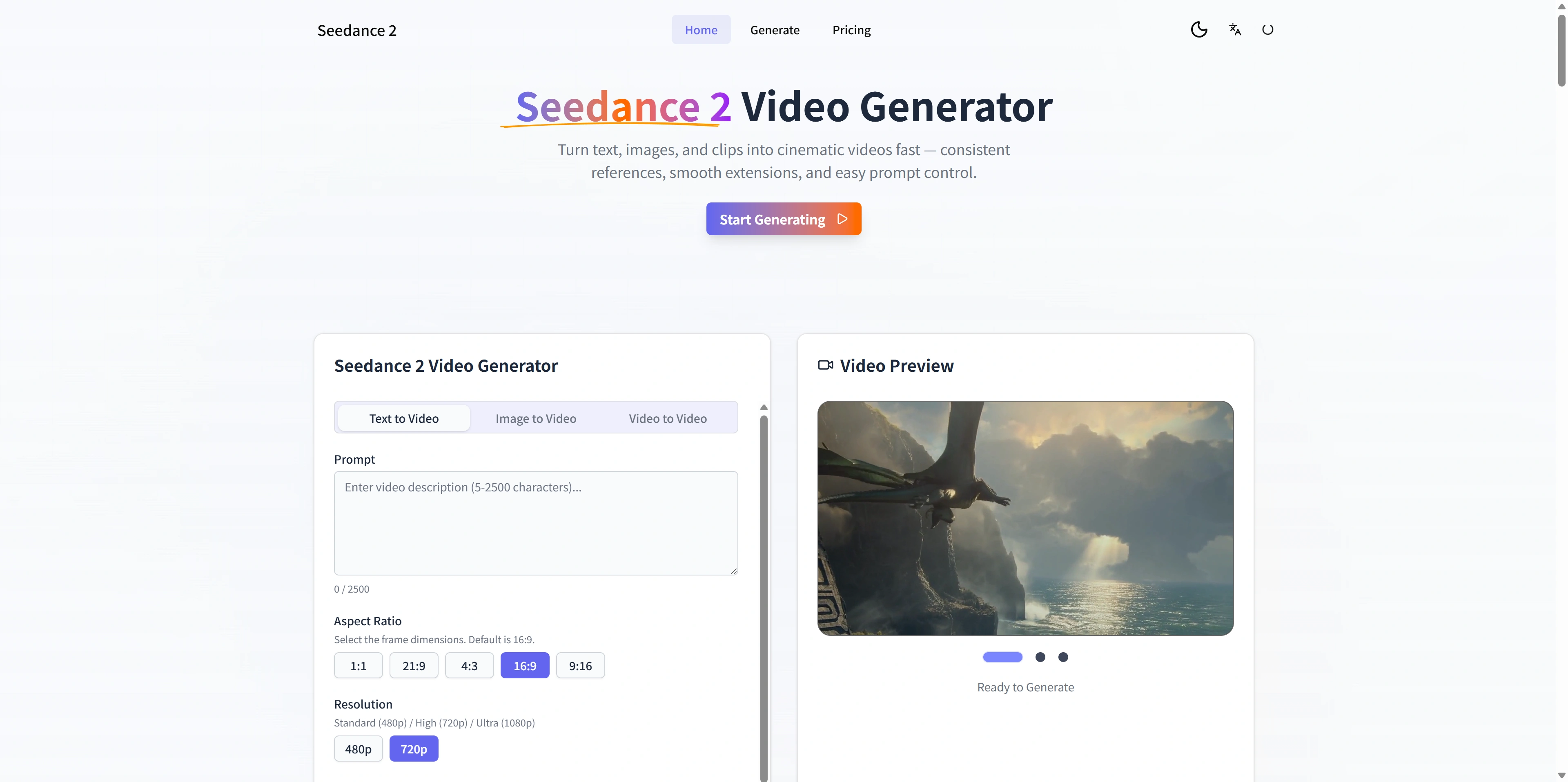
Seedance 2 is an AI-powered video generator designed for creators and teams who need cinematic-quality videos from text, images, and existing footage. It offers multimodal inputs, stable motion, and fast iteration loops, enabling users to move rapidly from concept to publishable video. The platform's reference-first workflow provides greater control and consistency, allowing for smooth extensions and easy prompt adjustments. It is ideal for generating ads, social media content, and product demos with high-definition outputs and quick exports.
FEATURED
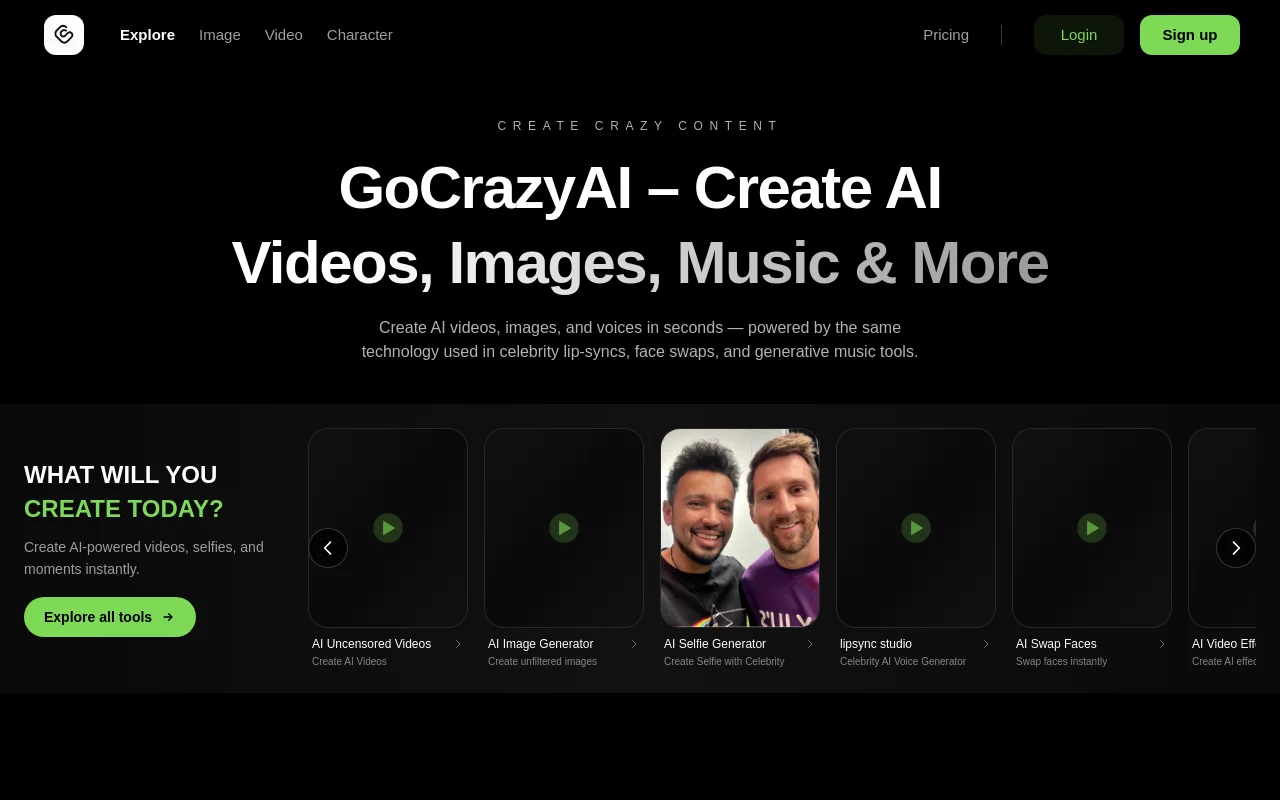
GoCrazyAI is an innovative AI studio providing a suite of tools for creating AI videos, images, and avatars. It stands out by offering unfiltered and uncensored content generation, allowing users full creative freedom. The platform features tools for AI selfie generation, lip-sync videos with celebrities, AI face swaps, and various AI video effects. GoCrazyAI empowers users to produce diverse content, from viral videos to realistic avatars, utilizing next-generation AI models. With a privacy-first approach, user prompts and content are kept private and secure, making it ideal for creators seeking limitless possibilities.
FEATURED
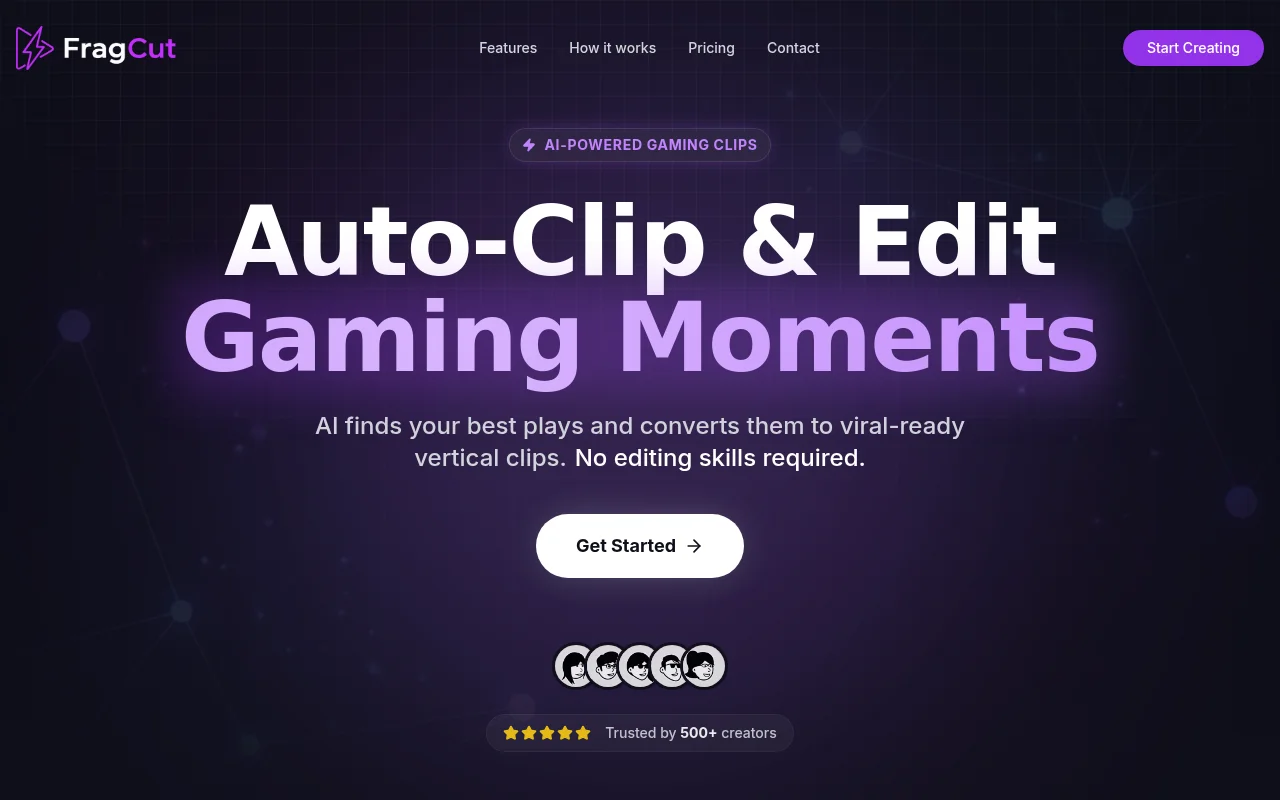
FragCut is an AI-powered gaming clip generator designed to help streamers and content creators quickly transform their long-form VODs into viral-ready short-form content. It automates the process of finding exciting moments, optimizing for vertical video formats, and adding captions, enabling creators to focus on their gameplay. By leveraging cloud processing, FragCut ensures accessibility from any device without the need for software installations. With a trust base of over 500 creators, FragCut provides an efficient solution for turning streams into engaging clips.
FEATURED
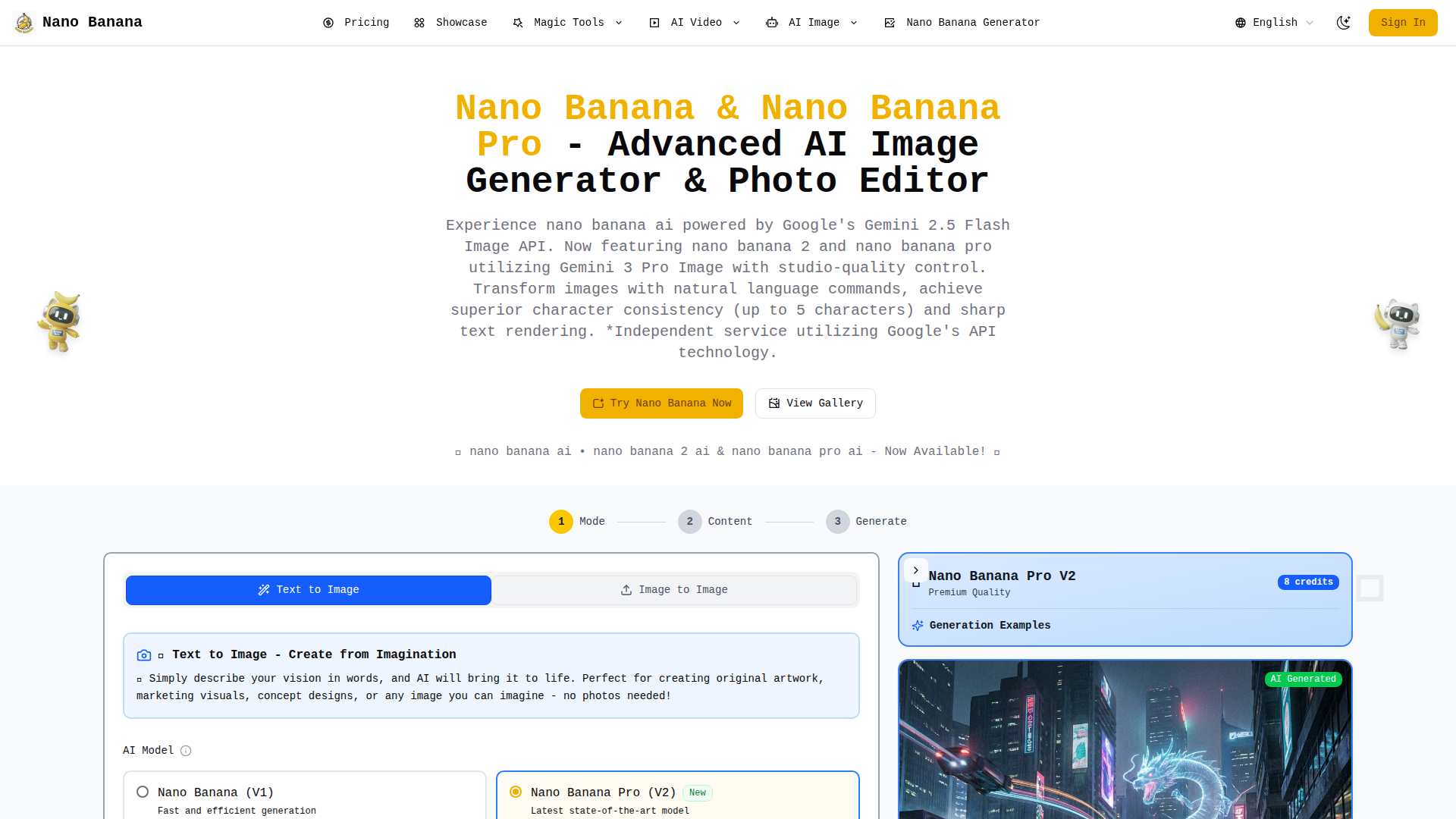
Nano Banana is an innovative AI-powered image generation and editing platform that leverages Google’s cutting-edge Gemini AI models. It offers advanced editing capabilities through natural language prompts, superior character consistency, and sharp text rendering. Featuring Nano Banana, Nano Banana 2, and Nano Banana Pro, this platform provides various options to cater to different user needs and skill levels. Nano Banana empowers users to transform their creative ideas into stunning visuals with studio-quality results. It's an independent service utilizing Google's API technology, making AI accessible to everyone from individual creators to large enterprises.
FEATURED
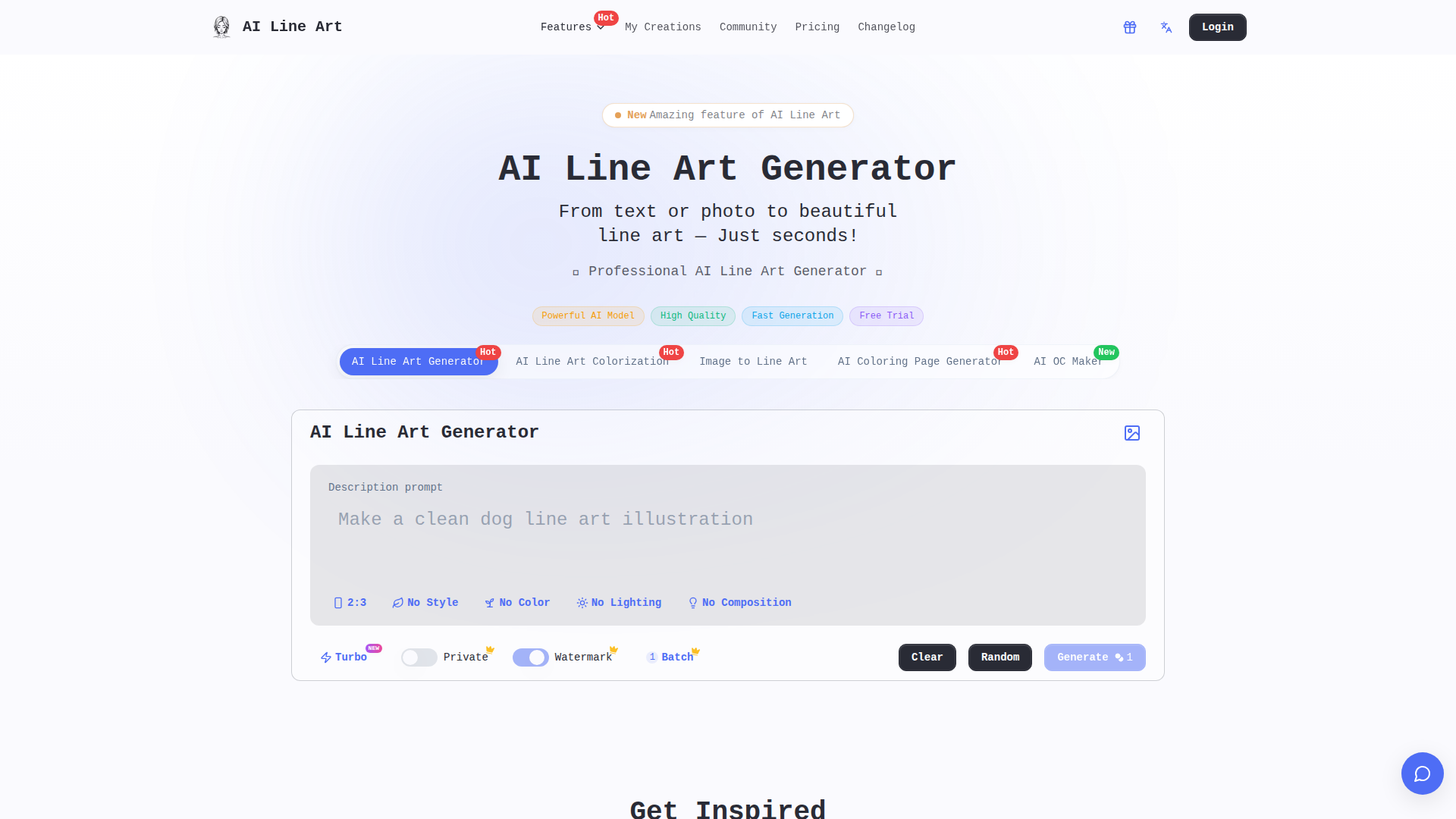
AI Line Art is an AI-powered online tool that facilitates the effortless transformation of photos and text descriptions into stunning line art illustrations. It boasts the capability to generate high-quality line drawings in various styles, making it accessible to both beginners and professionals. With features like one-click generation, multiple art styles, and advanced customization, users can create unique and professional-looking line art for diverse applications, including branding, illustration, tattoo design, and architectural visualization. It provides fast processing and high-resolution export options.
FEATURED
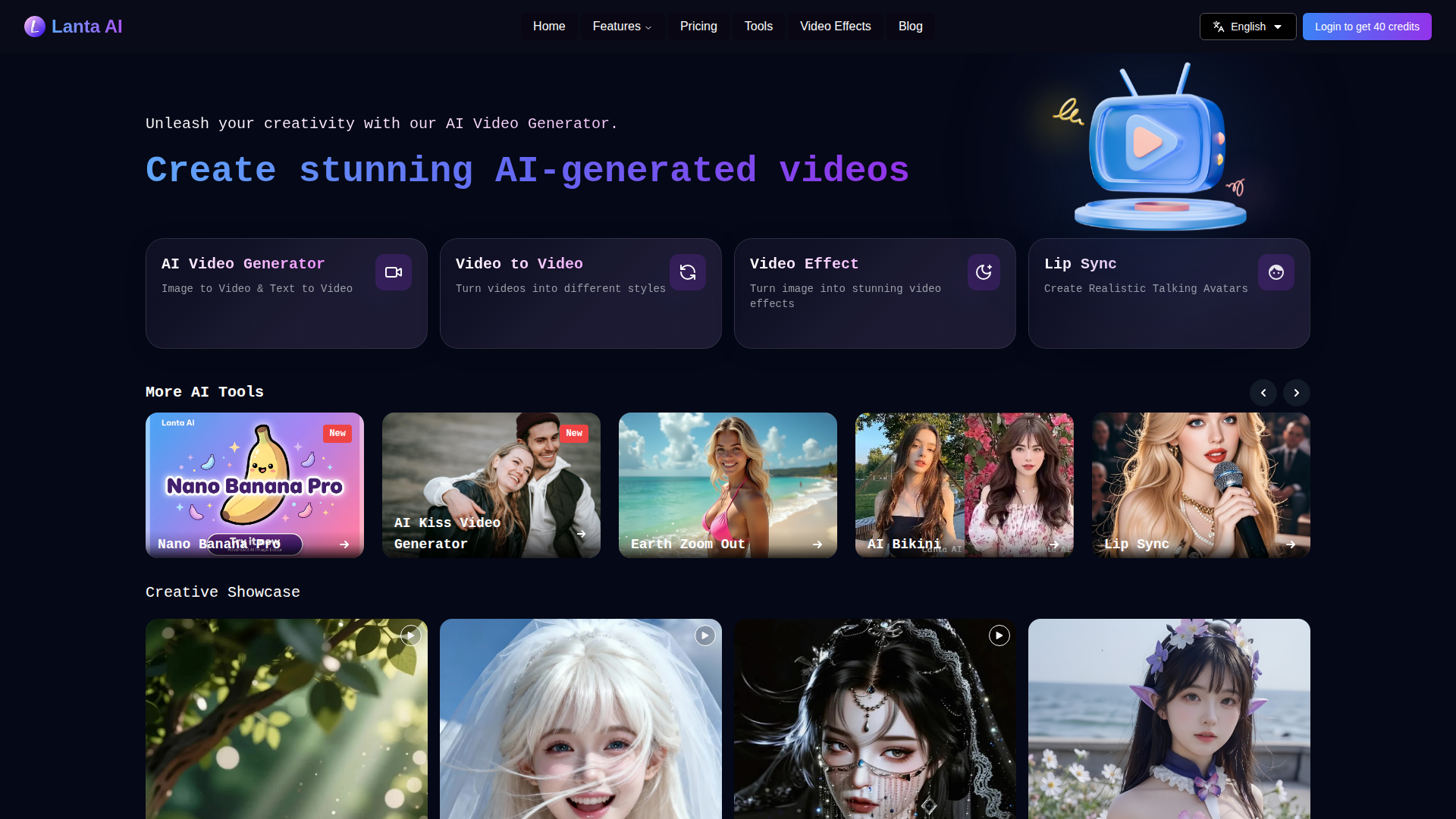
Lanta AI is a versatile online platform that empowers users to generate high-quality AI-generated videos from various inputs, including videos, images, and text. It offers a range of tools for video processing, generation, and editing, allowing users to convert videos into different styles, create videos from text or images, and apply various video effects. The platform features advanced AI models like FramePack, Wan 2.1, and Hunyuan Video. Lanta AI aims to simplify video creation, making it accessible to both beginners and professionals, and offers features like prompt-driven editing and smart repair to make video creation easy.

FEATURED
Jobserver AI is an open-source career aggregator designed to simplify the job search process. It provides a straightforward, user-friendly platform for companies and private entities to post job opportunities globally. Jobserver focuses on interactive job listings and private service listings, ensuring a simplified process for job seekers. It offers a tool designed for job seekers to find opportunities in AI/ML, software engineering, and other tech roles, Jobserver connects talent with opportunities. The platform ensures all job postings are legitimate and regularly monitored, promoting a trustworthy job search experience. Jobserver is dedicated to connecting job seekers with relevant and quality opportunities, enhancing the overall job search process. They can also analyze the match between their CV and employer requirements.

FEATURED
Ashdeck is a website blocker and Pomodoro timer designed to enhance focus and productivity. It helps users overcome distractions from social media, news, and other tempting websites. Ashdeck enables users to block distracting sites, manage their time effectively with the Pomodoro timer, and cultivate better work habits. Ideal for students, developers, marketers, writers, entrepreneurs, and anyone struggling with focus, Ashdeck is committed to user privacy, ensuring data remains secure and controlled by the user. It's a free Chrome extension that empowers users to take control of their attention and achieve their goals effectively. Ashdeck helps turn to-do lists into done lists.
Latest AI Tools
Latest AI tools found by amazing founders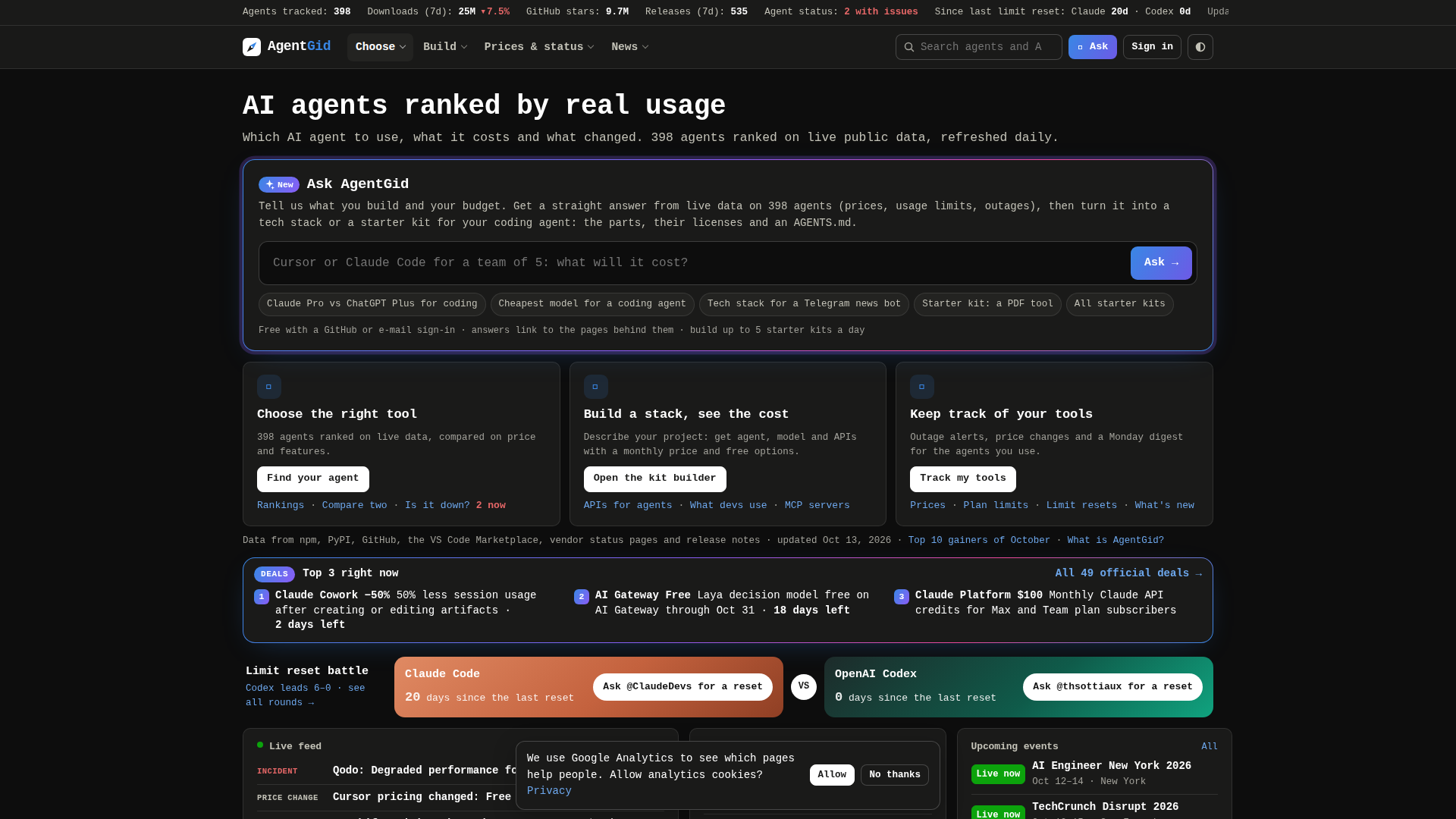
AgentGid is an independent, data-driven rankings and comparison hub for AI agents, tracking 398 agents with live usage data refreshed daily. Its positioning is that of a neutral referee rather than a vendor: instead of promoting a single product, it ranks tools on public, verifiable signals so developers, engineering leads, and product teams can decide which agent deserves a place in their stack. Core features include the Gid Score (a 0–100 composite of adoption, community, attention, and momentum), category browsing across coding terminals, IDEs, app builders, game dev, browser agents, frameworks, automation, orchestration, voice, security, and more, side-by-side agent comparison, a four-question 'Find your agent' recommender, monthly Top 10 gainers, and an 'Ask AgentGid' assistant that answers natural-language questions from live data. Beyond rankings, the site offers a Starter Kit builder that turns a project description into the parts, licenses, a brief for your coding agent, and a monthly cost estimate, plus curated project kits, ready-made and real-world stacks mined from 9,727 GitHub repos, API/asset/tool/MCP server and Agent Skills directories, and live code examples. Pricing and status coverage is unusually deep: agent pricing checked on official pages, full pricing history since 2024, deals, usage limits, a limits calculator, LLM API prices per 1M tokens, live status pages with 90 days of incidents, and reliability reporting. Content is editorial and evidence-based, with a live news feed, agents-in-action case stories, analysis, polls, weekly reports, a chart of the day, answers, and how-to guides. Technically, it aggregates npm, PyPI, GitHub, VS Code Marketplace, vendor status pages, and release notes, updates on a daily cadence, and exposes its dataset to assistants through an MCP server and endpoints. The experience is fast, dense, mobile-friendly, and free with a GitHub or e-mail sign-in, with account features for tracking tools, outage alerts, price-change notifications, and a Monday digest.
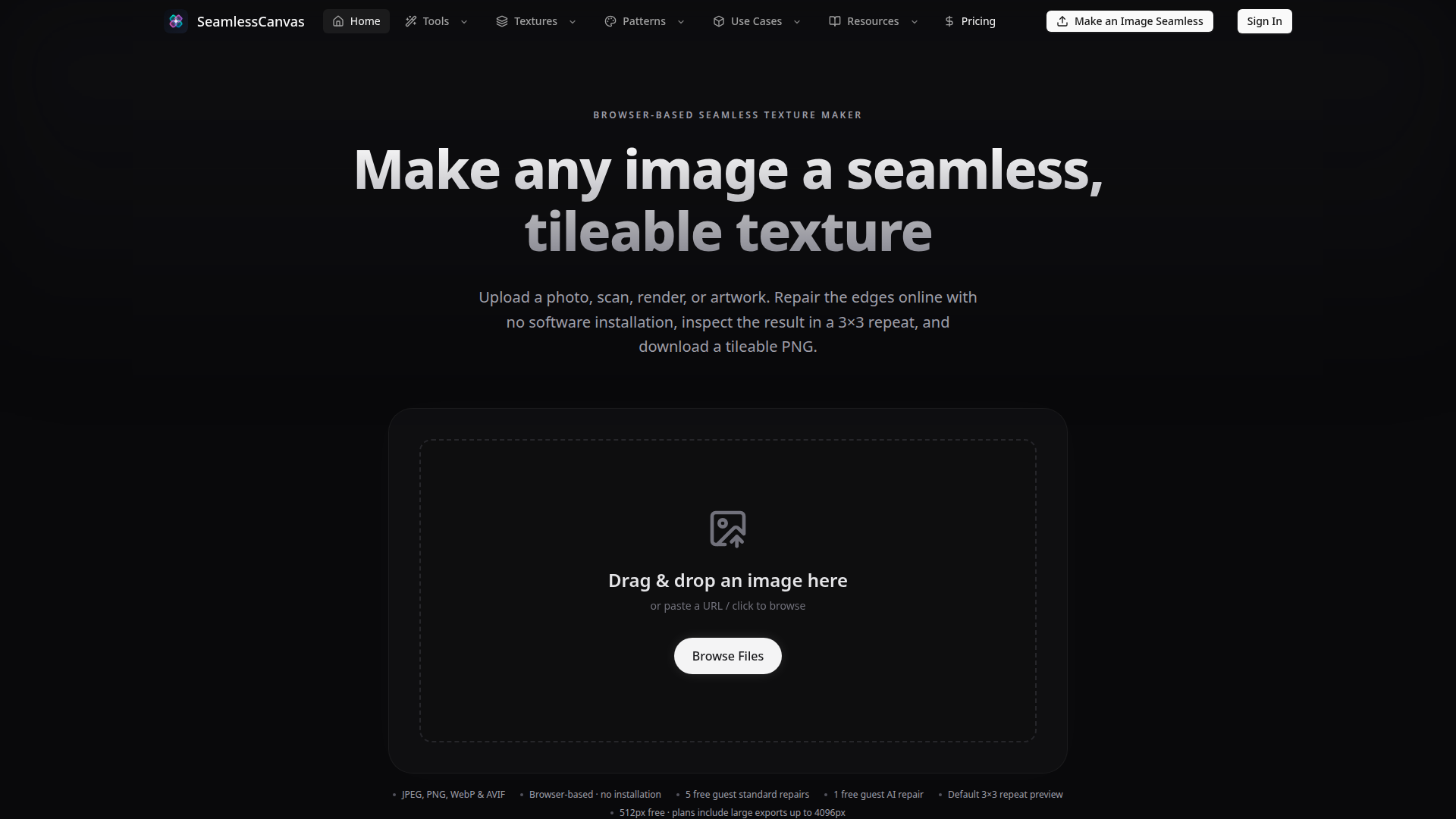
SeamlessCanvas is a browser-based tool designed to convert any image into a seamless, tileable texture or generate new seamless textures and patterns from text prompts. Positioned as an accessible alternative to complex desktop software like Photoshop, it targets game developers, 3D artists, textile and wallpaper designers, print-on-demand creators, and anyone needing repeatable surface assets. Core features include an image-to-seamless workflow that repairs edges using standard algorithms or optional AI, a prompt-based texture and pattern generator, and multiple repeat previews (2×2, 3×3, 5×5) with seam guides. Users can export PNGs up to 4096px depending on their plan. The platform offers a free tier with limited guest repairs and AI credits, while paid plans (Starter, Creator, Studio) provide unlimited standard repairs, more AI credits, and larger exports. Content features include guides, use cases, showcases, and specialized generators for materials like stone, wood, fabric, and patterns like floral, geometric, and abstract. The user experience is streamlined: drag-and-drop upload, automatic repair, and instant preview, all without installation. Technically, it leverages AI prompt wrapping, credits-aware generation, and plan-aware export controls, making it a practical tool for quickly producing tileable assets for games, 3D scenes, fabric, wallpaper, and product mockups.
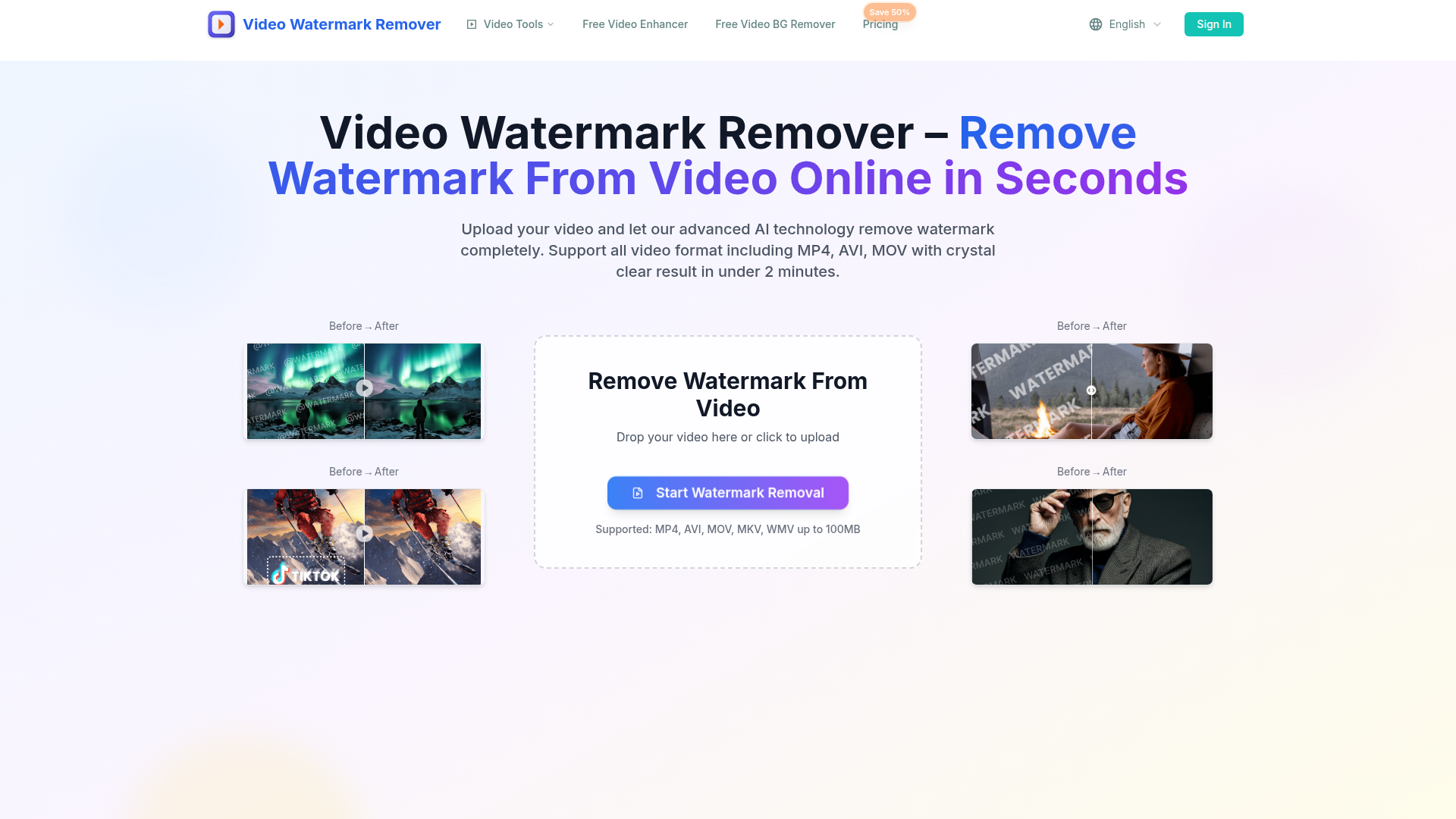
Video Watermark Remover (videowatermarkremover.org) is an AI-powered online video editing platform positioned as a fast, browser-based solution for removing watermarks, logos, text, subtitles, captions, overlays, stickers, date/time stamps, people, and unwanted objects from videos. Its core audience includes content creators, social media managers, marketers, agencies, educators, e-commerce sellers, and everyday users who need clean, platform-ready video without learning professional editing software. Core features include automatic AI watermark detection and removal, specialized tools for removing text, logos, Sora watermarks, and objects, multi-format support for MP4, AVI, MOV, MKV, and WMV up to 100MB, HD output, batch processing on higher plans, API access for teams, and cross-device access on desktop, mobile, and tablet. Content features include before/after comparisons, step-by-step usage guidance, platform-specific examples for TikTok, YouTube, and Instagram, tool landing pages, a blog, a changelog, and clear pricing and FAQ sections. The user experience emphasizes a simple three-step workflow: upload, AI processing, and download, with no plugins or editing expertise required. Privacy messaging states that uploaded files are automatically deleted from the server within 24 hours. Technical features include deep-learning frame analysis, watermark and object detection, preservation of original resolution and clarity, fast processing typically under two minutes, secure payment, and cloud-based processing for immediate access across devices.
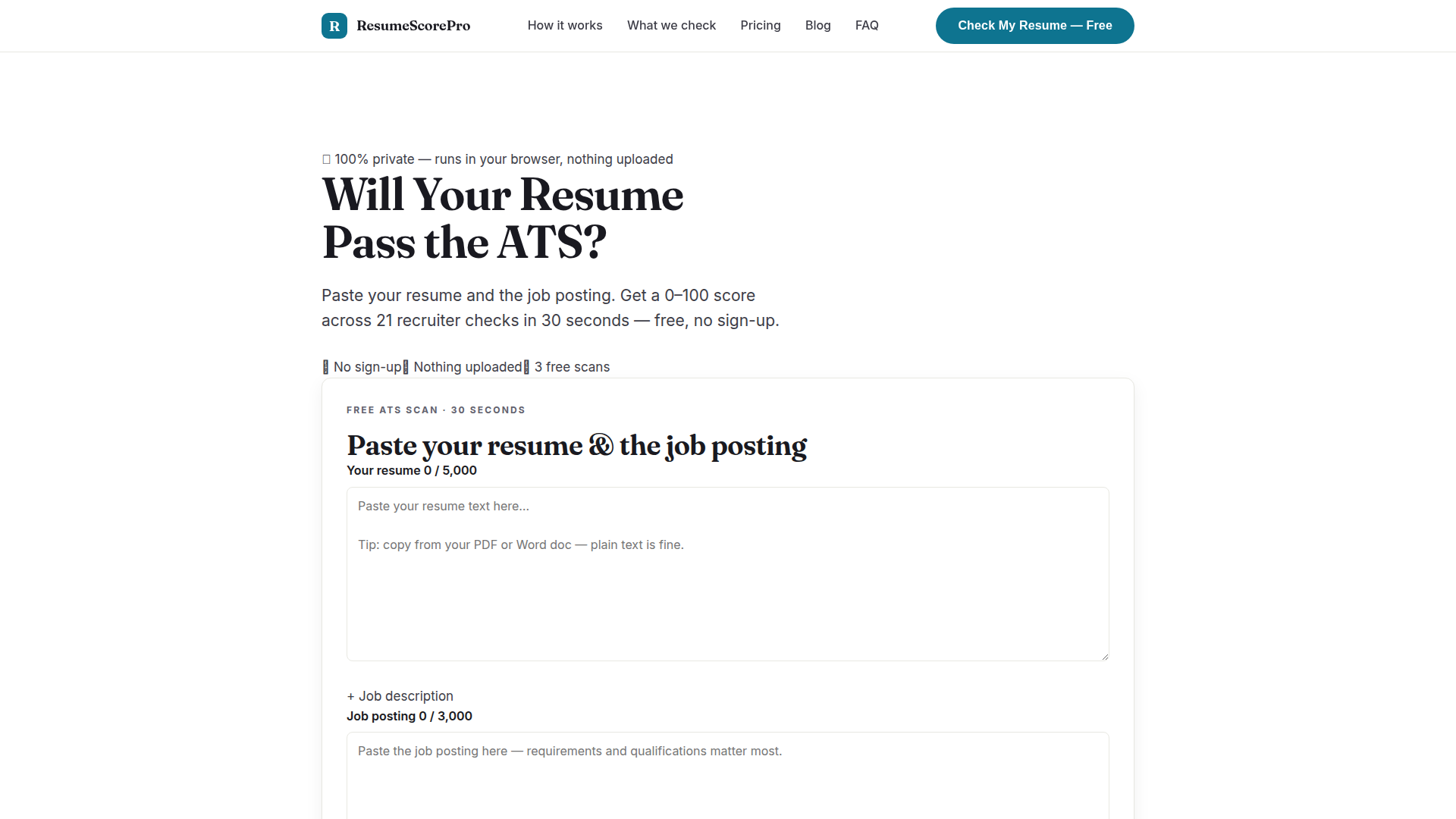
ResumeScorePro is a free, privacy-first ATS (Applicant Tracking System) resume checker built for job seekers who want to know — in about 30 seconds — whether their resume will survive the automated filters that most large employers use before a human ever reads an application. Website Positioning: ResumeScorePro positions itself as the transparent, no-sign-up alternative to the crowded field of resume-scanning tools. Rather than charging a subscription or forcing users to create an account, it runs its entire free analysis locally inside the browser using JavaScript, so resume text is never uploaded, stored, or shared. The product's promise is simple: paste two blocks of text (your resume and the target job posting), get a 0–100 score, fix the flagged issues, and rescan until you hit the recommended 85+ "likely to pass" zone. Target Audience: The primary audience is active job seekers across all experience levels — recent graduates applying to entry-level roles, mid-career professionals tailoring resumes per application, career changers, and anyone applying to large companies that screen with ATS software. It also appeals to privacy-conscious users who are uncomfortable uploading personal documents to unknown servers, and to budget-conscious applicants who do not want another monthly subscription. Core Features: The free scanner runs 21 concrete, rule-based checks across five weighted dimensions — keyword match (35%), impact (20%), format (20%), brevity (15%), and skills (10%). Keyword checks compare your resume against the posting's key terms, top-5 must-have terms, and recognized hard skills, then display matched versus missing keywords. Impact checks look for quantified achievements, strong action verbs, scannable bullet points, and dollar/percentage metrics. Format checks verify contact information placement, standard section headers, employment dates, and parser-breaking traps such as ALL-CAPS walls and overlong lines. Brevity checks reward the 1–2 page sweet spot and flag filler buzzwords, while skills checks confirm that tools and technologies appear in a dedicated skills section rather than buried in paragraphs. The paid Complete Report ($9 one-time) unlocks the full 21-check issue list, an AI consultant analysis of your specific resume against that specific posting with paste-ready rewrites, a priority fix checklist ordered by impact, a missing-keyword action plan, and a printable PDF. Content Features: Beyond the scanner, ResumeScorePro maintains an active blog with long-form resume guides — topics include explaining job hopping and short stints, rewriting a resume for skills-based hiring (which the site notes is now the default for many entry-level roles), fixing the tell-tale signs that a resume was AI-generated, and an explainer on what an ATS actually is and how it reads your resume. Articles are dated, include reading-time estimates, and are written in a practical, instructional tone. The homepage also includes a shareable score result (sharing only the number, never the resume text) with buttons for X, Facebook, LinkedIn, and WhatsApp, plus built-in social proof badges. User Experience: The workflow is deliberately frictionless — three steps, no account, three free scans tracked in the visitor's own browser local storage. The interface is a two-panel paste area (5,000 characters for the resume, 3,000 for the job posting) with live character counters, a single "Score My Resume" button, and an animated score reveal with per-dimension breakdowns and issue lists. The site aims for an 85+ benchmark to give users a clear, actionable target. Technical Features: The core differentiator is client-side analysis — the free scan requires no server round-trip, works offline after the page loads, stores nothing remotely, and requires no cookies-based account system. The paid report is the one exception: resume and job posting text are sent once over an encrypted connection to the company's server and to OpenAI to generate the AI consultant analysis, with nothing retained and no model training. Payments are handled securely by Stripe with a one-time charge and a 30-day money-back guarantee. Overall, ResumeScorePro combines a credible, rule-based scoring engine with genuine privacy engineering and low-friction pricing, making it a practical pre-application checklist tool for anyone applying through an online portal.

Ptero is a free, open-source AI chat platform designed specifically for developers, offering a powerful and privacy-centric alternative to mainstream AI chatbots. Positioned as an always-free tool with no premium plans or paywalls, Ptero provides access to multiple cutting-edge AI models, allowing developers to experiment, code, and brainstorm without cost barriers. Its core audience includes software engineers, data scientists, and technical enthusiasts who value local-first data privacy and seamless integration into their workflows. Key features include a local-first privacy model where conversations are stored in the user's browser, not on servers, ensuring data sovereignty; Projects for organizing and syncing chats and files to the cloud for cross-device access; and a Developer API that enables programmatic use with personal API keys. GitHub integration allows users to sign in, star the repository to unlock additional models and earn higher hourly token quotas, and import public GitHub projects. The platform also offers token-based usage quotas (resetting hourly) with bonuses for invites and GitHub stars, export/import of chat backups, and multi-language support. User experience is streamlined: guests can start chatting instantly without registration, and the interface includes a guided tour, model selection, and news updates via Discord. Technically, Ptero is fully open source (hosted on GitHub), built on WordPress, and routes messages to third-party AI providers while maintaining minimal data collection. With its commitment to remaining free forever, Ptero is an attractive option for developers seeking a flexible, transparent, and cost-free AI chat solution.
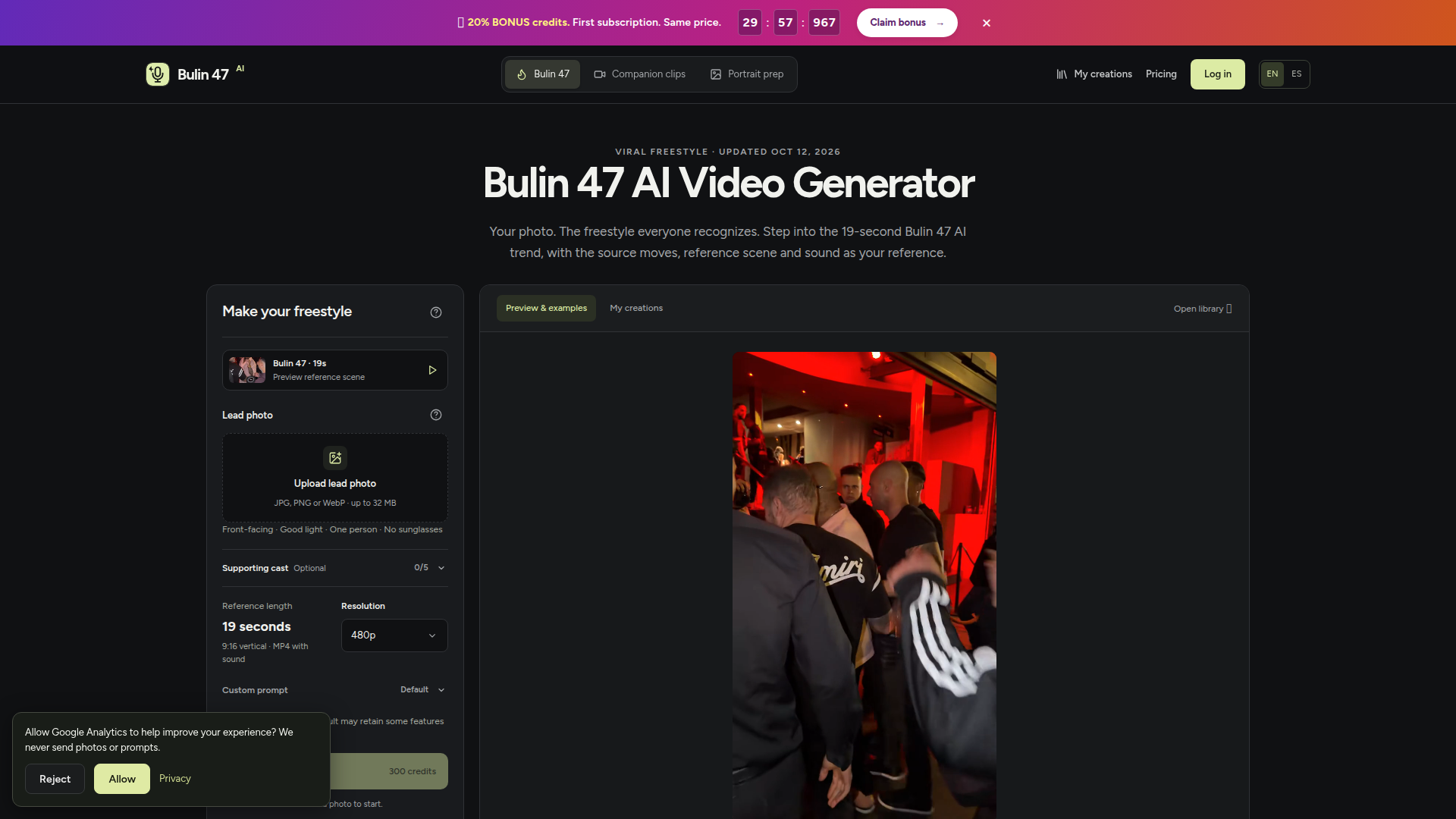
Bulin 47 AI is an independent, browser-based AI video generator that lets users turn a single portrait photo into a 19-second vertical freestyle performance inspired by the viral Bulin 47 and Kevin Wai trend. Positioned as a fan-made creative tool rather than an official app, it targets TikTok and short-form creators, trend participants, social media users, and anyone who wants to insert their own face, outfit, and character into a recognizable dance scene without filming. Core features include photo upload, optional supporting cast of up to five portraits, custom prompts, 480p or 720p output, 9:16 MP4 delivery with restored source audio, and a credit-based generation system. The content experience is guided with trend explanations, photo tips, example clips, prompt suggestions, scene guidance, troubleshooting, FAQs, and clear legal disclaimers. The interface is simple: upload a clear adult photo, choose quality, confirm permissions, generate, then review the result in My creations. Technically, it uses AI photo-to-video, motion transfer, character replacement, and audio restoration, with no app or added watermark, and failed tasks return site credits.
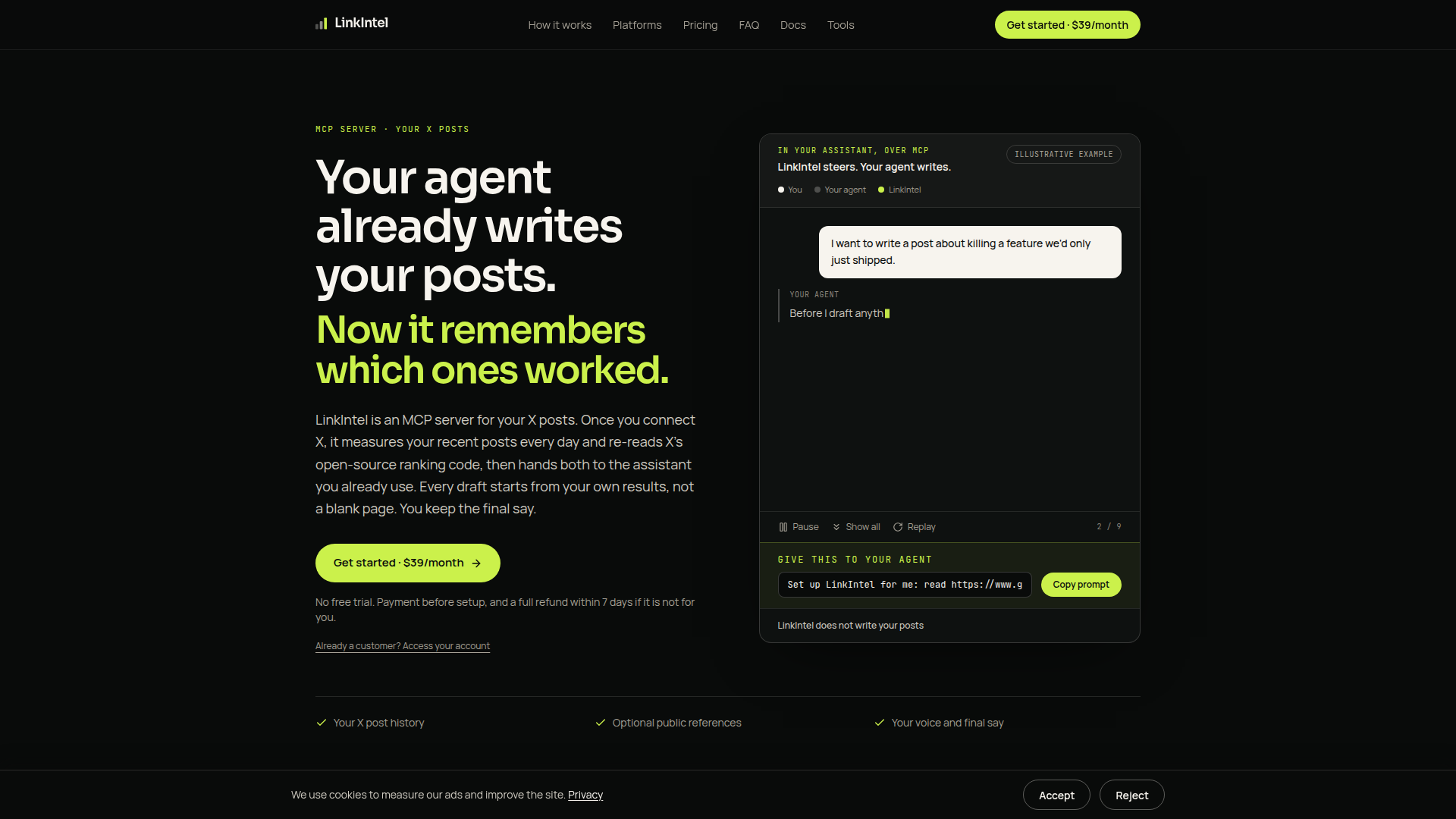
LinkIntel is a specialized MCP (Model Context Protocol) server designed to make AI writing assistants smarter about X (formerly Twitter) content. Rather than acting as a standalone writing tool, LinkIntel plugs into the MCP-compatible assistant you already use—such as Claude—and feeds it two powerful sources of context: your own measured X post performance and X's publicly available open-source ranking algorithm. Once you connect your X account, LinkIntel captures daily snapshots of your recent original posts and their metrics (impressions, replies, reposts, and bookmarks), while simultaneously reading X's ranking code every day and flagging changes with the exact commit as evidence. Both streams of data are combined into a cited content brief that your assistant can reference when drafting. Positioned as a read-only intelligence layer, LinkIntel never publishes, schedules, or searches X on its own—it simply returns evidence, leaving the final creative call to you. Its target audience is content creators, founders, marketers, and social media practitioners who publish on X and already use AI assistants for drafting. Core features include daily performance tracking, real-time algorithm change detection, optional public reference lookups, transparent source citation, and strict user control over stored data. The user experience emphasizes minimal disruption: no new tool to open, no copying between windows, and full transparency about what is stored and why. Technically, LinkIntel leverages the open MCP standard for seamless assistant integration, employs Google sign-in for authentication, and is priced at a flat $39 USD per month with a 7-day full refund policy and no free trial. The product begins focused on X, with LinkedIn analytics available only in closed beta for existing accounts, signaling an ambition to expand to more platforms over time.
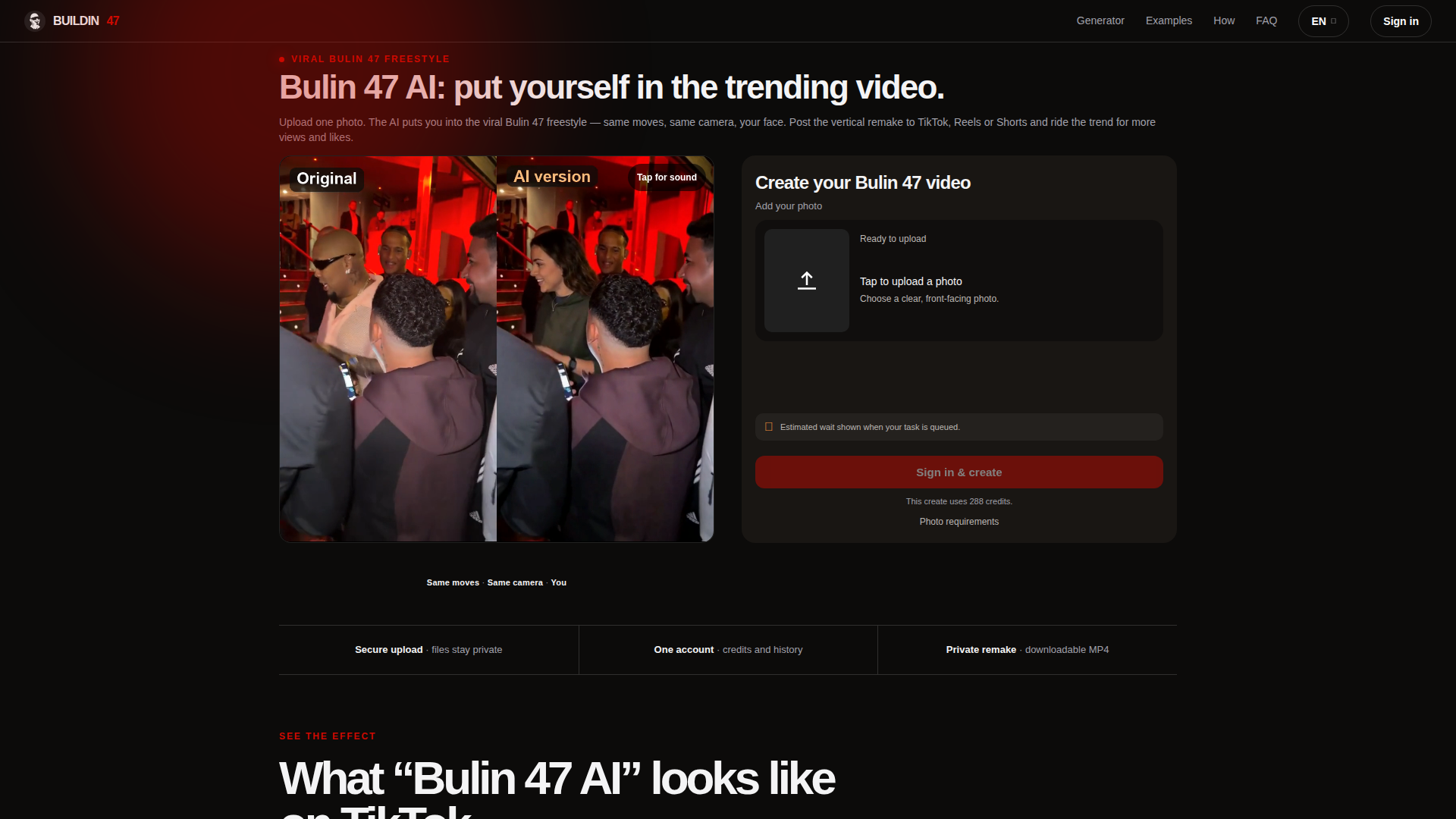
Bulin47 AI is a web-based AI video generator positioned as a fast, trend-focused remake tool for the viral Bulin 47 freestyle dance. It is built for TikTok, Instagram Reels, and YouTube Shorts creators, meme pages, fan editors, and everyday users who want to join a popular dance trend without filming or choreography. The core feature lets users upload one authorized front-facing photo and automatically casts that face into the same dembow shoulder-bounce choreography, camera movement, and outdoor scene associated with the Bulin 47 trend. Users can optionally describe surrounding people to customize the crowd, sign in with Google, preview credit costs, generate a private video, and download an MP4 for social posting. The content experience combines a generator, TikTok example gallery, step-by-step instructions, and FAQ to explain the trend and tool. The interface is simple and mobile-friendly, with language options including English, Spanish, and French. Technically, it uses AI face/character swap and motion-transfer style generation, credit-based processing, secure uploads, task history, and private downloadable results. It is an independent fan-style tool, not an official Bulin 47 or Kevin Wai product, and users must upload only likenesses they have rights to use. Pricing is subscription-based with monthly credit plans and optional one-time credit packs, while browsing remains free.
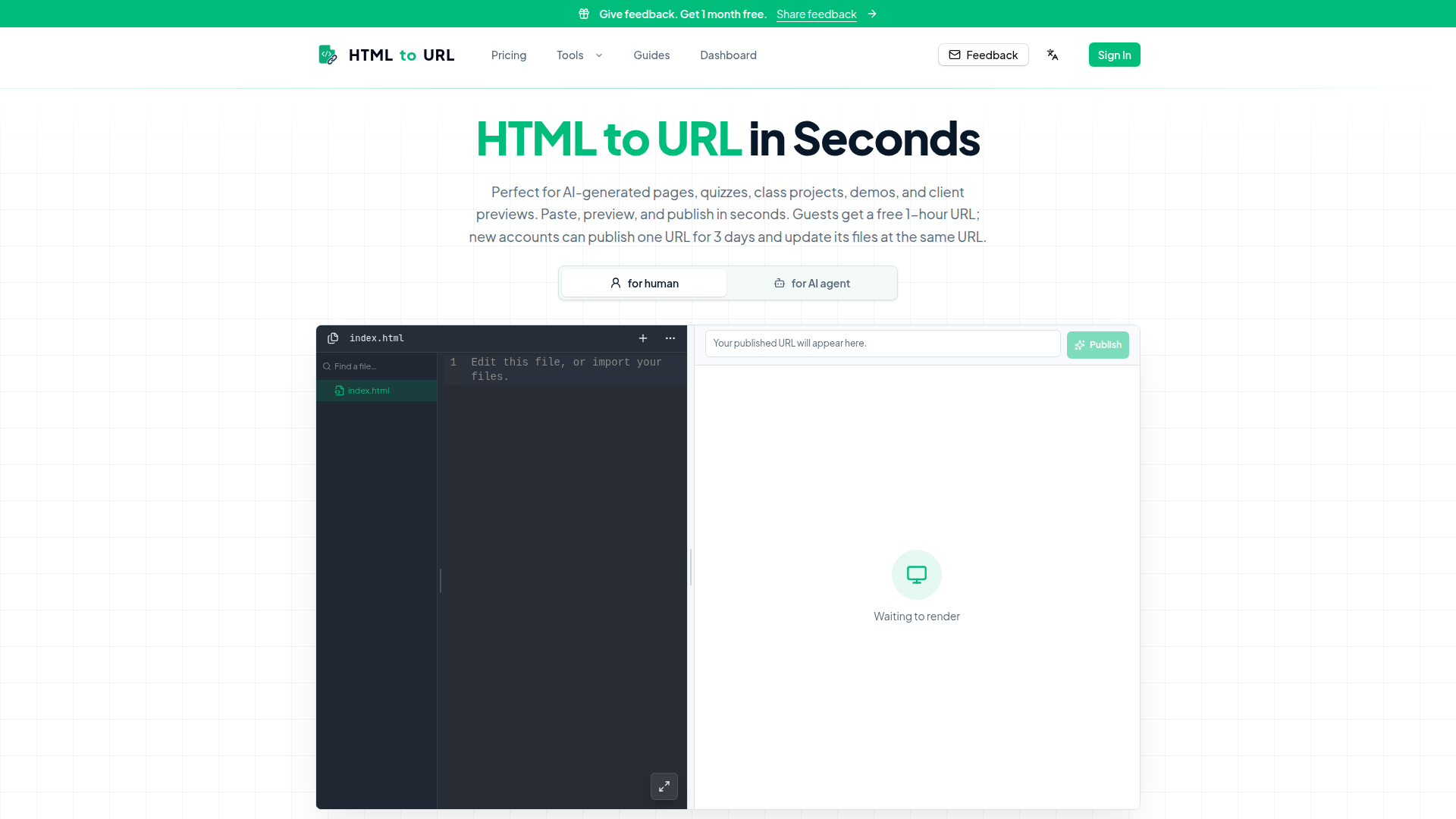
HTML to URL is a lightweight, browser-based utility that instantly converts raw HTML code into a live, shareable URL. Positioned as the fastest bridge between a local HTML file or code snippet and a public web page, it eliminates the need for repositories, build pipelines, server setup, or static hosting projects when only one HTML page needs to be published. The target audience includes frontend engineers testing component prototypes, product designers sharing landing page drafts, QA leads verifying markup and visual states, instructors distributing class projects, founders sending client previews, and AI builders working with HTML generated by tools such as ChatGPT, Claude, Cursor, v0, Bolt, or Lovable. Core features include a built-in code editor with .html/.htm file uploads, live browser preview before publishing, instant generation of a hosted public URL, a 20MB HTML size limit, and a frictionless flow that requires no account for guests, who receive a free 1-hour URL, while registered users can publish one URL that remains live for 3 days and update its files at the same URL. Generated pages are served with noindex headers by default, keeping the main domain's SEO profile clean. The user experience is deliberately minimal: paste, preview, publish, copy, and share in under 30 seconds, with clear examples for interactive 3D rooms, wedding invitations, learning pages, small business sites, dashboards, travel itineraries, portfolios, and event hubs. Technical features include client-side editing, server-side static hosting, support for embedded JavaScript and CSS, and compatibility with AI-generated HTML. The site also offers guides, templates, showcases, a feedback channel, a dashboard, and a free-forever core model with inferred premium options, making it ideal for demos, stakeholder reviews, quizzes, prototypes, and rapid sharing.
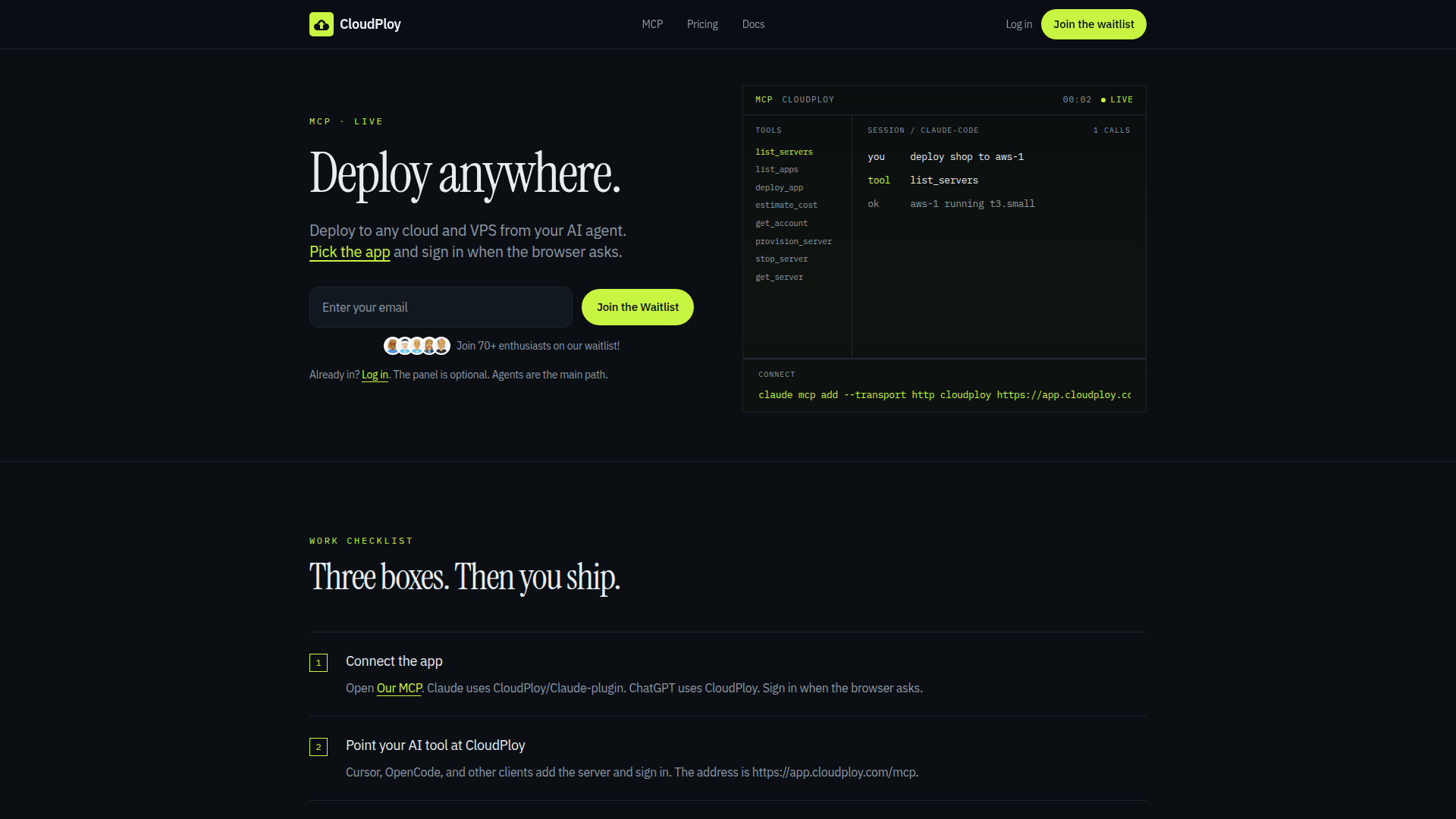
CloudPloy is a pioneering platform that enables developers to deploy and manage applications on any cloud provider directly from AI agents like Claude, ChatGPT, and other MCP-compatible tools. Positioned as an AI-first DevOps automation solution, it targets developers, DevOps engineers, indie hackers, and startups who want to streamline cloud deployments without deep DevOps expertise. Core features include seamless MCP integration via HTTP transport, support for AWS, Google Compute Engine (GCE), and custom VPS, polyglot language support through Nixpacks (Node, Python, Go, Rust, Ruby, Java, PHP, Deno, static sites), and one-click presets for WordPress and Laravel. Users can bring their own server or provision one at the provider's exact rate, with cost estimation and server management tools. The platform offers a free tier (1 server, 1 app, 2 vCPU/2GB RAM) and paid plans (Starter, Pro, Scale) with prepaid credits for provisioned compute. Content features a clear three-step workflow, comprehensive FAQ, and a waitlist for early access. The user experience is minimal and agent-centric, with an optional control panel. Technical highlights include scoped API tokens, SSL, containers, routing, environment variables, domains, logs, and a full API, making CloudPloy a robust solution for modern, AI-driven deployment workflows.
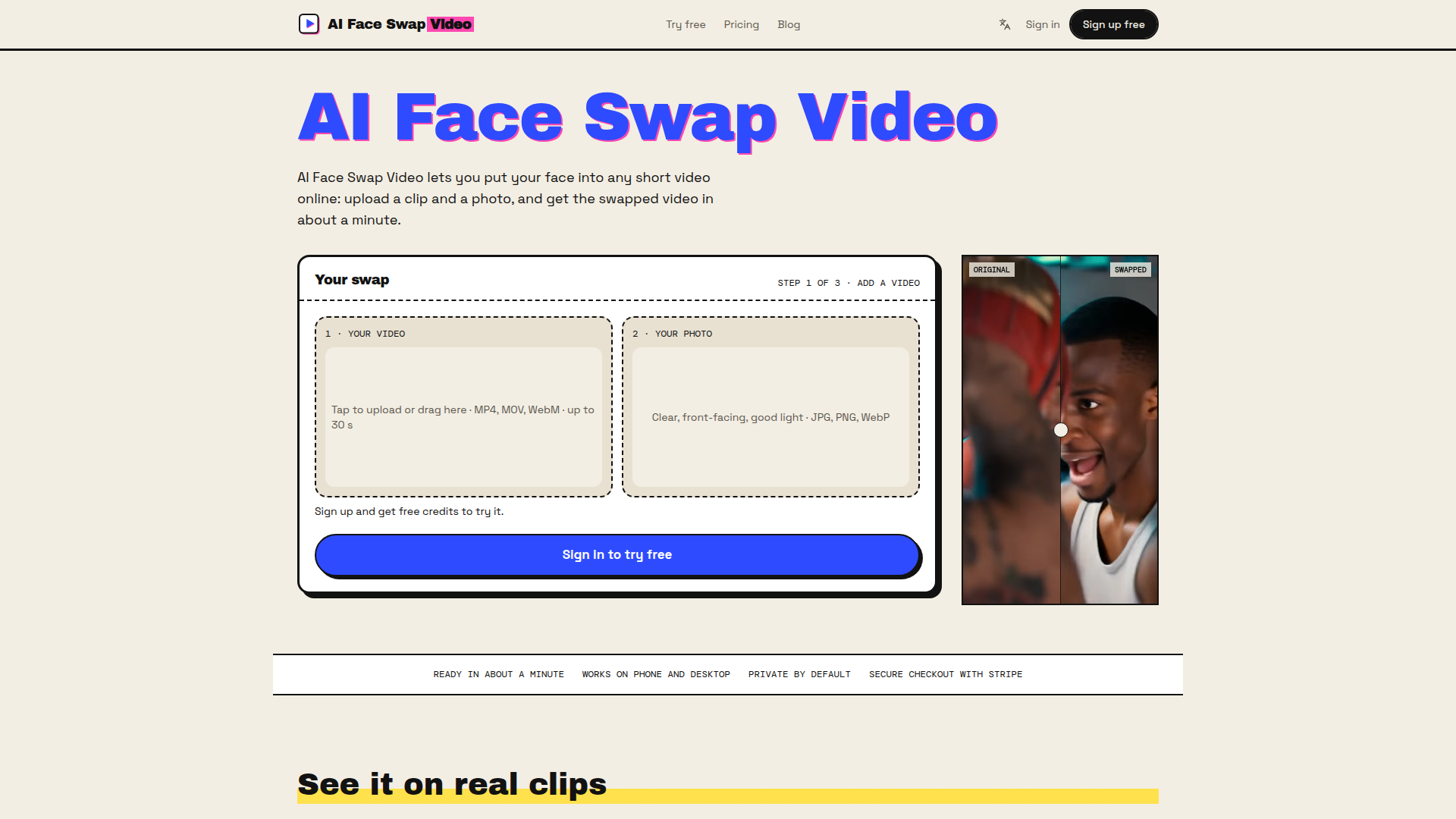
AI Face Swap Video is a browser-based AI video face-swapping tool that lets users insert their face into short clips quickly and easily. Positioned as a simple, privacy-conscious online utility for casual creators, social media users, and anyone who wants to star in existing footage without editing skills, it accepts an MP4, MOV, or WebM video up to 30 seconds and a JPG, PNG, or WebP photo, then generates a swapped video in about a minute. Core features include Full swap (face, hair, outfit) and Face only modes, free signup credits, one-time credit packs that never expire, watermark-free downloads after purchase, and support for mobile and desktop browsers. Content is organized around sample clips, use cases, pricing, safety, and a blog. User experience emphasizes a three-step upload, consent confirmation, generation, and download flow, with auto-deletion of uploads after 24 hours and no training on user files. Technical features include Stripe checkout, Google/email sign-in, vertical video support, and cloud processing.
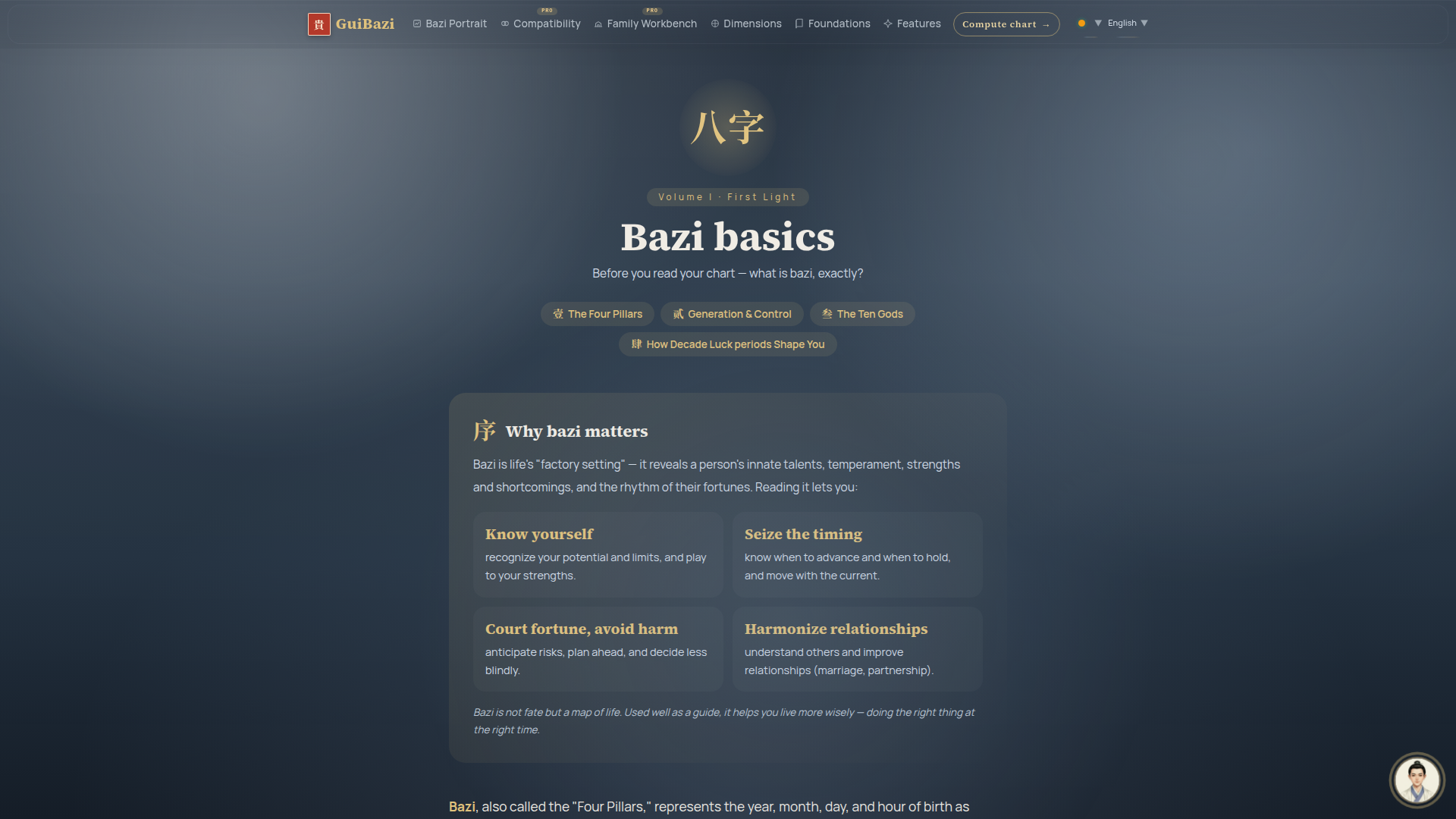
GuiBazi is a web-based Bazi astrology platform that brings traditional Chinese Four Pillars of Destiny into a modern, accessible digital experience. Positioned at the intersection of traditional-culture study and practical self-reflection, it helps users compute their natal Bazi chart and interpret it through personalized portraits, compatibility readings, and family analysis. The target audience includes Chinese metaphysics enthusiasts, people curious about Bazi, individuals seeking relationship or marriage compatibility insights, parents analyzing family dynamics, and anyone wanting to understand life timing and personal tendencies. Core features include Bazi Portrait, Compatibility PRO, Family Workbench PRO, chart computation, Dimensions, Foundations, and multilingual support. Content features clear educational articles on the Four Pillars, Five Elements, Ten Gods, Decade Luck, and Annual Luck, presented with structured sections and references to classical wisdom. User experience is straightforward: users can compute a chart, sign in to save results, and upgrade to premium for advanced tools. Technical features include a responsive web interface, account system, multilingual localization, and algorithmic chart generation. The platform emphasizes entertainment and reference use, not deterministic fate, positioning Bazi as a life map for better timing and decisions.
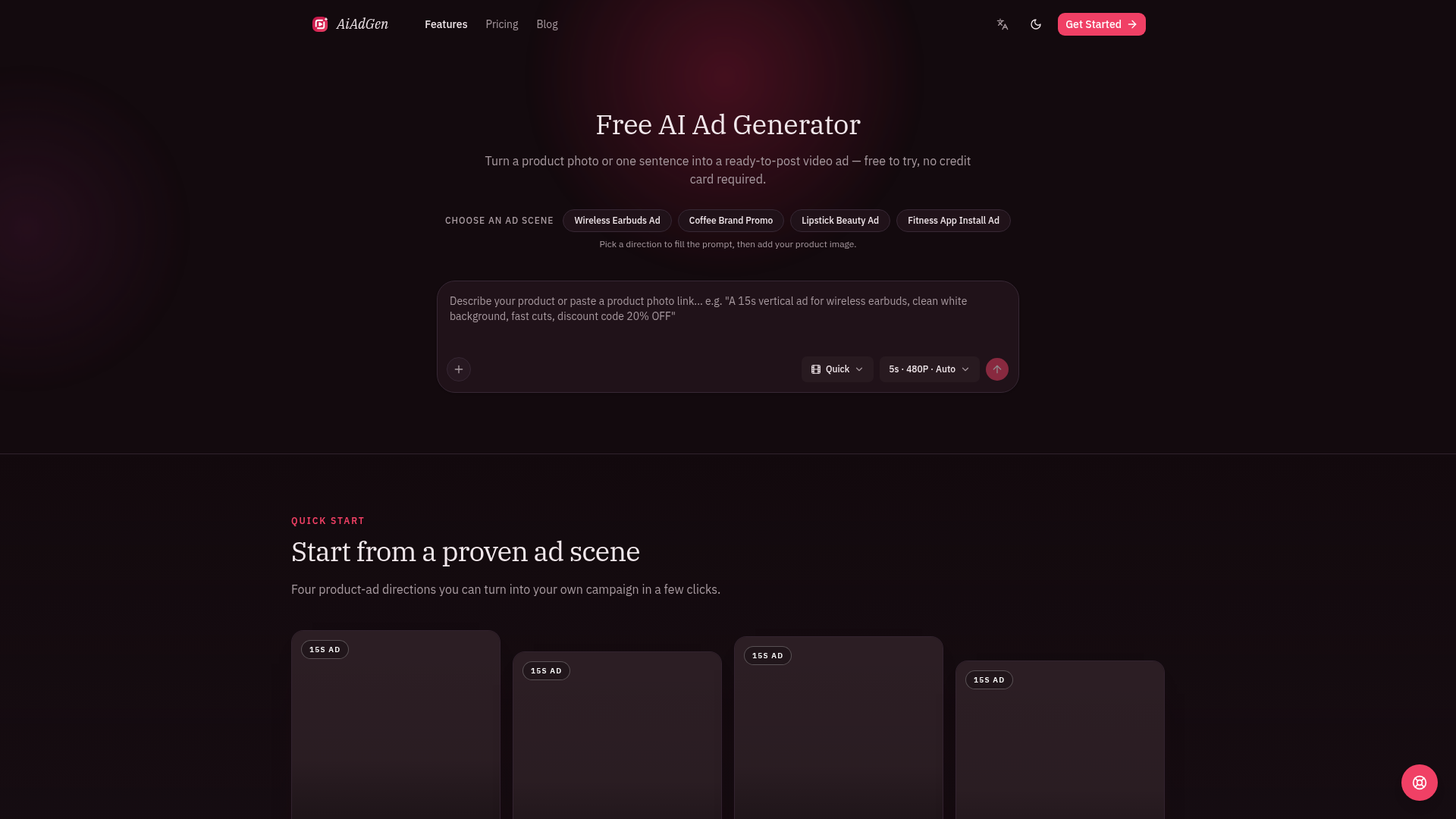
AiAdGen (AiAdGen: AI Ad Generator for Product Videos) is a browser-based generative AI studio purpose-built for creating short, vertical video advertisements from minimal input — a single product photo or a one-line written brief. Rather than positioning itself as a general-purpose text-to-video toy, AiAdGen is tightly focused on the commercial ad workflow: product close-ups, lifestyle promos, beauty and wellness creative, marketplace listing videos, app-install concepts, and fast creative tests for paid social. Its Website Positioning sits at the intersection of AI video generation and performance marketing tooling — a "creative production shortcut" for sellers who need a post-ready 9:16 clip for TikTok, Instagram Reels, YouTube Shorts, or an ecommerce product page without hiring a production crew, studio, or editor. The Target Audience is primarily small businesses, independent ecommerce sellers, dropshippers, DTC brand marketers, social media managers, beauty and fitness app growth teams, and solo founders who need a constant stream of fresh ad creative at low cost. Secondary audiences include agencies producing rapid concept mockups and creators testing hooks before committing to a real shoot. Core Features include: prompt-driven ad generation seeded by four proven starter scenes (Wireless Earbuds Ad, Coffee Brand Promo, Lipstick Beauty Ad, Fitness App Install Ad); product image upload plus one-sentence brief input; a three-tier quality and model selector — Quick (MiniMax H3, 480P), Standard (MiniMax H3, 768P), and Pro (Seedance 2.5, 720p with generated audio where the model supports it); a credit-based generation economy with optional subscriptions; a personal Library for managing generated assets; and a built-in support ticket area in account settings. Content Features: the homepage doubles as a lightweight educational resource, publishing a daily "Daily Ad Note" creative quote series, a how-it-works walkthrough, use-case sections written for sellers, and an FAQ that transparently explains free-preview limits, watermark policy, and commercial-use rights. User Experience is deliberately frictionless and low-commitment: no credit card is required to start, users can pick a pre-built ad scene to auto-fill the prompt, and the entire flow — upload, choose scene, generate, review, export — is compressed into three steps with task status shown live in the workspace. Technical Features include multi-model routing across MiniMax H3 and Seedance 2.5, vertical 9:16 native output, 5-second short-form previews, 480P/720p/768P render options, asynchronous render tasks with status polling, multilingual interface with a language switcher and dark/light theme toggle, and watermark-free downloadable exports for paying users. Monetization is Freemium: one free Standard 5-second 768P preview for eligible new users (evaluation only, not downloadable, no commercial rights), with credit purchases or subscriptions required for new downloadable, watermark-free, commercially licensed videos. AiAdGen is verified and listed across multiple AI tool directories including Stork, Product Hunt, Findly.tools, Twelve Tools, Turbo0, Dang.ai, ToolFame, and others, which lends third-party credibility to the product.

TaskPriced is an independent AI cost comparison platform focused on real per-task expenses for Claude and GPT models. It is positioned for developers, engineering leaders, product managers, AI operations teams, and procurement or finance staff who need to plan budgets, choose models, and understand how API pricing behaves under production workloads. The core features include model-by-model cost comparisons, a detailed cost calculator covering batch, flex, fast, and ultrafast tiers, cache reads and writes, long-context thresholds, and monthly volume; a local CSV usage audit tool; a methodology page; and model update tracking. Content is source-linked, dated, and benchmark-aware, comparing only scores measured in the same documented run. It highlights long-context cliffs, reasoning-token effects, and other hidden drivers that make per-token list prices misleading. User experience is direct: browse comparison cards by model or workload, jump into the calculator, or audit an existing usage export. Technical features include dark and light themes, official vendor pricing verification, tier-aware arithmetic, unsupported combination detection, and evidence-graded recommendations labeled Measured, Inferred, or Insufficient evidence.
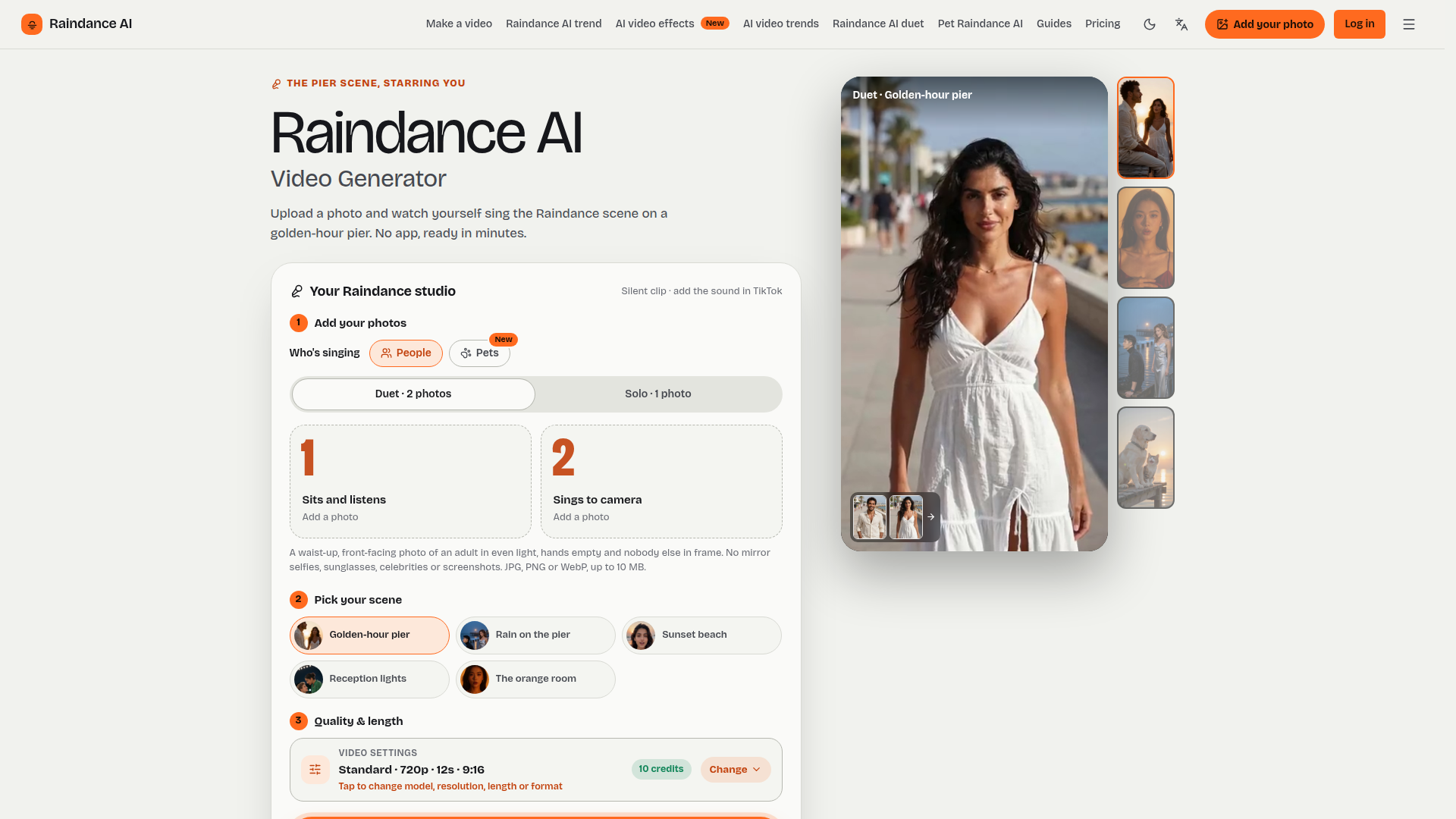
Raindance AI is a browser-based AI video generator built specifically around the viral Raindance trend sparked by Dave ft. Tems. Instead of filming or editing anything, users upload one photo (solo) or two photos (duet) — or a photo of a pet — and the tool renders a short vertical 9:16 MP4 of them softly singing on a golden-hour pier, built from three shots: a snapshot that recreates the original photo, a close-up of the subject singing into the lens, and a wide shot of the surrounding scene. Website positioning: a single-purpose, trend-native studio rather than a general-purpose AI video platform, sitting between consumer social apps and professional generative tools. Target audience: TikTok, Reels and Shorts creators, couples and long-distance partners, best friends chasing trends, pet owners, and anyone wanting a soft-launch style video without appearing on camera. Core features include five cinematic scenes lifted from the music video's visual language (golden-hour pier, rain on the pier, sunset beach, reception lights, the orange room), solo/duet/pet modes, four model tiers from Standard to Ultra, selectable length (5–30s), resolution up to 1080p, and vertical, wide or square output. Content features: an extensive library of trend pages (zombie, hotel lobby, gas station dance, AI kiss, AI hug, Bulin 47, Nicole Kidman dance, 80s home movie and more), plus dozens of how-to guides, comparison articles and free-to-copy scene prompts. User experience is deliberately frictionless — no prompts to write, no timeline, no install, Google sign-in, credits shown on the button before rendering, and a typical render in about three minutes. Technical features include cloud rendering, watermark-free paid exports, silent output so the official sound can be added in TikTok, automatic refunds on failed renders, and a stated policy that photos are used only to generate the video and never to train models, with deletion available any time and originals purged after 30 days.
Try Bulin 47 AI is a single-purpose AI video generator that recreates the viral "Bulin 47 freestyle" street clip with the user in the starring role instead of a celebrity. Website positioning: it is a niche, trend-driven creative tool rather than a general video editor — everything on the site funnels toward one output, a 12-second vertical handheld-style clip in which a friend walks up with a portable speaker, a dembow beat drops, and the user freestyles a Spanish verse that opens with their own name. Target audience: TikTok, Reels and Shorts creators chasing the trend of the month, friend groups and coworkers who roast each other, birthday and group-chat pranksters, dembow and Latin music fans, football teams and gym crews who want a teammate instead of a famous player, and social media managers who need trend content fast without filming anything. Core features: a two-photo upload flow (one photo for the friend holding the speaker, one for the freestyler, or a single photo for a solo freestyle), three selectable scenes (restaurant door at night, Caribbean street corner, seaside promenade), a personalized verse generated in Spanish that begins with the typed first name plus one funny detail, an original dembow beat with generated vocals, and adjustable output settings covering model (Standard, Fast, Pro, Ultra), length (5–15 seconds, up to 30 on Ultra), resolution (480p/720p) and aspect ratio (9:16, 16:9, 1:1). Content features: the homepage is written as a complete explainer — the origin story of the October 2026 viral clip, a step-by-step "how to make it" walkthrough, a comparison table of exactly what the user gets, tips for better results, use-case personas, an on-page FAQ, and a small guides hub with articles on how to make the video and why face-swap templates return the wrong face. User experience: the interface is a three-step studio wizard (add photos, pick your scene, choose quality and length) with credit costs displayed live next to each render button, clear photo rules (one adult per photo, faces to camera, even light, no sunglasses or screenshots, up to 10 MB, JPG/PNG/WebP), a stated "about three minutes" turnaround, and an explicit no-watermark promise. Technical features: credit-based rendering across four quality models, failed renders are never charged, photos that cannot be used are rejected before credits are spent, sign-in required only at the moment of rendering, and MP4 downloads at 720p designed for direct posting with the platform AI-generated label. Pricing is transparent and low-commitment: 10 credits for a standard 12-second clip at $9.99, discounted to $5.99 on a first order, plus optional monthly ($29.90 for 10 videos) or annual ($100 for 40 videos) bundles. The site is explicitly independent and not affiliated with Bulin 47, his label or TikTok, and it never pastes a public figure's face into a clip.
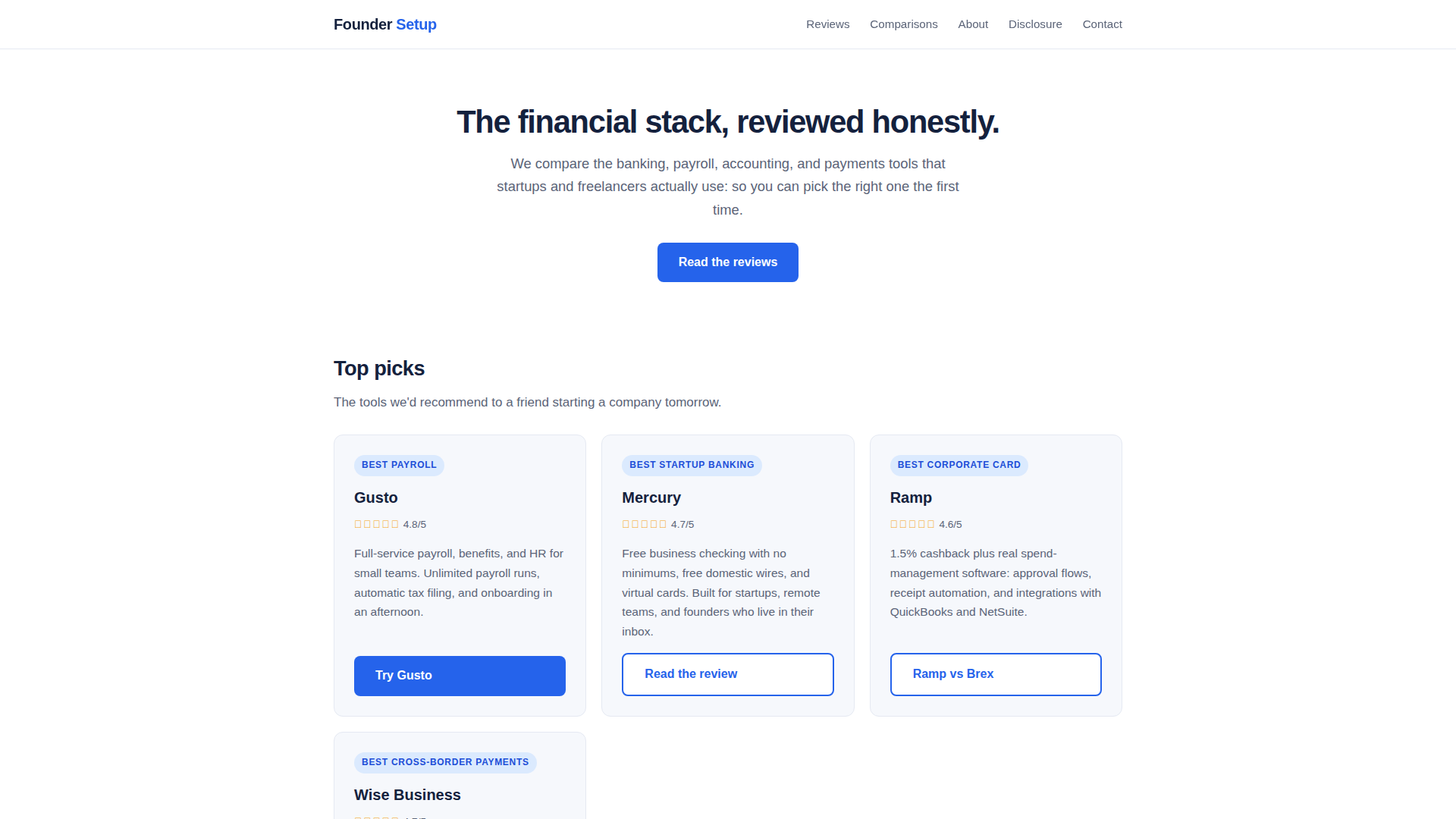
Founder Setup is an independent, reader-supported review site that helps founders, startups, and freelancers build the right financial stack from day one. Instead of vague listicles, it publishes hands-on, head-to-head comparisons of the banking, payroll, accounting, corporate card, incorporation, and cross-border payment tools that early-stage companies actually use — including Gusto, Mercury, Ramp, Brex, Wise Business, Deel, Remote, QuickBooks, Xero, Stripe Atlas, Firstbase, Northwest Registered Agent, Justworks, Airwallex, Revolut Business, FreshBooks, and Wave. Website Positioning: an honest, editorial-first fintech comparison hub for pre-seed through Series A teams and solo operators, positioned between generic finance blogs and expensive advisory services. Target Audience: first-time founders, bootstrapped startups under 50 people, freelancers, contractors, remote teams, and non-US founders incorporating in the US who need to choose vendors quickly and confidently. Core Features: curated "Top picks" with star ratings (e.g., Gusto 4.8/5, Mercury 4.7/5, Ramp 4.6/5, Wise Business 4.7/5), in-depth 2026 comparison articles, roundups by category (payroll, business banking, corporate cards, invoicing, registered agents), step-by-step how-to guides, and a founder-focused newsletter. Content Features: decision-oriented framing ("which one fits your spend", "the catch in each free trial"), transparent affiliate disclosure, pricing and fine-print breakdowns, year-one cost comparisons, and explicit notes on who each product is NOT for. User Experience: a clean single-page hub with jump links (Reviews, Comparisons, About, Disclosure, Contact), short scannable summaries, clear CTAs to read a review or try a tool, and a lightweight email signup with no spam promise. Technical Features: fast static-style landing page, direct outbound affiliate links (Gusto, Wise), internal article architecture under /articles/, minimal tracking, and mobile-friendly layout. Monetization is fully transparent: affiliate commissions at no cost to the reader, with rankings explicitly unaffected by payouts.
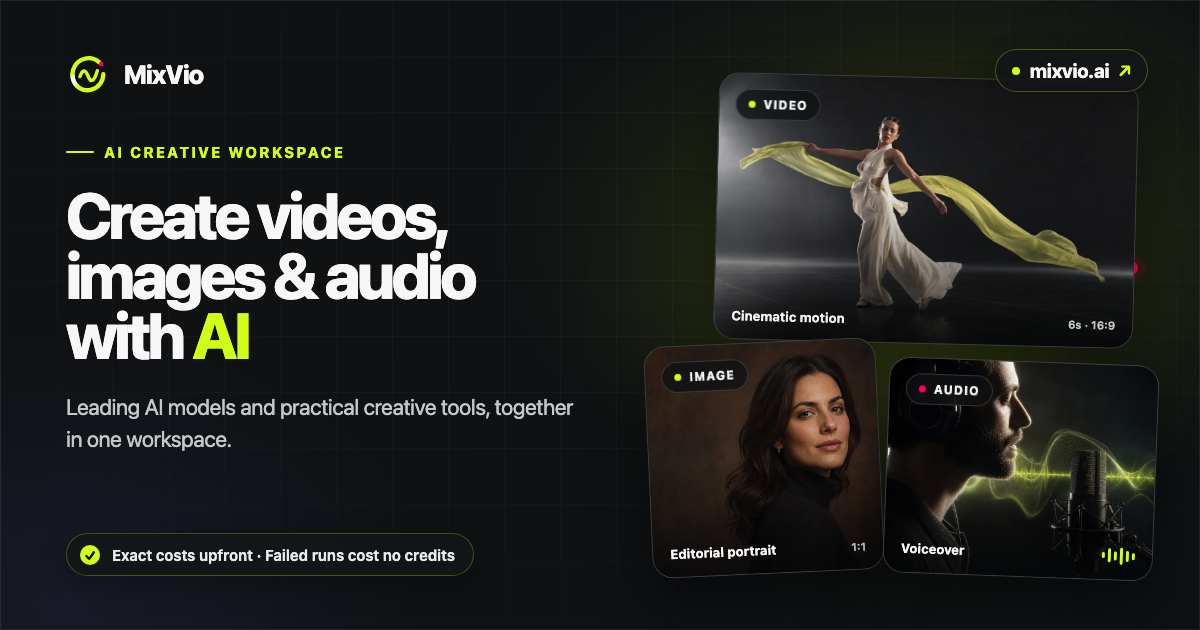
MixVio is a unified AI creation platform developed by Orvyno LLC that brings leading third-party generative video, image, and audio models together inside a single browser-based workspace. Rather than juggling multiple subscriptions and tabs, creators can write a prompt, upload a reference image, video, or audio file, and route the job to whichever model best fits the task — Seedance, Kling, Veo, MiniMax, Wan, GPT Image, Nano Banana, FLUX, Qwen, PixVerse, Grok Imagine, or ElevenLabs voice models — all from one interface. The platform is positioned as a production-oriented 'brief to finished asset' tool: it combines generation with practical editing utilities such as AI Image Upscaler, AI Video Upscaler, Background Remover, AI Photo Editor, Motion Control, Video to Video, Image to Image, and Motion Control, so an idea can be iterated across modalities without leaving the site. Its target audience spans solo content creators, social media marketers, e-commerce sellers producing product imagery, short-form video producers, indie filmmakers and animators, agencies, and small studios that need fast first drafts and consistent visual output. Core features include text-to-video, image-to-video, video-to-video, text-to-image, image editing, voiceover generation in multiple languages, and original music creation, with each tool documenting its accepted input formats and limits before submission. Content is organized around browsable model and tool catalogs, curated example galleries with prompt-style captions, and honest per-model cost breakdowns. User experience emphasizes transparency and trust: every run displays an exact integer credit quote and dollar equivalent on the Generate button before submission, failed generations automatically release reserved credits, uploads and outputs stay private to the user's workspace, free-tier outputs carry watermarks for images and voice, and paid creations remain accessible after cancellation while the account is active. Technical highlights include multi-model routing, native audio generation, 2K video output on some models, long reference packs, short-lived scoped download links, and privacy-conscious provider processing limited to completing each request.
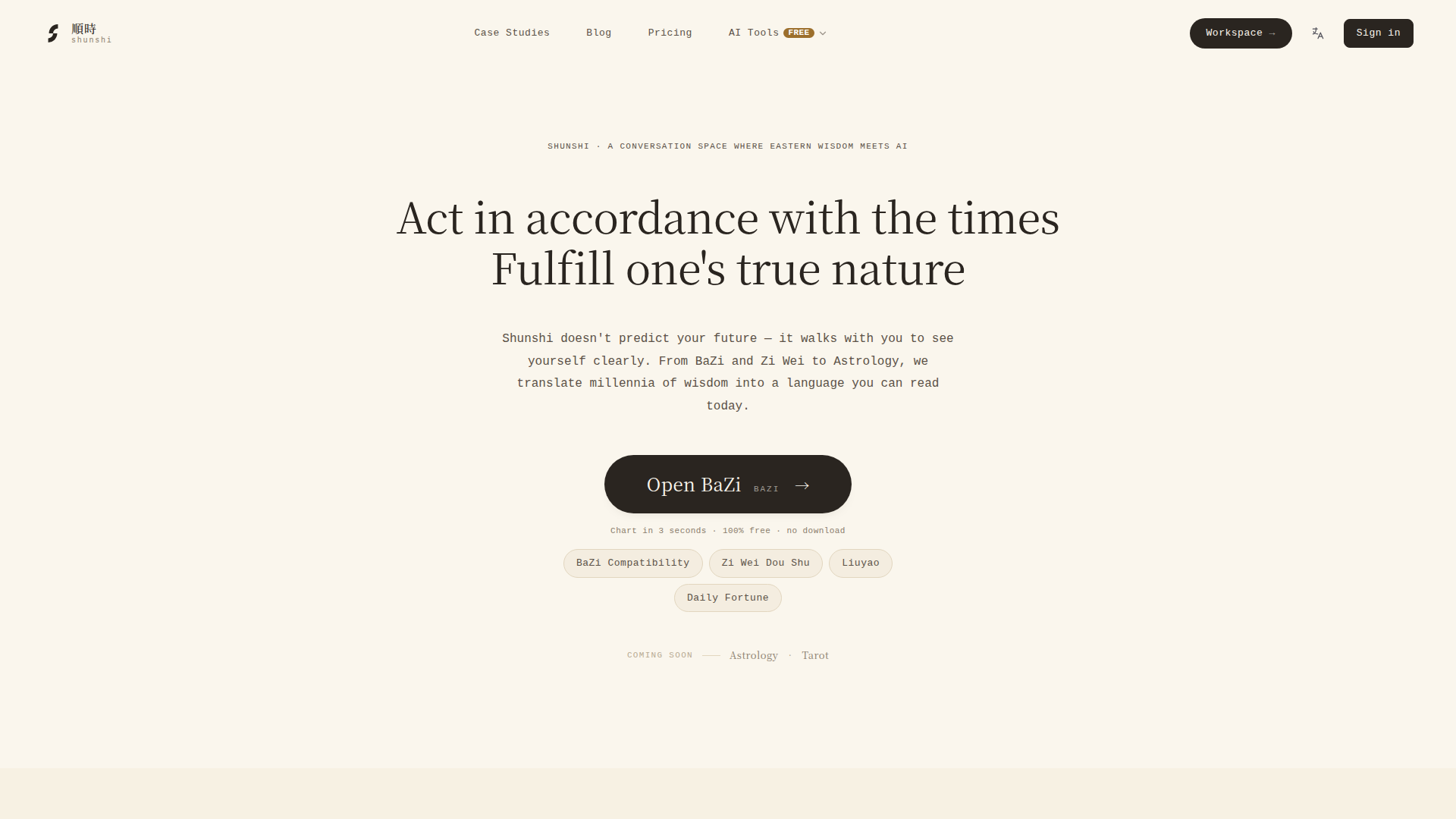
Shunshi is an innovative AI-powered platform that bridges ancient Eastern wisdom with modern technology, offering personalized insights through BaZi (Four Pillars of Destiny), Zi Wei Dou Shu, I Ching, and Western astrology. Positioned as a conversational space rather than a predictive tool, Shunshi emphasizes self-discovery and rational exploration of traditional Chinese metaphysics. Its target audience includes individuals interested in astrology, self-improvement, and Eastern philosophy, from curious beginners to seasoned practitioners. Core features include free chart generation (BaZi, Zi Wei, compatibility, daily fortune), AI-driven interactive conversations, and a suite of open-source MCP servers that integrate with popular AI assistants like Claude, Cursor, and Cline. The platform stands out with its emphasis on conversation over verdict, translating millennia of wisdom into accessible, modern language. Content features include case studies, a blog, a comprehensive wiki, and AI prompt templates. User experience is designed for ease of use—charts are generated in three seconds without downloads, and the interface supports both English and Chinese. Technically, Shunshi leverages AI to interpret complex metaphysical systems, runs locally without API keys for its open-source tools, and ensures privacy. With a freemium model, it offers free basic tools and premium features for deeper engagement.
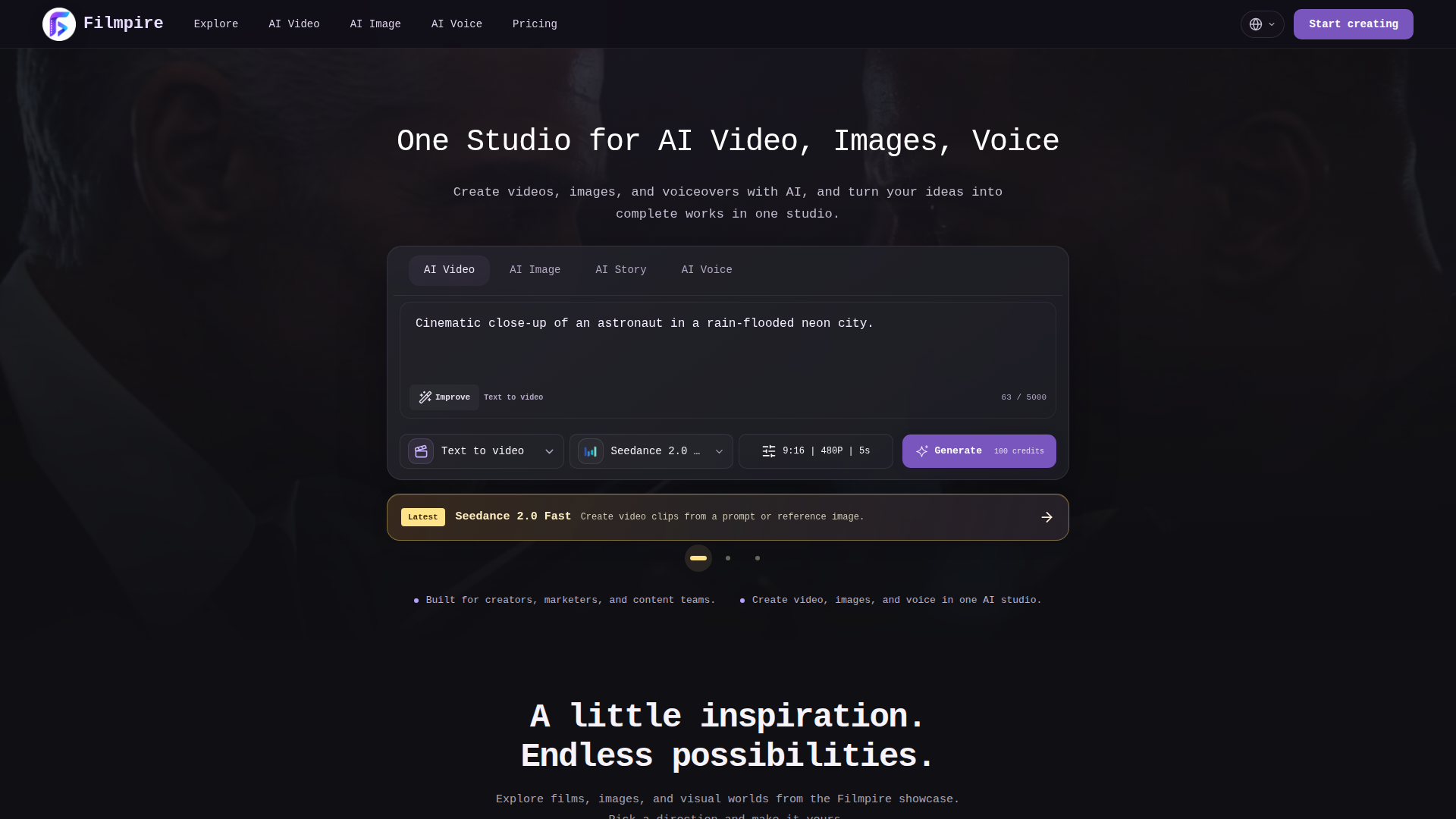
Filmpire is a unified AI creative studio positioned as an all-in-one production workspace for generating video, images, and voiceovers from text prompts or reference images. It targets creators, marketers, content teams, indie filmmakers, storytellers, social media producers, and businesses that need cinematic visuals without complex editing software. Core features include AI Video (text-to-video and image-to-video), AI Image (text-to-image and image-to-image), AI Story (director workflow with storyboards and consistent characters), and AI Voice (language, speaker, and tone selection). The platform supports models such as Seedance 2.0 Fast, Kling 3.0, Veo 3.1 Fast, Hailuo 2.3, Wan 2.7, HappyHorse 1.0, and Grok Imagine Video 1.5. Its content features emphasize story structure, persistent world memory, continuity of characters, wardrobe, and locations, and a director planning stage that lets users approve storyboards before spending credits. User experience is prompt-driven and workflow-oriented, with model and credit estimates, stage-by-stage confirmation, failed-generation refunds, and the ability to revise projects in the director workspace. Technically, Filmpire combines multiple generative AI models in one interface, offers aspect ratio, resolution, duration, and audio settings, and produces downloadable MP4 outputs. It is designed for rapid creative testing as well as complete narrative film production.
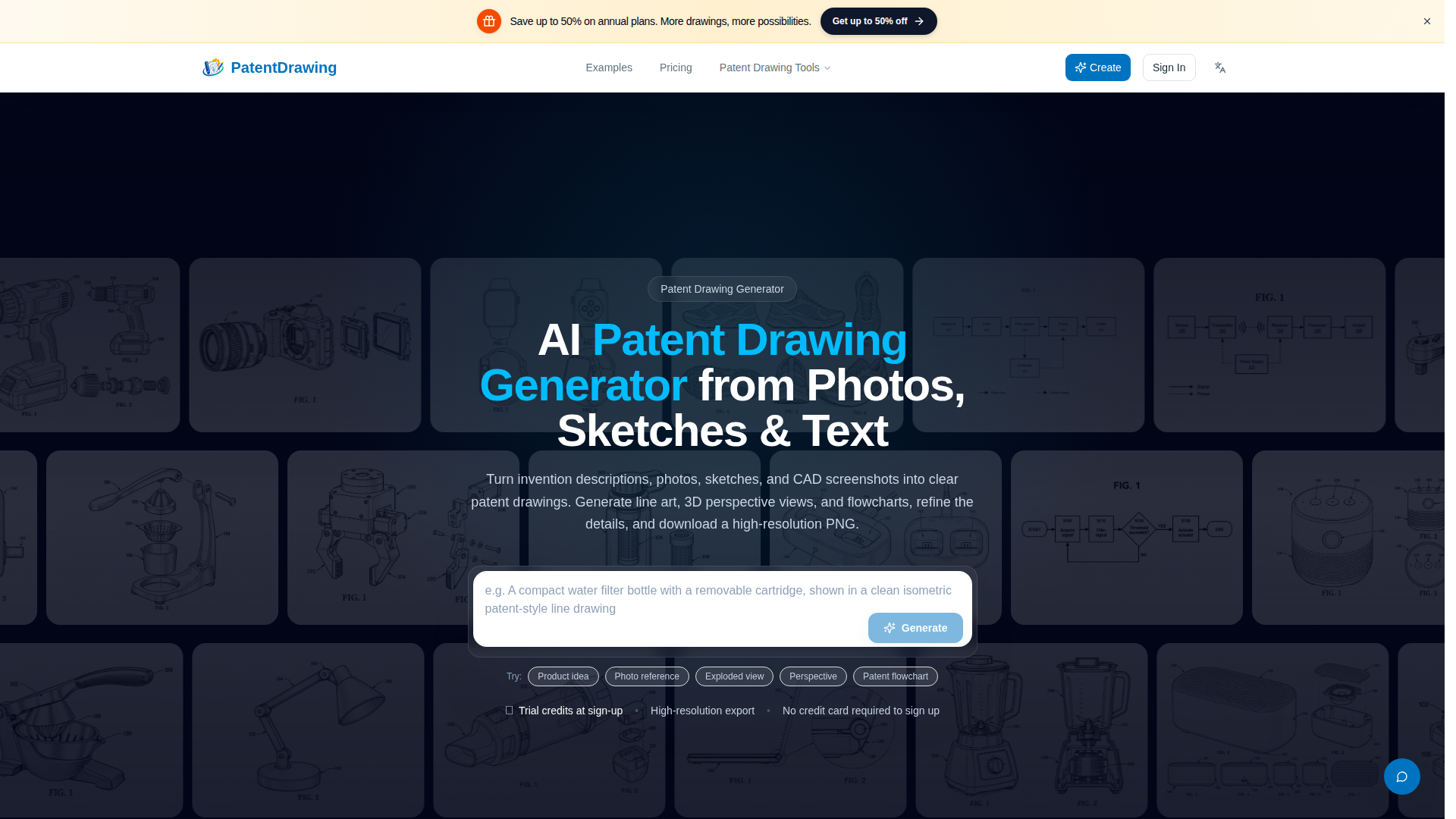
PatentDrawing is a specialized AI-powered web application designed to help inventors, patent attorneys, product designers, and engineering teams rapidly convert ideas and reference materials into clean, patent-style technical drawings. The platform's core positioning is as an on-demand patent illustration draft generator that bridges the gap between raw concepts and presentable visual documentation. Users can start from a plain-text invention description, a product photograph, a hand-drawn sketch, or even a CAD viewport screenshot, and the AI produces black-and-white line art, 3D-style perspective and multi-view renderings, exploded-view assemblies, flowcharts, and functional block diagrams. Its target audience includes independent inventors preparing provisional or non-provisional filings, IP professionals who need quick visual references for client discussions, product and industrial designers communicating form and mechanisms, and startup teams documenting prototypes. Core features span six dedicated tools: the Patent Drawing Generator (line art from text), the 3D Perspective Patent Drawing Generator (perspective and orthographic view sets), the Patent Flowchart Generator (process steps and system connections), Photo to Patent Drawing, Sketch to Patent Drawing, and the Exploded View Patent Drawing Generator. Content features include a curated example gallery covering smartwatches, smart speakers, cordless drills, filtration systems, and medical-device concepts, plus honest disclosure that outputs are flat PNG images rather than editable vector or 3D CAD files. User experience is streamlined into a describe-or-upload, choose-direction, review-and-download workflow, with high-resolution PNG exports, watermark-free downloads, commercial-use licensing, and concurrent generation tasks. Technical characteristics include text-to-image and image-to-image generation pipelines, credit-based usage metering, priority generation queues, adjustable concurrency, and generation-history retention tiers. The service emphasizes human review and does not certify patent-office compliance, positioning itself as an ideation and communication aid rather than a substitute for a licensed patent illustrator or formal filing review.
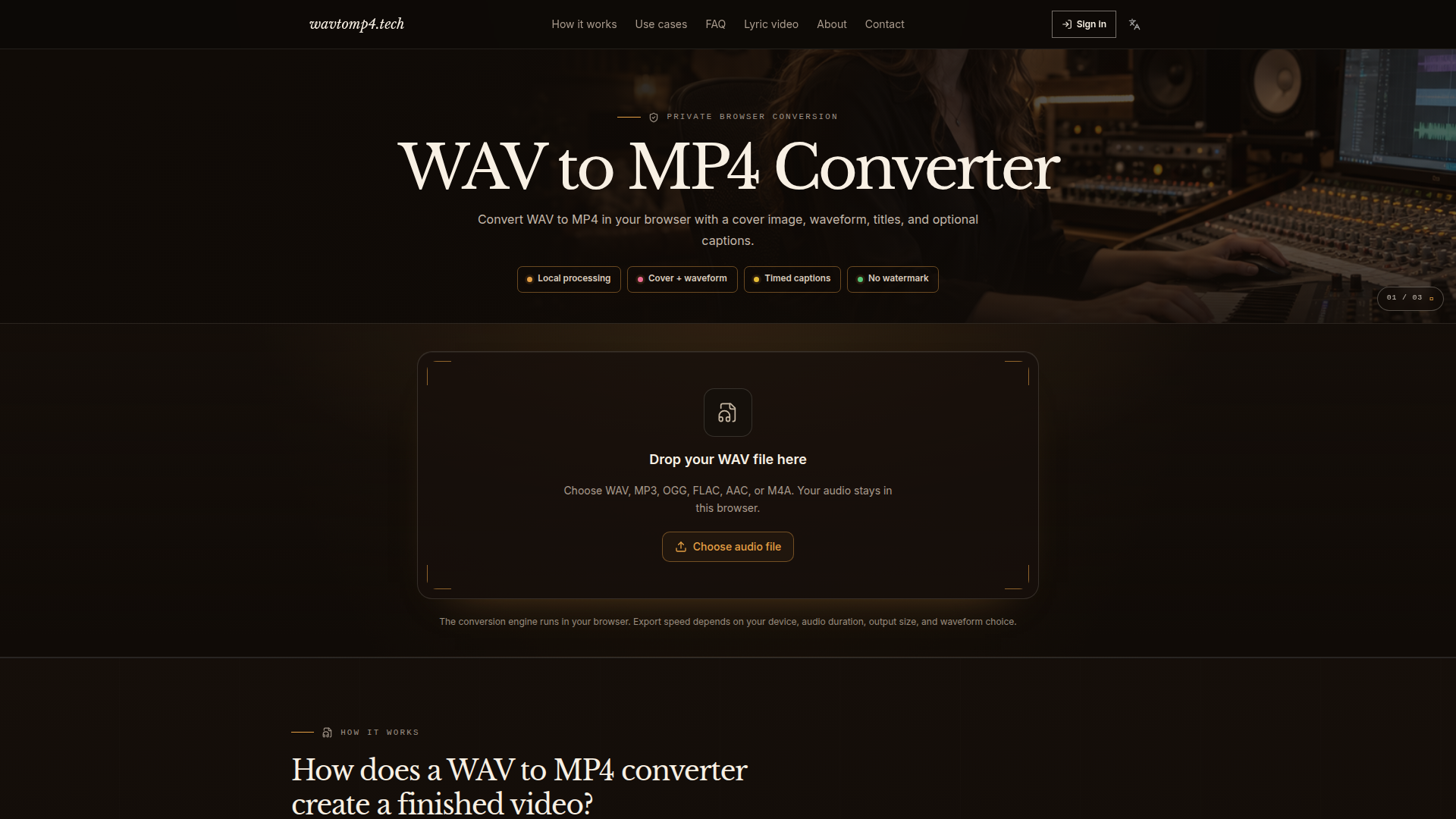
WAV to MP4 Converter (wavtomp4.tech) is a browser-based audio-to-video utility designed to turn WAV audio files into standard, shareable MP4 videos without requiring desktop editing software or cloud uploads. Its positioning is focused on privacy-first, local conversion for audio people who need a visual container for music, voice notes, podcasts, lessons, demos, and review files. The target audience includes musicians and labels, podcasters and interviewers, creators and educators, and teams or clients who need a reviewable visual asset. Core features include WAV to MP4 conversion plus MP3, OGG, FLAC, AAC, and M4A to MP4 support; optional cover art with fit, crop, or blur-fill treatment; 16:9, 1:1, and 9:16 aspect ratios; title and artist text overlays; no waveform, line waveform, or frequency-bar waveform options; SRT/LRC timed captions; optional AI-generated captions after sign-in and opt-in; and quality/bitrate choices such as 720p and 192 kbps AAC. Content features explain the conversion workflow, use cases, privacy implications, and technical references to FFmpeg and MP4 identifiers. User experience is direct: drag and drop an audio file, customize the visual, preview framing, convert, and download an H.264/AAC MP4. Technical features include in-browser FFmpeg processing, no-upload privacy, no watermark, and a downloadable MP4 compatible with social platforms and video feeds.

HyperGSC is a hosted Google Search Console MCP (Model Context Protocol) server that bridges Google Search Console, Google Analytics 4, and additional SEO research tools with the AI assistants and code editors users already rely on, such as Claude, ChatGPT, Codex, Cursor, Grok, Muse, Gemini CLI, VS Code Copilot, OpenCode, and Windsurf. Positioned as an AI-native SEO data connector, it lets SEO specialists, content marketers, indie founders, agencies, and technical SEOs ask natural-language questions about rankings, traffic, indexing, keywords, backlinks, and site performance instead of manually digging through reports. Core features include read-only Search Console access, multi-property selection, advanced search analytics with up to 16 months of history, page and query breakdowns, SERP lookup, keyword research, competitor keyword gaps, GA4 reports, backlink analysis, Core Web Vitals, schema checks, JavaScript-rendered schema checks, technical page audits, and a prompt library. The platform emphasizes a fast, secure setup: connect a Google account, choose properties, authorize an MCP client, then ask questions in plain language. Its content includes practical setup guides for major AI tools, free SEO utilities such as an SEO checker, domain authority checker, backlink overview, Open Graph checker, AI SEO checker, robots.txt tester, llms.txt checker, sitemap checker, AI crawler inspector, and a directory finder. User experience is designed for low friction, with a free plan, clear tiered upgrades, dashboard-based access control, and read-only agent permissions. Technically, HyperGSC uses remote MCP connections and API keys, fetches data on demand from connected services, supports modern AI clients, and provides transparent data limitations. It is ideal for users who want conversational SEO insights from real Search Console data without building custom integrations.
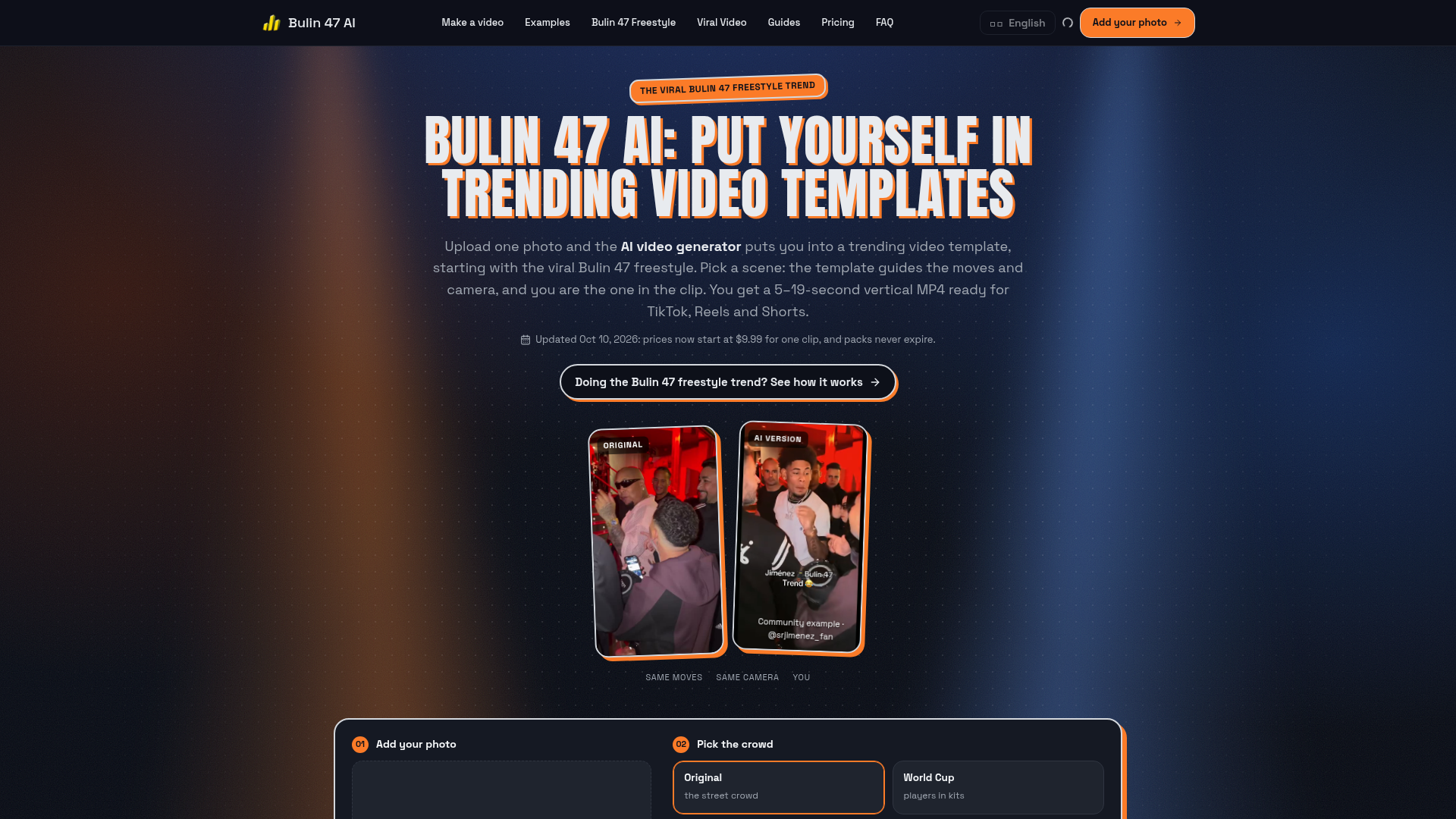
Bulin 47 AI (bulin47ai.video) is a single-purpose, browser-based AI video generator that recasts you into trending viral video templates, beginning with the wildly popular Bulin 47 freestyle. Website positioning: instead of being a general-purpose text-to-video tool, it does one job extremely well - it takes the clip people already know and puts your face into it, using the original performance as a motion and camera reference. Target audience: TikTok, Instagram Reels and YouTube Shorts creators, Dominican dembow and urban-music fans, meme and trend chasers, fan-page operators, social media managers and agencies that need fast, on-trend vertical content without editing skills. Core features: one-photo upload (JPG, PNG or WEBP resized in-browser), reference-guided movement and camera, selectable scenes such as the original street crowd or a World Cup crowd, two model tiers (Seedance 2.0 and Seedance 2.5), 5-19 second lengths, 480p or 720p resolution, 9:16 / 1:1 / 16:9 export, watermark-free MP4 download on paid plans, credit history in My Creations, and automatic credit refunds when a render fails or a safety filter blocks a photo. Content features: a rich guide hub covering the freestyle, its lyrics, the original video, the Kevin Wai collaboration, the meme, alternatives and ChatGPT comparisons, plus a template directory and community showcase clips credited to real TikTok creators. User experience: a three-step flow - upload photo, pick crowd, pick model/quality/length - with the exact credit price shown on the button before generating; drafts survive sign-in, output arrives in roughly 5-10 minutes, and the whole process works on a phone with no app install and no prompt writing. Technical features: AI video-to-video recasting, browser-side image resizing before upload, credit-based rendering queue, and cloud MP4 delivery. Pricing: credit packs from $9.99 one-time (never expiring) and monthly or yearly subscriptions from $29.90 per month, with failed jobs refunded automatically. It is an independent fan project, not an official Bulin 47 product.
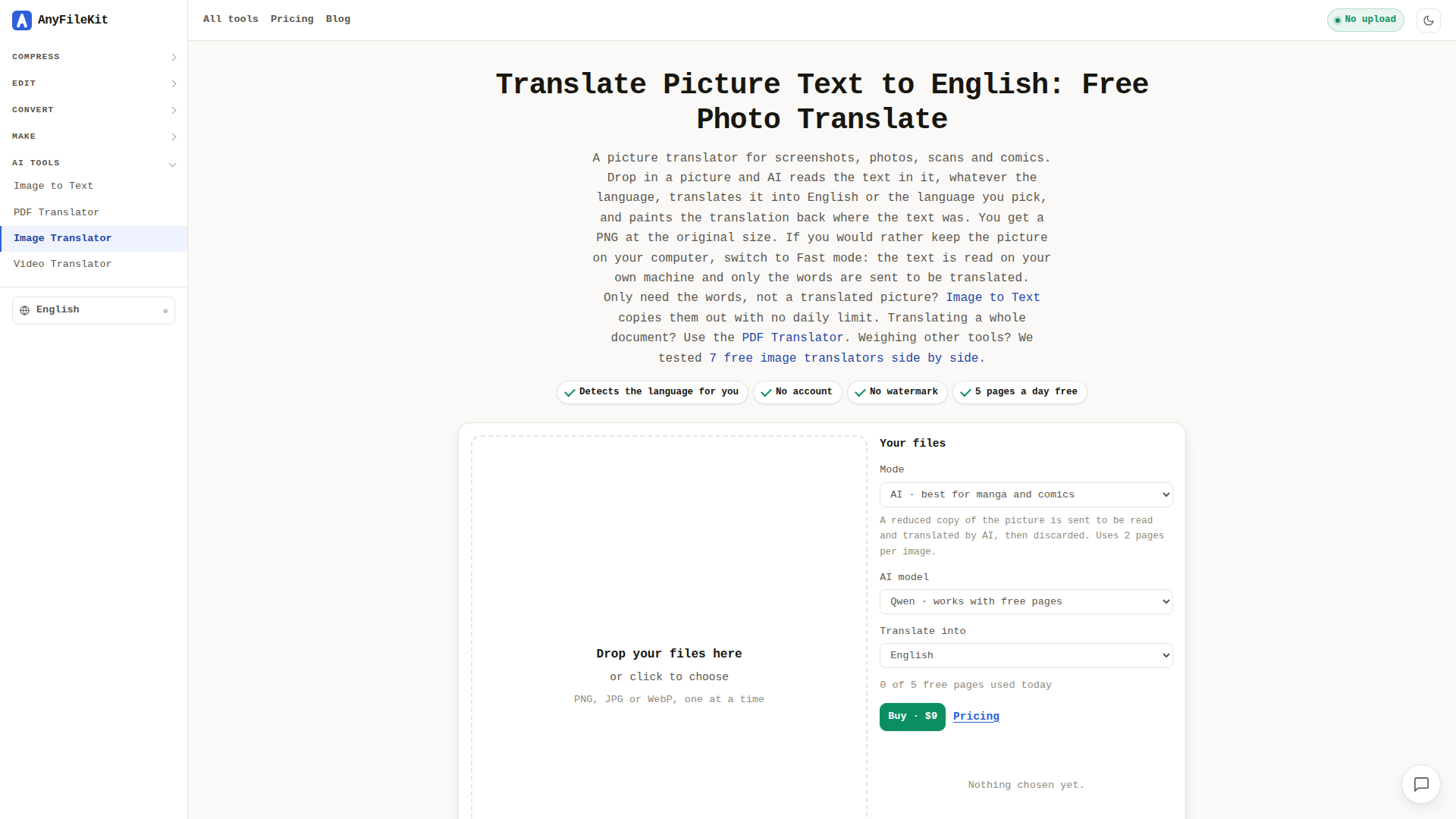
AnyFileKit Image Translator is a free, browser-based AI tool that reads the text inside pictures—screenshots, photographs of signs and menus, scanned pages and comic panels—and paints the translation back into the image in the same place the original text appeared. It is built for anyone who hits a language wall in visual content: travellers photographing menus, office workers staring at an error dialog in a foreign language, comics and manga readers, students working with scanned handouts, and designers or support teams who need to understand text baked into a screenshot. Its core features include automatic language detection, support for Japanese, Korean, Chinese, Arabic, Thai, Hindi and most European languages (including mixed-language images), an AI mode that understands speech bubbles and busy backgrounds in context rather than word by word, and a privacy-first Fast mode that reads the picture locally inside your browser so only the extracted words are sent for translation. Results come back as a watermark-free PNG at the original pixel size, with the original and translated text also listed underneath. The site requires no account or sign-up, offers a daily free allowance of five pages, and sells a $9 pass for 1,500 pages valid for 30 days. User experience is deliberately frictionless—drag and drop, press Start, wait roughly twenty seconds in AI mode—and the wider AnyFileKit suite adds OCR, PDF and video translation plus dozens of compress, convert and edit utilities, all running without uploads where possible. Content is clearly written with honest caveats about handwriting, low resolution and font fidelity, and the interface is localised into more than thirty languages, making it approachable for a genuinely global audience.
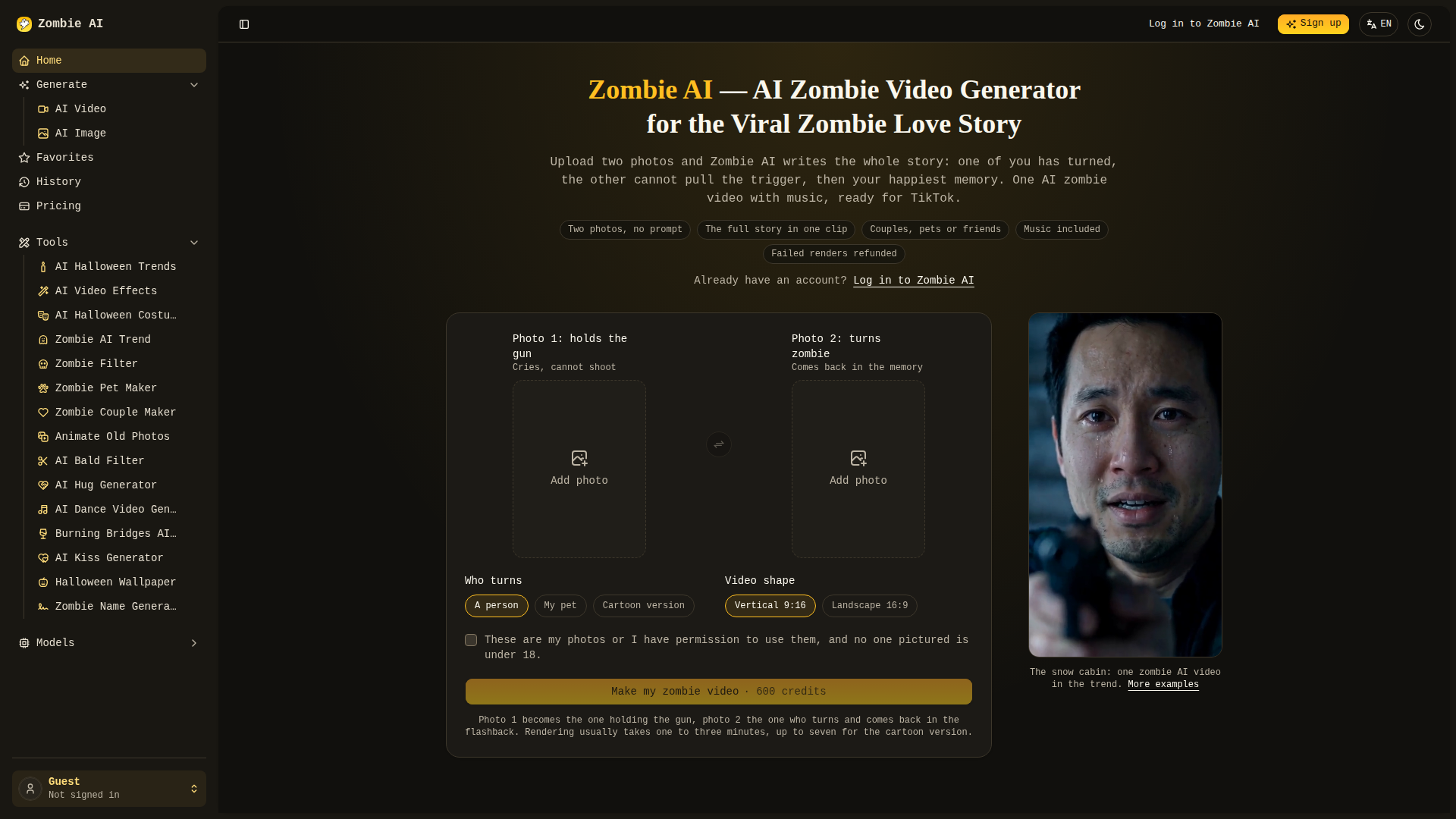
Zombie AI (zombieai.net) is a browser-based AI video generator built around a single, highly shareable format: the viral "zombie love story" that swept TikTok, Instagram Reels and YouTube Shorts as an autumn Halloween trend. Instead of acting as a one-photo zombie filter, the platform positions itself as a full story engine — you upload two photos, and the AI returns a roughly 15-second MP4 that follows the four beats of the trend: the turn (photo 2 becomes a grey-skinned, clouded-eyed zombie), the gun that never fires (photo 1 aims through tears and cannot pull the trigger), a hard cut into a warm memory (a sunlit field, a beach, a snowy cabin), and the gun lowered into a hug. The whole narrative, camera moves and emotional score are pre-written, so no prompt engineering and no CapCut editing is required. Target audiences are TikTok/Reels creators chasing trend-driven virality, couples and long-distance partners making anniversary content, pet owners turning their dog, cat, husky or golden retriever into a zombie, friend groups, and family users who prefer the softer 3D cartoon version. Users can choose who turns (a person, a pet, or a cartoon couple), the output shape (vertical 9:16 for TikTok/Reels/Shorts or landscape 16:9 for YouTube), and multiple underlying models such as Zombie AI 1.0, Seedance 2 Mini, Seedance 2.5, H3 Max, H3 Max Turbo, Wan 3.0, Nano Banana 2, Nano Banana Pro and GPT Image 2. Rendering typically finishes in one to three minutes (up to seven for the cartoon style), results are stored in Favorites and History even if you leave the page, and failed renders are automatically refunded. Technically, Zombie AI is a multi-model aggregation layer running entirely in the browser with no installation, offering face-identity preservation across both the dark zombie scene and the bright flashback, a built-in soundtrack, watermark-free downloads, and a credit-based pay-per-clip economy with no subscription — 600 credits per video and a smallest pack of 600 credits for $9.9 with non-expiring credits. Around the core generator, the site adds a wide content layer of trend guides, prompt breakdowns, comparison tables (Zombie AI vs. Snapchat-style filters vs. DIY Dreamina/Higgsfield/PixVerse + CapCut workflows), and spin-off tool pages such as AI Hug Generator, AI Kiss Generator, AI Dance Video, AI Bald Filter, Animate Old Photos, Burning Bridges AI Video, Zombie Couple Maker, Zombie Pet Maker, Zombie Name Generator and Halloween Wallpaper. Safety guidance is stated openly — only upload images you have the right to use, no minors, no unconsented people or celebrities, and label posts as AI-generated — and the interface ships in English, Spanish, French, Portuguese, Turkish and Russian.
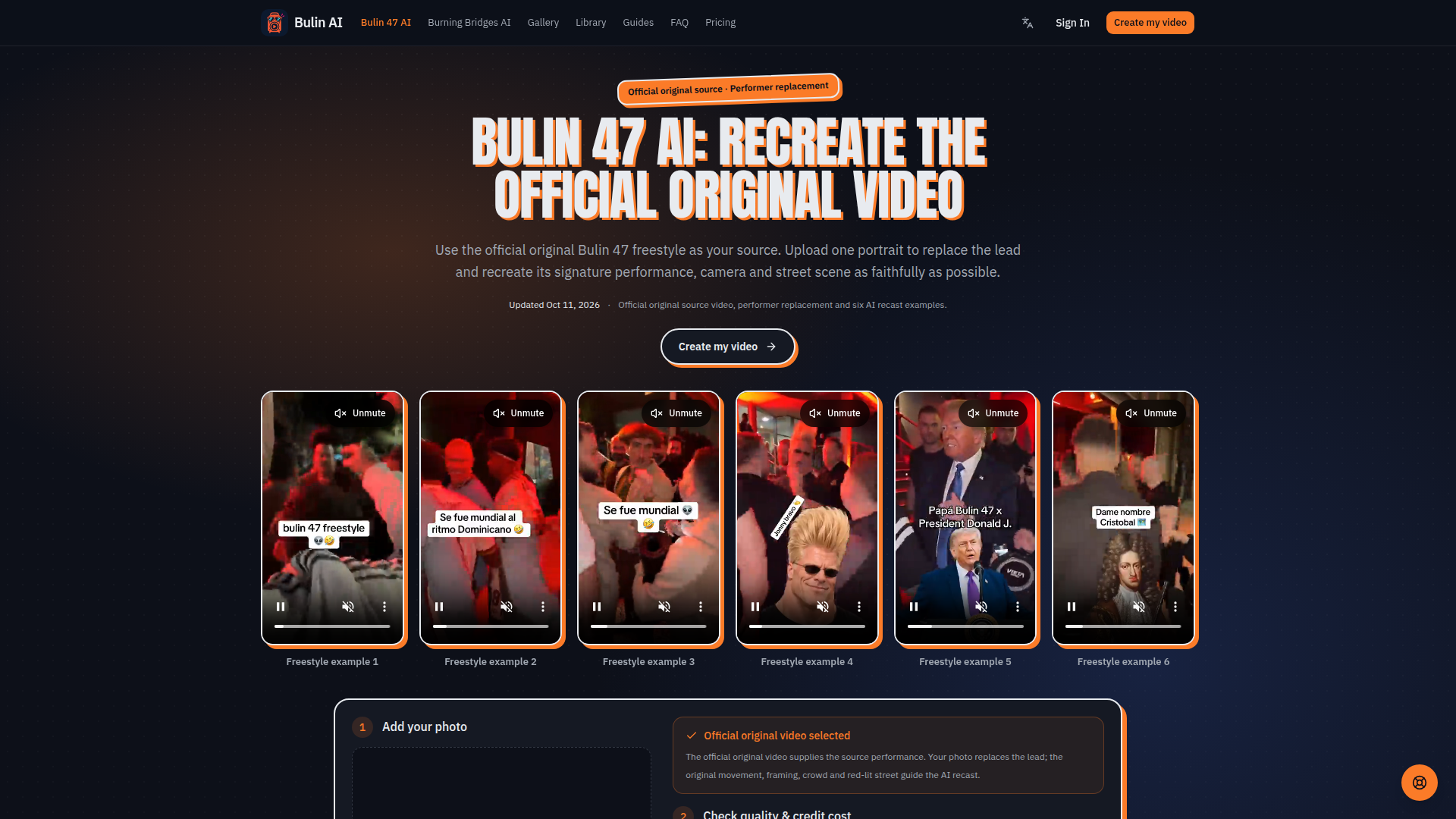
Bulin AI is a browser-based AI video generation service positioned around recreating the official original Bulin 47 freestyle video with a user's photo. It lets users upload one clear portrait, replace the lead performer, and generate a short recast clip that follows the source video's movement, timing, camera framing, crowd, and red-lit street setting. The target audience includes social media creators, meme and trend participants, fans of Bulin 47 and Kevin Wai, short-form video makers, and anyone wanting a personalized AI face-swap style dance or freestyle clip without editing skills. Core features include photo upload, official original video as source, multiple AI models from Standard Seedance 2.0 Mini to Seedance 2.5 and Wan 3.0, selectable resolution, length and aspect ratio, credit estimates before generation, failed-render credit returns, My Creations library, and download of HD watermark-free videos. Content features include showcase videos, guides and blog articles on trend explanation, tool comparison, face-swap consistency, photo preparation, and related Burning Bridges AI. User experience is simple: sign in, upload a photo, review costs, generate, then download from the browser on mobile or desktop. Technical features include credit-based rendering, model and resolution selection, queue-based processing, account billing and library management, and support for JPG, PNG or WebP portraits up to 10 MB.
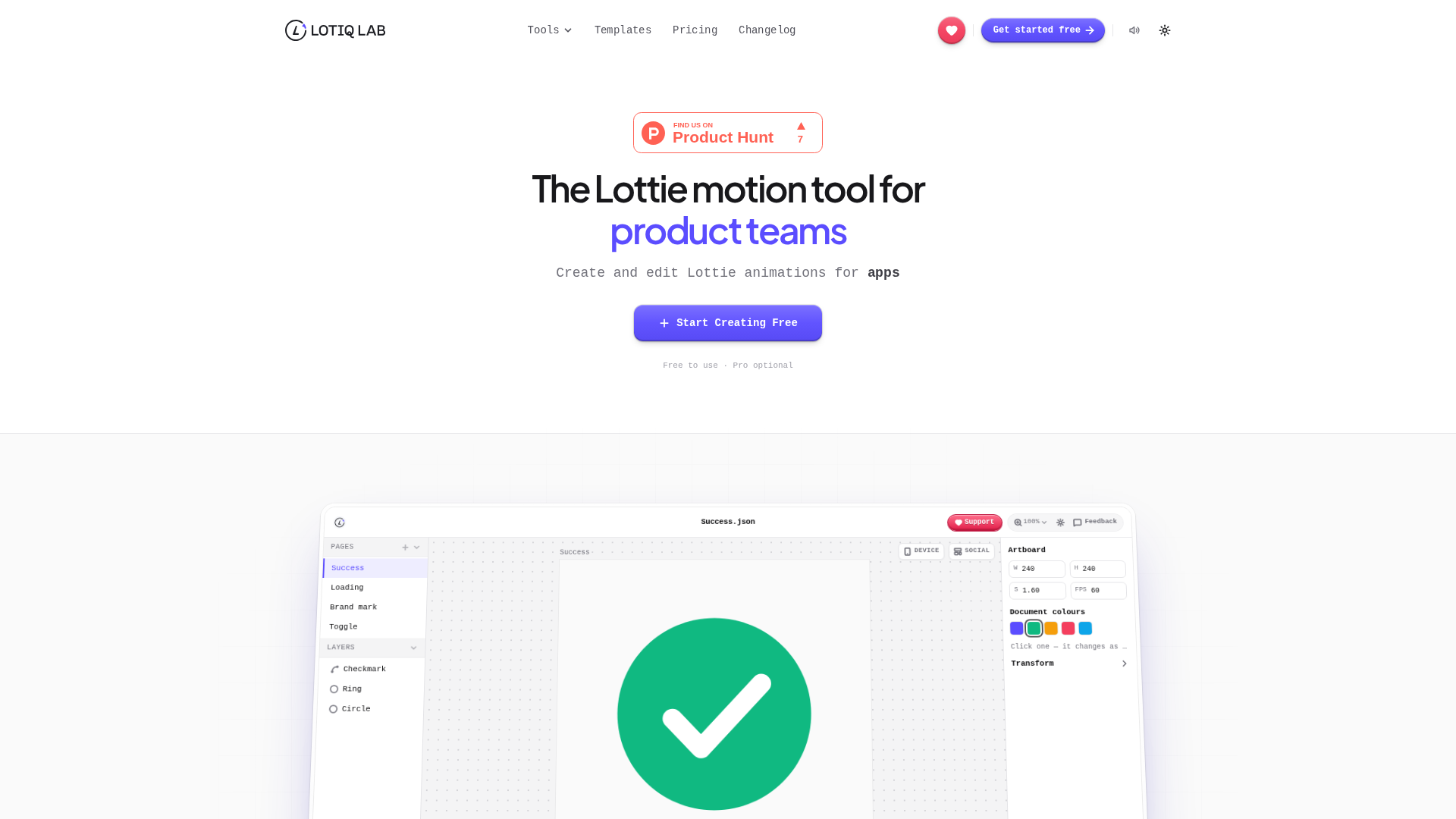
Lotiqlab is a browser-based Lottie motion design platform positioned as the practical Lottie tool for product teams that need to create, edit, convert, optimize, and ship vector animations without leaving the browser. It targets product designers, motion designers, front-end developers, startup teams, agencies, and indie makers who work with Lottie JSON, dotLottie, SVG, GIF, MP4, and After Effects or Bodymovin exports. Core features include a Figma-style canvas and timeline with keyframes and easing, SVG paste-in from Figma, batch color recoloring, live device preview, cropping to social formats, file-size optimization, dark mode conversion, watermark removal, AI text-to-Lottie generation, and exports to JSON, dotLottie, GIF, MP4, WebM, PNG, SVG, and JPEG. The content features tutorials, templates, comparison pages, converter tools, an FAQ, blog, changelog, and support and feedback channels. User experience emphasizes instant local rendering, no upload server, no watermark on standard exports, account-free converters, and cloud saving with a free account. Technically, all parsing, editing, and rendering happen locally in the browser, enabling privacy, speed, and cross-device access, with team workspaces and role-based collaboration available at no seat cost.

Slatecraft is an independent, browser-based AI video studio built around Vidu Q4 Preview, the public preview of ShengShu Technology's Vidu Q4 video model. It is positioned as a focused, no-install generator for turning still images into short cinematic clips: an image becomes the first frame (Image to Video) or a set of up to 12 reference images plus up to 3 MP3 voice clips becomes the cast and location of a brand-new scene (Reference to Video). Every render can include synchronized dialogue and sound effects, and the model plans its own camera moves and cuts inside the 3–16 second clip. Its target audience is independent creators, short-drama and storyboard makers, e-commerce and product marketers, illustrators, and small agencies who need talking-character, product-ad or action scenes without a camera crew. Core features include a single-screen editor with live cost preview on the Generate button, resolution choices from 540p draft up to 4K, sound-on or silent output, automatic credit refunds for failed or provider-blocked generations, and a My videos library. Content-wise, Slatecraft publishes a curated gallery of its own example clips whose prompts, images and settings can be loaded straight into the editor, plus prompt-writing guides, a Vidu Q4 explainer page and an extensive FAQ. The UX is deliberately minimal — dark or light theme, drag-and-drop upload, no timeline editing or text-only mode — while technically it runs Vidu Q4 Preview through Vidu and fal's model APIs on a transparent per-second credit system.
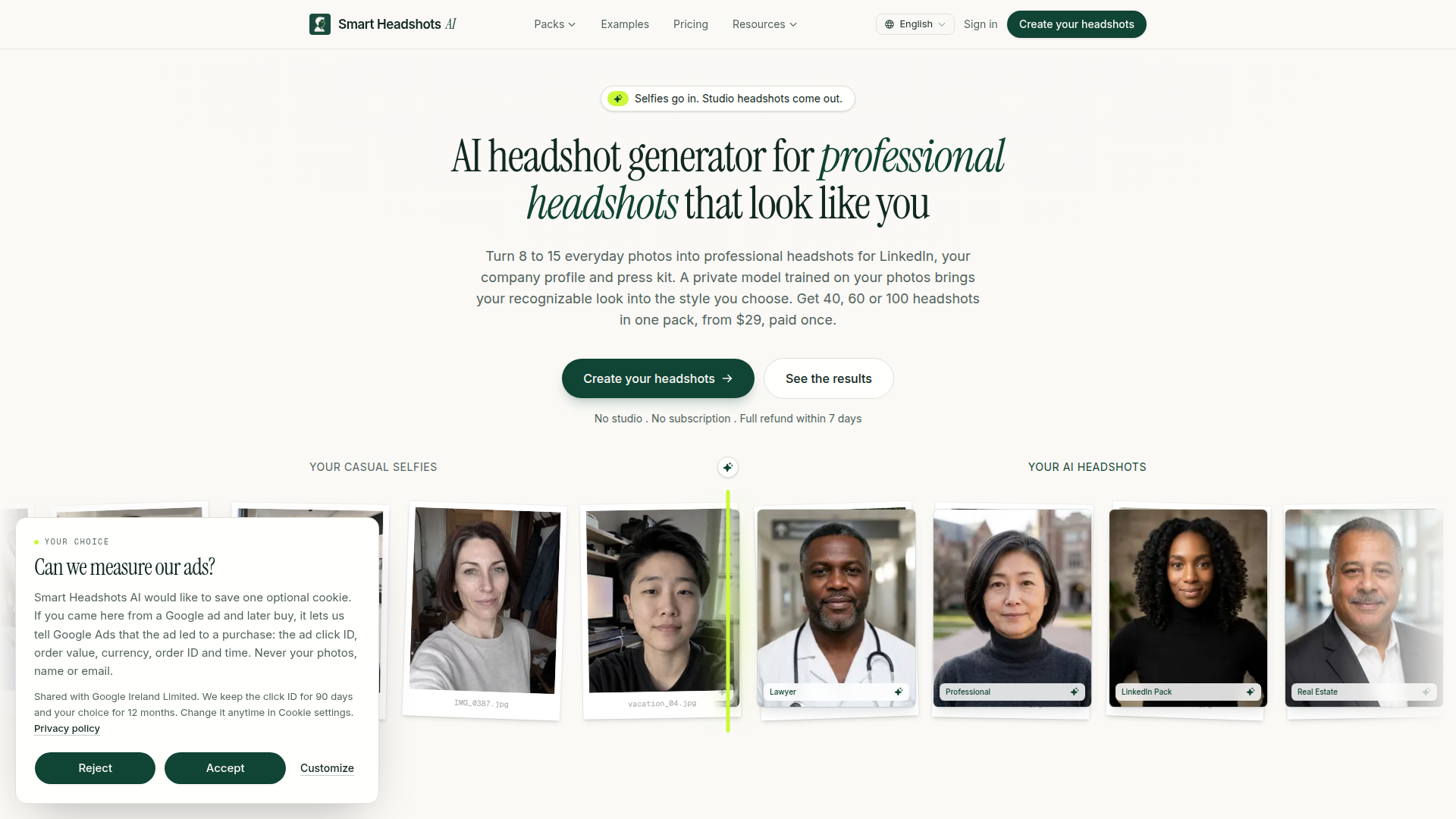
Smart Headshots AI is a specialized AI headshot generator positioned as a fast, private, and affordable alternative to traditional studio photography. It targets professionals who need polished portraits for LinkedIn, corporate profiles, press kits, team pages, medical or legal directories, author bios, and dating profiles. Core features include ten profession-specific photo packs (LinkedIn, corporate, doctor/nurse, lawyer, founder/executive, real estate, academic/speaker, author, therapist, and dating), a private model trained on each user's 8–15 uploaded selfies, 40/60/100 headshot tiers, 6+ outfits and backdrops per pack, and 4K print-ready downloads on the top tier. The content emphasizes honest comparisons with photo studios, transparent pricing from $29 one-time, delivery in 30 minutes to 2 hours, commercial rights, and a 7-day refund guarantee. User experience is designed as a four-step flow: choose a pack, enter delivery details, upload photos with automated quality checks, then pay once and receive an email gallery. Technical features include encrypted storage, automatic deletion of selfies after 7 days and gallery/model after 30 days, private per-user model training, hosted checkout via Dodo Payments, and optional Google Ads conversion cookies that exclude photos, names, and emails. The site is clearly structured for SEO with dedicated pack landing pages, guides, tools, FAQ, and comparison content.
Over 80+ AI Tool Categories
Explore the best AI tools in 80+ categories
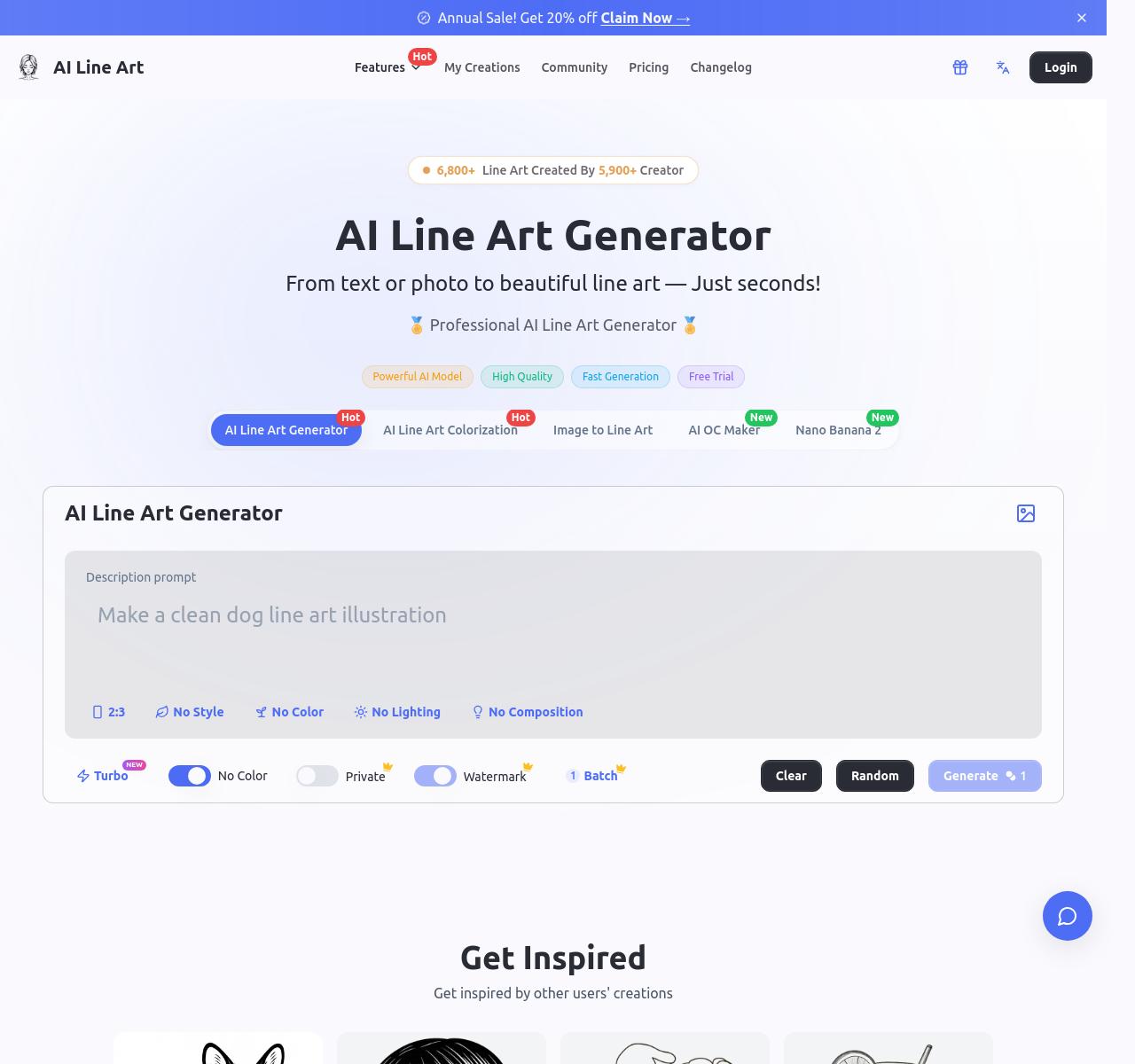
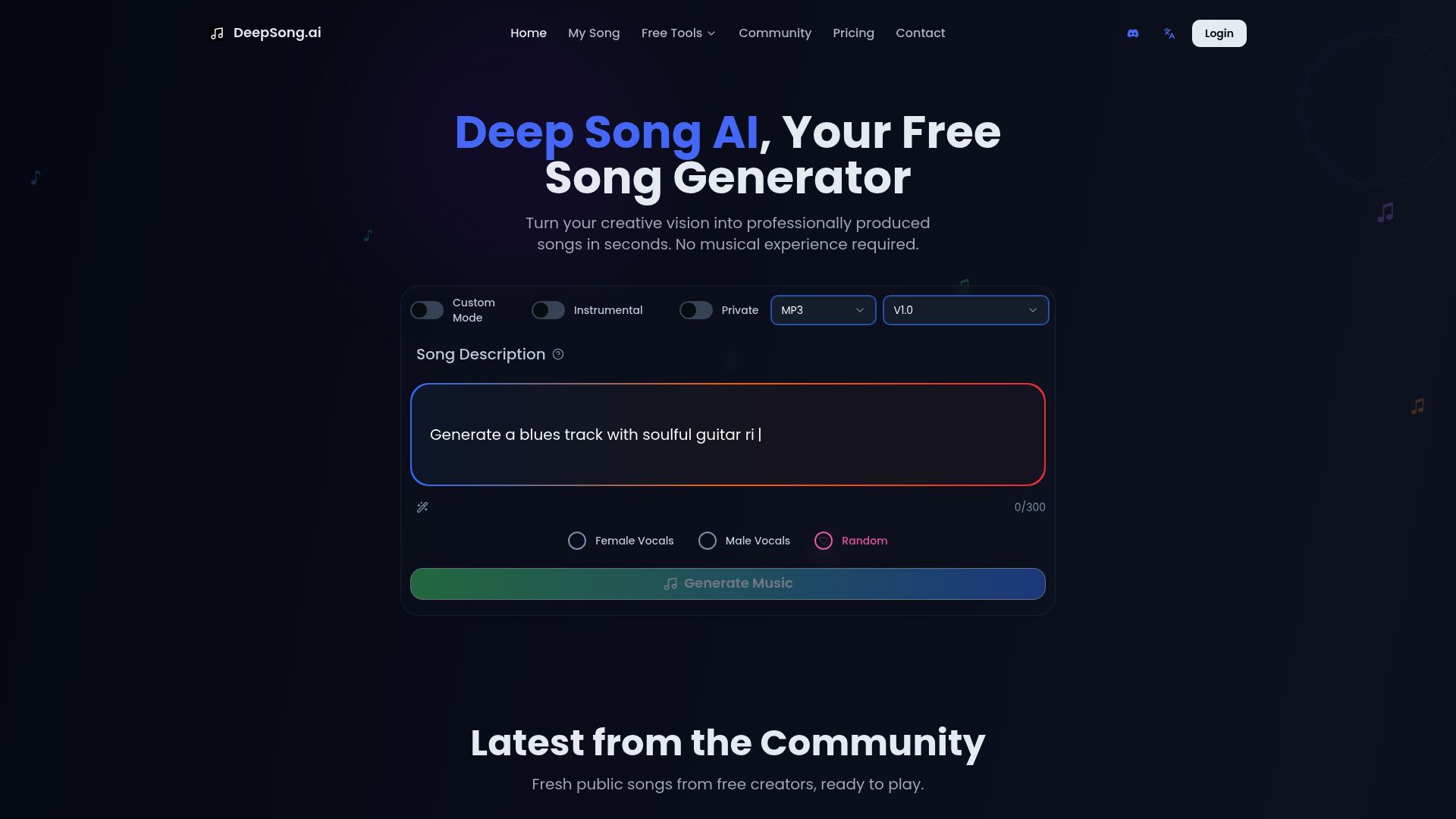
Follow our Official Social Media Channels
Follow/subscribe on Youtube, Instagram, X, TikTok & Youtube to learn more about AI every day! 🎯