Откройте все инструменты ИИ
Откройте все лучшие и новейшие инструменты ИИ на ShowMeBest.ai, обновляется ежедневно.ИИ предлагает:
Есть инструмент ИИ для отправки? Нажмите здесь »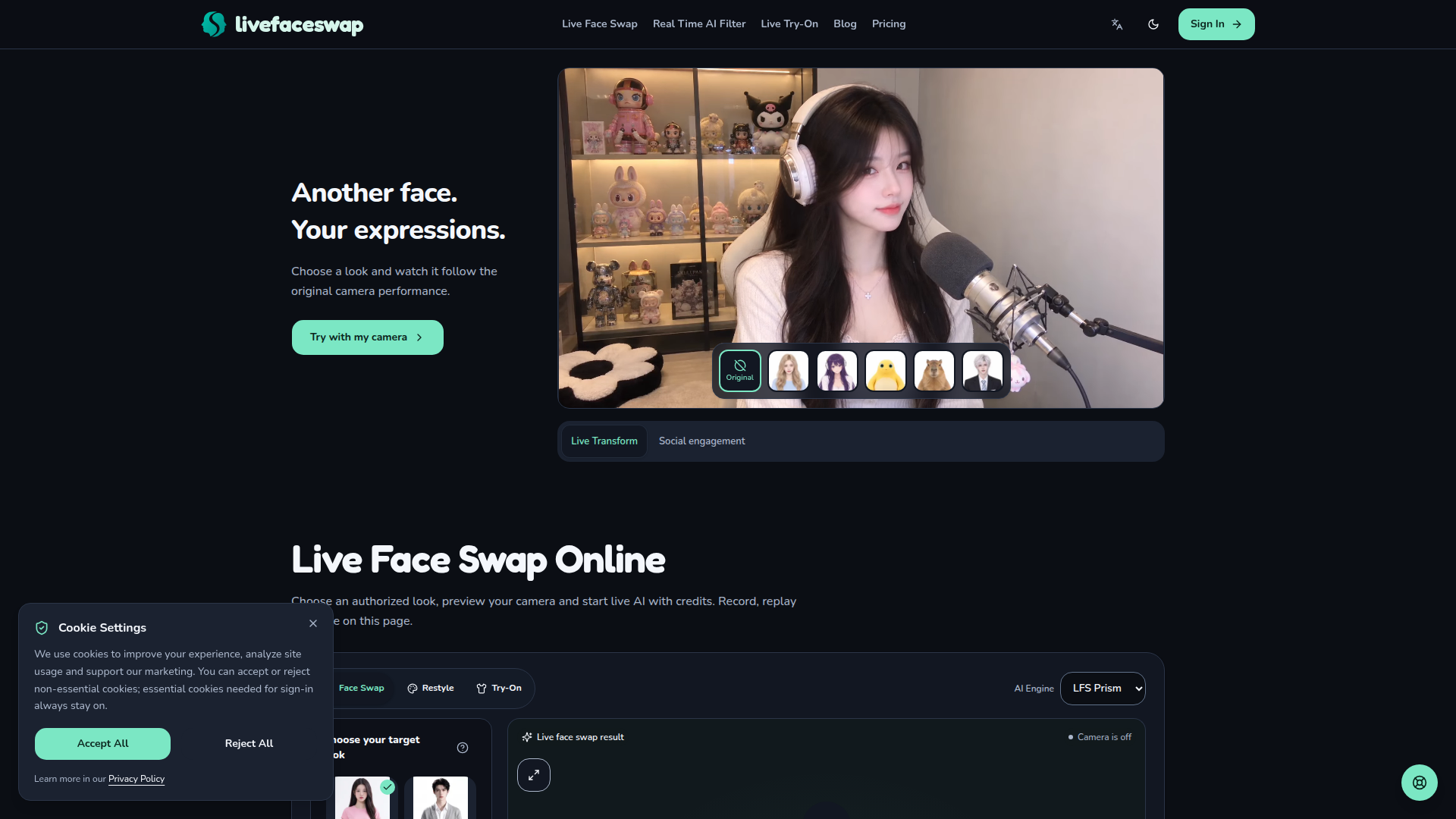
Live Face Swap is a browser-based AI face transformation platform positioned for real-time webcam face swapping, character performance, and creative content production. It lets users choose a preset look or upload an authorized reference image, preview their camera locally, and then start a live AI transformation that follows their expressions. The target audience includes content creators, streamers, performers, role-players, video-call users, and AI enthusiasts who want to rehearse or produce on-camera character swaps without installing a desktop app. Core features include preset looks such as modern woman, modern man, anime girl, calm capybara, mecha heroine, and gentle panda; custom reference upload support for JPG, PNG, and WebP; live camera preview; credit-based AI generation; local recording, replay, and saving; optional microphone audio recording that stays on the device; and clear stop controls. Content features include practical use cases for on-camera rehearsals, creative personas, speaking practice, live streams, and video calls, along with detailed FAQs about billing, privacy, compatibility, and acceptable use. The user experience is built around three simple steps: choose a reference look, set up the webcam, then record, replay, and save. The interface supports dark and light modes, multiple languages, and direct account access. Technical features include in-browser camera access, model-provider processing during generation, credit billing at 1 credit per second, and local-only recording unless the user chooses to share. Planned but unconfirmed integrations include OBS, virtual camera output, live streaming, Zoom, and Discord. Privacy and consent are emphasized: users must have rights and permission to use any likeness, must disclose realistic alterations, and must avoid deceptive impersonation or non-consensual content.
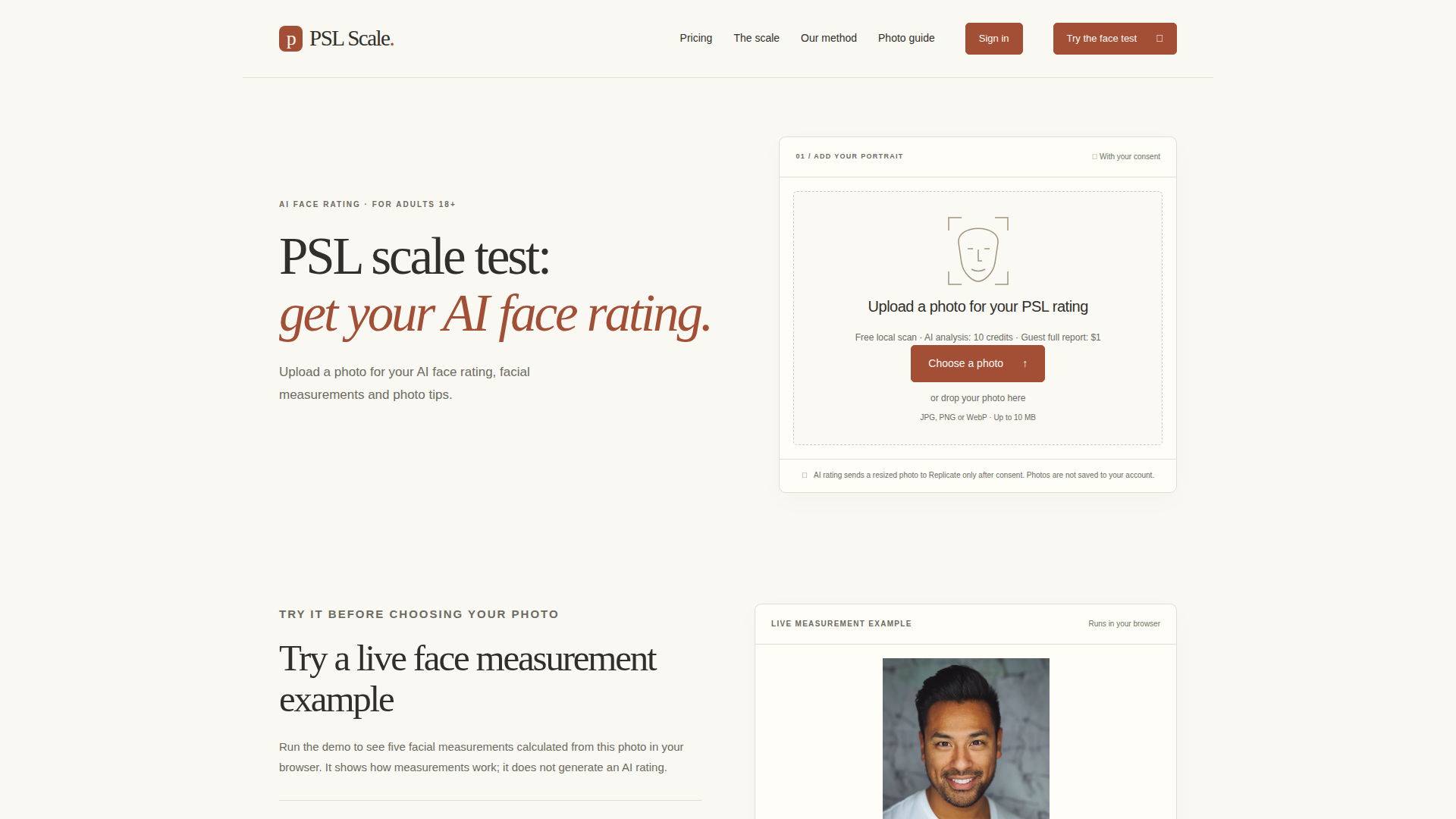
PSL Scale is an AI-powered face rating and facial analysis web tool for adults 18+ who want to explore the informal PSL 1–8 rating format in a private, guided way. Positioned as an educational and photo-focused alternative to vague beauty rating apps, it combines a free on-device scan with an optional AI report. Users can upload a clear front-facing photo to receive a subjective 1–8 PSL score, eight feature explanations, practical photo tips, and five facial measurements including eye spacing, face width-to-height, mouth-to-nose width, eye-width difference and eye-line tilt. The site is designed for people curious about PSL terminology, profile-photo preparation, or visible facial proportions, and it emphasizes consent, privacy and responsible use. Core content includes a PSL scale chart, methodology guide, photo checklist, sample report, and disclaimers explaining that scores are subjective photo impressions rather than population percentiles or measures of personal worth. Technically, measurements run locally in the browser, while AI analysis occurs only after consent via a resized upload to Replicate; photos are not saved to the account and there is no public gallery. The experience is simple: choose a photo, run a live demo, preview a sample report, then buy a $1 full report or credit packs for multiple analyses. No subscription is required, and new accounts receive 10 welcome credits for a score preview.
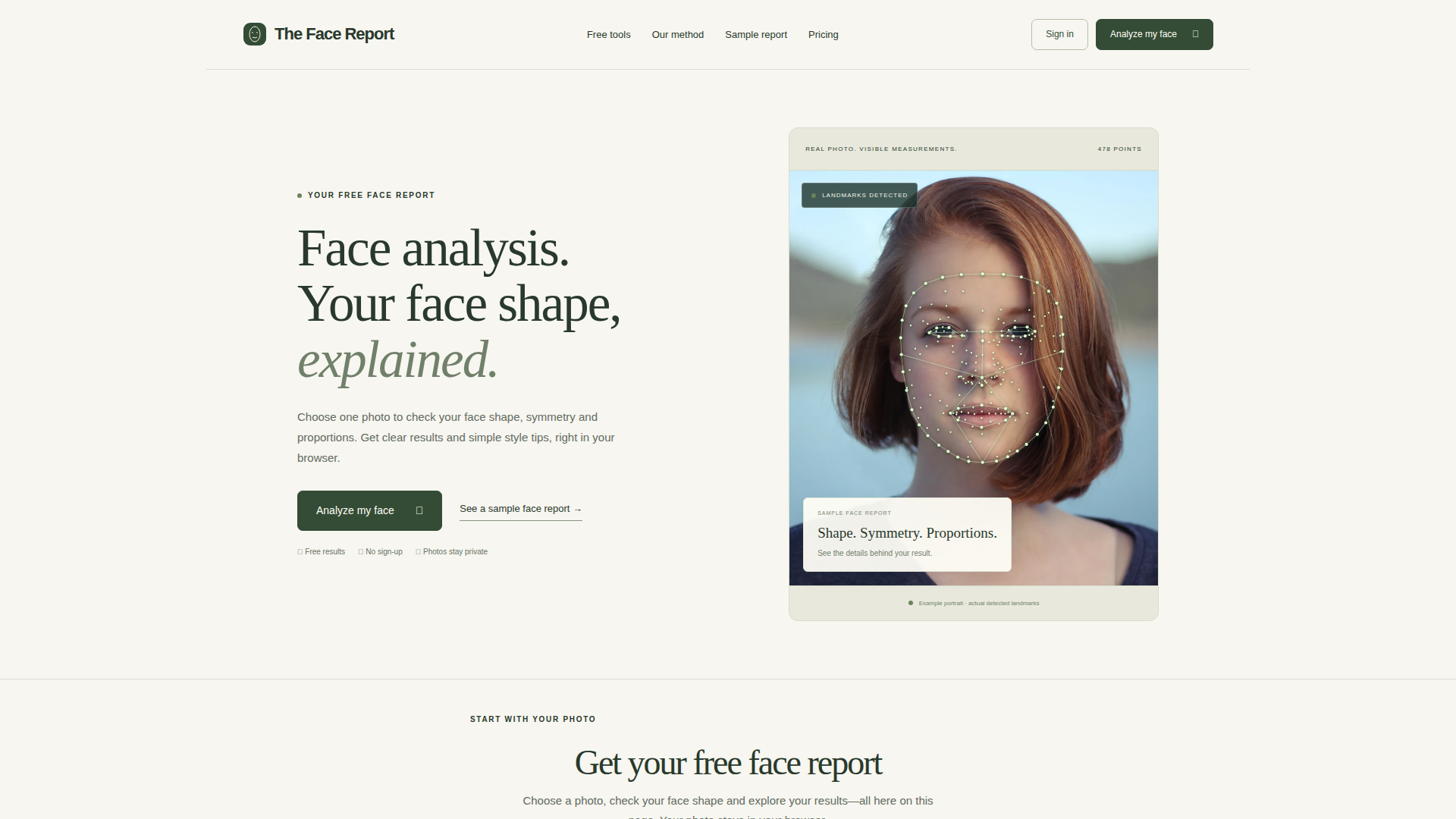
The Face Report is a free, browser-based AI face analysis tool that helps users understand their facial features from a single photo. Positioned as a lightweight, privacy-first alternative to traditional face rating or beauty scoring apps, it focuses on face shape, symmetry, proportions, and specific measurements such as eye angles, jaw-to-cheekbone ratios, and golden-ratio comparisons. The target audience includes people curious about their face shape, those choosing hairstyles or glasses, and users who want clear, non-judgmental explanations rather than a single attractiveness score. Core features include free face shape test, face symmetry test, attractiveness test, canthal tilt test, and golden ratio face test, all powered by a 478-point facial landmark model that runs locally in the browser. Content features emphasize educational methodology pages, sample reports, practical style tips, and transparent limitations. User experience is simple: choose a JPG, PNG, or WebP photo, run analysis, view measured landmarks, download or print the report. Technical features include client-side processing, no photo upload, no account required for free results, and optional Report Vault for saving up to 100 reports. The site is independently operated and not affiliated with thefacereport.com.
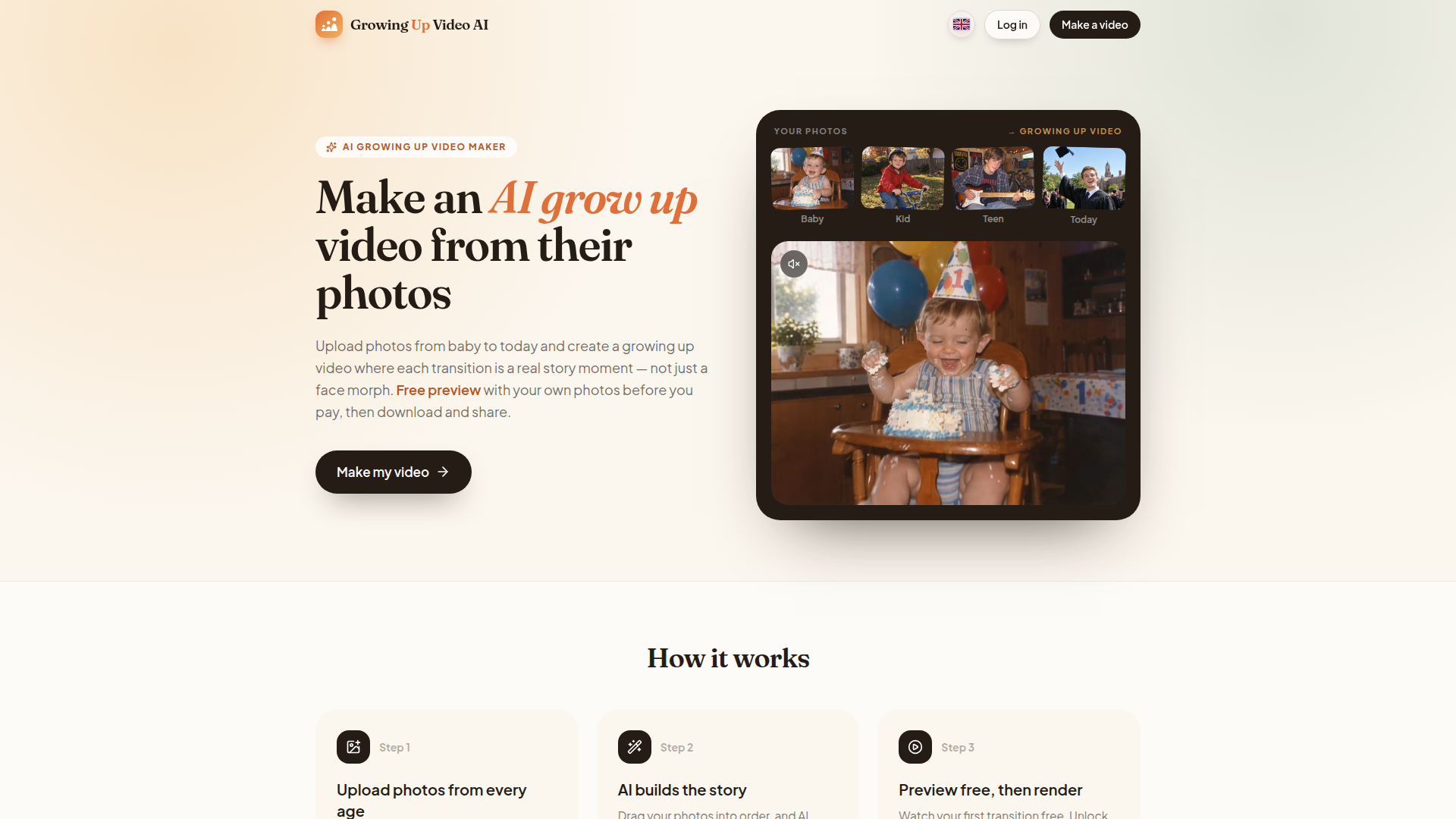
Growing Up Video AI is a specialized AI video maker that transforms a collection of photos from baby to today into a cinematic growing up video. Unlike basic slideshows or face-morph apps, it uses AI to create a real story moment between each pair of photos, such as blowing out candles, running into the next chapter, or moving from childhood to graduation. The platform is positioned for families, parents, siblings, friends, and anyone creating a meaningful gift for milestone birthdays, graduations, weddings, anniversaries, memorials, baby's first year, or pets growing up. Core features include uploading up to 30 photos, dragging them into order, editable AI-planned moments, a free preview of the first transition before payment, pay-once pricing per video with no subscription, original AI-composed soundtracks timed to the video length, free redos, HD export without watermark, multiple aspect ratios for TV, social media, and phones, plus download and private share links. The user experience is designed to be simple and emotionally safe: users stay in control, can rewrite any moment, and see quality before paying. Technically, it leverages advanced AI video models, face preservation across transitions, story generation, animation, and soundtrack composition, while supporting phone photos, old scans, screenshots, and HEIC files. The content includes occasion-specific ideas, comparison guides, how-to articles, and a comprehensive FAQ, making it a practical and trustworthy tool for turning photo archives into shareable memories.
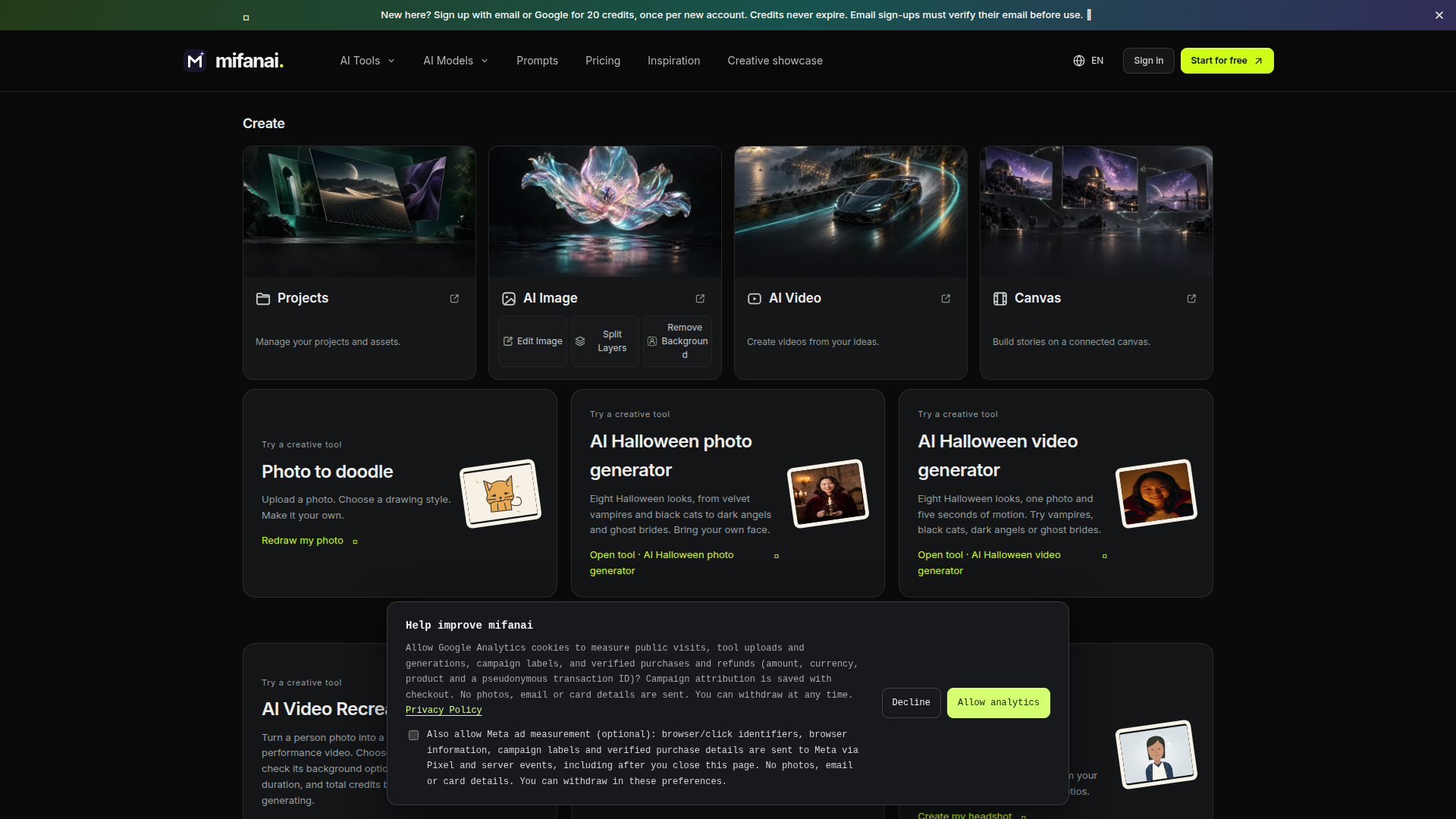
mifanai is an all-in-one AI image and video creation studio designed for creators who want to move from idea to finished visual without switching between separate tools. Its positioning is a unified creative workspace: users can generate images from prompts, edit existing images, split layers, remove backgrounds, create videos from text, images, first and last frames, or reference media, and organize everything in projects and assets. The target audience includes artists, designers, marketers, content creators, social media storytellers, hobbyists, and teams who need fast, flexible visual production. Core features include a model library with many image and video models, a connected canvas for node-based storytelling, prompt and template libraries, inspiration cards, and asset management. Content features cover AI photo guides, photo templates, creative showcases, and prompt examples. User experience emphasizes sign-in access, model selection, clear credit quotes before submission, project organization, and downloadable results. Technical features include credit-based generation, public sharing with manual review, private assets by default, support for reference uploads, and model-specific inputs, durations, and resolutions. Support is available by email.
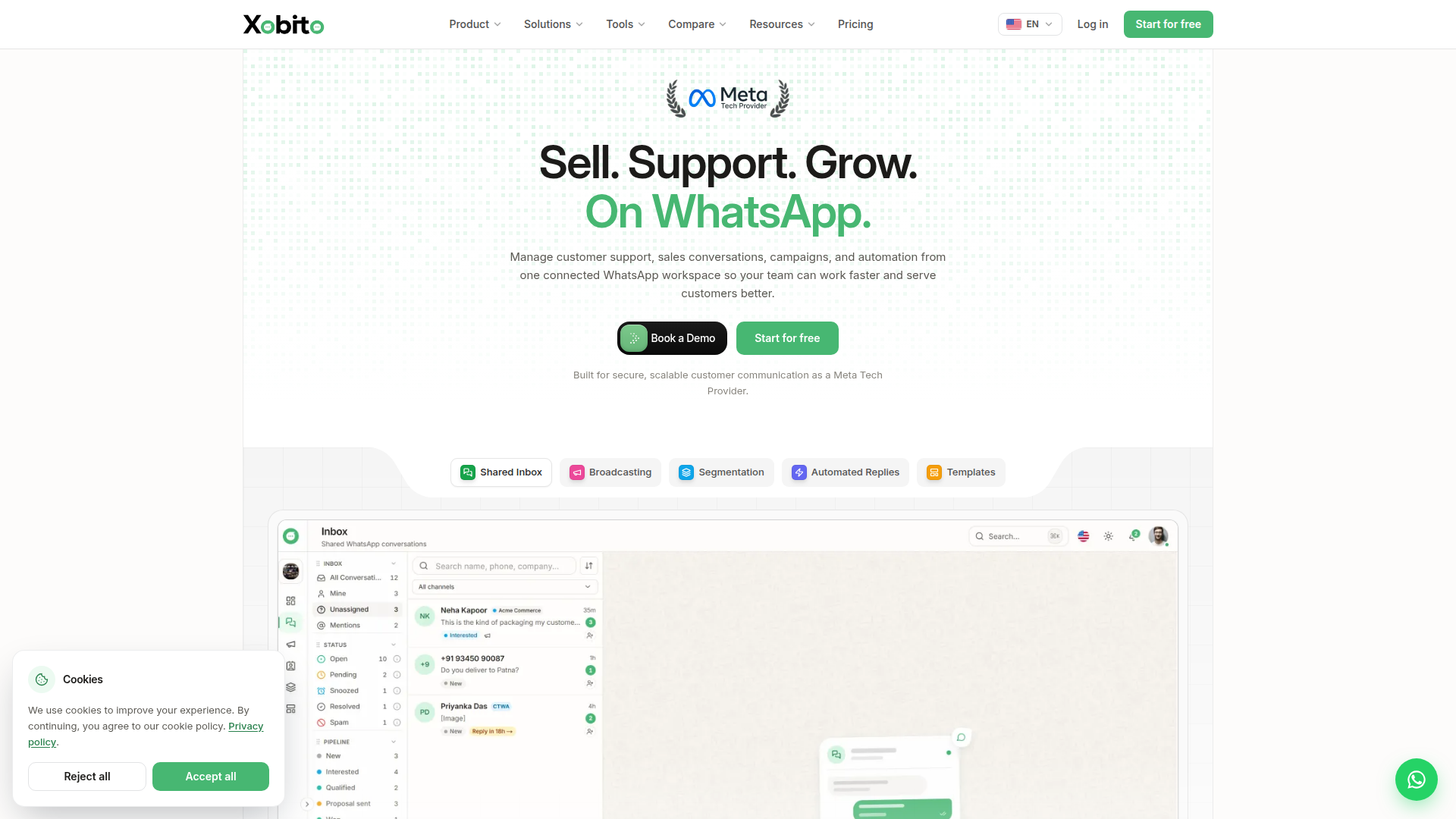
Xobito is a WhatsApp-first customer communication and team collaboration platform designed for businesses that want to sell, support, and grow on WhatsApp from a single connected workspace. Positioned as a Meta Tech Provider and official WhatsApp Business API solution, Xobito helps companies replace fragmented personal WhatsApp usage, shared phones, and scattered inboxes with a centralized shared inbox. Target audiences include small businesses, growing teams, agencies, sales teams, marketing teams, support teams, and enterprises that manage high volumes of WhatsApp conversations. Core features include a multi-agent shared inbox, WhatsApp broadcasting with Meta-approved templates, contact segmentation and tagging, automated replies and FAQs, canned responses, private notes, team roles and permissions, contact history, scheduling, reminders, media library, dashboard analytics, multi-language support, and click-to-WhatsApp ad integration. The platform supports multiple WhatsApp numbers, including agency use cases where each client can remain separate. Content on the website emphasizes business outcomes: faster response times, fewer missed enquiries, better lead assignment, automated order updates, appointment reminders, and scalable campaigns. User experience is designed to be no-code and quick to set up: connect a WhatsApp number, add team members, organize contacts, and start messaging. Technical features include official WhatsApp Business API integration, template creation and approval workflows, delivery tracking, number quality monitoring, secure scalable infrastructure, and automation that hands off to human agents when needed. Xobito combines support, sales, marketing, and automation in one WhatsApp workspace.
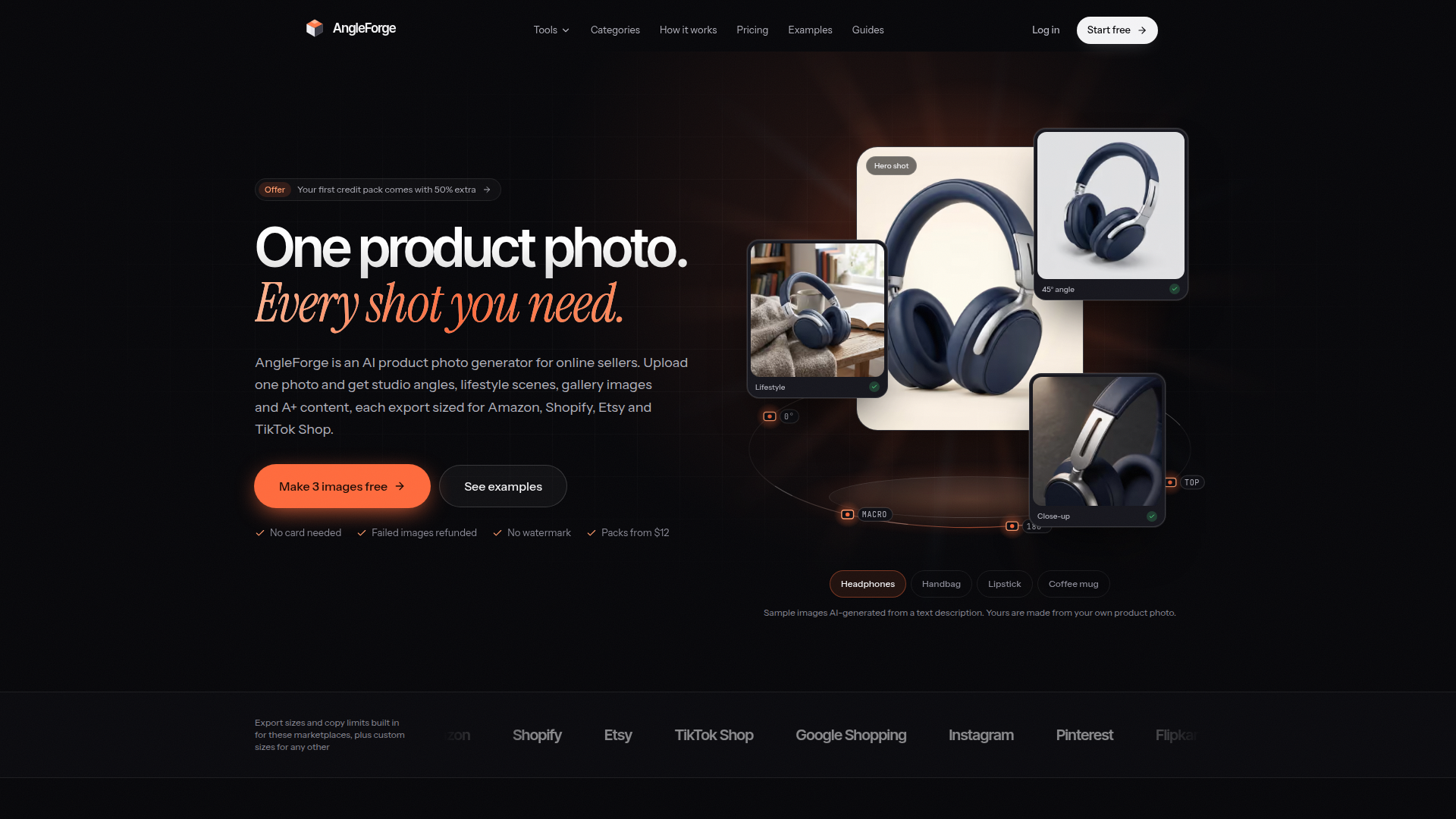
AngleForge is an AI-powered product photo generator designed for online sellers, enabling them to transform a single product photo into a comprehensive set of studio-quality images, lifestyle scenes, gallery images, and Amazon A+ content. Positioned as a versatile tool for e-commerce entrepreneurs, it caters to sellers on major platforms like Amazon, Shopify, Etsy, and TikTok Shop. The core features include generating product angles, listing copy, image galleries, and A+ content, all optimized for marketplace specifications. Content features emphasize ease of use with no photoshoot or editing skills required, and every image is built to keep product details true to the original photo. User experience is streamlined with a simple three-step process: upload, select, and download, with most images generated in about 30 seconds. Technically, AngleForge leverages advanced AI to synthesize new camera angles and backgrounds, offers credits-based pricing with failed images refunded, and ensures commercial rights for all outputs. With built-in export presets for seven marketplaces, it's a one-stop solution for high-converting product listings.
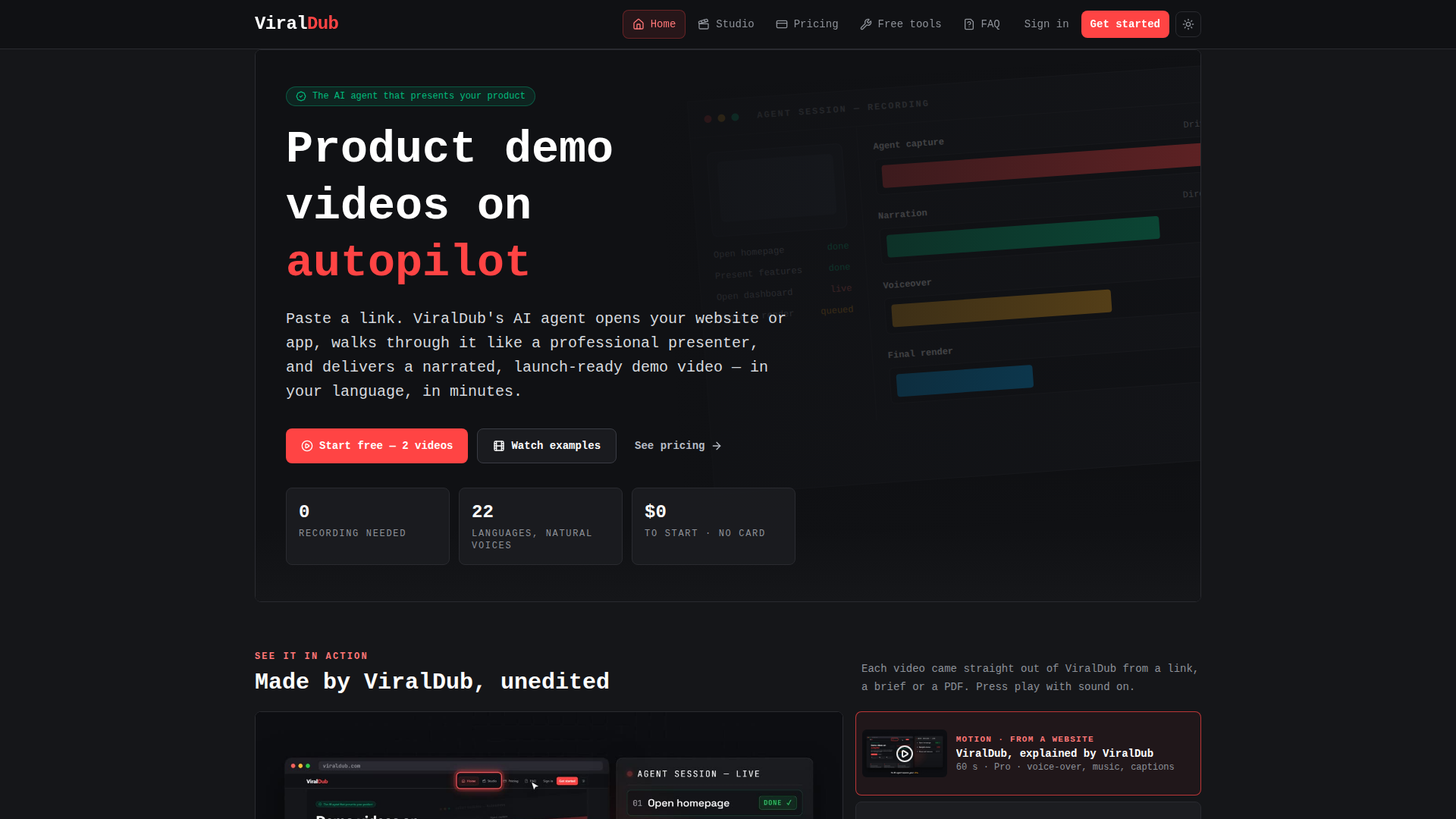
ViralDub is an AI-powered product demo video platform that turns a website link, brief, or PDF into a narrated, launch-ready video. Positioned as an autonomous AI agent rather than a simple screen recorder, it logs into web apps, navigates menus, opens features, and presents products like a professional demo presenter. Target audience includes SaaS founders, product marketers, growth teams, agencies, indie hackers, and customer success teams that need high-quality product walkthroughs, feature announcements, onboarding videos, investor updates, and client deliverables without hiring a video production crew. Core features include link-to-video automation, AI voiceover in 22 languages, music and pacing, optional brand intros, click callouts, auto-zoom, motion graphics, narrated decks, and support for uploading existing screen recordings or product clips. Content features cover website walkthroughs, SaaS demos, app walkthroughs, Product Hunt launch videos, feature announcements, PDF-to-explainer videos, and agency client videos. User experience is streamlined: paste a link or upload footage, provide a brief, let the agent capture and narrate, then download an MP4 with captions, music, and voiceover. Technical features include public and logged-in app walkthroughs, 16:9/9:16/1:1 aspect ratios, up to 4K output, word-by-word synced captions, brand import from URL, and optional PDF, PPTX, and interactive HTML decks. ViralDub offers a free start with two videos and simple paid plans, making professional demo video production accessible in minutes rather than weeks.
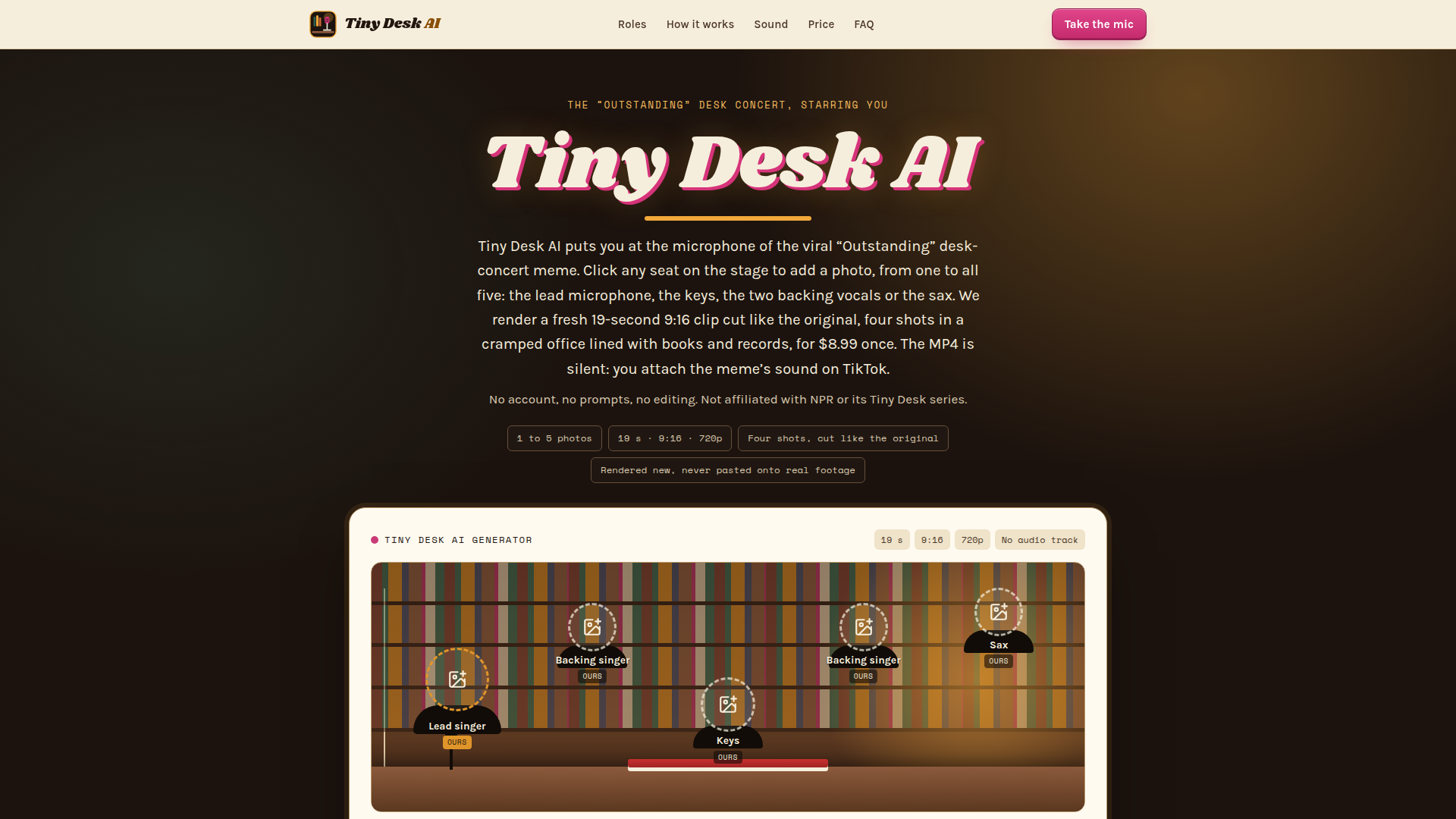
Tiny Desk AI is a single-purpose, fan-made web generator built around the viral 'Outstanding' desk-concert meme. It positions itself as a fast, no-account way to put yourself, friends, coworkers or a whole team behind the famous desk without editing, prompts or video skills. The target audience is TikTok, Instagram Reels and YouTube Shorts creators, group chats, offices, fantasy leagues and anyone who wants a personalized 19-second parody clip. Core features include uploading one to five photos, clicking seats for lead singer, keys, two backing singers and sax, and receiving a 19-second vertical 9:16 720p MP4 cut into four shots that mirror the original meme's rhythm. Content features include sample clips, a detailed breakdown of the five meme shots, photo guidance, caption and hashtag suggestions, app-by-app sound instructions, and a clear comparison between the real concert, the viral parody and a Tiny Desk AI clip. User experience is intentionally simple: choose a seat, upload a photo, confirm consent, pay once via Stripe, and let an automatic status page track rendering. Technical features rely on Google Nano Banana Pro for stills, ByteDance OmniHuman and Seedance through providers such as fal.ai and Kie for animation, with no face swap onto NPR footage. Privacy features include no account, anonymous cookies, photo deletion within a day, clip deletion after seven days and private download links. Pricing is a flat one-time $8.99 per clip, with 150 credits and automatic credit return on failed renders.
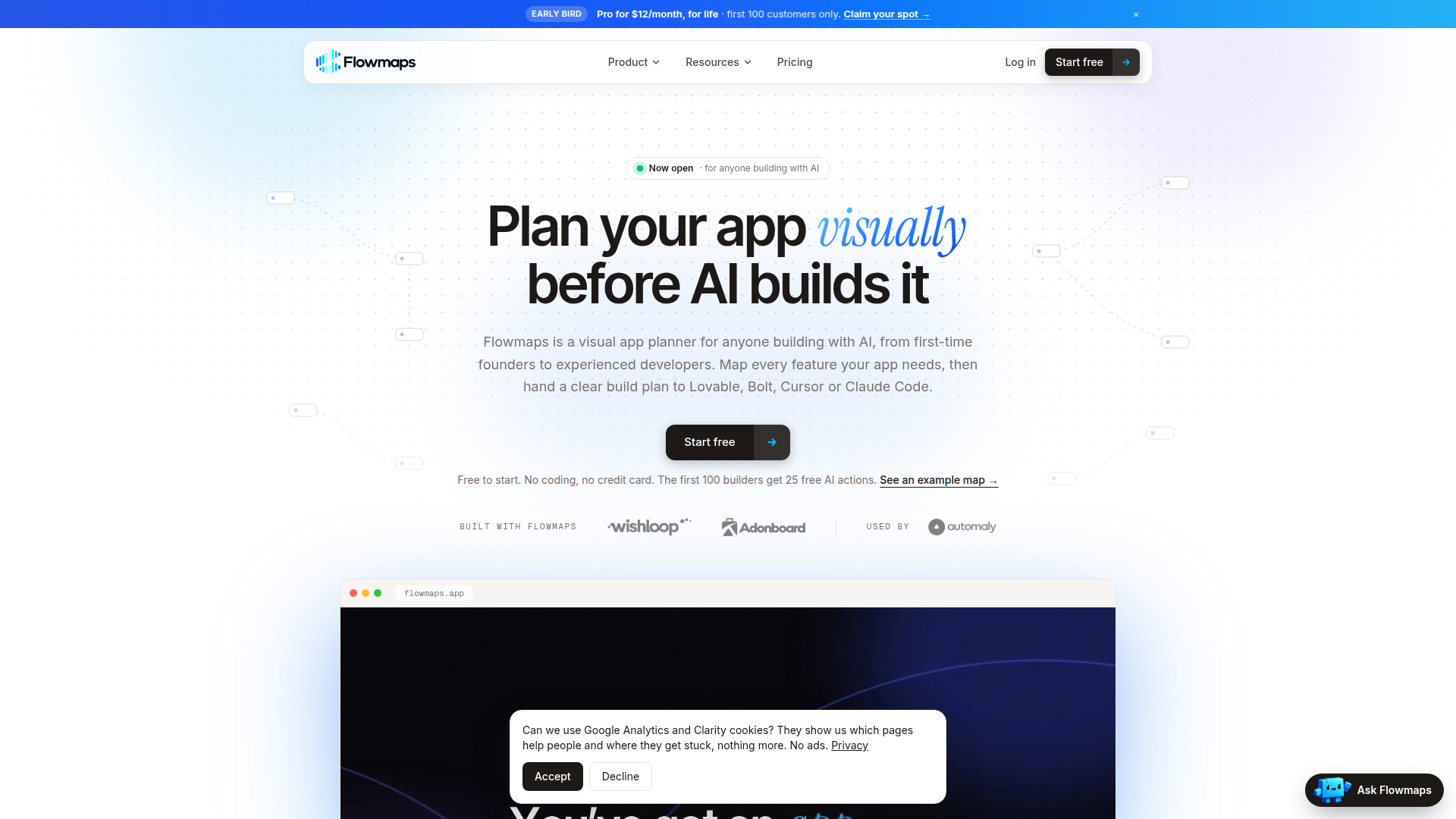
Flowmaps is a visual app planner designed specifically for people who build software with AI coding assistants. Its positioning sits between a product-planning tool and an AI prompt generator: rather than writing code itself, Flowmaps turns a single sentence describing an app idea into a structured feature map, a prioritized build sequence, and a set of step-by-step instructions that AI builders such as Lovable, Bolt, Replit, v0, Cursor, Claude Code and Codex can follow directly. The target audience spans first-time founders, non-technical makers, online marketers, solo indie hackers, and experienced developers who want to avoid burning credits on vague prompts. Core features include automatic feature suggestion and mapping from a plain-language idea or a pasted website URL, gap scanning that flags commonly forgotten requirements like authentication, databases, security, privacy rules and emails, risk warnings for payments and personal data, a kanban-style board that tracks what is shipped and what comes next, email-to-map idea capture, public help pages, activity logs, and teammate/viewer invitations. Content features include 13 example maps, free learning guides (AI app builder guide, MVP feature list, Lovable planning and credit-saving guides), free tools such as a feature list generator, prompt checker, AI coding cost calculator and Lovable credit calculator, plus a PRD template and a changelog. User experience is deliberately beginner-friendly: describe the idea in plain words, adjust the generated map, then hand one clear card at a time to the AI builder, which moves the card forward automatically when a step is complete. Technical features include multi-builder prompt formatting, support for the user's own Anthropic API key (with no markup), an optional shared team key, terminal/Claude Code workflows, and a ChatGPT plugin integration for planning inside a chat. Pricing follows a freemium model with a permanently free tier, Pro and Team subscriptions, and a limited early-bird lifetime deal.
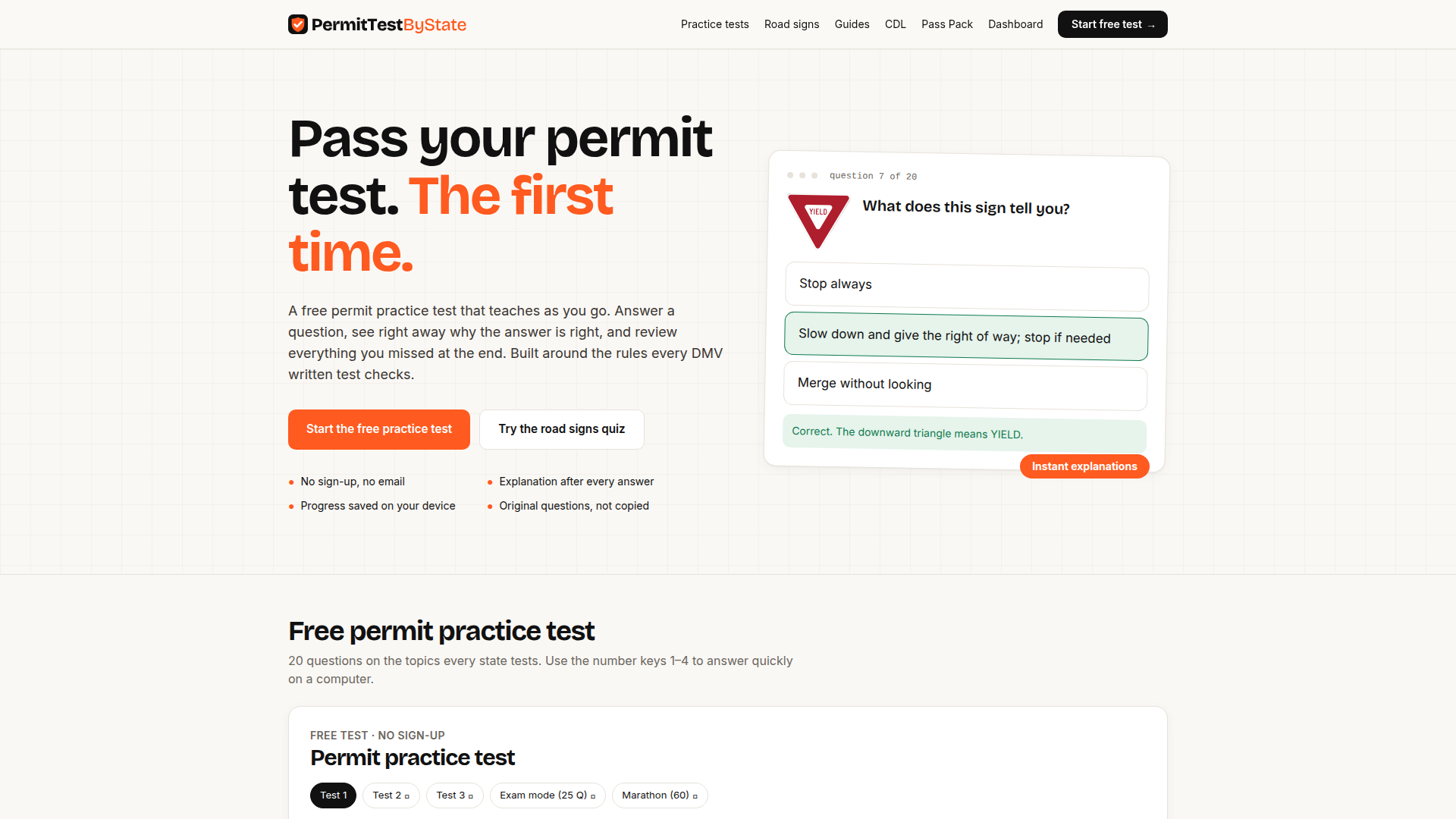
PermitTestByState is a free, mobile-first study platform for people preparing for a DMV written knowledge exam, learner's permit test, or road signs test. Its positioning is simple: replace passive handbook reading with active retrieval practice. The site targets teen drivers, adult first-time applicants, and anyone needing a motorcycle endorsement or CDL. Core features include a 20-question free practice test, a 69-sign road signs quiz, instant answer explanations, exam mode, marathon mode, a missed-question review, and local progress saving without an account. Content is original and organized around the rules every state tests: right of way, signs and signals, speed and space, alcohol and drugs, sharing the road, emergencies, and state-specific permit rules. User experience emphasizes no sign-up, no email, keyboard shortcuts, and phone-friendly layouts. Technically, it uses browser local storage for progress and is built for fast loading on mobile data. A paid Pass Pack adds full question bank access, unlimited timed exams, and a cheat sheet.
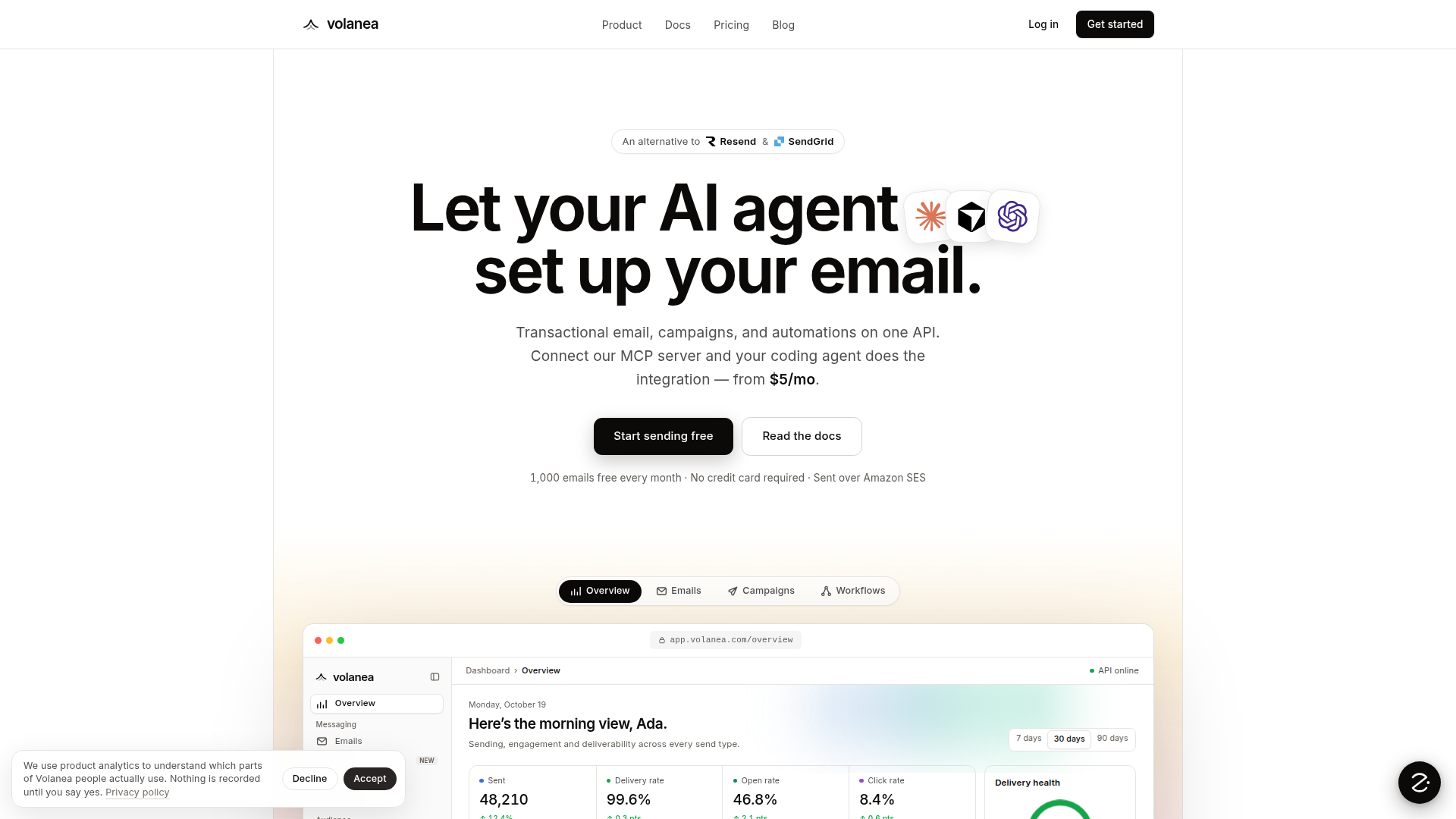
Volanea is an AI-native email delivery platform that lets AI coding agents set up transactional email, marketing campaigns, and multi-step automations on behalf of developers, founders, and product teams. Positioned as a modern alternative to Resend, SendGrid, Mailgun, Postmark, Mailchimp, Plunk, and Amazon SES, it unifies everything that competing stacks bolt together — sending API, campaigns, journeys, contact records, templates, and analytics — behind one API and one audience. Its defining feature is an MCP (Model Context Protocol) server: a single command connects Volanea to Claude Code, Cursor, Codex, Windsurf, GitHub Copilot, or Zed, giving the agent 23 tools to create templates, segments, workflows, webhooks, and sending domains, write the integration code into your app, and prove it works with a test send before anything ships. Campaigns are created as drafts so a human still presses send, and test keys render and log messages without delivering them. The core sending layer is a REST endpoint (POST /v1/send) built for receipts, password resets, and alerts, returning as soon as a message is durably queued, with HMAC-signed webhooks streaming every delivery, open, and click back to your app, plus idempotency keys, {{variable}} templating, attachments, scheduled sends (sendAt), inbound email parsing, custom events, and one-click webhook replay. Deliverability is treated as a first-class concern: SPF, DKIM, and DMARC are checked against live DNS before a domain sends, bounces and complaints are suppressed globally, and a reputation guard warns, then throttles, then pauses sending so a bad import cannot burn your domain. Because transactional, campaign, and workflow activity write to the same contact record, segments, suppressions, unsubscribes, and analytics always agree. Pricing reflects this philosophy: contacts are unlimited and free, credits (1 email = 1 credit, 2 with an attachment) reset monthly and never roll over, and there are no overage or per-contact fees — 1,000 emails are free every month with every feature included, then $5/month for 7,500, $20/month for 50,000, and up to $149/month for 200,000, with enterprise options beyond that. The product also ships a visual editor and AI composer that builds on-brand emails from a written brief, 100 ready-made templates, an image library, team roles (admin, editor, viewer), free no-signup tools like a DMARC checker and email verifier, and drop-in providers for WordPress, Medusa, and Strapi. Mail is delivered over Amazon SES, and an SMTP relay is on the roadmap. The overall experience is developer-first and automation-first: minimal setup, transparent send-based pricing, and an agent that does the integration work instead of a human.
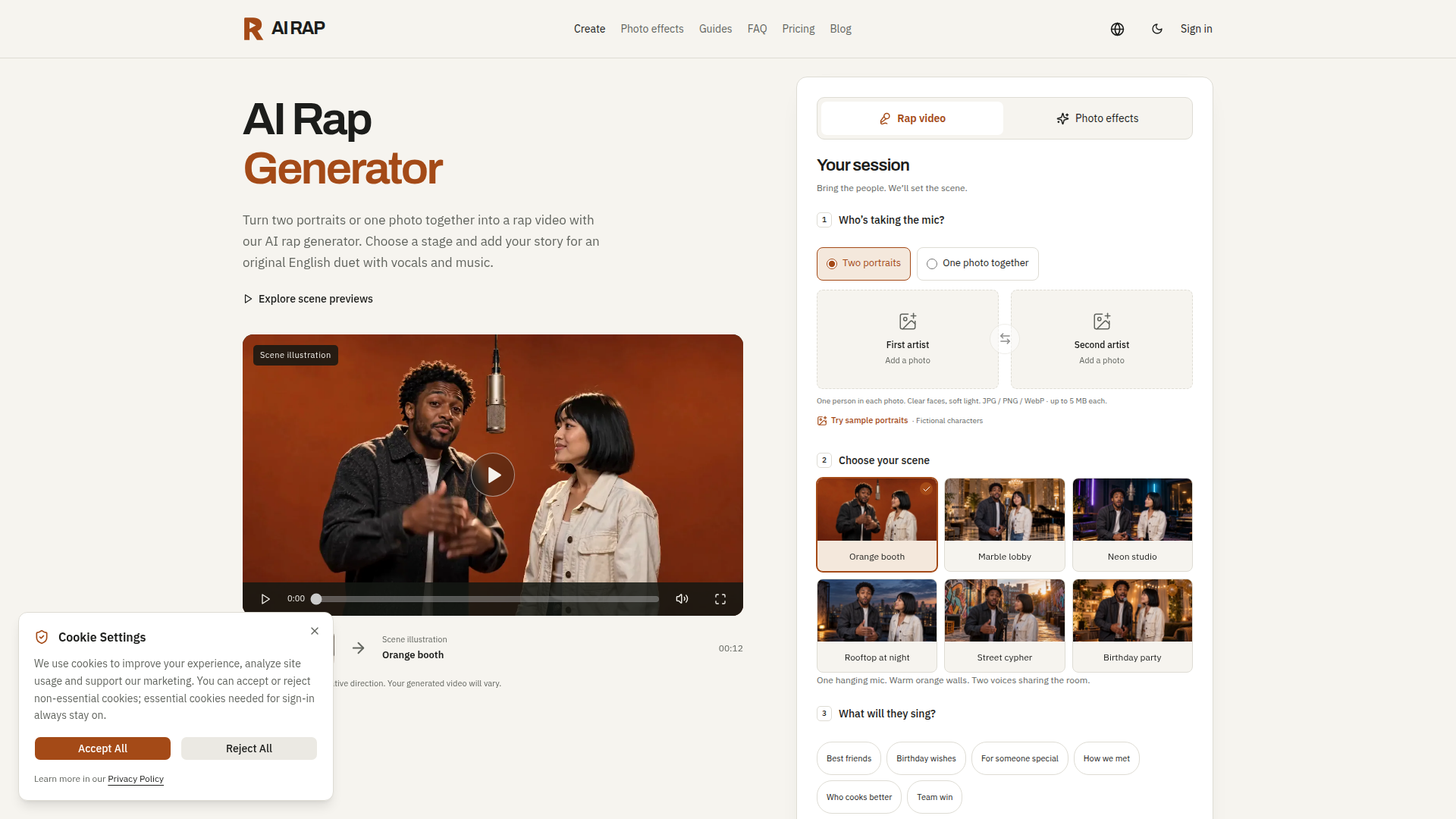
AI RAP is a browser-based AI video generator that turns photos of two people into a short rap duet video. Instead of requiring cameras, editing software or musical skills, the platform asks users to upload either two separate portraits or one photo of both people together, then pick a stage and describe a topic. The system generates original English lyrics, vocals and music around that topic and produces a short-form video that can be downloaded for TikTok, Reels or Shorts. Website positioning: an entertainment-first, photo-to-video creation tool for social content, gifts and inside jokes rather than a professional music production suite. Target audience: friend groups, couples, families, birthday celebrants, social media creators, meme makers and anyone who wants a personalised rap video without any production experience. Core features: a three-step studio (add performers, choose a scene, add a story), six curated stages (Orange booth, Marble lobby, Neon studio, Rooftop at night, Street cypher, Birthday party), four Seedance models (2.0 Mini, 2.0 Fast, 2.0, 2.5), multiple durations from 5 to 30 seconds, 9:16 / 16:9 / 1:1 aspect ratios, up to 480p / 720p / 1080p resolution, a topic prompt of up to 120 characters, ten silent photo effects for two people, and a private My videos library for reviewing, downloading and managing finished projects. Content features: a guides hub covering photo requirements, model and video settings, credit usage and failed tasks, plus a FAQ and blog that explain capabilities and set realistic expectations. User experience: the workflow is guided and transparent — available models, formats and exact credit costs are displayed before submission, generation runs in the background so users can close the page and return, and drafts stay local in the browser until submitted. Technical features: credit-based consumption with per-model pricing tables, credit restoration for confirmed failed tasks, automatic save retries, time-limited access granted to the generation provider (Fal or SeeAPI) for processing uploaded photos, private storage with no public gallery, and account billing that supports both one-time credit packs and monthly or yearly subscriptions.
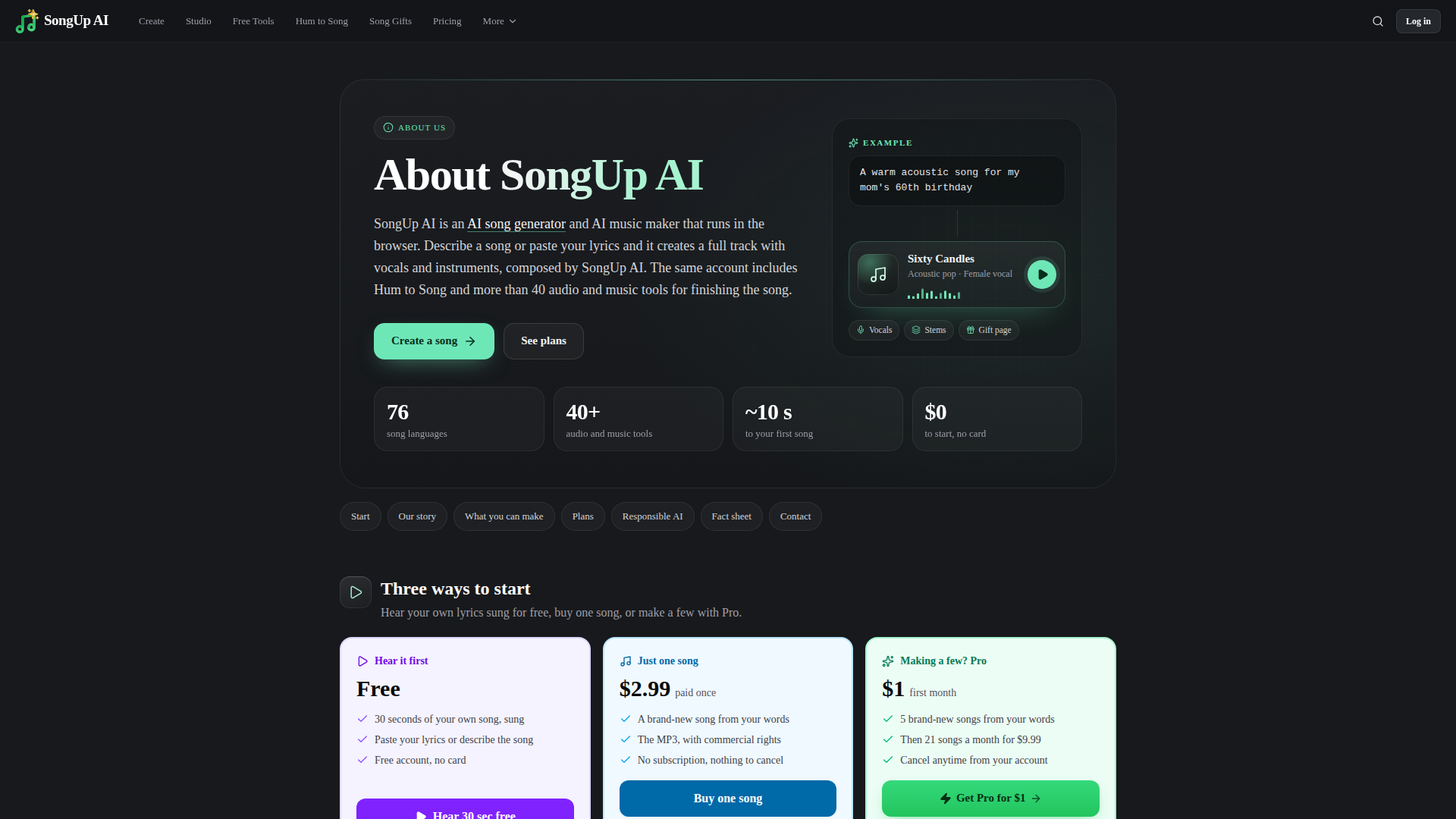
SongUp AI (songupai.com) is a browser-based AI song generator and AI music maker positioned as an all-in-one creative studio that turns a plain-language description or your own lyrics into a complete track with vocals and instruments within seconds. Instead of needing a studio, session musicians and a producer, users can type something like "a warm acoustic song for my mom's 60th birthday" and receive a finished, listenable song. The platform targets songwriters and hobbyists, content creators and YouTubers, social media marketers and small businesses needing jingles or background music, DJs and dance studios, and everyday people who want a personalized gift song for a birthday, wedding, anniversary, proposal, Christmas or memorial. Core features span the entire music workflow: AI song generation, lyrics-to-song, Hum to Song, rap, love song, lo-fi, beat maker, jingle and background-music generators, plus 40+ finishing tools such as stem separation, AI mastering, neural auto-tune, karaoke/vocal removal, mashup creation, chord recognition, key and BPM detection, audio-to-MIDI and voice-to-instrument conversion. Content features include an AI song library, a lyrics library, top-creator showcases, a Shorts-style feed, songs in 76 languages, how-to guides, comparisons against Suno and Udio, a blog and an FAQ. User experience is deliberately low-friction: a free account with no credit card gets three songs matched from the SongUp AI library in about ten seconds, plus a free 30-second sung preview of your own lyrics, with paid plans unlocking brand-new composed songs, downloads and commercial rights. Technically, SongUp AI is a web app with 30 interface languages, a documented AI music API and API keys, an MCP server, a ChatGPT app, a Claude connector, an OpenAPI spec and Merchant-of-Record secure checkout, with responsible-AI rules that prohibit artist imitation, voice cloning without consent and copyright infringement.

AI Market Cap is a specialized stock research and signals platform focused on pre-earnings setups in technology and AI-related equities. It positions itself as an AI-driven pre-earnings stock picker and scanner for investors who want actionable, time-sensitive ideas before company earnings reports. The target audience includes tech-focused retail investors, swing traders, earnings traders, and market watchers who follow AI, software, semiconductors, internet, and high-growth stocks. Core features include a daily 100-stock pre-earnings scanner, a ranked table with scores, prices, earnings dates, analyst sentiment, short interest, implied volatility, and recent news; a top pick and runner-up pick with entry price, 3/7/14-day targets, and stop-loss levels; an earnings calendar for the next seven days; and a Pro plan that includes 20 AI questions per day on any stock. Content features daily morning emails, free top-five daily picks, stock-specific pages, wins tracking, and a blog. The user experience is simple and action-oriented: users scan a ranked list, open ticker pages, check the earnings calendar, and receive concise email alerts. Technically, the site combines automated scoring, market data, news feeds, and an AI Q&A interface in a lightweight web app, with paid signals gated behind a $5/month subscription and a free daily email tier.
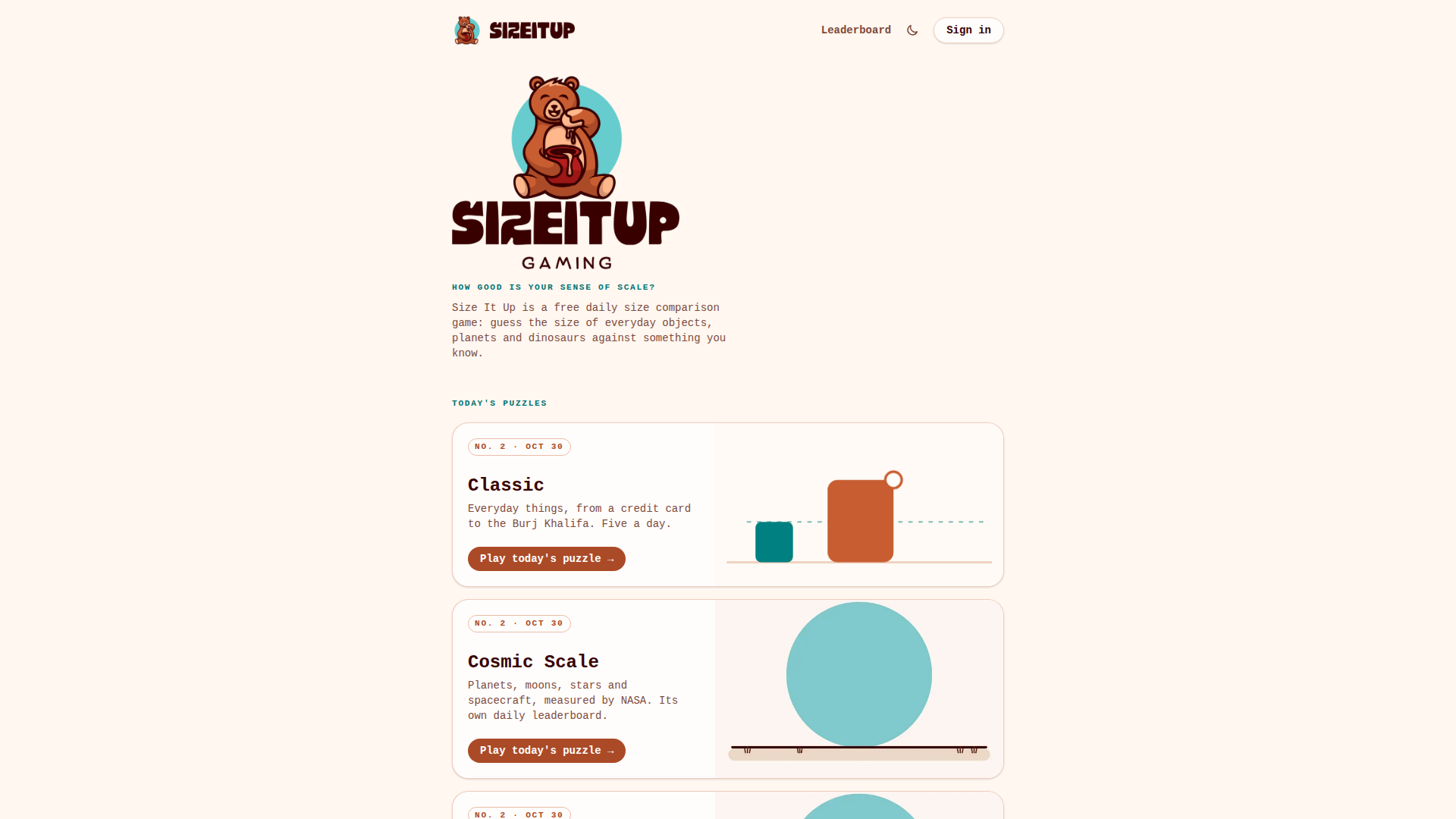
SizeItUp is a free, browser-based daily puzzle game built entirely around one skill: your sense of scale. Its positioning is that of a lightweight, Wordle-style daily ritual — a short, shareable brain teaser you can finish in a couple of minutes — but with an educational backbone rather than a vocabulary one. Each round shows a familiar teal object drawn at its true size, acting as a ruler, and you stretch, pinch or nudge an orange shape until it looks correctly proportioned beside it. Your attempt is then overlaid with the real outline, the exact measurement and a citation for where that number came from, so every guess teaches you something concrete. The target audience is broad: puzzle and daily-game enthusiasts, curious generalists, students and teachers looking for a painless way to build intuition about scale, and science or space fans drawn in by the Cosmic Scale collection. Three themed collections run in parallel, each with its own numbered daily puzzle and leaderboard: Classic (everyday objects, from a credit card to the Burj Khalifa), Cosmic Scale (planets, moons, stars and spacecraft, measured from NASA fact sheets) and Prehistoric Giants (dinosaurs and extinct animals sized from museum specimens and published papers). Planned future themes include Kitchen Table and Tiny Worlds. Core features include up to 100 points per round and 500 a day, a tolerance where landing within 6% scores a perfect 100, streaks synced across devices via Google sign-in, a daily leaderboard, an archive for replaying missed days, and unlimited Free Play practice rounds drawn from every collection. A soft in-game currency called Insight is earned and spent in a shop on cosmetic titles and board themes, so progression is never paywalled. Content is sourced and verified — ISO standards and sports rulebooks for everyday objects, NASA data for space, and museum specimens and papers for extinct animals — with a public 'How big is it?' size list. The interface is clean, responsive to touch and keyboard, mobile-friendly, available in six languages (English, Spanish, Brazilian Portuguese, French, German and Japanese), and completely free, with no purchase changing your score.
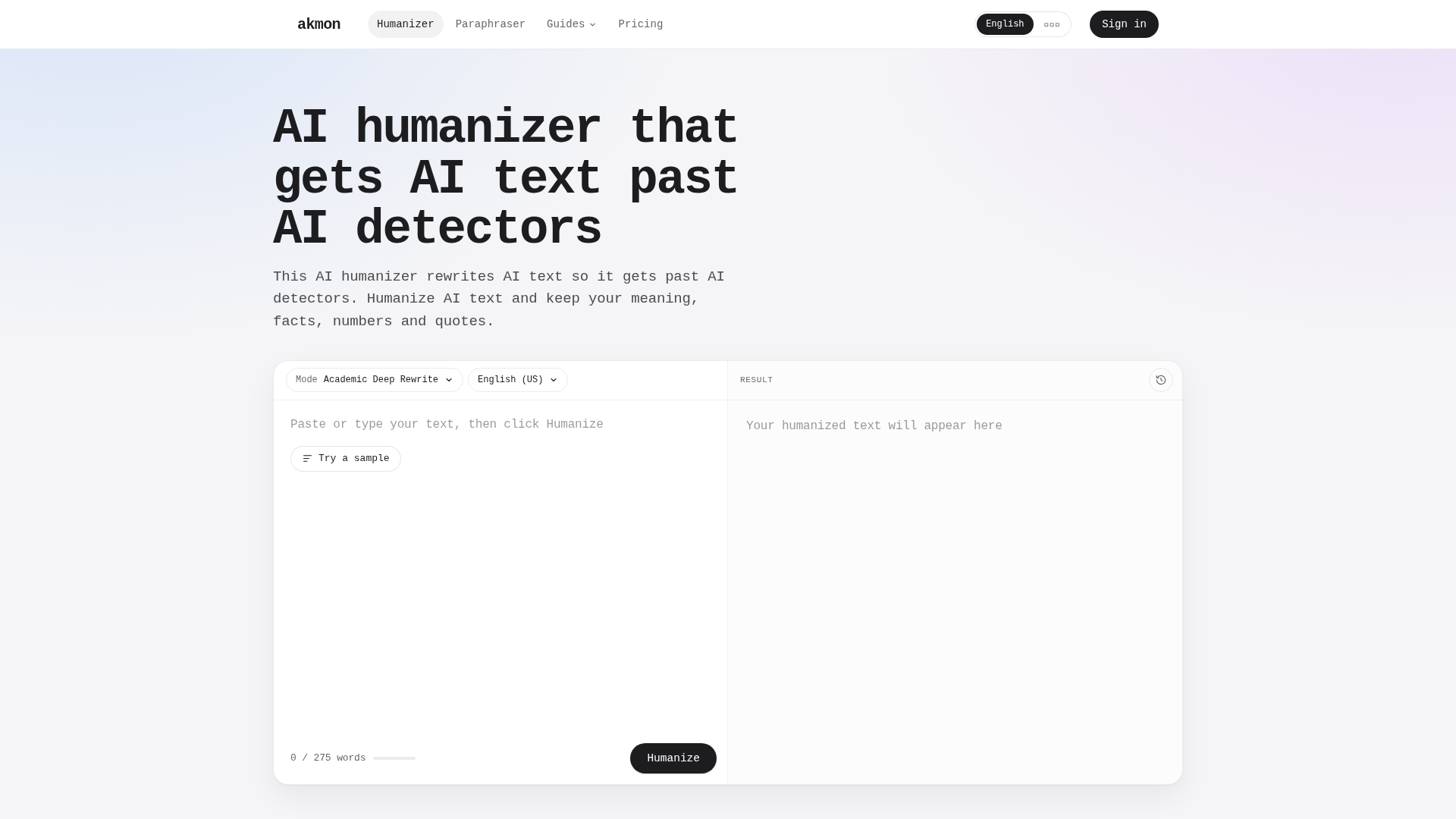
Akmon is an advanced AI humanizer designed to rewrite AI-generated text so it bypasses AI detectors while preserving the original meaning, facts, numbers, and quotes. Positioned as a tool for students, writers, marketers, and professionals, Akmon addresses the growing need to make AI-assisted content undetectable by increasingly sophisticated AI detection systems. Its core features include multiple rewriting modes (Deep Rewrite and Sentence Precise), support for over 15 languages with regional English variants, and seamless integration with popular AI platforms like Claude and ChatGPT via an MCP server. The platform offers a user-friendly interface where users can paste text, select language and model, and receive a humanized version in real-time. Akmon also provides a paraphraser tool, sentence-level rephrasing, and synonym replacement. With a free tier allowing limited monthly usage and a premium subscription that includes 10,000 words per month for Claude and ChatGPT, Akmon caters to both casual and power users. Its privacy policy ensures encrypted storage and deletion options, emphasizing user control. Developed by Numeral Digital, LLC, Akmon combines proprietary fine-tuned models with a focus on maintaining text quality and undetectability, making it a robust solution for anyone needing to humanize AI content.

EveryGen is an advanced AI video generator and creative studio that empowers users to produce high-quality videos, images, and audio using cutting-edge artificial intelligence. Positioned as a comprehensive creative platform, EveryGen integrates top-tier AI models such as Veo 3.1, Kling 3.0, Wan 3.0, Seedance 2.5, and GPT Image 2.5 into a single, intuitive workspace. The platform targets content creators, marketers, advertisers, filmmakers, and social media managers who seek to streamline video production, from concept to final cut. Core features include an AI Video Agent that guides users through scene planning, media generation, and editing; text-to-video and image-to-video generation; AI image creation and editing; AI audio, music, and sound effects; and specialized tools like AI Ads, Shorts Studio, Viral Remix, and Motion Graphics. The content features a rich template library, inspiration gallery, and model comparison to help users choose the right tool for each scene. User experience is enhanced by a conversational interface where users can describe their project, review a scene plan, and approve media costs, all while managing assets in a centralized workspace. Technically, EveryGen supports developer integration via MCP and GitHub, allowing creation from Claude, ChatGPT, or coding assistants. With a freemium pricing model offering credits, EveryGen makes professional-grade AI video production accessible to both individuals and teams.

Imoframe is a purpose-built web application that converts ordinary real estate listing photos into polished, share-ready property videos. Positioned as a pay-per-listing alternative to monthly video-editing subscriptions, it targets real estate agents, boutique brokerages, property managers, and small agencies who need marketing content for every new listing without committing to ongoing software fees. The workflow is deliberately minimal: an agent drops in their listing photos, chooses an offer, and receives a finished video complete with licensed music, their own logo and contact details, in both vertical and horizontal formats at 1080p HD. Core features include drag-and-drop photo upload (up to 100 photos, with the tool automatically selecting the ten strongest shots or using all of them for a small add-on), automatic photo quality checks before generation, an automated editing engine that produces slow, cinematic camera moves across each room, delivery in roughly 10–20 minutes by both on-page preview and email, the option to download the full cut or individual clips, and three free redos if a particular shot does not land. Content-wise, Imoframe pairs its product with a genuinely useful editorial layer: a blog and resource hub that compares pricing across competing listing-video tools, publishes buying guides for pay-per-video workflows, and offers free tools, answers pages, and a comparison section. There is also an Agency tier for teams producing 20 or more videos per month and an Academy track for people who want to start a listing-video side business using the platform. The user experience is intentionally frictionless and English-first with thirteen additional localizations (French, Spanish, Portuguese, German, Italian, Polish, Dutch, Turkish, Arabic, Indonesian, Russian and more), a free account that keeps videos, credits and invoices in one place, and sharing that works natively for Instagram, TikTok, listing portals and personal websites since the output file belongs to the buyer. Technically, Imoframe is a cloud-based, browser-only product with no installs, no watermark, vertical and horizontal export options, HD output, and a credit-pack model that lets purchased listings be used at any time rather than expiring monthly.
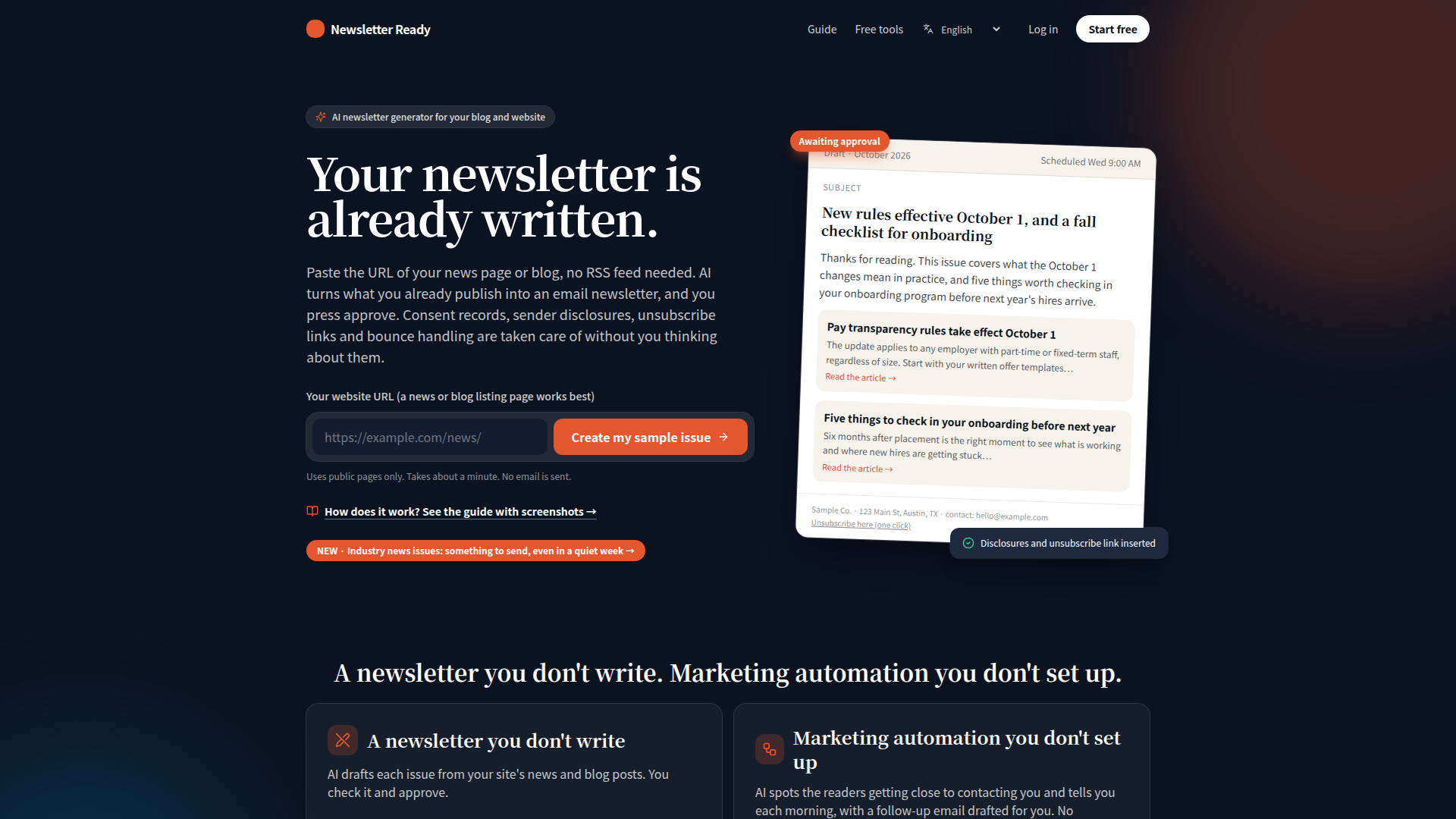
Newsletter Ready is an AI-powered newsletter generator designed for bloggers, small businesses, and content publishers who already publish articles on their website but struggle to turn those updates into a consistent email newsletter. Its core positioning is to remove the blank-page problem: instead of asking users to write from scratch, the platform automatically fetches new articles from a news or blog listing page, selects relevant content, and drafts a complete email issue including subject line, opening, article summaries, sign-off, and source links. The target audience includes solo creators, marketing teams, local businesses, professional services, and organizations that need regular subscriber communication without hiring a copywriter or setting up complex marketing automation. Core features include automatic article import, AI drafting, one-tap approval, pre-send checks, subject line A/B testing, send-time optimization, automatic translation, sign-up forms, CSV import, business-card scanning, and AI reply assistance. Content features focus on factual, source-backed summaries that link to original published articles, with optional industry news issues and AI interviews when no new posts are available. User experience is built around a simple workflow: paste your website URL, review the AI draft, and approve before anything sends. Technical features cover hourly article fetching, consent records, double opt-in, one-click unsubscribe, bounce handling, deliverability controls, web archive publishing, custom sender domains on Pro, and analytics on opens, clicks, and reader engagement. Compliance is handled automatically for multiple legal regions, including CAN-SPAM, GDPR-style consent, and Gmail/Yahoo unsubscribe requirements, making it suitable for businesses that need reliable email marketing without deep technical setup.
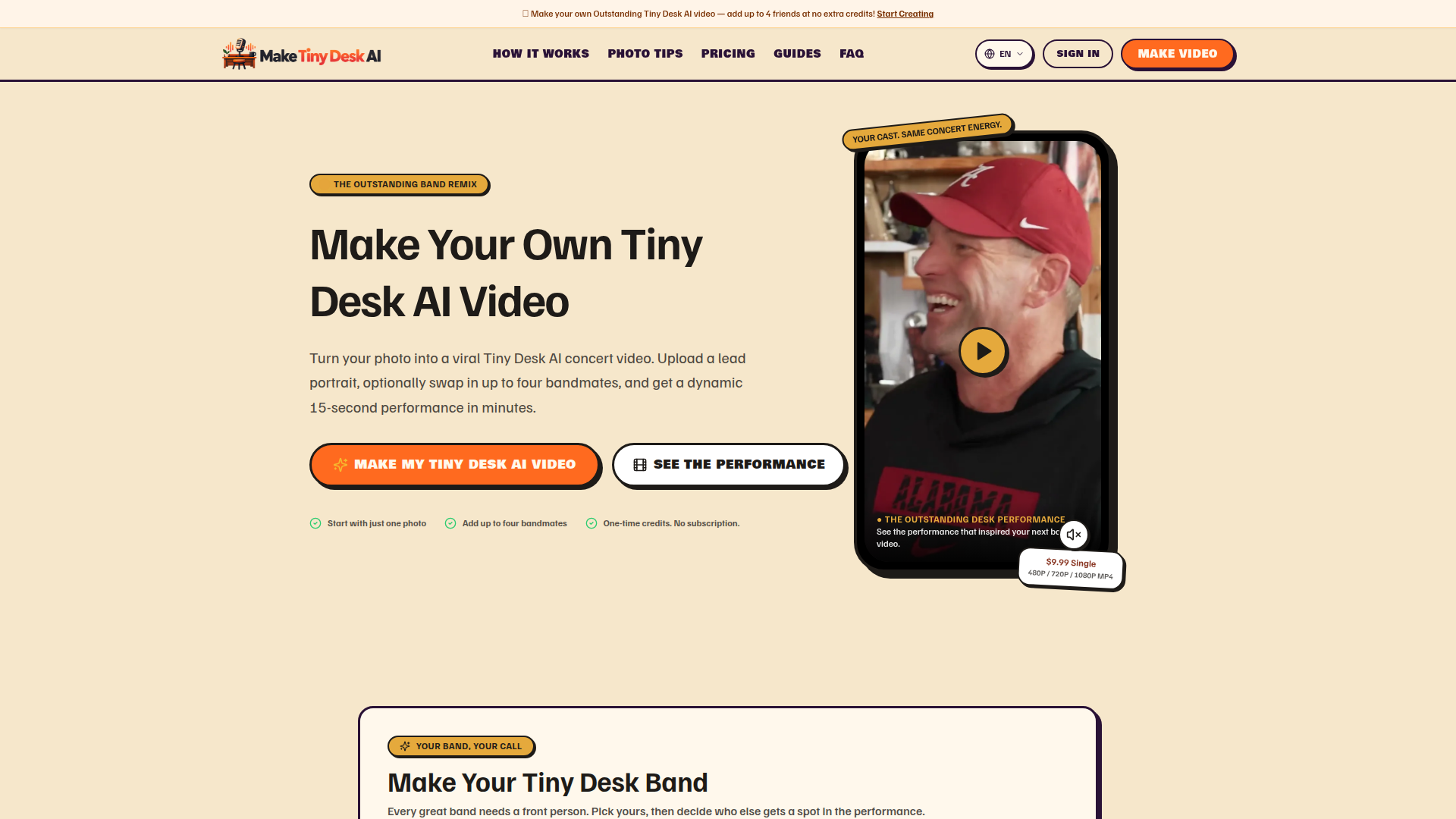
Make Tiny Desk AI is a lightweight, browser-based AI video generation tool that turns ordinary portrait photos into a 15-second, viral-style "Tiny Desk" concert performance. Website Positioning: It is a single-purpose, trend-driven creative studio rather than a general-purpose video editor. Instead of offering timelines, keyframes, or complex prompts, the site packages one highly recognizable meme format — the crowded desk-concert scene popularized by the "Outstanding" Tiny Desk AI trend — into a guided, three-step casting workflow. Target Audience: Social-first creators, meme makers, group-chat pranksters, sports fans, office teams, students, and fandoms who want a fast, funny, shareable clip for TikTok, Reels, Shorts, or a group chat reveal. It also suits people with no video editing experience who simply want to see themselves and their friends "perform." Core Features: Upload one required lead portrait, then optionally swap in up to four bandmates (keyboard player, left backing vocal, right backing vocal, and saxophone soloist) for free bonus swaps. Users choose aspect ratio (9:16, 16:9, 1:1), HD quality (480P, 720P, 1080P), and generate a 15-second MP4 that can be previewed and downloaded. Credits are restored automatically if a generation fails. Content Features: The site is rich in trend context and educational content, including a step-by-step tutorial, a meme playbook, an Outstanding template breakdown, a photo-to-video technology explainer, and a TikTok trend optimization guide. A photo-tips section clearly lists what makes a strong portrait (single visible face, natural lighting, head and shoulders) versus weak inputs (blurriness, sunglasses, group shots). A role table explains exactly where each cast member appears on screen and what happens if you skip that role. User Experience: The flow is deliberately linear — pick a headliner, cast cameos, choose settings, generate, download. Everything important (generator, how it works, photo guide, pricing, guides, FAQ) is reachable from a single anchor-based navigation bar, so no account is needed until you click Generate. Technical Features: Fully web-based with no install, supports JPG, PNG, and WebP uploads up to 15MB, uses encrypted PCI-compliant checkout via Waffo/PayPal, applies a per-generation credit system with automatic failure refunds, and states that uploaded images are used only to produce the video. The tool is explicitly presented as an independent product for parody and fan entertainment, unaffiliated with NPR or any recording artist.
FEATURED
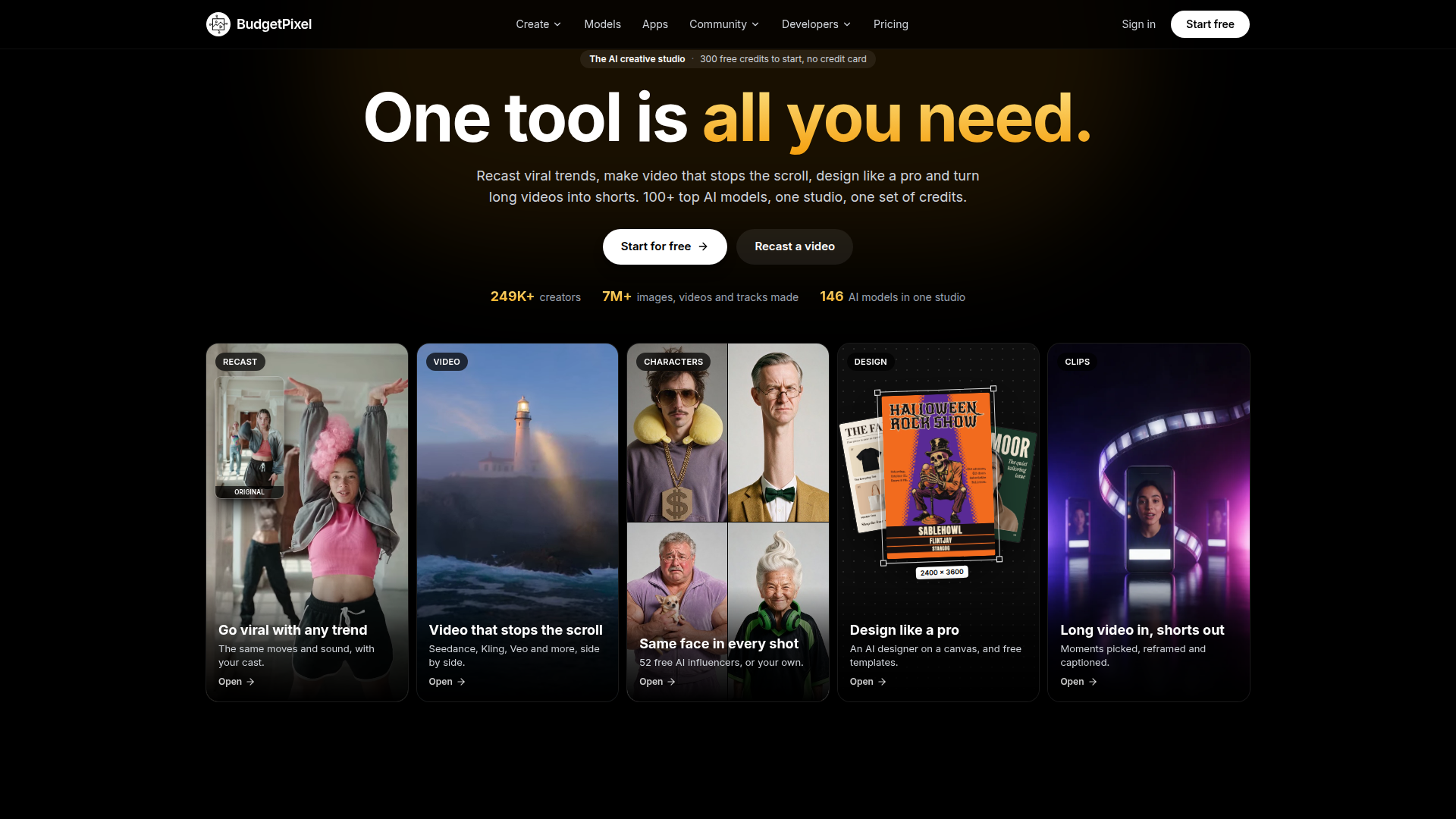
BudgetPixel is an all-in-one AI creative studio that bundles more than 140 leading generative models for image, video, music, voice and design into a single account, driven by one shared currency called credits. Positioned as a lower-cost alternative to single-purpose AI tools such as Higgsfield, Runway, OpenArt and Magnific, it targets content creators, social media marketers, small design teams, e-commerce sellers and developers who need scroll-stopping video, campaign artwork and short-form clips without juggling multiple subscriptions. Core features include Recast, which swaps the cast in a viral TikTok, Reel or Short while preserving the original moves, timing, camera and sound; a Video Workshop that runs Seedance, Kling, Veo, Wan and other models side by side with camera moves, motion control and lip sync; a Characters system that holds the same face across every scene with no training; a Design Studio canvas with an AI designer, free templates and print-ready export; Clip Studio for cutting long podcasts or streams into captioned 9:16 shorts; and a REST API, MCP server and plugins for ComfyUI, WordPress and Cursor. Content-wise the platform leans heavily on transparency: every model prints its credit cost before a job runs, a live community-voted Model Arena ranks models nightly, and a public price index compares generation costs against competitors. The experience is free to start with 300 monthly credits and no credit card, with tiered plans for hobbyists, weekly creators and studios, plus pay-as-you-go credit packs.
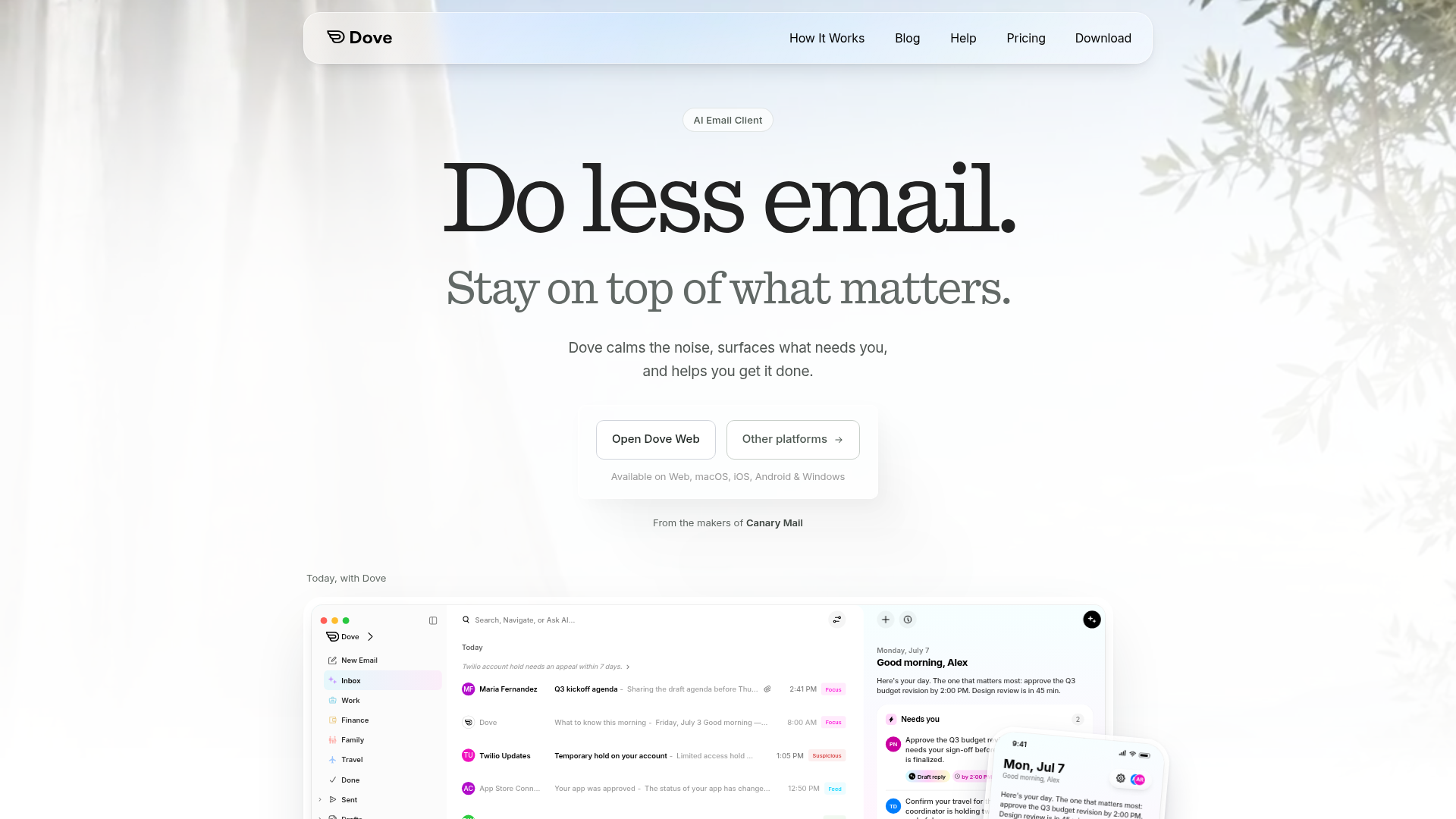
Dove is an AI-powered email client designed to bring calm and clarity to your inbox. Positioned as the antidote to ever-increasing email noise, Dove intelligently sorts incoming messages into three distinct categories: Focus (prioritized emails that need your attention), Feed (informational updates worth knowing), and Noise (newsletters, promotions, and low-priority mail). Its core feature, the Today view, provides a personalized daily briefing that summarizes what needs you, what's scheduled, and what you're waiting on. Dove also includes Wingman, which gathers relevant context from across your email threads, and Ask Dove, an AI assistant that answers questions about your inbox and drafts replies. The platform supports unlimited email accounts from providers like Gmail, Outlook, iCloud, Yahoo, and any IMAP service, all unified in one inbox. With smart notifications, advanced security scanning for phishing and suspicious links, and cross-platform availability on Web, macOS, iOS, Android, and Windows, Dove is built for busy professionals, entrepreneurs, and anyone overwhelmed by email. Its user experience emphasizes simplicity, speed, and serenity, with intuitive gestures and real-time sync. Technical features include AI-driven email classification, rule creation in plain language, and risk scoring for every message. Made by the team behind Canary Mail, Dove represents a new generation of email management that helps you do less email and focus on what truly matters.

Home Design AI is a browser-based generative design platform positioning itself as a fast, accessible way to visualize interior and exterior renovation ideas before committing to real-world changes. It targets homeowners, renovators, interior designers, real estate marketers, creators, and studios that need to compare design directions quickly. Core features include 12+ focused AI tools spanning room design, interior design, virtual staging, exterior design, garden and landscape design, and floor plan workflows such as image-to-floor-plan, floor plan to 3D, and floor plan visualization. Content features include style presets like quiet luxury, Japandi, and mid-century, room type selectors, design briefs, aspect ratio controls, and multiple image generation. The user experience emphasizes a simple three-step workflow: upload a JPEG, PNG, or WebP image up to 30 MB; choose a design direction and model tier; then generate, review, and refine private concepts in a saved history. Technical features include browser-based operation, private uploads with signed links, Basic 1K and Pro 2K model tiers, credit-based generation, and no requirement for CAD or 3D modeling software. The platform also supports multiple languages and provides free daily Basic generations, permanent credit packs, and subscription plans, making it suitable for both casual exploration and professional client presentations.
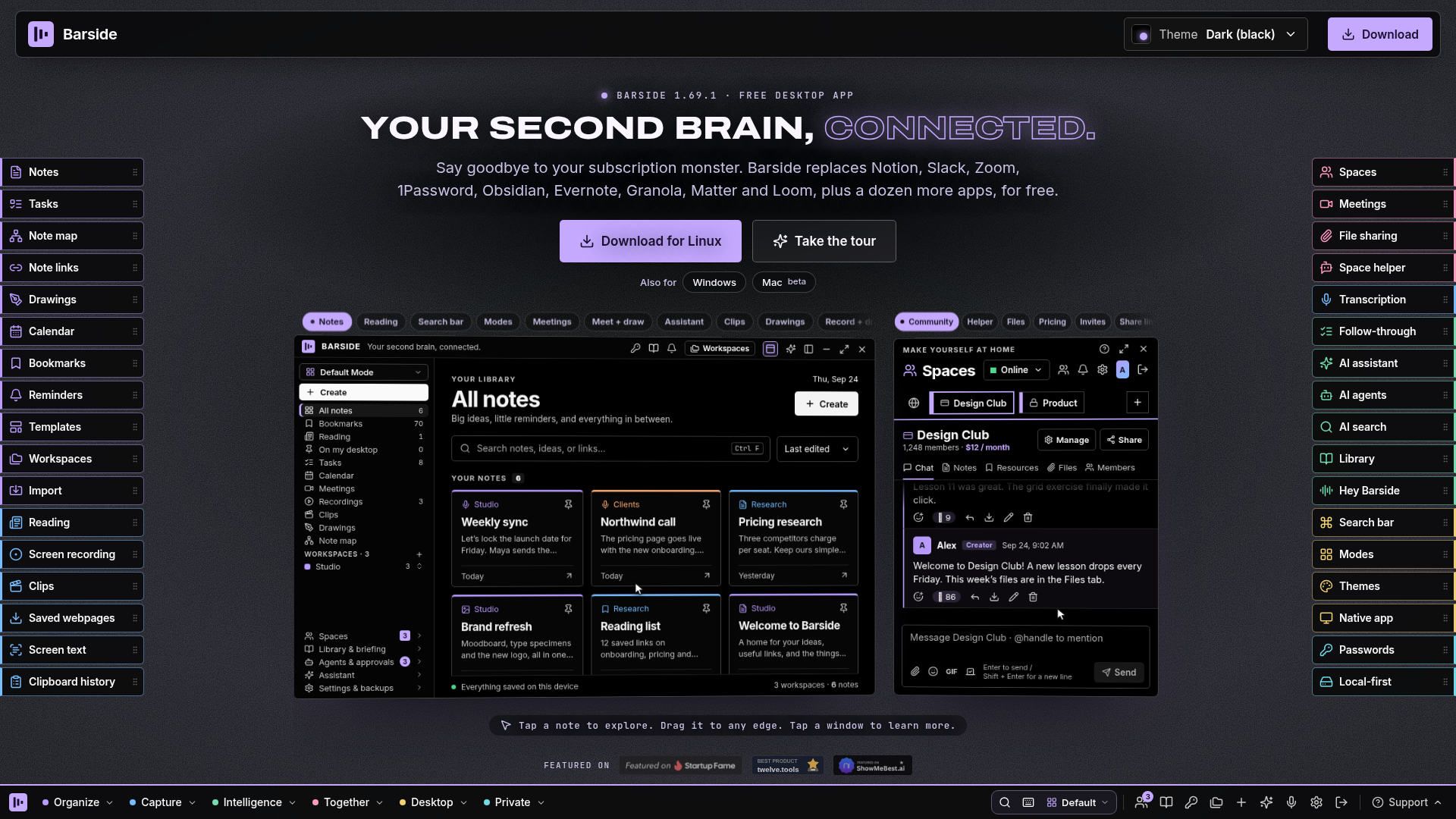
Barside is a local-first desktop productivity suite positioned as a second brain that connects notes, tasks, meetings, AI, passwords, and team spaces in one application. It targets individuals, knowledge workers, students, creators, small teams, and paid communities who want to reduce subscription sprawl and keep personal data on their own computer. Core features include rich notes with headings, checklists, tables, code blocks, images, video and audio; Excalidraw-powered drawings; [[wiki-style note links and a note map; a unified tasks board; templates; calendar via Google/Outlook iCal; imports from Notion, Obsidian, Evernote and OneNote; reminders; screen recording; video clipping; screen text recognition; clipboard history; on-device transcription; saved webpages; a Reading inbox; AI assistant, agents with approval inbox, and AI search; a daily Library briefing; meeting follow-through; voice wake-up; Spaces for teams and paid communities; video meetings for up to six people; file sharing; and a built-in password manager. Barside does not bundle its own AI; users connect Claude, ChatGPT, Gemini, or OpenRouter. The experience is desktop-native, with docking to any monitor edge, a global search bar, keyboard shortcuts, modes to show only needed tools, 25 themes, and optional cloud sync. Content features emphasize practical workflows, comparisons, templates, free tools, creator monetization, privacy explanations, and terms. Technically, Barside is local-first: notes, media, and settings live on the user's computer, no account is required for note-taking, and cloud sync is optional. Available for Linux and Windows, with a Mac beta.
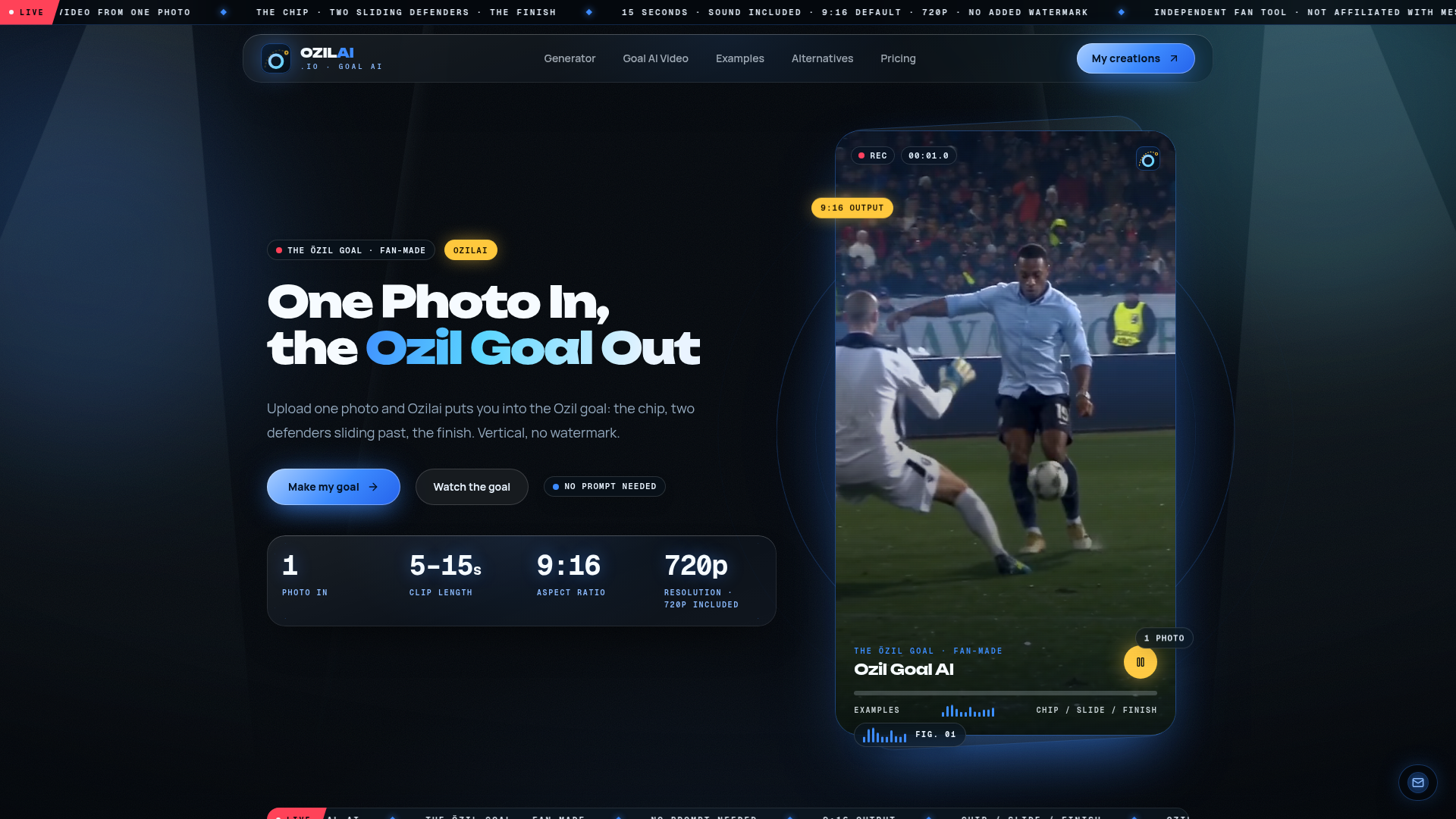
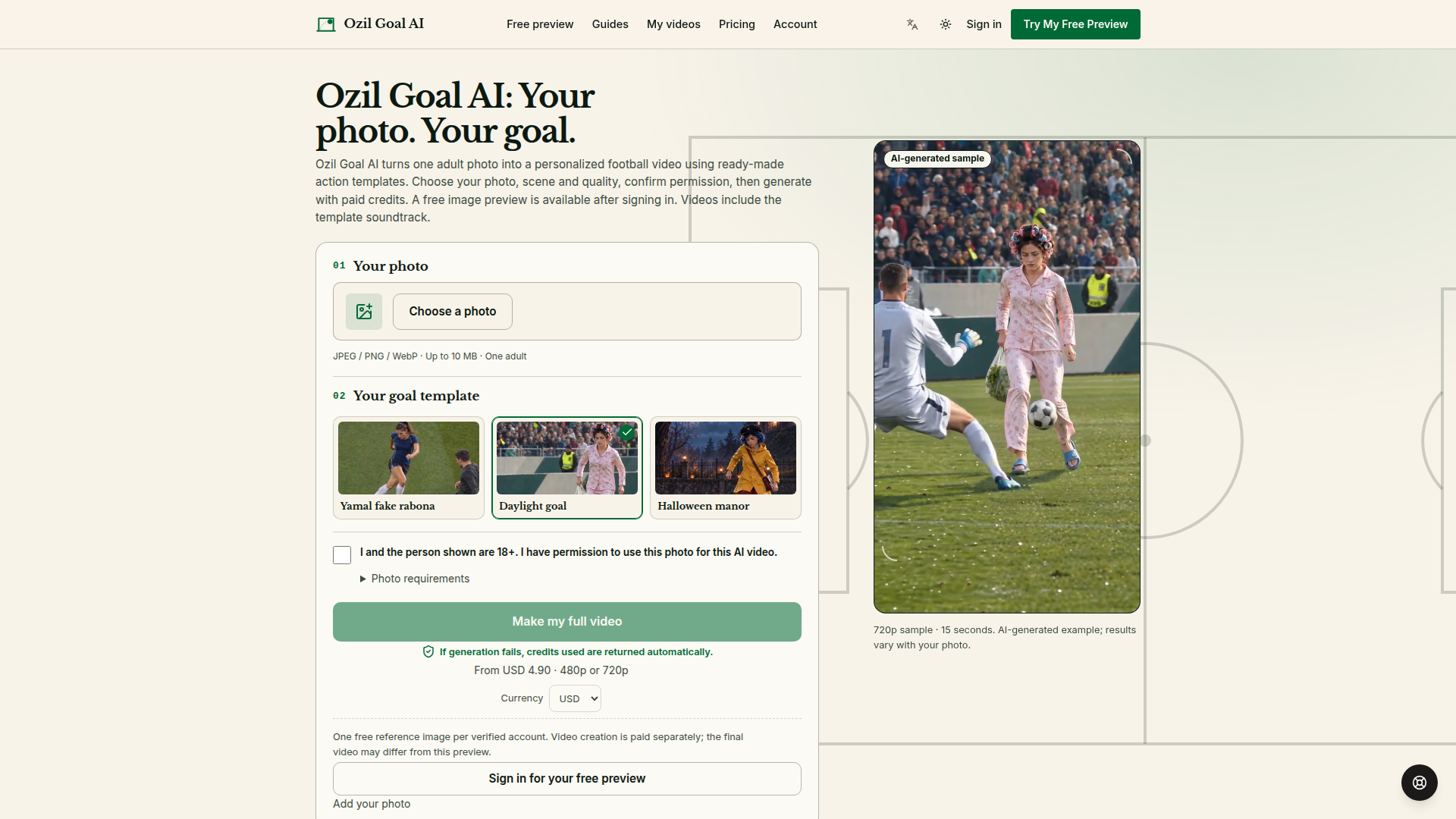
Ozilai (ozilai.io) is an independent, fan-made AI video tool that turns a single uploaded photo into a 15-second vertical clip recreating one of football's most recognisable goals — the Mesut Özil chip: the ball played over the top, the goalkeeper racing out, two defenders sliding past in front of an empty net, and the calm rolled finish. Website positioning: Ozilai sits at the intersection of AI video generation and viral social-media trends, positioning itself as a one-click 'preset' rather than a general-purpose video editor. It is explicitly not an official product and states plainly that it is not affiliated with, endorsed by or sponsored by Mesut Özil, any club, league or broadcaster. Target audience: football fans, short-form content creators, group-chat pranksters and anyone riding the TikTok/Reels/Shorts trend of inserting new faces into the famous choreography. Core features: a single-photo input flow (JPG, PNG or WebP up to 10 MB), a locked 'Ozil Goal AI' preset that already contains the stadium, camera framing and the full chip-slide-finish sequence, no prompt or keyframes required, selectable aspect ratios (9:16 default, plus 16:9, 4:3, 3:4, 1:1 and 21:9), 5–15 second clip length, 720p resolution included, sound included and no added watermark. Content features: the site leans heavily on video proof — inline sample MP4s, a 'goal sample clips' gallery, a beat-by-beat 'CHIP / SLIDE / FINISH' timeline breakdown, a quick-answer block and a ten-question FAQ — so visitors see the output before spending a credit. User experience: the funnel is deliberately short (upload one clear, front-facing, evenly lit portrait → leave the preset on → generate → preview → download), failed renders automatically return credits, and a 'My creations' area keeps past clips together. Technical features: generation runs on ByteDance's Seedance 2.0 video-edit model, which uses a reference shot for rhythm and camera work while transferring the uploaded face, aiming to keep that face recognisable from first frame to last; renders are queued and usually complete within a few minutes. The site also emphasises responsible use — you must own the photo or have the subject's permission, public figures and impersonation are prohibited, and removal requests go to [email protected].
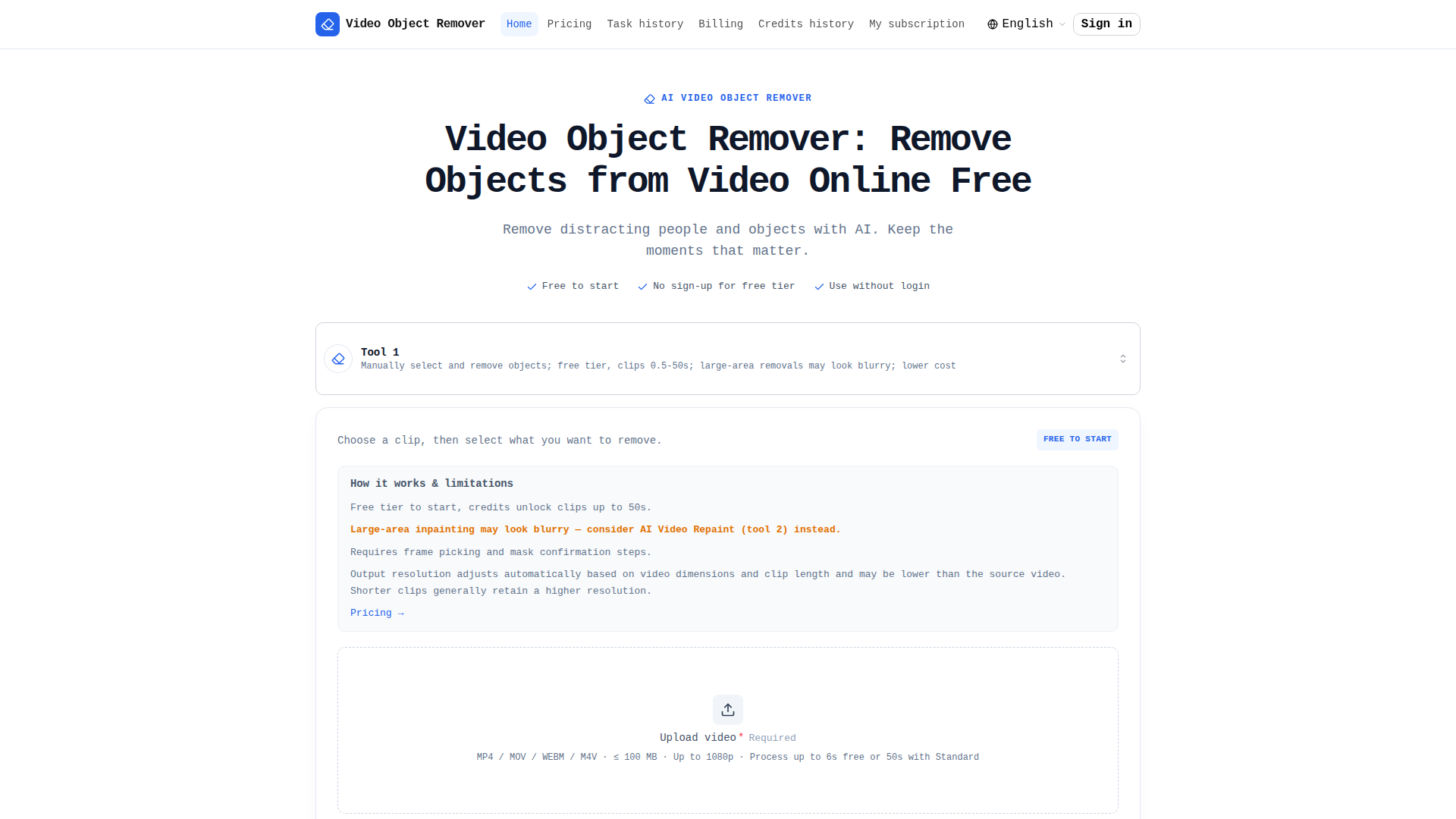
Video Object Remover is a browser-based, AI-powered video editing utility designed for fast removal of unwanted people, objects, logos, watermarks, timestamps, and other distractions from video clips. Positioned as a lightweight, accessible alternative to professional editing software, it targets casual creators, social media users, marketers, small businesses, and anyone who needs a clean clip without installing complex tools. Core features include manual mask selection, plain-language object description in any language, automatic AI mask preview, frame picking, cloud processing, and frame-by-frame background restoration. The free tier allows three watermarked clips of up to 6 seconds per day with no sign-up, while paid credits unlock watermark-free output, clips up to 50 seconds, and longer result retention. Content is task-oriented: a simple four-step workflow, clear limitations, pricing hints, and FAQs explain how to upload, trim, describe, confirm the green mask, and download. User experience emphasizes no installation, no credit card for free use, and processing that continues even if the page is closed. Technically, it supports MP4, MOV, WEBM, and M4V up to 100 MB and 1080p, processes only the selected clip, stores files temporarily, and automatically deletes originals and processing files, with free results kept for 1 day and credit-based results for 7 days.
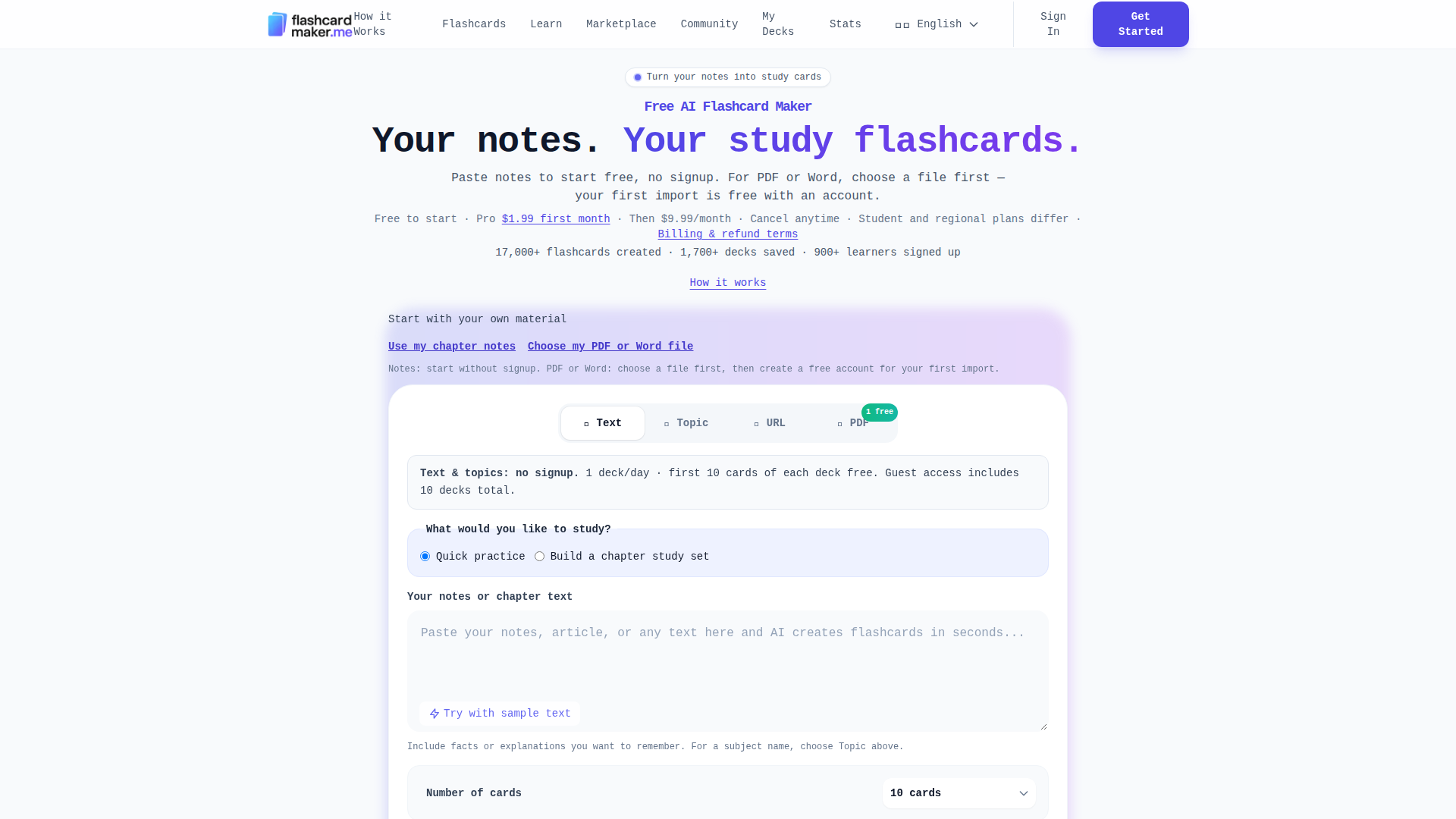
Flashcard Maker (flashcardmaker.me) is an AI-powered online study platform that instantly transforms notes, PDFs, Word documents, URLs, or simple topic prompts into ready-to-use flashcards and study decks. Positioned as a fast, no-friction learning tool for students, self-learners, and exam candidates, it eliminates the tedious work of manually typing out question-and-answer pairs by using artificial intelligence to read content, extract key concepts, and generate clear flashcards in under five seconds. Its target audience spans high school and college students, nursing and medical test-takers (NCLEX, HESI, TEAS, USMLE, MCAT, ASVAB, GRE, Bar Exam), language learners, and professionals preparing for certifications. Core features include instant AI flashcard generation from text, topics, PDFs, Word files, and URLs; smart spaced repetition that schedules reviews based on mastery; AI grading that understands the meaning of answers rather than exact wording; multiple study modes (quiz, flip-card, multiple-choice, and audio text-to-speech); AI study assistant chat; Anki export; and deck sharing and cloning with classmates. Content features include 35+ expert-curated ready-made decks across 8 subject areas (programming, languages, science, math, professional, test prep, history, and more), dedicated exam-prep hubs, learning guides, comparison pages, and dozens of specialized tool pages. User experience is designed for zero friction: text and topic generation works with no signup and no credit card, guests get one deck per day (up to 10 decks total), logged-in free users get three free decks, and the first PDF/Word import is free. Technical features include multi-language support, cloud sync across devices, source-excerpt verification for document imports, progress tracking and stats, session recording opt-in on public pages, and localization (English, German, French). The business model is freemium, with a Pro plan starting at $1.99 for the first month and then $9.99/month, offering unlimited decks, up to 100 cards per deck, PDF imports, AI tutor chat, and Anki export.
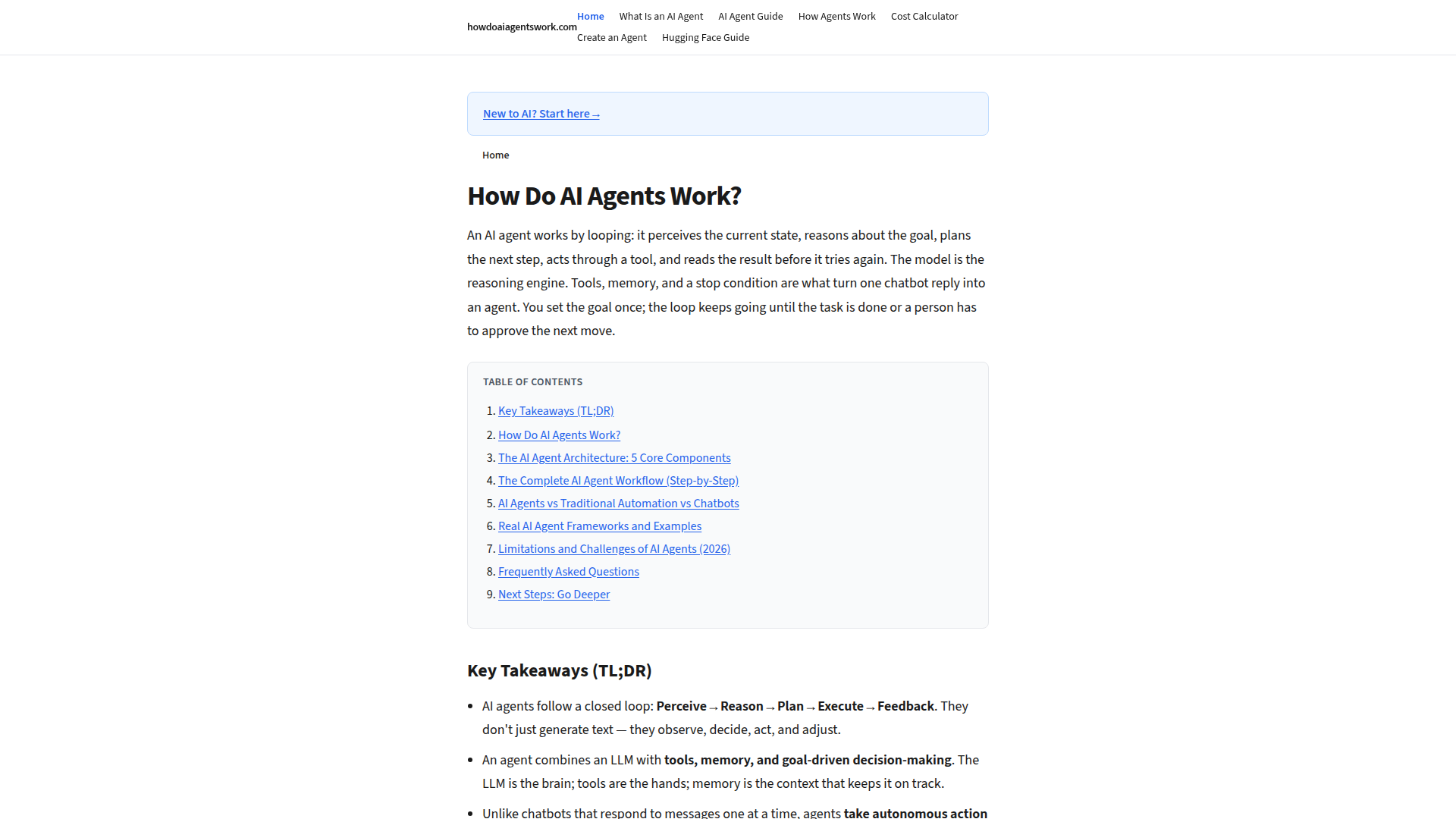
How Do AI Agents Work is a comprehensive educational resource dedicated to explaining the inner workings of AI agents in plain English. Positioned as a beginner-friendly guide, it targets developers, tech enthusiasts, and business leaders seeking to understand autonomous AI systems. The site breaks down complex topics like perception, reasoning, planning, tool use, and memory into digestible components. Core features include in-depth articles on AI agent architecture, step-by-step workflow explanations, comparisons with chatbots and RPA, and real-world examples like Devin and Claude Code. Content is structured with clear headings, tables, and a cost calculator tool. The user experience is clean and navigation-focused, with a simple layout that prioritizes readability. Technically, it's a static site built for speed and accessibility, with no login required. Updated regularly, it serves as a go-to reference for the evolving AI agent landscape in 2026.